Dell Latitude 3300
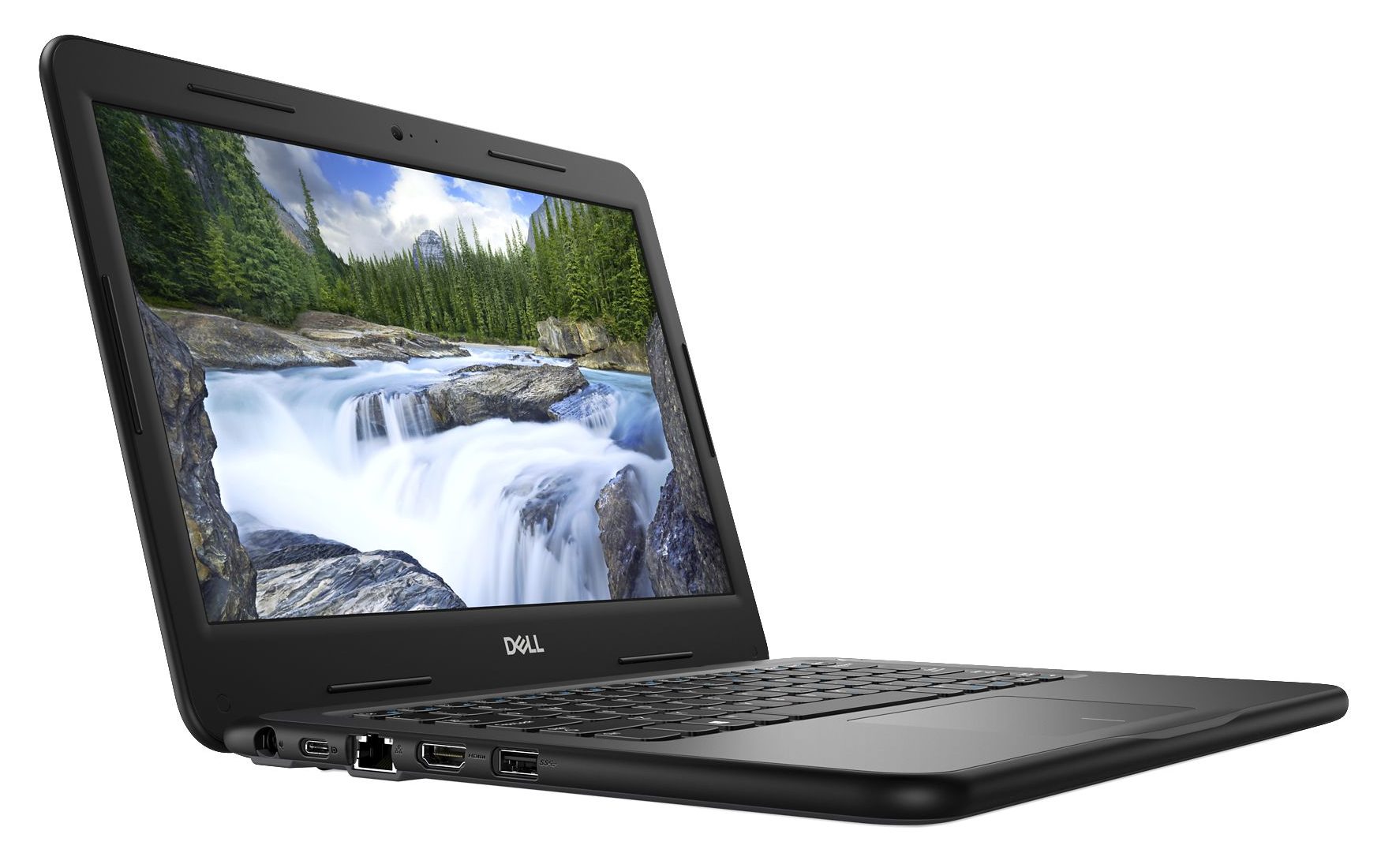
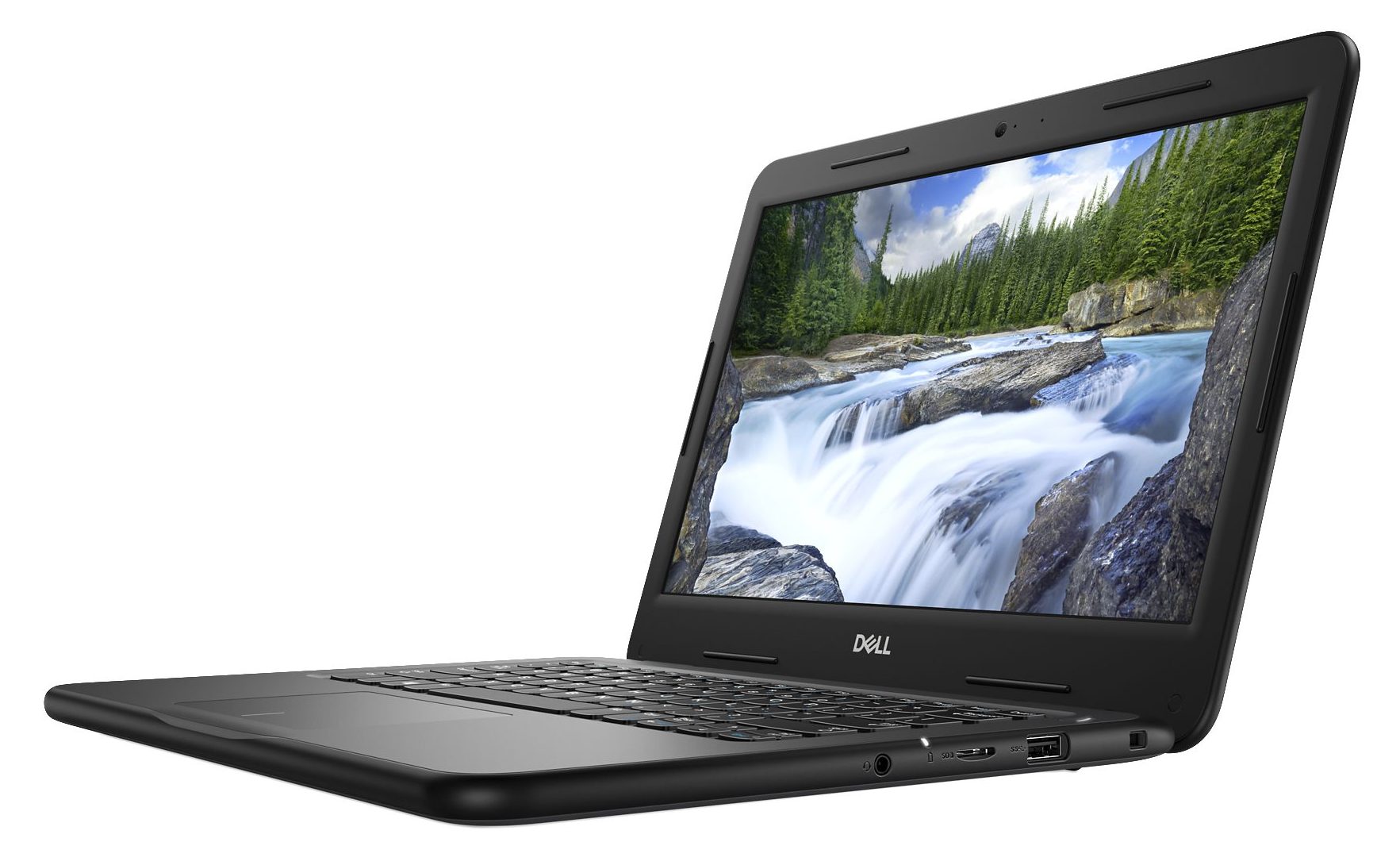
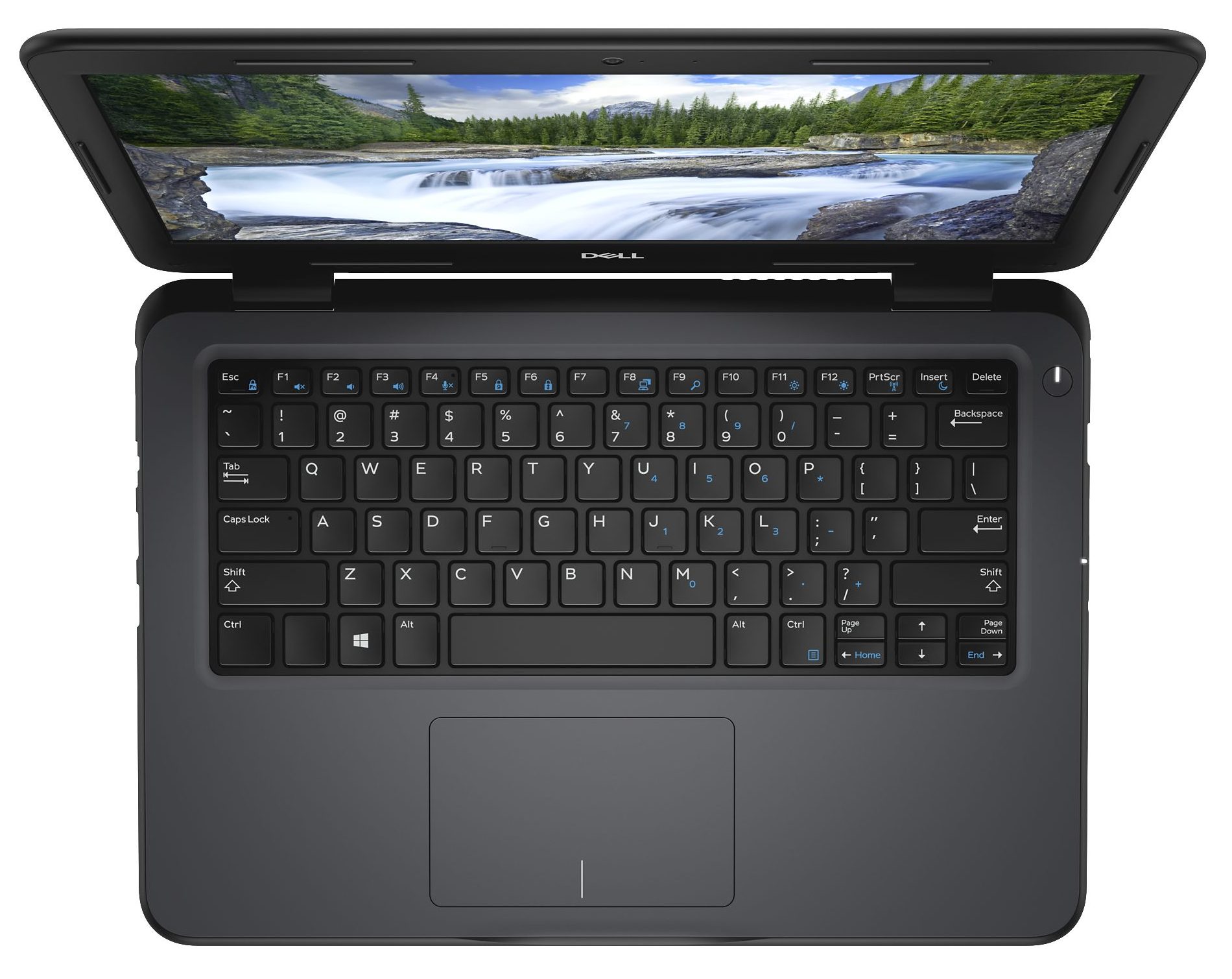
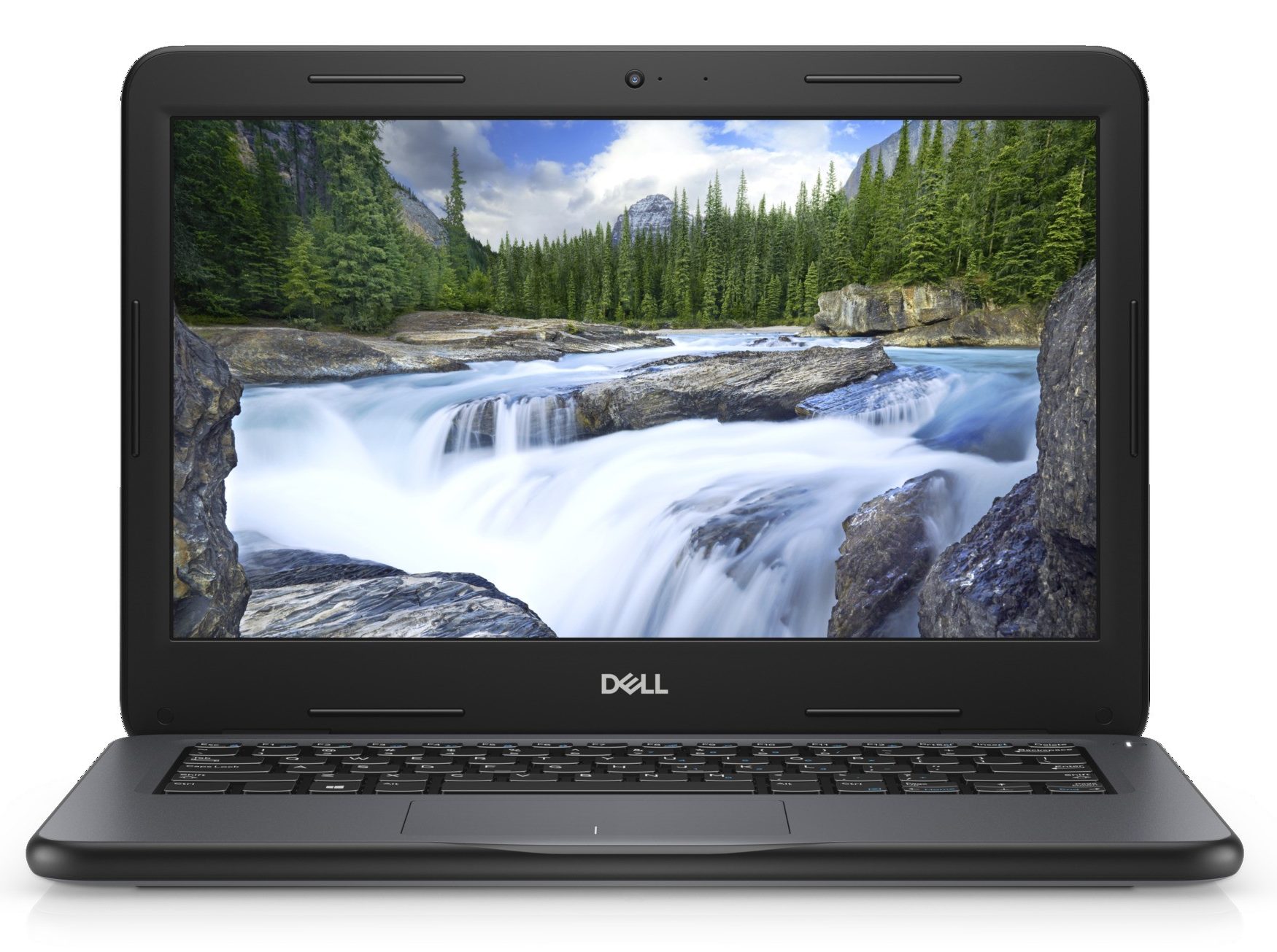
- Date Published: 21 Nov 2019
- Intel Celeron 3865U
- Intel HD Graphics 610
- 13.3”, HD (1366 x 768), TN
- 64GB SSD
- 4GB (1x 4096MB) - DDR4, 2400MHz
- 1.56 kg (3.4 lbs)
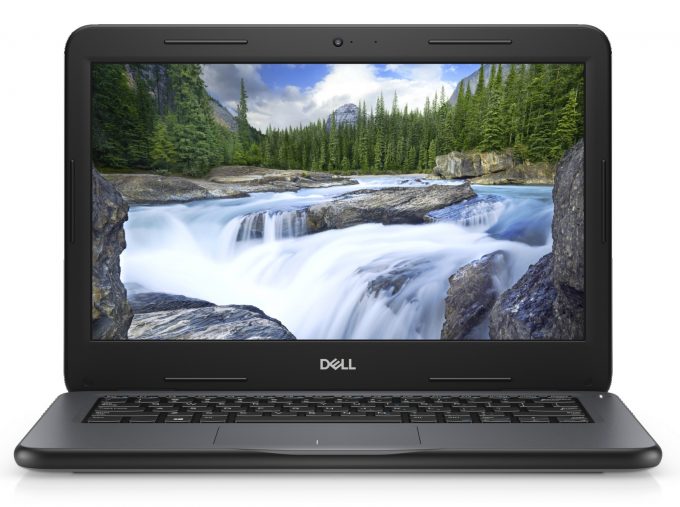
Specs
- Display
- HDD/SSD
- 64GB eMMc
- RAM
- 4GB (1x 4096MB) - DDR4, 2400MHz
- OS
- Windows 10 Pro
- Dimensions
- 329 x 230 x 22 mm (12.95" x 9.06" x 0.87")
- Weight
- 1.56 kg (3.4 lbs)
- Ports and connectivity
- 2x USB Type-A
- 3.2 Gen 1 (5 Gbps)
- 1x USB Type-C
- 3.2 Gen 1 (5 Gbps), DisplayPort
- HDMI
- 1.4a
- Card Reader
- SD, SDHC, SDXC
- Ethernet LAN
- 10, 100, 1000
- Wi-Fi
- 802.11ac
- Bluetooth
- 4.2
- Audio jack
- 3.5 mm combo
- Features
- Web camera
- HD (720p@30FPS)
- Backlit keyboard
- Microphone
- Speakers
- 2x 2W Speakers
- Optical drive
- Security Lock slot
Portability
Review
Dell Latitude 3300 in-depth review
Latitude 3300 sits on the bottom end of the Latitude family by Dell. This time, it is not aimed at high-profile businesses and people that need their laptop entirely for work. However, it can be more appealing to students who are in for something durable, that is going to last them throughout the entire day at school, and still has some juice left for entertainment.This is why, Dell has opted for the yester-year processors, ranging from the Pentium 4415U all the way up to the Core i5-8250U. Additionally, you have the choice of a 768p TN panel and a Full HD IPS display. Despite, aimed at students, this laptop is not one of the cheapest on the market. What then is going to make them buy it? Let's find out.You can check the prices and configurations in our Specs System: https://lapto[...]
Read the full review
Pros
- Very rigid and durable design
- The keyboard is pleasant for typing
- Exceptional battery life
- Easy to upgrade and features an M.2 PCIe SSD and one RAM DIMM slot
- Its display doesn't use PWM to adjust its brightness levels (AUO 2C7YD-B133XTN (AUO162C))
Cons
- Gets hot under heavy load
- Shuts down by itself after some time of full load (less than 10 minutes)
- Keyboard lacks backlight
- Pricey for a student notebook
- 768p TN panel is a questionable choice due to the low cover coverage, poor contrast ratio and uncomfortable viewing angles (AUO 2C7YD-B133XTN (AUO162C))


![[June 2026] Best-Selling Laptop Brands on Amazon Global – Apple’s Unrivaled Dominance in Units and Revenue](https://laptopmedia.com/wp-content/uploads/2026/07/GLOBAL-Best-Brands-400x225.jpg)
![[June 2026] Amazon Global: Top 10 Best-Selling Laptops – Apple’s New MacBook Neo Storms to #1, Reshaping the Market with Affordability](https://laptopmedia.com/wp-content/uploads/2026/07/Best-Selling-Laptops-GLOBAL-Top-10-400x225.jpg)
![[June 2026] Amazon Global: Top 10 Best-Selling Gaming Laptops – Acer’s Nitro V 16S AI Dominates Sales, While ASUS Leads Overall Revenue](https://laptopmedia.com/wp-content/uploads/2026/07/Best-Selling-Gaming-Laptops-GLOBAL-Top-10-400x225.jpg)
![[June 2026] Global Ranking of Best-Selling Laptop GPUs on Amazon – NVIDIA RTX 5060 is the Top-Selling Dedicated GPU](https://laptopmedia.com/wp-content/uploads/2026/07/Best-Selling-GPUs-GLOBAL-Top-10-400x225.jpg)
![[June 2026] Global Ranking of Best-Selling Laptop CPUs on Amazon – Apple M5 Dominates, AMD Ryzen 7 260 Gets Solid Premium Share](https://laptopmedia.com/wp-content/uploads/2026/07/Best-Selling-CPUs-GLOBAL-Top-10-400x225.jpg)
