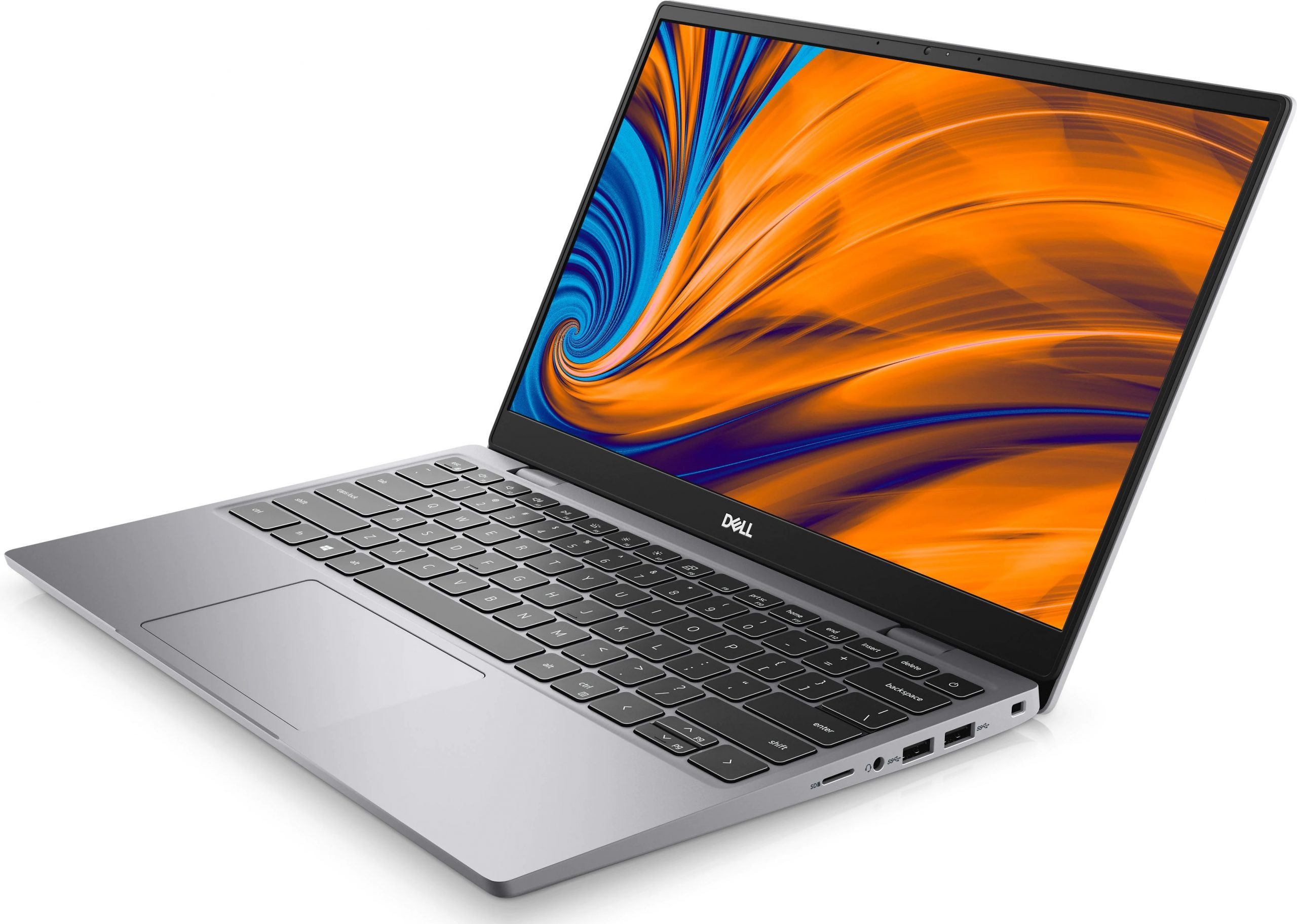
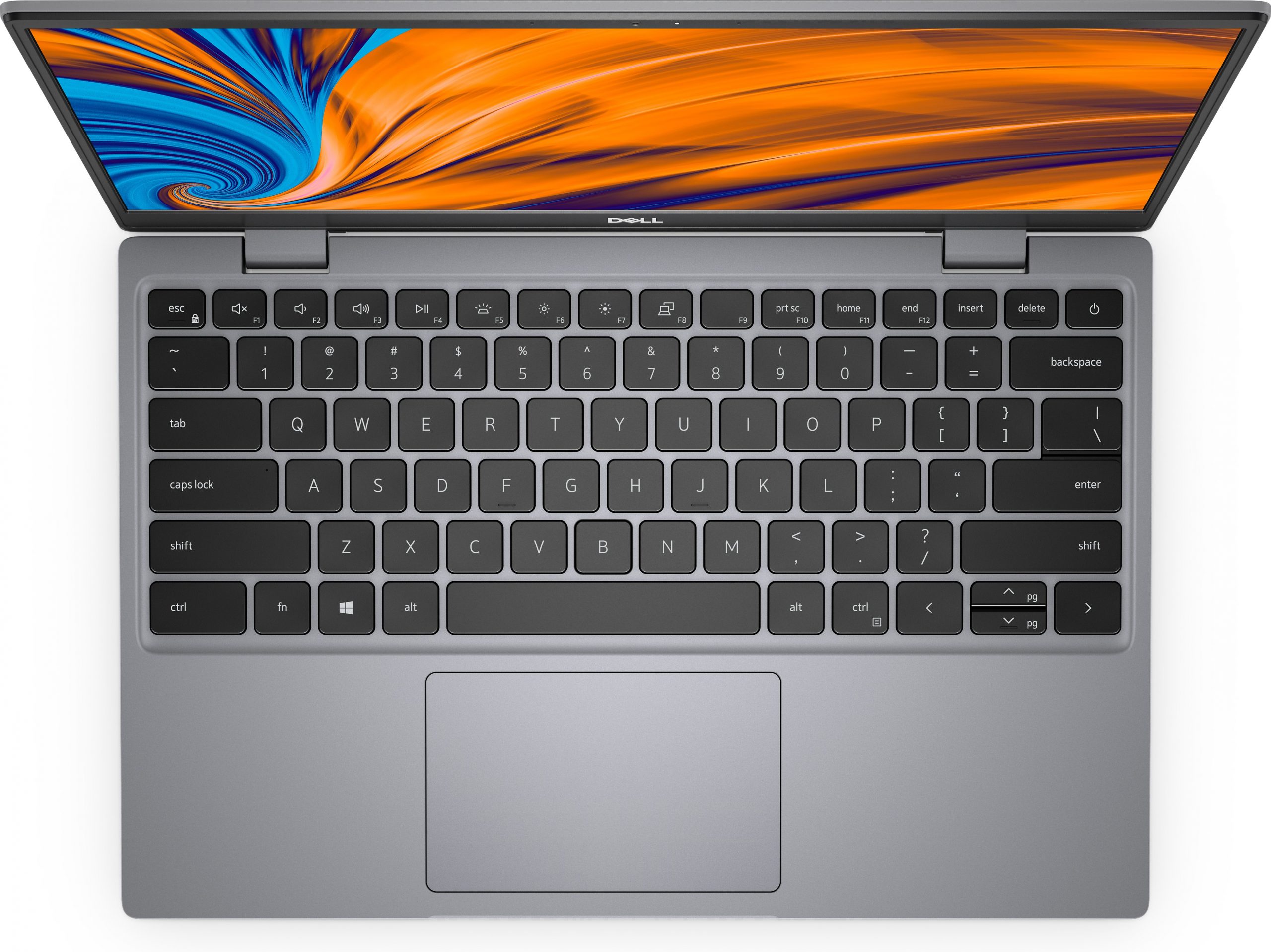
Dell Latitude 3320
- Date Published: 09 Sep 2021
- Intel Core i3-1115G4
- Intel Iris Xe Graphics G4
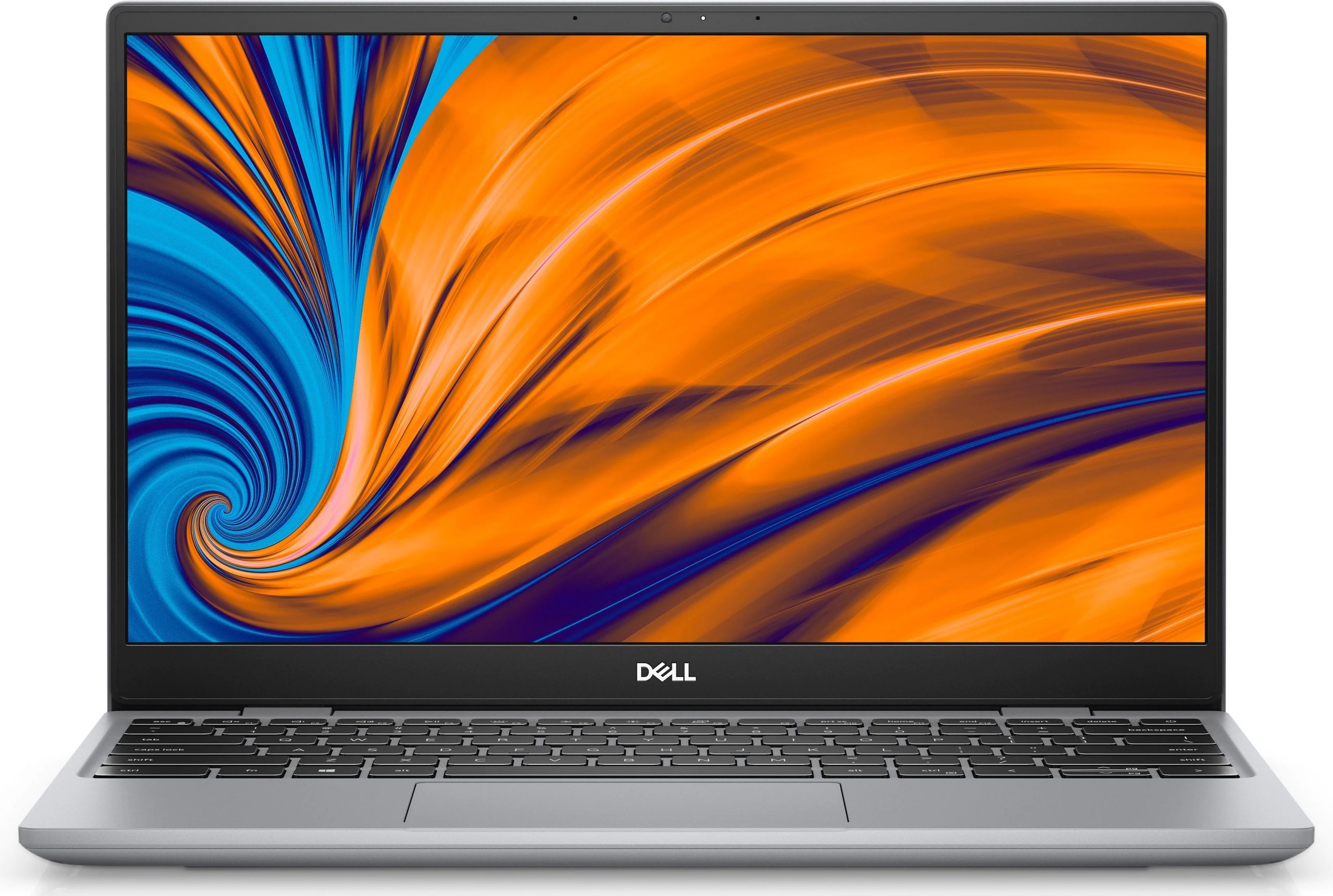
- 13.3”, Full HD (1920 x 1080), IPS
- 128GB SSD
- 4GB LPDDR4x, 3733 MHz
- 1.16 kg (2.6 lbs)
Specs

- HDD/SSD
- 128GB SSD
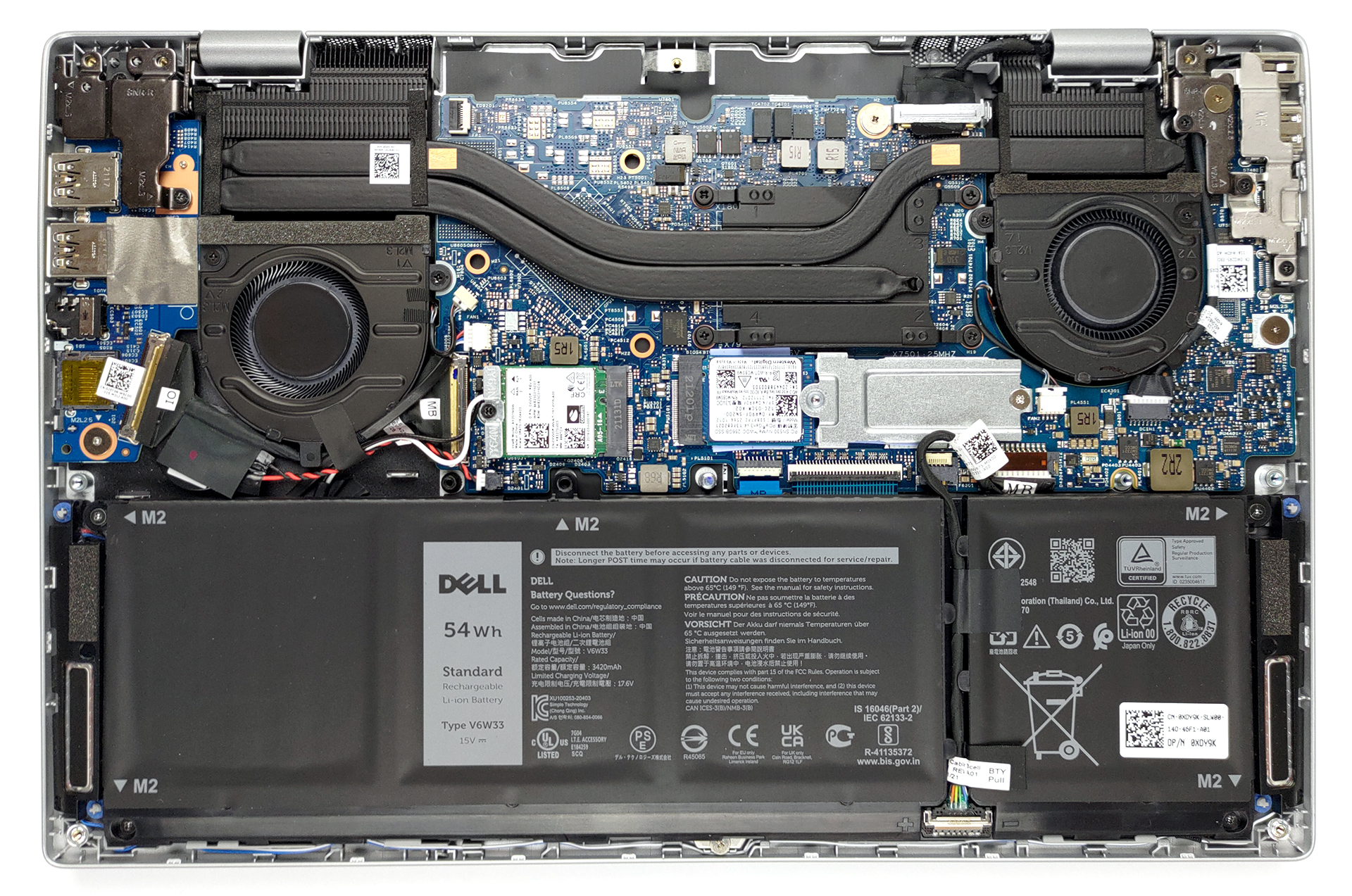
- M.2 Slot
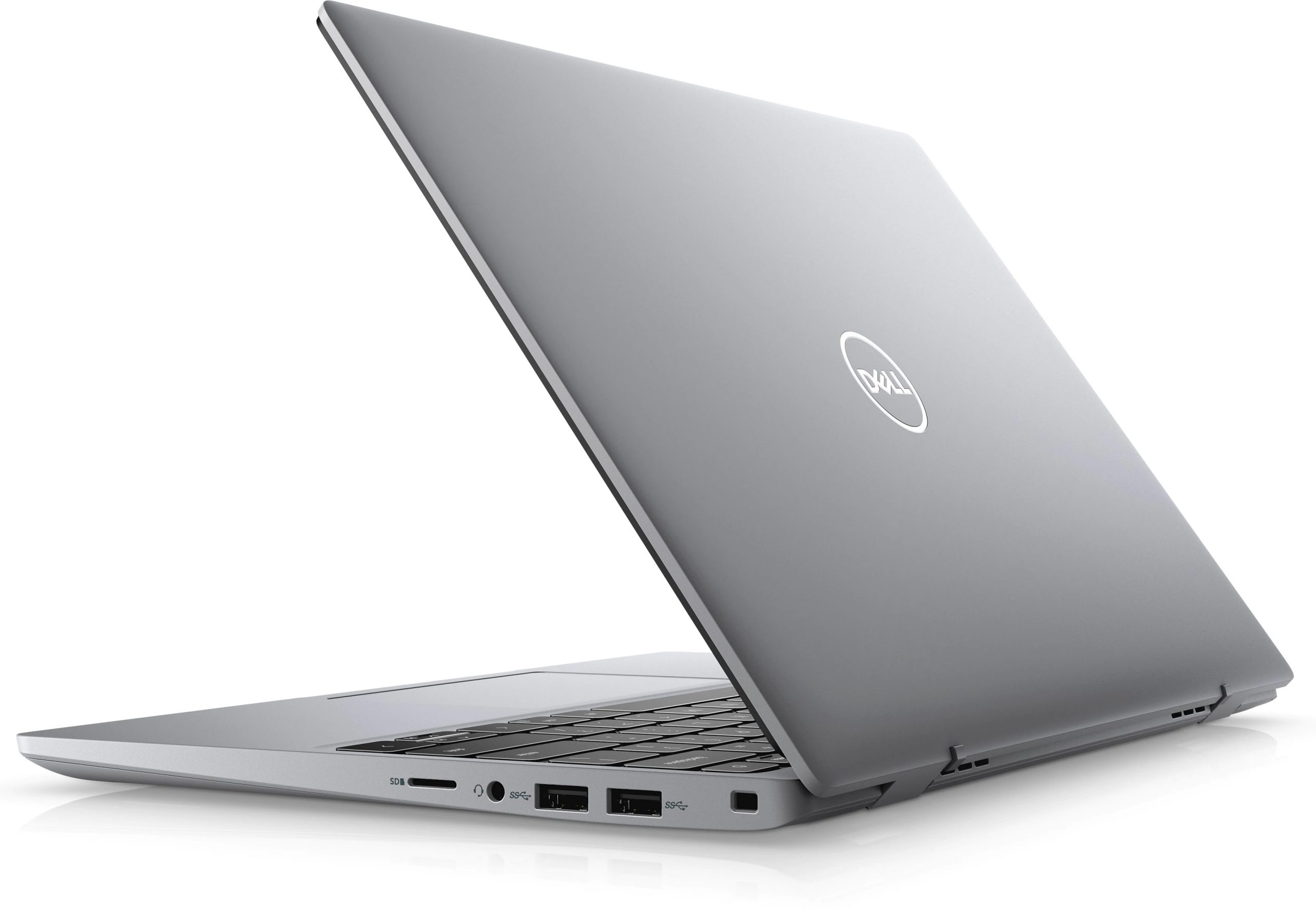
- 1x M.2 NVMe slot See photo
- RAM
- 4GB LPDDR4x, 3733 MHz
- OS
- Windows 10 Pro
- Body Material
- Plastic / Polycarbonate
- Dimensions
- 305.96 x 204 x 15.69 - 16.36 mm (12.05" x 8.03" x 0.62")
- Weight
- 1.16 kg (2.6 lbs)
- Ports and connectivity
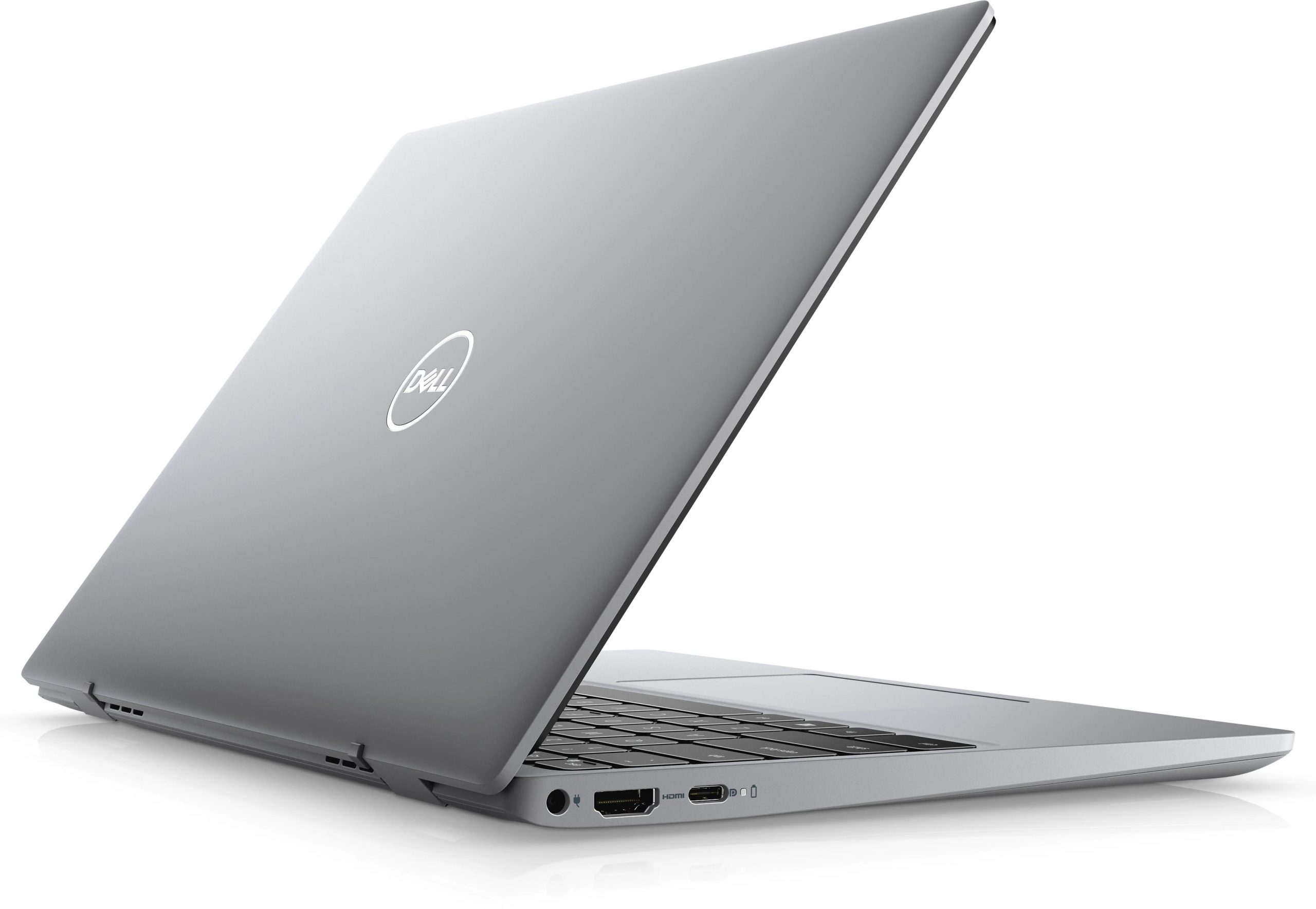
- 2x USB Type-A
- 3.2 Gen 1 (5 Gbps)
- 1x USB Type-C
- 3.2 Gen 2x2 (20 Gbps), Power Delivery (PD), DisplayPort
- HDMI
- 1.4b
- Card Reader
- MicroSD
- Wi-Fi
- 802.11ax
- Bluetooth
- 5.2
- Audio jack
- 3.5mm Combo Jack
- Features
- Web camera
- HD
- Microphone
- Dual Array Microphone
- Speakers
- 2x 2.5W, Stereo Speakers
- Optical drive
- Security Lock slot
- Wedge Lock
Portability
Review
Dell Latitude 3320 in-depth review
The term ultrabook was made for devices like this one. Slim, light, sleek, and in this case - secure. Like Lenovo's ThinkPads, the Latitude series of Dell was also in desperate need of change. Not for good, of course, as this brand is the one that keeps the tradition in the company. And with this unit, Dell is definitely giving its business customers a breather.Inside of the modern-looking chassis, there is a Tiger Lake chip. The choices go all the way from the Core i3-1115G4, Core i7-1165G7. Ultimately, this provides the laptop with a ton of performance, while keeping everything as efficient as possible.Given the fact that this is one of the more budget-oriented business notebooks out there, it will be interesting to see where did the manufacturer cut corners.You can check th[...]
Read the full review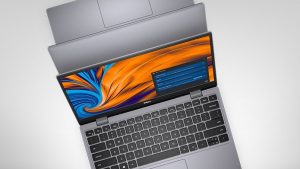
Pros
- Slim and light body
- Great battery life
- Tiger Lake CPU at a decent price
- Good keyboard + fingerprint reader
- MicroSD card reader
Cons
- Soldered RAM
- Covers 52% of sRGB (BOE 27HP5-NV13N4A (BOE0924))
- Uses PWM for brightness adjustment (BOE 27HP5-NV13N4A (BOE0924))
- Plastic body with a lot of flex
Disassembly, maintenance and upgrade options
Honestly, the upgrade options here are nothing to write home about. However, the cooling system looks very impressive.Check out all Dell Latitude 13 3320 prices and configurations in our Specs System or read more in our In-Depth review.1. Remove the bottom plate To take this laptop apart, you need to undo all 7 Phillips-head screws. Then, as usual, pry the bottom panel with a plastic tool and remove it from the chassis.2. Battery Powering the laptop when it's away from the plug is a 54Wh battery pack.3. Мemory and storage As expected, the memory here is soldered to[...]
Read more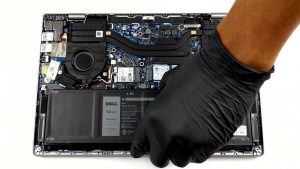


![[June 2026] Best-Selling Laptop Brands on Amazon Global – Apple’s Unrivaled Dominance in Units and Revenue](https://laptopmedia.com/wp-content/uploads/2026/07/GLOBAL-Best-Brands-400x225.jpg)
![[June 2026] Amazon Global: Top 10 Best-Selling Laptops – Apple’s New MacBook Neo Storms to #1, Reshaping the Market with Affordability](https://laptopmedia.com/wp-content/uploads/2026/07/Best-Selling-Laptops-GLOBAL-Top-10-400x225.jpg)
![[June 2026] Amazon Global: Top 10 Best-Selling Gaming Laptops – Acer’s Nitro V 16S AI Dominates Sales, While ASUS Leads Overall Revenue](https://laptopmedia.com/wp-content/uploads/2026/07/Best-Selling-Gaming-Laptops-GLOBAL-Top-10-400x225.jpg)
![[June 2026] Global Ranking of Best-Selling Laptop GPUs on Amazon – NVIDIA RTX 5060 is the Top-Selling Dedicated GPU](https://laptopmedia.com/wp-content/uploads/2026/07/Best-Selling-GPUs-GLOBAL-Top-10-400x225.jpg)
![[June 2026] Global Ranking of Best-Selling Laptop CPUs on Amazon – Apple M5 Dominates, AMD Ryzen 7 260 Gets Solid Premium Share](https://laptopmedia.com/wp-content/uploads/2026/07/Best-Selling-CPUs-GLOBAL-Top-10-400x225.jpg)