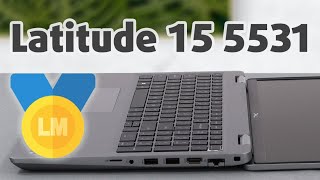
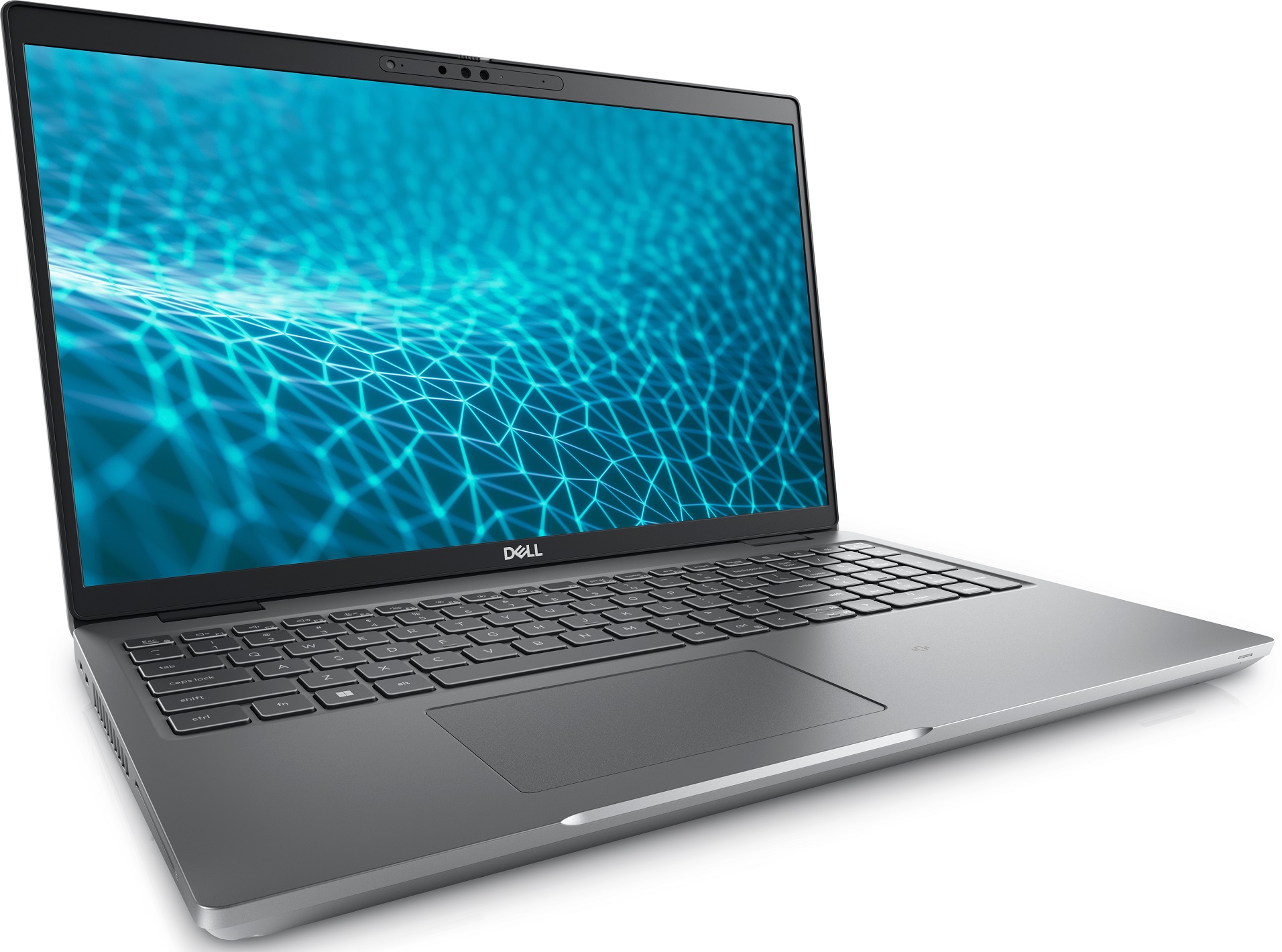
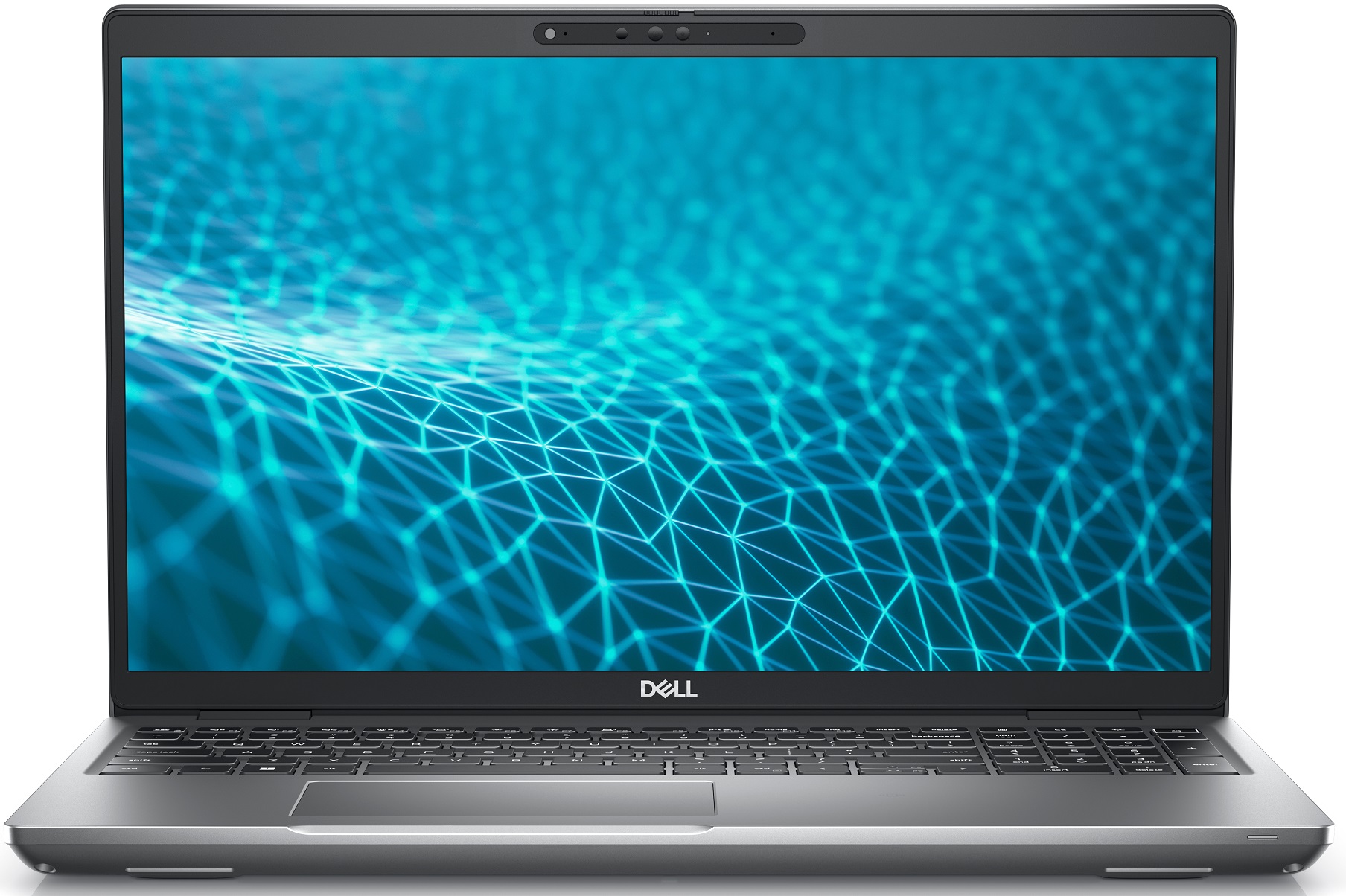
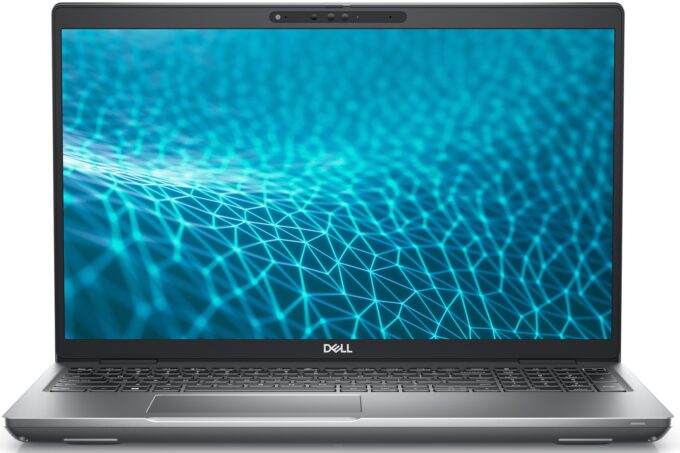
Dell Latitude 5531



- Date Published: 04 Nov 2024
- Intel Core i7-12800H
- NVIDIA GeForce MX550 (35W)
- 15.6”, 4K UHD (3840 x 2160), IPS
- 512GB SSD
- 16GB RAM
- 1.79 kg (3.9 lbs)
Review
Dell Latitude 5531 in-depth review
We have just taken a look at the low-voltage version of this laptop - the Latitude 15 5530. There, we praised it for its environment-conscious build and great feature set. Albeit being largely the same, the Latitude 15 5531 has some key differences from its twin brother. As is with Dell's history of laptop names, the "1" at the end indicates more powerful hardware being used to run it.In this case, they swapped the 15W and 28W Alder Lake chips for some full-blown 45W processors of the same architecture. Needless to say, they are currently the Creme de la Creme of the mobile world. Thanks to Intel's conversion to the big.LITTLE form factor, you get a ton of cores, and supposedly - great efficiency.Ultimately, this should allow you to use the Latitude 15 5531 as a dedicated device f[...]
Read the full review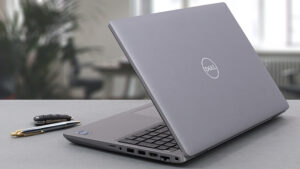
Pros
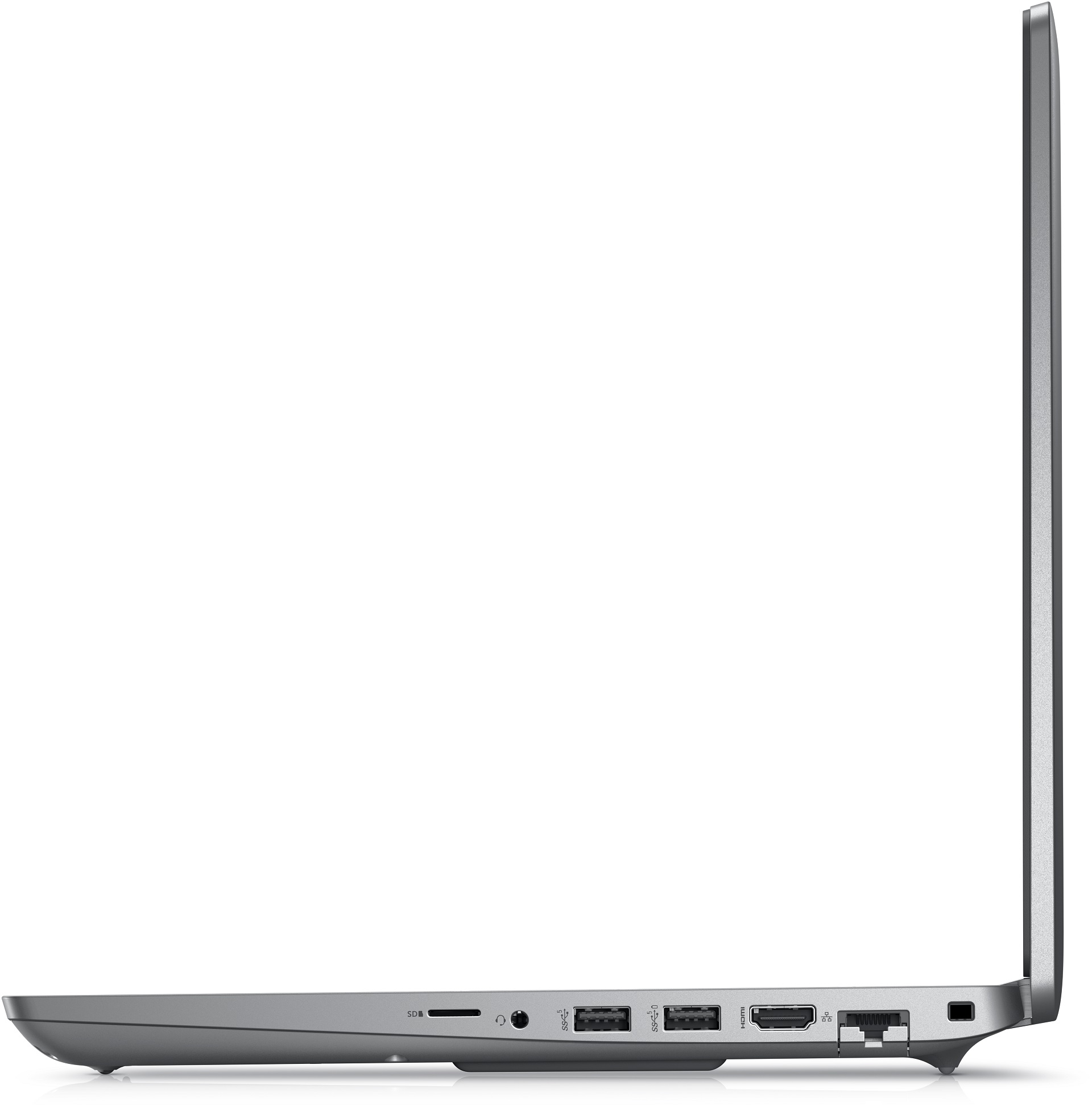
- Wide I/O, which includes a MicroSD card reader and 2x Thunderbolt 4 ports
- Two M.2 storage slots with RAID support + 2x DDR5 RAM SODIMM slots
- Fingerprint reader embedded in the power button + optional IR face recognition
- Comfortable keyboard with a backlight
- Good battery life
- Wi-Fi 6E + 5G support (optional)
- GeForce MX550 option + fantastic computational performance
Cons
- Covers only 52% of sRGB (BOE 2GMF6-NV15N4V (BOE0928))
- No spill-resistance
- Uses PWM (our Health-Guard profile fixes the issue) (BOE 2GMF6-NV15N4V (BOE0928))
Disassembly, maintenance and upgrade options
The Latitude 15 5531 is truly exceptional in terms of its upgradability. You are treated to dual-channel DDR5 memory, as well as RAID support, and more. Have a look!Check out all Dell Latitude 15 5531 prices and configurations in our Specs System or read more in our In-Depth review.1. Remove the bottom plate To get inside this notebook, you need to undo 9 Phillips-head screws. Then, pry the bottom panel with a plastic tool and remove it from the chassis.2. Battery Our unit comes with the smaller of two battery options. It has a capacity of 64Wh and lasts for more than 10 [...]
Read more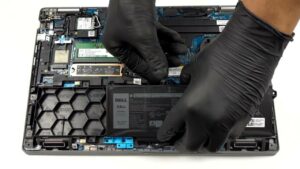


![[June 2026] Best-Selling Laptop Brands on Amazon Global – Apple’s Unrivaled Dominance in Units and Revenue](https://laptopmedia.com/wp-content/uploads/2026/07/GLOBAL-Best-Brands-400x225.jpg)
![[June 2026] Amazon Global: Top 10 Best-Selling Laptops – Apple’s New MacBook Neo Storms to #1, Reshaping the Market with Affordability](https://laptopmedia.com/wp-content/uploads/2026/07/Best-Selling-Laptops-GLOBAL-Top-10-400x225.jpg)
![[June 2026] Amazon Global: Top 10 Best-Selling Gaming Laptops – Acer’s Nitro V 16S AI Dominates Sales, While ASUS Leads Overall Revenue](https://laptopmedia.com/wp-content/uploads/2026/07/Best-Selling-Gaming-Laptops-GLOBAL-Top-10-400x225.jpg)
![[June 2026] Global Ranking of Best-Selling Laptop GPUs on Amazon – NVIDIA RTX 5060 is the Top-Selling Dedicated GPU](https://laptopmedia.com/wp-content/uploads/2026/07/Best-Selling-GPUs-GLOBAL-Top-10-400x225.jpg)
![[June 2026] Global Ranking of Best-Selling Laptop CPUs on Amazon – Apple M5 Dominates, AMD Ryzen 7 260 Gets Solid Premium Share](https://laptopmedia.com/wp-content/uploads/2026/07/Best-Selling-CPUs-GLOBAL-Top-10-400x225.jpg)
