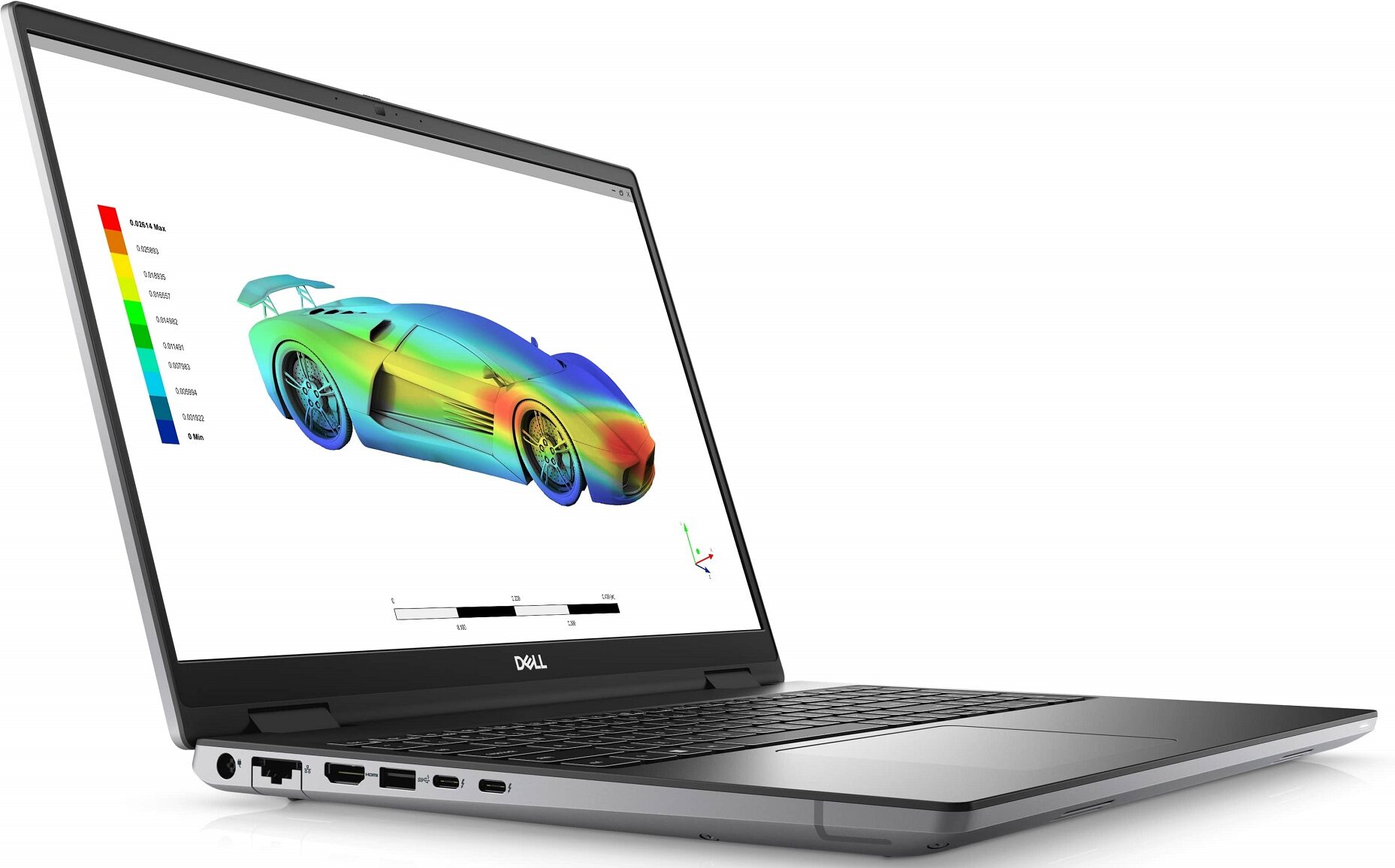
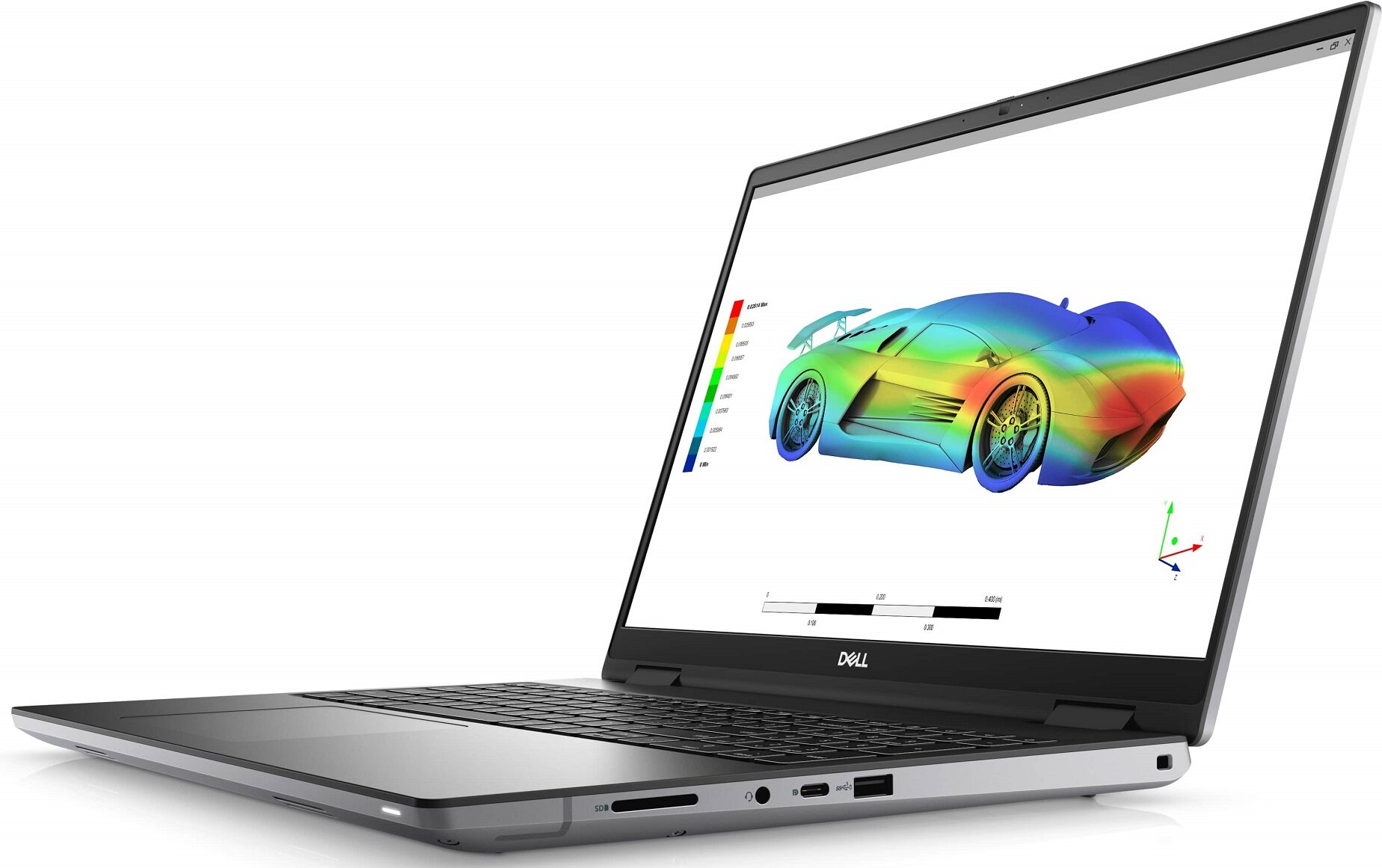
Dell Precision 16 7670


- Date Published: 24 Jul 2025
- Intel Core i7-12850HX
- Intel UHD Graphics Xe 750 (32EU)
- 16.0”, WQUXGA (3840 x 2400), OLED
- 1000GB SSD
- 64GB RAM
- 2.60 kg (5.7 lbs)
Review
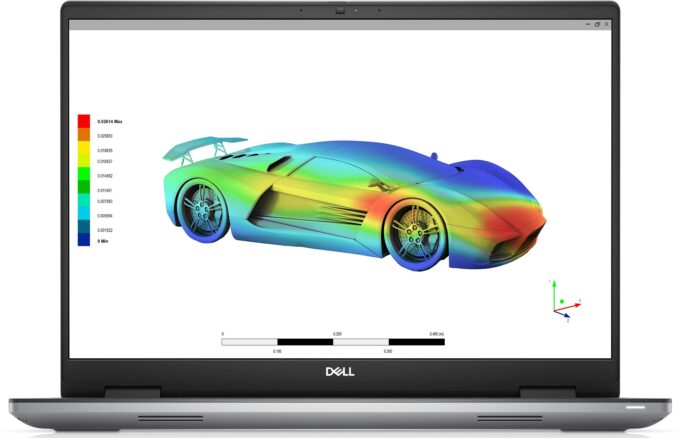
Dell Precision 16 7670 in-depth review
Last year was pivotal for the world of heavy-duty laptops. With the popularisation of 16-inch screens, we saw fewer and fewer 15-inch specimens hit the market. This is how Precision 16 7670 came to fruition.What we can say at first glance is that it received a much-needed redesign. It now looks more modern with its sharp corners and small bezels around its display. Speaking of which, Dell now offers you the opportunity to buy the Precision 16 7670 with a 4K OLED display. Something that is rarely seen by this particular brand.You know, there is one thing that makes workstations exciting - their hardware. This device can be purchased with a quite powerful CPU, which has a high core count, and a 55W base TDP. That is the Core i9-12950HX.Some people (us included) are confused by t[...]
Read the full review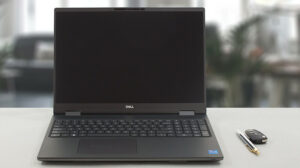
Pros
- Up to 128GB of DDR5 (CAMM) + two M.2 slots
- Capable hardware
- Fingerprint reader + optional IR face recognition and 5G connectivity
- SD card reader + 2x Thunderbolt 4 + HDMI 2.1
- Packs good security features
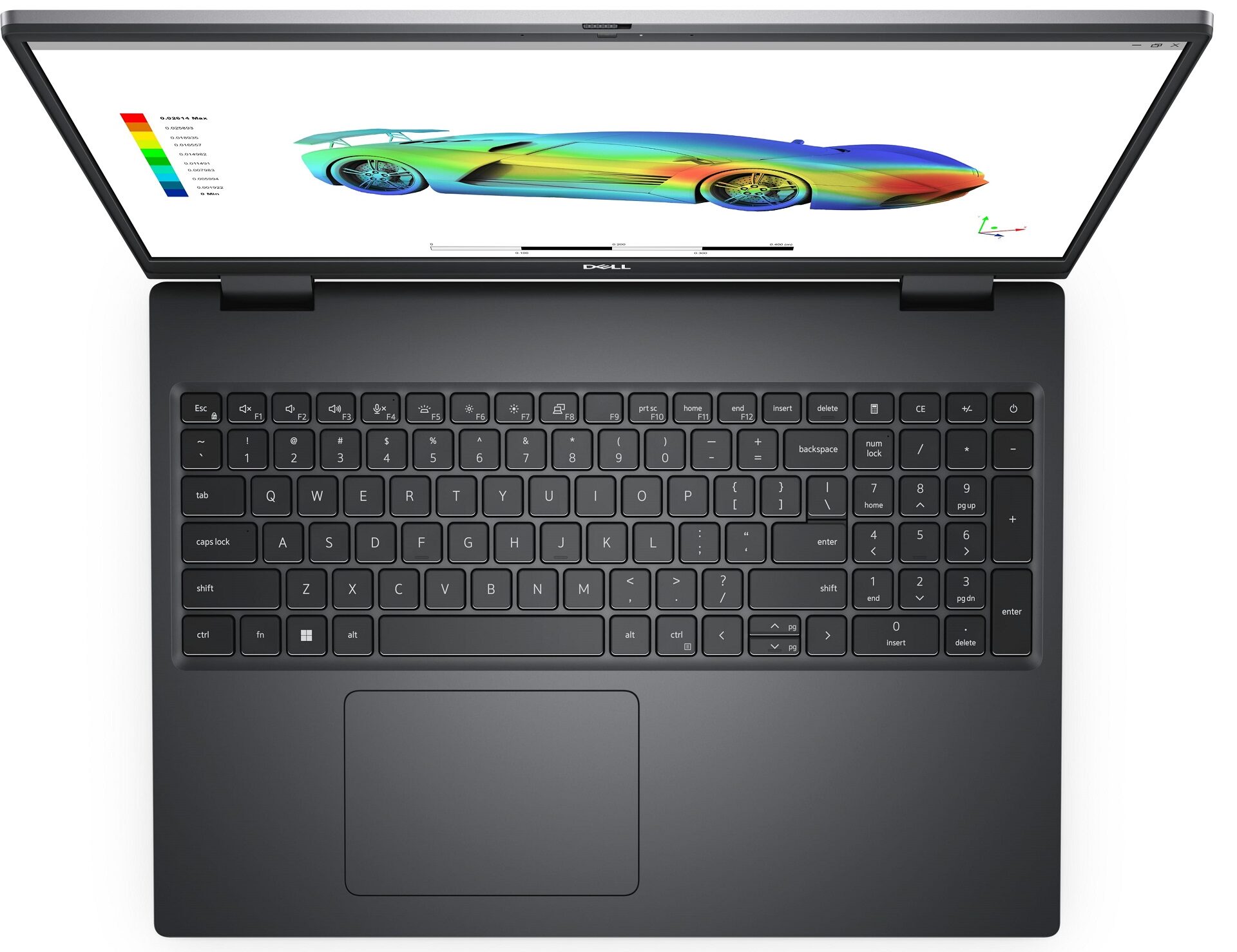
- Great keyboard and touchpad
- Decent battery life
Cons
- High price
- No mention of spill-resistance
Disassembly, maintenance and upgrade options
CAMM memory, service door, and much more await you inside the Dell Precision 16 7670. This is a proper workstation as far as we can tell.Check out all Dell Precision 16 7670 prices and configurations in our Specs System, or read more in our In-Depth review.1. Open the service door As you can see, this machine comes with a service door. Pry it open with a plastic tool, and you'll get access to one M.2 PCIe x4 slot.2. Remove the bottom plate To continue with the disassembly, undo the six captive Phillips-head screws. Then, pry the bottom panel with a plastic tool, starting [...]
Read more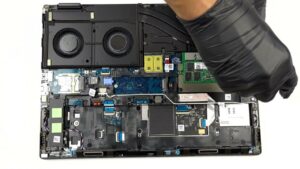


![[June 2026] Best-Selling Laptop Brands on Amazon Global – Apple’s Unrivaled Dominance in Units and Revenue](https://laptopmedia.com/wp-content/uploads/2026/07/GLOBAL-Best-Brands-400x225.jpg)
![[June 2026] Amazon Global: Top 10 Best-Selling Laptops – Apple’s New MacBook Neo Storms to #1, Reshaping the Market with Affordability](https://laptopmedia.com/wp-content/uploads/2026/07/Best-Selling-Laptops-GLOBAL-Top-10-400x225.jpg)
![[June 2026] Amazon Global: Top 10 Best-Selling Gaming Laptops – Acer’s Nitro V 16S AI Dominates Sales, While ASUS Leads Overall Revenue](https://laptopmedia.com/wp-content/uploads/2026/07/Best-Selling-Gaming-Laptops-GLOBAL-Top-10-400x225.jpg)
![[June 2026] Global Ranking of Best-Selling Laptop GPUs on Amazon – NVIDIA RTX 5060 is the Top-Selling Dedicated GPU](https://laptopmedia.com/wp-content/uploads/2026/07/Best-Selling-GPUs-GLOBAL-Top-10-400x225.jpg)
![[June 2026] Global Ranking of Best-Selling Laptop CPUs on Amazon – Apple M5 Dominates, AMD Ryzen 7 260 Gets Solid Premium Share](https://laptopmedia.com/wp-content/uploads/2026/07/Best-Selling-CPUs-GLOBAL-Top-10-400x225.jpg)
