Dell Precision 3571



- Date Published: 05 Jul 2022
- Intel Core i9-12900H
- NVIDIA RTX A2000 (Laptop)
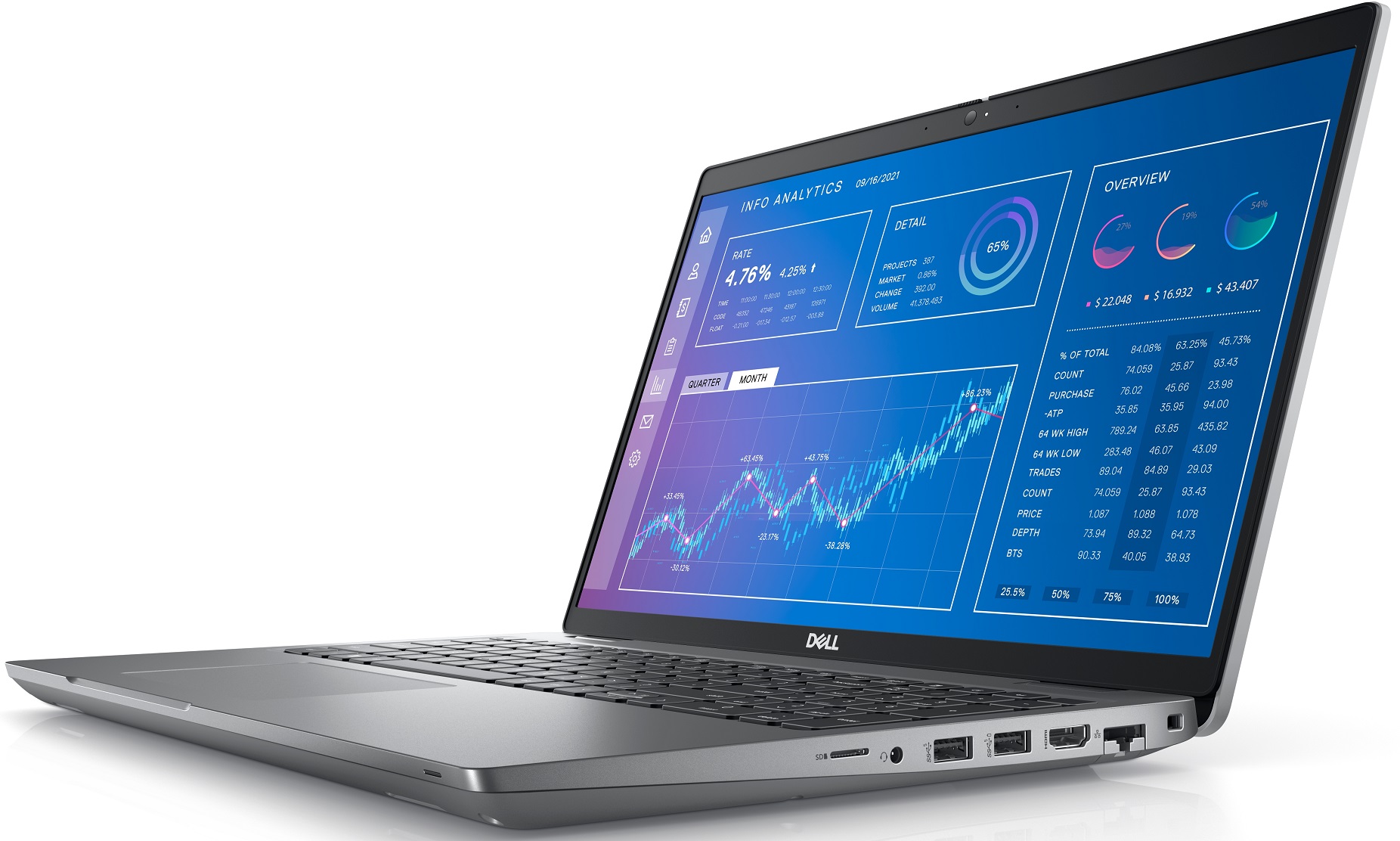
- 15.6”, Full HD (1920 x 1080), IPS
- 2000GB SSD
- 64GB DDR5
- 1.79 kg (3.9 lbs)

Specs

- HDD/SSD
- 2TB SSD
- M.2 Slot
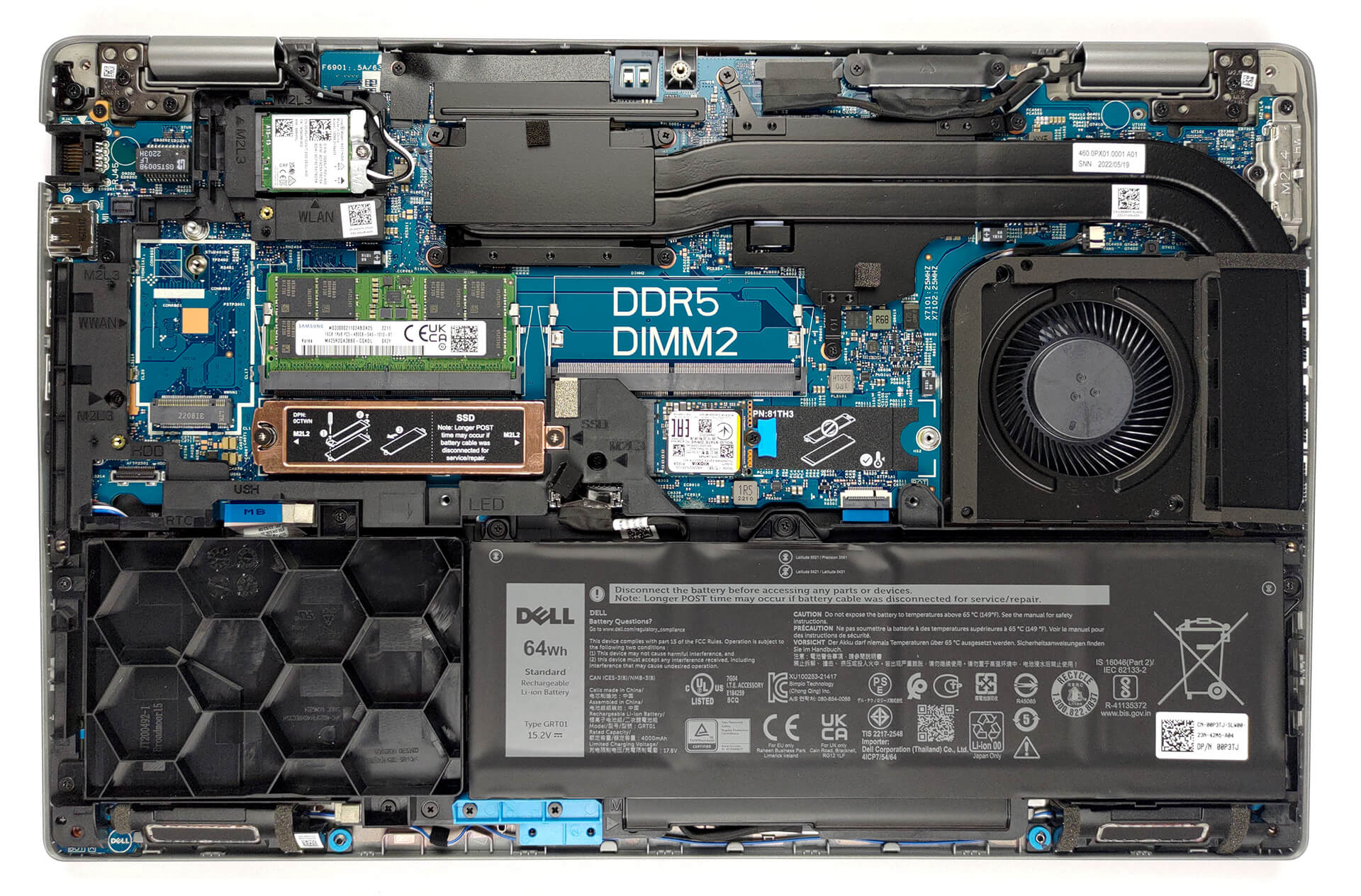
- 2x 2280 PCIe NVMe 4.0 x4 See photo
- RAM
- 64GB DDR5
- OS
- Windows 11 Pro
- Body Material
- Plastic / Polycarbonate, Carbon
- Dimensions
- 357.80 x 233.30 x 22.67 - 24.05 mm (14.09" x 9.19" x 0.89")
- Weight
- 1.79 kg (3.9 lbs)
- Ports and connectivity
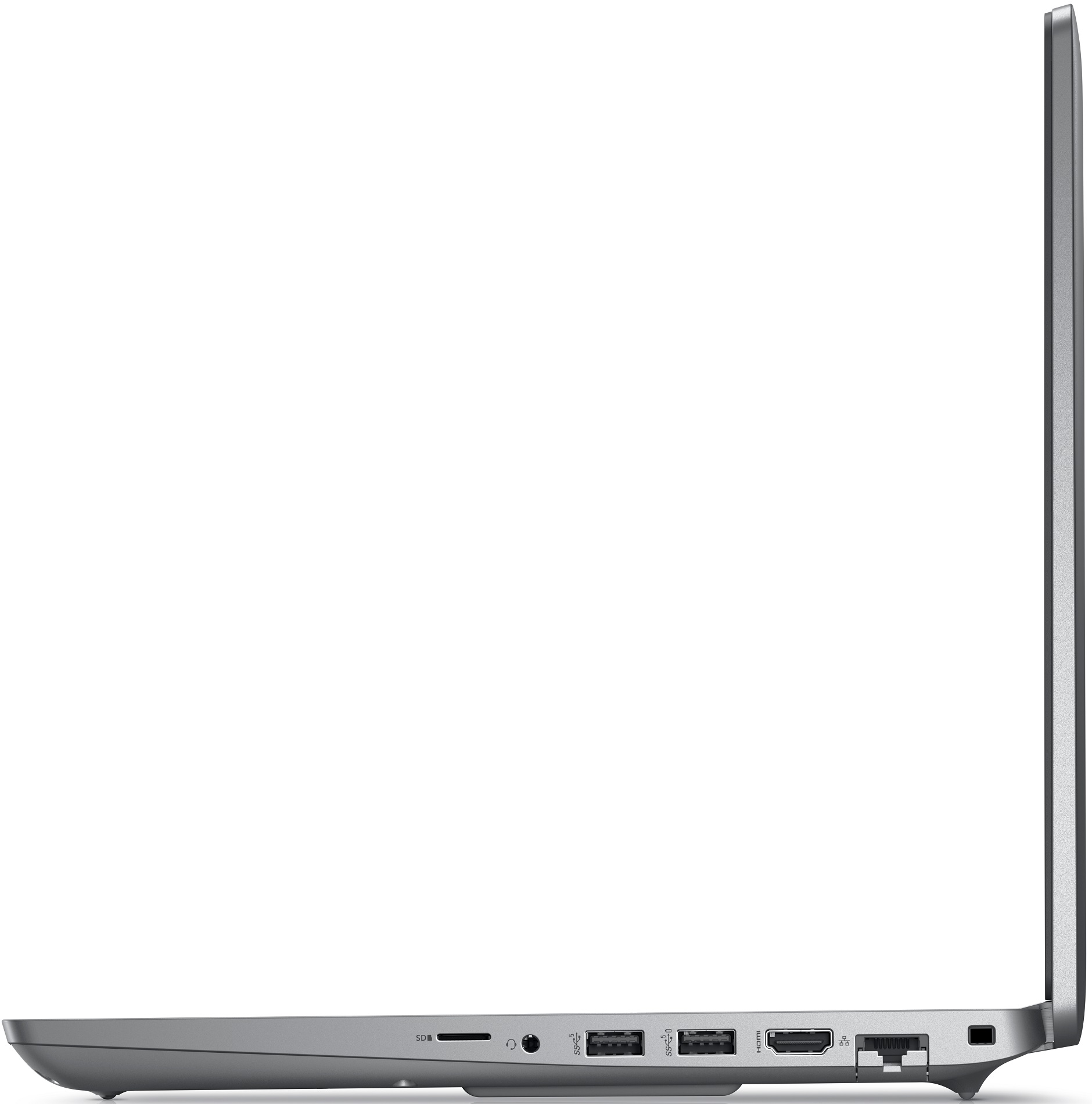
- 1x USB Type-A
- 3.2 Gen 1 (5 Gbps)
- 1x USB Type-A
- 3.2 Gen 1 (5 Gbps), Sleep and Charge
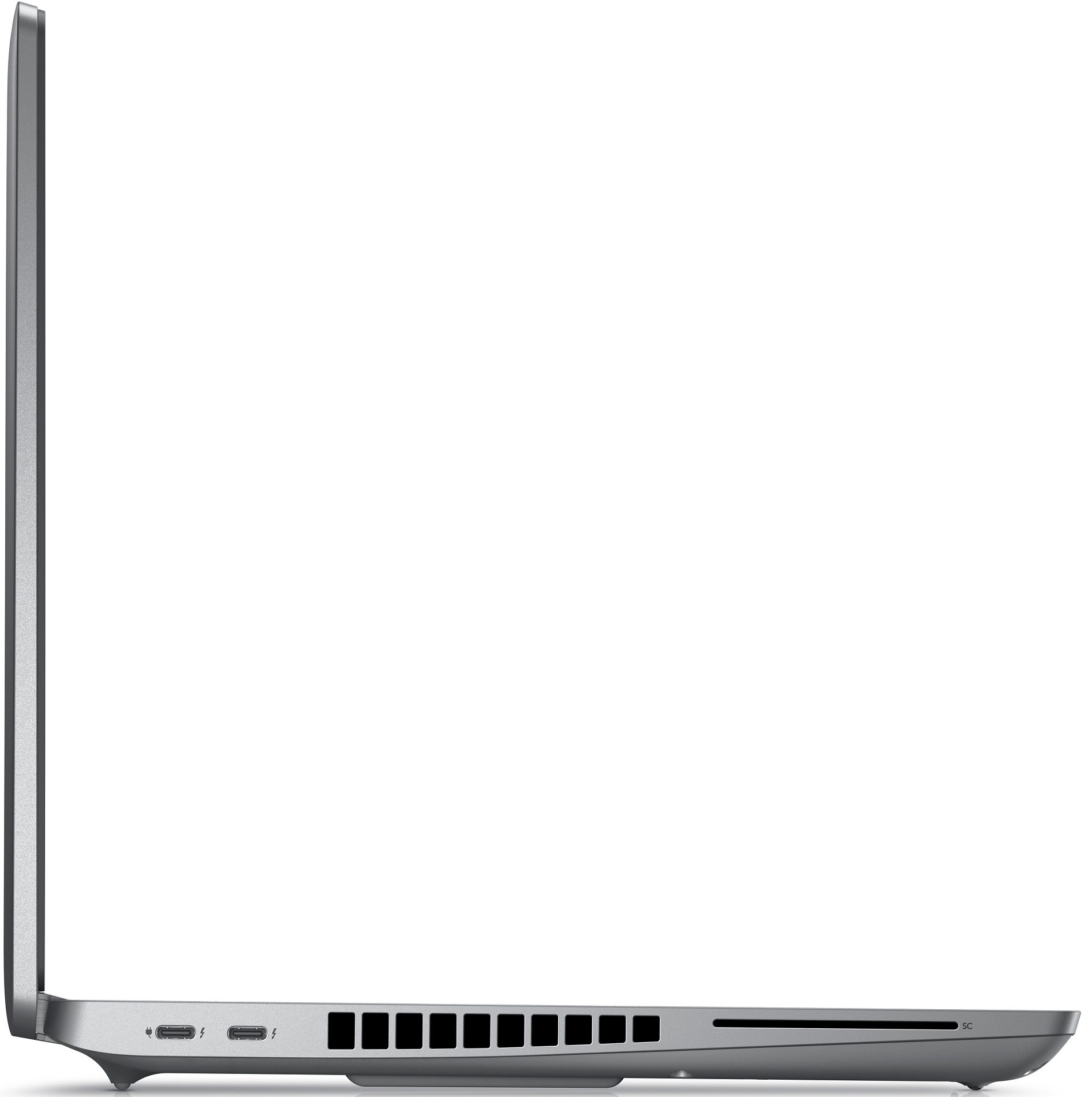
- 2x USB Type-C
- 4.0, Thunderbolt 4, Power Delivery (PD), DisplayPort
- HDMI
- 2.0
- Card Reader
- microSD (SD/SDHC/SDXC)
- Ethernet LAN
- 10, 100, 1000 Mbit/s
- Wi-Fi
- 802.11ax
- Bluetooth
- 5.2
- Audio jack
- 3.5mm Combo Jack
- Features
- Fingerprint reader
- Web camera
- HD / FHD
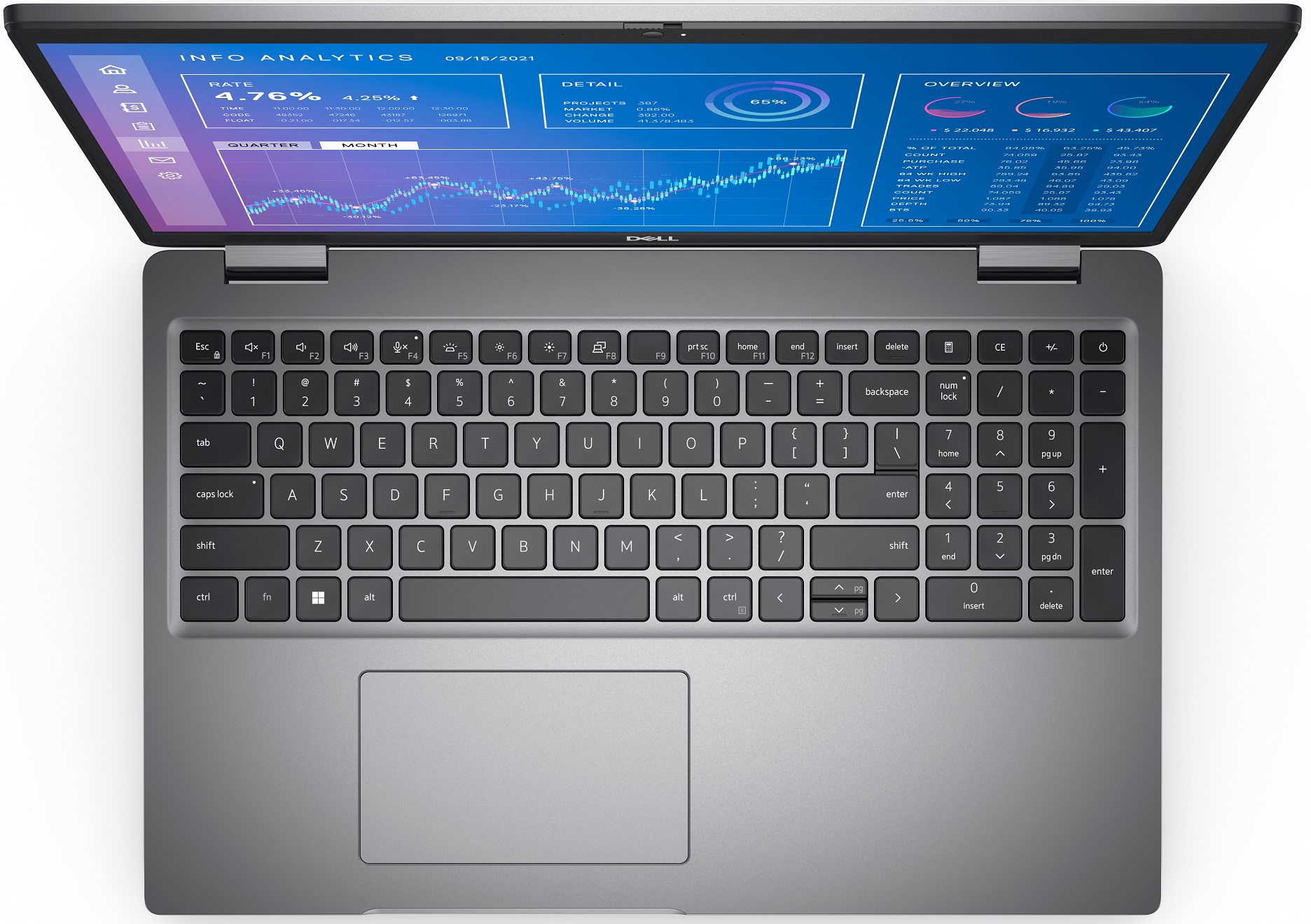
- Backlit keyboard
- Microphone
- Digital Array Microphones
- Speakers
- 2x 2.5W Stereo Speakers
- Optical drive
- Security Lock slot
- Wedge Lock
Portability
Review
Dell Precision 3571 in-depth review
Sometimes only a single-digit can make a huge difference. In the case of Dell, it is the "naughty 1". If you see a laptop bearing the number 1 at the end of its model number, then it is most probably sporting pretty powerful hardware - at least a better one, compared to the one that ends with a zero.This leads us to the laptop we're reviewing today - the Dell Precision 15 3571. Ultimately, the Precision brand represents the workstation-like approach of the company. Most of the time, it shares the base of other notebooks. In this case - the Latitude 15 5531. Soon, we will show you the Precision 17 5770, which is based on the XPS 17. However, this is a topic for another day.The special thing about the Precision 15 3571 is its hardware. It offers a significant upgrade over the 3570, [...]
Read the full review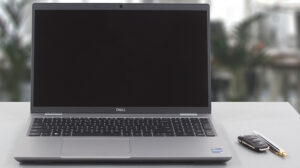
Pros
- Wide I/O, which includes a MicroSD card reader
- Two M.2 storage slots, with Gen 4 support + 2x DDR5 SODIMM slots
- Fingerprint reader embedded in the power button + optional IR face recognition
- Wi-Fi 6E, 2x Thunderbolt 4
- No PWM (LG PXGVC-156WFC (LGD0709))
- Comfortable keyboard with a backlight
- Good battery life
Cons
- Covers only 53% of sRGB (LG PXGVC-156WFC (LGD0709))
- Impotent cooling solution
- There is still an archaic 768p TN display option
Disassembly, maintenance and upgrade options
Dell has created a workstation that has immense performance potential and very good upgrade options. Have look!Check out all Dell Precision 15 3571 prices and configurations in our Specs System or read more in our In-Depth review.1. Remove the bottom plate To remove this notebook's bottom panel, you will need to undo all 9 captive Phillips-head screws. After that, pry the panel with a plastic tool, and lift it away from the chassis.2. Battery Our unit was equipped with a 64Wh battery pack. Albeit the smaller of two options, it delivered nearly 13 hours of Web browsing or [...]
Read more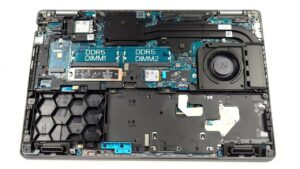


![[June 2026] Best-Selling Laptop Brands on Amazon Global – Apple’s Unrivaled Dominance in Units and Revenue](https://laptopmedia.com/wp-content/uploads/2026/07/GLOBAL-Best-Brands-400x225.jpg)
![[June 2026] Amazon Global: Top 10 Best-Selling Laptops – Apple’s New MacBook Neo Storms to #1, Reshaping the Market with Affordability](https://laptopmedia.com/wp-content/uploads/2026/07/Best-Selling-Laptops-GLOBAL-Top-10-400x225.jpg)
![[June 2026] Amazon Global: Top 10 Best-Selling Gaming Laptops – Acer’s Nitro V 16S AI Dominates Sales, While ASUS Leads Overall Revenue](https://laptopmedia.com/wp-content/uploads/2026/07/Best-Selling-Gaming-Laptops-GLOBAL-Top-10-400x225.jpg)
![[June 2026] Global Ranking of Best-Selling Laptop GPUs on Amazon – NVIDIA RTX 5060 is the Top-Selling Dedicated GPU](https://laptopmedia.com/wp-content/uploads/2026/07/Best-Selling-GPUs-GLOBAL-Top-10-400x225.jpg)
![[June 2026] Global Ranking of Best-Selling Laptop CPUs on Amazon – Apple M5 Dominates, AMD Ryzen 7 260 Gets Solid Premium Share](https://laptopmedia.com/wp-content/uploads/2026/07/Best-Selling-CPUs-GLOBAL-Top-10-400x225.jpg)