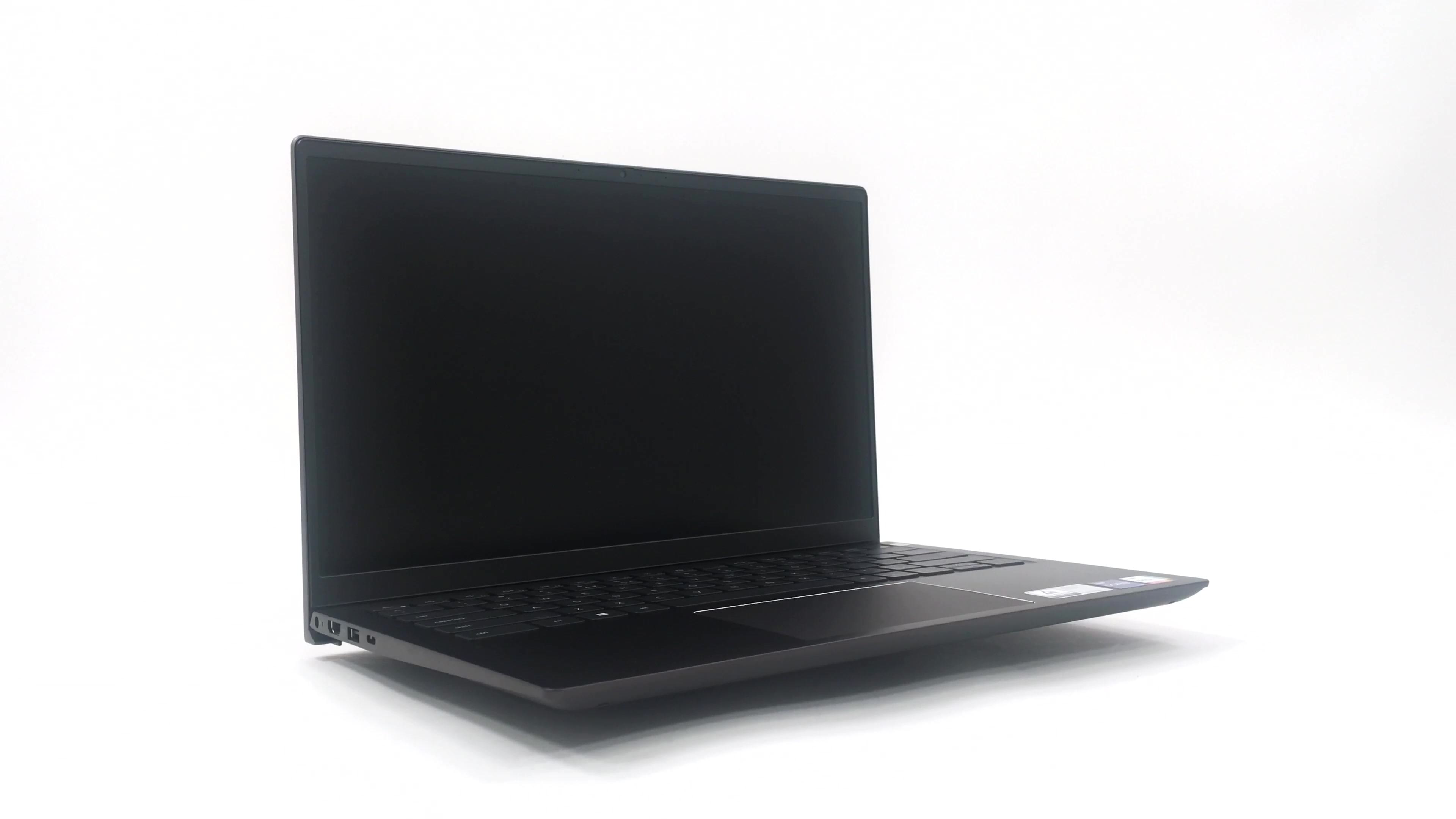
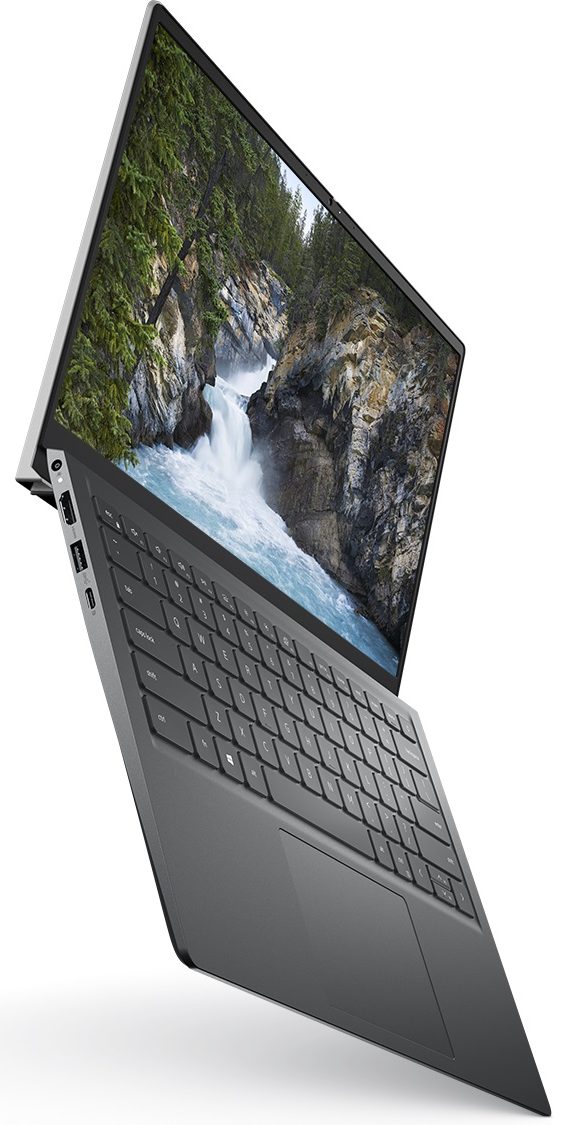
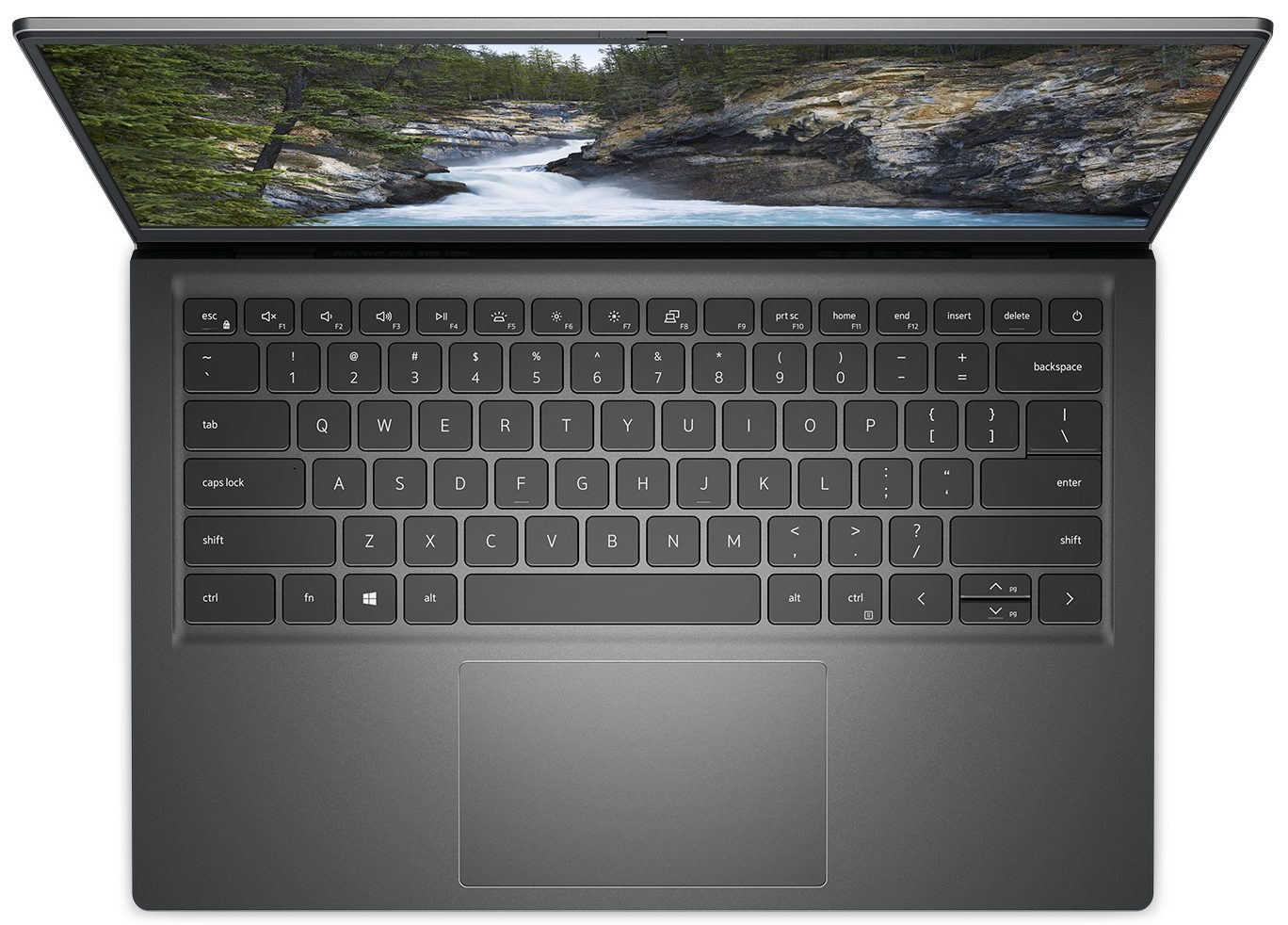
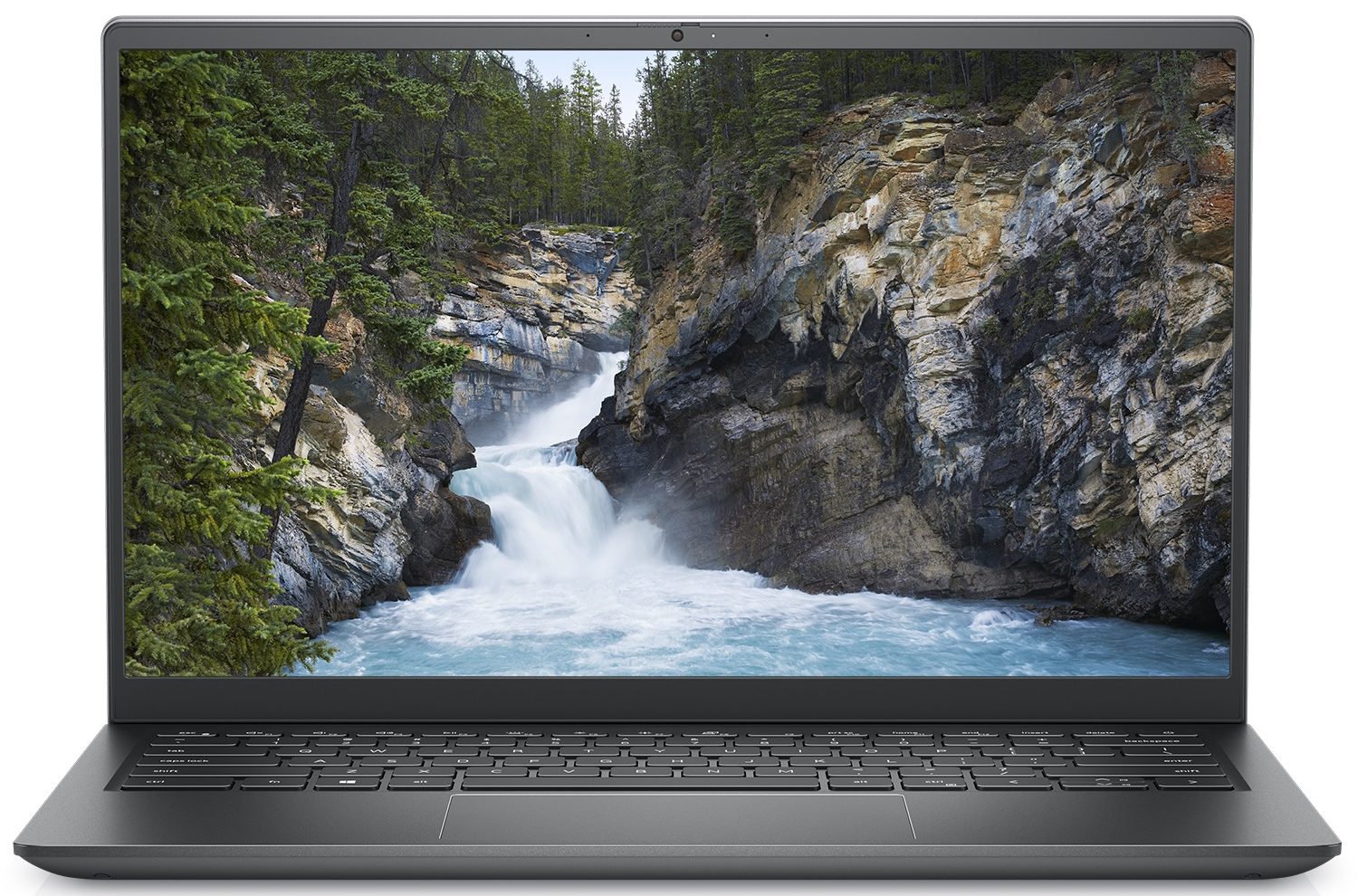
Dell Vostro 5410

- Date Published: 22 Feb 2022
- Intel Core i7-11390H
- Intel Iris Xe Graphics G7 (96EU)
- 14.0”, Full HD (1920 x 1080), IPS
- 1000GB SSD
- 32GB DDR4
- 1.40 kg (3.1 lbs)
Review
Dell Vostro 5410 in-depth review
It is good that manufacturers figured out they can use more powerful hardware for their office devices. With that said, the Vostro 14 5410 is a bit more than an office laptop. It has the looks, the build, and the power to take you a long way.For instance, Dell has chosen to use Tiger Lake-H35 CPUs instead of the Tiger Lake-U series. This provides a higher short-term boost and sustained frequencies. Of course, this all depends on the cooling system of the laptop, which we are going to be evaluating later in the review.To be honest, the Vostro series gave us one of the more impressive notebooks this year - the Vostro 15 7510. It has a ton of performance and looks outstanding. We really hope that its less expensive cousin will justify the success. Let's see together.You can check[...]
Read the full review
Pros
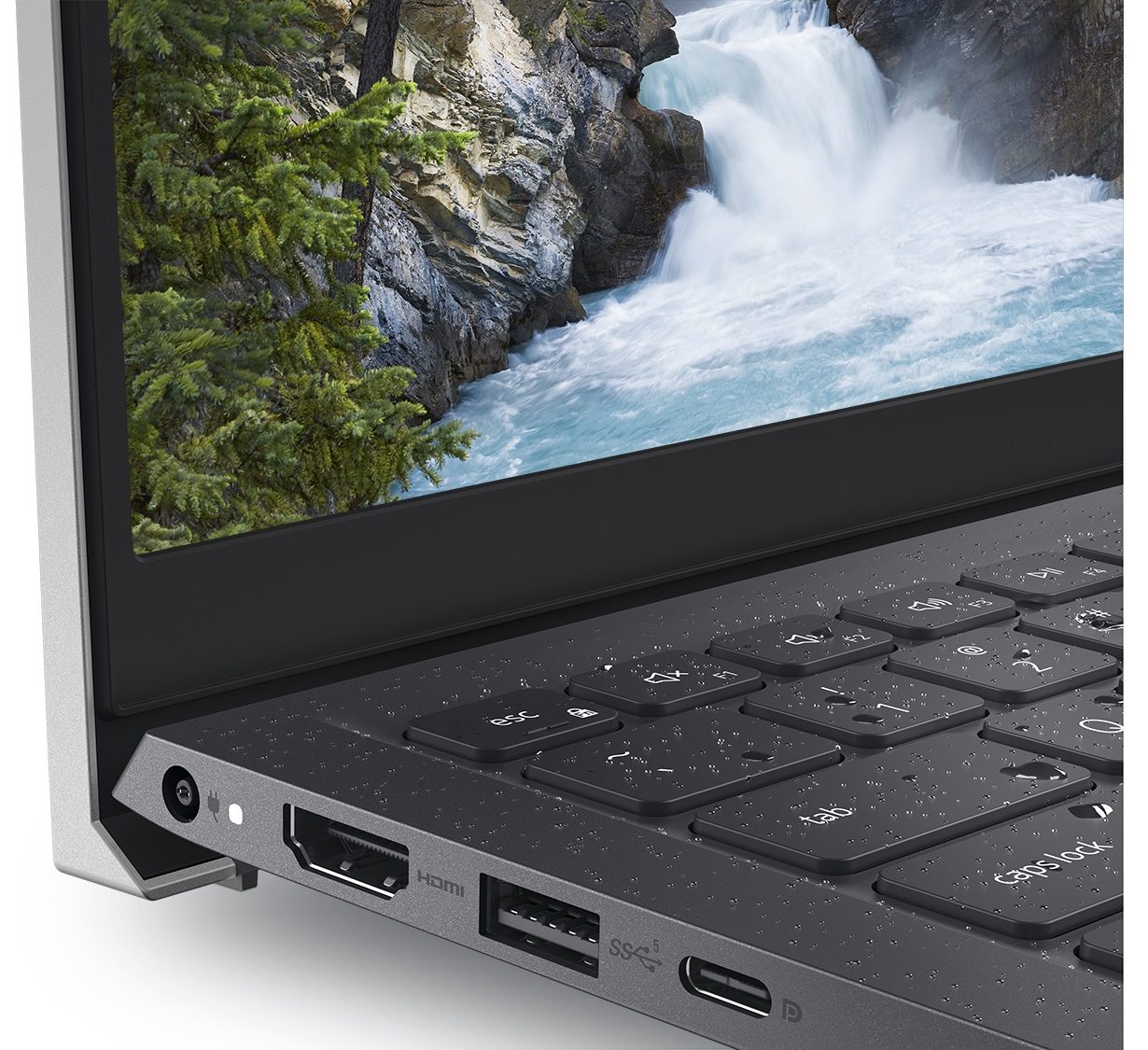
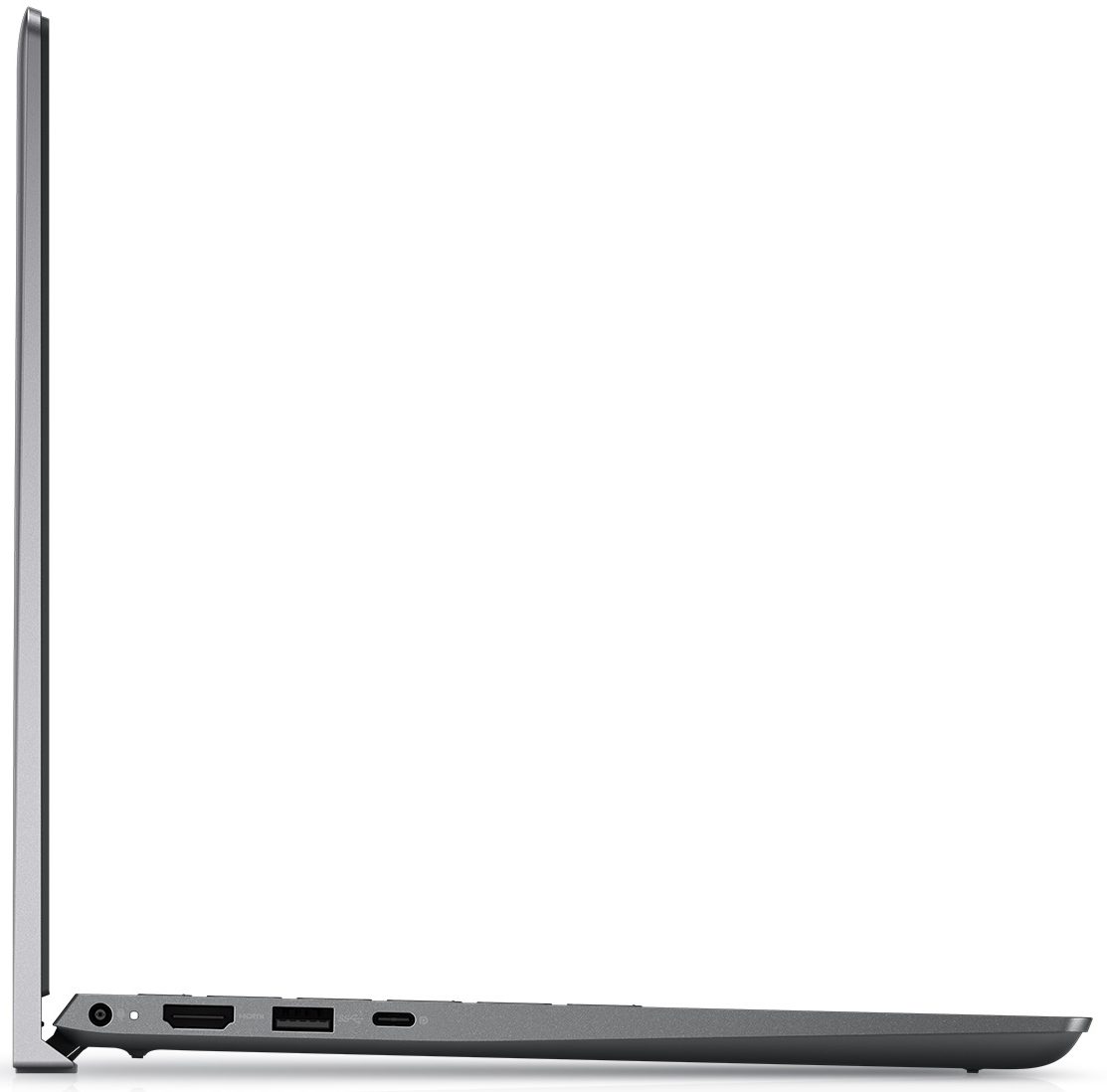
- Thunderbolt 4 (on Core i7 models), MicroSD card slot, and a well-populated I/O
- Two RAM SODIMM slots, and PCIe x4 support for storage
- Thin and light body
- PWM-free display (BOE BOE0948)
- Covers 97% of sRGB (BOE BOE0948)
- Good battery life
Cons
- Performance not matching the expectations
- Color accuracy is off (BOE BOE0948)
- Not the best cooling
Disassembly, maintenance and upgrade options
Despite its competitive price tag, the Vostro 14 5410 offers a good amount of upgrade options.Check out all Dell Vostro 14 5410 prices and configurations in our Specs System or read more in our In-Depth review.1. Remove the bottom plate To take this laptop apart, you need to undo 7 Phillips-head screws. Two of them are captive, and help you with the prying process. After you are done, lift the bottom panel from the chassis.2. Battery Inside, we see a 54Wh battery pack. Dell also sells the notebook with a 41Wh unit. Nevertheless, our device managed more than 12 hours of We[...]
Read more


![[June 2026] Best-Selling Laptop Brands on Amazon Global – Apple’s Unrivaled Dominance in Units and Revenue](https://laptopmedia.com/wp-content/uploads/2026/07/GLOBAL-Best-Brands-400x225.jpg)
![[June 2026] Amazon Global: Top 10 Best-Selling Laptops – Apple’s New MacBook Neo Storms to #1, Reshaping the Market with Affordability](https://laptopmedia.com/wp-content/uploads/2026/07/Best-Selling-Laptops-GLOBAL-Top-10-400x225.jpg)
![[June 2026] Amazon Global: Top 10 Best-Selling Gaming Laptops – Acer’s Nitro V 16S AI Dominates Sales, While ASUS Leads Overall Revenue](https://laptopmedia.com/wp-content/uploads/2026/07/Best-Selling-Gaming-Laptops-GLOBAL-Top-10-400x225.jpg)
![[June 2026] Global Ranking of Best-Selling Laptop GPUs on Amazon – NVIDIA RTX 5060 is the Top-Selling Dedicated GPU](https://laptopmedia.com/wp-content/uploads/2026/07/Best-Selling-GPUs-GLOBAL-Top-10-400x225.jpg)
![[June 2026] Global Ranking of Best-Selling Laptop CPUs on Amazon – Apple M5 Dominates, AMD Ryzen 7 260 Gets Solid Premium Share](https://laptopmedia.com/wp-content/uploads/2026/07/Best-Selling-CPUs-GLOBAL-Top-10-400x225.jpg)
