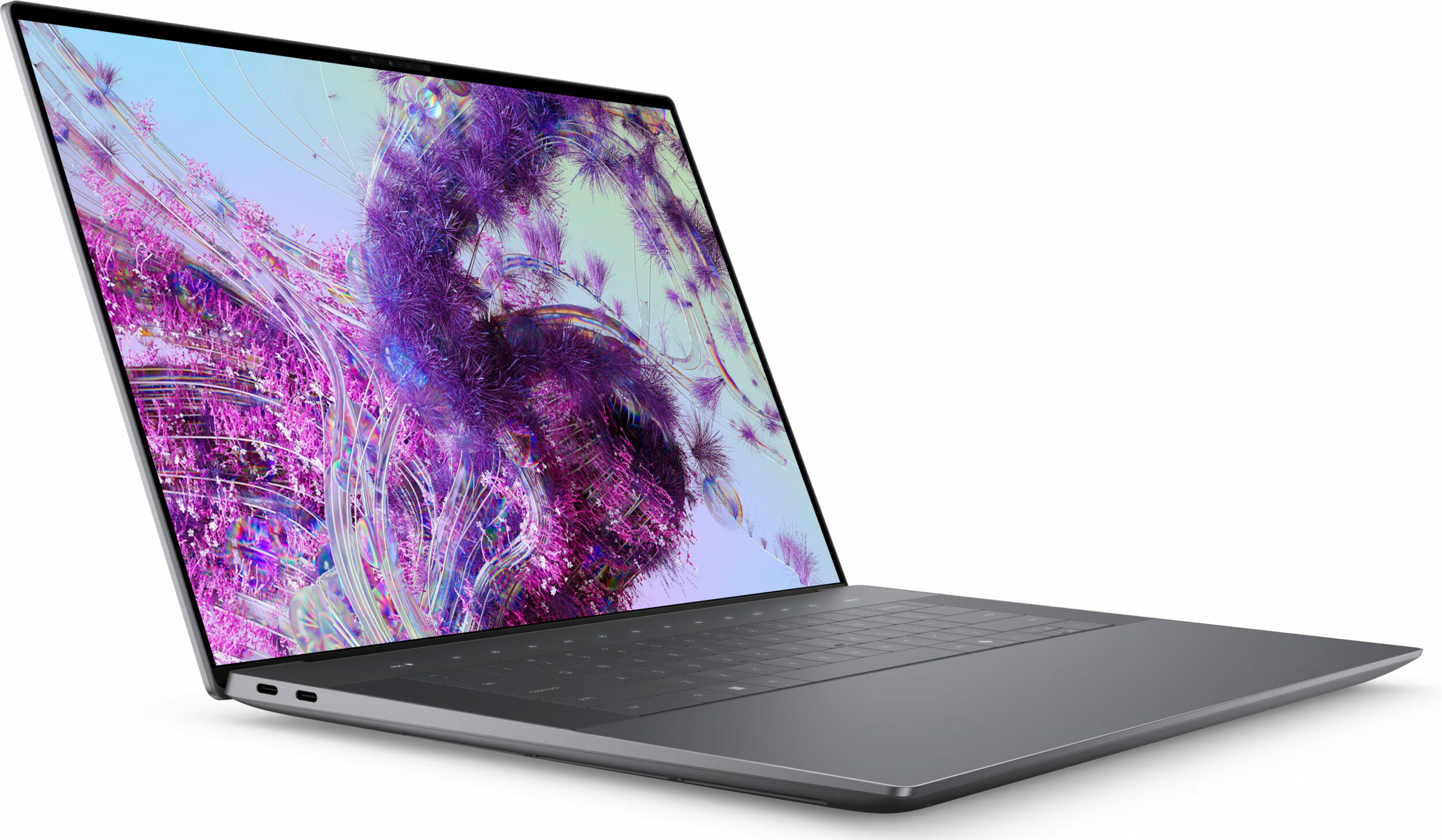


- Date Published: 21 Feb 2024
- Intel Core Ultra 7 155H
- NVIDIA GeForce RTX 4070 (Laptop, 60W)
- 16.3″, 4K+ (3840 x 2400), 90 Hz, OLED
- 4000GB SSD
- 64GB RAM
- 2.13 kg (4.7 lbs)

Specs
- HDD/SSD
- 4000GB SSD
- RAM
- 64GB RAM
- OS
- Windows 11 Home
- Dimensions
- 358.18 x 240.05 x 18.70 mm (14.10" x 9.45" x 0.74")
- Weight
- 2.13 kg (4.7 lbs)
- Ports and connectivity
- 1x USB Type-C
- 3.2 Gen 2 (10 Gbps), Power Delivery (PD), DisplayPort
- 2x USB Type-C
- 4.0, Thunderbolt 4, Power Delivery (PD), DisplayPort
- Card Reader
- microSD (microSD, microSDHC, microSDXC)
- Ethernet LAN
- Wi-Fi
- 802.11be
- Bluetooth
- 5.4
- Audio jack
- 3.5mm Combo Jack
- Features
- Fingerprint reader
- Web camera
- FHD with Windows Hello Face Authentication
- Backlit keyboard
- Microphone
- Dual Microphone Array with Waves MaxxVoice
- Speakers
- 2x 3W Woofers + 2x 2W Tweeters Stereo Speakers
- Optical drive
- Security Lock slot
Portability
Dell XPS 16 9640 (NVIDIA RTX 4070)
14.10" x 9.45" x 0.74" Dimensions
2.13 kg (4.7 lbs) Weight
Average 16.3-inch laptop
2.01 kg (4.4 lbs) -6%
Weight
Disassembly, maintenance and upgrade options
Opening the DeviceUndo the 8 Torx-head screws securing the bottom panel. Pop the bottom panel in the top two corners behind the hinge cover. Lift the middle section of the rear vent, which is part of the bottom plate. Hold the base with a finger on the left or right side and pop the central zone. Pry the sides and front with a thin plastic tool to remove the bottom panel.More info: Here's how the bottom plate looks on the inside.Battery RemovalPull out the battery connector from the mainboard. Undo the 6 Phillips-head screws securing the batte[...]
Read more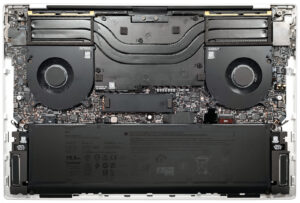


![[June 2026] Best-Selling Laptop Brands on Amazon Global – Apple’s Unrivaled Dominance in Units and Revenue](https://laptopmedia.com/wp-content/uploads/2026/07/GLOBAL-Best-Brands-400x225.jpg)
![[June 2026] Amazon Global: Top 10 Best-Selling Laptops – Apple’s New MacBook Neo Storms to #1, Reshaping the Market with Affordability](https://laptopmedia.com/wp-content/uploads/2026/07/Best-Selling-Laptops-GLOBAL-Top-10-400x225.jpg)
![[June 2026] Amazon Global: Top 10 Best-Selling Gaming Laptops – Acer’s Nitro V 16S AI Dominates Sales, While ASUS Leads Overall Revenue](https://laptopmedia.com/wp-content/uploads/2026/07/Best-Selling-Gaming-Laptops-GLOBAL-Top-10-400x225.jpg)
![[June 2026] Global Ranking of Best-Selling Laptop GPUs on Amazon – NVIDIA RTX 5060 is the Top-Selling Dedicated GPU](https://laptopmedia.com/wp-content/uploads/2026/07/Best-Selling-GPUs-GLOBAL-Top-10-400x225.jpg)
![[June 2026] Global Ranking of Best-Selling Laptop CPUs on Amazon – Apple M5 Dominates, AMD Ryzen 7 260 Gets Solid Premium Share](https://laptopmedia.com/wp-content/uploads/2026/07/Best-Selling-CPUs-GLOBAL-Top-10-400x225.jpg)
