 46.jpg)

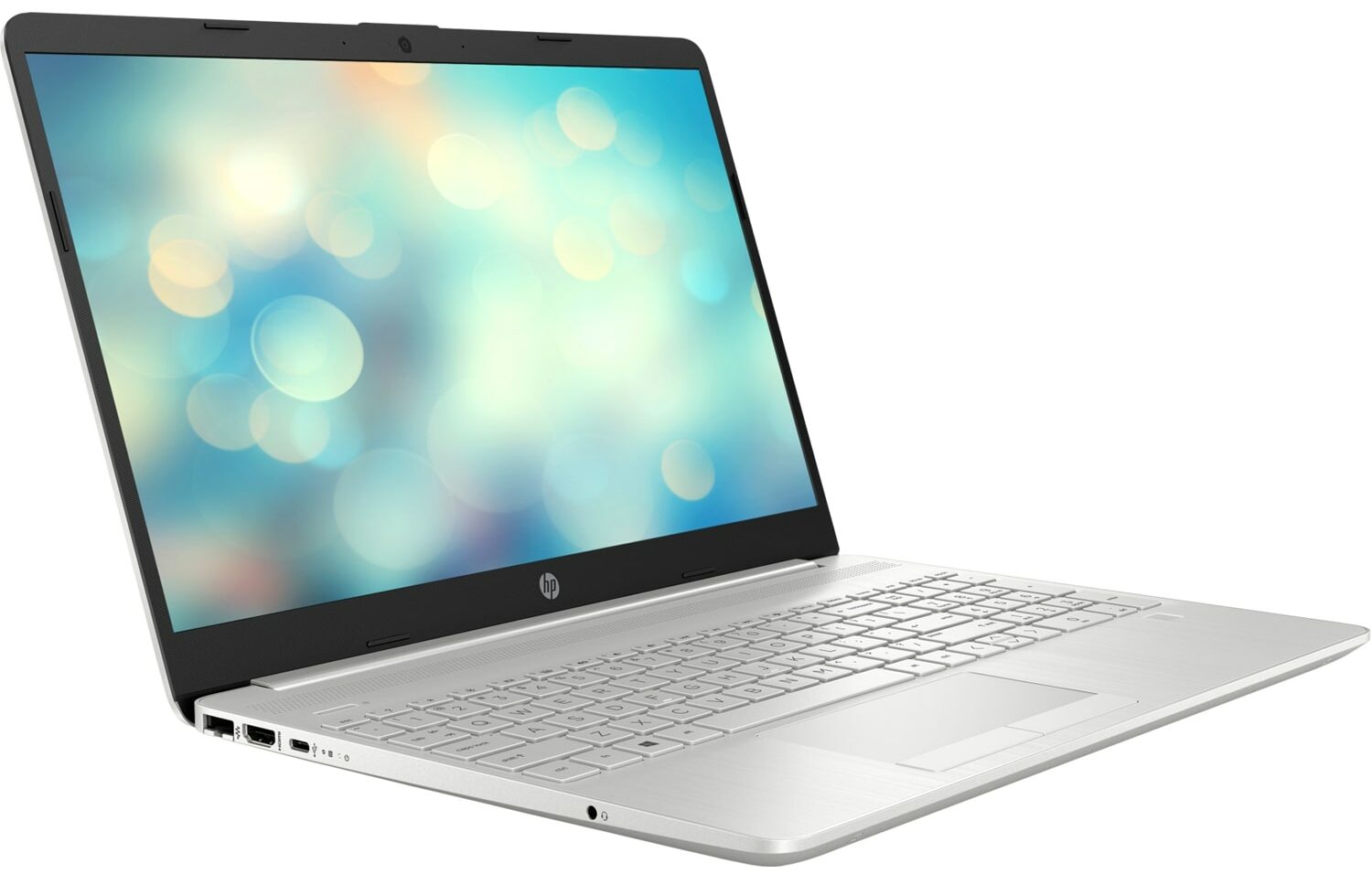
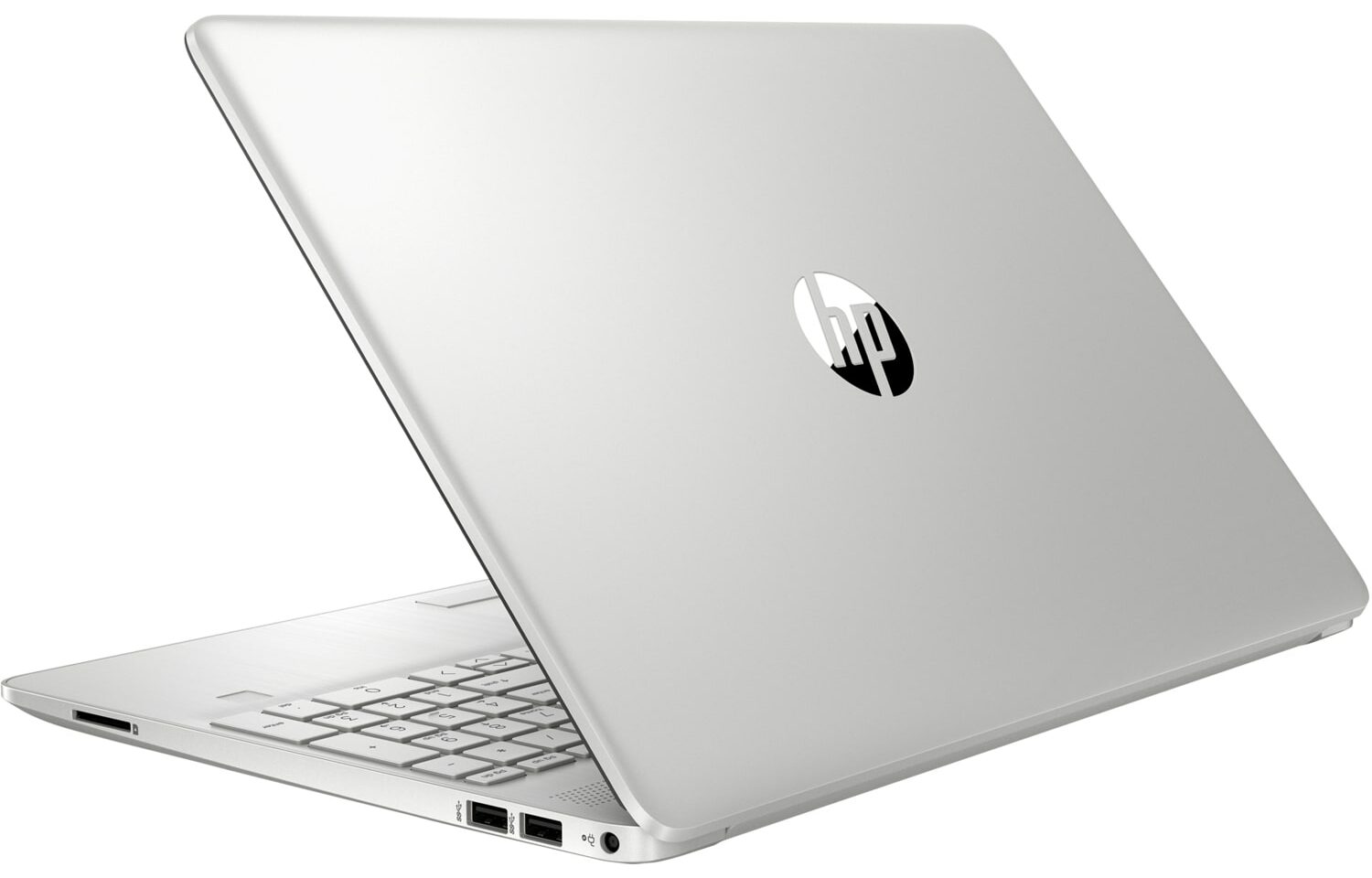
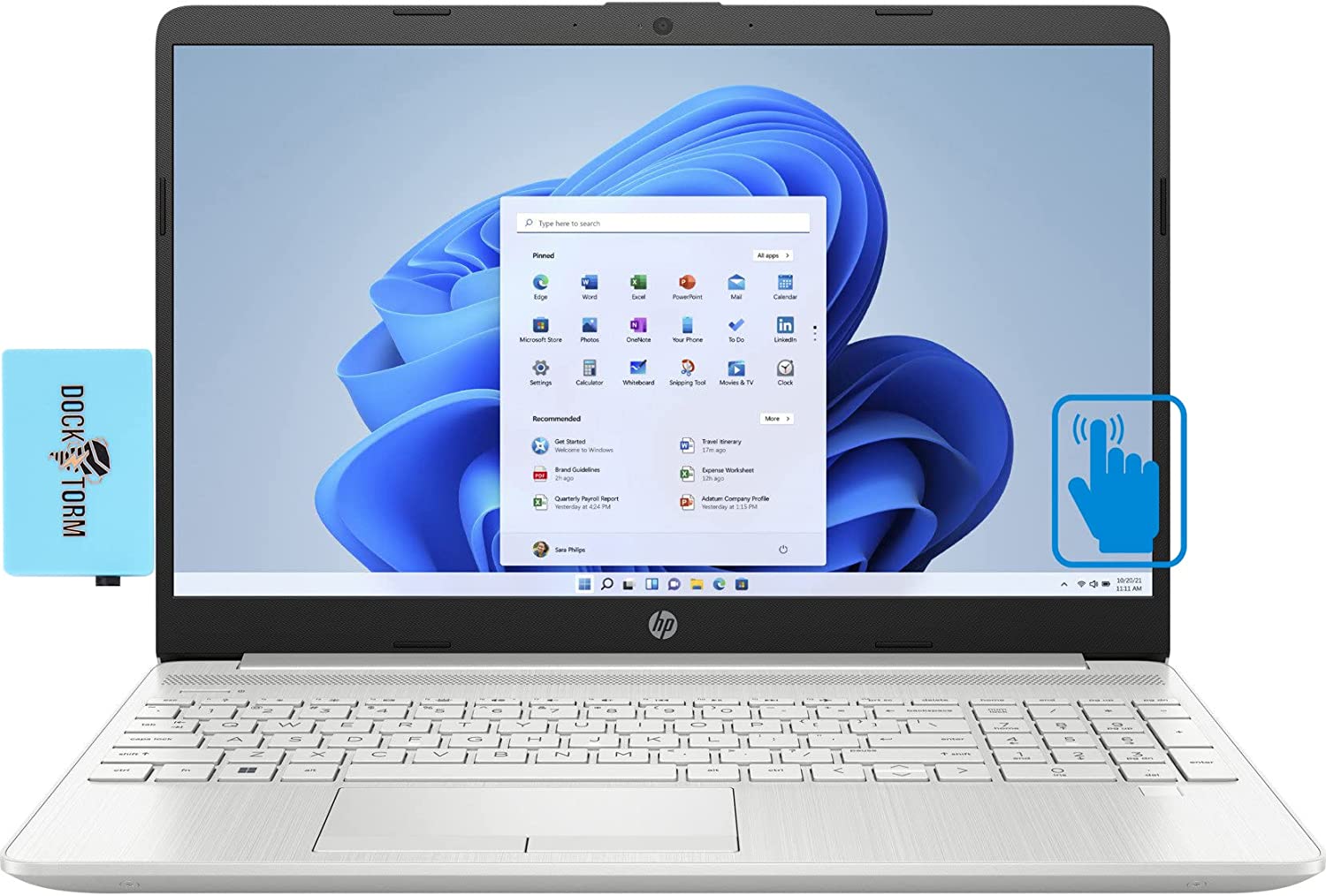
- Date Published: 05 May 2023
- Intel Core i7-1255U
- Intel Iris Xe Graphics G7 (96EU)
- 15.6”, HD (1366 x 768), TN
- 2000GB SSD
- 32GB DDR4
- 1.70 kg (3.7 lbs)
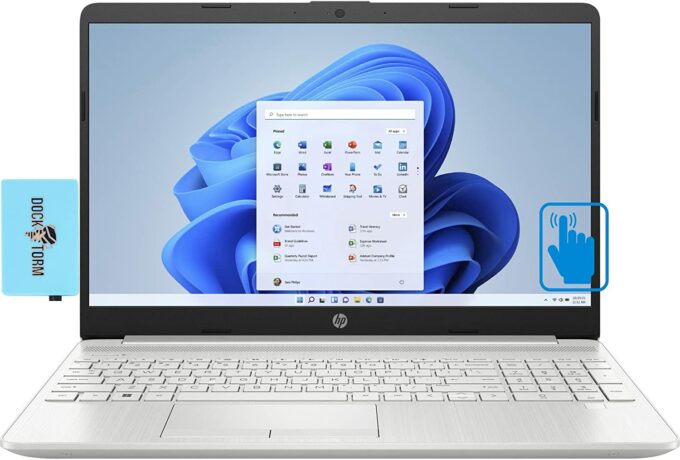
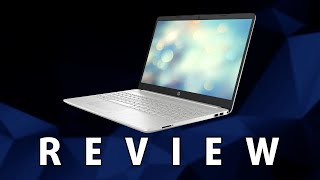
Review
HP 15 in-depth review
Chances are high that the HP 15 is one of the first laptops to pop up when you search for an inexpensive notebook. Indeed, its price tag is very tempting for many, and of course, this is the reason for its popularity. On the other hand, HP has not done enough to make the device more visible to the public, and we feel that people are actually more acquainted with the Lenovo IdeaPads and Dell Inspirons out there.Even the in-house HP 250 seems to be a better suit for some users, even though it offers practically the same. Well, today, we have a very weird device on our hands. We bought one of the highest spec models of the HP 15 (15-dw4000). It has a Core i7-1255U processor and an NVIDIA GeForce MX550 graphics card. On one hand, it makes no sense to pay the price for the max-out model, i[...]
Read the full review
Pros
- 2x SODIMM + 1x M.2 PCIe x4 + 1x 2.5-inch SATA drive bay
- SD card slot
- No PWM (AUO AUO499F)
Cons
- Covers only 52% of sRGB (AUO AUO499F)
- Narrow viewing angles and low contrast ratio (AUO AUO499F)
- USB Type-C is only used for data transfer
- Abysmal thermal management, leading to low performance
- Unsatisfactory build quality
- Touchpad buttons are uncomfortable
Disassembly, maintenance and upgrade options
Although it has its downsides, the HP 15 (15-dw4000) features a great upgrade options lineup.Check out all HP 15 (15-dw4000) prices and configurations in our Specs System or read more in our In-Depth review.1. Remove the bottom plate To access this notebook's internals, you need to remove the two rubber feet. Then, undo all 7 Phillips-head screws you see, and pry the bottom panel with a plastic tool. To do the last thing, you need to slightly open the lid of the laptop.2. Battery This device is equipped with a rather small 41Wh battery pack. It lasts for less than 7 hours[...]
Read more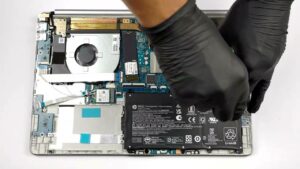


![[June 2026] Best-Selling Laptop Brands on Amazon Global – Apple’s Unrivaled Dominance in Units and Revenue](https://laptopmedia.com/wp-content/uploads/2026/07/GLOBAL-Best-Brands-400x225.jpg)
![[June 2026] Amazon Global: Top 10 Best-Selling Laptops – Apple’s New MacBook Neo Storms to #1, Reshaping the Market with Affordability](https://laptopmedia.com/wp-content/uploads/2026/07/Best-Selling-Laptops-GLOBAL-Top-10-400x225.jpg)
![[June 2026] Amazon Global: Top 10 Best-Selling Gaming Laptops – Acer’s Nitro V 16S AI Dominates Sales, While ASUS Leads Overall Revenue](https://laptopmedia.com/wp-content/uploads/2026/07/Best-Selling-Gaming-Laptops-GLOBAL-Top-10-400x225.jpg)
![[June 2026] Global Ranking of Best-Selling Laptop GPUs on Amazon – NVIDIA RTX 5060 is the Top-Selling Dedicated GPU](https://laptopmedia.com/wp-content/uploads/2026/07/Best-Selling-GPUs-GLOBAL-Top-10-400x225.jpg)
![[June 2026] Global Ranking of Best-Selling Laptop CPUs on Amazon – Apple M5 Dominates, AMD Ryzen 7 260 Gets Solid Premium Share](https://laptopmedia.com/wp-content/uploads/2026/07/Best-Selling-CPUs-GLOBAL-Top-10-400x225.jpg)
