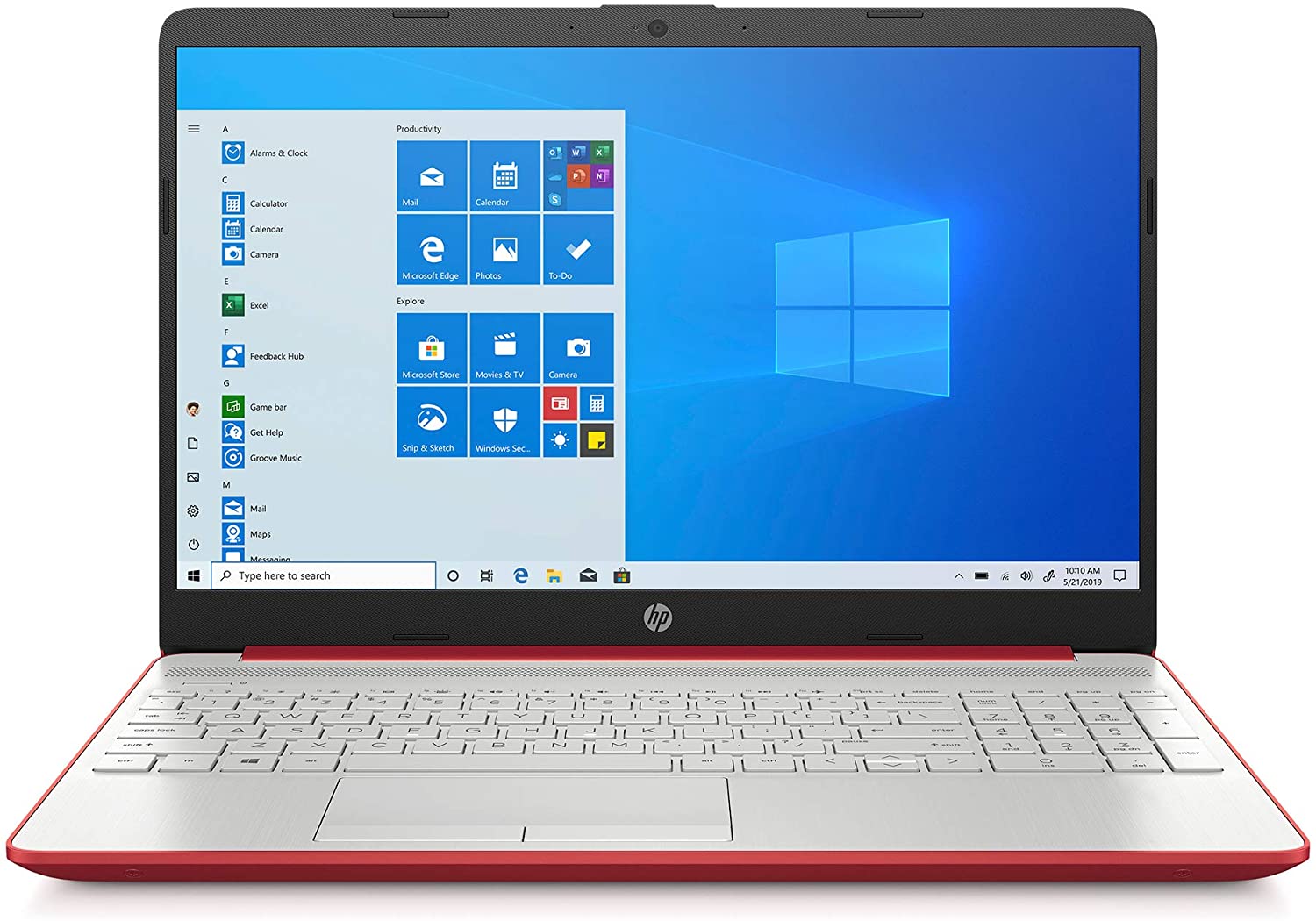
HP 15
- Date Published: 25 Jan 2026
- Intel Pentium Gold 6405U
- Intel UHD Graphics
- 15.6”, HD (1366 x 768), TN
- 2000GB SSD
- 64GB RAM
- 1.75 kg (3.9 lbs)
Review
HP 15 in-depth review
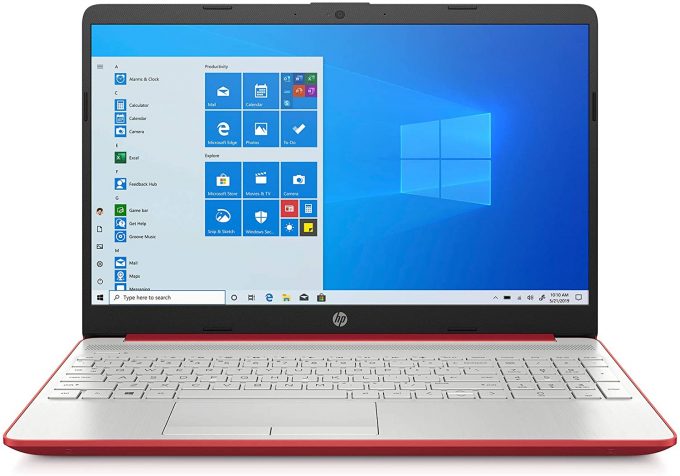
Updated, refreshed or renewed? Probably all of this at once. The HP 15 (15-dw1000) is a fresh laptop from the American company, which finally provides a sleek look in 2020. Instead of its thick bezels and flimsy plastic design, the company has gone for a tighter package that houses decent hardware and an optional 1080p IPS display.In a way, most of the affordable all-rounders on the market provide a similar experience. However, the differences lie in the details. And more frequently, this refers to the failure to accomplish a good build quality or to provide a decent battery life, mainly because of the cost-cutting measures. How much of a compromise was made with this model? Let's find out.You can check the prices and configurations in our Specs System: https://laptopmedia.com/ser[...]
Read the full review
Pros
- Comfortable keyboard
- Thin and light design
- Decent I/O
- Adequate pricing
- Doesn't use PWM for brightness adjustment
- Comfortable viewing angles and good contrast ratio
- It is equipped with an SD card and has great upgradability
- Has an optional fingerprint reader
Cons
- Plastic is the only material for the body
- Covers only 52% of sRGB
- No keyboard backlight
Disassembly, maintenance and upgrade options
Surprisingly, this is a laptop that packs a whole lot of features, despite its modest price tag.Check out all HP 15 (15-dw1000) prices and configurations in our Specs System or read more in our In-Depth review.1. Remove the bottom plate Every now and then, HP produces a laptop that has all its screws visible to the naked eye. However, this device is not one of them. In order to unravel all of them, you need to remove both of the rubber feet. They hide five of the seven total Phillips-head screws. Once you've removed all of them, you can start prying the bottom panel. You can eit[...]
Read more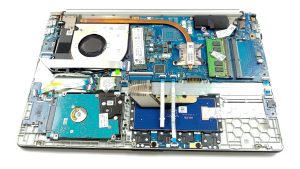


![[June 2026] Best-Selling Laptop Brands on Amazon Global – Apple’s Unrivaled Dominance in Units and Revenue](https://laptopmedia.com/wp-content/uploads/2026/07/GLOBAL-Best-Brands-400x225.jpg)
![[June 2026] Amazon Global: Top 10 Best-Selling Laptops – Apple’s New MacBook Neo Storms to #1, Reshaping the Market with Affordability](https://laptopmedia.com/wp-content/uploads/2026/07/Best-Selling-Laptops-GLOBAL-Top-10-400x225.jpg)
![[June 2026] Amazon Global: Top 10 Best-Selling Gaming Laptops – Acer’s Nitro V 16S AI Dominates Sales, While ASUS Leads Overall Revenue](https://laptopmedia.com/wp-content/uploads/2026/07/Best-Selling-Gaming-Laptops-GLOBAL-Top-10-400x225.jpg)
![[June 2026] Global Ranking of Best-Selling Laptop GPUs on Amazon – NVIDIA RTX 5060 is the Top-Selling Dedicated GPU](https://laptopmedia.com/wp-content/uploads/2026/07/Best-Selling-GPUs-GLOBAL-Top-10-400x225.jpg)
![[June 2026] Global Ranking of Best-Selling Laptop CPUs on Amazon – Apple M5 Dominates, AMD Ryzen 7 260 Gets Solid Premium Share](https://laptopmedia.com/wp-content/uploads/2026/07/Best-Selling-CPUs-GLOBAL-Top-10-400x225.jpg)
