HP Spectre x360 14
_000042.jpg)

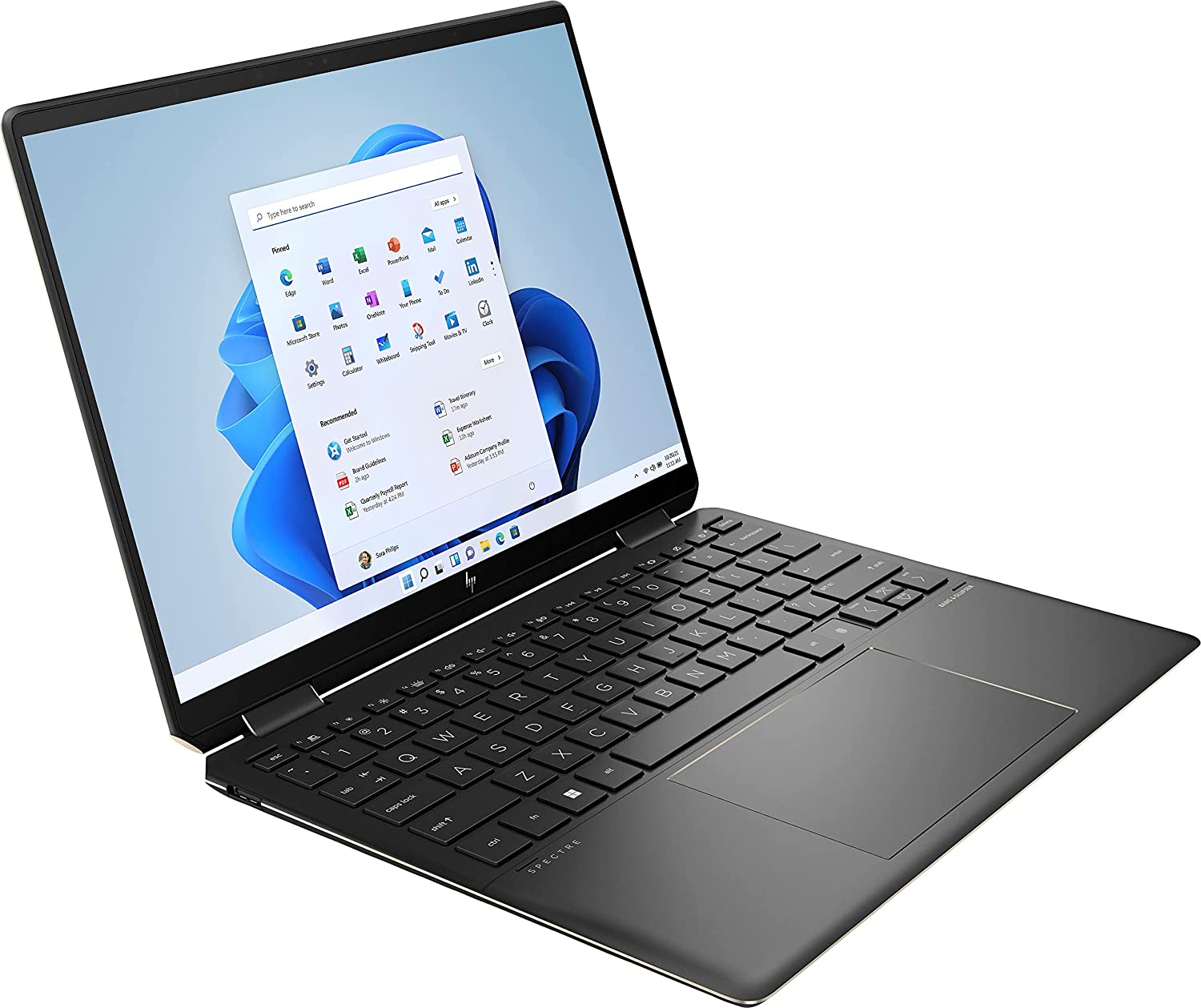
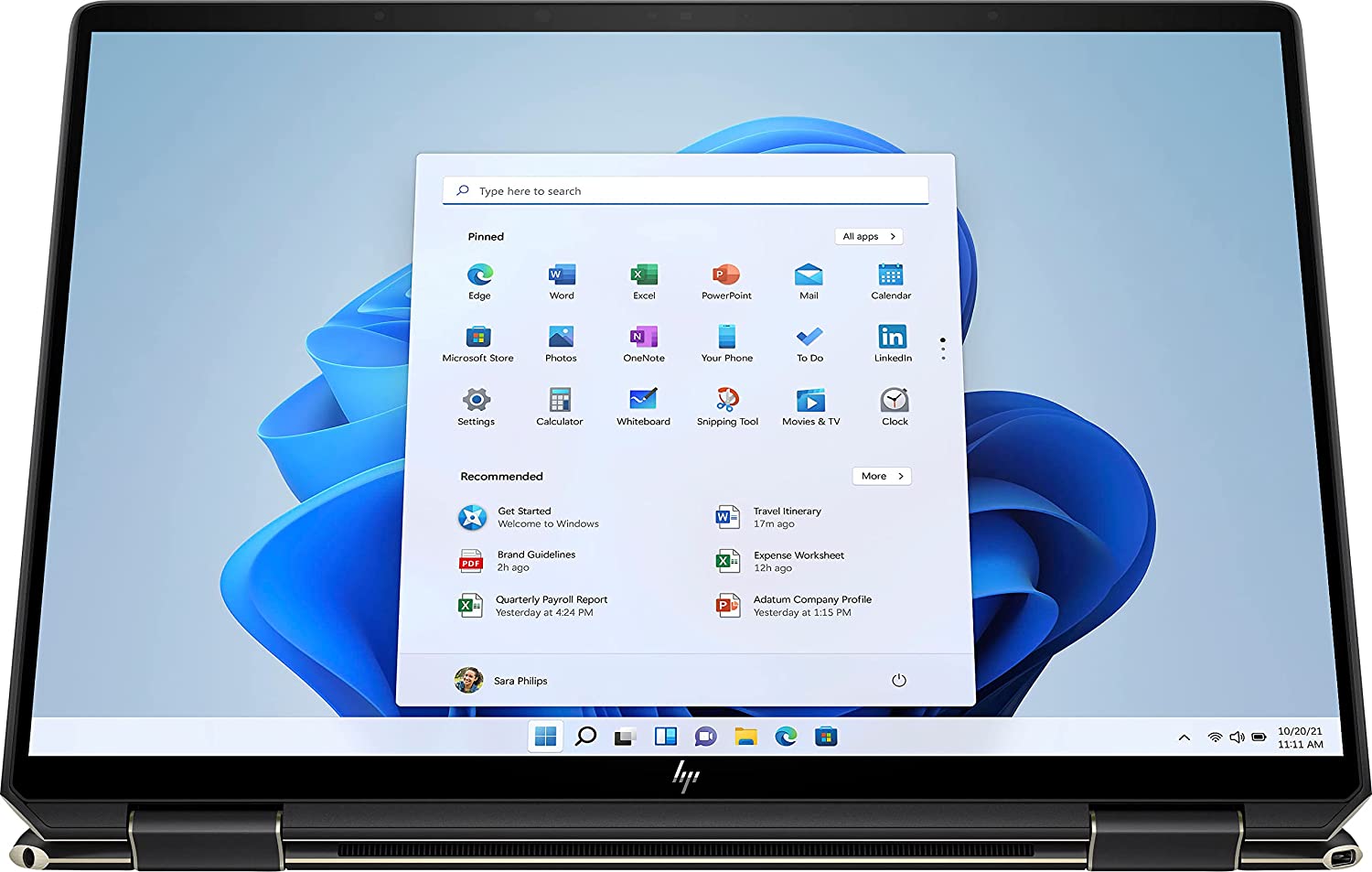
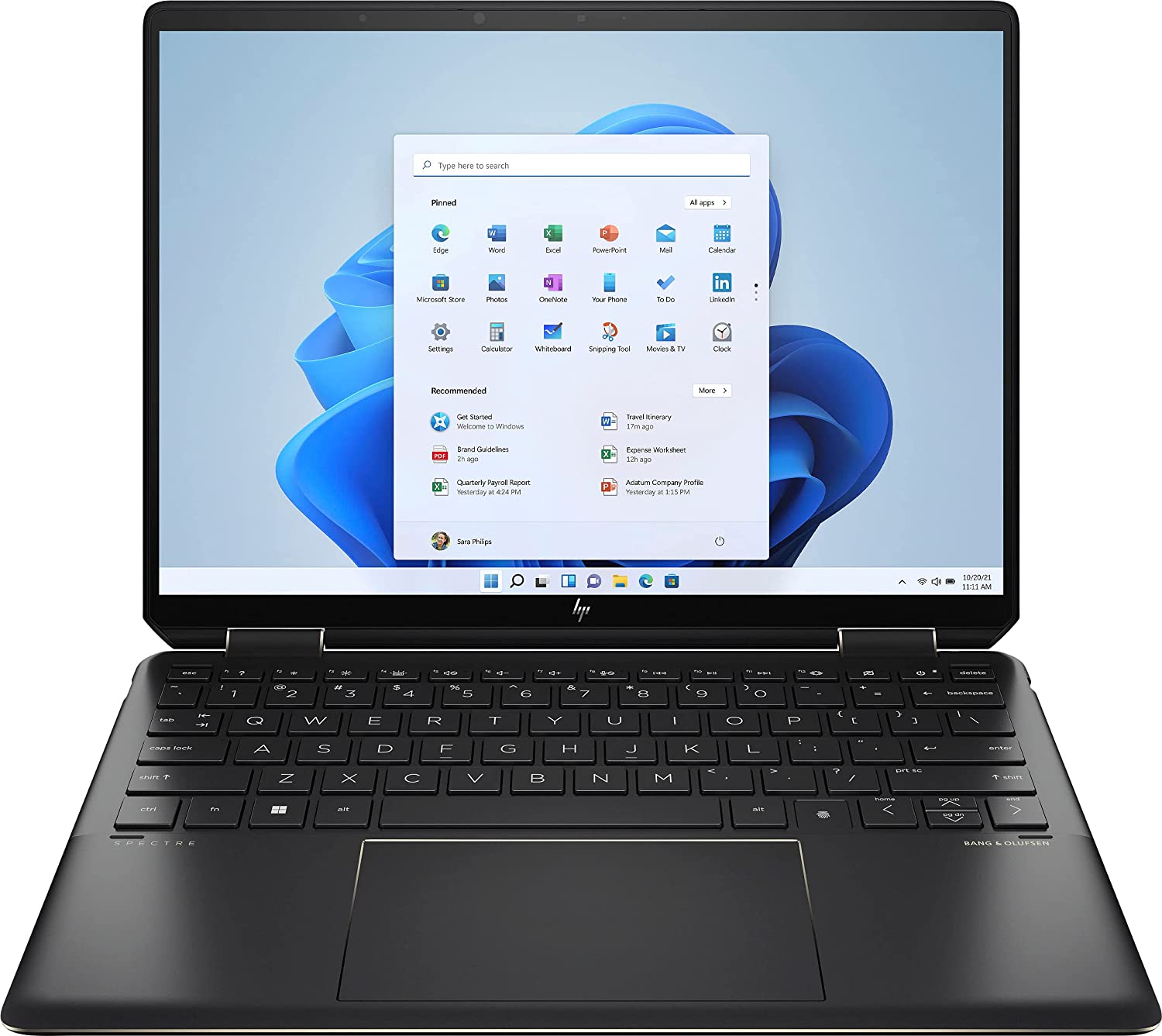
- Date Published: 26 Nov 2025
- Intel Core i7-1355U
- Intel Iris Xe Graphics G7 (96EU)
- 13.5”, WUXGA+ (1920 x 1280), IPS
- 1000GB SSD
- 16GB RAM
- 1.36 kg (3 lbs)

Specs
- Display
- HDD/SSD
- 1000GB SSD
- M.2 Slot
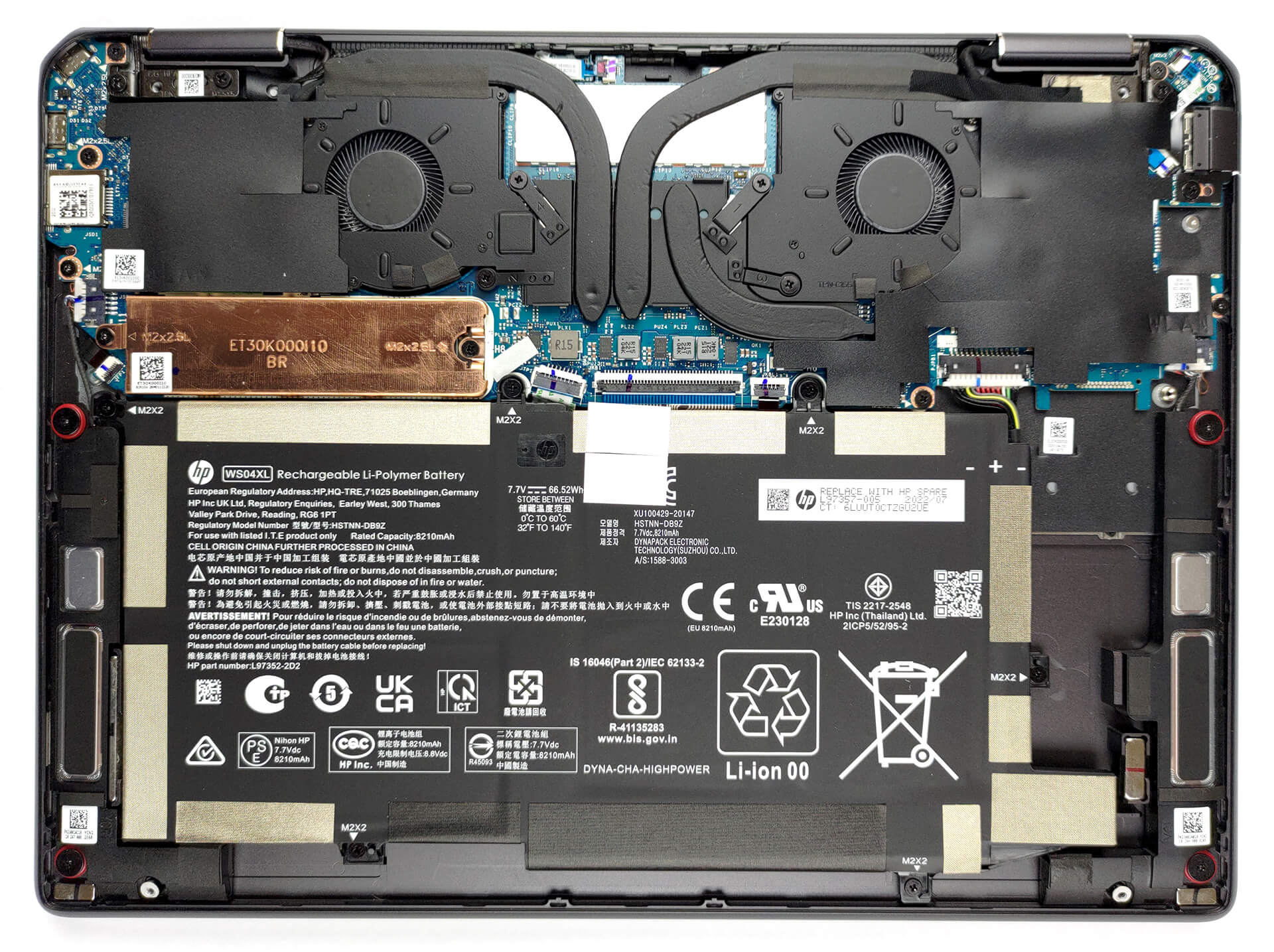
- 1x 2280 PCIe NVMe 4.0 x4 See photo
- RAM
- 16GB RAM
- OS
- Windows 11 Pro
- Body Material
- Aluminum
- Dimensions
- 293.8 x 220.1 x 16.9 mm (11.57" x 8.67" x 0.67")
- Weight
- 1.36 kg (3 lbs)
- Ports and connectivity
- 1x USB Type-A
- 3.2 Gen 2 (10 Gbps), Sleep and Charge
- 2x USB Type-C
- Thunderbolt 4, Power Delivery (PD), DisplayPort, Sleep and Charge
- HDMI
- Card Reader
- MicroSD
- Wi-Fi
- 802.11ax
- Bluetooth
- 5.0
- Audio jack
- 3.5mm Combo Jack
- Features
- Fingerprint reader
- Web camera
- 5MP
- Backlit keyboard
- Microphone
- Dual Array Digital Microphones
- Speakers
- 4 Speakers, Bang & Olufsen
- Gifts
- HP Stylus Pen
- Gifts
- Leather Sleeve
- Gifts
- 32GB USB Drive
Portability
Review
HP Spectre x360 14 in-depth review
The Spectre lineup has always been about image. Its design is often so unique, even HP is afraid to use it in other series it produces. However, We have to say, that the Spectre finds a way to implement some of the company's signature features for the generation.In addition to the exquisite design, you get pretty powerful hardware, including the Core i7-1255U. This is a processor that absolutely crushes apps like Photoshop and Illustrator, despite its 15W TDP.By the way, today, we are taking a look at the HP Spectre x360 14 (14-ef0000). Even though it has the number "14" in its name (twice), the notebook comes with a 13.5-inch display.This is not something unexpected from HP, since it has a long tradition of hiding some of its screws beneath rubber feet. So, deception is some [...]
Read the full review
Pros
- Good battery life
- Strong aluminum chassis
- Decent cooling
- Full sRGB and DCI-P3 coverage
- Super-fast pixel response time
- Infinite contrast ratio
- High resolution and 3:2 aspect ratio
- Fingerprint reader + a 5MP Web camera
- 2x Thunderbolt 4 + MicroSD card
Cons
- Soldered memory
- No stylus inside the box
Disassembly, maintenance and upgrade options
Expectedly, the Spectre x360 14 (14-ef0000) doesn't offer much to do on the inside. The two good news is that you can upgrade your M.2 PCIe x4 drive with a Gen 4 SSD, while the maximum supported RAM is 32GB.Check out all HP Spectre x360 14 (14-ef0000) prices and configurations in our Specs System, or read more in our In-Depth review.1. Remove the bottom plate This device is pretty easy to get inside of. There are only 4 Torx-head screws you need to undo. After that, pry the bottom panel with a plastic tool, starting from the hinge gaps.2. Remove the battery Inside, we see[...]
Read more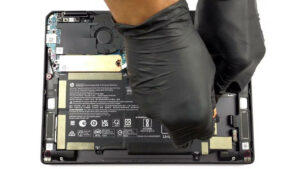


![[June 2026] Best-Selling Laptop Brands on Amazon Global – Apple’s Unrivaled Dominance in Units and Revenue](https://laptopmedia.com/wp-content/uploads/2026/07/GLOBAL-Best-Brands-400x225.jpg)
![[June 2026] Amazon Global: Top 10 Best-Selling Laptops – Apple’s New MacBook Neo Storms to #1, Reshaping the Market with Affordability](https://laptopmedia.com/wp-content/uploads/2026/07/Best-Selling-Laptops-GLOBAL-Top-10-400x225.jpg)
![[June 2026] Amazon Global: Top 10 Best-Selling Gaming Laptops – Acer’s Nitro V 16S AI Dominates Sales, While ASUS Leads Overall Revenue](https://laptopmedia.com/wp-content/uploads/2026/07/Best-Selling-Gaming-Laptops-GLOBAL-Top-10-400x225.jpg)
![[June 2026] Global Ranking of Best-Selling Laptop GPUs on Amazon – NVIDIA RTX 5060 is the Top-Selling Dedicated GPU](https://laptopmedia.com/wp-content/uploads/2026/07/Best-Selling-GPUs-GLOBAL-Top-10-400x225.jpg)
![[June 2026] Global Ranking of Best-Selling Laptop CPUs on Amazon – Apple M5 Dominates, AMD Ryzen 7 260 Gets Solid Premium Share](https://laptopmedia.com/wp-content/uploads/2026/07/Best-Selling-CPUs-GLOBAL-Top-10-400x225.jpg)