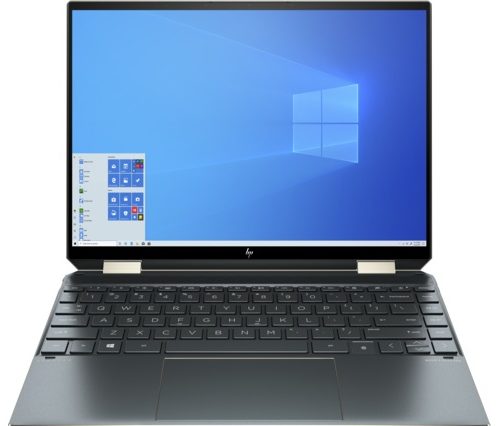
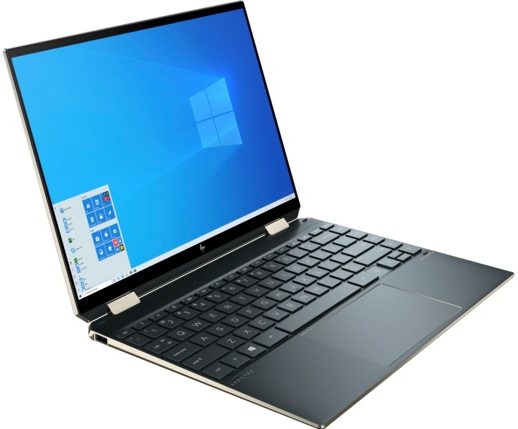
HP Spectre x360 14
 48.jpg)

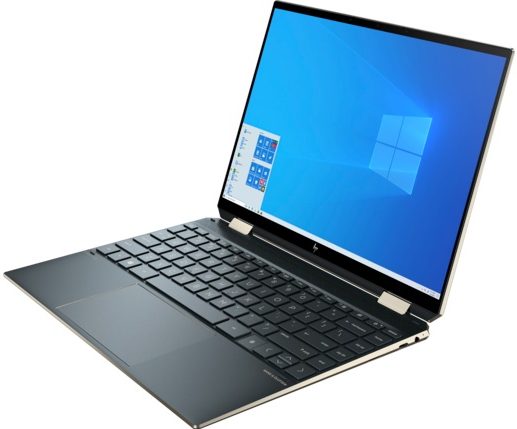
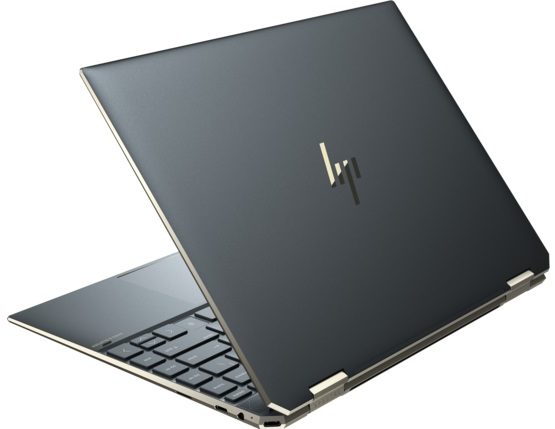
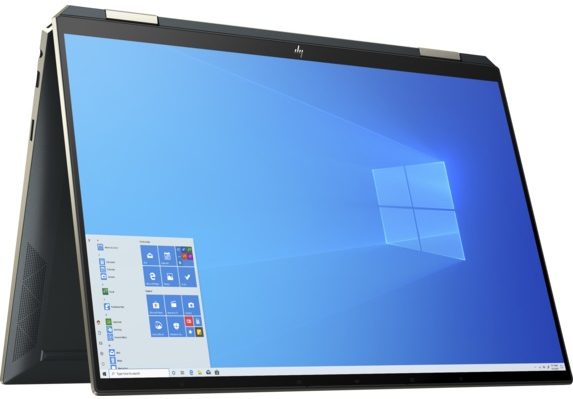
- Date Published: 18 Feb 2021
- Intel Core i5-1135G7
- Intel Iris Xe Graphics G7 (80EU)
- 13.5”, WUXGA+ (1920 x 1280), IPS
- 272GB SSD
- 8GB LPDDR4
- 1.34 kg (3 lbs)
Specs
- Display
- HDD/SSD
- 272GB SSD
- M.2 Slot
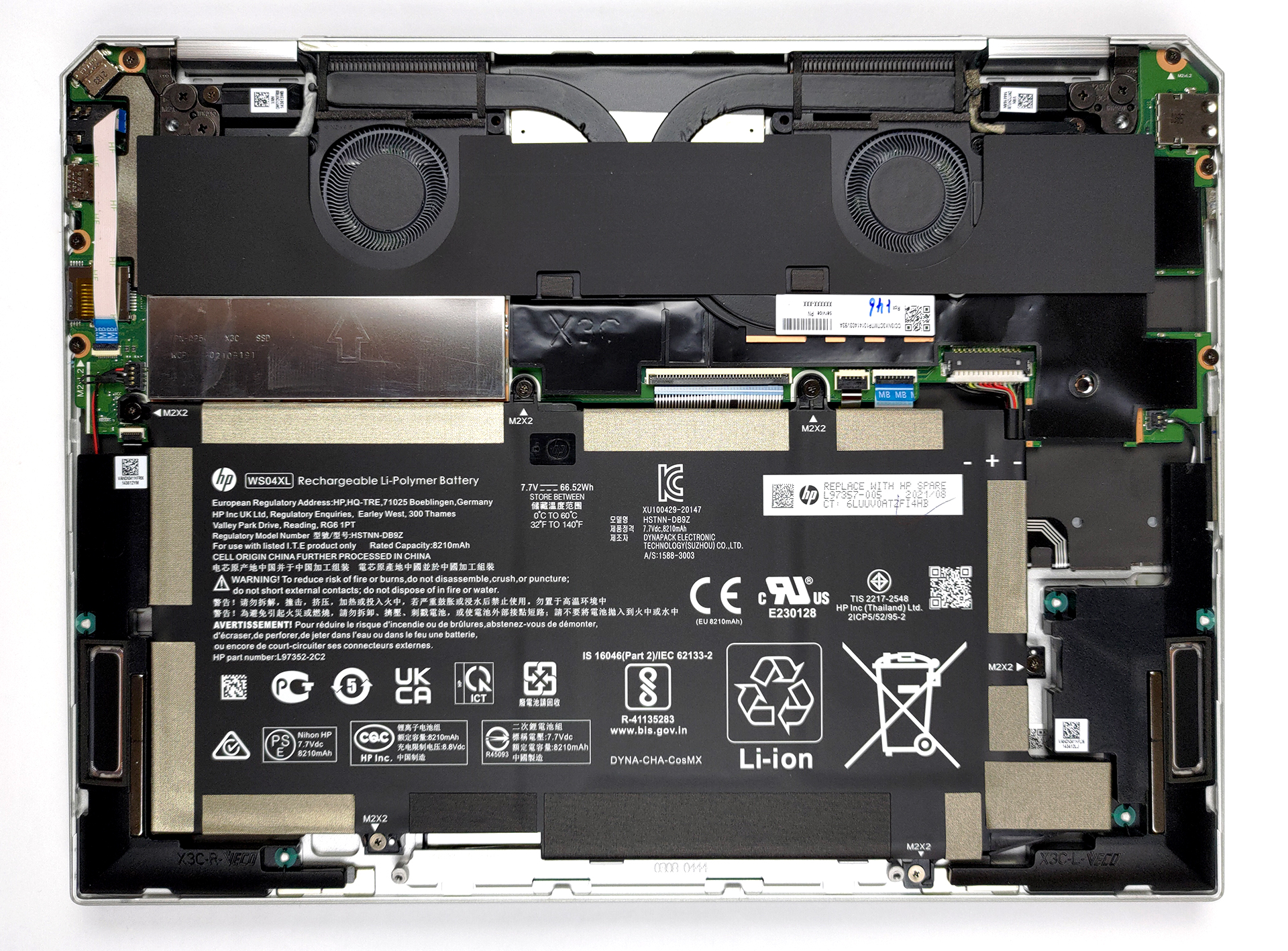
- 1x 2280 M.2 NVMe slot See photo
- RAM
- 8GB LPDDR4
- OS
- Windows 10 Pro
- Body Material
- Aluminum
- Dimensions
- 293.8 x 220.1 x 16.9 mm (11.57" x 8.67" x 0.67")
- Weight
- 1.34 kg (3 lbs)
- Ports and connectivity
- 1x USB Type-A
- Sleep and Charge
- 2x USB Type-C
- Thunderbolt 4, Power Delivery (PD), DisplayPort, Sleep and Charge
- Card Reader
- MicroSD
- Wi-Fi
- 802.11ax
- Bluetooth
- 5.0
- Audio jack
- 3.5mm Combo Jack
- Features
- Web camera
- HD
- Backlit keyboard
- Microphone
- Dual Array Digital Microphones
- Speakers
- 4 Speakers, Bang & Olufsen
- Optical drive
- Security Lock slot
Portability
Review
HP Spectre x360 14 in-depth review
The years go by, and the gap between HP's Spectre and Envy series grows smaller and smaller. As a result, the latter is getting more appreciated by the wide public, and slowly but surely, it seems to be eating into the user base of the Spectre. This sort of internal cannibalism is not new to the world, but if HP wants to continue selling their top-of-the-line products, they have to make something.One such effort is the Spectre x360 14 (14-ea1000). It not only looks premium but happens to offer some great features as well. Instead of the conventional 16:9 aspect ratio of the display, the company went for a taller form factor. And no, not even the ever more popular 16:10. Instead, this device comes equipped with a 3:2 display with either a 1920x1280 IPS panel or a 3000x2000 OLED one. Bo[...]
Read the full review
Pros
- Sleek aluminum design with a great feel
- Full sRGB and DCI-P3 coverage with great color accuracy in both (Samsung SDC4148)
- Pen and sleeve inside the box
- Fingerprint reader and optional IR face recognition sensor
- Decent performance
- 2x Thunderbolt 4 + MicroSD card slot
- Exceptional contrast ratio and HDR support (Samsung SDC4148)
Cons
- PWM below 90 nits (Samsung SDC4148)
- Gets loud during extreme loads
- Memory is soldered to the motherboard
Disassembly, maintenance and upgrade options
Premium devices are known for their scarcity of upgrade options. This laptop is no different in this aspect, but it has other fantastic features.Check out all HP Spectre x360 14 (14-ea1000) prices and configurations in our Specs System or read more in our In-Depth review.1. Remove the bottom plate To open this notebook's bottom panel, you need to undo two Torx-head screws. Then, remove the back rubber foot, and undo the four Phillips-head screws you see underneath it. After that, pry the bottom panel with a plastic tool.2. Battery Inside, you will find a 66Wh battery pack[...]
Read more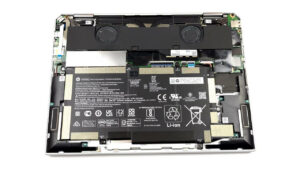


![[June 2026] Best-Selling Laptop Brands on Amazon Global – Apple’s Unrivaled Dominance in Units and Revenue](https://laptopmedia.com/wp-content/uploads/2026/07/GLOBAL-Best-Brands-400x225.jpg)
![[June 2026] Amazon Global: Top 10 Best-Selling Laptops – Apple’s New MacBook Neo Storms to #1, Reshaping the Market with Affordability](https://laptopmedia.com/wp-content/uploads/2026/07/Best-Selling-Laptops-GLOBAL-Top-10-400x225.jpg)
![[June 2026] Amazon Global: Top 10 Best-Selling Gaming Laptops – Acer’s Nitro V 16S AI Dominates Sales, While ASUS Leads Overall Revenue](https://laptopmedia.com/wp-content/uploads/2026/07/Best-Selling-Gaming-Laptops-GLOBAL-Top-10-400x225.jpg)
![[June 2026] Global Ranking of Best-Selling Laptop GPUs on Amazon – NVIDIA RTX 5060 is the Top-Selling Dedicated GPU](https://laptopmedia.com/wp-content/uploads/2026/07/Best-Selling-GPUs-GLOBAL-Top-10-400x225.jpg)
![[June 2026] Global Ranking of Best-Selling Laptop CPUs on Amazon – Apple M5 Dominates, AMD Ryzen 7 260 Gets Solid Premium Share](https://laptopmedia.com/wp-content/uploads/2026/07/Best-Selling-CPUs-GLOBAL-Top-10-400x225.jpg)