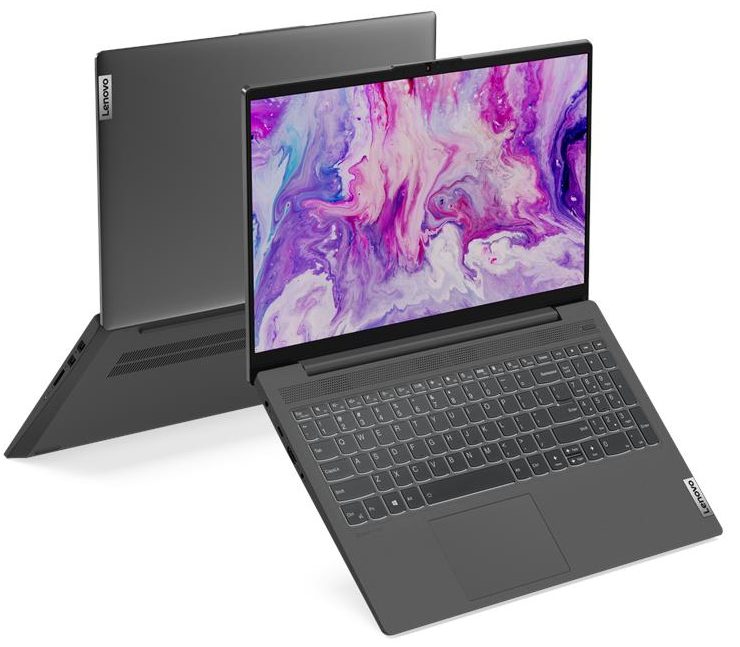
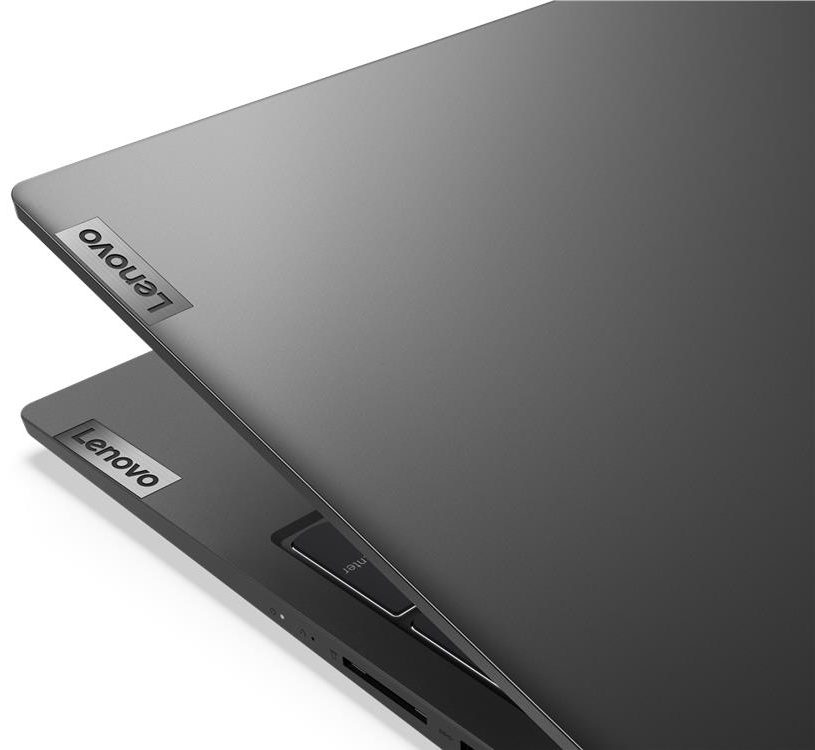
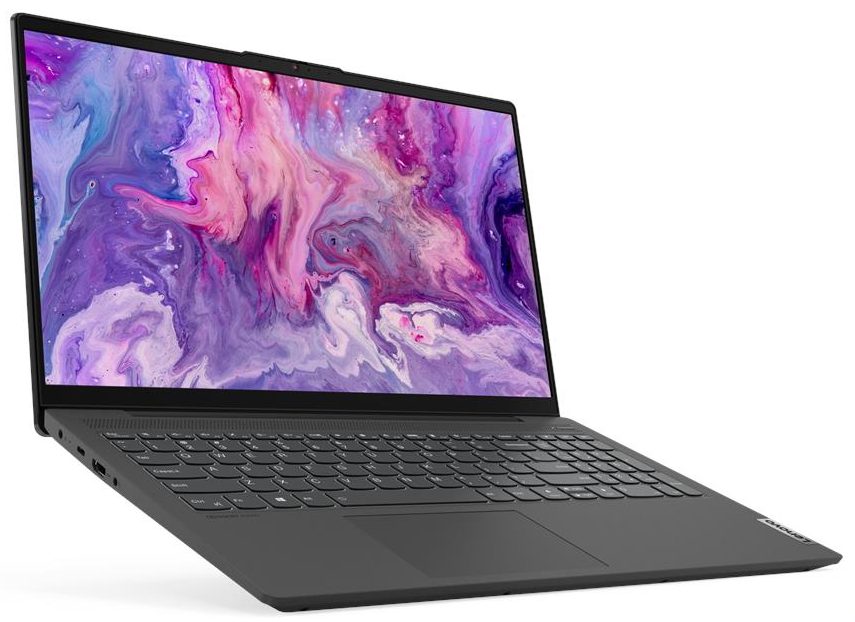
Lenovo IdeaPad 5 15

- Date Published: 15 Mar 2022
- AMD Ryzen 7 5700U
- AMD Radeon RX Vega 8 (R4000/5000, 15W)
- 15.6”, Full HD (1920 x 1080), IPS
- 1000GB SSD
- 16GB DDR4
- 1.66 kg (3.7 lbs)

Review
Lenovo IdeaPad 5 15 in-depth review
As soon as Lenovo introduced their new Ideapad series, everyone wanted to see one device - the Ideapad 5. Essentially, it can be viewed as a successor to the Ideapad S540, which was a very solid machine. Again, it comes in 14-inch and 15-inch variants, and Lenovo offers it with both Intel and AMD processors.Today, we have the 15-inch model, equipped with Ice Lake CPUs. However, this review won't be only a debut for this laptop, but also for the GeForce MX350 for our website. Unsurprisingly all of the rumors were true, and it uses a GP107 chip - the one used on the GTX 1050. However, it is downclocked, uses less than half of the power of the GTX 1050, and has only 2GB of GDDR5. Surely, this keeps the price down, but we're yet to see how does it impact the performance.In addition to[...]
Read the full review
Pros
- Several color options, and a choice between a plastic and aluminum base
- Thin and light design
- Great performance form the GeForce MX350 at a reasonably cool temperature
- Features an SD card reader, a backlight to its keyboard, and supports M.2 PCIe x4 drives
- Doesn't use PWM for brightness adjustment (Innolux N156HGA-EA3)
Cons
- Memory is soldered
- Its base is not very stable
- Poor color coverage, contrast ratio and viewing angles on the TN panel (Innolux N156HGA-EA3)
Disassembly, maintenance and upgrade options
The brand new Ideapad 5 (15) brings Ice Lake and the GeForce MX350 along with its new naming scheme. Let's dig inside of it and see what you can change and what you cannot.Check out all Lenovo Ideapad 5 (15) prices and configurations in our Specs System or read more in our In-Depth review.1. Remove the bottom plate All you need to have to get to this device's internals is a Torx screwdriver and a plastic pry tool. First, undo all 9 Torx-headed screws and then start prying from one of the front edges. That's all.2. Battery This device comes with three different batteries [...]
Read more


![[June 2026] Best-Selling Laptop Brands on Amazon Global – Apple’s Unrivaled Dominance in Units and Revenue](https://laptopmedia.com/wp-content/uploads/2026/07/GLOBAL-Best-Brands-400x225.jpg)
![[June 2026] Amazon Global: Top 10 Best-Selling Laptops – Apple’s New MacBook Neo Storms to #1, Reshaping the Market with Affordability](https://laptopmedia.com/wp-content/uploads/2026/07/Best-Selling-Laptops-GLOBAL-Top-10-400x225.jpg)
![[June 2026] Amazon Global: Top 10 Best-Selling Gaming Laptops – Acer’s Nitro V 16S AI Dominates Sales, While ASUS Leads Overall Revenue](https://laptopmedia.com/wp-content/uploads/2026/07/Best-Selling-Gaming-Laptops-GLOBAL-Top-10-400x225.jpg)
![[June 2026] Global Ranking of Best-Selling Laptop GPUs on Amazon – NVIDIA RTX 5060 is the Top-Selling Dedicated GPU](https://laptopmedia.com/wp-content/uploads/2026/07/Best-Selling-GPUs-GLOBAL-Top-10-400x225.jpg)
![[June 2026] Global Ranking of Best-Selling Laptop CPUs on Amazon – Apple M5 Dominates, AMD Ryzen 7 260 Gets Solid Premium Share](https://laptopmedia.com/wp-content/uploads/2026/07/Best-Selling-CPUs-GLOBAL-Top-10-400x225.jpg)
