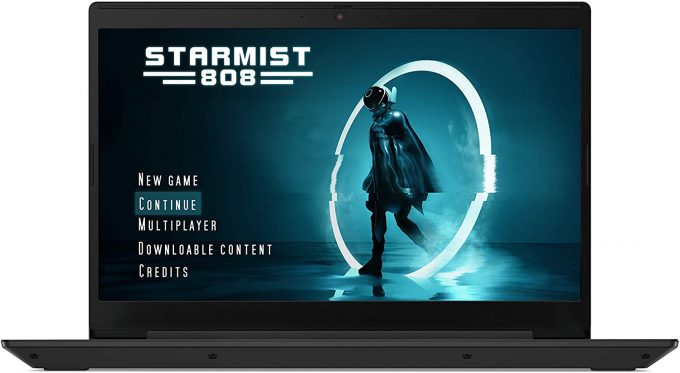
Lenovo IdeaPad L340 15 Gaming

- Date Published: 14 Oct 2019
- Intel Core i5-9300H
- NVIDIA GeForce GTX 1650 (Laptop, 50W)
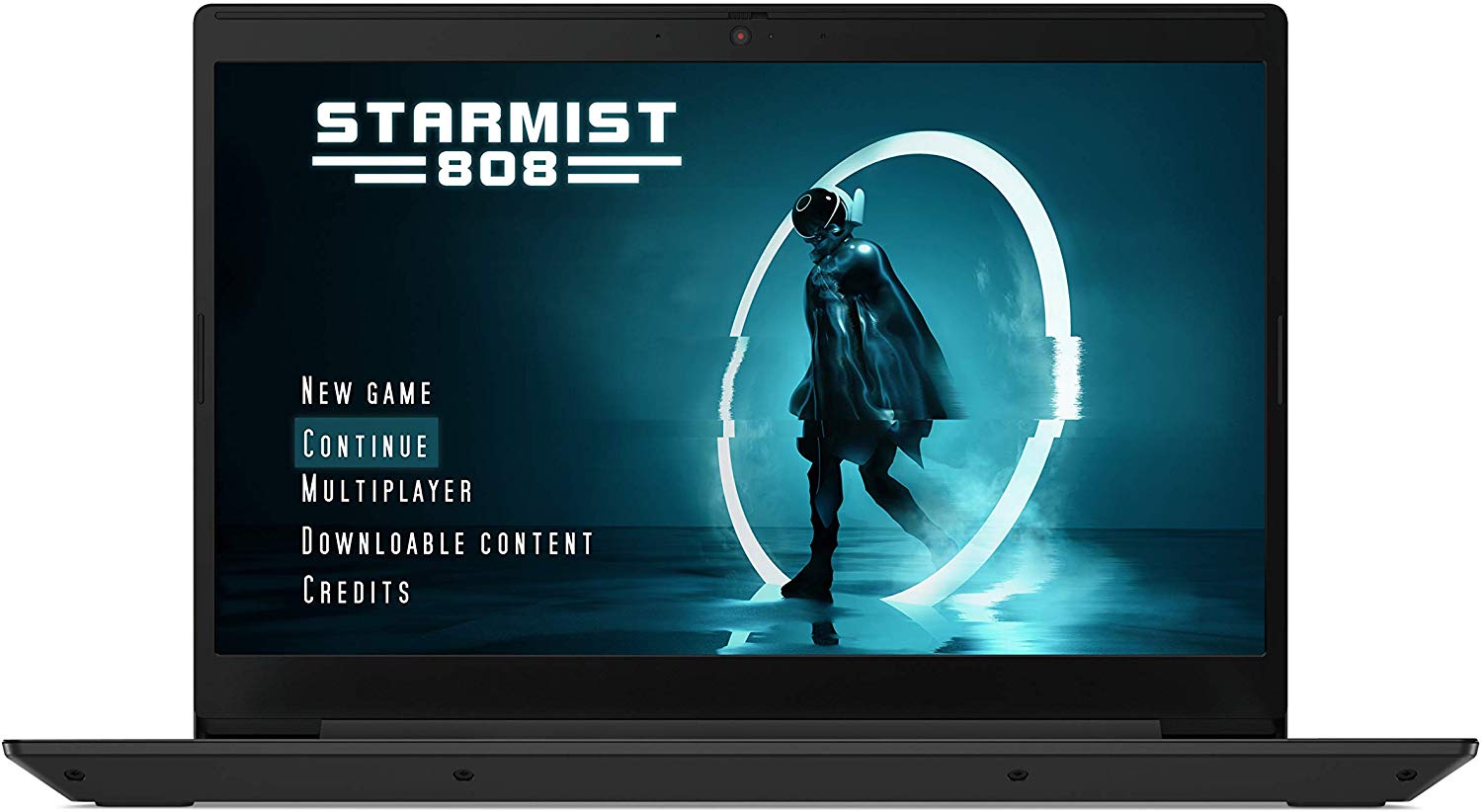
- 15.6”, Full HD (1920 x 1080), IPS
- 512GB SSD
- 8GB DDR4
- 2.19 kg (4.8 lbs)
Review
Lenovo IdeaPad L340 15 Gaming in-depth review
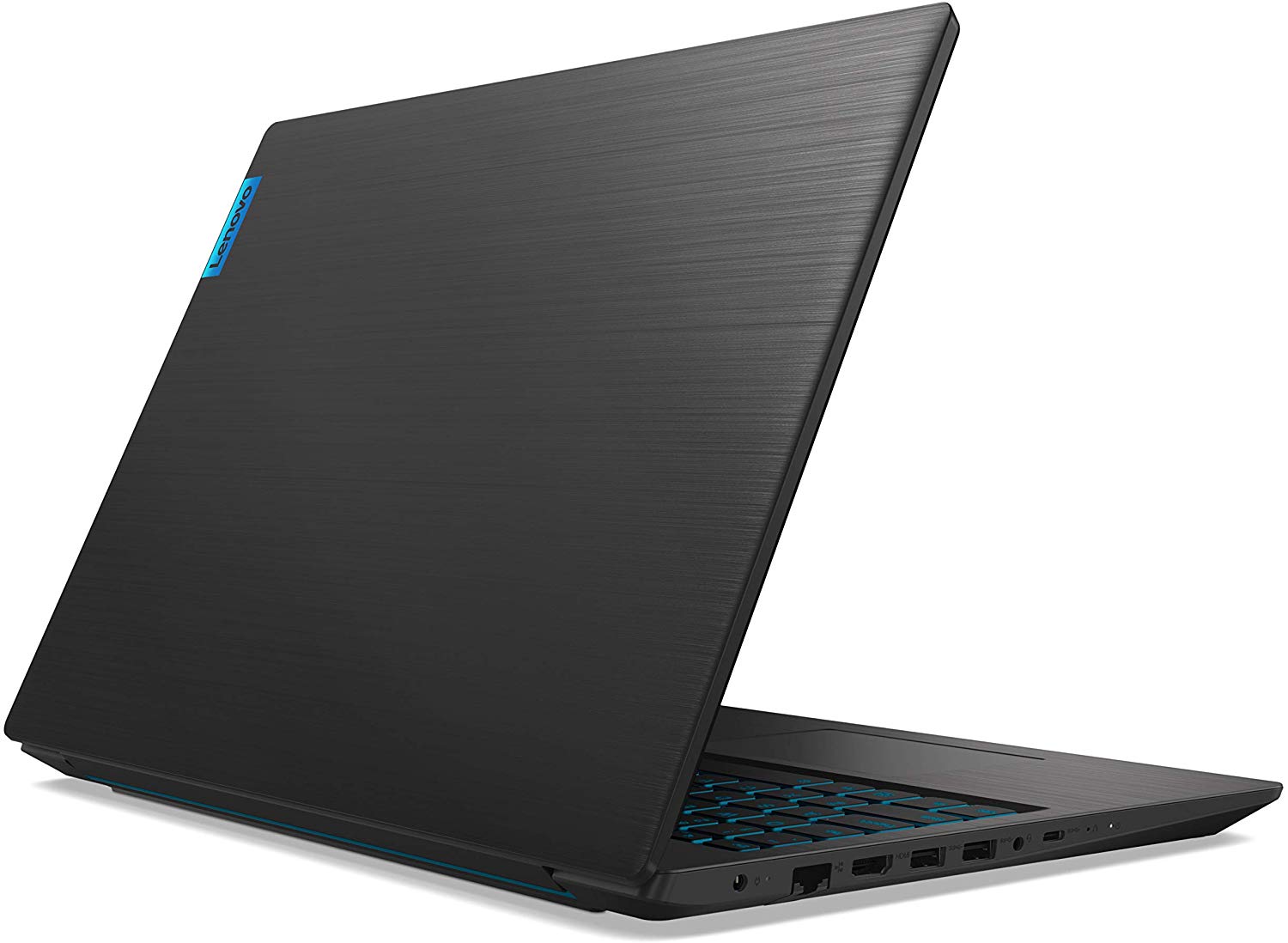
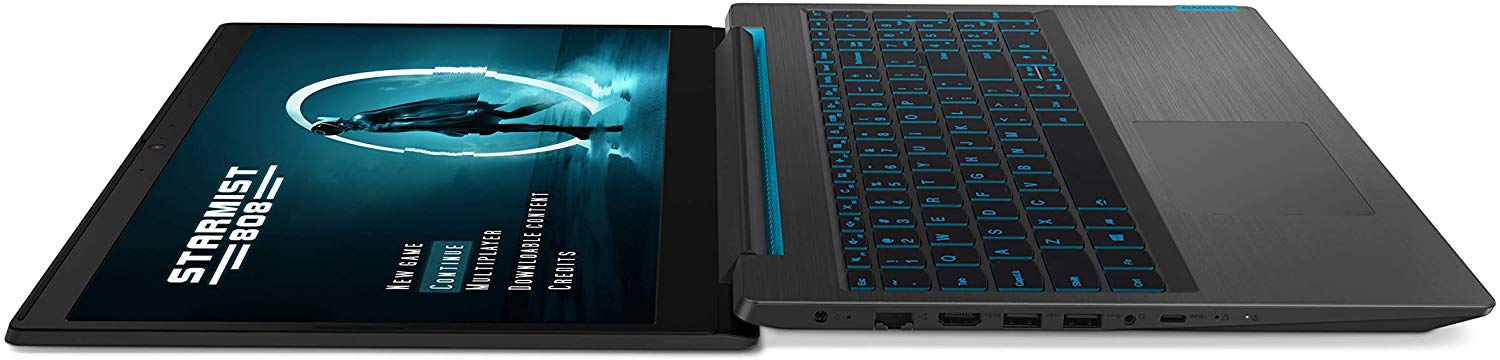
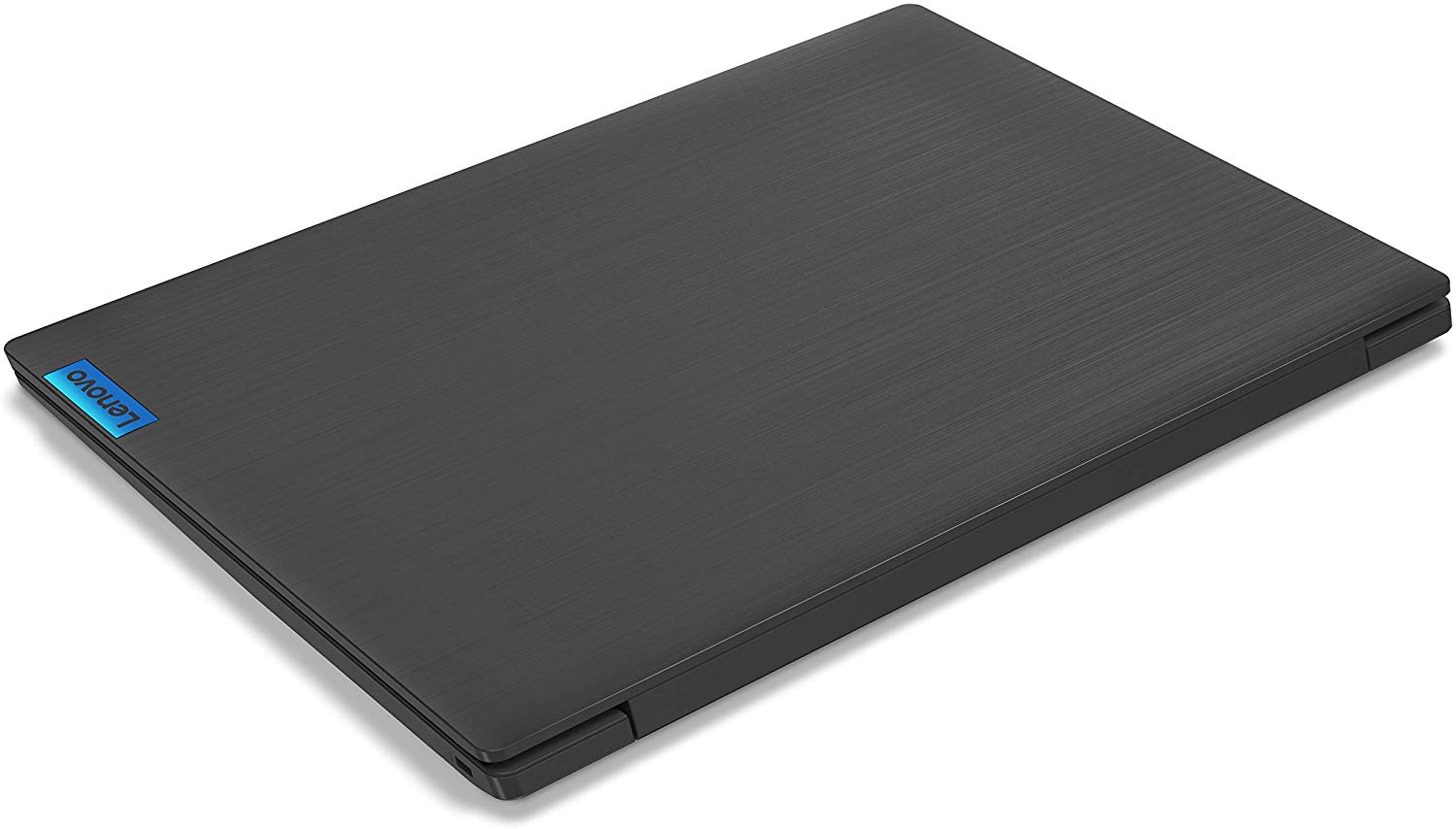
As we mentioned in our previous review - the one of the Lenovo Ideapad L340 (15"), there was a good amount of different laptop series that share a common ancestor - the Ideapad 330. This one is not an exclusion - the Ideapad L340 Gaming (15") is very close to a unit we had for review some time ago - the Ideapad 330-15ICH.However, let's set the similarities aside for a second, and focus on what makes them different. Starting with the obvious - the outer shell. This laptop now looks super sleek and has thin bezels to cope with the trends of this year. By the way, it is very pleasing to see a gaming laptop that has even less gamer-centric branding, than the already industrial Legion brand. Combined with its low price, the Ideapad L340 Gaming may refer to the Legion series the same way th[...]
Read the full review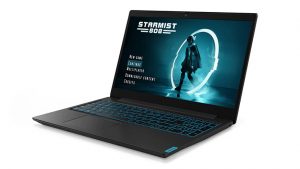
Pros
- Sleek design for a gaming laptop
- Sufficient cooling
- Backlit keyboard with large keycaps
- Adequate price
- Lacks PWM and has quick response times (FHD TN BOE NT156FHM-N61 (BOE0812))
Cons
- Budget build quality
- TN panel should be avoided
- Overshadowed by its competitors
- Its contrast ratio and viewing angles are dreadful (FHD TN BOE NT156FHM-N61 (BOE0812))
Disassembly, maintenance and upgrade options
Finally, an Ideapad that is specifically branded for gaming! However, is it going to be as successful as the Legion brand? Let's see, because one of the main things people factor in before buying a laptop is to what extent it can be upgraded, how futureproof it is.Check out all Lenovo Ideapad L340 Gaming (15") prices and configurations in our Specs System, or read our In-Depth review.1. Remove the bottom plate Its bottom plate is secured in7 hours of web browsing and around 5 hours and 45 minutes of video playback. place by 11 Phillips-head screws. After that, the panel itself n[...]
Read more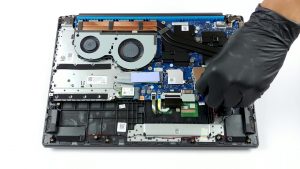


![[June 2026] Best-Selling Laptop Brands on Amazon Global – Apple’s Unrivaled Dominance in Units and Revenue](https://laptopmedia.com/wp-content/uploads/2026/07/GLOBAL-Best-Brands-400x225.jpg)
![[June 2026] Amazon Global: Top 10 Best-Selling Laptops – Apple’s New MacBook Neo Storms to #1, Reshaping the Market with Affordability](https://laptopmedia.com/wp-content/uploads/2026/07/Best-Selling-Laptops-GLOBAL-Top-10-400x225.jpg)
![[June 2026] Amazon Global: Top 10 Best-Selling Gaming Laptops – Acer’s Nitro V 16S AI Dominates Sales, While ASUS Leads Overall Revenue](https://laptopmedia.com/wp-content/uploads/2026/07/Best-Selling-Gaming-Laptops-GLOBAL-Top-10-400x225.jpg)
![[June 2026] Global Ranking of Best-Selling Laptop GPUs on Amazon – NVIDIA RTX 5060 is the Top-Selling Dedicated GPU](https://laptopmedia.com/wp-content/uploads/2026/07/Best-Selling-GPUs-GLOBAL-Top-10-400x225.jpg)
![[June 2026] Global Ranking of Best-Selling Laptop CPUs on Amazon – Apple M5 Dominates, AMD Ryzen 7 260 Gets Solid Premium Share](https://laptopmedia.com/wp-content/uploads/2026/07/Best-Selling-CPUs-GLOBAL-Top-10-400x225.jpg)
