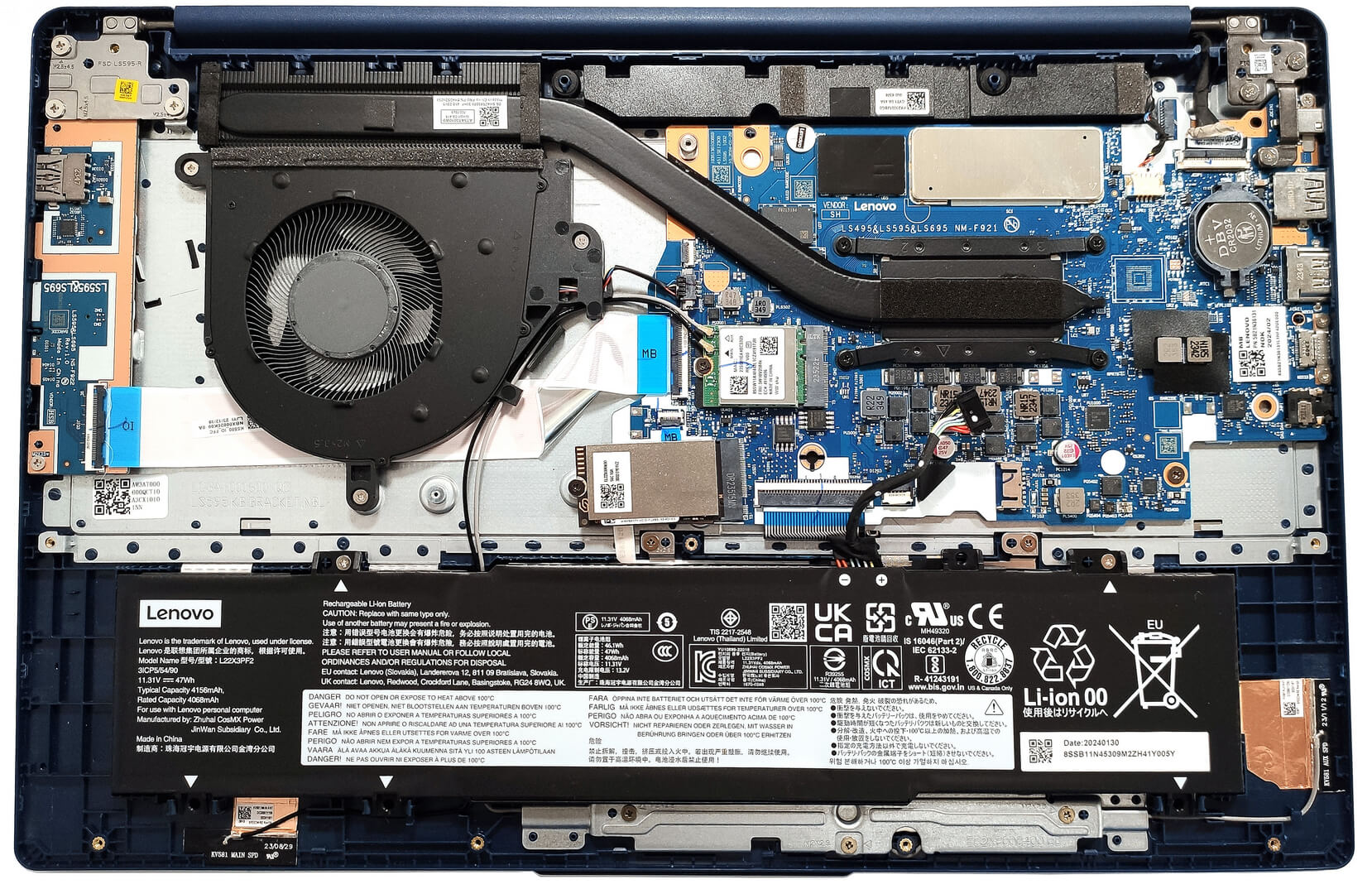
Lenovo IdeaPad Slim 3




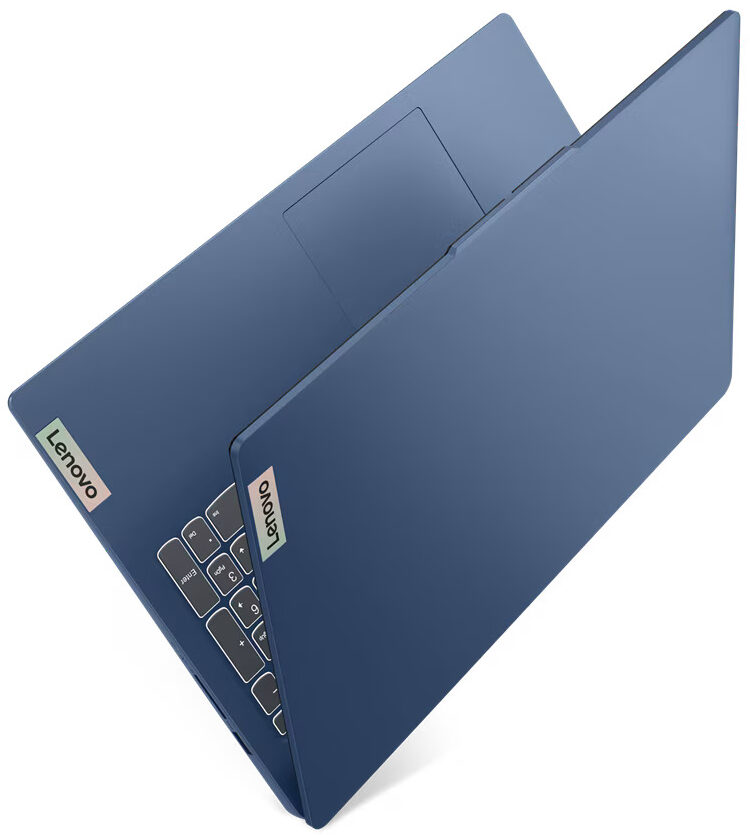
- Date Published: 02 Jul 2026
- Intel Processor N150
- Intel UHD Graphics Xe (24EU)
- 15.6”, Full HD (1920 x 1080), TN
- 128GB SSD
- 8GB RAM
- 1.62 kg (3.6 lbs)
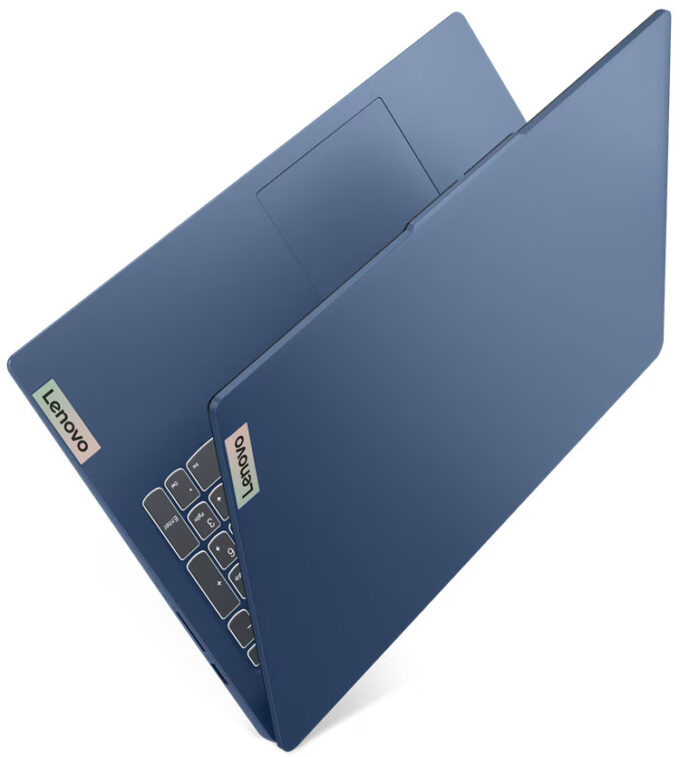
Specs
- Display
- HDD/SSD
- 128GB SSD
- M.2 Slot
- 1x 2242 M.2 NVMe PCIe 4.0 x4 or 128GB UFS 3.1 See photo
- RAM
- 8GB RAM
- OS
- Windows 11 Home
- Body Material
- Plastic / Polycarbonate
- Dimensions
- 359.3 x 235 x 17.9 mm (14.15" x 9.25" x 0.70")
- Weight
- 1.62 kg (3.6 lbs)
- Ports and connectivity
- 2x USB Type-A
- 3.2 Gen 1 (5 Gbps)
- 1x USB Type-C
- 3.2 Gen 1 (5 Gbps), Power Delivery (PD), DisplayPort
- HDMI
- 1.4
- Card Reader
- SD (SD, SDHC, SDXC)
- Ethernet LAN
- Wi-Fi
- 802.11ax
- Bluetooth
- 5.2
- Audio jack
- 3.5mm Combo Jack
- Features
- Fingerprint reader
- Web camera
- HD / FHD with Privacy Shutter, Fixed Focus
- Backlit keyboard
- Microphone
- Dual Microphone Array
- Speakers
- 2x 1.5W Stereo Speakers, Dolby Audio
- Security Lock slot
- Gifts
- 1-Year Microsoft Office 365 Subscription
Portability
Review
Lenovo IdeaPad Slim 3 in-depth review
Nowadays, even some entry-level laptops for normal home or office work are pretty capable, if you order them with a decent amount of memory and an SSD. The Lenovo IdeaPad Slim 3i Gen 9 (15″, Intel) is a modest device at a fair price that can be found with 15W Intel Raptor Lake-U Refresh CPUs based on the Alder Lake architecture. In this class, every penny counts and that's why the base machines are offered with 8GB of soldered RAM in single-channel mode plus UFS 3.1 storage. If you want your laptop to be more snappy, you can pick one with 16GB soldered memory that works in dual-channel mode alongside an NVMe drive.Keep in mind that the default display option is a TN unit - avoid this variant if it's possible. The other two IPS 1080p models are a much better choice and one of them is a [...]
Read the full review
Pros
- Light and thin for its class
- The fan isn't too noisy "Performance" mode
- PWM-free (LEN9052)
- Comfortable viewing angles (LEN9052)
- Optional 1080p camera with a privacy shutter shutter
- Type-C port with PowerDelivery 3.0 and DisplayPort 1.2 + SD card reader
- The CPU can maintain high clocks in longer stress (~2.34 GHz for the P cores)
- Decent input devices
- Optional fingerprint reader
- Good comfort under full system load
- Long battery life given the modest capacity of 47Wh
Cons
- Soldered memory and just one M.2 slot
- The base configurations are with UFS 3.1 storage and single-channel memory
- The build quality could be better
- Low sRGB coverage (LEN9052)
- All USB ports are rated at 5 Gbps
Disassembly, maintenance and upgrade options
Opening the DeviceUndo the 10 Torx-head screws securing the bottom panel. Place a thin plastic tool between the plate and the base to pry the back. Pop the top two corners and then pry the sides and the front to remove the bottom panel.More info: Here's how the bottom panel looks on the inside.Battery RemovalPull out the battery connector from the mainboard. Undo the 2 Phillips-head screws securing the battery. Lift the battery to remove it from the device.Note: The notebook has a 47Wh battery, providing approximately 8 hours of video playback. [...]
Read more


![[June 2026] Best-Selling Laptop Brands on Amazon Global – Apple’s Unrivaled Dominance in Units and Revenue](https://laptopmedia.com/wp-content/uploads/2026/07/GLOBAL-Best-Brands-400x225.jpg)
![[June 2026] Amazon Global: Top 10 Best-Selling Laptops – Apple’s New MacBook Neo Storms to #1, Reshaping the Market with Affordability](https://laptopmedia.com/wp-content/uploads/2026/07/Best-Selling-Laptops-GLOBAL-Top-10-400x225.jpg)
![[June 2026] Amazon Global: Top 10 Best-Selling Gaming Laptops – Acer’s Nitro V 16S AI Dominates Sales, While ASUS Leads Overall Revenue](https://laptopmedia.com/wp-content/uploads/2026/07/Best-Selling-Gaming-Laptops-GLOBAL-Top-10-400x225.jpg)
![[June 2026] Global Ranking of Best-Selling Laptop GPUs on Amazon – NVIDIA RTX 5060 is the Top-Selling Dedicated GPU](https://laptopmedia.com/wp-content/uploads/2026/07/Best-Selling-GPUs-GLOBAL-Top-10-400x225.jpg)
![[June 2026] Global Ranking of Best-Selling Laptop CPUs on Amazon – Apple M5 Dominates, AMD Ryzen 7 260 Gets Solid Premium Share](https://laptopmedia.com/wp-content/uploads/2026/07/Best-Selling-CPUs-GLOBAL-Top-10-400x225.jpg)