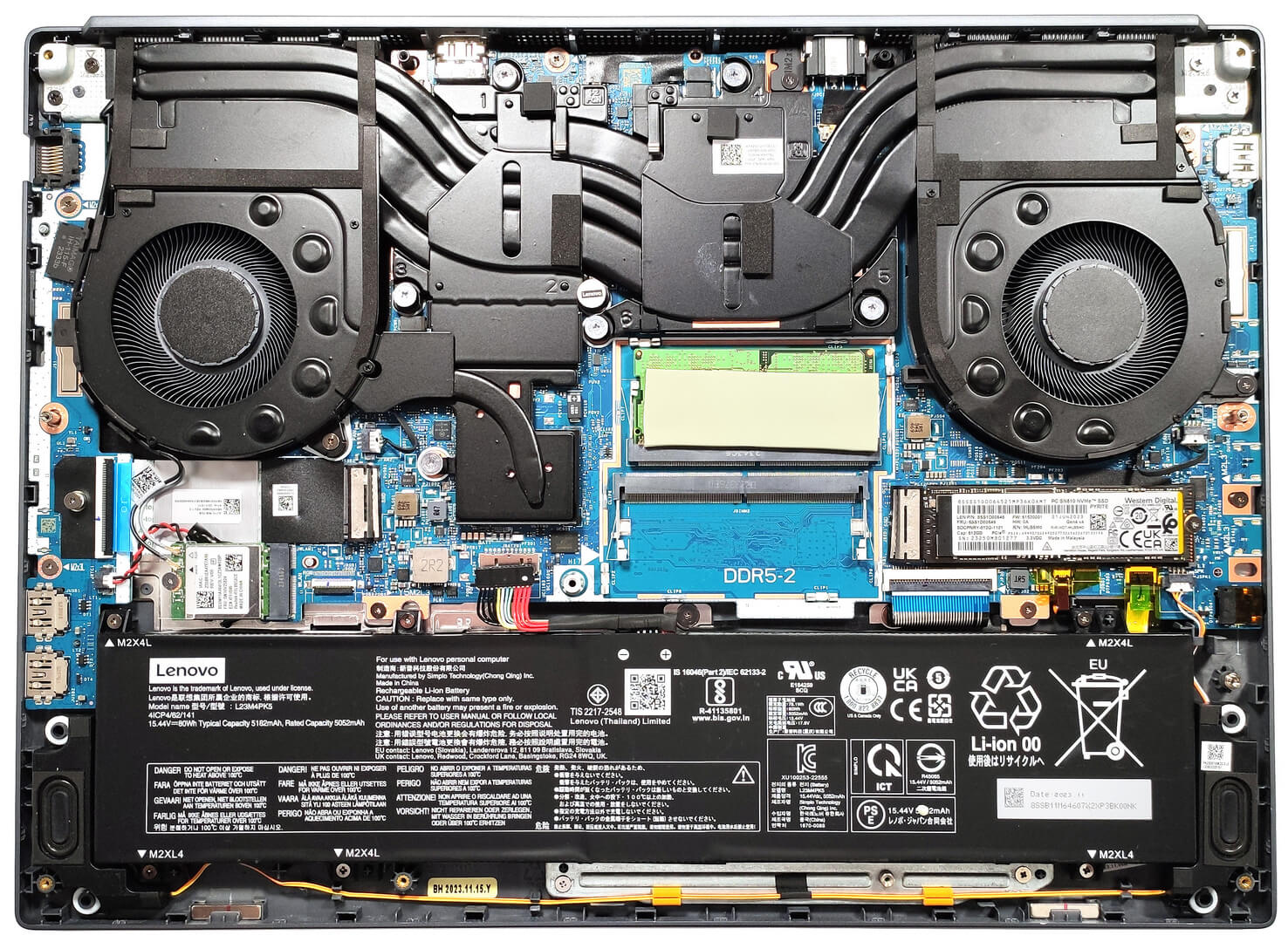
Lenovo Legion 5i
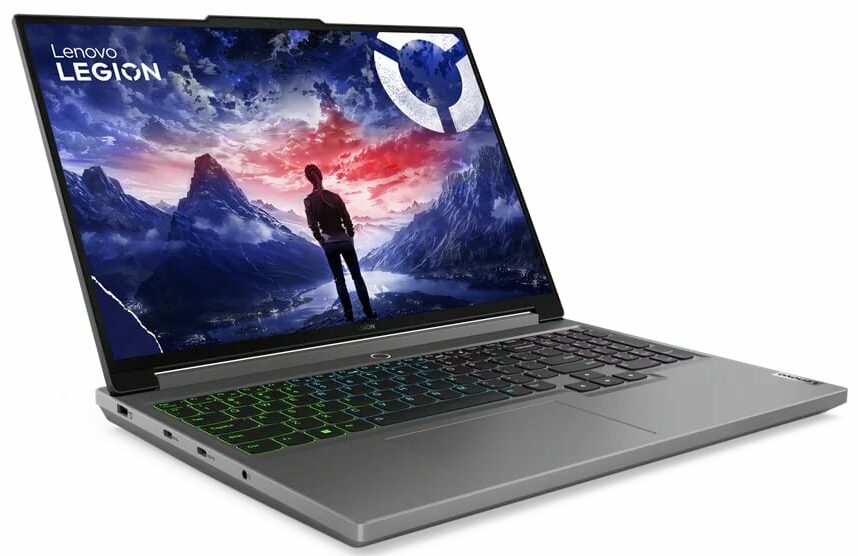

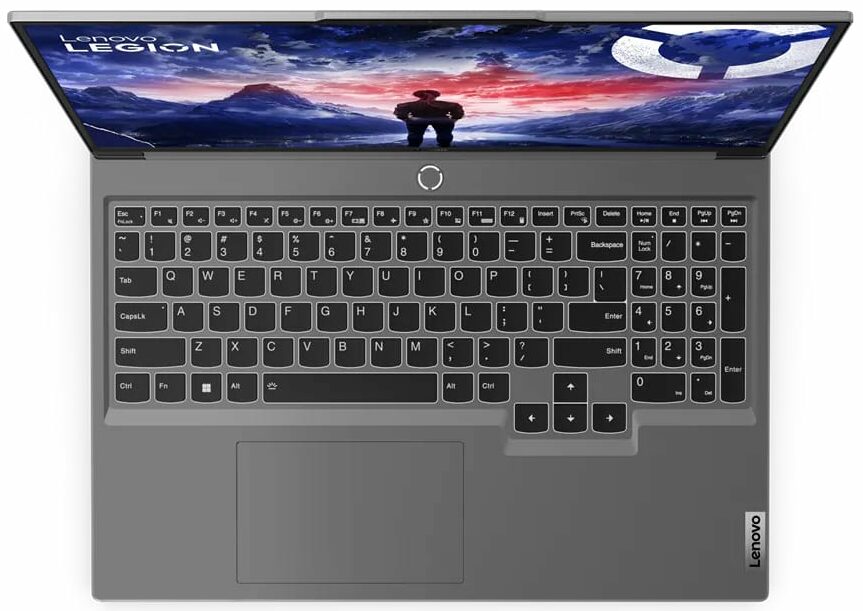


- Date Published: 09 Dec 2025
- Intel Core i7-14650HX
- NVIDIA GeForce RTX 4070 (Laptop, 140W)
- 16.0", WQXGA (2560 x 1600), 165 Hz, IPS
- 8000GB SSD
- 64GB RAM
- 2.30 kg (5.1 lbs)
Specs

- HDD/SSD
- 8000GB SSD
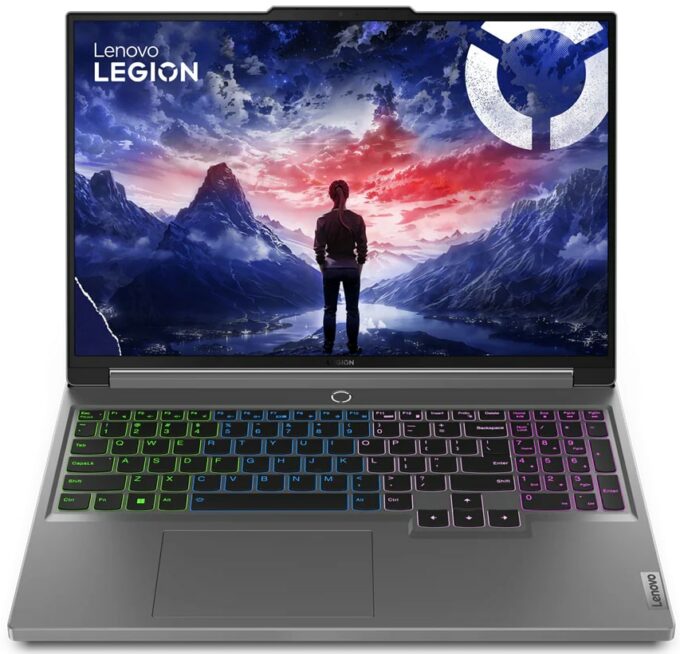
- M.2 Slot
- 2x 2280 M.2 NVMe PCIe 4.0 x4 See photo
- RAM
- 64GB RAM
- OS
- Windows 10 Pro
- Body Material
- Plastic / Polycarbonate, Aluminum
- Dimensions
- 359.7 x 262.3 x 19.7 - 25.2 mm (14.16" x 10.33" x 0.78")
- Weight
- 2.30 kg (5.1 lbs)
- Ports and connectivity
- 2x USB Type-A
- 3.2 Gen 1 (5 Gbps)
- 1x USB Type-A
- 3.2 Gen 1 (5 Gbps), Sleep and Charge
- 1x USB Type-C
- 3.2 Gen 2 (10 Gbps), DisplayPort
- 1x USB Type-C
- 3.2 Gen 2 (10 Gbps), Power Delivery (PD), DisplayPort
- HDMI
- 2.1 (8K@60Hz)
- Card Reader
- SD (SD, SDHC, SDXC)
- Ethernet LAN
- 10, 100, 1000 Mbit/s
- Wi-Fi
- 802.11ax
- Bluetooth
- 5.3
- Audio jack
- 3.5mm Combo Jack
- Features
- Fingerprint reader
- Web camera
- FHD with E-shutter, fixed focus
- Backlit keyboard
- Microphone
- Dual Microphone Array
- Speakers
- 2x 2W Stereo Speakers, optimized with Nahimic Audio
- Security Lock slot
- Gifts
- 32GB USB Drive
Portability
Review
Lenovo Legion 5i in-depth review
The Legion gaming devices are well-known for their good gaming capabilities (or at least in most cases). Today we will show you the Lenovo Legion 5i (16", Gen 9) that is offered with 55W Intel Raptor Lake-HX or HX Refresh CPU options. Everything looks good in the GPU department because the machine can be found with GeForce RTX 4000 graphics cards with hefty TGPs.Since this laptop isn't part of the "Slim" lineup, Lenovo has fitted a massive thermal system under the bonnet to cool the powerful and thirsty internals. The device isn't super light and thin because it's meant for serious gaming. By the way, the fans aren't that loud which is good. The notebook is full of mouth-watering extras and most of them aren't optional which is great. We are talking about a good port selection, adequat[...]
Read the full review
Pros
- Good battery life
- Great overall performance
- Stable build
- Capable cooling
- Modern I/O
- No PWM (Innolux N160GLE-GT1 (CMN1631))
- 88% sRGB coverage + very good color accuracy thanks to our "Design and Gaming" profile (Innolux N160GLE-GT1 (CMN1631))
- 165Hz refresh rate and 1600p resolution (Innolux N160GLE-GT1 (CMN1631))
- SD card reader
- The fans aren't too noisy during gaming
- Has a 1080p Web camera with an E-shutter
- The CPU and the GPU can maintain high clocks and power limits during long heavy loads
- Comfortable input devices
- Supports NVIDIA G-SYNC and Advanced Optimus
- Has a dGPU-only mode
Cons
- Plastic body
- High NVMe temperatures during benchmarking
Disassembly, maintenance and upgrade options
Step 1: Opening the Lenovo Legion 5i (16, Gen 9)Ensure the Lenovo Legion 5i (16, Gen 9) is powered off and placed on a soft, clean surface to prevent scratches or damage. Remove the 10 Phillips-head screws from the bottom of the laptop. Begin prying the panel with a thin plastic tool from one of the bottom two corners, pop the front, and then continue working your way around the sides and the back.Hint: Be gentle during the prying process to avoid damaging the internal clips or the laptop casing.Step 2: Removing the BatteryDisconnect the battery by pulling out[...]
Read more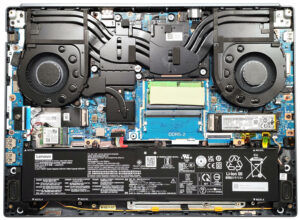


![[June 2026] Best-Selling Laptop Brands on Amazon Global – Apple’s Unrivaled Dominance in Units and Revenue](https://laptopmedia.com/wp-content/uploads/2026/07/GLOBAL-Best-Brands-400x225.jpg)
![[June 2026] Amazon Global: Top 10 Best-Selling Laptops – Apple’s New MacBook Neo Storms to #1, Reshaping the Market with Affordability](https://laptopmedia.com/wp-content/uploads/2026/07/Best-Selling-Laptops-GLOBAL-Top-10-400x225.jpg)
![[June 2026] Amazon Global: Top 10 Best-Selling Gaming Laptops – Acer’s Nitro V 16S AI Dominates Sales, While ASUS Leads Overall Revenue](https://laptopmedia.com/wp-content/uploads/2026/07/Best-Selling-Gaming-Laptops-GLOBAL-Top-10-400x225.jpg)
![[June 2026] Global Ranking of Best-Selling Laptop GPUs on Amazon – NVIDIA RTX 5060 is the Top-Selling Dedicated GPU](https://laptopmedia.com/wp-content/uploads/2026/07/Best-Selling-GPUs-GLOBAL-Top-10-400x225.jpg)
![[June 2026] Global Ranking of Best-Selling Laptop CPUs on Amazon – Apple M5 Dominates, AMD Ryzen 7 260 Gets Solid Premium Share](https://laptopmedia.com/wp-content/uploads/2026/07/Best-Selling-CPUs-GLOBAL-Top-10-400x225.jpg)