Lenovo Legion 9i
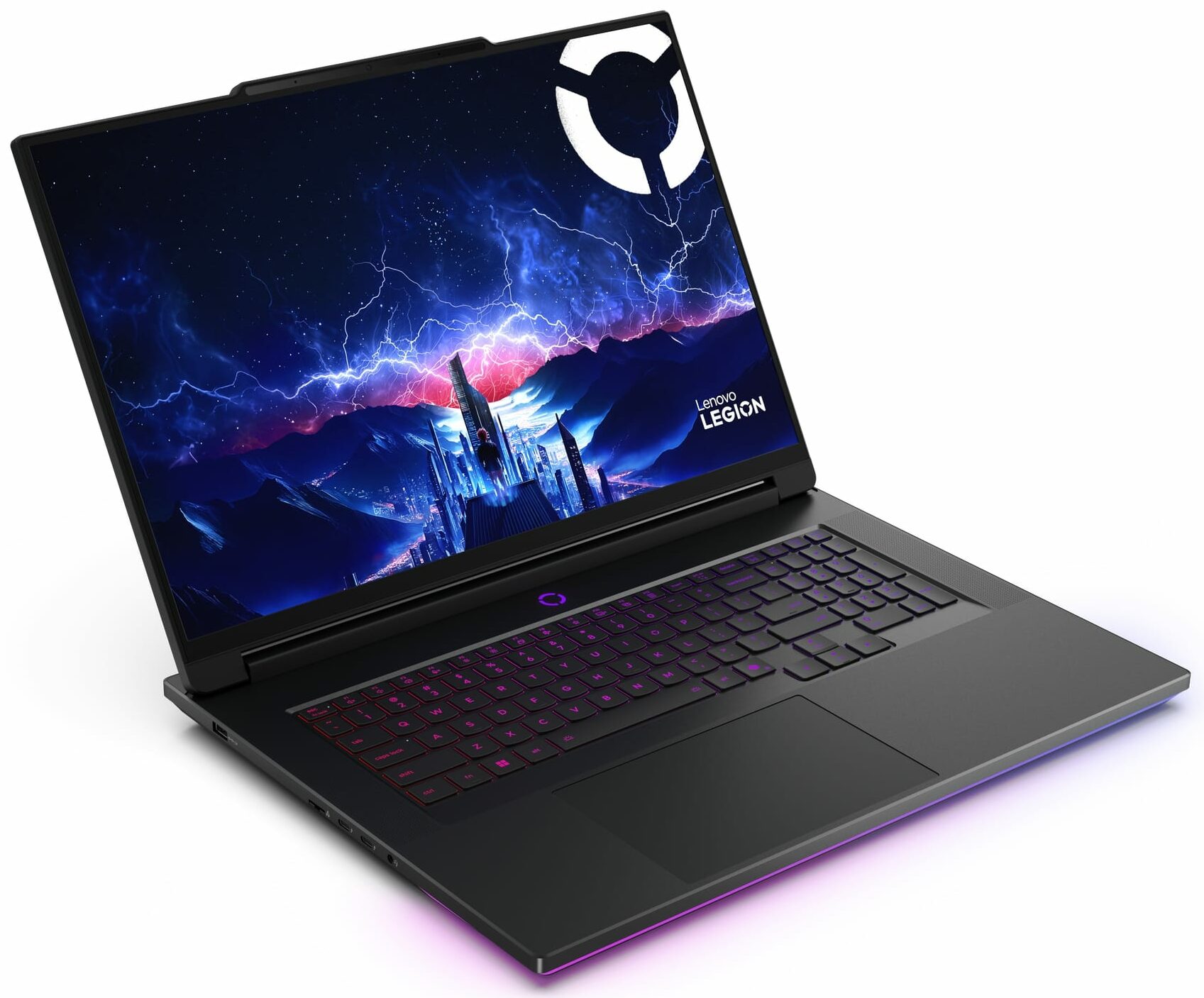
- Date Published: 06 Nov 2025
- Intel Core Ultra 9 275HX
- NVIDIA GeForce RTX 5080 (Laptop)
- 18.0”, UHD+ (3840 x 2400), 240 Hz, IPS
- 2000GB SSD
- 64GB RAM
- 3.50 kg (7.7 lbs)
Review
Lenovo Legion 9i in-depth review
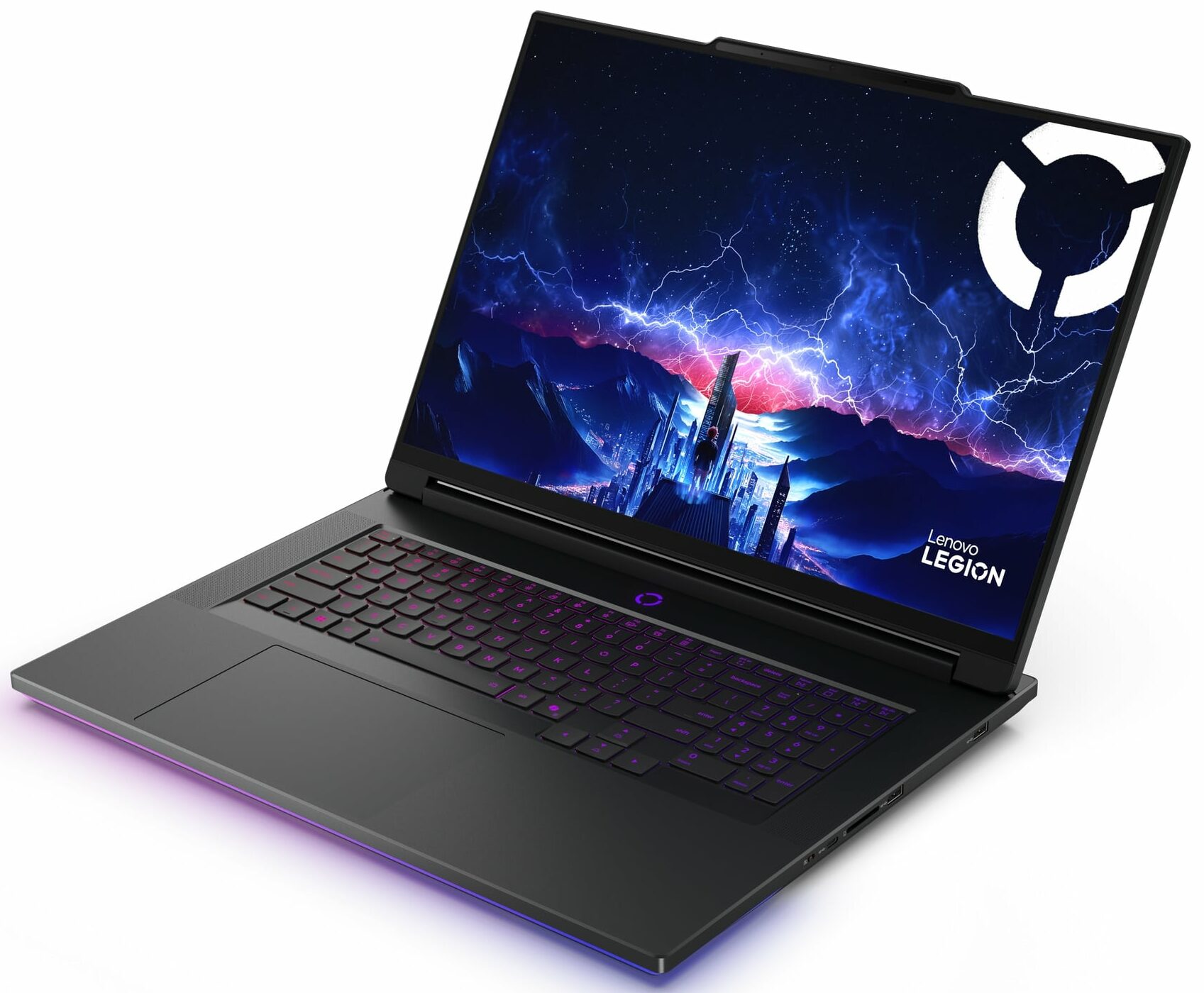
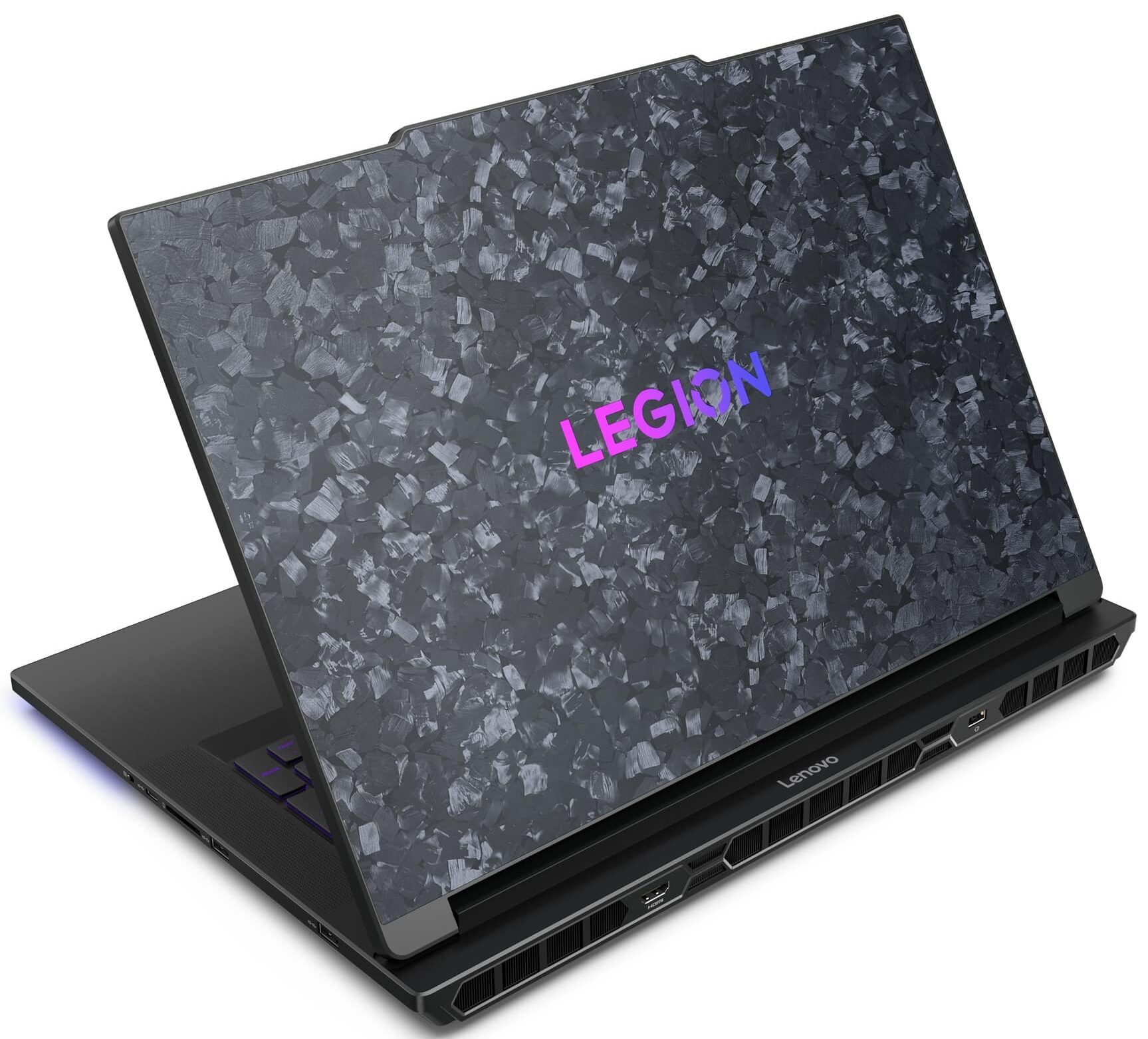
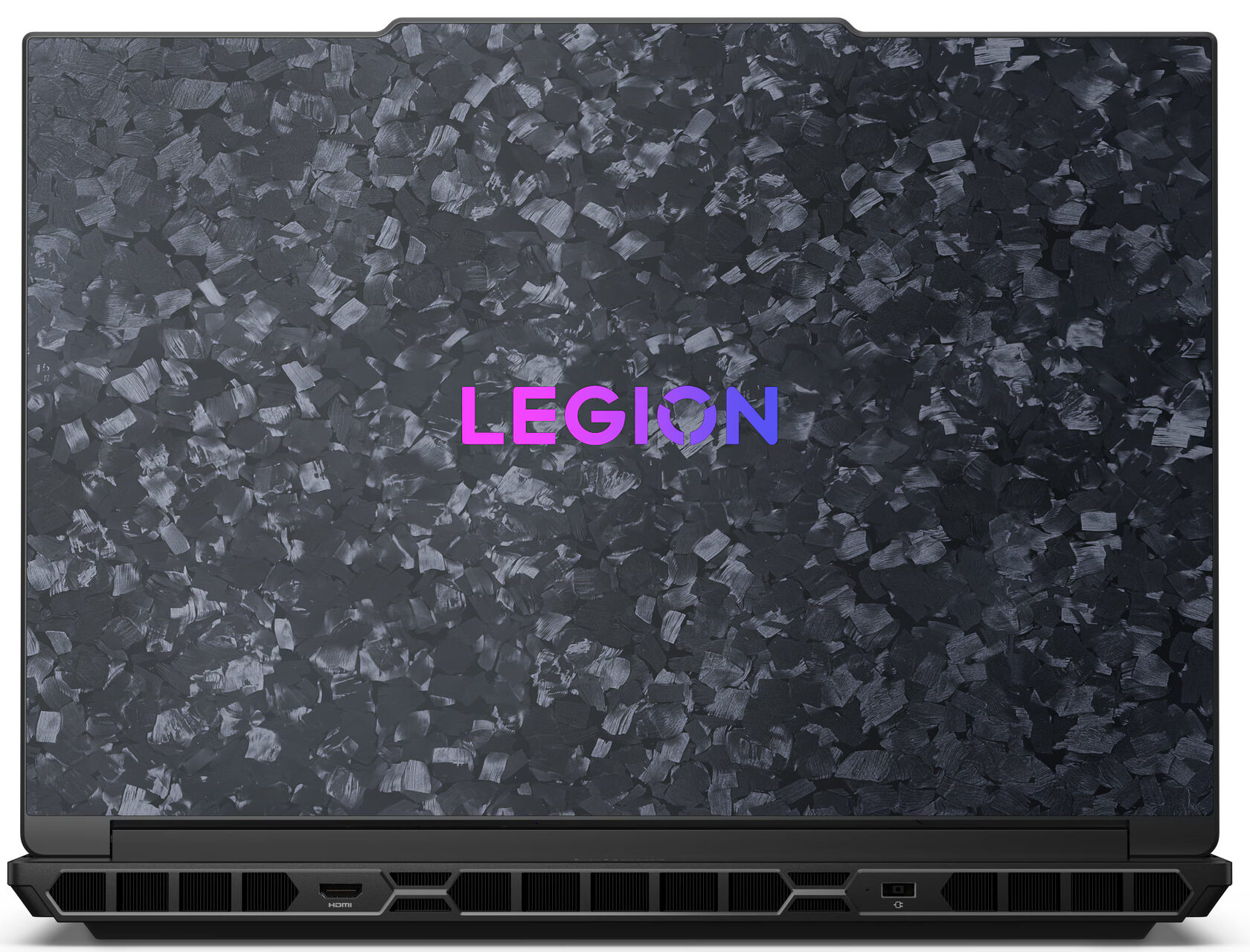
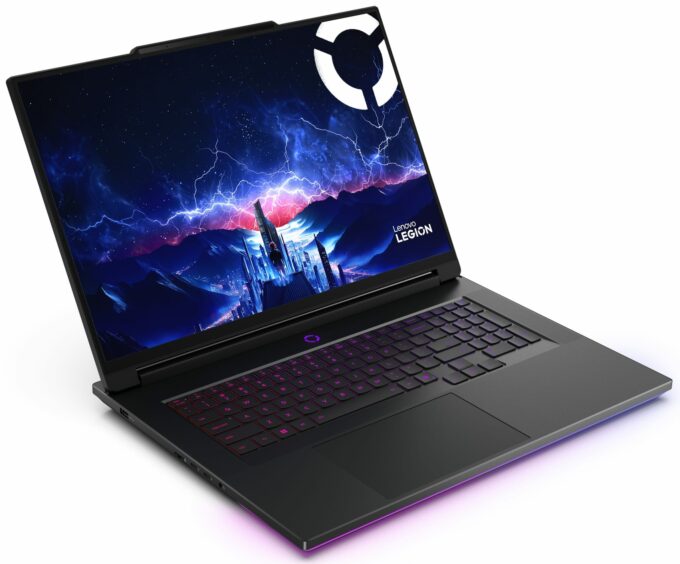
The Lenovo Legion 9i (18", Gen 10) isn't just a laptop; it's a flex. From its mesmerizing forged carbon lid to its staggering spec sheet featuring an RTX 5090 and Thunderbolt 5, this machine is designed to dominate every conversation and every benchmark. It represents the absolute pinnacle of Lenovo's engineering, cramming workstation-level upgradeability, including four RAM slots and four SSD bays, into a chassis that feels more like a luxury hypercar than a computer. But does this opulent display of technology translate into a superior gaming experience, or is it just expensive overkill? We put this titan to the test to find out.You can check the prices and configurations in our Specs System: https://laptopmedia.com/series/lenovo-legion-9i-18-gen-10/Specs, Drivers, What[...]
Read the full review
Pros
- Stunning forged carbon design and rock-solid build quality
- Unrivaled upgradeability with 4x RAM slots and 4x M.2 slots (1x Gen5)
- Incredible GPU performance with excellent cooling
- Future-proof connectivity with dual Thunderbolt 5 ports and Wi-Fi 7
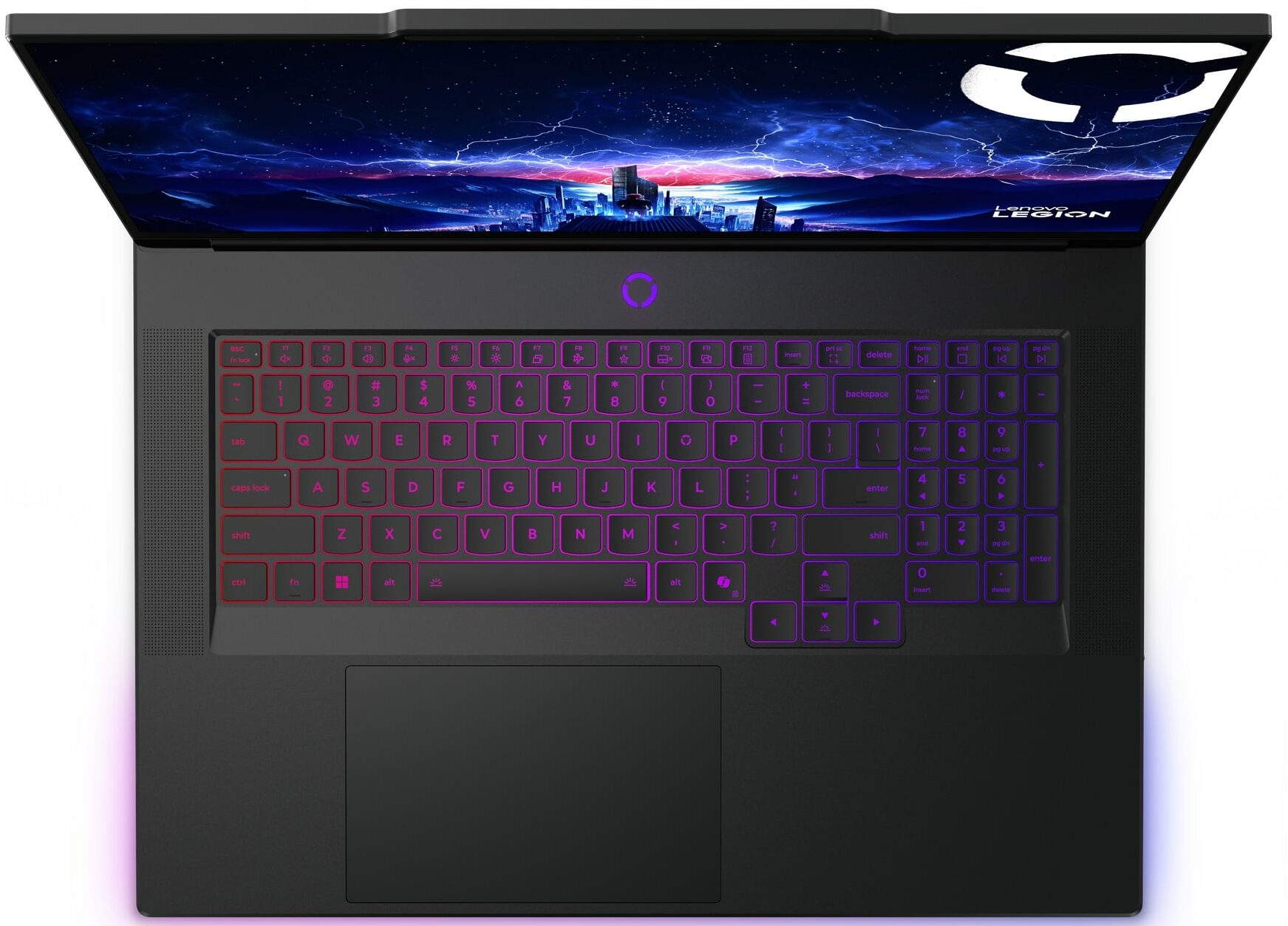
- Excellent keyboard and massive trackpad
- Color-accurate display suitable for professional work
Cons
- CPU runs extremely hot under sustained heavy load
- Display contrast is mediocre compared to OLED/MiniLED rivals
- Large and heavy footprint limits portability
Disassembly, maintenance and upgrade options
Before you start: Power the laptop off, unplug the charger and peripherals, and hold the power button for a few seconds to discharge residual power. Work on a clean, non-conductive surface and use ESD protection if available. Opening the bottom panelPlace the laptop upside down on a soft surface to avoid scratching the lid. Remove all bottom-cover screws (lengths can differ, so keep track of where each one came from). Insert a thin plastic pry tool between the bottom panel and the chassis near an edge and release the first clip. Work your way aroun[...]
Read more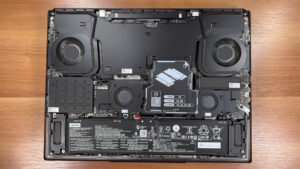


![[June 2026] Best-Selling Laptop Brands on Amazon Global – Apple’s Unrivaled Dominance in Units and Revenue](https://laptopmedia.com/wp-content/uploads/2026/07/GLOBAL-Best-Brands-400x225.jpg)
![[June 2026] Amazon Global: Top 10 Best-Selling Laptops – Apple’s New MacBook Neo Storms to #1, Reshaping the Market with Affordability](https://laptopmedia.com/wp-content/uploads/2026/07/Best-Selling-Laptops-GLOBAL-Top-10-400x225.jpg)
![[June 2026] Amazon Global: Top 10 Best-Selling Gaming Laptops – Acer’s Nitro V 16S AI Dominates Sales, While ASUS Leads Overall Revenue](https://laptopmedia.com/wp-content/uploads/2026/07/Best-Selling-Gaming-Laptops-GLOBAL-Top-10-400x225.jpg)
![[June 2026] Global Ranking of Best-Selling Laptop GPUs on Amazon – NVIDIA RTX 5060 is the Top-Selling Dedicated GPU](https://laptopmedia.com/wp-content/uploads/2026/07/Best-Selling-GPUs-GLOBAL-Top-10-400x225.jpg)
![[June 2026] Global Ranking of Best-Selling Laptop CPUs on Amazon – Apple M5 Dominates, AMD Ryzen 7 260 Gets Solid Premium Share](https://laptopmedia.com/wp-content/uploads/2026/07/Best-Selling-CPUs-GLOBAL-Top-10-400x225.jpg)
