Lenovo LOQ Essential
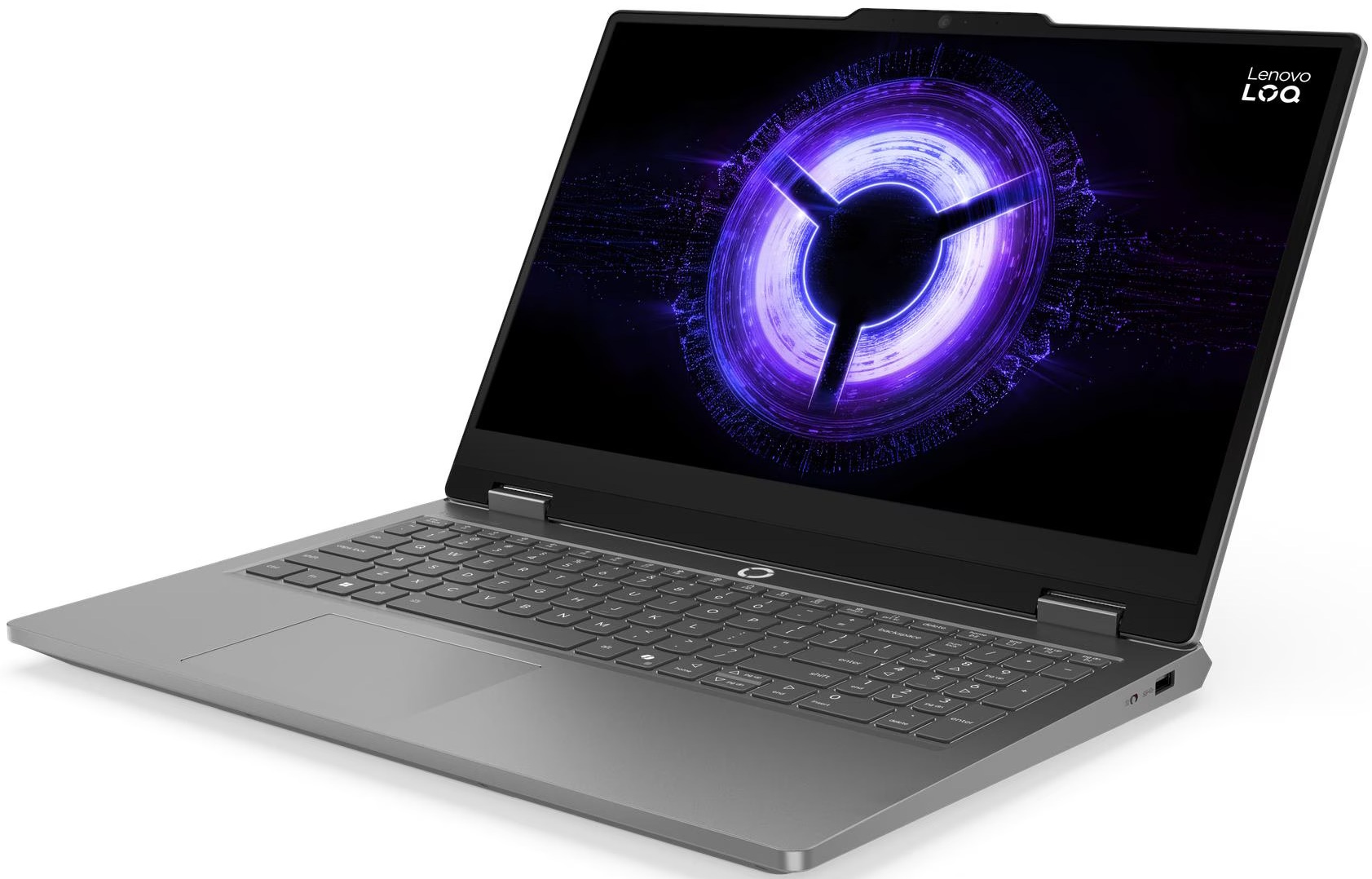
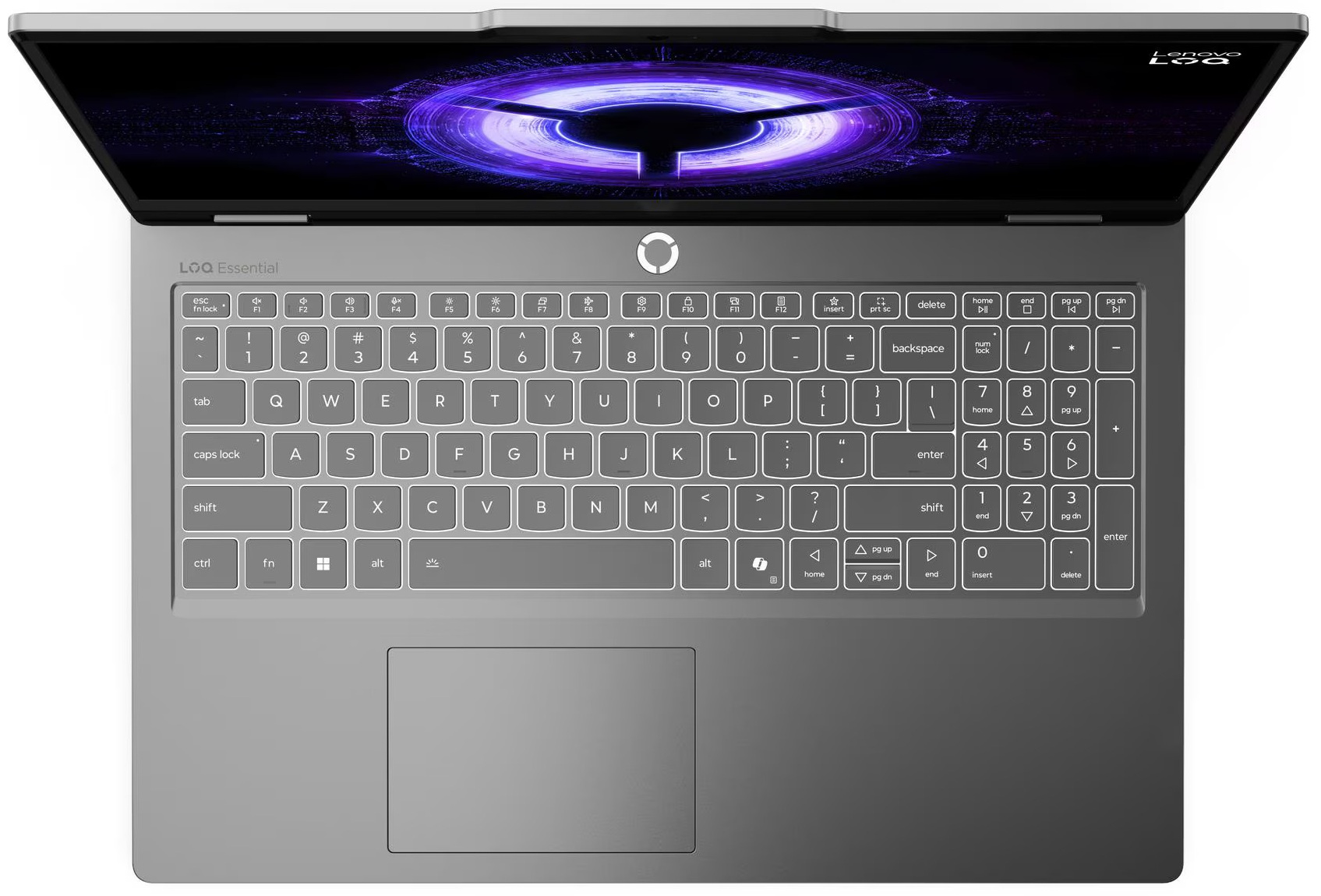
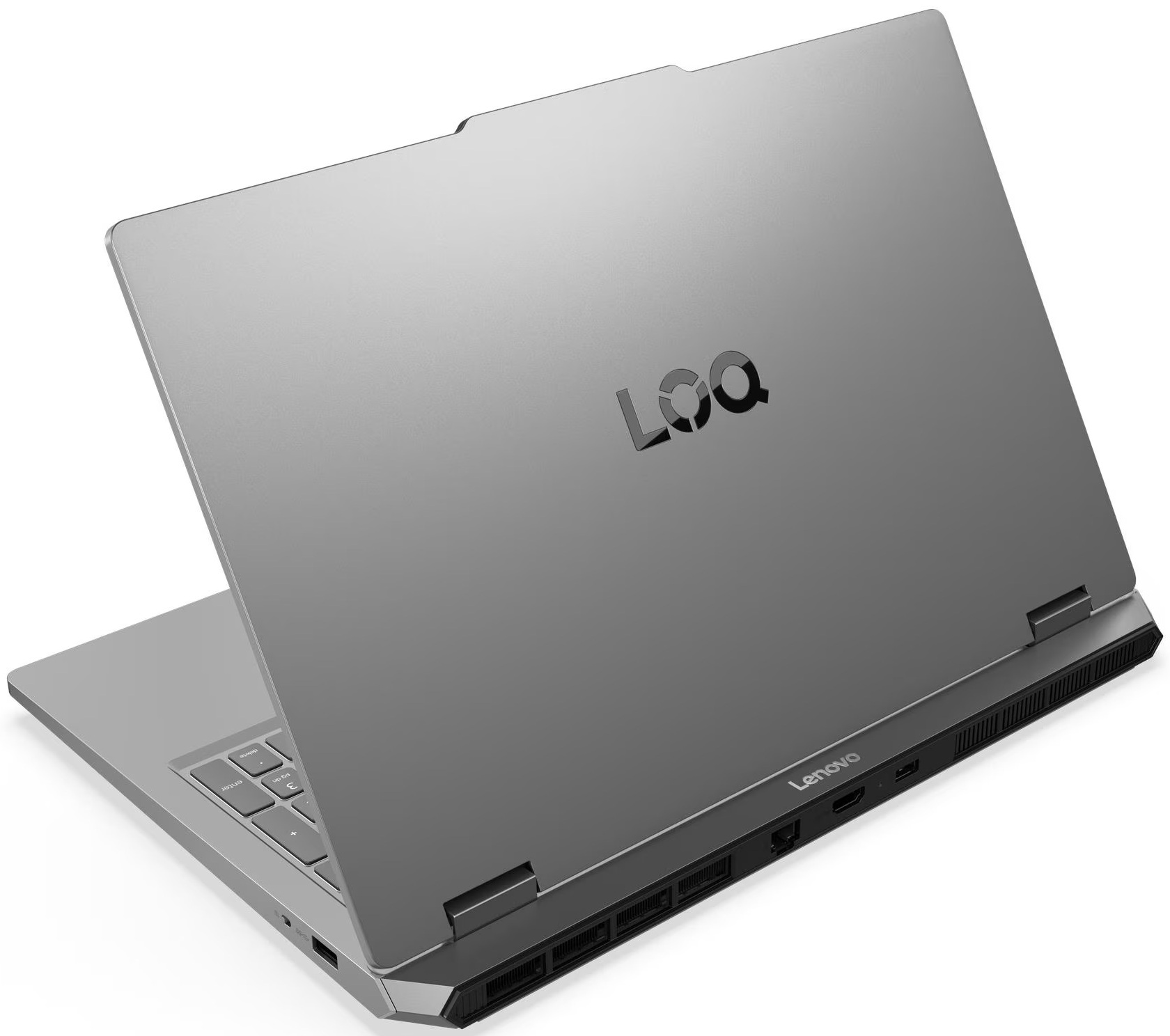
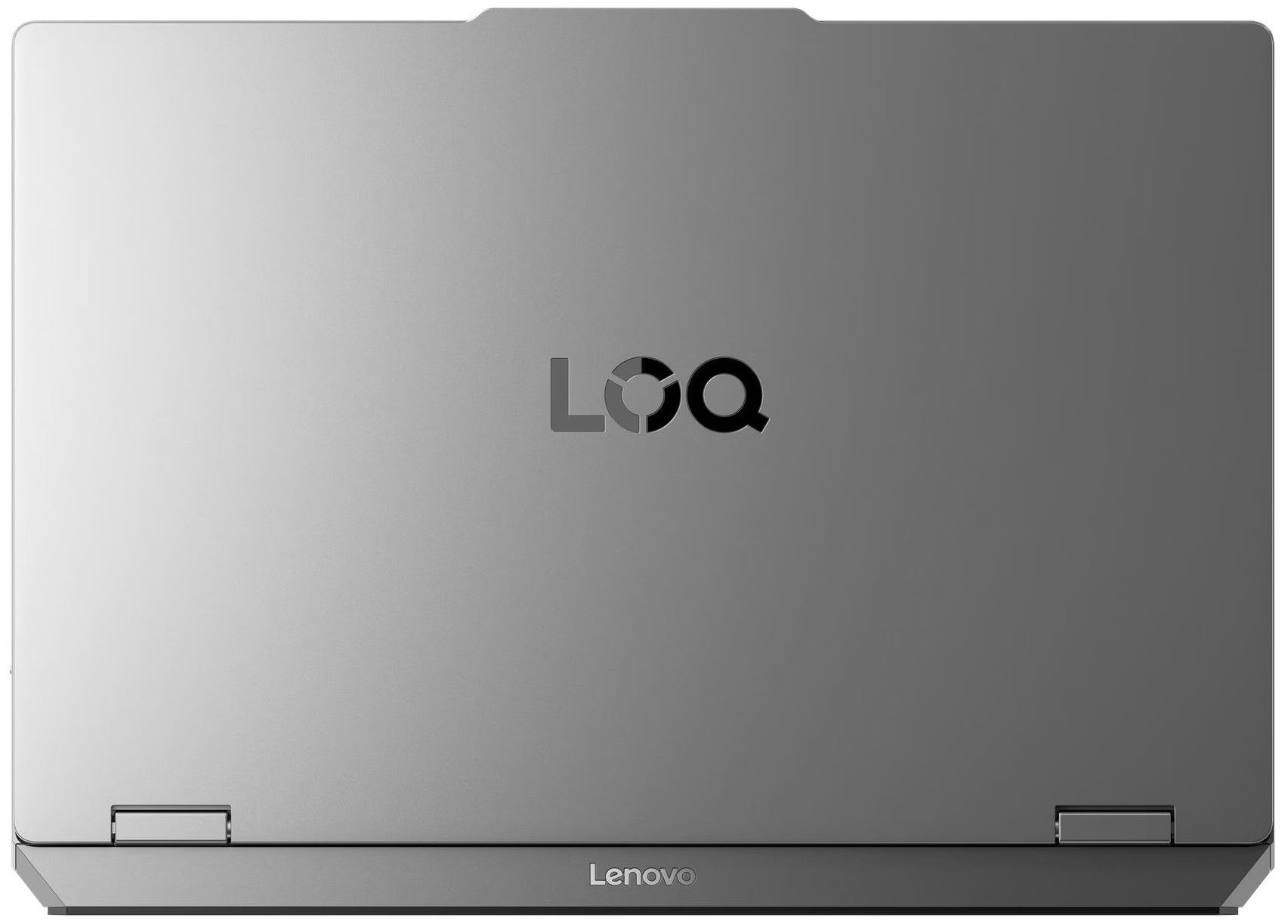
- Date Published: 20 May 2026
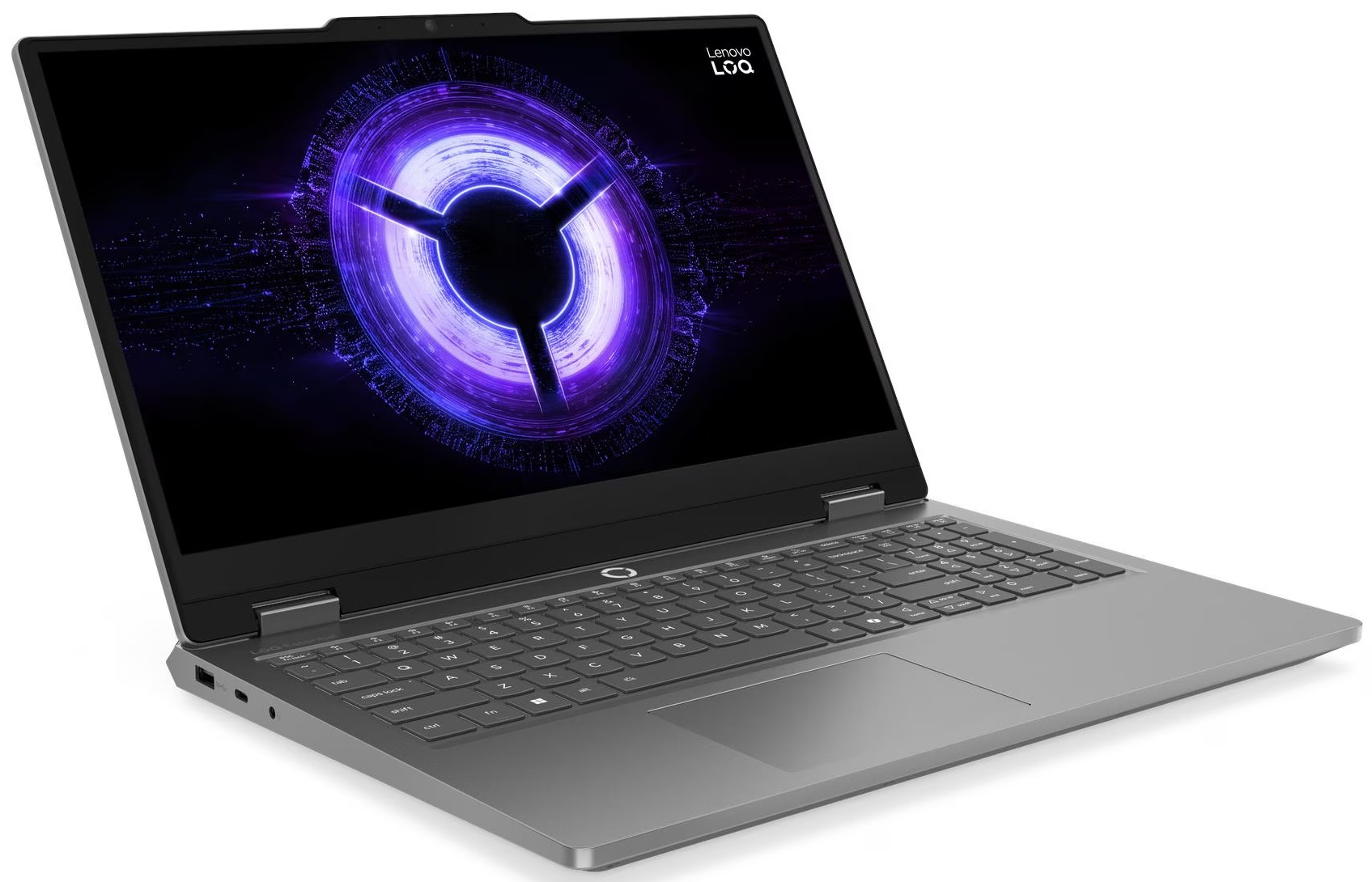
- AMD Ryzen 7 170
- NVIDIA GeForce RTX 5060 (Laptop)
- 15.6”, Full HD (1920 x 1080), 144 Hz, IPS
- 1000GB SSD
- 16GB RAM
- 2.30 kg (5.1 lbs)
Review
Lenovo LOQ Essential in-depth review
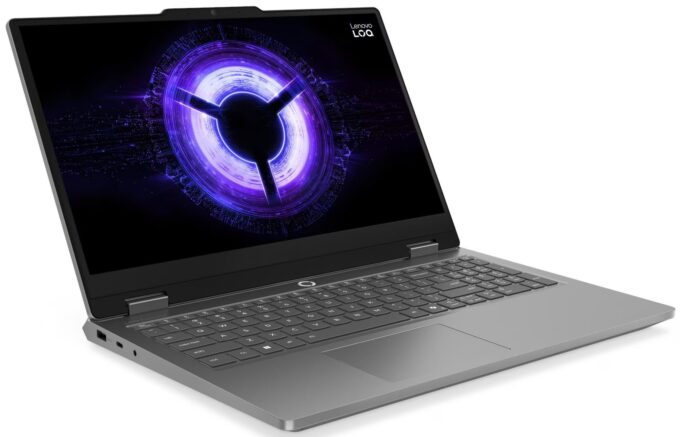
The Lenovo LOQ Essential (15IRX11, Gen 11) wears its name on its sleeve. Positioned as the absolute entry point into Lenovo’s gaming lineup, it strips away the premium frills to focus on delivering a functional 1080p experience at an aggressively low price. But in the highly competitive world of budget gaming laptops, the term "essential" is often a polite way of saying "strict compromises." With a stripped-back single-fan cooling system, a heavily power-limited RTX 5050, and some rather peculiar connectivity choices, this machine forces you to ask a critical question: how much performance and flexibility are you willing to sacrifice to save a few dollars? We put this budget brawler to the test to see if its affordable price tag is truly worth the trade-offs.TESTED CONFIGURATION: [...]
Read the full review
Pros
- Great 144Hz display with 98% sRGB coverage and no PWM
- Runs exceptionally cool during sustained gaming
- Clean, smudge-resistant design with a 180-degree hinge
- Physical E-shutter switch for the webcam
- Comfortable 1.3mm key travel for typing
Cons
- Severely power-limited GPU (60W) restricts gaming performance
- Frustrating half-height, crammed arrow keys
- M.2 slots only accommodate short 2242 SSDs
Disassembly, maintenance and upgrade options
Step 1: Removing the bottom panelPower off the laptop and place it on a soft, clean surface. Remove the bottom cover screws and carefully release the clips around the perimeter with a thin plastic tool. Lift the panel away from the chassis.More info: Once inside, the layout is easy to understand. You can immediately spot the single-fan cooling system with three heat pipes, the 60Wh battery at the front, the two RAM slots under a metal shield, the M.2 storage area, and the replaceable Wi-Fi card. Step 2: Battery removalDisconnect the battery [...]
Read more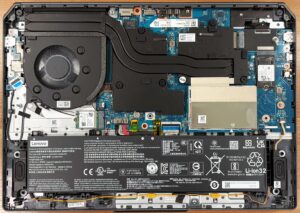


![[June 2026] Best-Selling Laptop Brands on Amazon Global – Apple’s Unrivaled Dominance in Units and Revenue](https://laptopmedia.com/wp-content/uploads/2026/07/GLOBAL-Best-Brands-400x225.jpg)
![[June 2026] Amazon Global: Top 10 Best-Selling Laptops – Apple’s New MacBook Neo Storms to #1, Reshaping the Market with Affordability](https://laptopmedia.com/wp-content/uploads/2026/07/Best-Selling-Laptops-GLOBAL-Top-10-400x225.jpg)
![[June 2026] Amazon Global: Top 10 Best-Selling Gaming Laptops – Acer’s Nitro V 16S AI Dominates Sales, While ASUS Leads Overall Revenue](https://laptopmedia.com/wp-content/uploads/2026/07/Best-Selling-Gaming-Laptops-GLOBAL-Top-10-400x225.jpg)
![[June 2026] Global Ranking of Best-Selling Laptop GPUs on Amazon – NVIDIA RTX 5060 is the Top-Selling Dedicated GPU](https://laptopmedia.com/wp-content/uploads/2026/07/Best-Selling-GPUs-GLOBAL-Top-10-400x225.jpg)
![[June 2026] Global Ranking of Best-Selling Laptop CPUs on Amazon – Apple M5 Dominates, AMD Ryzen 7 260 Gets Solid Premium Share](https://laptopmedia.com/wp-content/uploads/2026/07/Best-Selling-CPUs-GLOBAL-Top-10-400x225.jpg)
