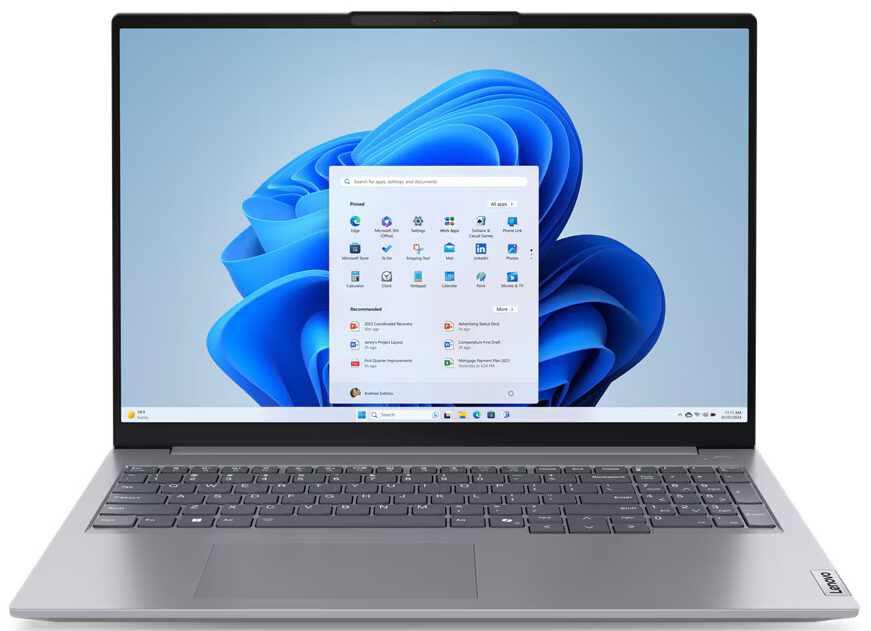
Lenovo ThinkBook 16 Gen 7
- Date Published: 13 Dec 2025
- Intel Core Ultra 7 155H
- Intel Arc (8-Cores)
- 16.0", WQXGA (2560 x 1600), 120 Hz, IPS
- 1000GB SSD
- 32GB RAM
- 1.70 kg (3.7 lbs)
Review
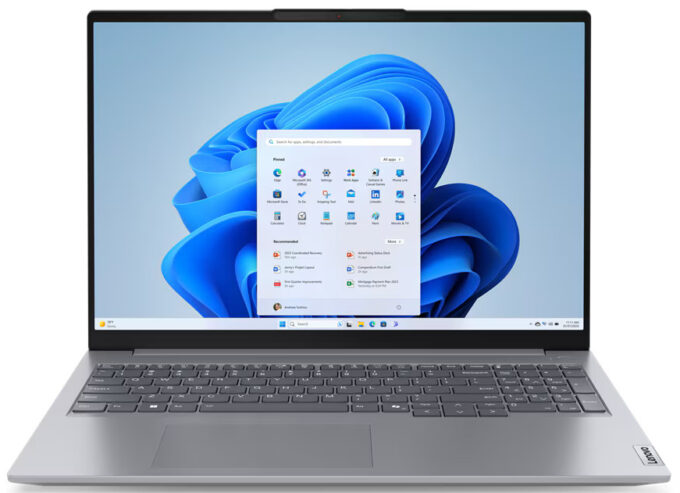
Lenovo ThinkBook 16 Gen 7 in-depth review
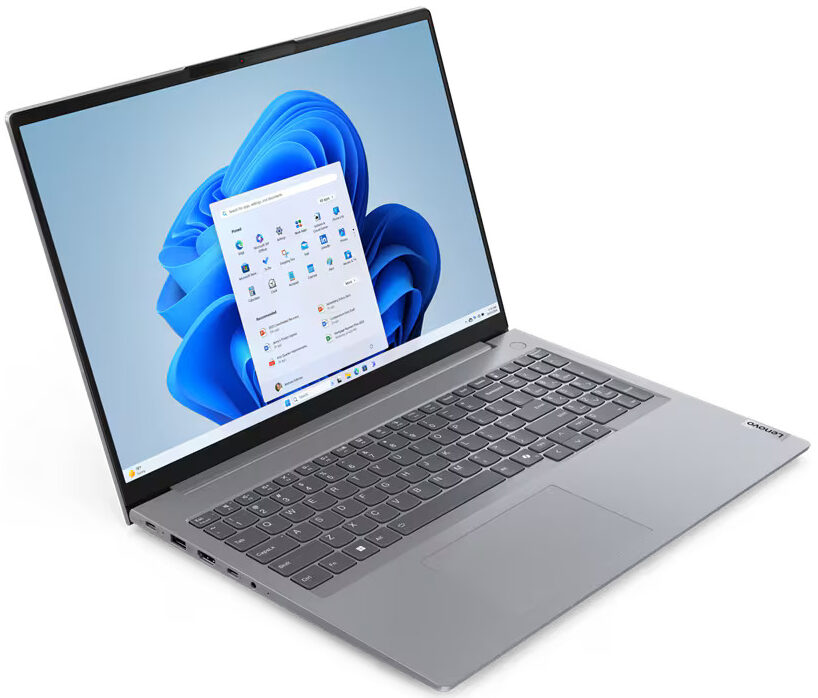
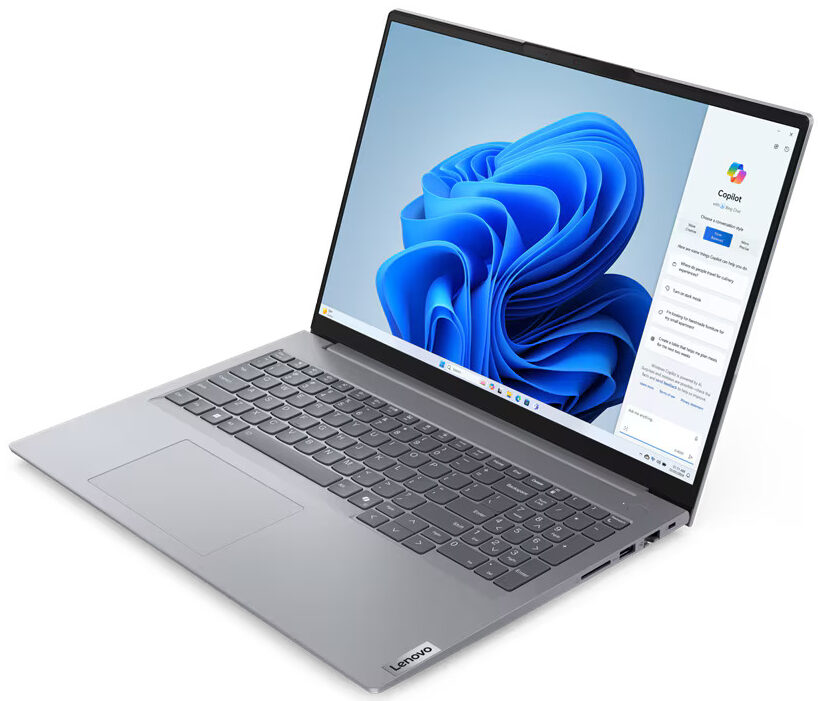
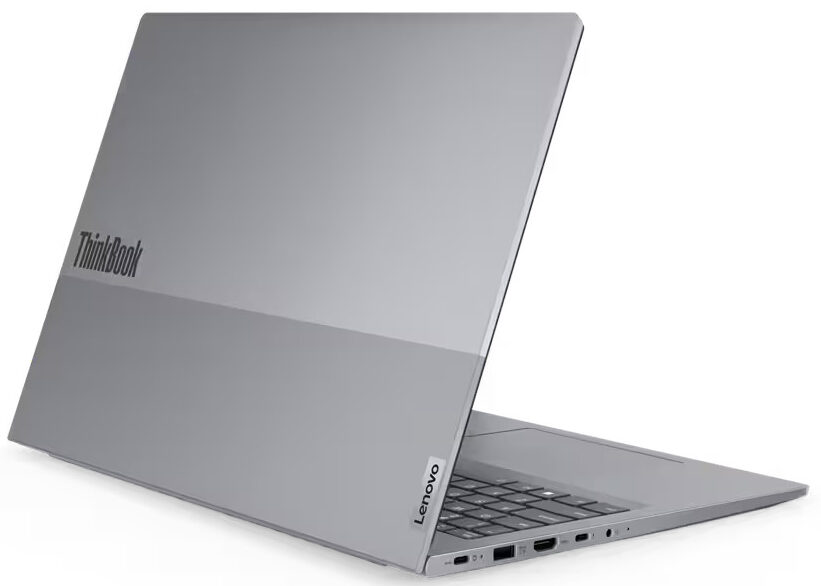
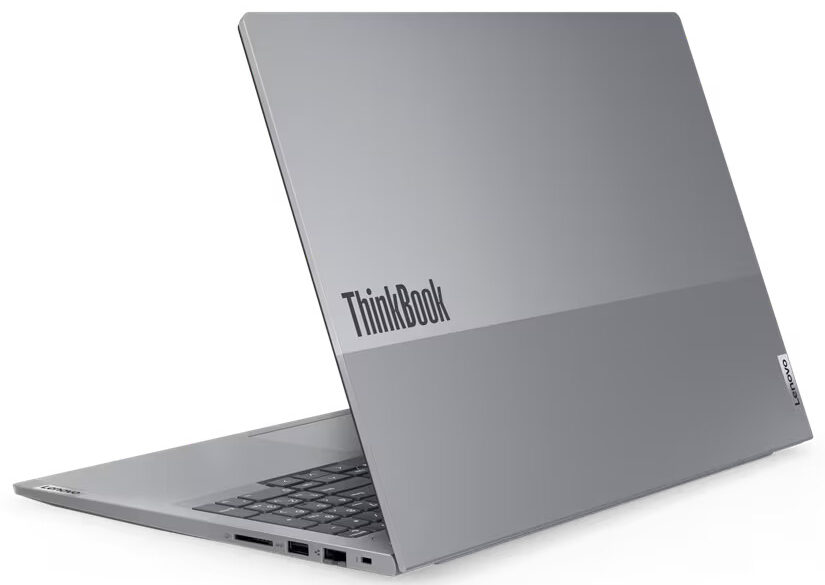
Lenovo states that the ThinkBook 16 Gen 7 is meant for "SMB owners, power users, and professionals on the go." If you value performance over battery life, you can pick a device with a 28W Meteor Lake CPU. The 15W processor options are a good choice for people who travel a lot and need a machine with a long autonomous life.This notebook looks and feels almost the same as its Gen 6 predecessor. The new kid on the block is offered with new processors which is the main difference between the two. The rest is more or less the same. You get a modern port selection, good upgradability, and Dolby Audio speakers.The security is on point thanks to the fTPM 2.0 (the machine is also hardware-ready for dTPM 2.0), the Kensington Nano Security slot, the privacy shutter, the self-healing BIOS, the[...]
Read the full review
Pros
- The fan is non-intrusive during max CPU stress
- Compact for a 16-incher (1.70 kg / 17.55 mm)
- Snappy performance for daily or office tasks
- 2x SODIMMs + 2x M.2 Gen 4 slots
- PWM-free display (LEN9156)
- 16:10 aspect ratio and wide viewing angles (LEN9156)
- Aluminum lid
- Optional IR Web camera + fingerprint reader
- Privacy shutter
- Comfortable spill-resistant keyboard with optional backlight
- Good port selection
- The Core Ultra 5 125U can maintain a 2.90 GHz / 2.40 GHz P and E-core clock in long loads
- Long battery life
- Fair price
Cons
- Plastic base
- The lid can't be opened with a single hand
- Sub-300 nit max brightness and low sRGB coverage (LEN9156)
Disassembly, maintenance and upgrade options
Opening the DeviceUndo the 9 Phillips-head screws securing the bottom panel. The top and middle screws are captive. Use a thin plastic tool to pop the upper corners and fully pry the back. Work your way around the sides and the front to remove the bottom panel.More info: Here's how the bottom plate looks on the inside. Battery RemovalIf you need to detach the battery, pull out the connector from the mainboard. Undo the five Phillips-head screws securing the battery to the chassis. Lift the battery to remove it.Note: The base model comes [...]
Read more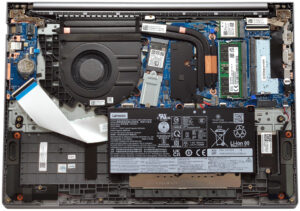


![[June 2026] Best-Selling Laptop Brands on Amazon Global – Apple’s Unrivaled Dominance in Units and Revenue](https://laptopmedia.com/wp-content/uploads/2026/07/GLOBAL-Best-Brands-400x225.jpg)
![[June 2026] Amazon Global: Top 10 Best-Selling Laptops – Apple’s New MacBook Neo Storms to #1, Reshaping the Market with Affordability](https://laptopmedia.com/wp-content/uploads/2026/07/Best-Selling-Laptops-GLOBAL-Top-10-400x225.jpg)
![[June 2026] Amazon Global: Top 10 Best-Selling Gaming Laptops – Acer’s Nitro V 16S AI Dominates Sales, While ASUS Leads Overall Revenue](https://laptopmedia.com/wp-content/uploads/2026/07/Best-Selling-Gaming-Laptops-GLOBAL-Top-10-400x225.jpg)
![[June 2026] Global Ranking of Best-Selling Laptop GPUs on Amazon – NVIDIA RTX 5060 is the Top-Selling Dedicated GPU](https://laptopmedia.com/wp-content/uploads/2026/07/Best-Selling-GPUs-GLOBAL-Top-10-400x225.jpg)
![[June 2026] Global Ranking of Best-Selling Laptop CPUs on Amazon – Apple M5 Dominates, AMD Ryzen 7 260 Gets Solid Premium Share](https://laptopmedia.com/wp-content/uploads/2026/07/Best-Selling-CPUs-GLOBAL-Top-10-400x225.jpg)
