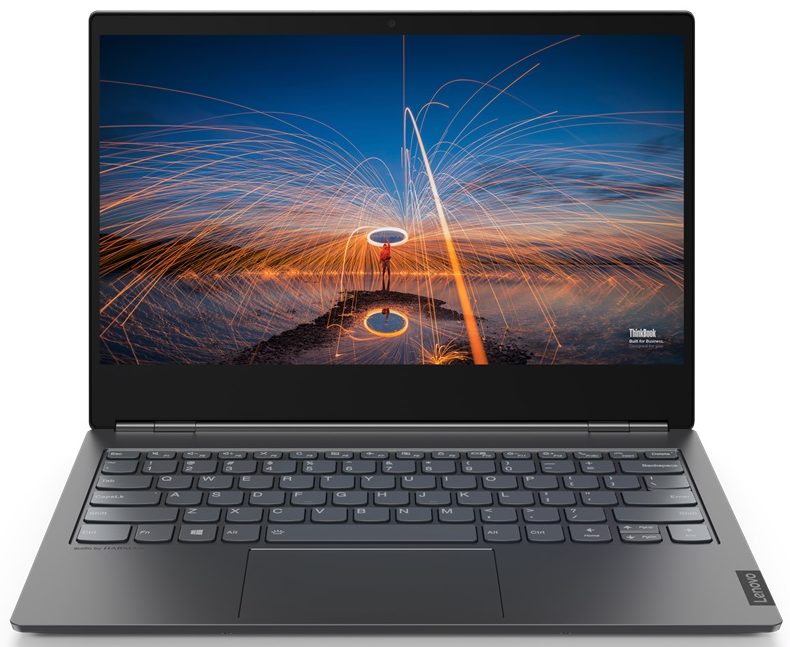
Lenovo ThinkBook Plus


- Date Published: 19 Jun 2020
- Intel Core i5-10210U
- Intel UHD Graphics
- 13.3”, Full HD (1920 x 1080), IPS
- 512GB SSD
- 8GB DDR4, 2666 MHz
- 1.40 kg (3.1 lbs)
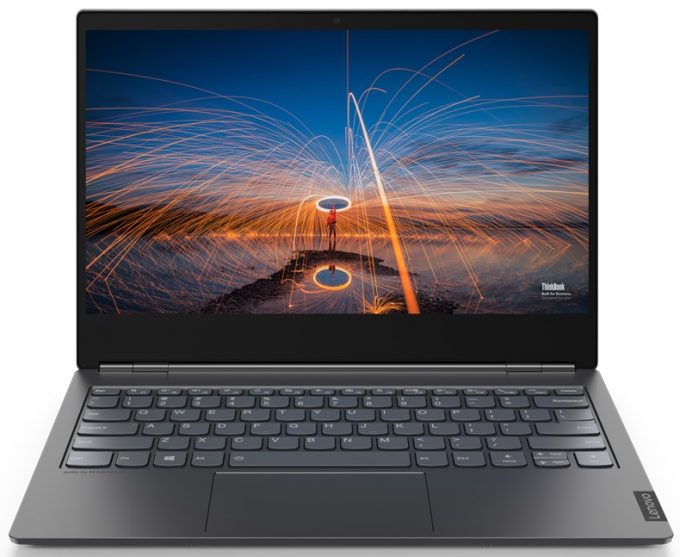
Specs

- HDD/SSD
- 512GB SSD
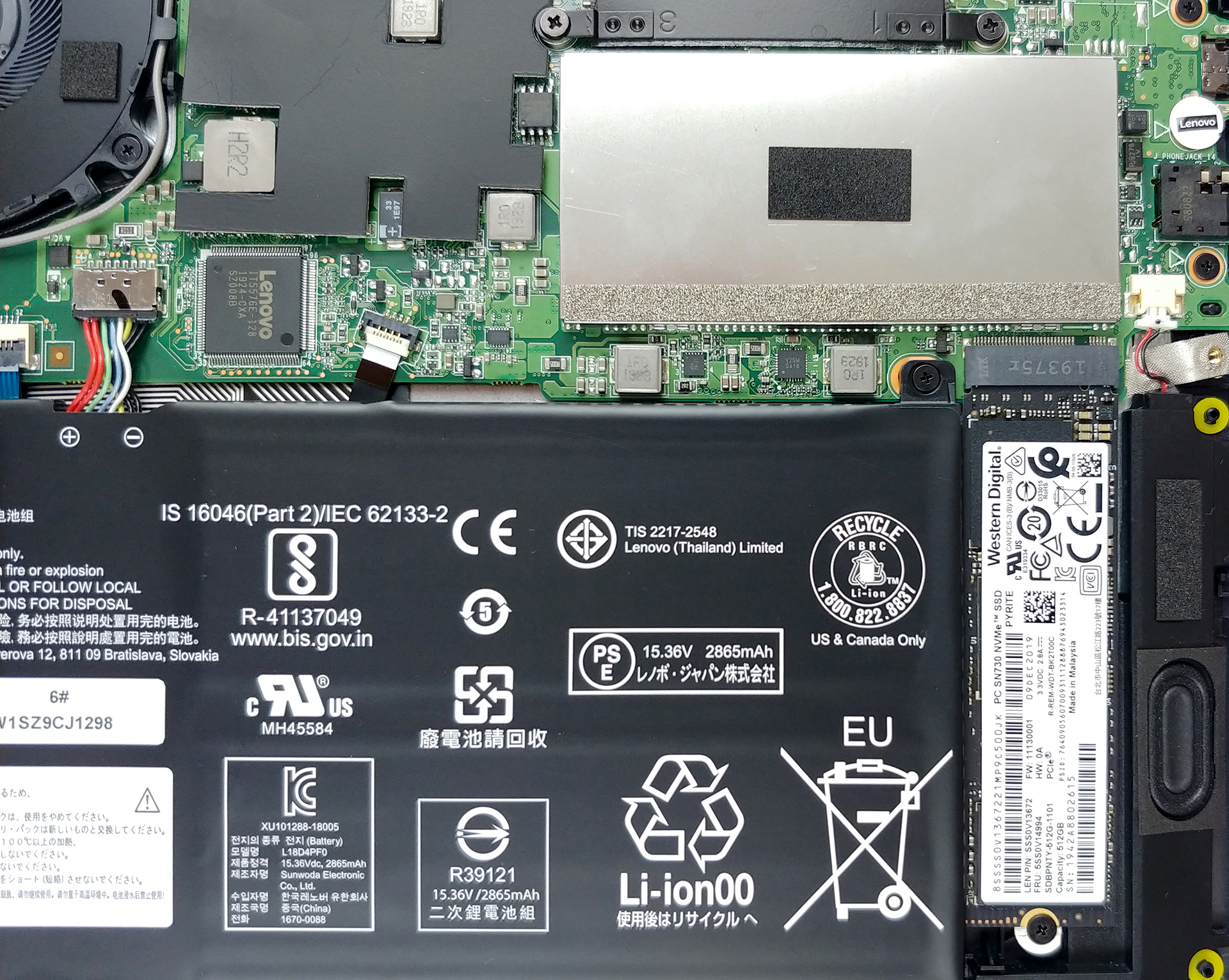
- M.2 Slot
- 1x 2280 PCIe NVMe 3.0 x4 See photo
- RAM
- 8GB DDR4, 2666 MHz
- OS
- Windows 10 Pro
- Body Material
- Aluminum, Glass Fiber
- Dimensions
- 308 x 217 x 17.4 mm (12.13" x 8.54" x 0.69")
- Weight
- 1.40 kg (3.1 lbs)
- Ports and connectivity
- 2x USB Type-A
- 3.2 Gen 1 (5 Gbps)
- 1x USB Type-C
- 3.2 Gen 2 (10 Gbps), Power Delivery (PD), DisplayPort
- HDMI
- 1.4b
- Wi-Fi
- 802.11ax
- Bluetooth
- 5.0
- Audio jack
- 3.5 mm combo
- Features
- Fingerprint reader
- Web camera
- HD
- Backlit keyboard
- Microphone
- 4 Array Far-Field Digital Microphones
- Speakers
- 2x 2W, Dolby Atmos
- Optical drive
Portability
Review
Lenovo ThinkBook Plus in-depth review
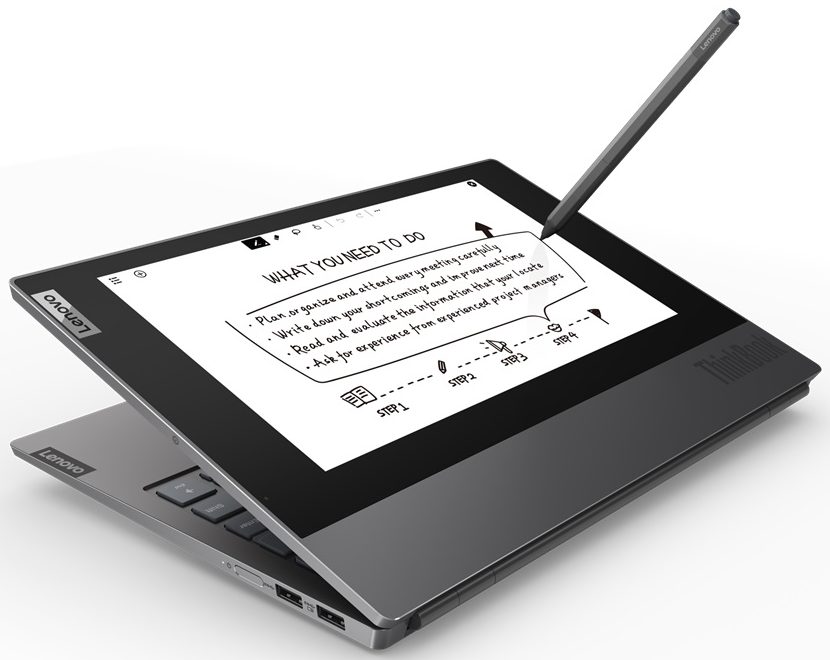
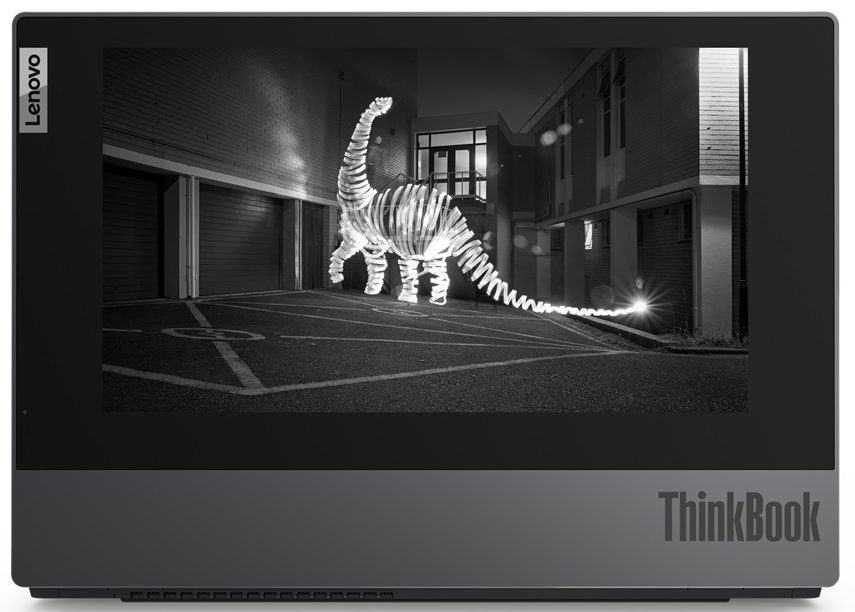
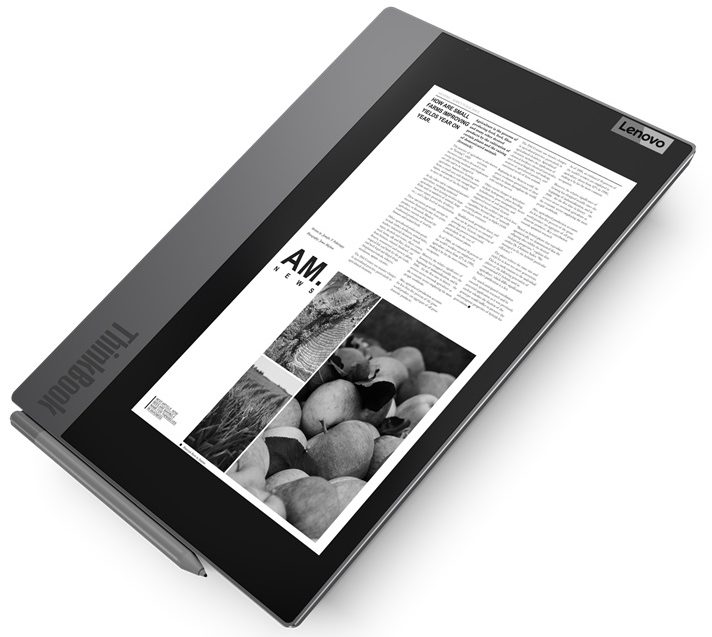
Because your ordinary laptop is just too boring. This is one of the few reasons Lenovo created the ThinkBook Plus. However, it is far from being the major one. When you think of the most things business people do on their notebooks, some actions are found more often than others - reading/writing emails, reviewing PDF documents, and sketching a thing or two on the go.Well, in order to do so, you either need a 2-in-1 computer, or you have to be very nimble with your fingers. What if we told you that there is another way. You know, there are the kindles out there, specifically designed to work with ebooks and documents. Additionally, there is the E-Ink tablet that tried to blow the Internet away but didn't really manage to do so.Now, the ThinkPad Plus comes with an additional display[...]
Read the full review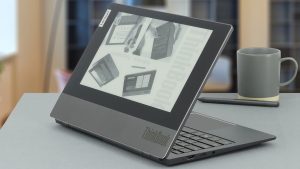
Pros
- Useful E-Ink display with a stylus inside the box
- Decent upgradability
- The display doesn't flicker at any brightness level (LG LP133WF7-SPB1)
- Has a good contrast ratio and comfortable viewing angles (LG LP133WF7-SPB1)
- Covers 92% of sRGB and color accuracy is greatly improved with our Gaming and Web design profile (LG LP133WF7-SPB1)
- Very good build quality
Cons
- Lacks an SD card reader and has only one USB Type-C port, also used for charging
- Not the best cooling solution out there
Disassembly, maintenance and upgrade options
A second display and good upgradability? That sounds like a great deal.Check out all Lenovo ThinkBook Plus prices and configurations in our Specs System or read more in our In-Depth review.1. Remove the bottom plate This device's bottom panel is held in place by 9 Torx-head screws. After you undo them, you have to pry the panel away with a plastic tool. The easiest way to start is from around the hinges.2. Battery In terms of battery, this laptop is equipped with a 45Wh unit.3. Memory and storage Quite frankly we weren't expecting to see upgradable memory, but than[...]
Read more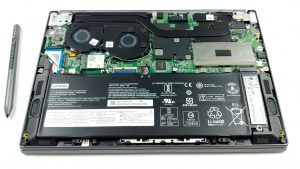


![[June 2026] Best-Selling Laptop Brands on Amazon Global – Apple’s Unrivaled Dominance in Units and Revenue](https://laptopmedia.com/wp-content/uploads/2026/07/GLOBAL-Best-Brands-400x225.jpg)
![[June 2026] Amazon Global: Top 10 Best-Selling Laptops – Apple’s New MacBook Neo Storms to #1, Reshaping the Market with Affordability](https://laptopmedia.com/wp-content/uploads/2026/07/Best-Selling-Laptops-GLOBAL-Top-10-400x225.jpg)
![[June 2026] Amazon Global: Top 10 Best-Selling Gaming Laptops – Acer’s Nitro V 16S AI Dominates Sales, While ASUS Leads Overall Revenue](https://laptopmedia.com/wp-content/uploads/2026/07/Best-Selling-Gaming-Laptops-GLOBAL-Top-10-400x225.jpg)
![[June 2026] Global Ranking of Best-Selling Laptop GPUs on Amazon – NVIDIA RTX 5060 is the Top-Selling Dedicated GPU](https://laptopmedia.com/wp-content/uploads/2026/07/Best-Selling-GPUs-GLOBAL-Top-10-400x225.jpg)
![[June 2026] Global Ranking of Best-Selling Laptop CPUs on Amazon – Apple M5 Dominates, AMD Ryzen 7 260 Gets Solid Premium Share](https://laptopmedia.com/wp-content/uploads/2026/07/Best-Selling-CPUs-GLOBAL-Top-10-400x225.jpg)