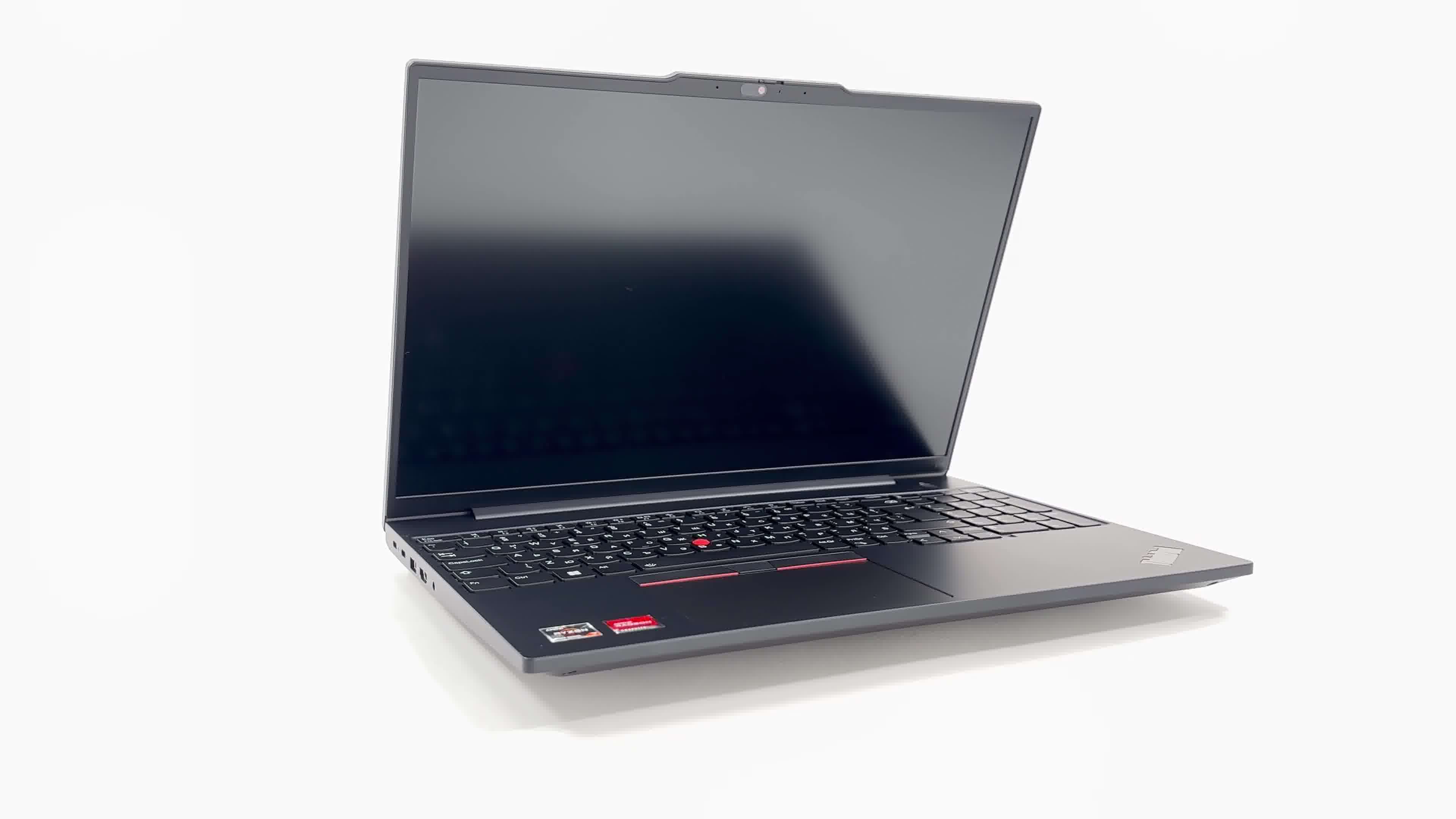
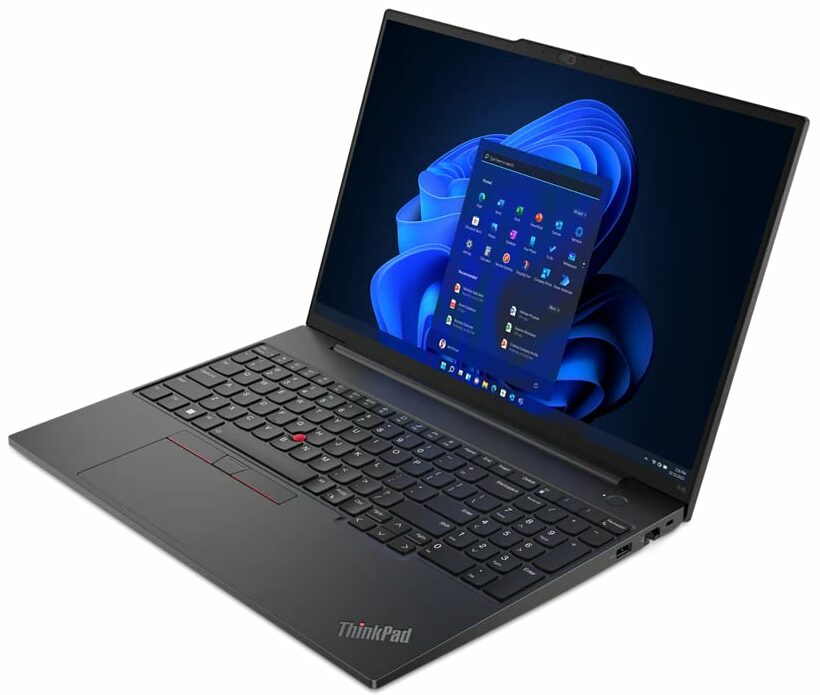
Lenovo ThinkPad E16 Gen 1

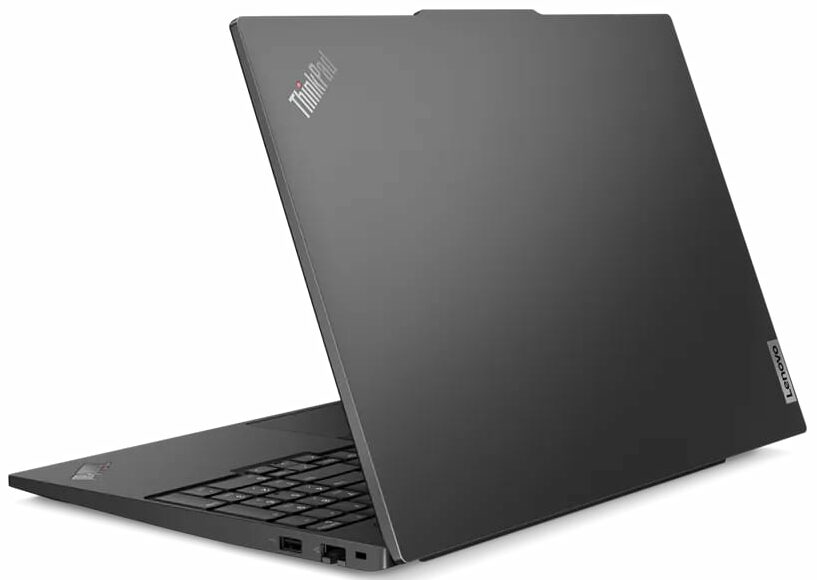
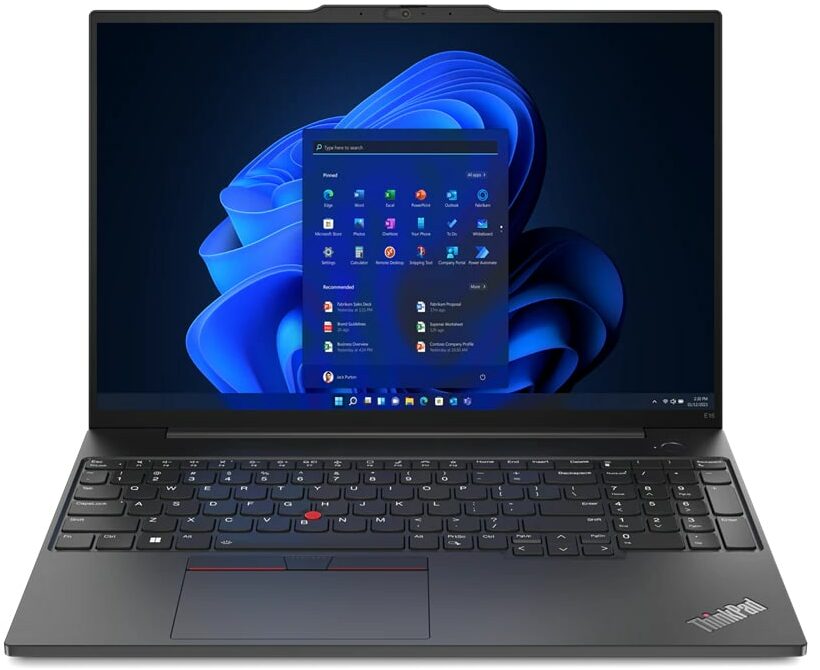
- Date Published: 29 Sep 2023
- AMD Ryzen 5 7530U
- AMD Radeon RX Vega 7 (R4000/5000, 15W)
- 16.0”, WUXGA (1920 x 1200), IPS
- 2000GB SSD
- 24GB DDR4
- 1.77 kg (3.9 lbs)
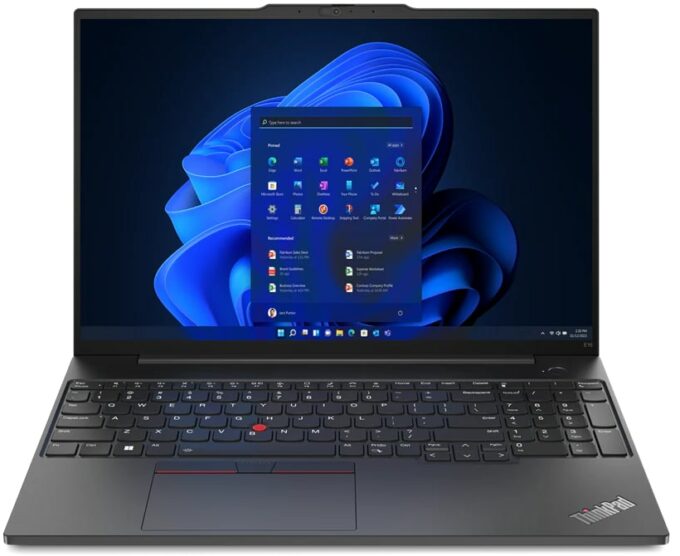
Specs
- Display

- HDD/SSD
- 2TB SSD
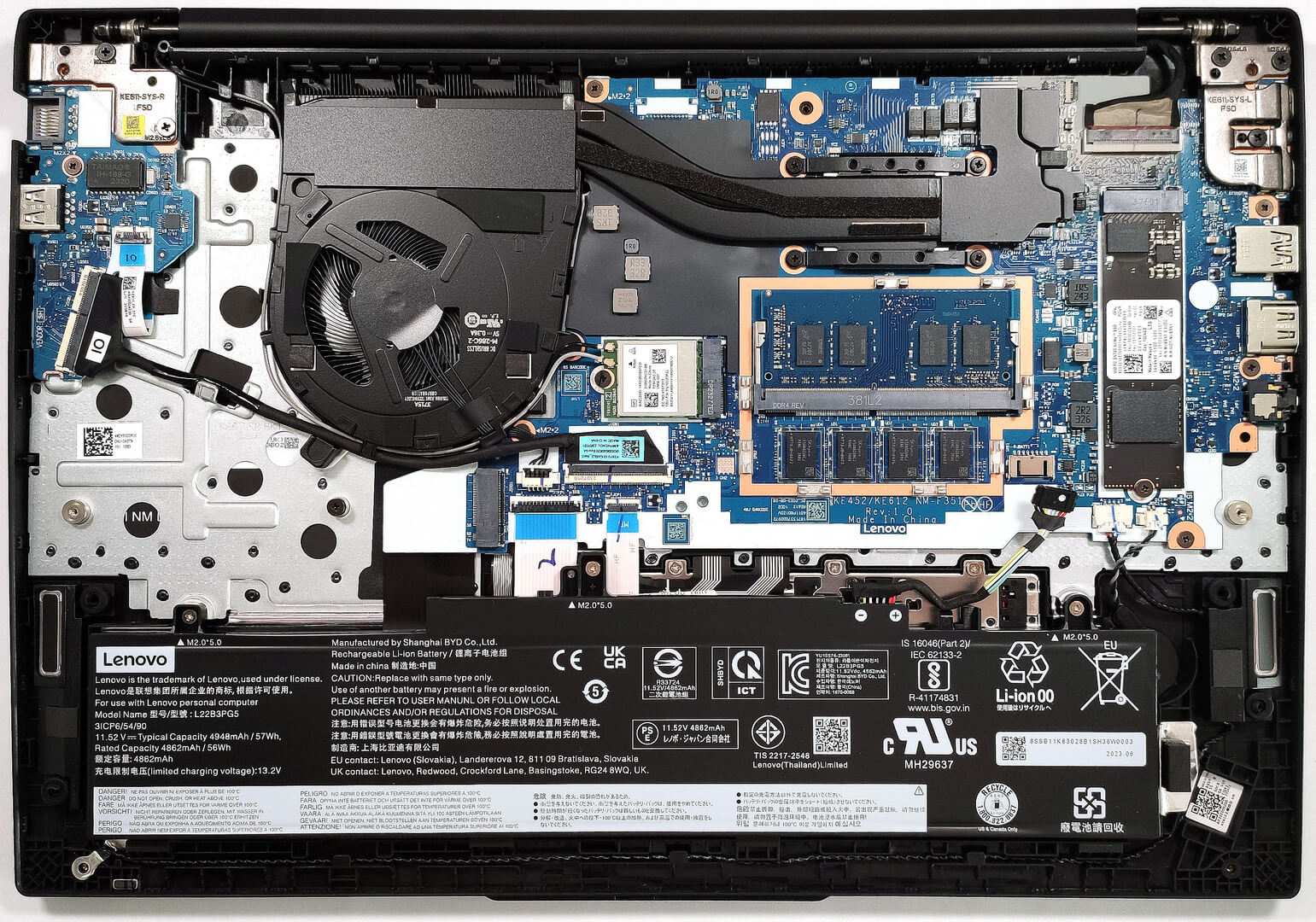
- M.2 Slot
- 1x 2280 M.2 NVMe PCIe 3.0 x4 + 1x 2242 M.2 NVMe PCIe 3.0 x4 See photo
- RAM
- 24GB DDR4
- OS
- Windows 11 Pro
- Body Material
- Plastic / Polycarbonate, Aluminum
- Dimensions
- 356.1 x 247.7 x 19.85 mm (14.02" x 9.75" x 0.78")
- Weight
- 1.77 kg (3.9 lbs)
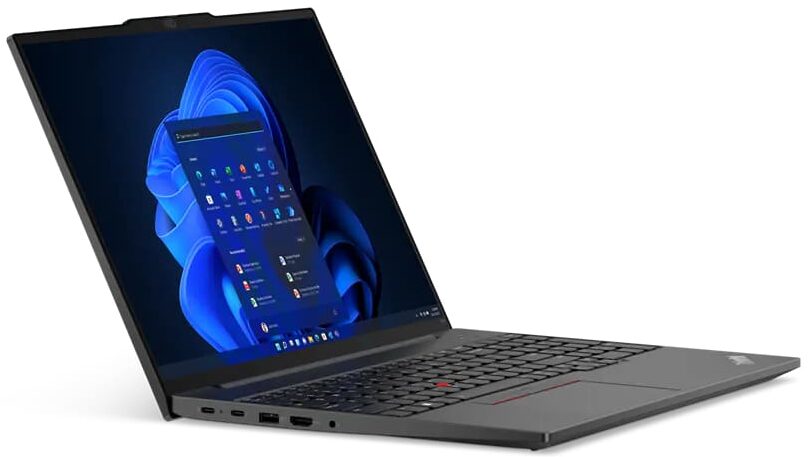
- Ports and connectivity
- 1x USB Type-A
- 3.2 Gen 1 (5 Gbps)
- 1x USB Type-A
- 3.2 Gen 1 (5 Gbps), Sleep and Charge
- 1x USB Type-C
- 3.2 Gen 1 (5 Gbps), Power Delivery (PD), DisplayPort
- 1x USB Type-C
- 3.2 Gen 2 (10 Gbps), Power Delivery (PD), DisplayPort
- HDMI
- 1.4b
- Card Reader
- Ethernet LAN
- 10, 100, 1000 Mbit/s
- Wi-Fi
- 802.11ax
- Bluetooth
- 5.1
- Audio jack
- 3.5mm Combo Jack
- Features
- Fingerprint reader
- Web camera
- HD / FHD with Privacy Shutter, Fixed Focus
- Microphone
- Dual Microphone Array, Dolby Voice
- Speakers
- 2x 2W Stereo Speakers, Dolby Atmos
- Optical drive
- Security Lock slot
- Kensington Nano Lock
Portability
Review
Lenovo ThinkPad E16 Gen 1 in-depth review
If you need a no-frills business device that doesn't cost a whole fortune, the Lenovo ThinkPad E16 Gen 1 (AMD) could possibly be on your shortlist. The machine has all the necessary features for standard office tasks. It offers a big 16" display with a 16:10 aspect ratio which is the right choice for a workhorse because the panel is taller. If you are browsing the Web a lot or if you are editing tons of MS documents on a daily basis, you're going to value the added vertical screen space.Speaking of which, you can choose between four display models - three 1200p IPS variants (one of them is a touchscreen) and one 1600p unit. We didn't opt for the latter since the 1920x1200 resolution is okay for normal work and it's also battery-friendly. Power-wise, the laptop relies on 15W Zen 3 Barce[...]
Read the full review
Pros
- Good comfort under max CPU stress
- 1x SODIMM + 2x M.2 slots
- PWM-free display (CSOT MNG007QS1-3 (LEN41B5))
- 16:10 aspect ratio, good contrast, and wide viewing angles (CSOT MNG007QS1-3 (LEN41B5))
- Optional IR face recognition + optional Fingerprint reader
- Comfortable spill-resistant keyboard and smooth touchpad
- Good I/O for the price
- Stable CPU clocks during any kind of load
- Pleasant price
- Long battery life
- Good dimensions given the form factor
Cons
- Low sRGB coverage (CSOT MNG007QS1-3 (LEN41B5))
- Part of the memory is soldered
- The rigidity is the chassis is average
- The M.2 slots are limited to Gen 3 speeds
Disassembly, maintenance and upgrade options
Step 1: Accessing the Internal ComponentsEnsure the Lenovo ThinkPad E16 Gen 1 (AMD) is powered off and placed on a soft, clean surface to avoid damage. Remove the 7 captive Phillips-head screws from the bottom of the laptop. Using a plastic tool, start prying the bottom panel off, beginning from the zone behind the hinge area.Hint: The screws will stay attached to the panel, so you don't have to worry about losing them.Step 2: Removing the BatteryDisconnect the battery by detaching the connector from the motherboard. Remove the three Phillips-head screws fi[...]
Read more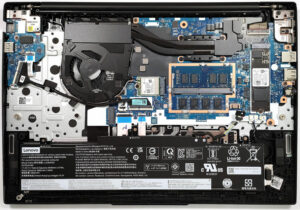


![[June 2026] Best-Selling Laptop Brands on Amazon Global – Apple’s Unrivaled Dominance in Units and Revenue](https://laptopmedia.com/wp-content/uploads/2026/07/GLOBAL-Best-Brands-400x225.jpg)
![[June 2026] Amazon Global: Top 10 Best-Selling Laptops – Apple’s New MacBook Neo Storms to #1, Reshaping the Market with Affordability](https://laptopmedia.com/wp-content/uploads/2026/07/Best-Selling-Laptops-GLOBAL-Top-10-400x225.jpg)
![[June 2026] Amazon Global: Top 10 Best-Selling Gaming Laptops – Acer’s Nitro V 16S AI Dominates Sales, While ASUS Leads Overall Revenue](https://laptopmedia.com/wp-content/uploads/2026/07/Best-Selling-Gaming-Laptops-GLOBAL-Top-10-400x225.jpg)
![[June 2026] Global Ranking of Best-Selling Laptop GPUs on Amazon – NVIDIA RTX 5060 is the Top-Selling Dedicated GPU](https://laptopmedia.com/wp-content/uploads/2026/07/Best-Selling-GPUs-GLOBAL-Top-10-400x225.jpg)
![[June 2026] Global Ranking of Best-Selling Laptop CPUs on Amazon – Apple M5 Dominates, AMD Ryzen 7 260 Gets Solid Premium Share](https://laptopmedia.com/wp-content/uploads/2026/07/Best-Selling-CPUs-GLOBAL-Top-10-400x225.jpg)