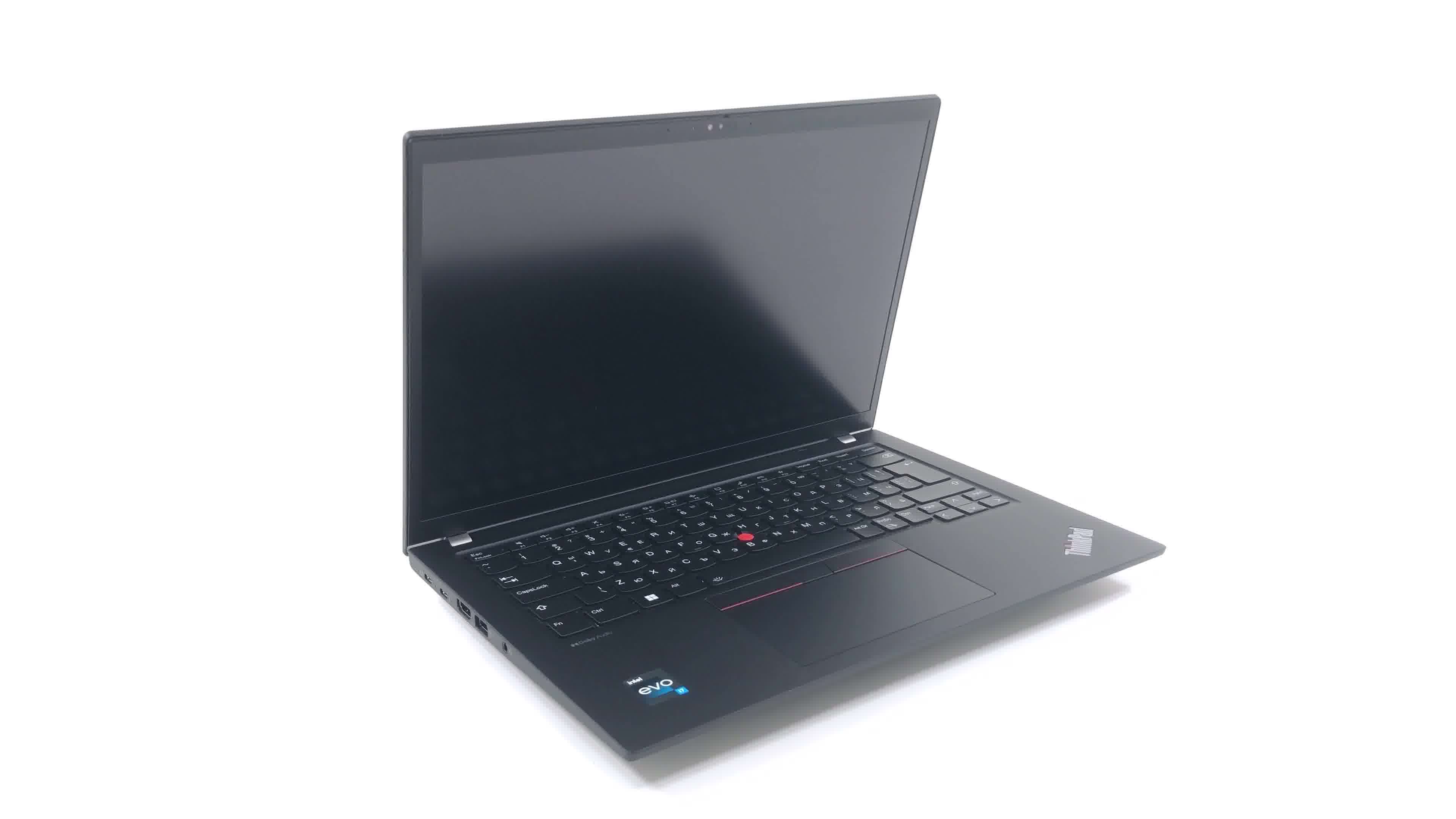
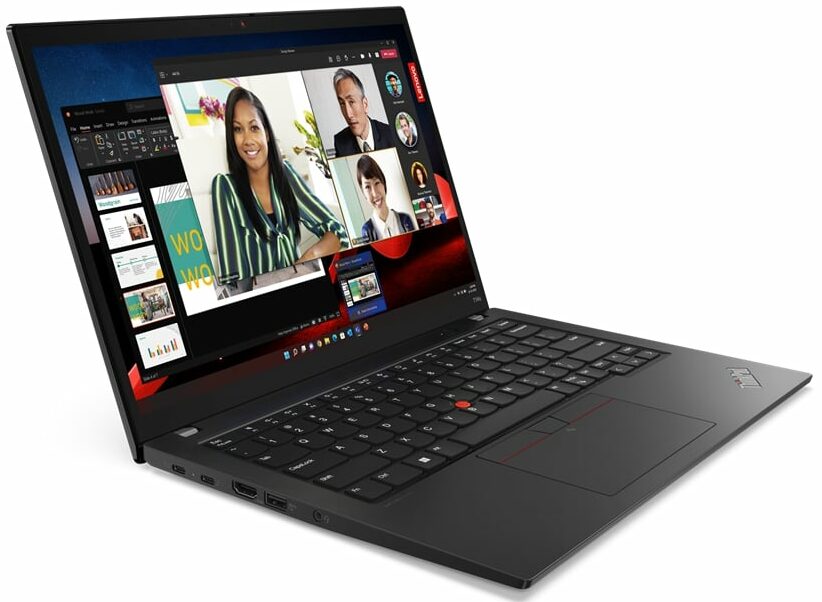
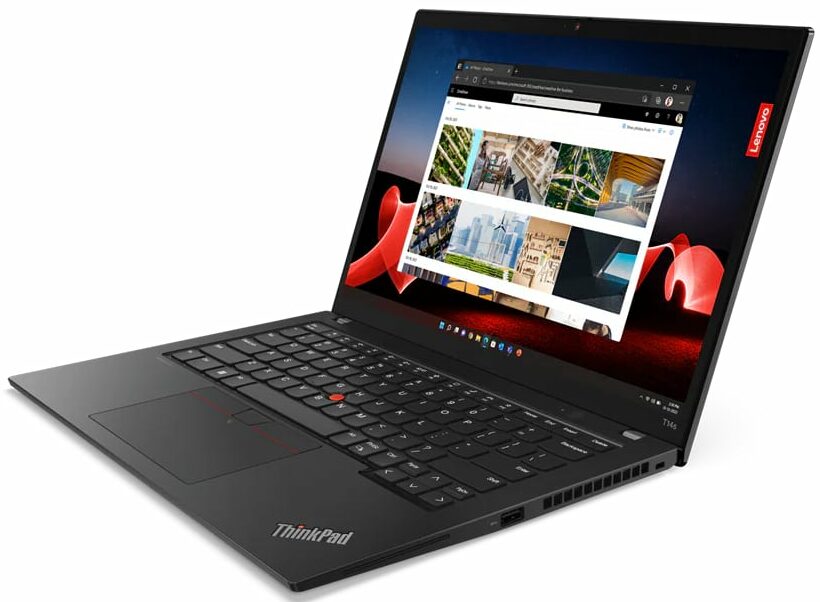
Lenovo ThinkPad T14s Gen 4

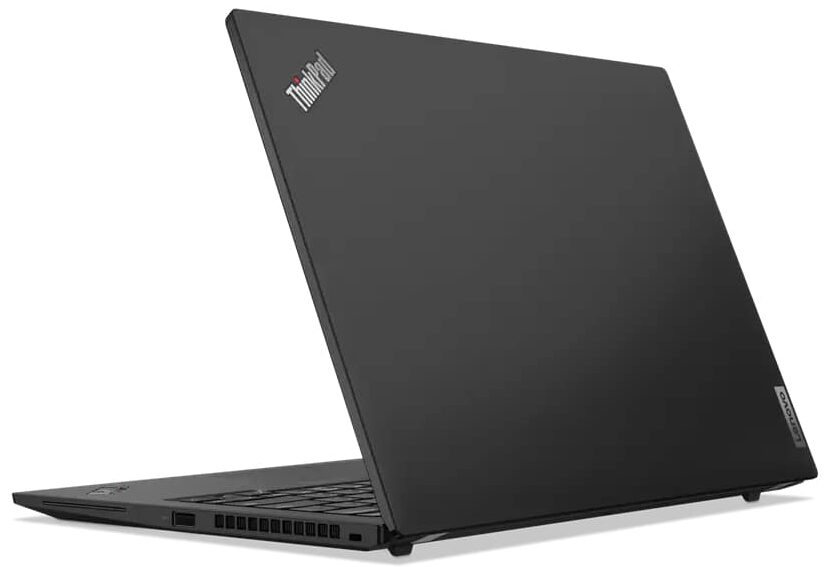

- Date Published: 11 Sep 2025
- Intel Core i7-1355U
- Intel Iris Xe Graphics G7 (96EU)
- 14.0”, WUXGA (1920 x 1200), IPS
- 512GB SSD
- 16GB RAM
- 1.25 kg (2.8 lbs)

Specs
- Display

- HDD/SSD
- 512GB SSD
- M.2 Slot
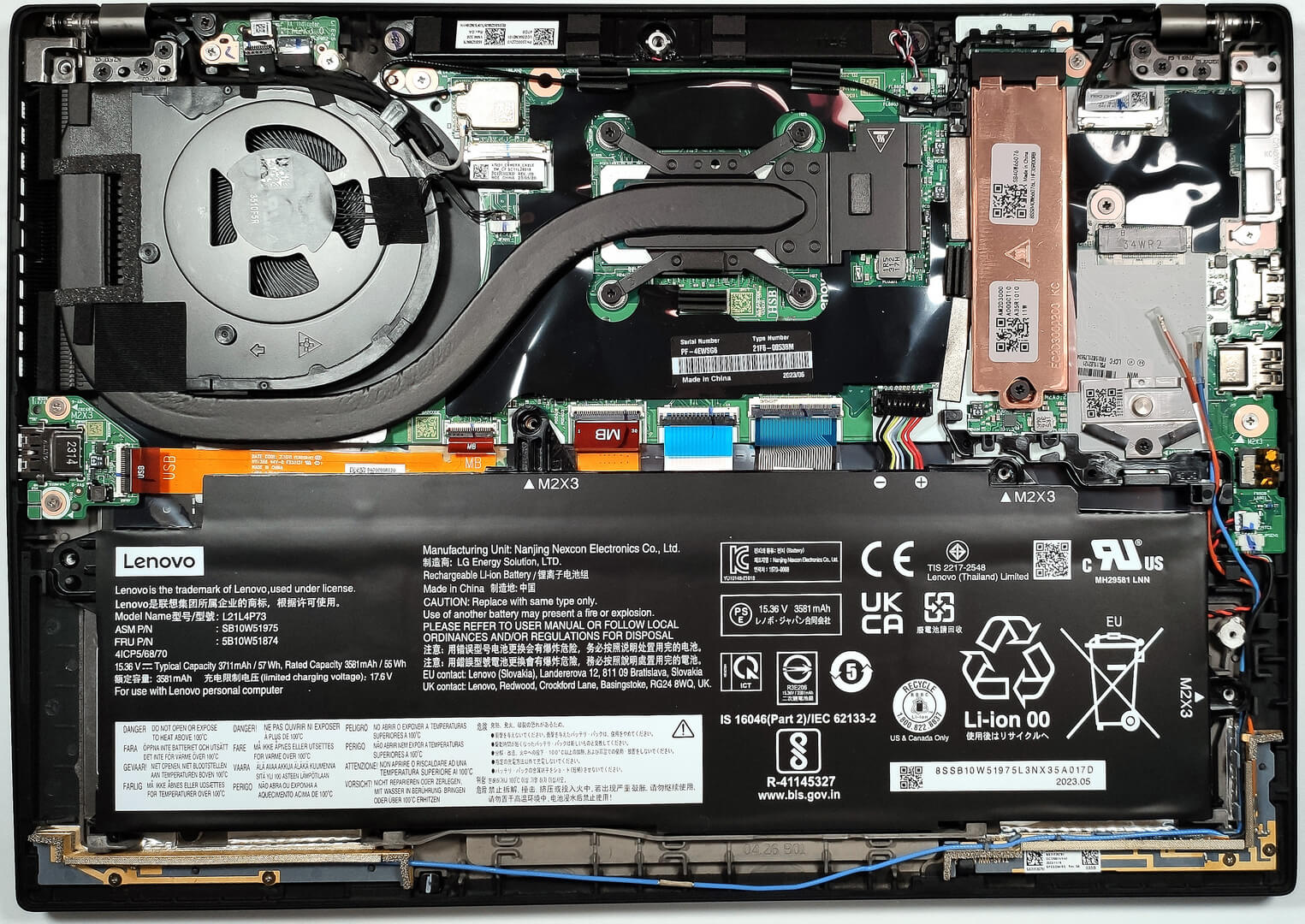
- 1x 2280 PCIe NVMe 4.0 x4 See photo
- RAM
- 16GB RAM
- OS
- Windows 11 Pro
- Body Material
- Aluminum, Carbon
- Dimensions
- 317.5 x 226.9 x 16.9 mm (12.50" x 8.93" x 0.67")
- Weight
- 1.25 kg (2.8 lbs)
- Ports and connectivity
- 1x USB Type-A
- 3.2 Gen 1 (5 Gbps)
- 1x USB Type-A
- 3.2 Gen 1 (5 Gbps), Sleep and Charge
- 2x USB Type-C
- 4.0, Thunderbolt 4, Power Delivery (PD), DisplayPort
- HDMI
- 2.1 (4K@60Hz)
- Card Reader
- Ethernet LAN
- Wi-Fi
- 802.11ax
- Bluetooth
- 5.1
- Audio jack
- 3.5mm Combo Jack
- Features
- Fingerprint reader
- Web camera
- FHD with privacy shutter, fixed focus
- Backlit keyboard
- Microphone
- Dual-microphone array, 360° far-field, Dolby Voice
- Speakers
- 2x 2W Stereo Speakers, Dolby Audio
- Security Lock slot
- Kensington Nano Lock
Portability
Review
Lenovo ThinkPad T14s Gen 4 in-depth review
If your Lenovo ThinkPad T14s Gen 4 has an Intel Evo sticker on the base, this means you can expect at least decent battery life, good responsiveness during work, fast boot times, and fast charging. Interestingly, the machine is thinner than its close sibling - the ThinkPad T14 Gen 4 but it's offered with (almost) the same hardware. That's why we bought a device with the exact same CPU that is in our already reviewed non-S machine - the Core i7-1355U. This will allow us to see if the thin profile affects negatively the cooling capabilities of the T14s laptop or not.The device be configured with Intel Raptor Lake U or P CPUs. This time around there are no dGPU options so you can rely on the iGPU inside of the processor. However, all the configurations come with dual-channel memory which [...]
Read the full review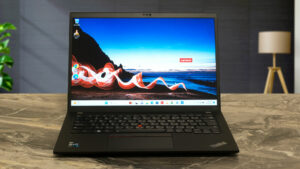
Pros
- Comfortable backlit spill-resistant keyboard
- Optional fingerprint reader and 5MP IR camera
- SIM card slot with optional 5G support
- The maximum amount of RAM is 32GB of LPDDR5x-4800MHz
- Covers 94% of sRGB + accurate colors with our profiles (CSOT MNE007JA1-1 (LEN403A))
- No PWM (CSOT MNE007JA1-1 (LEN403A))
- Thunderbolt 4 charging
- Almost quiet during max processor load
- Sturdy chassis and very good build quality
- Snappy performance for the class
Cons
- Soldered memory
- Pricey
Disassembly, maintenance and upgrade options
Step 1: Accessing the Internal ComponentsEnsure the Lenovo ThinkPad T14s Gen 4 is powered off and placed on a soft, clean surface to prevent scratches or damage. Remove the 5 captive Phillips-head screws from the bottom of the laptop. Begin prying the bottom panel off with a plastic tool, starting from one of the top two corners.Hint: Be gentle during this process to avoid damaging the internal clips or the laptop casing.Step 2: Removing the BatteryDisconnect the battery by unplugging its connector from the motherboard. Remove the 4 Phillips-head screws sec[...]
Read more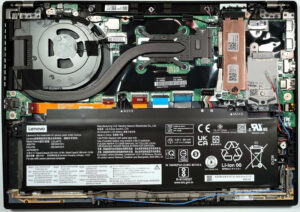


![[June 2026] Best-Selling Laptop Brands on Amazon Global – Apple’s Unrivaled Dominance in Units and Revenue](https://laptopmedia.com/wp-content/uploads/2026/07/GLOBAL-Best-Brands-400x225.jpg)
![[June 2026] Amazon Global: Top 10 Best-Selling Laptops – Apple’s New MacBook Neo Storms to #1, Reshaping the Market with Affordability](https://laptopmedia.com/wp-content/uploads/2026/07/Best-Selling-Laptops-GLOBAL-Top-10-400x225.jpg)
![[June 2026] Amazon Global: Top 10 Best-Selling Gaming Laptops – Acer’s Nitro V 16S AI Dominates Sales, While ASUS Leads Overall Revenue](https://laptopmedia.com/wp-content/uploads/2026/07/Best-Selling-Gaming-Laptops-GLOBAL-Top-10-400x225.jpg)
![[June 2026] Global Ranking of Best-Selling Laptop GPUs on Amazon – NVIDIA RTX 5060 is the Top-Selling Dedicated GPU](https://laptopmedia.com/wp-content/uploads/2026/07/Best-Selling-GPUs-GLOBAL-Top-10-400x225.jpg)
![[June 2026] Global Ranking of Best-Selling Laptop CPUs on Amazon – Apple M5 Dominates, AMD Ryzen 7 260 Gets Solid Premium Share](https://laptopmedia.com/wp-content/uploads/2026/07/Best-Selling-CPUs-GLOBAL-Top-10-400x225.jpg)