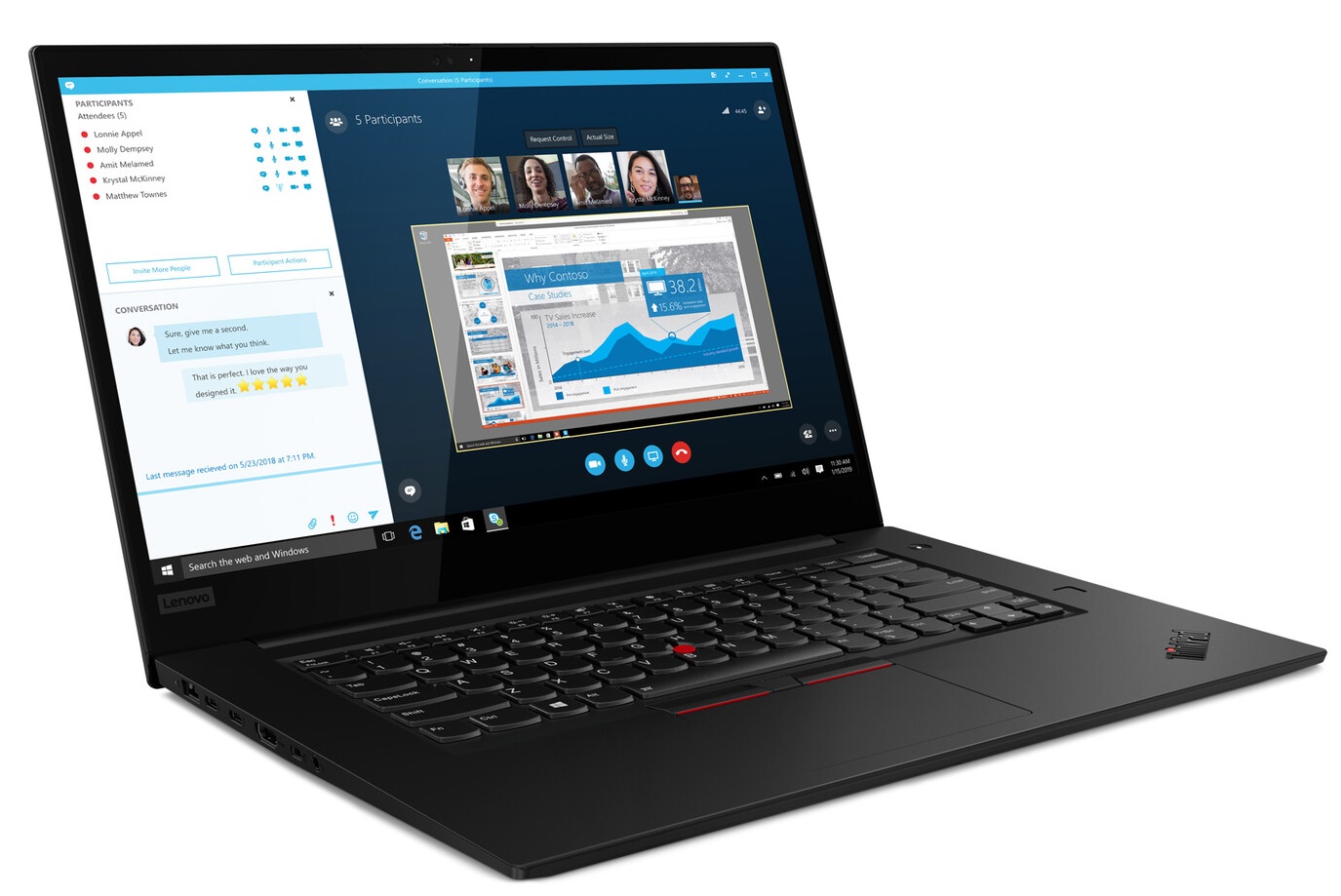
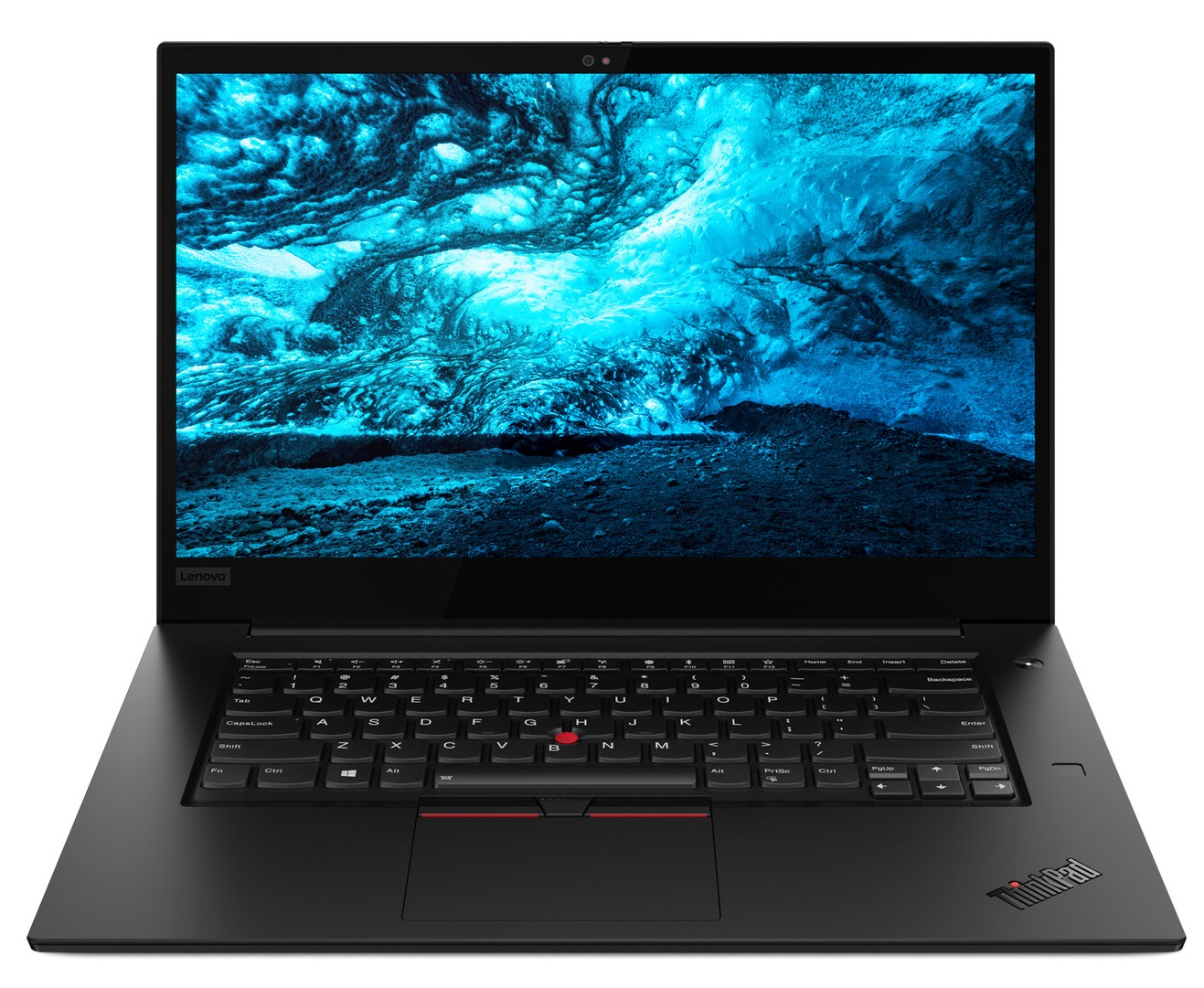
Lenovo ThinkPad X1 Extreme
- Date Published: 19 Dec 2024
- Intel Core i7-9750H
- NVIDIA GeForce GTX 1650 Max-Q
- 15.6”, Full HD (1920 x 1080), IPS
- 512GB SSD
- 16GB RAM
- 1.70 kg (3.7 lbs)
Specs

- HDD/SSD
- 512GB SSD
- RAM
- 16GB RAM
- OS
- Windows 10 Pro
- Body Material
- Aluminum, Carbon, Glass Fiber
- Dimensions
- 362 x 246 x 18.4 mm (14.25" x 9.69" x 0.72")
- Weight
- 1.70 kg (3.7 lbs)
- Ports and connectivity
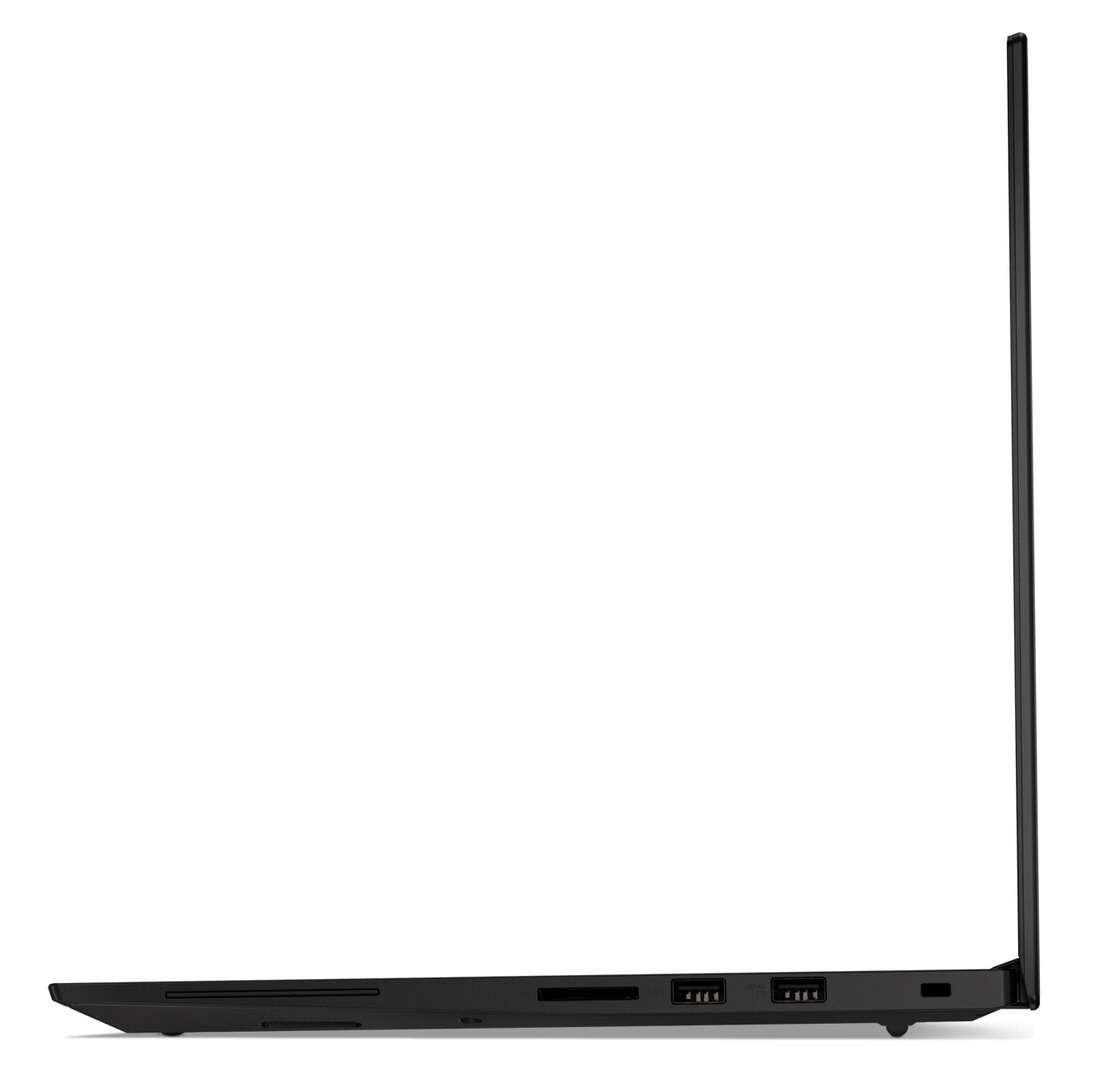
- 2x USB Type-C
- 3.2 Gen 2 (10 Gbps), Thunderbolt 3, DisplayPort, HDMI
- 2x USB Type-A
- 3.2 Gen 1 (5 Gbps)
- HDMI
- Card Reader
- SD, SDHC, SDXC
- Ethernet LAN
- Wi-Fi
- 802.11ax
- Bluetooth
- 5.0
- Audio jack
- combo audio / microphone jack
- Features
- Fingerprint reader
- Web camera
- HD
- Backlit keyboard
- Microphone
- Speakers
- Security Lock slot
Portability
Review
Lenovo ThinkPad X1 Extreme in-depth review
The ThinkPad X1 Extreme Gen 2 is Lenovo's iteration of how a thin and light workstation should look like. In terms of specifications, it battles directly with Apple's MacBook Pro 15's, ASUS ZenBooks, as well as the Dell XPS 15. Of course, to battle the well-established laptops, you need powerful hardware.This device can be specced out with a Core i9-9880H processor a 4K UHD HDR panel with a set maximum brightness of 500 nits and a GTX 1650 Max-Q. However, as many of you asked for a down-to-earth specification of a workstation, we got the Core i5-9300H version of this machine. It will be essential to see how the cooling performs in this chassis, and whether there is going to be enough headroom for the GPU and the more powerful processors out there.You can check the prices and confi[...]
Read the full review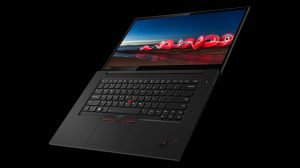
Pros
- Thin and light workstation with a great build quality
- 92% sRGB coverage and no PWM for brightness adjustment (BOE NV156FHM-N63 (BOE07D8))
- Super comfortable keyboard
- Up to 64GB DDR4 memory
- Has two Thunderbolt 3 ports and an SD card slot
- Dual M.2 slots that support PCIe x4 drives and RAID 0 mode
- Great battery life
Cons
- Premium price tag
- Core i9-9880H would be too hot in this device
- Its display uses PWM for almost all brightness levels (our Health-Guard profile takes care of that)
- Speakers are average
Disassembly, maintenance and upgrade options
Lenovo ThinkPad X1 has two versions - the Carbon, which is the small, thin and light machine, you can take everywhere, and the Extreme Edition, which is also thin and light, for its footprint, but also packs a lot more power with a dedicated GPU and H-series processors.Check out all Lenovo ThinkPad X1 Extreme Gen 2 prices and configurations in our Specs System or read more in our In-Depth review.1. Remove the bottom plate While ThinkPads, in general, are very easy to disassemble, this particular model is even more hassle-less. You got 7 Phillips-head screws to remove, and after [...]
Read more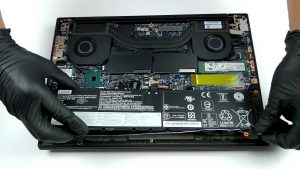


![[June 2026] Best-Selling Laptop Brands on Amazon Global – Apple’s Unrivaled Dominance in Units and Revenue](https://laptopmedia.com/wp-content/uploads/2026/07/GLOBAL-Best-Brands-400x225.jpg)
![[June 2026] Amazon Global: Top 10 Best-Selling Laptops – Apple’s New MacBook Neo Storms to #1, Reshaping the Market with Affordability](https://laptopmedia.com/wp-content/uploads/2026/07/Best-Selling-Laptops-GLOBAL-Top-10-400x225.jpg)
![[June 2026] Amazon Global: Top 10 Best-Selling Gaming Laptops – Acer’s Nitro V 16S AI Dominates Sales, While ASUS Leads Overall Revenue](https://laptopmedia.com/wp-content/uploads/2026/07/Best-Selling-Gaming-Laptops-GLOBAL-Top-10-400x225.jpg)
![[June 2026] Global Ranking of Best-Selling Laptop GPUs on Amazon – NVIDIA RTX 5060 is the Top-Selling Dedicated GPU](https://laptopmedia.com/wp-content/uploads/2026/07/Best-Selling-GPUs-GLOBAL-Top-10-400x225.jpg)
![[June 2026] Global Ranking of Best-Selling Laptop CPUs on Amazon – Apple M5 Dominates, AMD Ryzen 7 260 Gets Solid Premium Share](https://laptopmedia.com/wp-content/uploads/2026/07/Best-Selling-CPUs-GLOBAL-Top-10-400x225.jpg)
