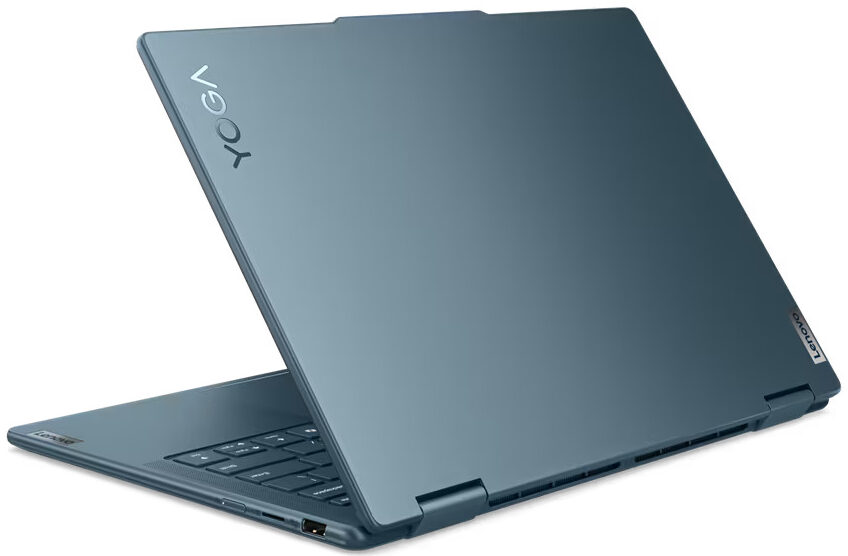
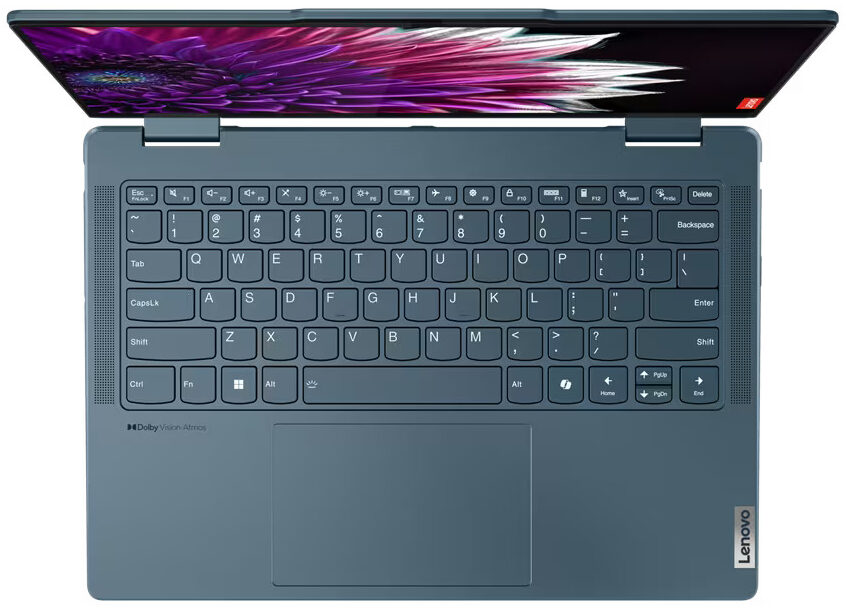
Lenovo Yoga 7 2-in-1



- Date Published: 03 Dec 2024
- AMD Ryzen 7 8840HS
- AMD Radeon 780M
- 14.0”, WUXGA (1920 x 1200), IPS
- 1000GB SSD
- 16GB RAM
- 1.49 kg (3.3 lbs)
Specs
- Display

- HDD/SSD
- 1000GB SSD
- M.2 Slot
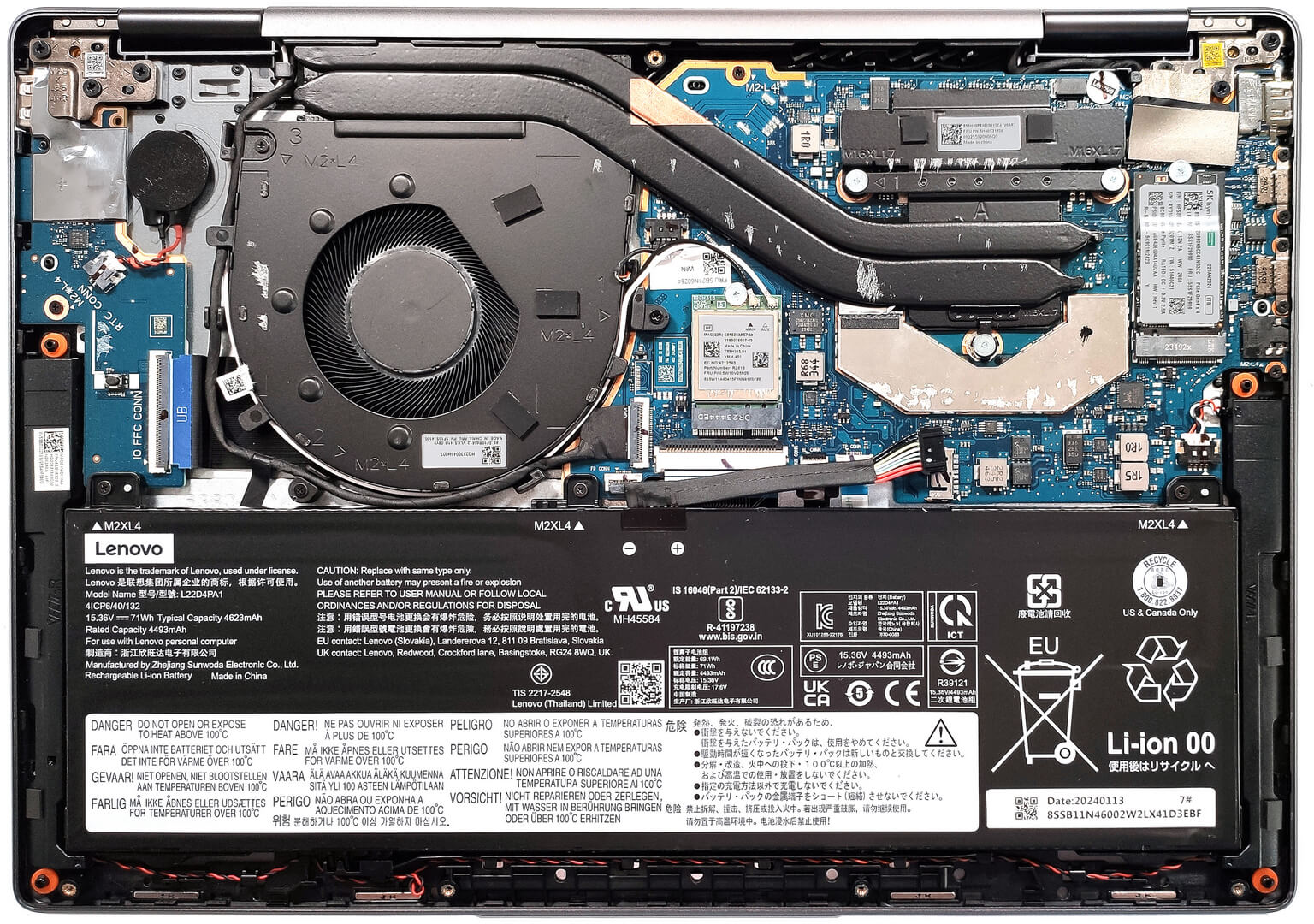
- 1x 2242 M.2 NVMe PCIe 4.0 x4 See photo
- RAM
- 16GB RAM
- OS
- Windows 11 Home
- Body Material
- Aluminum
- Dimensions
- 317.72 x 222.13 x 16.64 mm (12.51" x 8.75" x 0.66")
- Weight
- 1.49 kg (3.3 lbs)
- Ports and connectivity
- 1x USB Type-A
- 3.2 Gen 1 (5 Gbps), Sleep and Charge
- 1x USB Type-C
- 3.2 Gen 2 (10 Gbps), Power Delivery (PD), DisplayPort
- 1x USB Type-C
- 4.0, Power Delivery (PD), DisplayPort
- HDMI
- 2.1 (4K@60Hz)
- Card Reader
- microSD (microSD, microSDHC, microSDXC)
- Ethernet LAN
- Wi-Fi
- 802.11ax
- Bluetooth
- 5.2
- Audio jack
- 3.5mm Combo Jack
- Features
- Fingerprint reader
- Web camera
- FHD IR with privacy shutter, fixed focus
- Backlit keyboard
- Microphone
- Dual Microphone Array
- Speakers
- 2x 2W Stereo Speakers, optimized with Dolby Atmos, Smart Amplifier (AMP)
- Security Lock slot
Portability
Review
Lenovo Yoga 7 2-in-1 in-depth review
If the Intel-based Yoga 7i 2-in-1 (14, Gen 9) is all you need in terms of transforming capabilities and chassis rigidity but you prefer AMD CPUs, you can get the Lenovo Yoga 7 2-in-1 Gen 9 (14" AMD). These two devices look virtually the same. Of course, there are some differences here and there. This time around, you can rely on 28W AMD Zen 4 Hawk Point-HS CPUs. Just like the Intel version, there are no dGPU options and you get the integrated AMD Radeon 760M or Radeon 780M for graphics tasks.Again, the memory is soldered but the port selection looks good thanks to the two Type-C ports that support fast data transfer and charging. In terms of display, there are two glossy 60Hz 1200p touchscreens with Dolby Vision capabilities. The base one is an IPS unit and you can opt for the optional[...]
Read the full review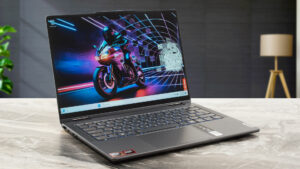
Pros
- Rigid aluminum build
- The fan is almost quiet during full CPU loads in "Performance" mode
- 309 nits max brightness (LEN8884)
- Comfortable viewing angles + 16:10 aspect ratio (LEN8884)
- Good audio quality
- Type-C charging
- 1080p IR camera with a privacy shutter
- Modern I/O with two Type-C ports and MicroSD card reader
- The CPU can sustain decent clocks in short and medium loads (~3.85 GHz - 3.53 GHz)
- Great backlit keyboard + smooth touchpad
- Optional fingerprint reader
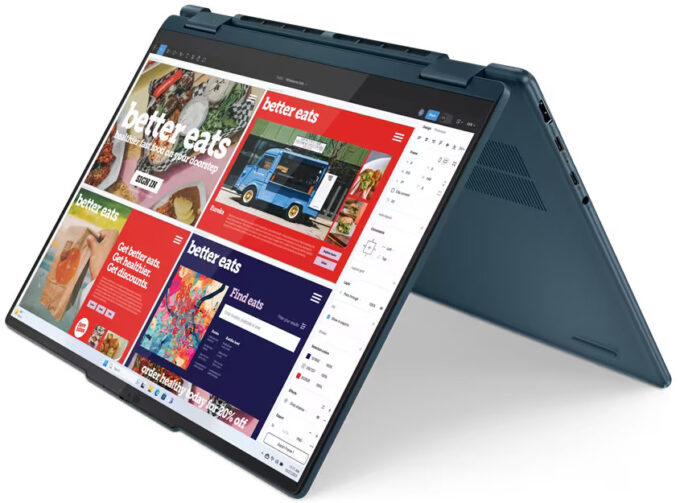
- Smooth 360-degree hinge that supports laptop, tent, stand, and tablet modes
- Optional Lenovo Pen
Cons
- Soldered memory and just one M.2 slot
- The CPU clocks and power limit are below the official base values in longer loads (2.76 GHz / 24W)
- No Thunderbolt 4 support unlike the Intel model
- 50% sRGB coverage (LEN8884)
Disassembly, maintenance and upgrade options
Opening the DeviceUndo the seven Torx-head screws securing the bottom panel. Raise the top two edges with a thin plastic tool and pry the sides. Pop the front but do not pry the back. Slightly lift the front of the plate and push it forward to remove it.More info: Here's how the bottom panel looks on the inside.Battery RemovalPull out the battery connector from the mainboard. Undo the 3 Phillips-head screws securing the battery. Lift the battery to remove it from the device.Note: The device uses a 71Wh battery, providing approximately 10 hours[...]
Read more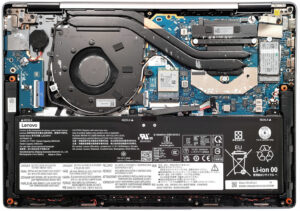


![[June 2026] Best-Selling Laptop Brands on Amazon Global – Apple’s Unrivaled Dominance in Units and Revenue](https://laptopmedia.com/wp-content/uploads/2026/07/GLOBAL-Best-Brands-400x225.jpg)
![[June 2026] Amazon Global: Top 10 Best-Selling Laptops – Apple’s New MacBook Neo Storms to #1, Reshaping the Market with Affordability](https://laptopmedia.com/wp-content/uploads/2026/07/Best-Selling-Laptops-GLOBAL-Top-10-400x225.jpg)
![[June 2026] Amazon Global: Top 10 Best-Selling Gaming Laptops – Acer’s Nitro V 16S AI Dominates Sales, While ASUS Leads Overall Revenue](https://laptopmedia.com/wp-content/uploads/2026/07/Best-Selling-Gaming-Laptops-GLOBAL-Top-10-400x225.jpg)
![[June 2026] Global Ranking of Best-Selling Laptop GPUs on Amazon – NVIDIA RTX 5060 is the Top-Selling Dedicated GPU](https://laptopmedia.com/wp-content/uploads/2026/07/Best-Selling-GPUs-GLOBAL-Top-10-400x225.jpg)
![[June 2026] Global Ranking of Best-Selling Laptop CPUs on Amazon – Apple M5 Dominates, AMD Ryzen 7 260 Gets Solid Premium Share](https://laptopmedia.com/wp-content/uploads/2026/07/Best-Selling-CPUs-GLOBAL-Top-10-400x225.jpg)