How to open Lenovo Yoga 7 2-in-1 Gen 9 (14″ AMD) – disassembly and upgrade options

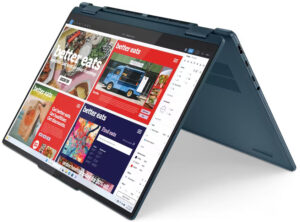
Opening the Device
- Undo the seven Torx-head screws securing the bottom panel.
- Raise the top two edges with a thin plastic tool and pry the sides.
- Pop the front but do not pry the back.
- Slightly lift the front of the plate and push it forward to remove it.
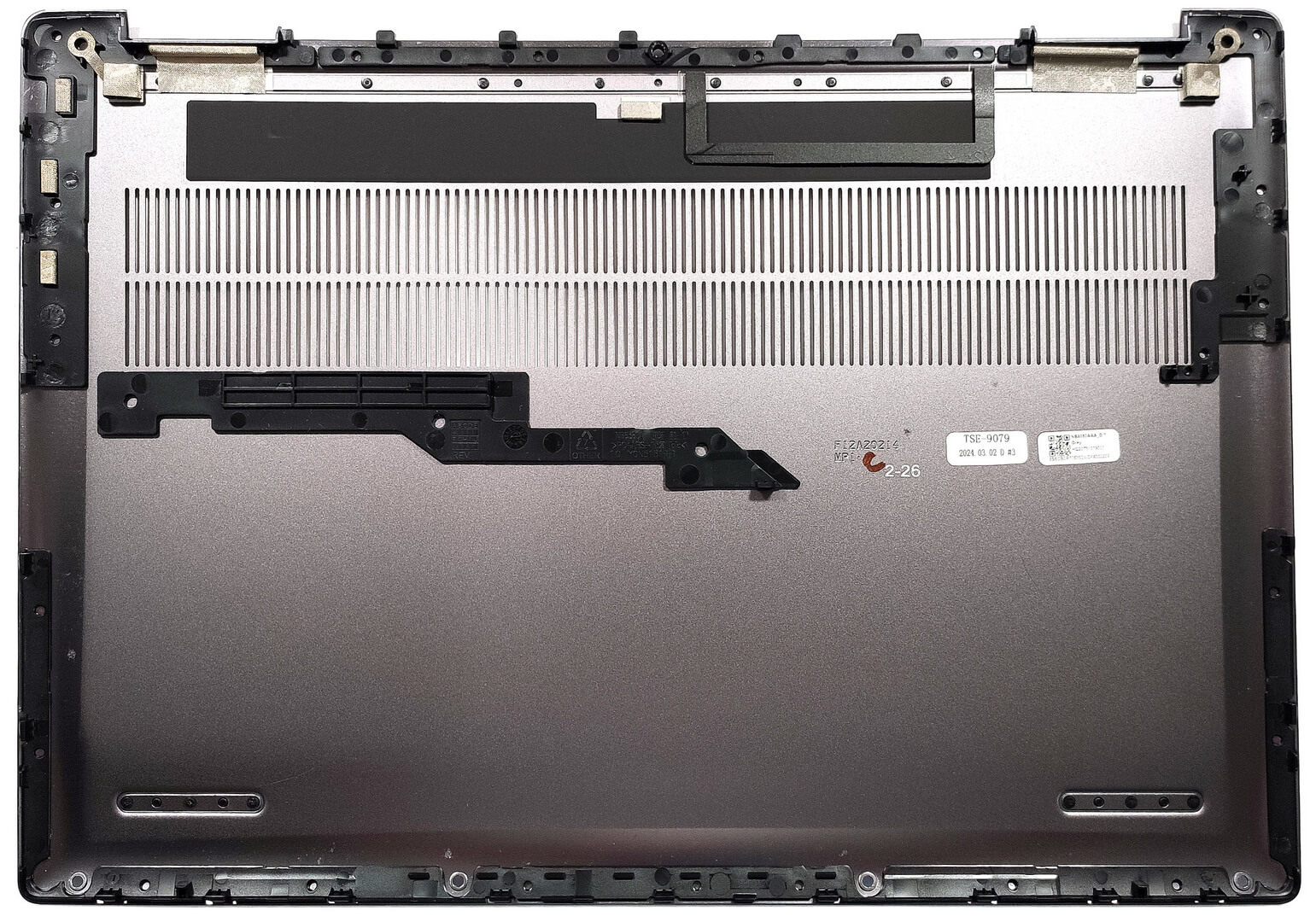
More info: Here’s how the bottom panel looks on the inside.
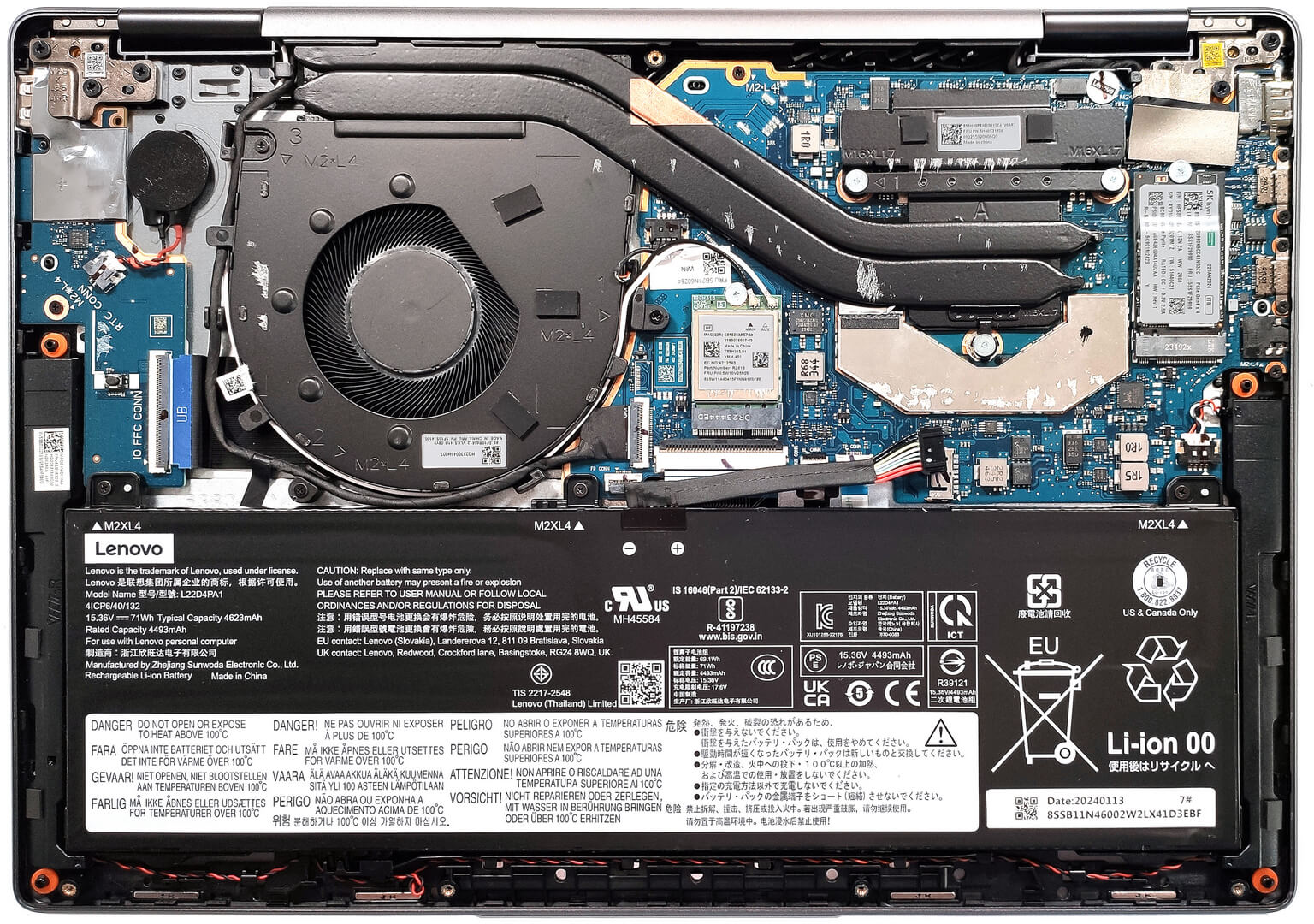
Battery Removal
- Pull out the battery connector from the mainboard.
- Undo the 3 Phillips-head screws securing the battery.
- Lift the battery to remove it from the device.
Note: The device uses a 71Wh battery, providing approximately 10 hours of video playback.
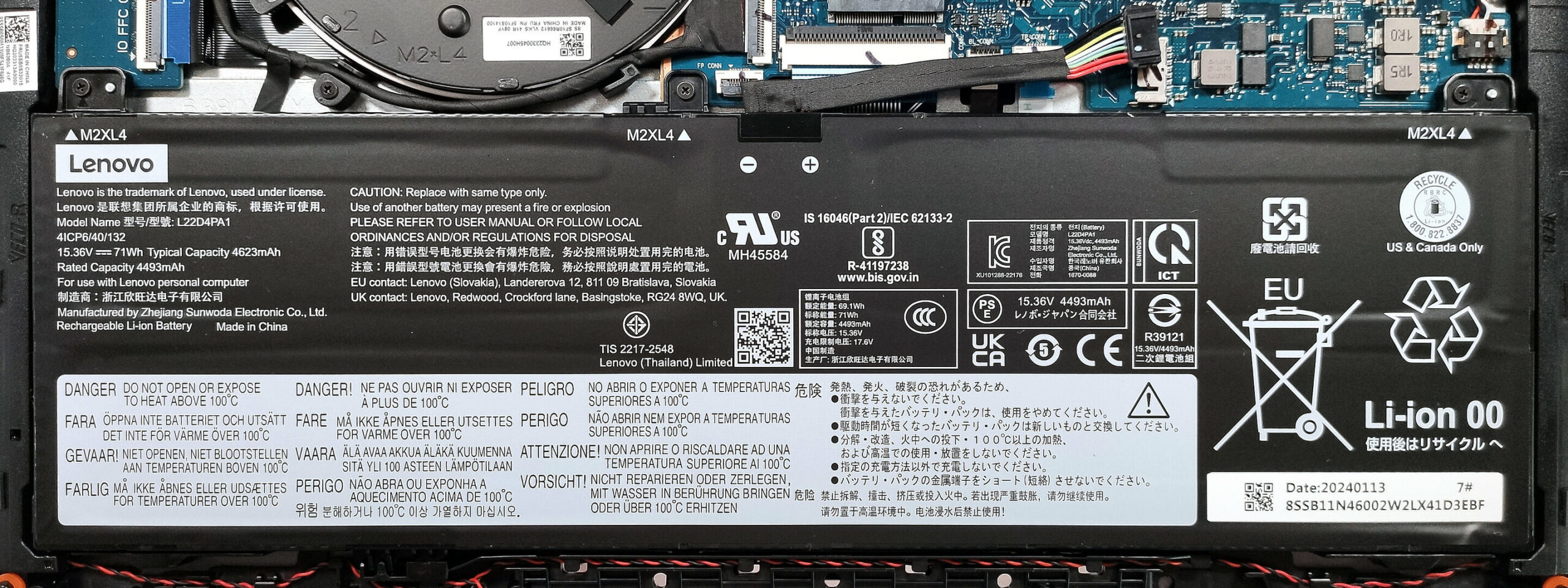
Memory Information
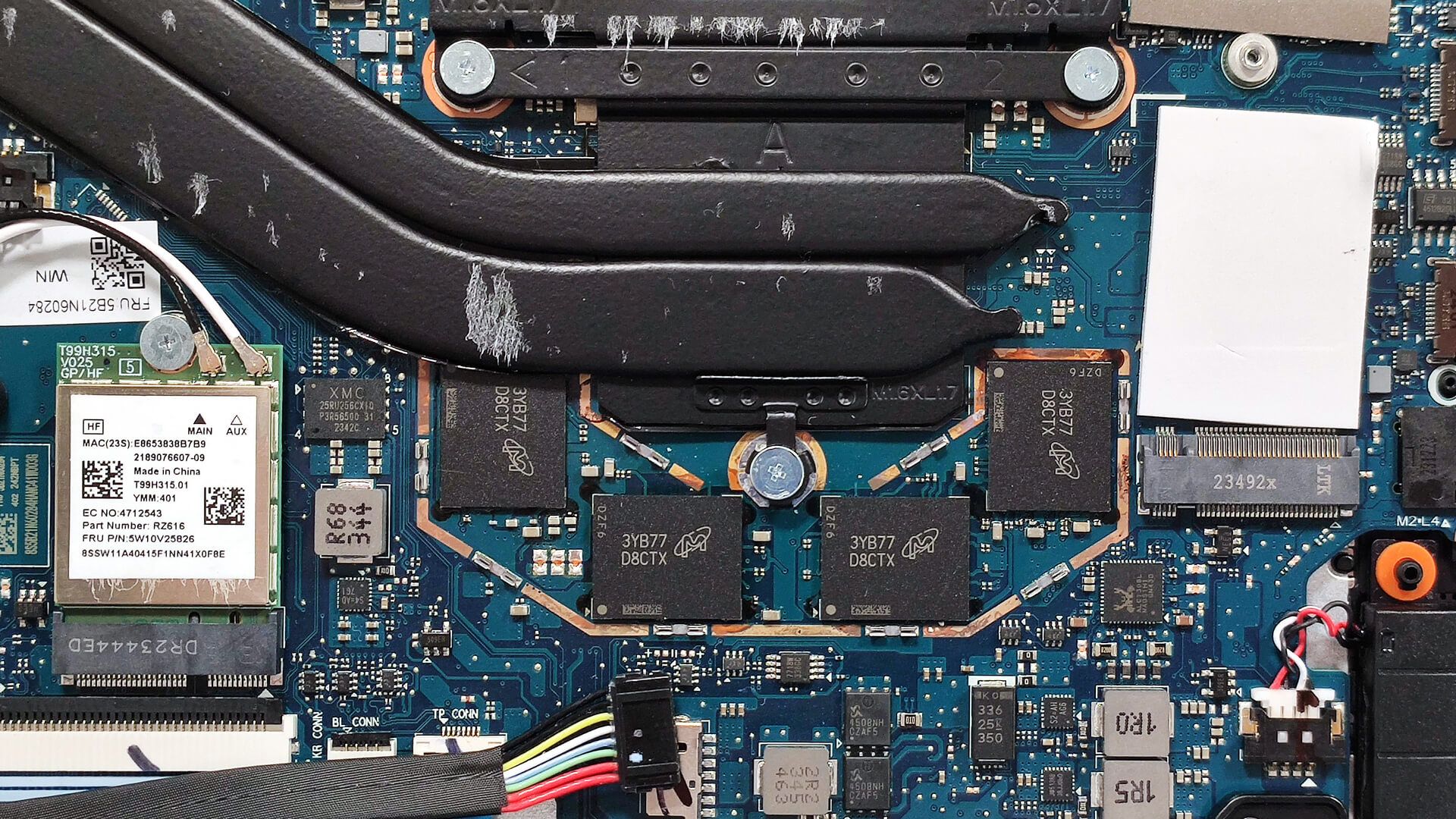
Note: The memory is soldered but works in dual-channel mode. The device can be configured with 8GB LPDDR5-6400MHz or 16GB LPDDR5x-6400MHz RAM.
Storage Upgrade
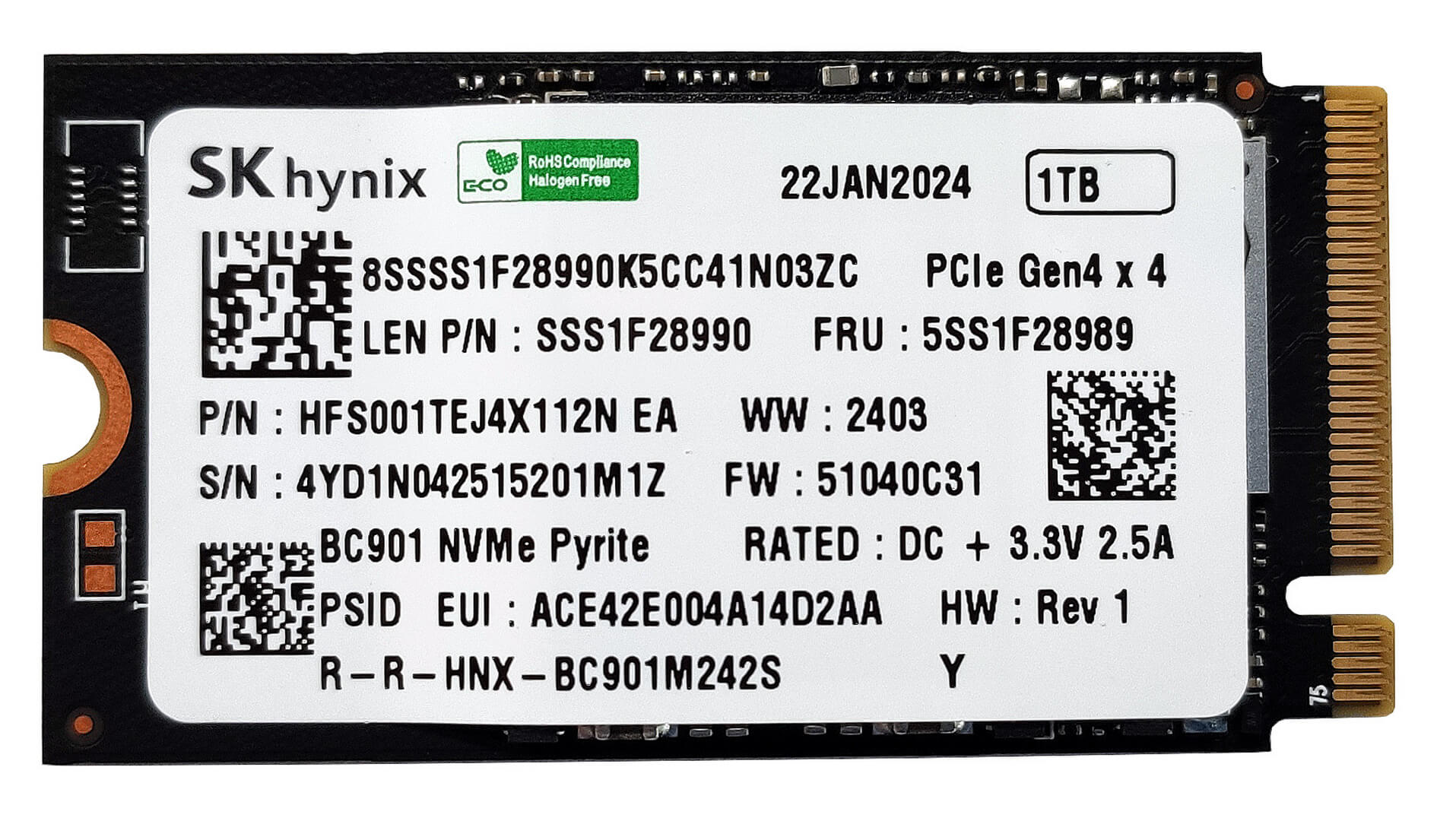
- Locate the single M.2 slot compatible with 2242 Gen 4 SSDs.
- Remove the preinstalled SSD and the thermal pad beneath it, if present.
- Install the new SSD in the slot.
Hint: Don’t forget to check out our Top M.2 SSDs Performance Rankings for insights on the best storage options available.
You can buy compatible SSDs here: Buy from Amazon.com (#CommissionsEarned)
Cooling System Overview
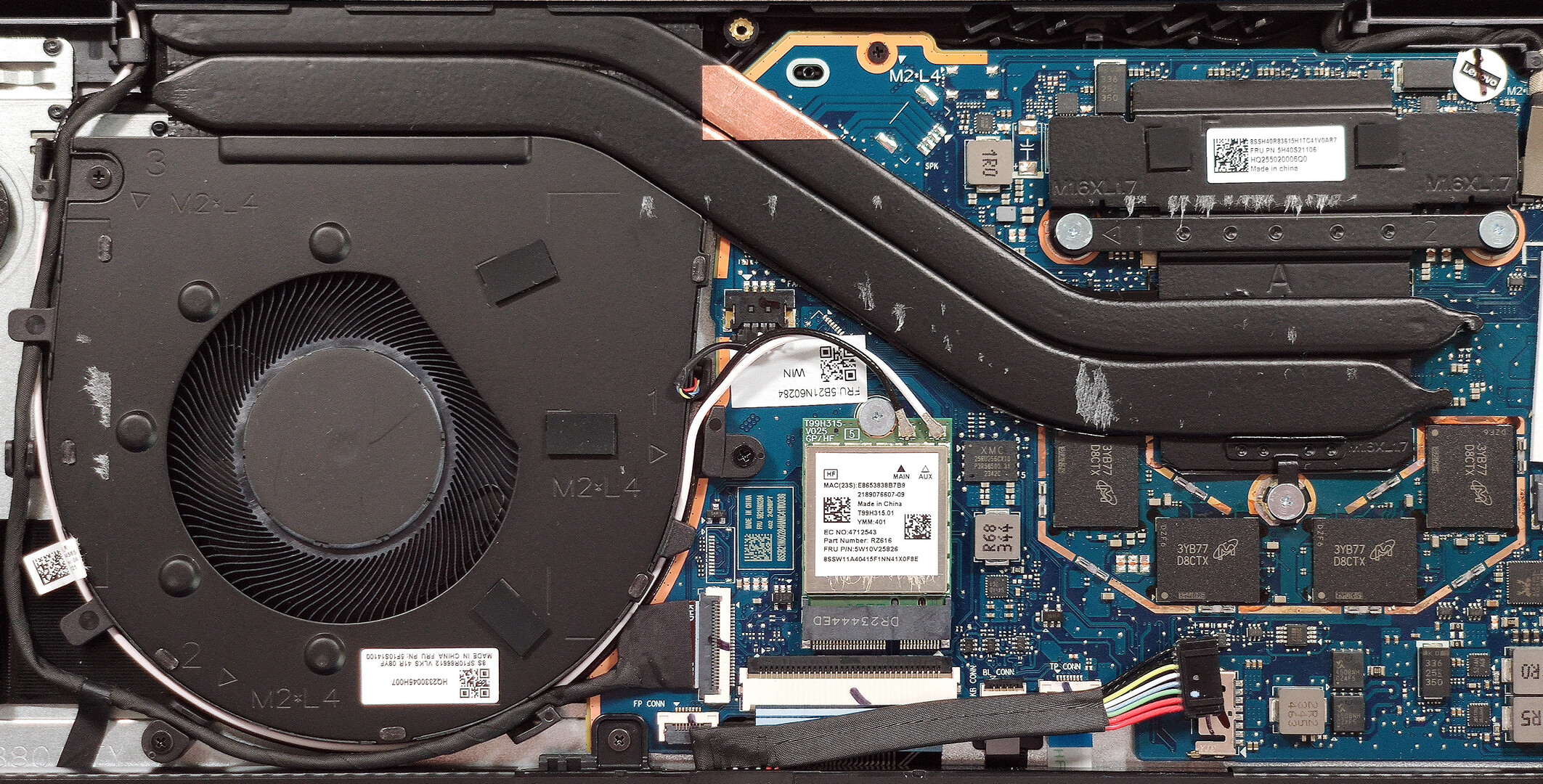
- The thermal system includes a single large fan, a pair of long heat pipes, one top-mounted heat sink, and a heat spreader.
- Ensure all cooling components are clean and free of dust for optimal performance.
Lenovo Yoga 7 2-in-1 (14AHP9) in-depth review
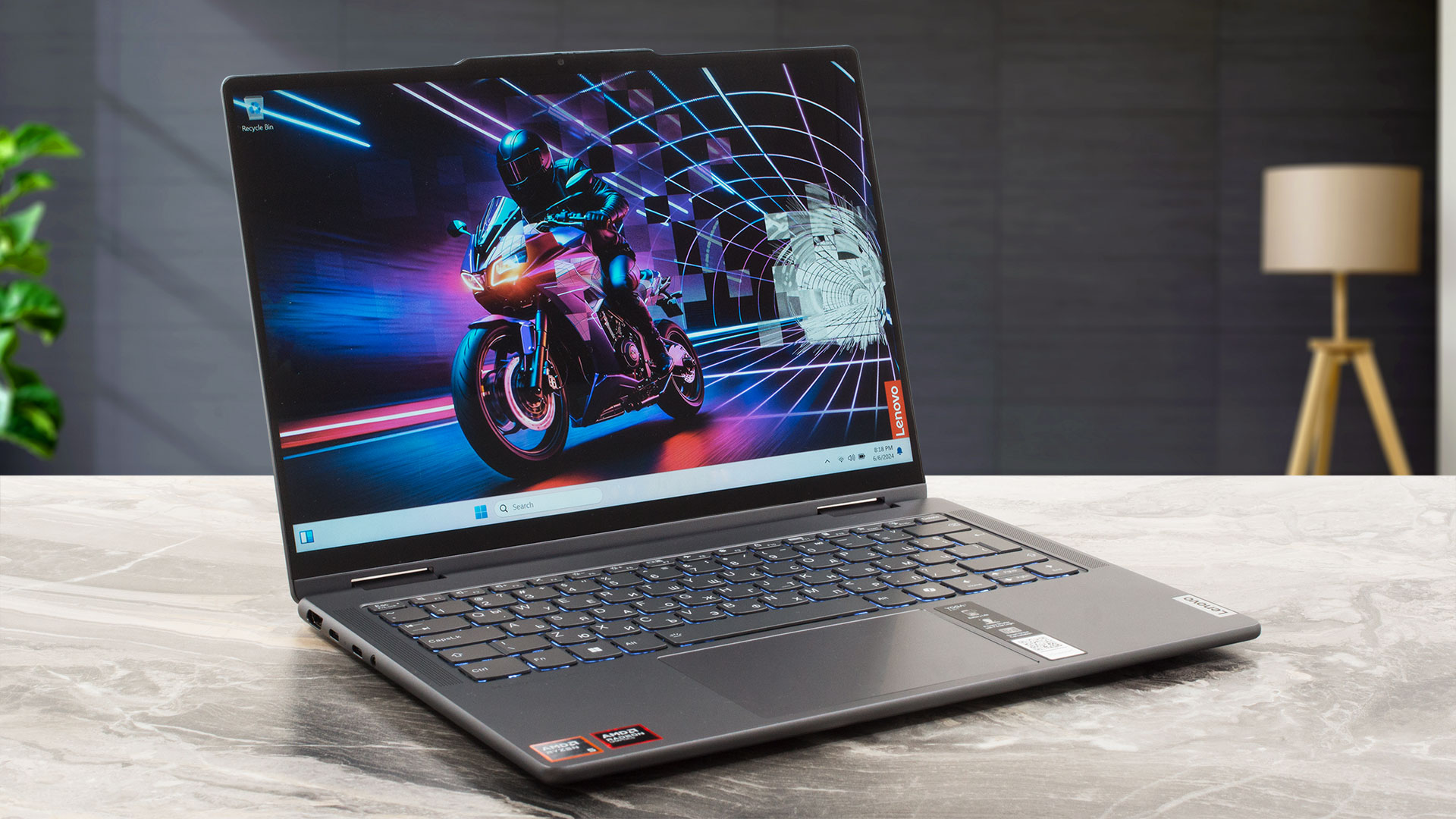
If the Intel-based Yoga 7i 2-in-1 (14, Gen 9) is all you need in terms of transforming capabilities and chassis rigidity but you prefer AMD CPUs, you can get the Lenovo Yoga 7 2-in-1 Gen 9 (14" AMD). These two devices look virtually the same. Of course, there are some differences here and there. This time around, you can rely on 28W AMD Zen 4 Hawk Point-HS CPUs. Just like the Intel version, there are no dGPU options and you get the integrated AMD Radeon 760M or Radeon 780M for graphics tasks.Again, the memory is soldered but the port selection looks good thanks to the two Type-C ports that[...]
Pros
- Rigid aluminum build
- The fan is almost quiet during full CPU loads in "Performance" mode
- 309 nits max brightness (LEN8884)
- Comfortable viewing angles + 16:10 aspect ratio (LEN8884)
- Good audio quality
- Type-C charging
- 1080p IR camera with a privacy shutter
- Modern I/O with two Type-C ports and MicroSD card reader
- The CPU can sustain decent clocks in short and medium loads (~3.85 GHz - 3.53 GHz)
- Great backlit keyboard + smooth touchpad
- Optional fingerprint reader
- Smooth 360-degree hinge that supports laptop, tent, stand, and tablet modes
- Optional Lenovo Pen
Cons
- Soldered memory and just one M.2 slot
- The CPU clocks and power limit are below the official base values in longer loads (2.76 GHz / 24W)
- No Thunderbolt 4 support unlike the Intel model
- 50% sRGB coverage (LEN8884)
 Author: Severin Kolakov

![[August 2026] Best-Selling Laptop Brands on Amazon Japan – Apple Dominates Market Share and Revenue Led by Strong Unit Sales](https://laptopmedia.com/wp-content/uploads/2026/09/CO.JP-Best-Brands-1-400x225.jpg)
![[August 2026] Best-Selling Laptop Brands on Amazon USA – Apple Dominates Market Revenue and Volume Despite Lower Model Diversity](https://laptopmedia.com/wp-content/uploads/2026/09/COM-Best-Brands-1-400x225.jpg)
![[August 2026] Amazon Germany: Top 8 Best-Selling Gaming Laptops – Acer Dominates the Market as the Premium Nitro V 17 AI Takes the #1 Spot](https://laptopmedia.com/wp-content/uploads/2026/09/Best-Selling-Gaming-Laptops-DE-Top-10-1-400x225.jpg)
![[August 2026] Best-Selling Laptop Brands on Amazon France – Apple Dominates Revenue Despite Lenovo and HP Leading in Catalog Breadth and Volume](https://laptopmedia.com/wp-content/uploads/2026/09/FR-Best-Brands-1-400x225.jpg)
![[August 2026] Amazon Italy: Top 10 Best-Selling Laptops – Apple MacBook Neo Claims the Crown as Budget and Mid-Range Windows Machines Dominate Volume](https://laptopmedia.com/wp-content/uploads/2026/09/Best-Selling-Laptops-IT-Top-10-400x225.jpg)
