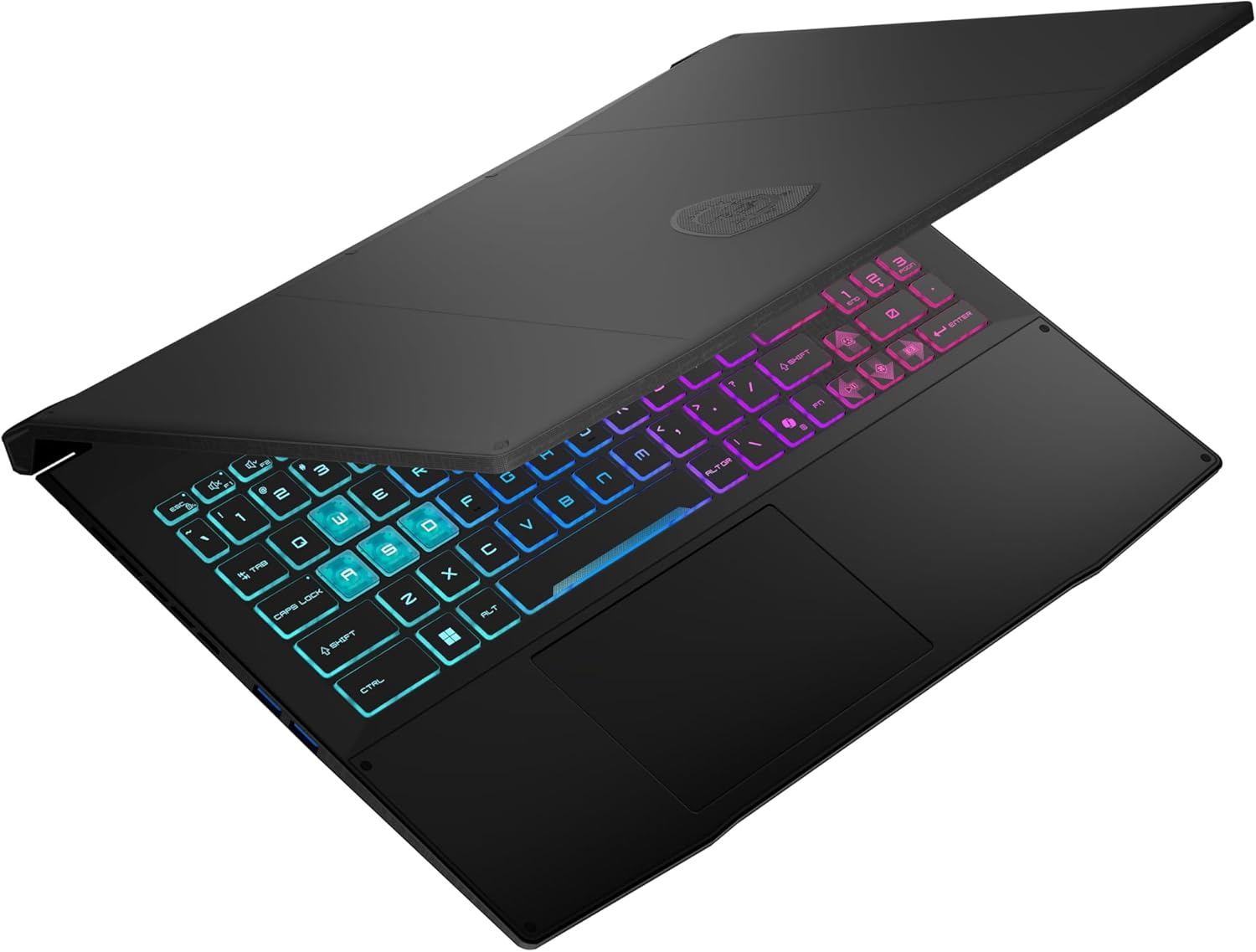
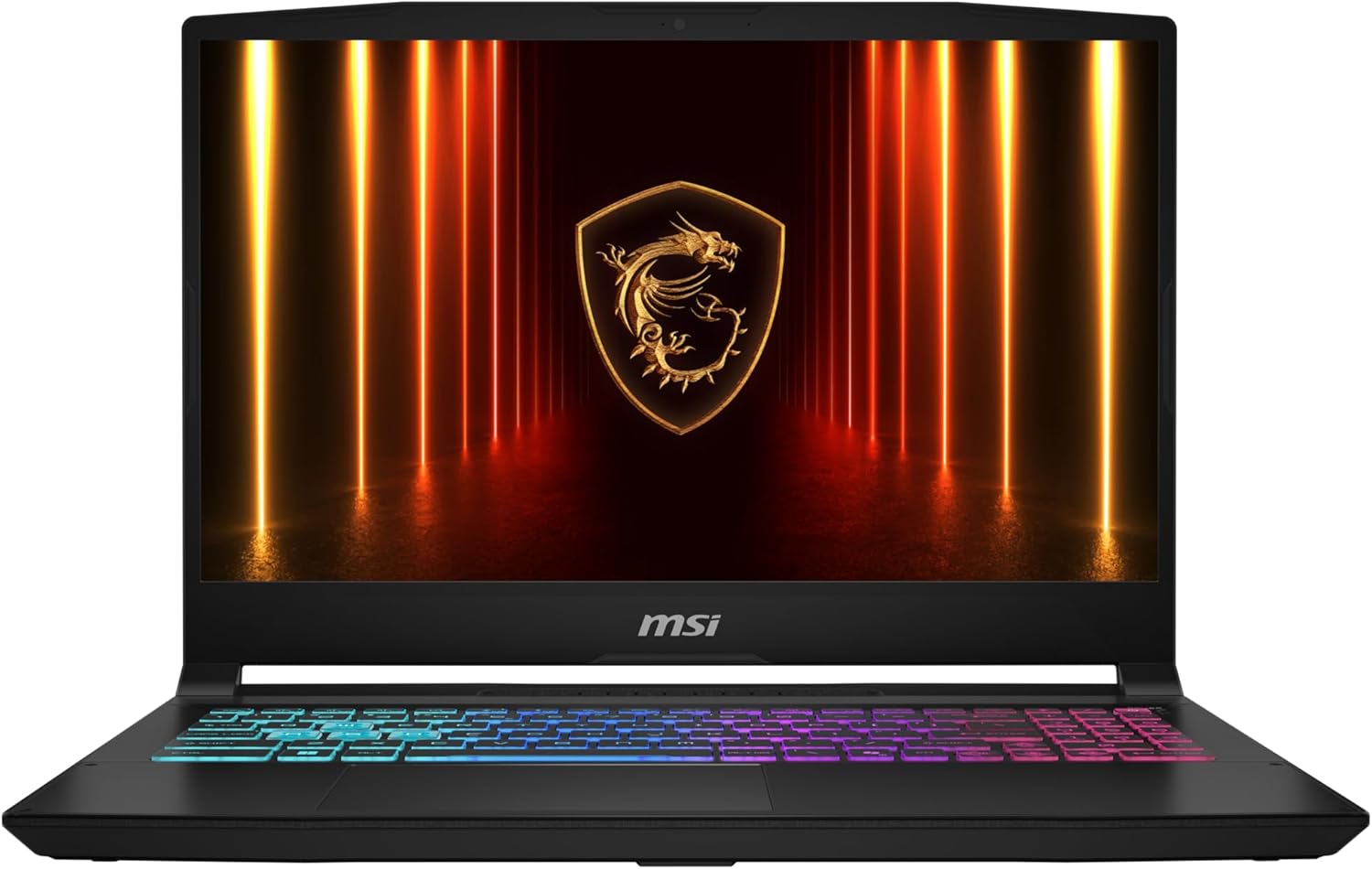
MSI Katana 15 HX
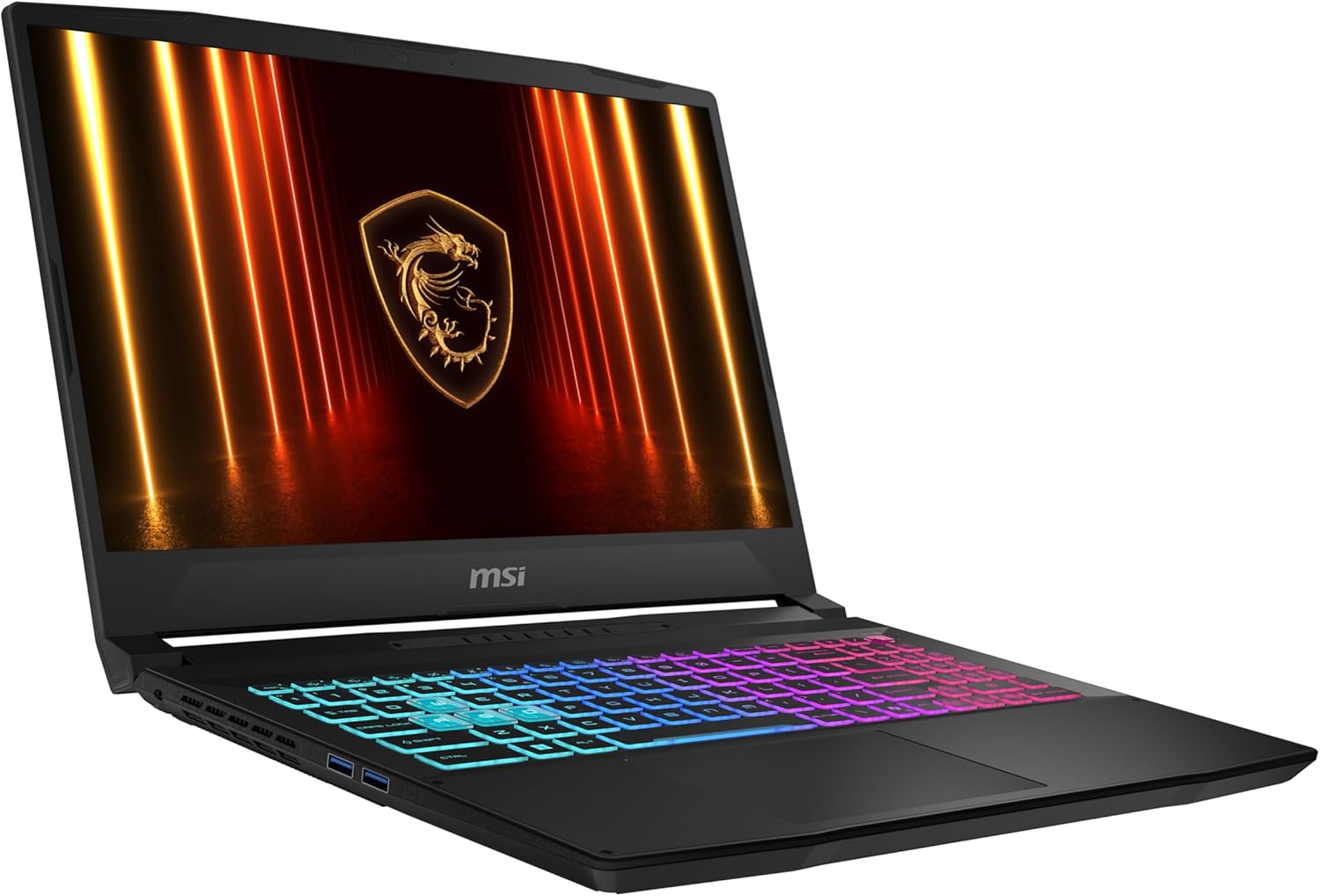
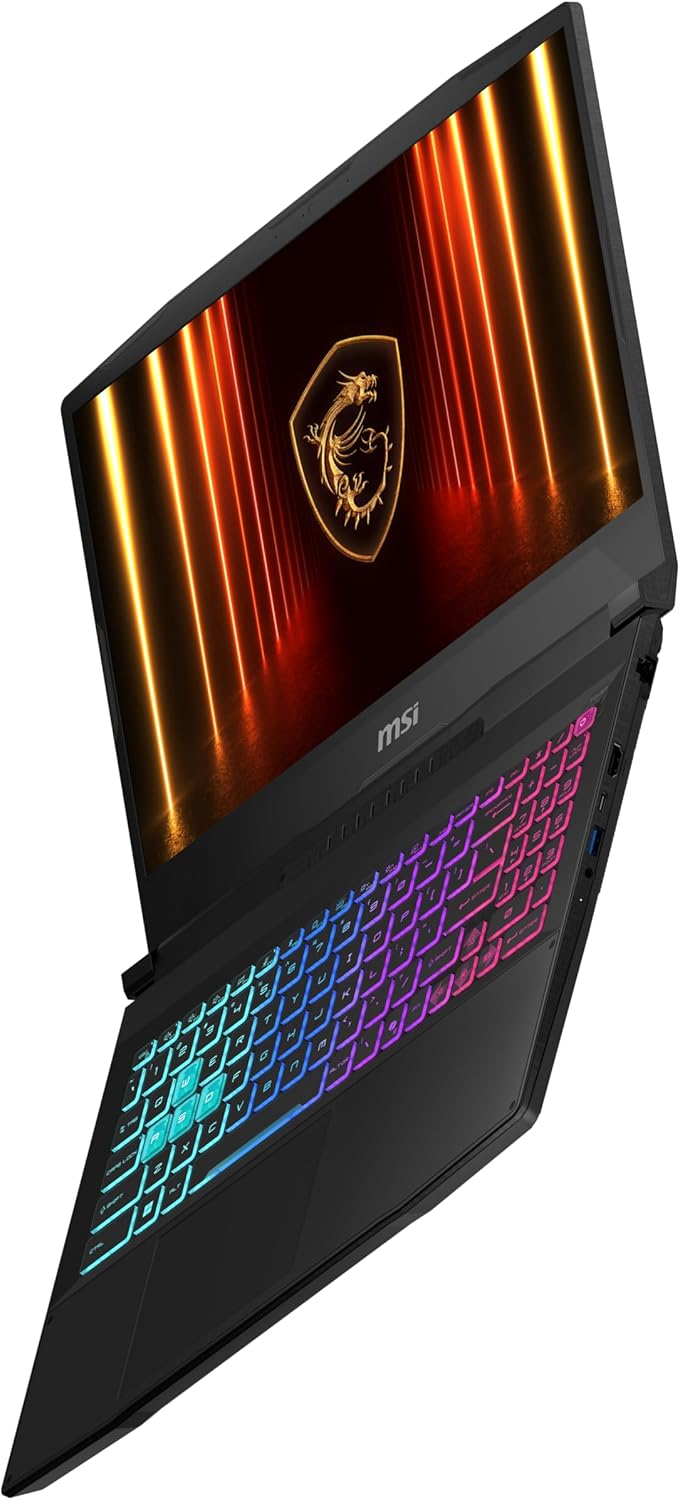
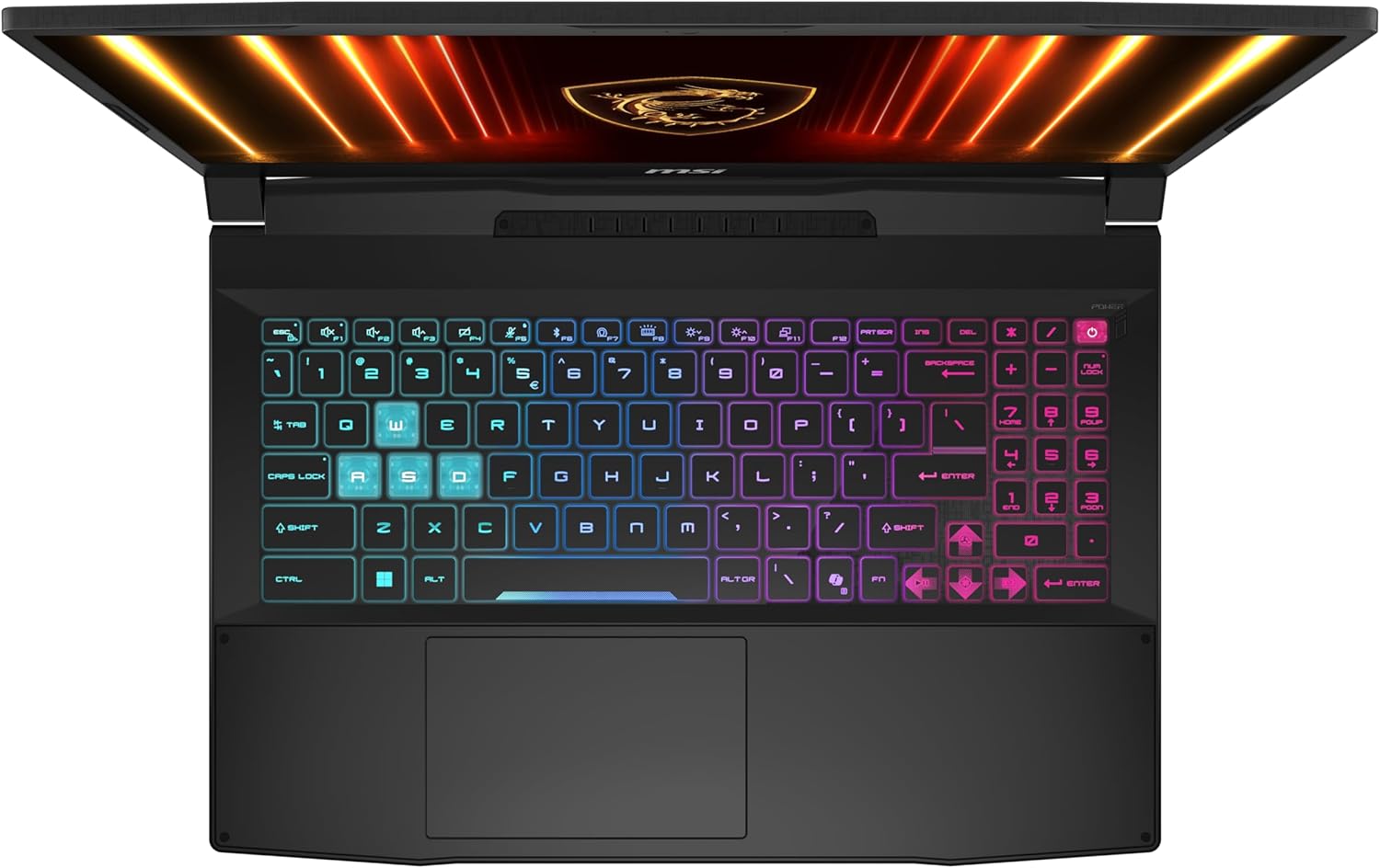
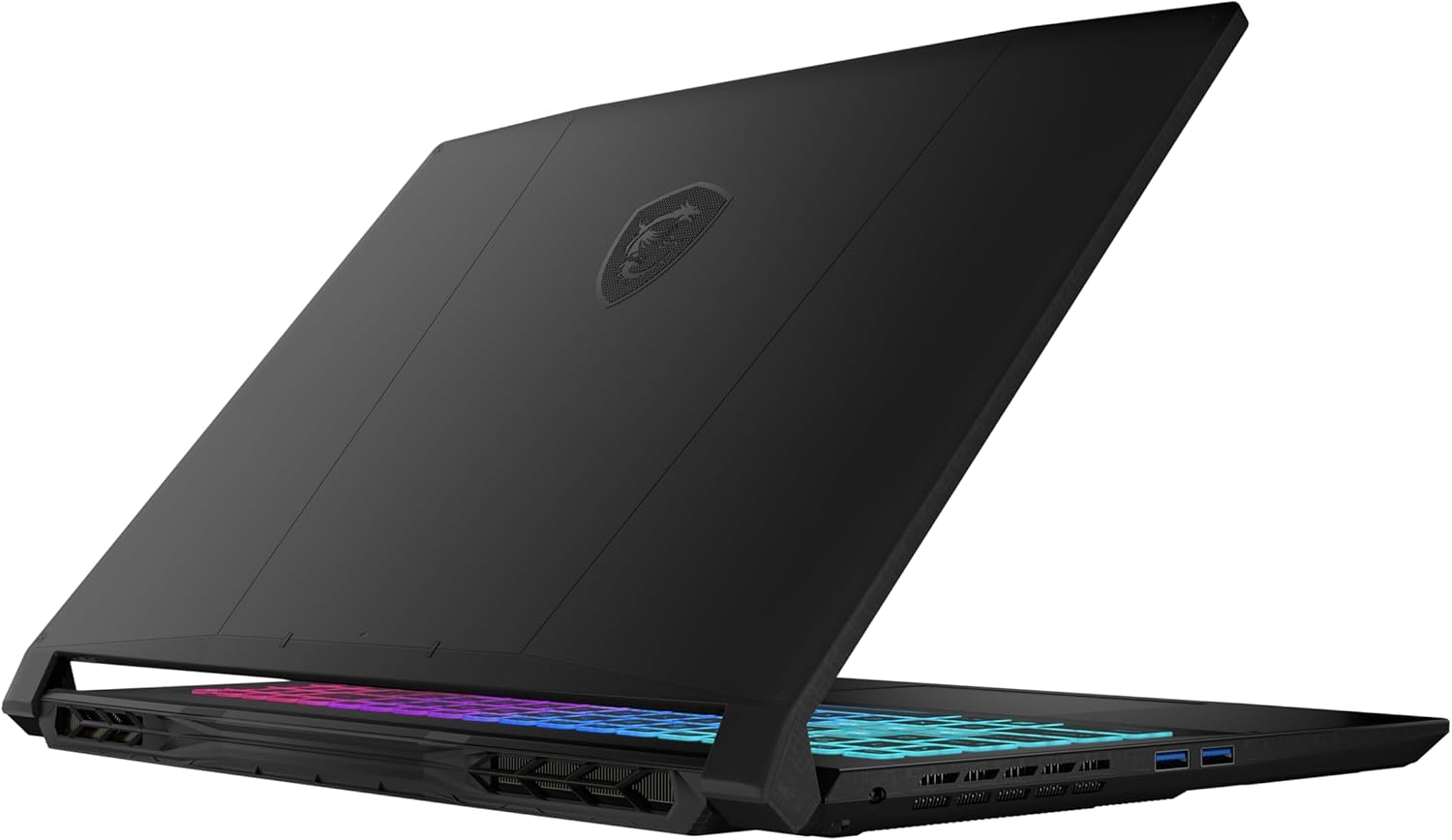
- Date Published: 18 Dec 2025
- Intel Core i7-14650HX
- NVIDIA GeForce RTX 5070 (Laptop, 8GB GDDR7)
- 15.6", WQHD (2560 x 1440), 165 Hz, IPS
- 4000GB SSD
- 96GB RAM
- 2.40 kg (5.3 lbs)
Review
MSI Katana 15 HX in-depth review
In the world of gaming laptops, you usually get what you pay for. But every now and then, a machine comes along that completely defies expectations. The MSI Katana 15 HX (B14Wx) is exactly that kind of surprise. On the outside, it looks like a standard, budget-conscious gaming laptop with a plastic chassis and a modest design. But under the hood, it's hiding a secret: it is an absolute performance monster. In our testing, this unassuming laptop didn't just compete with high-end rivals; it beat them, setting a new record as the fastest RTX 5070 laptop we have ever reviewed. Is this the best-kept secret in gaming laptops right now?You can check the prices and configurations in our Specs System: https://laptopmedia.com/series/msi-katana-15-hx-b14wx/Specs, Drivers, What's in [...]
Read the full review
Pros
- Record-breaking GPU performance (fastest RTX 5070 tested)
- Excellent 165Hz QHD display with 100% DCI-P3 coverage and no PWM
- Very good battery life for a gaming laptop (nearly 7 hours)
- Solid build quality with fingerprint-resistant finish
- Two user-accessible RAM slots for easy upgrades
- Comfortable keyboard with 4-zone RGB lighting
Cons
- Only one M.2 slot limits storage expansion
- CPU runs hot under sustained heavy load
- No privacy shutter or biometric login options
- All-plastic chassis feels less premium
Disassembly, maintenance and upgrade options
Before you start: Power the laptop off, unplug the charger and peripherals, and hold the power button for a few seconds to discharge residual power. Work on a clean, non-conductive surface and use ESD protection if available. Opening the bottom panelPlace the laptop upside down on a soft surface to avoid scratching the lid. Undo all 13 bottom screws. Insert a thin plastic pry tool between the base and the bottom cover and release the first clip. Work your way around the perimeter, popping the remaining clips step by step to avoid bending the panel.[...]
Read more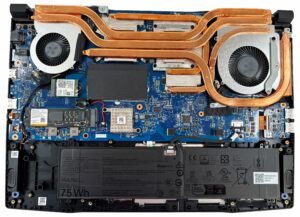


![[June 2026] Best-Selling Laptop Brands on Amazon Global – Apple’s Unrivaled Dominance in Units and Revenue](https://laptopmedia.com/wp-content/uploads/2026/07/GLOBAL-Best-Brands-400x225.jpg)
![[June 2026] Amazon Global: Top 10 Best-Selling Laptops – Apple’s New MacBook Neo Storms to #1, Reshaping the Market with Affordability](https://laptopmedia.com/wp-content/uploads/2026/07/Best-Selling-Laptops-GLOBAL-Top-10-400x225.jpg)
![[June 2026] Amazon Global: Top 10 Best-Selling Gaming Laptops – Acer’s Nitro V 16S AI Dominates Sales, While ASUS Leads Overall Revenue](https://laptopmedia.com/wp-content/uploads/2026/07/Best-Selling-Gaming-Laptops-GLOBAL-Top-10-400x225.jpg)
![[June 2026] Global Ranking of Best-Selling Laptop GPUs on Amazon – NVIDIA RTX 5060 is the Top-Selling Dedicated GPU](https://laptopmedia.com/wp-content/uploads/2026/07/Best-Selling-GPUs-GLOBAL-Top-10-400x225.jpg)
![[June 2026] Global Ranking of Best-Selling Laptop CPUs on Amazon – Apple M5 Dominates, AMD Ryzen 7 260 Gets Solid Premium Share](https://laptopmedia.com/wp-content/uploads/2026/07/Best-Selling-CPUs-GLOBAL-Top-10-400x225.jpg)
