How to open MSI Katana 15 HX B14W – disassembly and upgrade options
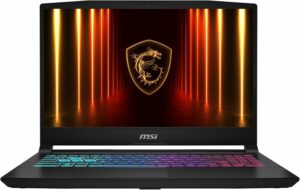
Before you start: Power the laptop off, unplug the charger and peripherals, and hold the power button for a few seconds to discharge residual power. Work on a clean, non-conductive surface and use ESD protection if available.
Opening the bottom panel
- Place the laptop upside down on a soft surface to avoid scratching the lid.
- Undo all 13 bottom screws.
- Insert a thin plastic pry tool between the base and the bottom cover and release the first clip.
- Work your way around the perimeter, popping the remaining clips step by step to avoid bending the panel.
- Lift the bottom cover away and set it aside.
Cooling system and cleaning
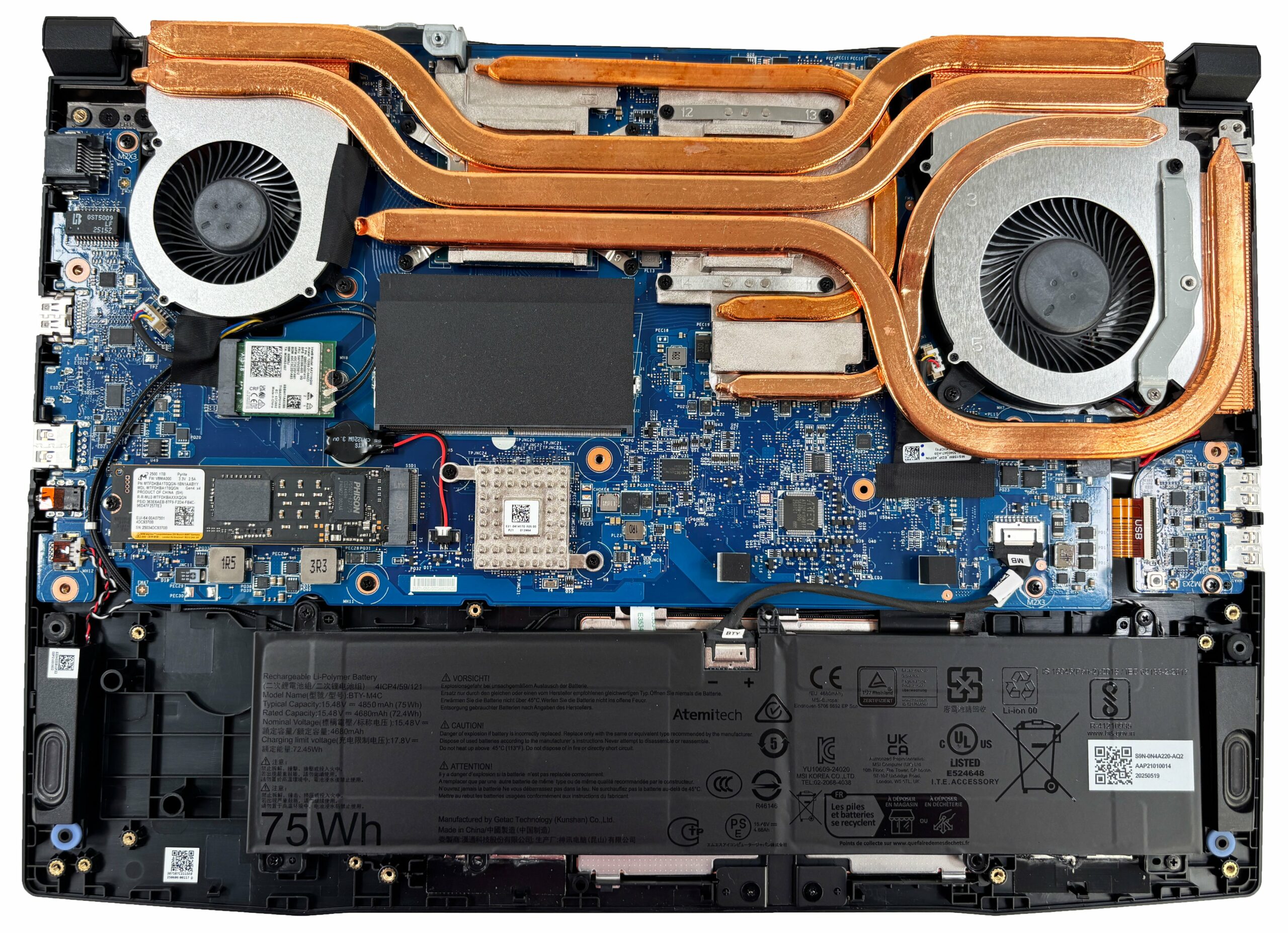
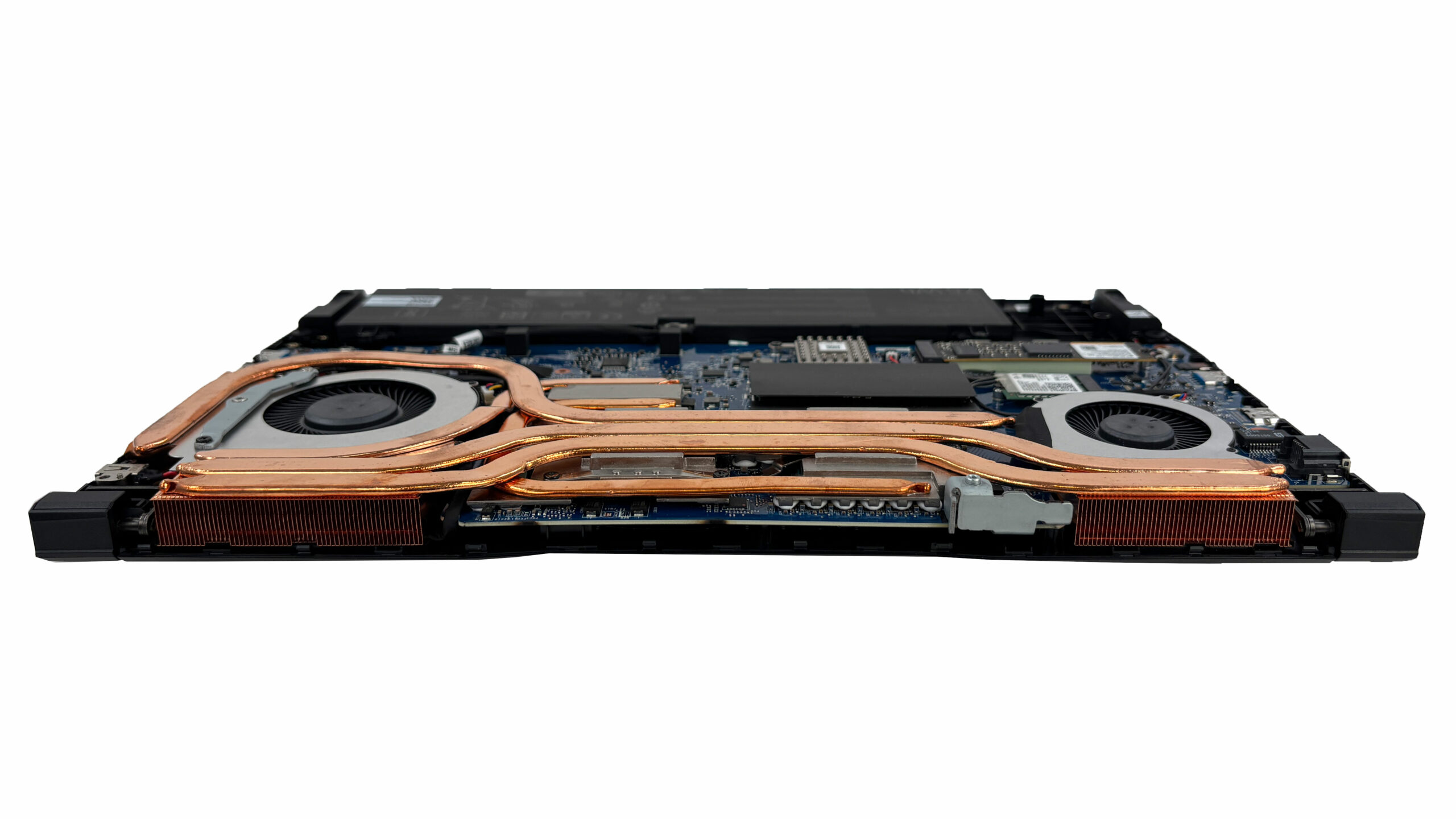
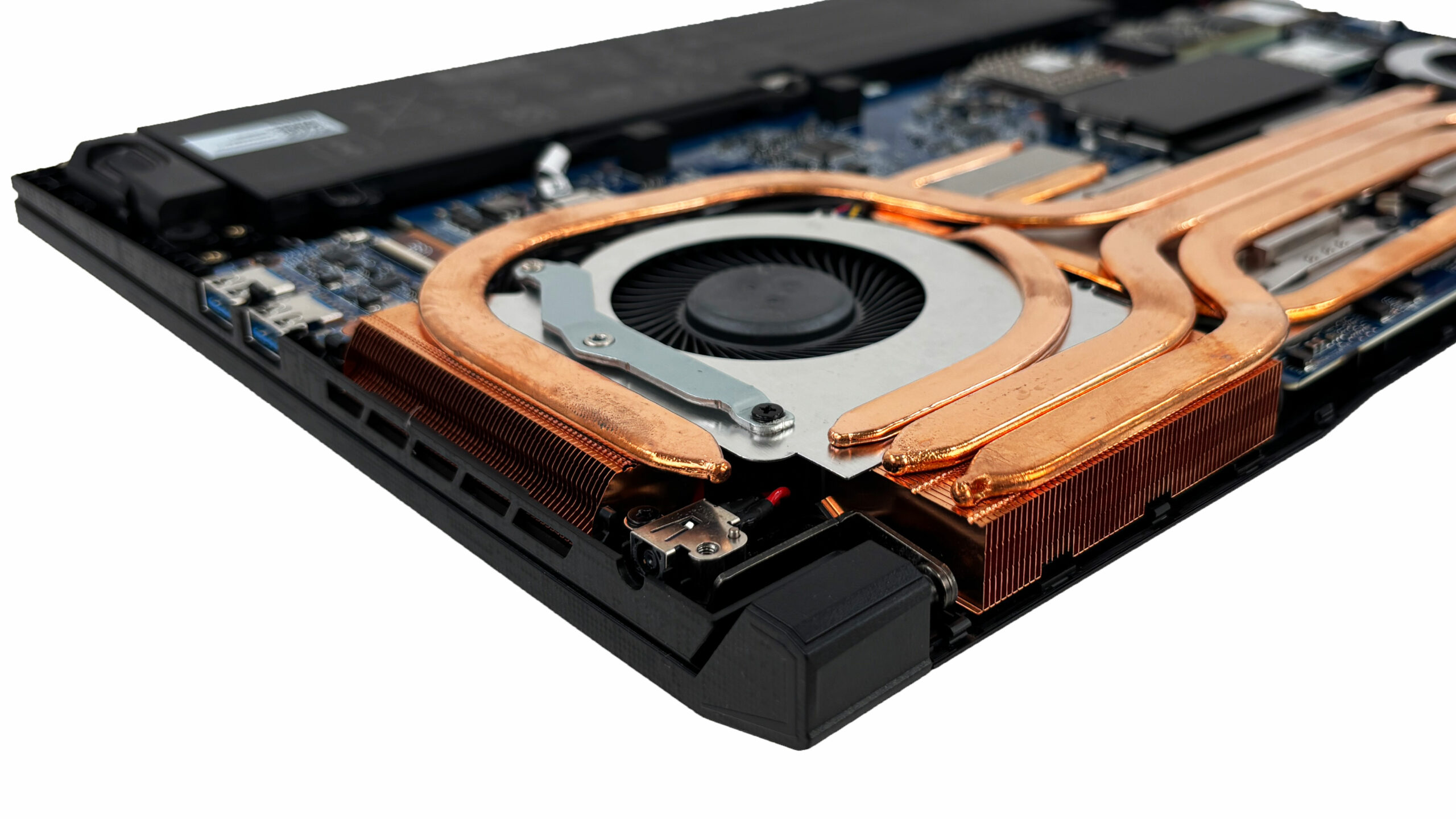
- The Katana uses a dual-fan cooling design connected to a shared heatsink assembly with multiple copper heat pipes.
- Heat is routed into two fin stacks toward the rear corners, allowing both fans to exhaust through the back of the chassis.
- Routine maintenance is straightforward: once the bottom cover is off, you can clean the fans and fin stacks with compressed air while gently holding the fan blades to prevent overspin.
- A full repaste requires removing the entire heatsink assembly, so treat it as an advanced job that benefits from careful screw order and even tightening during reassembly.
Battery removal and replacement
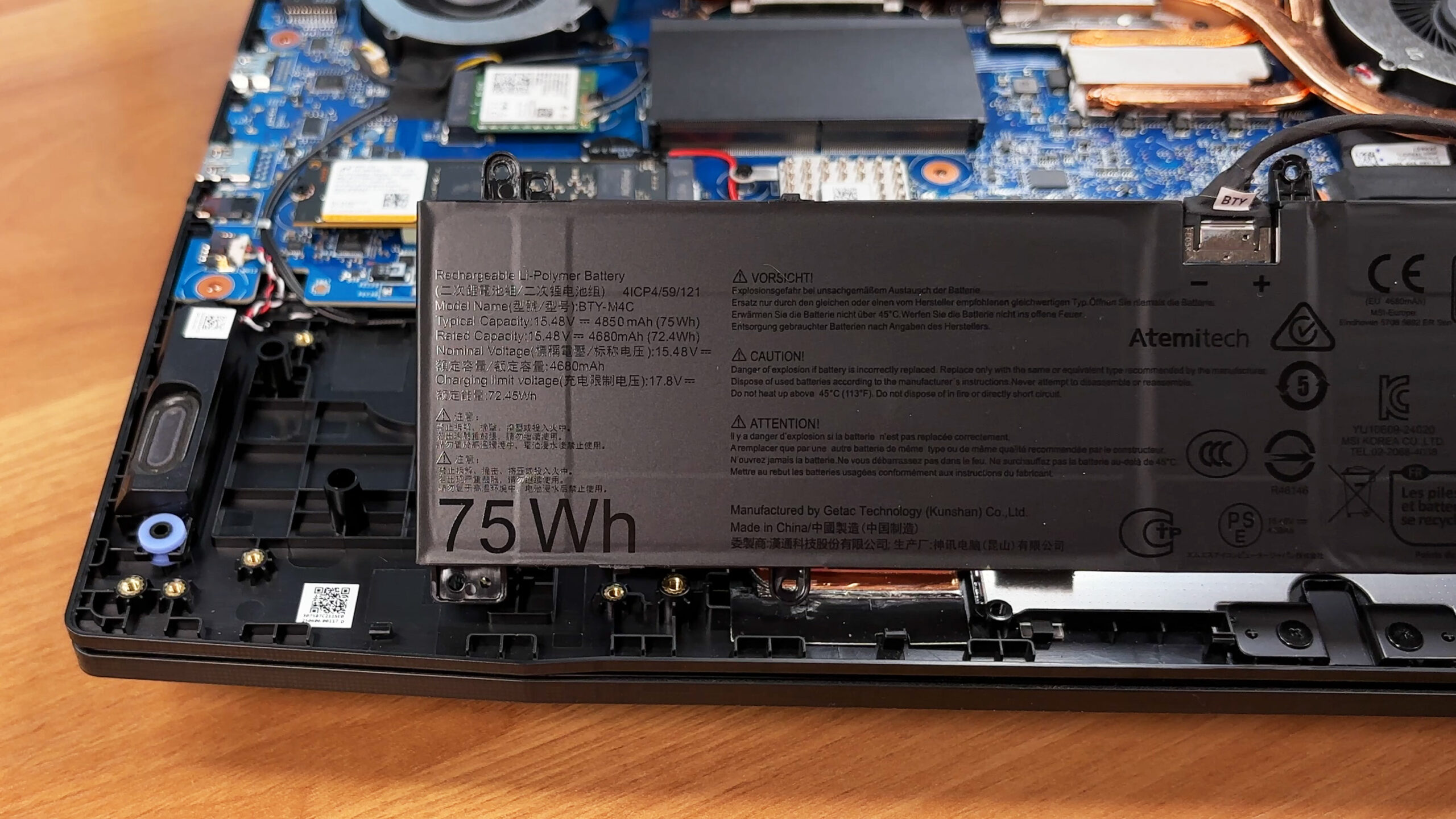
- The battery is a removable 4-cell lithium-polymer unit rated at 75 Wh.
- Disconnect the battery cable from the motherboard before any upgrades or service work.
- Undo the battery’s mounting screws and lift the pack out of the chassis.
- When reinstalling, route the battery cable through its guide channel so it sits correctly and is less likely to loosen over time.
Memory upgrade
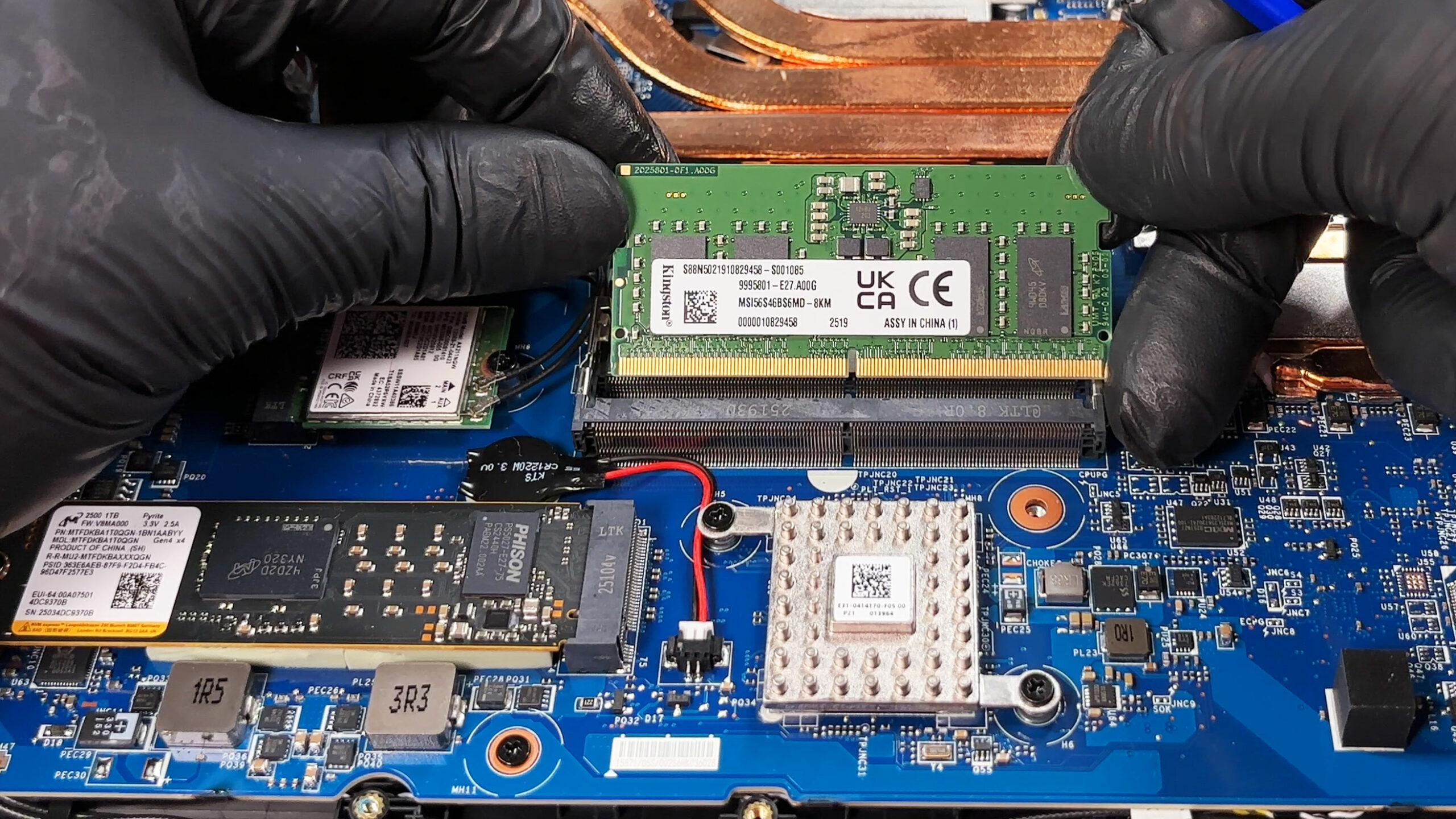
- Memory is upgradeable via two DDR5 SO-DIMM slots.
- This configuration supports DDR5-5600, and dual-channel operation is available when using a matched pair of modules.
- The memory area is covered with metalized shielding tape. Peel it back carefully and reapply it after the upgrade to preserve EMI shielding.
- To replace RAM, spread the side clips, slide the module out at an angle, insert the new SO-DIMM at the same angle, then press it down until both clips lock.
Storage upgrade
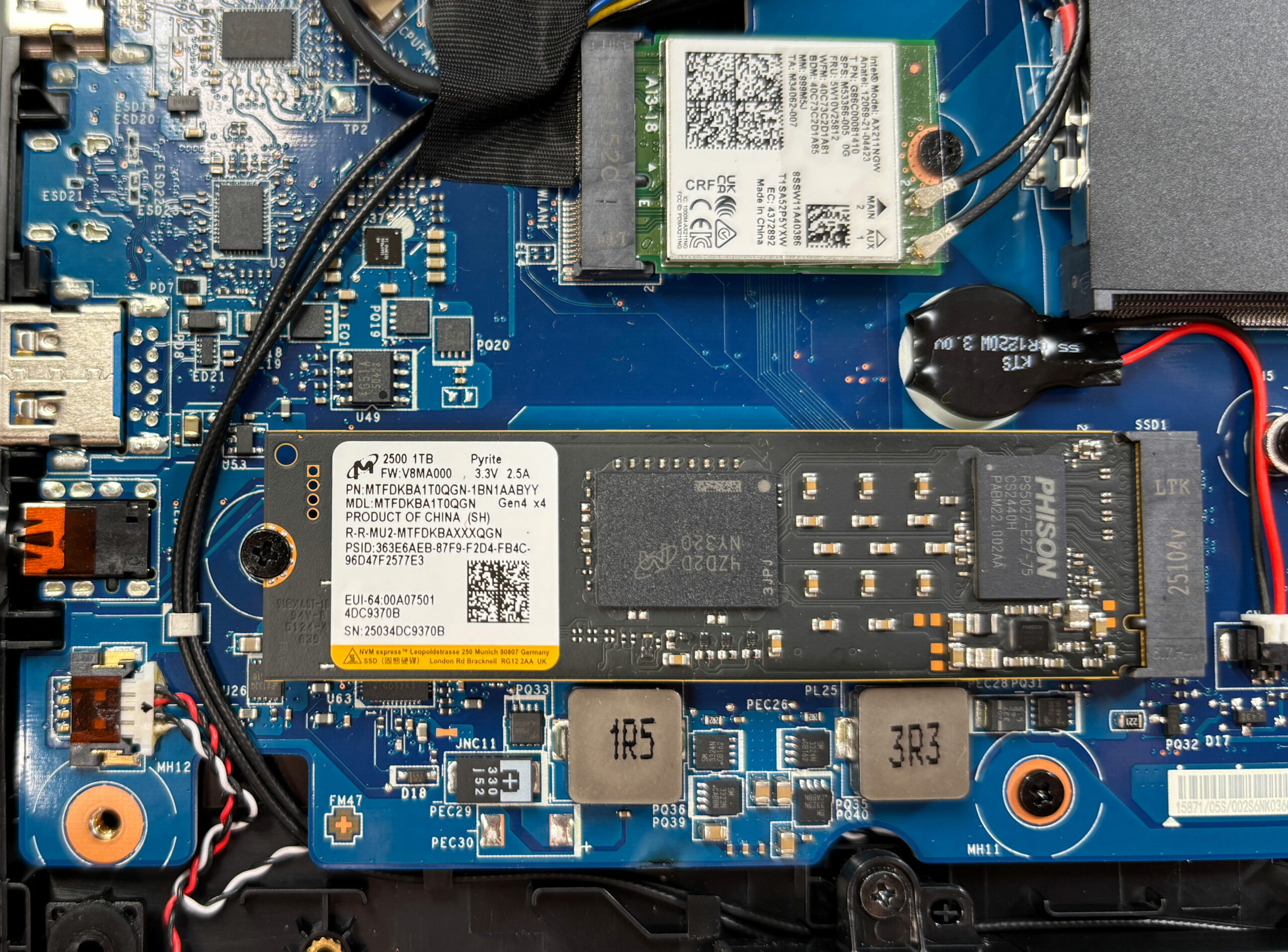
- Storage is limited to a single M.2 NVMe slot, so expansion means replacing the existing SSD rather than adding a second drive.
- Our unit is fitted with a Micron 2500 1 TB PCIe Gen 4 x4 drive.
- The SSD uses thick, elastic thermal pads. Remove the drive gently to avoid flexing the PCB when the pad releases.
- To swap the SSD, remove any shield/cover if present, undo the retaining screw, slide the drive out, insert the new 2280 NVMe SSD, secure it, and reinstall the thermal interface so it still makes full contact.
Hint: Consider reviewing our Top M.2 SSDs Performance Rankings to select the best storage solution for your needs.
You can buy PCIe Gen4 NVMe SSDs here: Buy from Amazon.com (#CommissionsEarned)
Wireless card upgrade
- Wireless connectivity comes from an Intel Wi-Fi 6E AX211 module in an M.2 slot, and it is replaceable.
- Disconnect the antenna leads by lifting them straight up from their posts, undo the retaining screw, and slide the card out.
- Install the new card, secure it with the screw, then press the antenna leads straight down until they click into place.
Serviceability notes and upgrade limits
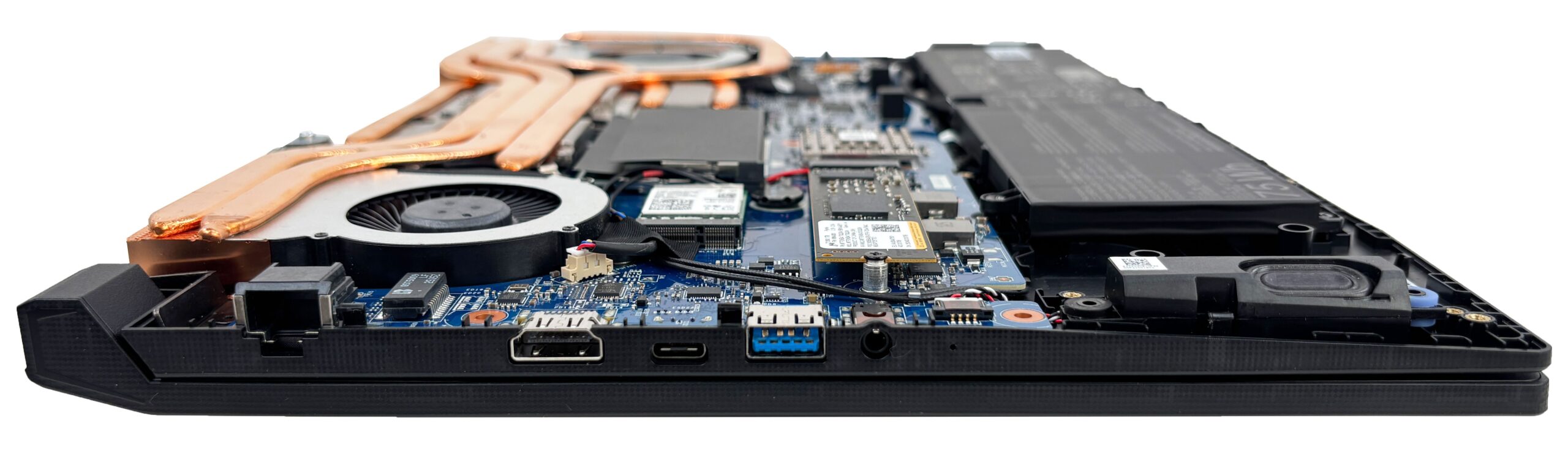
- Replaceable/upgradeable parts include the two SO-DIMMs, the single M.2 SSD, the Wi-Fi card, the battery, and both fans.
- The CPU and GPU are soldered to the motherboard and are not upgradeable.
- The main long-term limitation is the single M.2 storage slot, which prevents adding a second SSD.
Reassembly checklist
- Confirm the SSD is fully seated and the retention screw is tight.
- Confirm both RAM modules are fully latched and the shielding tape is reapplied.
- Confirm Wi-Fi antennas are snapped on and routed correctly.
- Reconnect the battery last.
- Press the bottom cover around the perimeter until all clips engage, then reinstall the screws evenly.
Summary: Beyond the RAM, SSD, Wi-Fi card, and battery, the two fans are also replaceable parts, while the CPU and GPU are soldered to the motherboard and not upgradeable. Overall, maintenance is user-friendly with quick access to the core service points, but storage expansion is constrained by having only one M.2 slot.
MSI Katana 15 HX (B14Wx) in-depth review
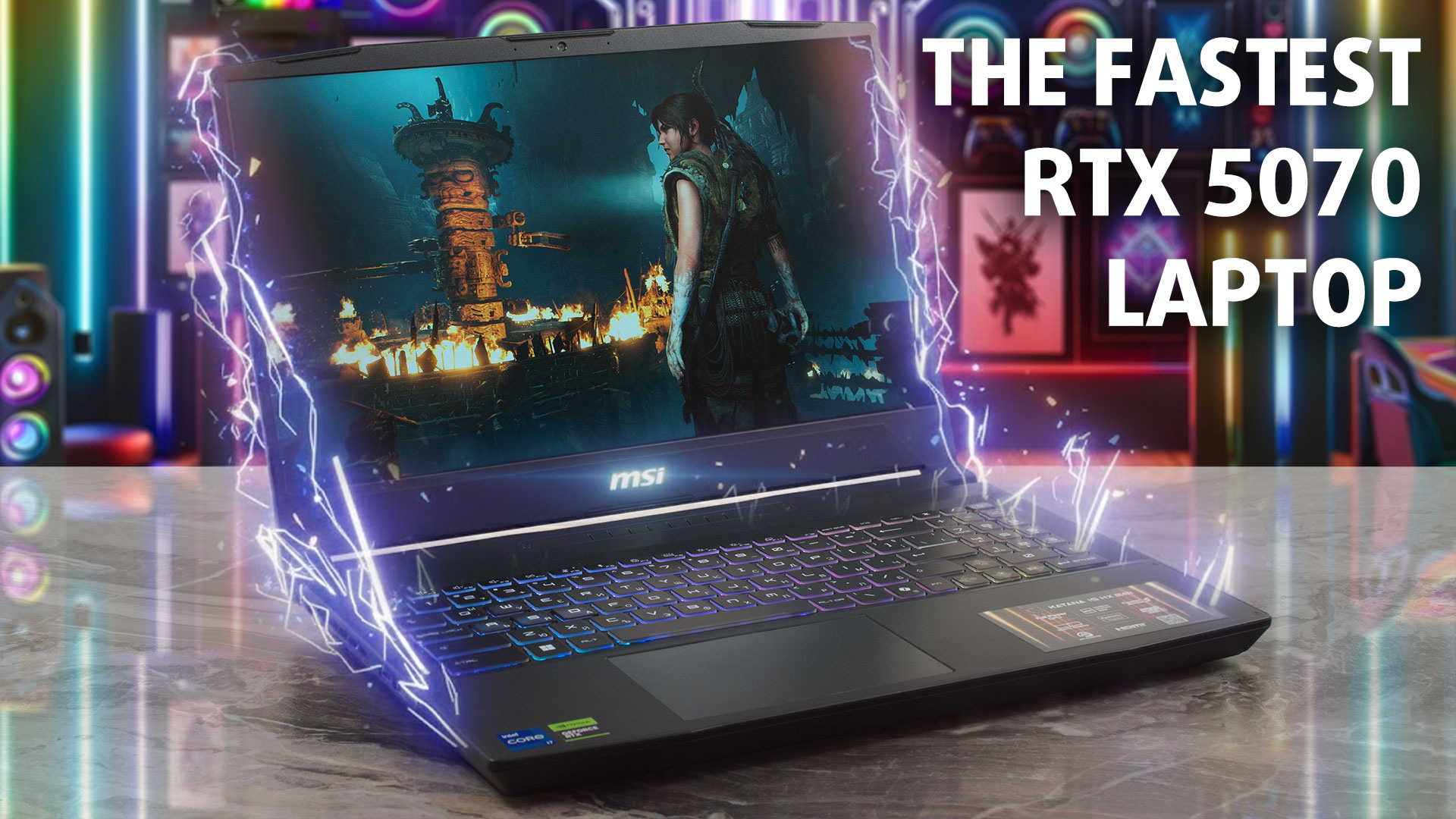
In the world of gaming laptops, you usually get what you pay for. But every now and then, a machine comes along that completely defies expectations. The MSI Katana 15 HX (B14Wx) is exactly that kind of surprise. On the outside, it looks like a standard, budget-conscious gaming laptop with a plastic chassis and a modest design. But under the hood, it's hiding a secret: it is an absolute performance monster. In our testing, this unassuming laptop didn't just compete with high-end rivals; it beat them, setting a new record as the fastest RTX 5070 laptop we have ever reviewed. Is this the best[...]
Pros
- Record-breaking GPU performance (fastest RTX 5070 tested)
- Excellent 165Hz QHD display with 100% DCI-P3 coverage and no PWM
- Very good battery life for a gaming laptop (nearly 7 hours)
- Solid build quality with fingerprint-resistant finish
- Two user-accessible RAM slots for easy upgrades
- Comfortable keyboard with 4-zone RGB lighting
Cons
- Only one M.2 slot limits storage expansion
- CPU runs hot under sustained heavy load
- No privacy shutter or biometric login options
- All-plastic chassis feels less premium
 Author: Dimitar Stalev

![[August 2026] Amazon USA: Top 10 Best-Selling Laptops – Apple MacBook Neo Dominates the Market with Massive Unit Sales!](https://laptopmedia.com/wp-content/uploads/2026/09/Best-Selling-Laptops-COM-Top-10-400x225.jpg)
![[August 2026] Amazon USA: Top 10 Best-Selling Gaming Laptops – ASUS ROG Strix G16 Dominates the Market with Massive Unit Sales](https://laptopmedia.com/wp-content/uploads/2026/09/Best-Selling-Gaming-Laptops-COM-Top-10-400x225.jpg)
![[July 2026] Amazon Global: Top 10 Best-Selling Laptops – Apple MacBook Neo Dominates the Charts as Budget and Premium Notebooks Split the Market](https://laptopmedia.com/wp-content/uploads/2026/08/Best-Selling-Laptops-GLOBAL-Top-10-400x225.jpg)
![[July 2026] Amazon Global: Top 10 Best-Selling Gaming Laptops – ASUS ROG Strix G16 Dominates the Global Market with Record-Breaking Unit Sales](https://laptopmedia.com/wp-content/uploads/2026/08/Best-Selling-Gaming-Laptops-GLOBAL-Top-10-400x225.jpg)
![[July 2026] Global Ranking of Best-Selling Laptop GPUs on Amazon – RTX 5060 Dominate Premium, Intel Still Rules Budget](https://laptopmedia.com/wp-content/uploads/2026/08/Best-Selling-GPUs-GLOBAL-Top-10-400x225.jpg)

excelente aportacion, gracias, saludos