MSI Prestige 14 AI Studio


- Date Published: 03 Jun 2024
- Intel Core Ultra 7 155H
- NVIDIA GeForce RTX 4060 (Laptop, 45W)
- 14.0″, 2.8K (2880 x 1800), IPS
- 4000GB SSD
- 32GB RAM
- 1.70 kg (3.7 lbs)
Specs
- Display
- HDD/SSD
- 4000GB SSD
- M.2 Slot
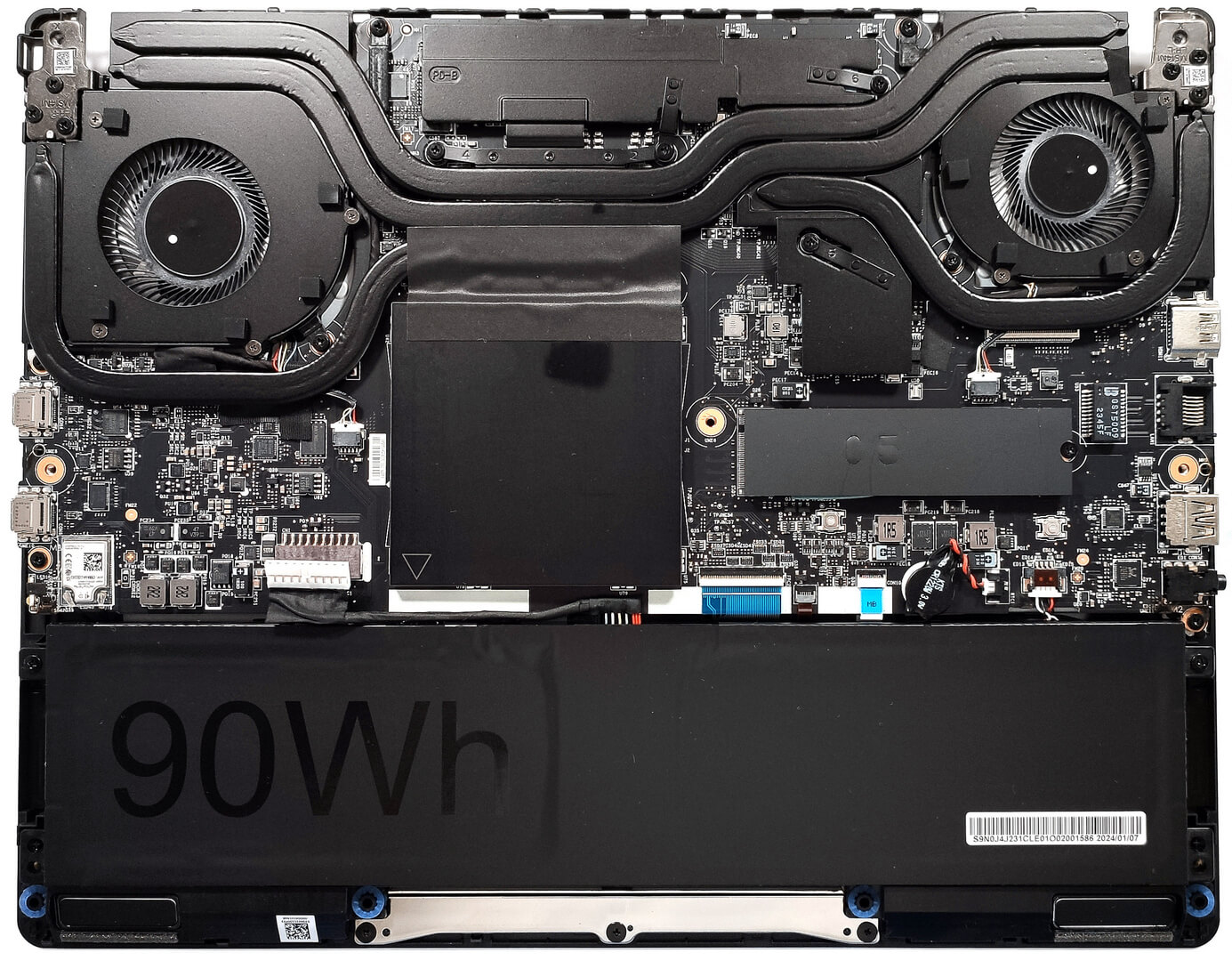
- 1x 2280 M.2 NVMe PCIe 4.0 x4 See photo
- RAM
- 32GB RAM
- OS
- Windows 11 Pro
- Body Material
- Aluminum
- Dimensions
- 313.4 x 246.5 x 18.95 mm (12.34" x 9.70" x 0.75")
- Weight
- 1.70 kg (3.7 lbs)
- Ports and connectivity
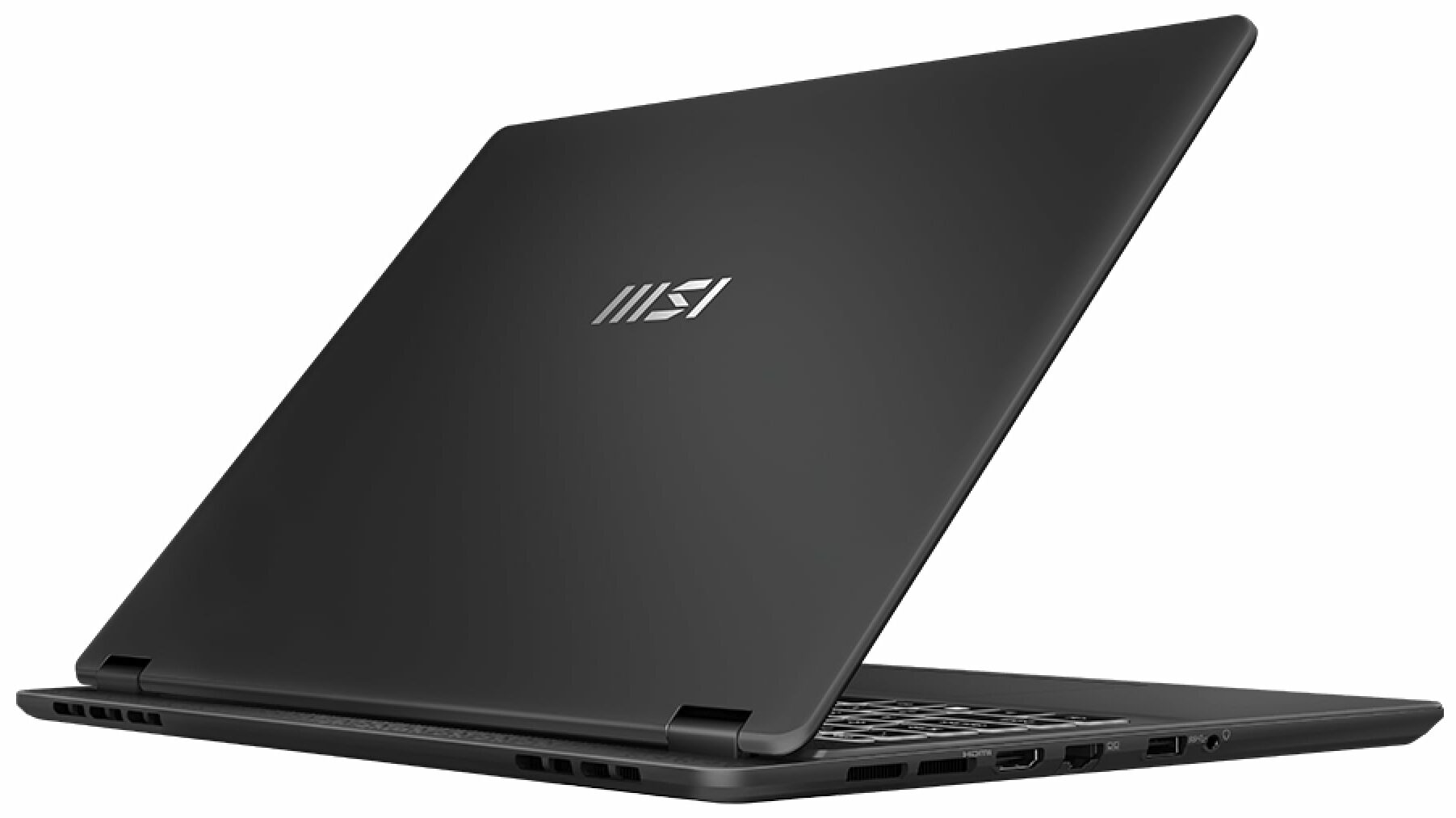
- 1x USB Type-A
- 3.2 Gen 2 (10 Gbps)
- 1x USB Type-C
- 3.2 Gen 2 (10 Gbps), Power Delivery (PD), DisplayPort
- 1x USB Type-C
- 4.0, Thunderbolt 4, Power Delivery (PD), DisplayPort
- HDMI
- 2.1 (8K@60Hz / 4K@120Hz)
- Card Reader
- Ethernet LAN
- 10, 100, 1000 Mbit/s
- Wi-Fi
- 802.11be
- Bluetooth
- 5.4
- Audio jack
- 3.5mm Combo Jack
- Features
- Fingerprint reader
- Web camera
- FHD IR with HDR, 3D Noise Reduction+ (3DNR+)
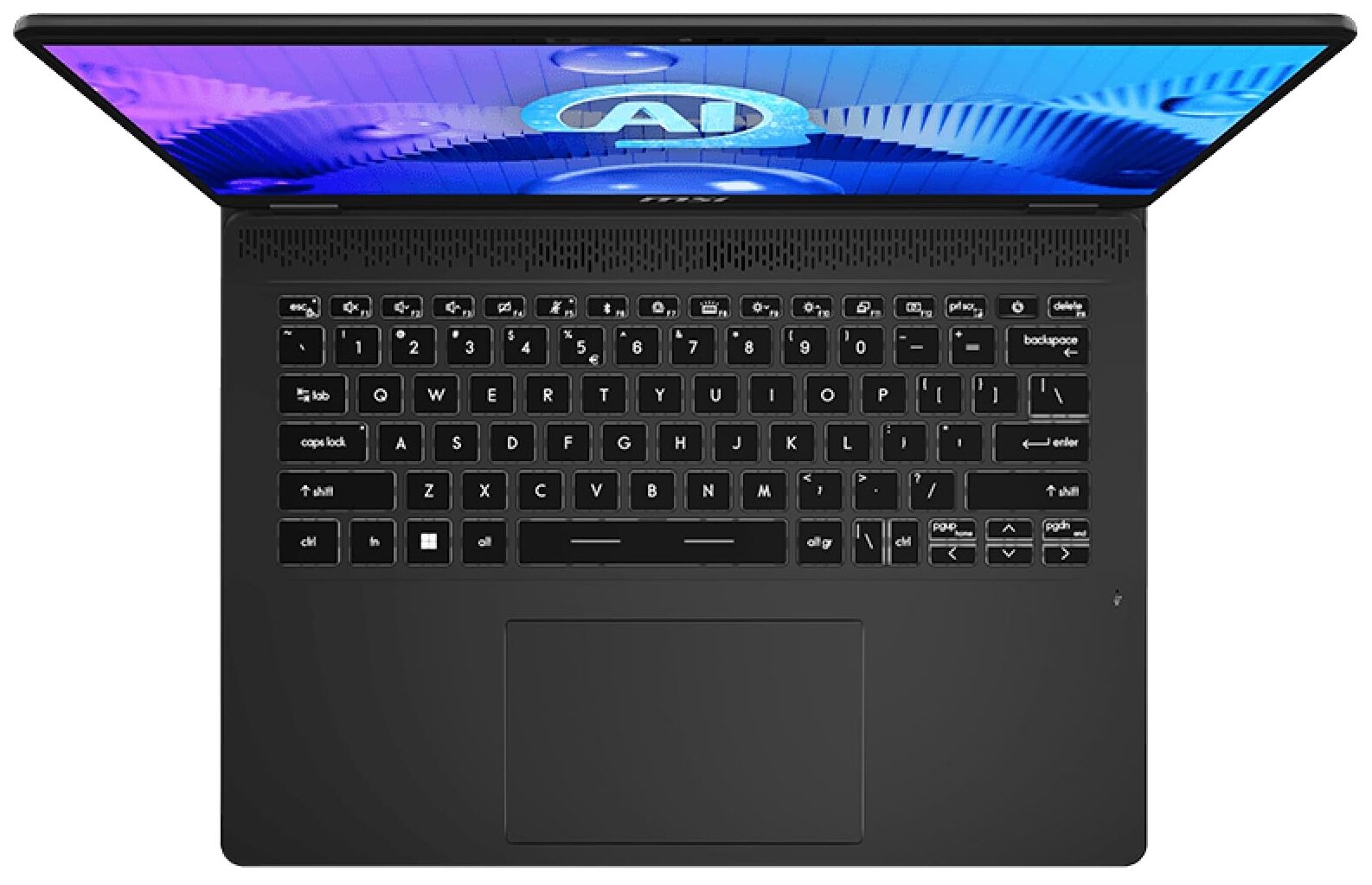
- Backlit keyboard
- Microphone
- Speakers
- 2x 2W Stereo Speakers
- Security Lock slot
- Kensington Lock
Portability
Review
MSI Prestige 14 AI Studio in-depth review
If you travel a lot and need a light but powerful machine with a good display and a long battery life, your options are a bit limited. Still, the MSI Prestige 14 AI Studio C1U could get your attention since it's offered with 28W Meteor Lake chips and a 45W dGPU (option). The memory isn't soldered and you get two SODIMMs for future RAM expansion alongside a big battery that can be paired with Intel Evo certification for even longer autonomous life. You don't get a whole plethora of ports, but the available connectors are modern, with DisplayPort and charging capabilities.The base display is a 16:10 1200p IPS unit. The laptop that we bought has the same panel and we can hint that this 144Hz model is pretty color-accurate. For a crisper image, you can pick a machine with the optional and [...]
Read the full review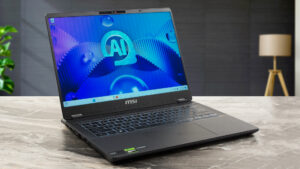
Pros
- Respectable performance for a light 14-incher
- 2x DDR5 SODIMMs
- 144Hz refresh rate + wide viewing angles (BOE0A3A)
- 96% sRGB coverage + accurate color with our "Design and Gaming" profile (BOE0A3A)
- 474 nits max brightness + 7.5 ms pixel response times (BOE0A3A)
- Comfortable backlit keyboard
- Rigid aluminum chassis
- The Core Ultra 7 155HCore Ultra 7 155H can maintain 2.7 Ghz / 2.2 Ghz P and E core clock during short and medium loads
- The MSI Center offers plenty of customizations
- 1x 10 Gbps Type-C + Thunderbolt 4+ 1x 10 Gbps Type-A port
- Pretty big thermal system for such a form factor
- 1080p IR Web camera with privacy shutter and a fingerprint reader
- The fans aren't noisy
- Snappy SSD (1TB Samsung PM9A1a)
Cons
- Strange "Balanced" mode that offers lower CPU and GPU clocks than the Extreme mode + the same noise levels
- The bottom plate is hard to open
- Just three USB ports
- The touchpad is average at best
Disassembly, maintenance and upgrade options
Opening the DeviceUndo the 7 Phillips-head screws securing the bottom panel. Flip the laptop and use a thin plastic tool to pry the back hinge cover. Open the lid and pry the front and sides through the base. Pry the rear and then turn the device over. Lift the left side and slide it to the right where the audio jack is located to remove the bottom panel.More info: Here's how the bottom panel looks on the inside.Battery RemovalUnplug the battery connector from the mainboard. Undo the 2 Phillips-head screws securing the battery. Lift the[...]
Read more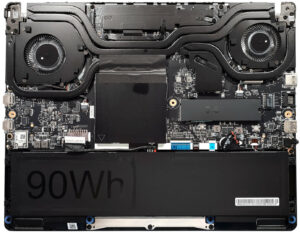


![[June 2026] Best-Selling Laptop Brands on Amazon Global – Apple’s Unrivaled Dominance in Units and Revenue](https://laptopmedia.com/wp-content/uploads/2026/07/GLOBAL-Best-Brands-400x225.jpg)
![[June 2026] Amazon Global: Top 10 Best-Selling Laptops – Apple’s New MacBook Neo Storms to #1, Reshaping the Market with Affordability](https://laptopmedia.com/wp-content/uploads/2026/07/Best-Selling-Laptops-GLOBAL-Top-10-400x225.jpg)
![[June 2026] Amazon Global: Top 10 Best-Selling Gaming Laptops – Acer’s Nitro V 16S AI Dominates Sales, While ASUS Leads Overall Revenue](https://laptopmedia.com/wp-content/uploads/2026/07/Best-Selling-Gaming-Laptops-GLOBAL-Top-10-400x225.jpg)
![[June 2026] Global Ranking of Best-Selling Laptop GPUs on Amazon – NVIDIA RTX 5060 is the Top-Selling Dedicated GPU](https://laptopmedia.com/wp-content/uploads/2026/07/Best-Selling-GPUs-GLOBAL-Top-10-400x225.jpg)
![[June 2026] Global Ranking of Best-Selling Laptop CPUs on Amazon – Apple M5 Dominates, AMD Ryzen 7 260 Gets Solid Premium Share](https://laptopmedia.com/wp-content/uploads/2026/07/Best-Selling-CPUs-GLOBAL-Top-10-400x225.jpg)