MSI Vector 16 HX AI
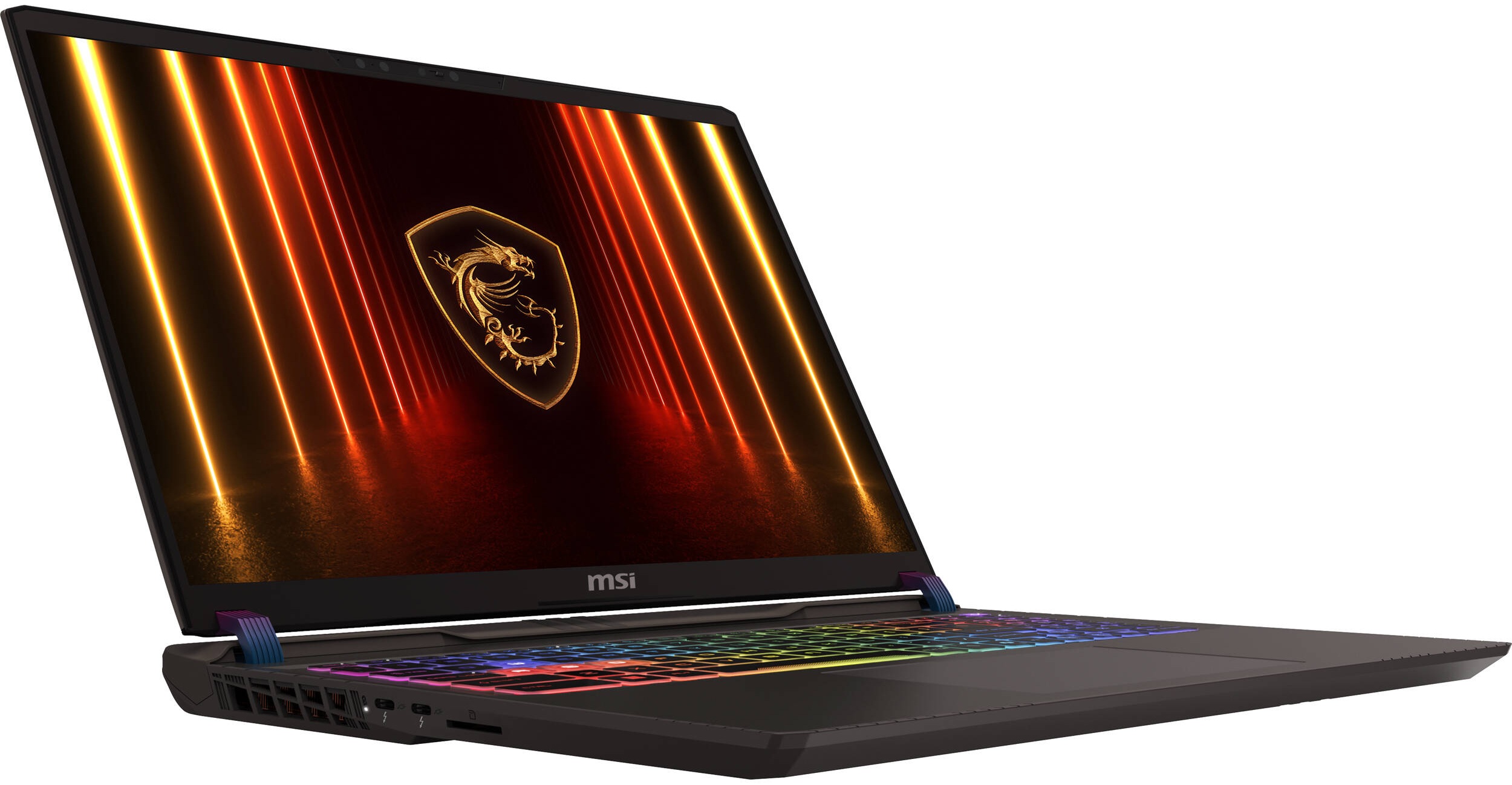
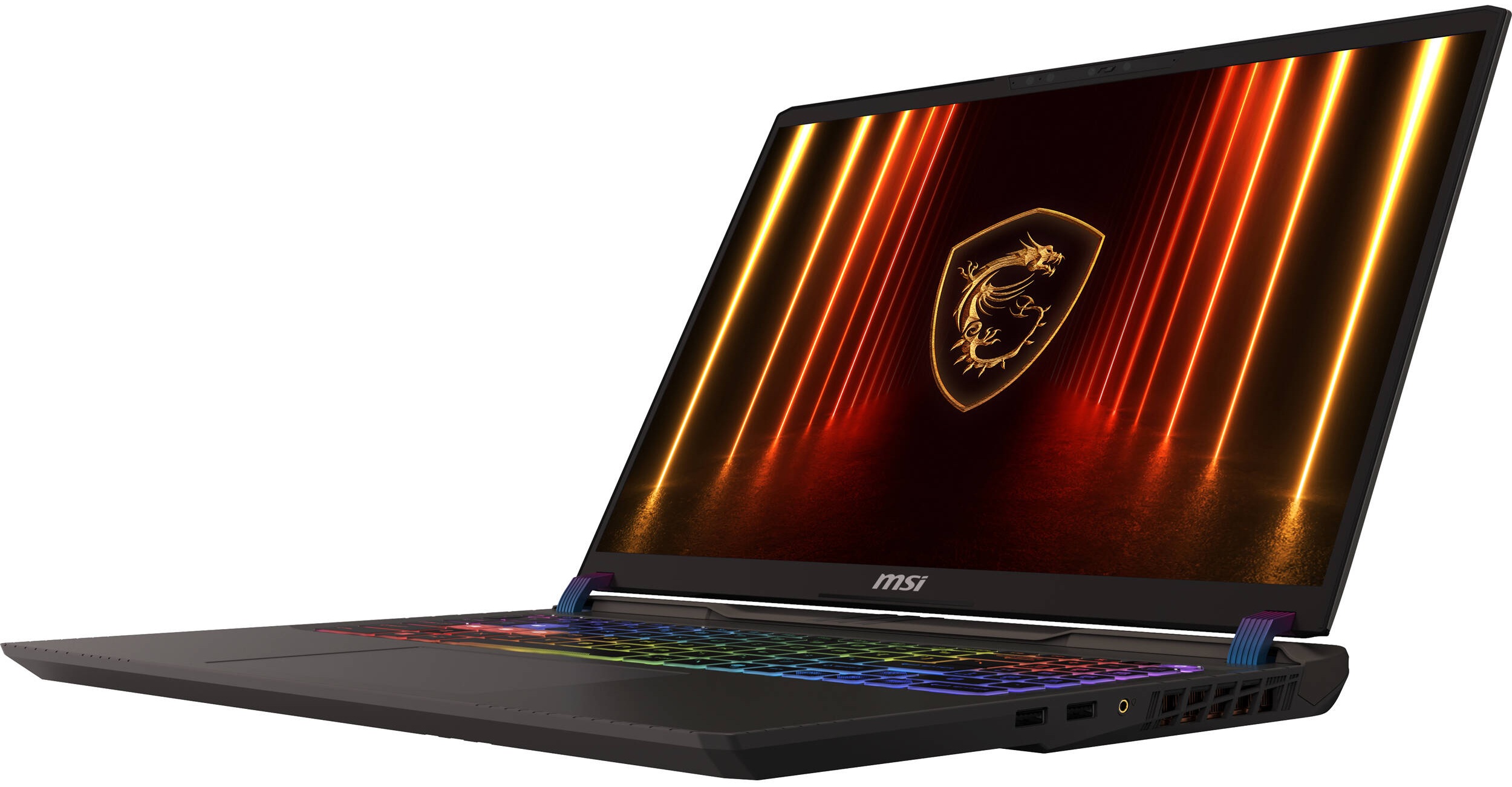
- Date Published: 23 Jun 2025
- Intel Core Ultra 7 255HX
- NVIDIA GeForce RTX 5070 Ti (Laptop)
- 16.0", WQXGA (2560 x 1600), 240 Hz, IPS
- 512GB SSD
- 16GB RAM
- 2.70 kg (6 lbs)
Specs
- HDD/SSD
- 512GB SSD
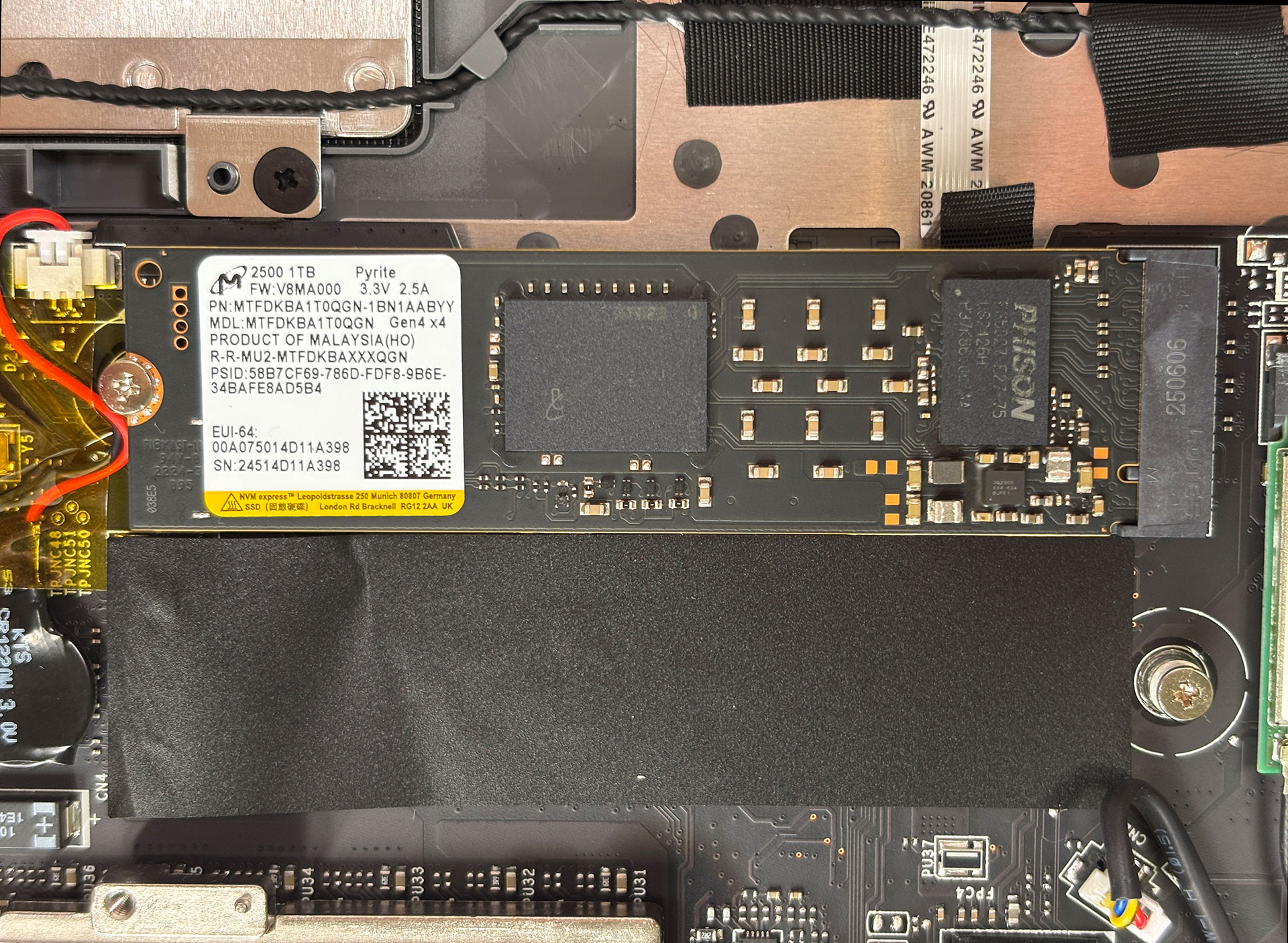
- M.2 Slot
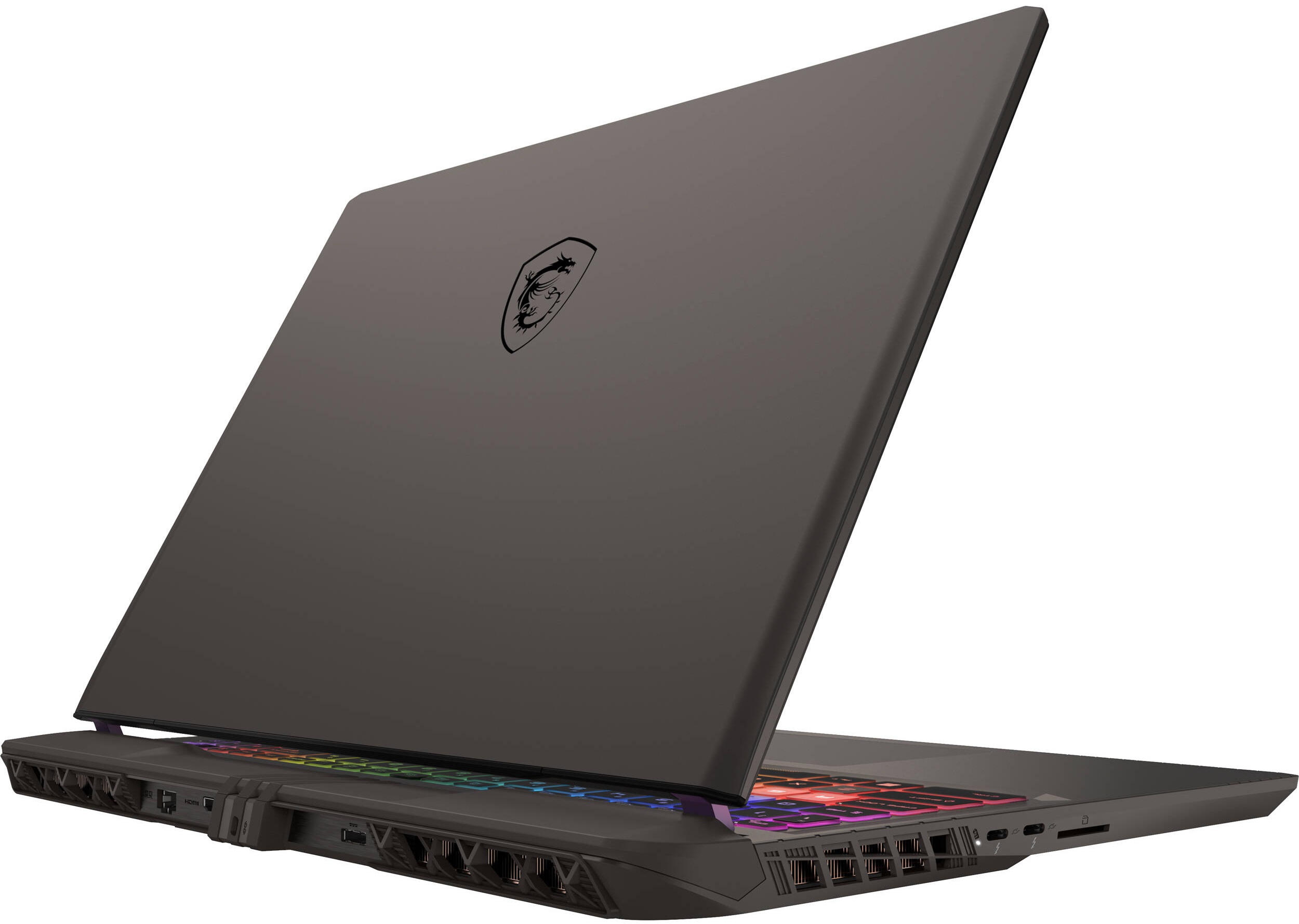
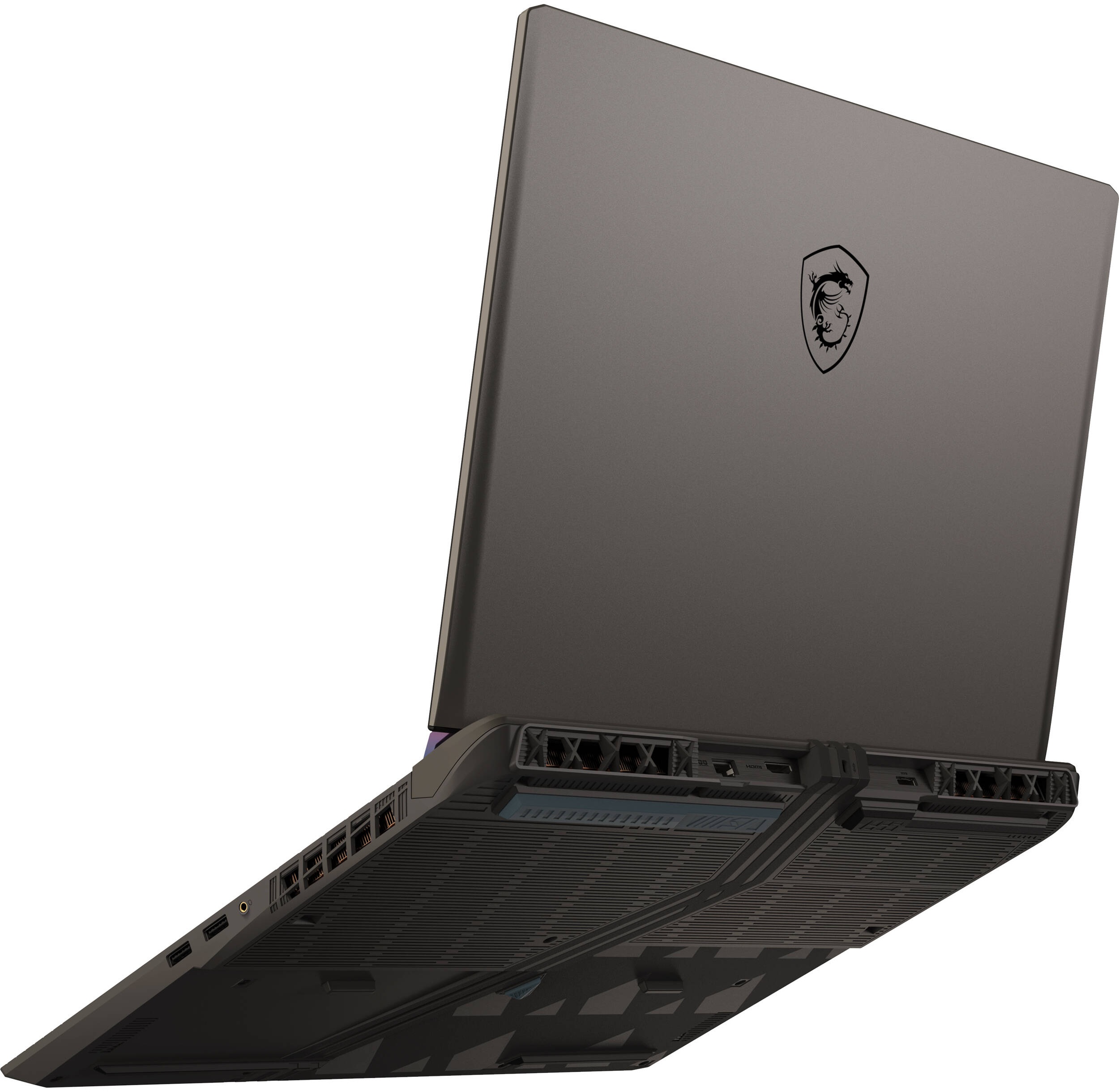
- 1x 2280 M.2 NVMe PCIe 5.0 x4 + 1x 2280 M.2 NVMe PCIe 4.0 x4 See photo
- RAM
- 16GB RAM
- OS
- Windows 11 Home
- Dimensions
- 357 x 284 x 22.2 ~ 28.55 mm (14.06" x 11.18" x 0.87")
- Weight
- 2.70 kg (6 lbs)
- Ports and connectivity
- 2x USB Type-A
- 3.2 Gen 2 (10 Gbps)
- 2x USB Type-C
- Thunderbolt 5, Power Delivery (PD), DisplayPort
- HDMI
- 2.1 (8K@60Hz / 4K@120Hz)
- Card Reader
- SD (SD, SDHC, SDXC)
- Ethernet LAN
- 10, 100, 1000, 2500 Mbit/s
- Wi-Fi
- Wi-Fi 7
- Bluetooth
- 5.4
- Audio jack
- 3.5mm Combo Jack
- Features
- Fingerprint reader
- Web camera
- FHD IR with HDR, 3D Noise Reduction+ (3DNR+)
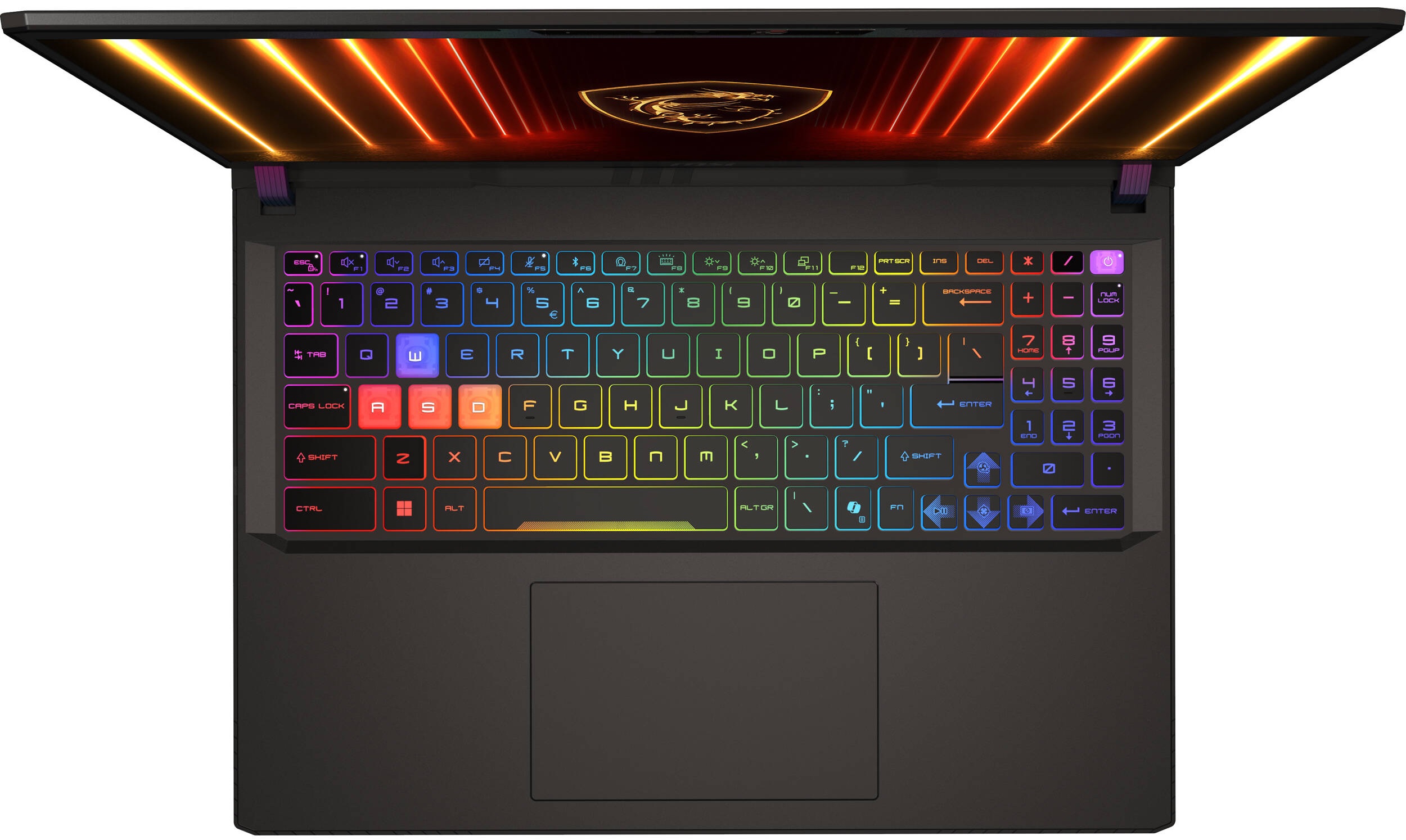
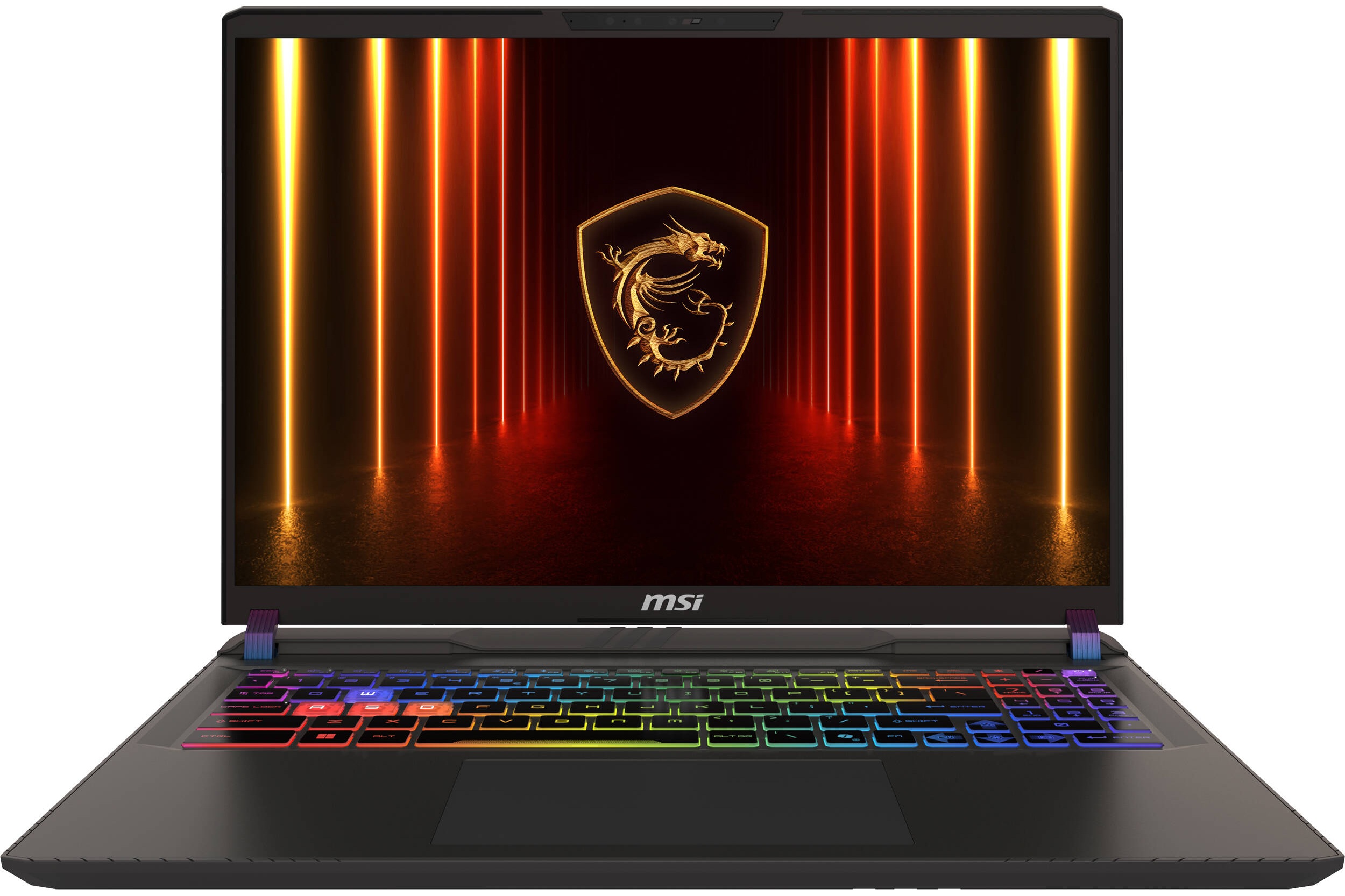
- Backlit keyboard
- Microphone
- Speakers
- 2x 2W Stereo Speakers, Nahimic 3 Audio Enhance, Hi-Res Audio
- Security Lock slot
- Kensington Lock
Portability
Review
MSI Vector 16 HX AI in-depth review
The MSI Vector 16 HX AI A2XW lands on our test bench with a bold promise: a blend of futuristic design, next-generation silicon, and a display that aims for perfection. It’s a machine built to impress, packing cutting-edge specs like Thunderbolt 5 and a PCIe 5.0 SSD slot into a chassis that looks ready for interstellar travel. But in the competitive world of elite gaming laptops, does this 'Cosmos Gray' beast have the all-around polish to match its raw power, or do its ambitious features come with a few earthly trade-offs? We put it through its paces to find out.You can check the prices and configurations in our Specs System: https://laptopmedia.com/series/msi-vector-16-hx-ai-a2xwx/Specs, Drivers, What's in the boxDrivers All drivers and utilities for this notebook c[...]
Read the full review
Pros
- Excellent gaming stability and thermal management for the GPU
- Good QHD+ 240Hz display with 99% DCI-P3 coverage
- Future-proof connectivity with two Thunderbolt 5 ports and Wi-Fi 7
- Solid build quality and a comfortable keyboard with full-sized arrow keys
- Great upgrade options, including a PCIe 5.0 M.2 slot
- PWM-free display for enhanced visual comfort
Cons
- Warranty-voiding sticker over a screw hinders user upgrades
Disassembly, maintenance and upgrade options
Getting inside the MSI Vector 16 HX AI A2XW starts with flipping the machine over to admire its heavily vented bottom panel – the copper heat pipes are already visible through the geometric grills, hinting at serious cooling underneath.To remove the bottom plate, undo 13 Phillips/JIS #1 screws: note that four at the front edge are shorter, and the center screw hides under a warranty sticker—keep that in mind if you want to avoid voiding coverage early. Once the screws are out, a thin plastic pry tool helps release the clips starting from the rear hinge area and then around the [...]
Read more

![[June 2026] Best-Selling Laptop Brands on Amazon Global – Apple’s Unrivaled Dominance in Units and Revenue](https://laptopmedia.com/wp-content/uploads/2026/07/GLOBAL-Best-Brands-400x225.jpg)
![[June 2026] Amazon Global: Top 10 Best-Selling Laptops – Apple’s New MacBook Neo Storms to #1, Reshaping the Market with Affordability](https://laptopmedia.com/wp-content/uploads/2026/07/Best-Selling-Laptops-GLOBAL-Top-10-400x225.jpg)
![[June 2026] Amazon Global: Top 10 Best-Selling Gaming Laptops – Acer’s Nitro V 16S AI Dominates Sales, While ASUS Leads Overall Revenue](https://laptopmedia.com/wp-content/uploads/2026/07/Best-Selling-Gaming-Laptops-GLOBAL-Top-10-400x225.jpg)
![[June 2026] Global Ranking of Best-Selling Laptop GPUs on Amazon – NVIDIA RTX 5060 is the Top-Selling Dedicated GPU](https://laptopmedia.com/wp-content/uploads/2026/07/Best-Selling-GPUs-GLOBAL-Top-10-400x225.jpg)
![[June 2026] Global Ranking of Best-Selling Laptop CPUs on Amazon – Apple M5 Dominates, AMD Ryzen 7 260 Gets Solid Premium Share](https://laptopmedia.com/wp-content/uploads/2026/07/Best-Selling-CPUs-GLOBAL-Top-10-400x225.jpg)