How to open MSI Cyborg 15 B2RW – disassembly and upgrade options
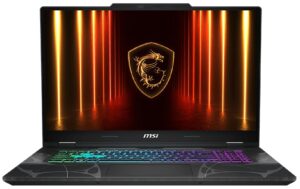
Step 1: Removing the bottom panel
- Power off the laptop and place it on a soft, clean surface.
- Remove the 12 screws securing the bottom panel.
- Use a thin plastic pry tool to carefully release the clips around the edges.
- Lift the bottom cover away from the chassis.
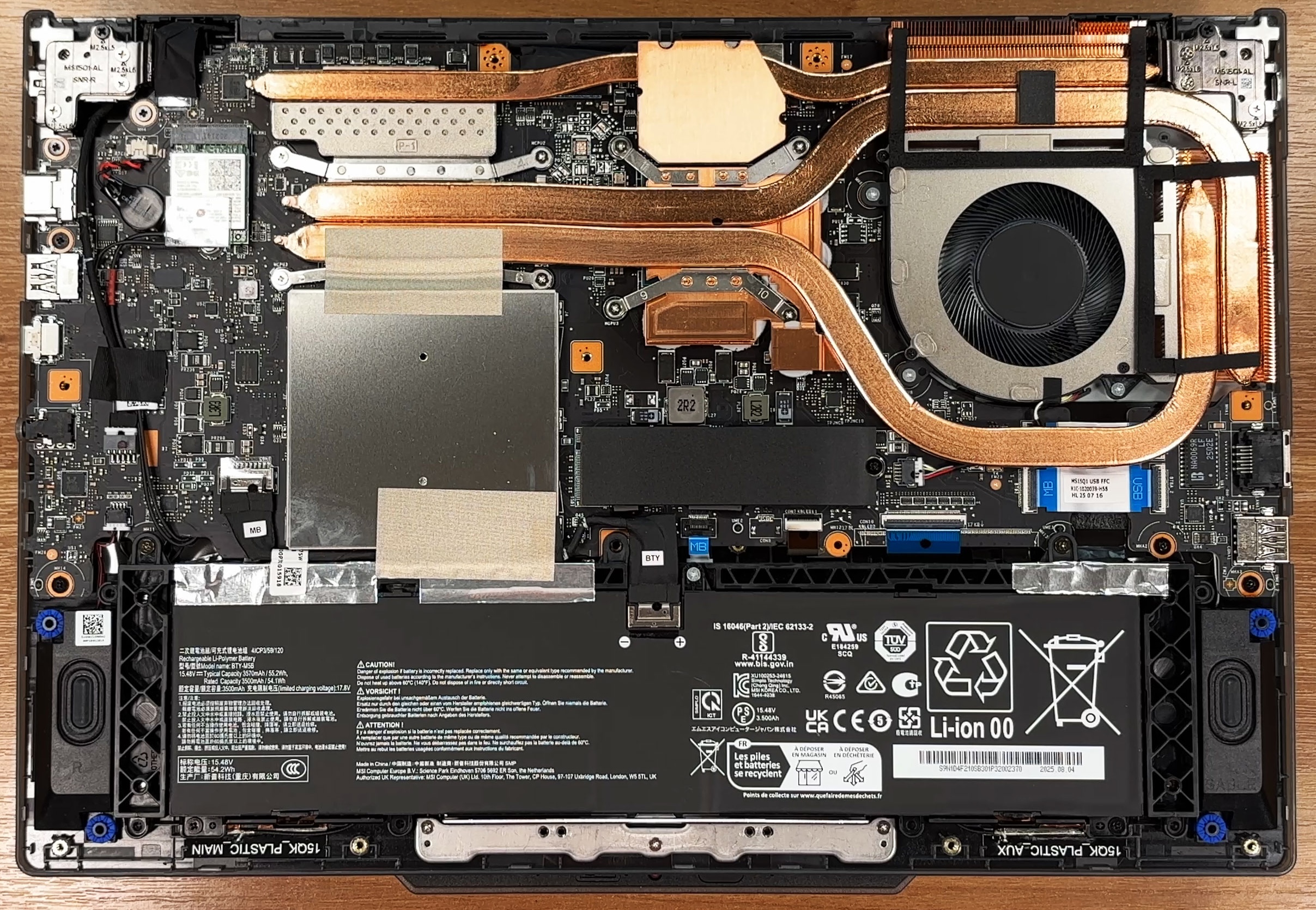
More info: Once inside, the layout is easy to understand: the battery spans the front, the cooling system occupies most of the upper half, the single M.2 storage slot sits near the middle-right, and the Wi-Fi card is positioned toward the left side.
Step 2: Battery removal
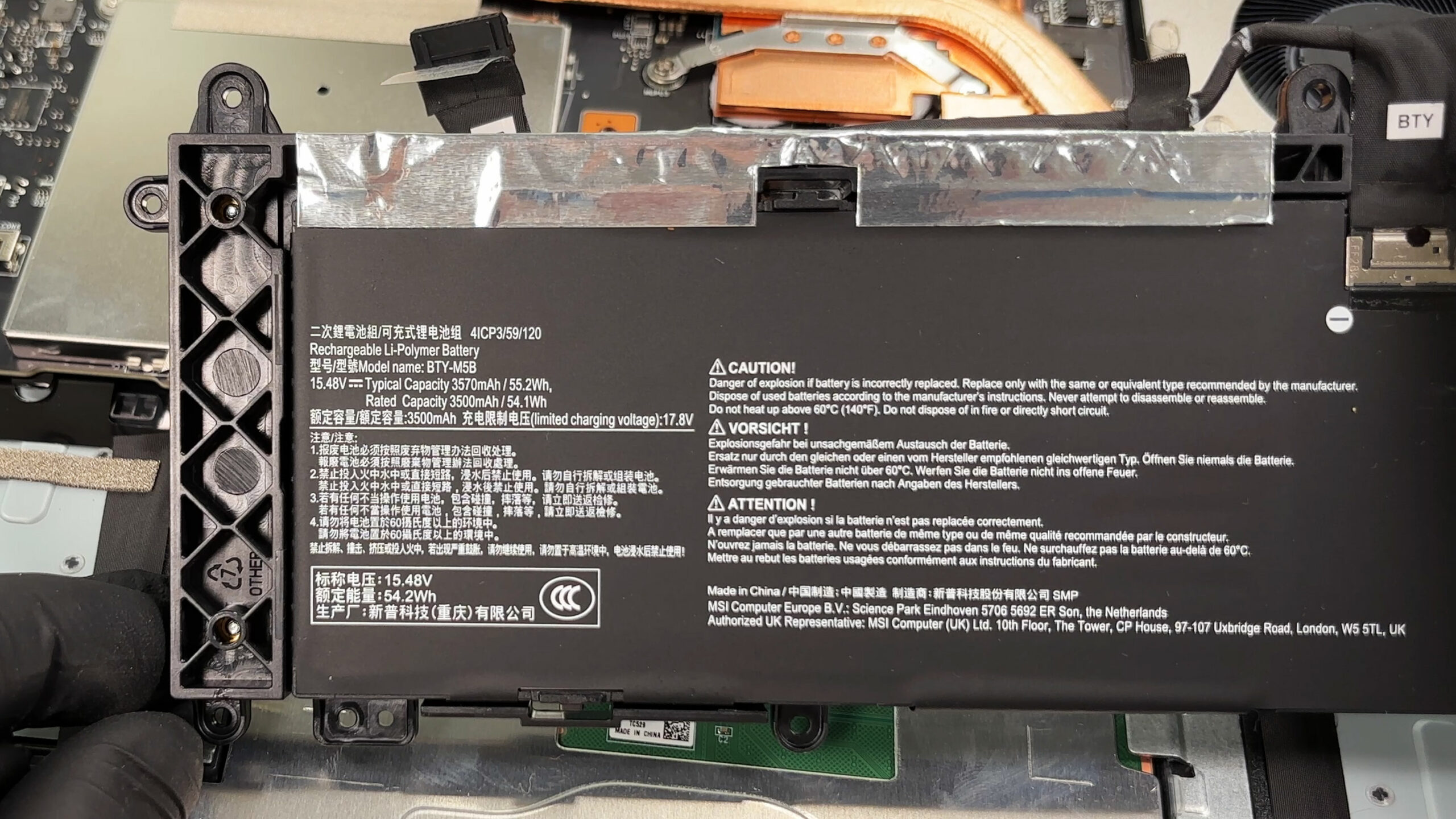
- Disconnect the battery connector from the motherboard before touching any other internal component.
- Undo the screws securing the battery pack.
- Lift the battery out of the chassis.
More info: The battery is a 4-cell unit with 55.2Wh typical capacity and 54.1Wh rated capacity. It is secured with screws instead of glue, which is good for future serviceability.
Step 3: Memory Upgrade
- The memory is located under a metal EMI shield.
- Remove the shield carefully to access the two DDR5 SODIMM slots.
- MSI officially rates the series for up to 96GB of DDR5 memory.
- Our machine comes with two 8GB Micron modules installed.
- To replace the RAM, release the side clips, pull the module out at an angle, insert the new one, and press it down until it locks in place.
More info: The memory speed depends on the exact processor and RAM configuration, even though the platform is designed around DDR5-5600-class modules.
You can buy DDR5 RAM modules here: Buy from Amazon.com (#CommissionsEarned)
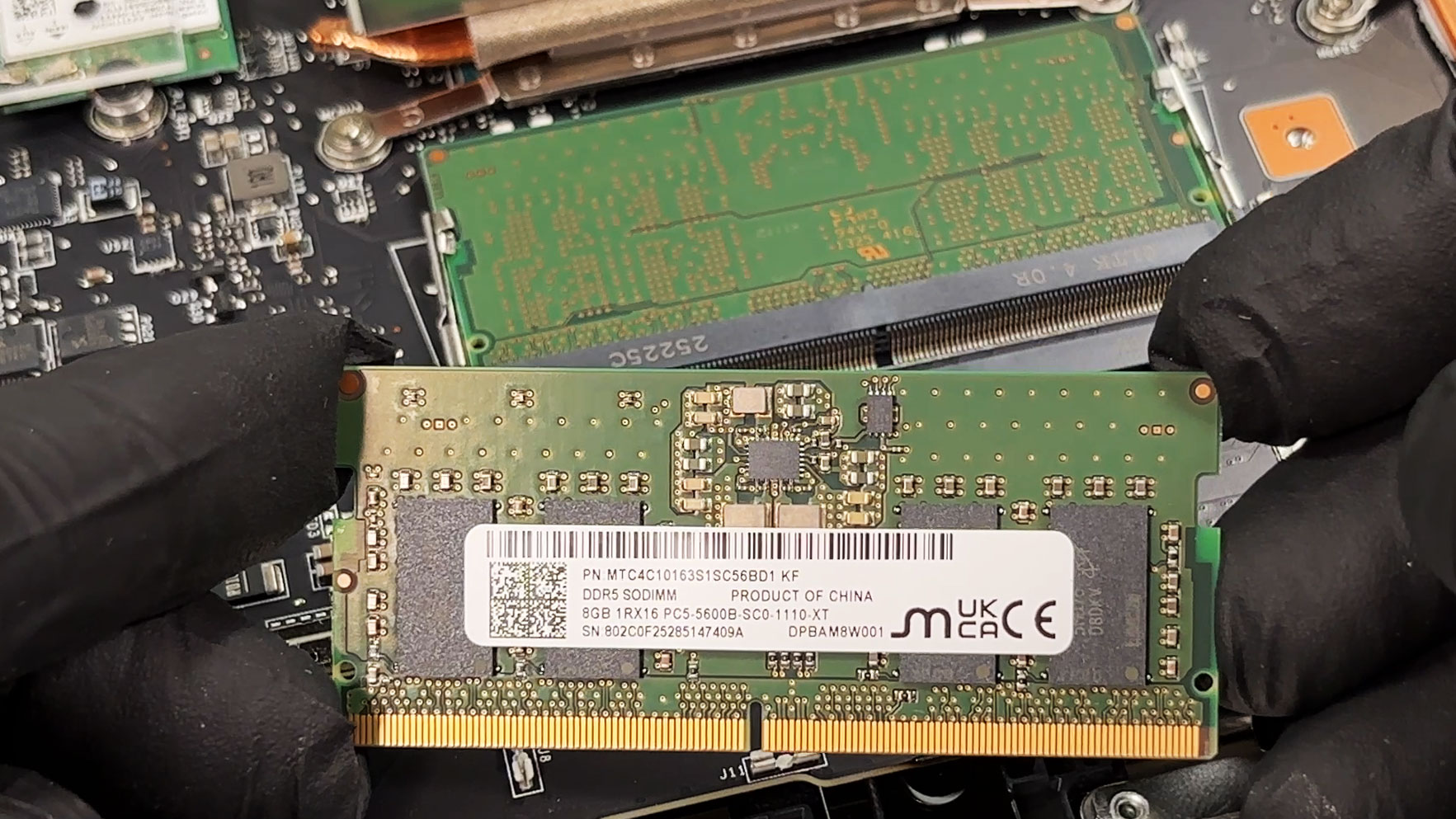
Step 4: Storage Upgrade
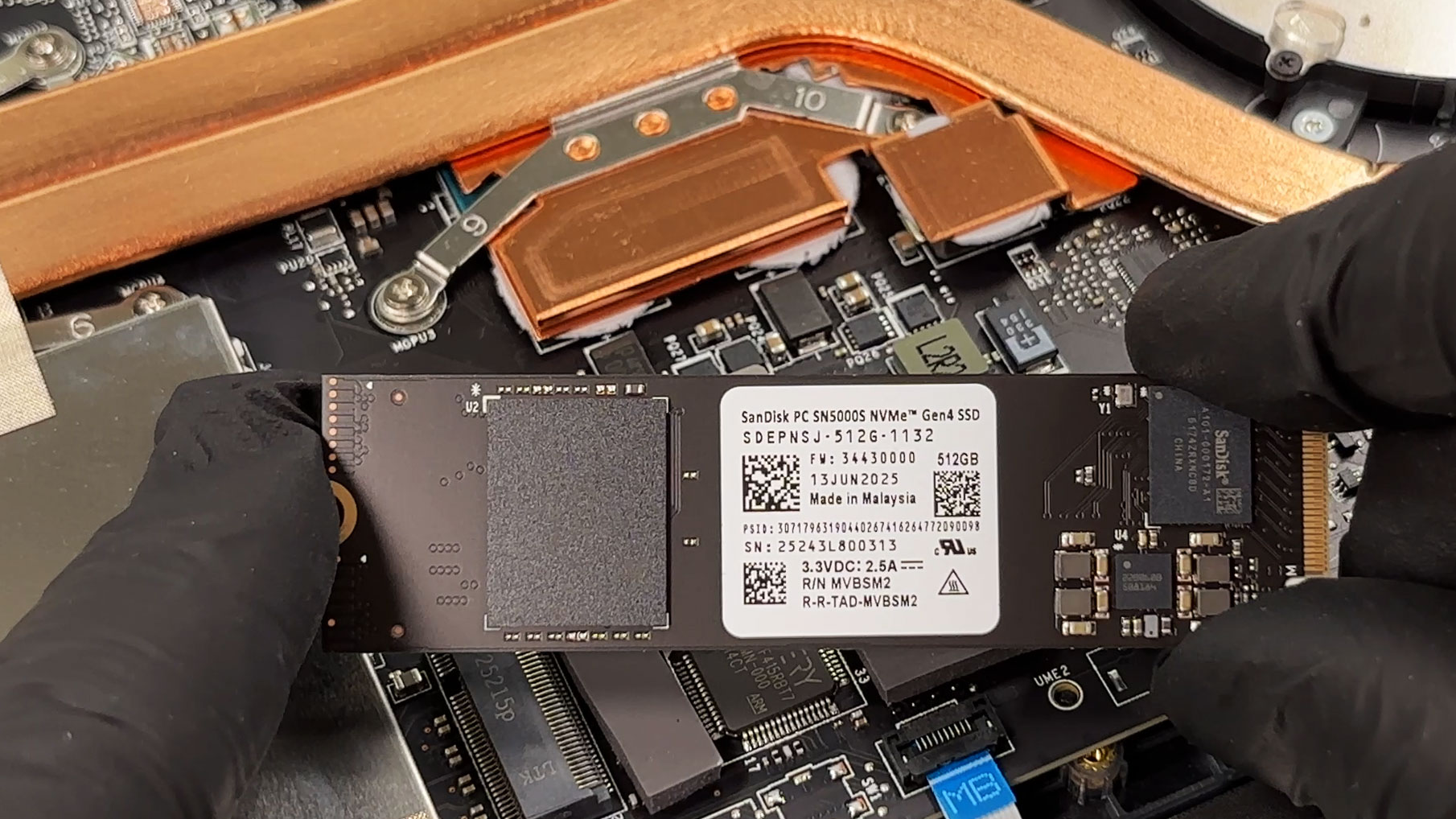
- The laptop has a single M.2 slot for PCIe Gen 4 NVMe SSDs.
- Our reviewed configuration comes with a 512GB SanDisk PC SN5000S Gen 4 drive.
- Since there is no second SSD slot, future storage upgrades require replacing the factory drive rather than adding another one.
- To upgrade, remove the existing SSD, install the new M.2 NVMe drive at an angle, and secure it with the retaining screw.
You can buy Gen 4 M.2 SSDs here: Buy from Amazon.com (#CommissionsEarned)
Hint: Don’t forget to check out our Top M.2 SSDs Performance Rankings for insights on the best storage options available.
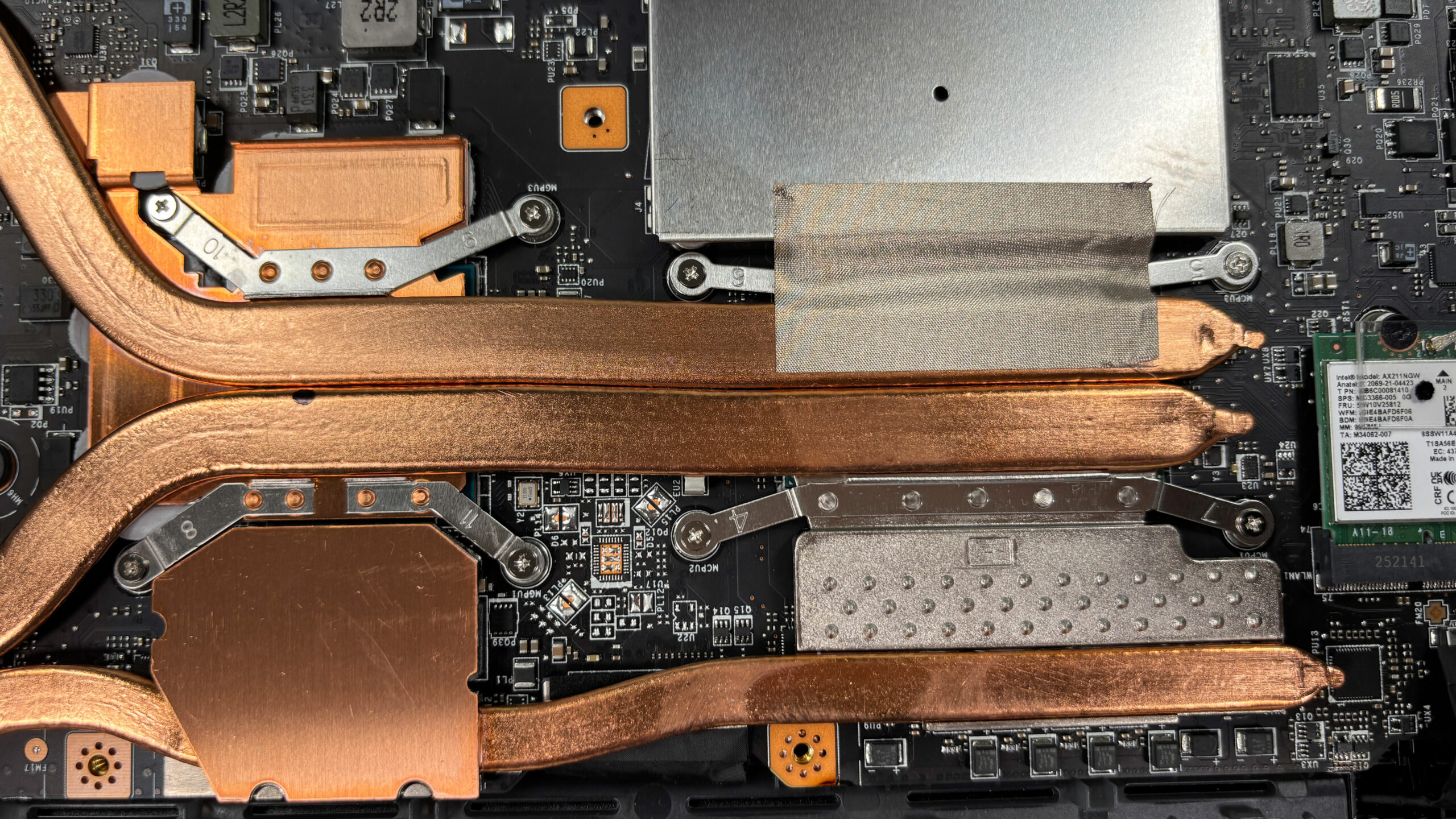
Step 5: Cooling system overview
- The cooling system uses one large fan, several copper heat pipes, and multiple contact plates and heat spreaders.
- The setup cools the main chips and nearby components, although it remains simpler than the dual-fan systems in higher-end gaming laptops.
- Basic dust cleaning is straightforward once the bottom cover is removed.
More info: The Wi-Fi card is socketed and replaceable. This unit uses an Intel AX211NGW module.
More info: Other serviceable parts include the speakers on both sides of the battery and the touchpad ribbon assembly under its own metal bracket. The main limitation is the single M.2 SSD slot, but RAM, Wi-Fi, battery, and basic maintenance access are all handled well.
MSI Cyborg 15 (B13Wx / B2RWx) in-depth review
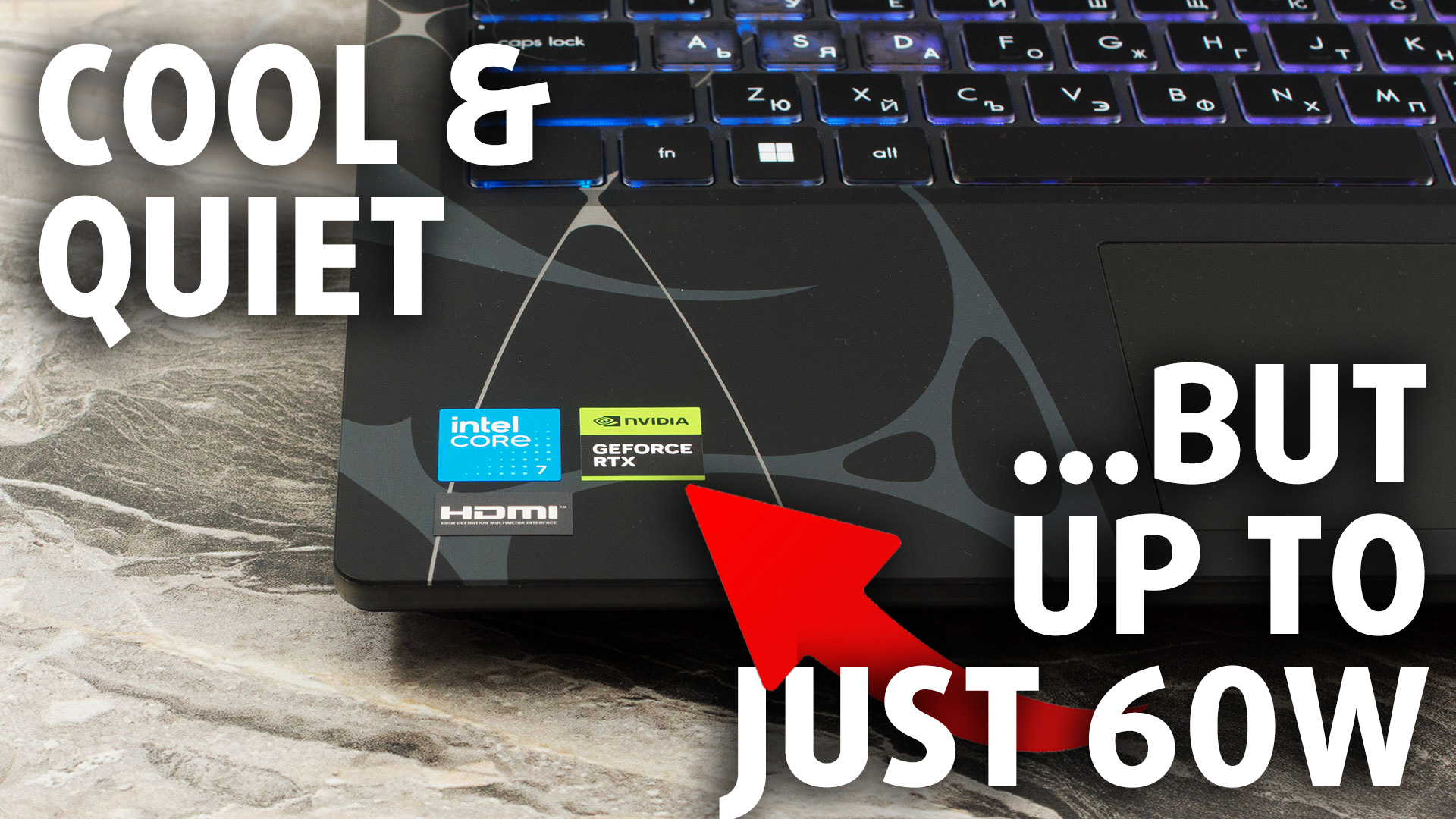
The MSI Cyborg 15 (B2RW) immediately catches the eye with its translucent, mech-inspired chassis, offering a refreshing dose of personality in the crowded budget gaming space. On paper, packing an NVIDIA RTX 5060 into such an affordable and relatively lightweight machine sounds like a dream come true for entry-level gamers. However, in the world of gaming laptops, a spec sheet rarely tells the whole story. To keep this cyberpunk-styled rig from overheating with a simplified single-fan cooling system, MSI had to make a drastic and defining compromise under the hood. Is its striking aestheti[...]
Pros
- Excellent thermal management keeps the system very cool
- Unique and striking translucent "cyberpunk" design
- Two user-accessible RAM slots for easy upgrades
- PWM-free display is great for eye comfort
- Physical privacy shutter for the webcam
Cons
- Severely power-limited GPU results in poor gaming performance
- Base model display has very poor color coverage (57% sRGB)
- Abysmal battery life (just over 3 hours)
- Only one M.2 slot for storage
- Half-height arrow keys are frustrating for gaming
 Author: Dimitar Stalev

![[June 2026] Best-Selling Laptop Brands on Amazon Global – Apple’s Unrivaled Dominance in Units and Revenue](https://laptopmedia.com/wp-content/uploads/2026/07/GLOBAL-Best-Brands-400x225.jpg)
![[June 2026] Amazon Global: Top 10 Best-Selling Laptops – Apple’s New MacBook Neo Storms to #1, Reshaping the Market with Affordability](https://laptopmedia.com/wp-content/uploads/2026/07/Best-Selling-Laptops-GLOBAL-Top-10-400x225.jpg)
![[June 2026] Amazon Global: Top 10 Best-Selling Gaming Laptops – Acer’s Nitro V 16S AI Dominates Sales, While ASUS Leads Overall Revenue](https://laptopmedia.com/wp-content/uploads/2026/07/Best-Selling-Gaming-Laptops-GLOBAL-Top-10-400x225.jpg)
![[June 2026] Global Ranking of Best-Selling Laptop GPUs on Amazon – NVIDIA RTX 5060 is the Top-Selling Dedicated GPU](https://laptopmedia.com/wp-content/uploads/2026/07/Best-Selling-GPUs-GLOBAL-Top-10-400x225.jpg)
![[June 2026] Global Ranking of Best-Selling Laptop CPUs on Amazon – Apple M5 Dominates, AMD Ryzen 7 260 Gets Solid Premium Share](https://laptopmedia.com/wp-content/uploads/2026/07/Best-Selling-CPUs-GLOBAL-Top-10-400x225.jpg)