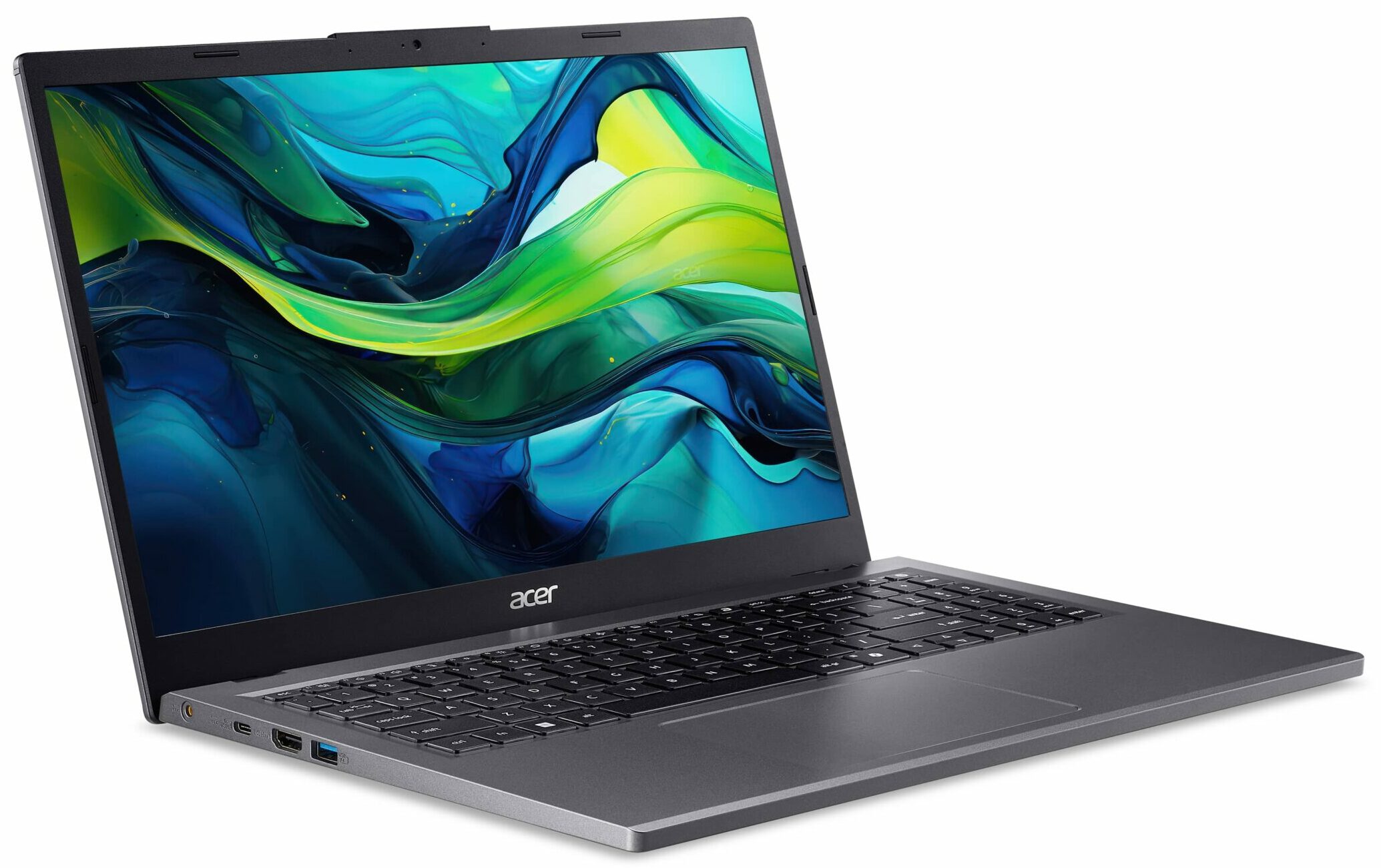
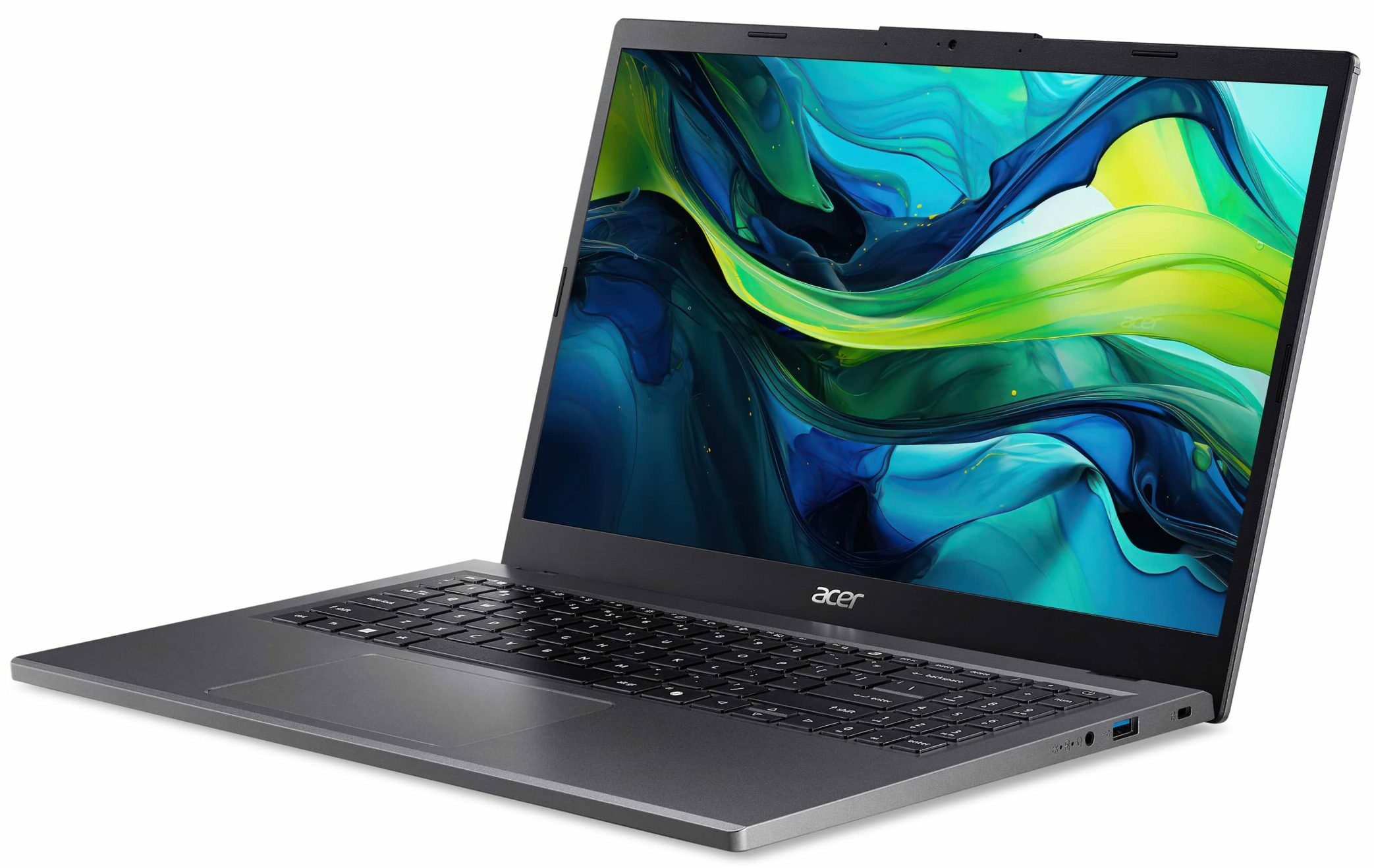
Acer Aspire 15
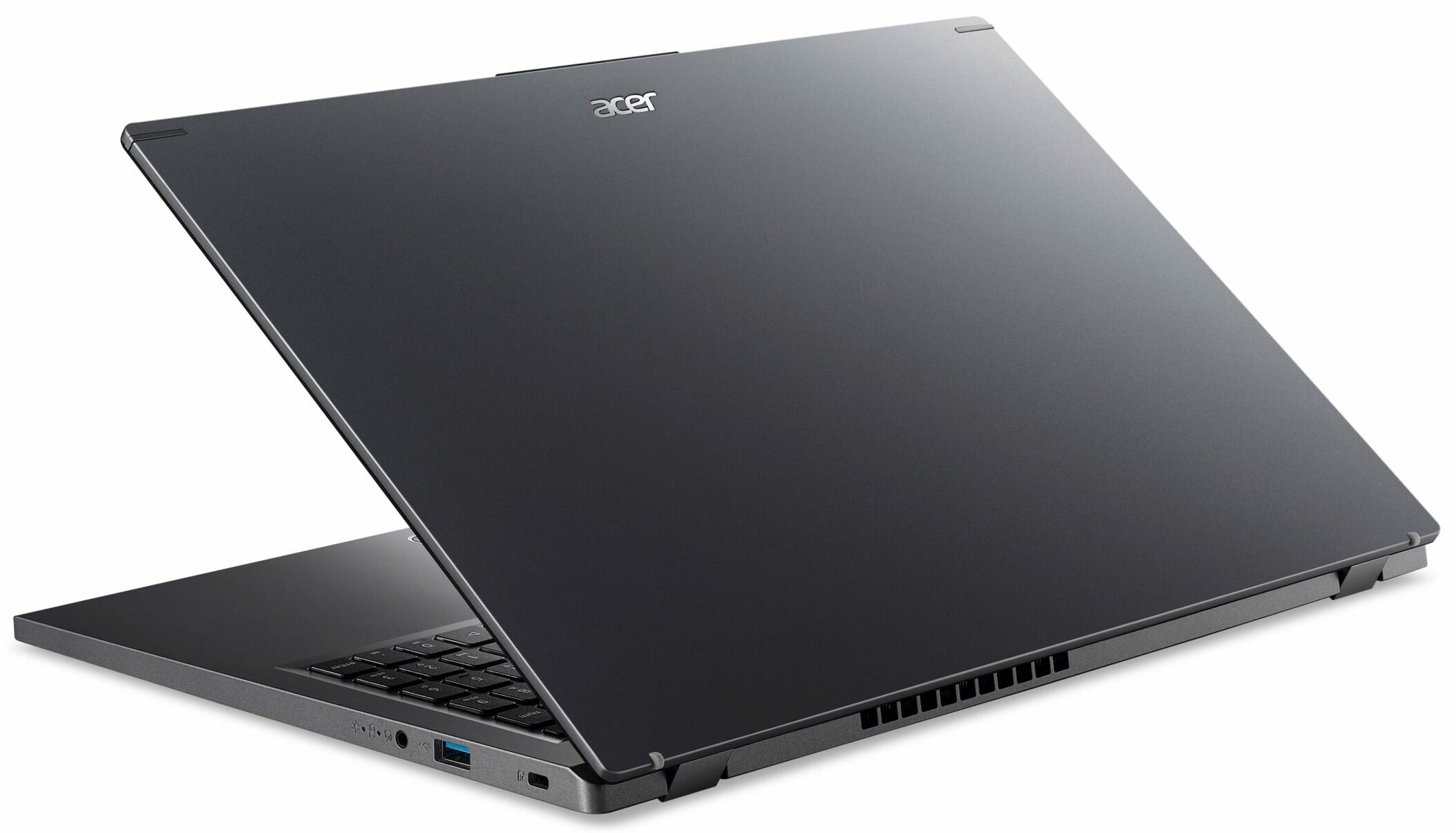
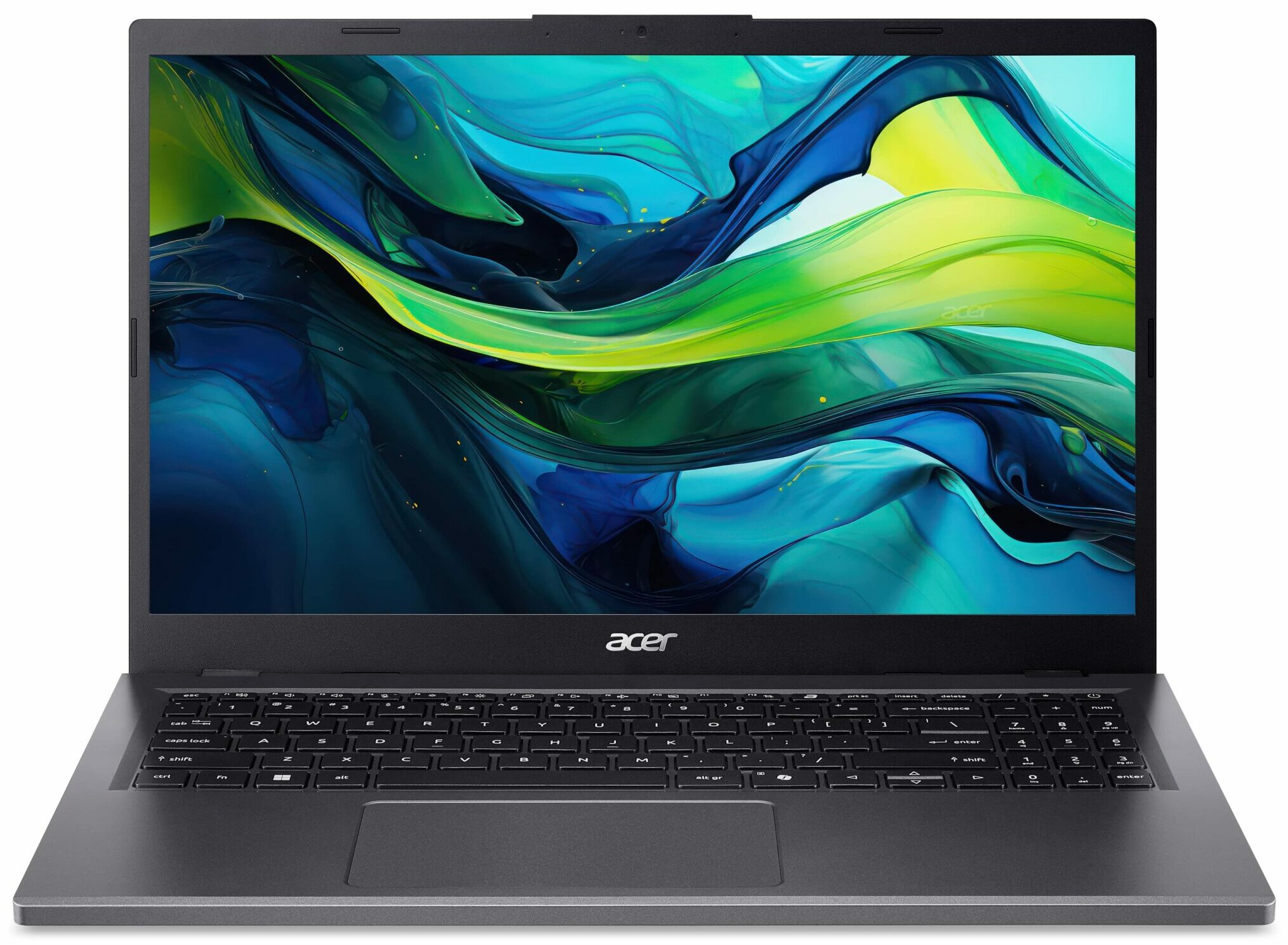
- Date Published: 19 Sep 2024
- AMD Ryzen 7 8840HS
- AMD Radeon 780M
- 15.6”, Full HD (1920 x 1080), IPS
- 256GB SSD
- 8GB RAM
- 1.65 kg (3.6 lbs)
Specs

- HDD/SSD
- 256GB SSD
- M.2 Slot
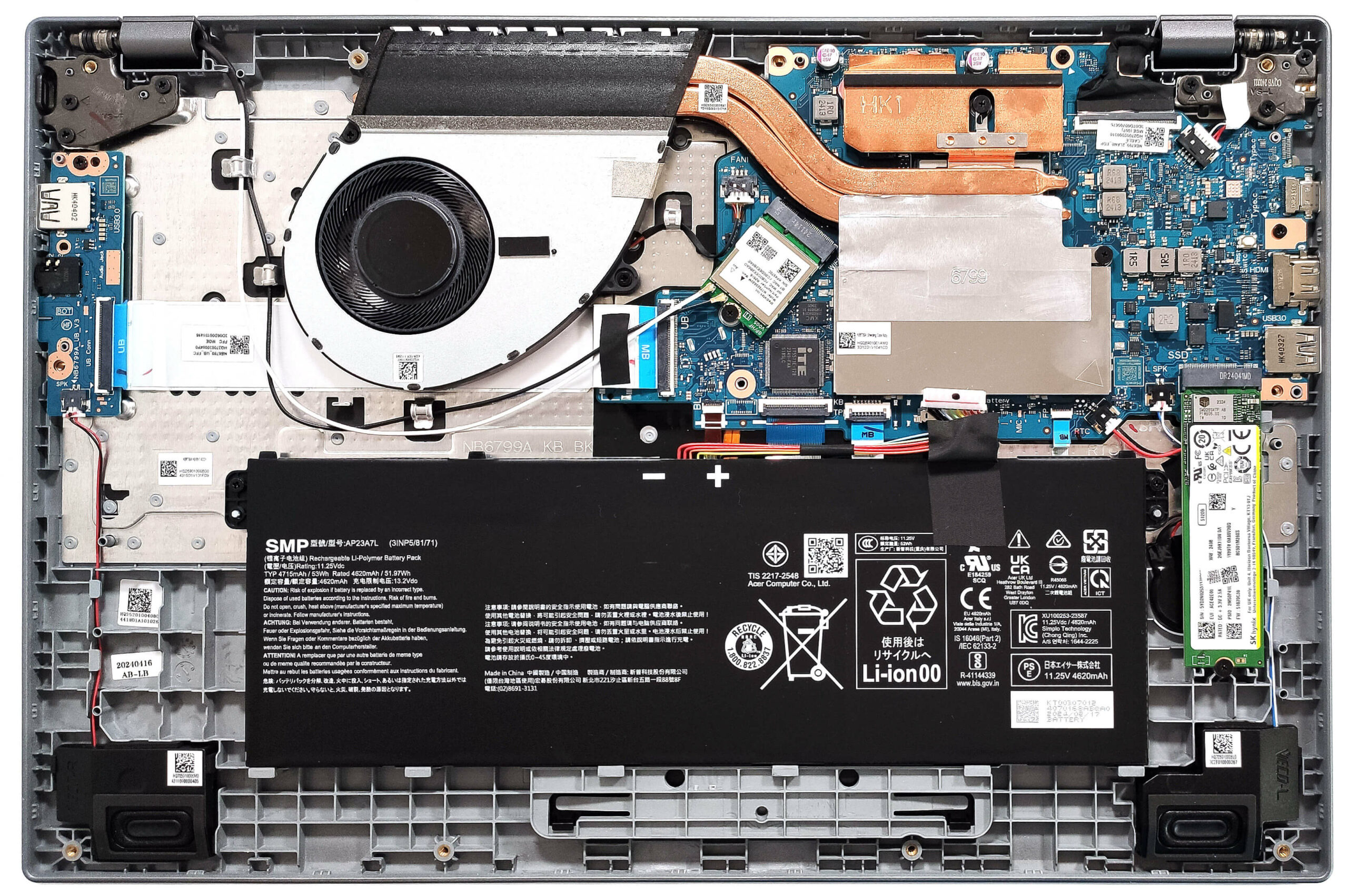
- 1x 2280 M.2 NVMe PCIe 4.0 x4 See photo
- RAM
- 8GB RAM
- OS
- Windows 11 Home
- Body Material
- Plastic / Polycarbonate, Aluminum
- Dimensions
- 363.9 x 237.5 x 17.9 mm (14.33" x 9.35" x 0.70")
- Weight
- 1.65 kg (3.6 lbs)
- Ports and connectivity
- 1x USB Type-A
- 3.2 Gen 1 (5 Gbps)
- 1x USB Type-A
- 3.2 Gen 1 (5 Gbps), Sleep and Charge
- 1x USB Type-C
- 4.0, Power Delivery (PD), DisplayPort
- HDMI
- 2.1
- Card Reader
- Ethernet LAN
- Wi-Fi
- Wi-Fi 6E
- Bluetooth
- 5.3
- Audio jack
- 3.5mm Combo Jack
- Features
- Fingerprint reader
- Web camera
- FHD with Temporal Noise Reduction
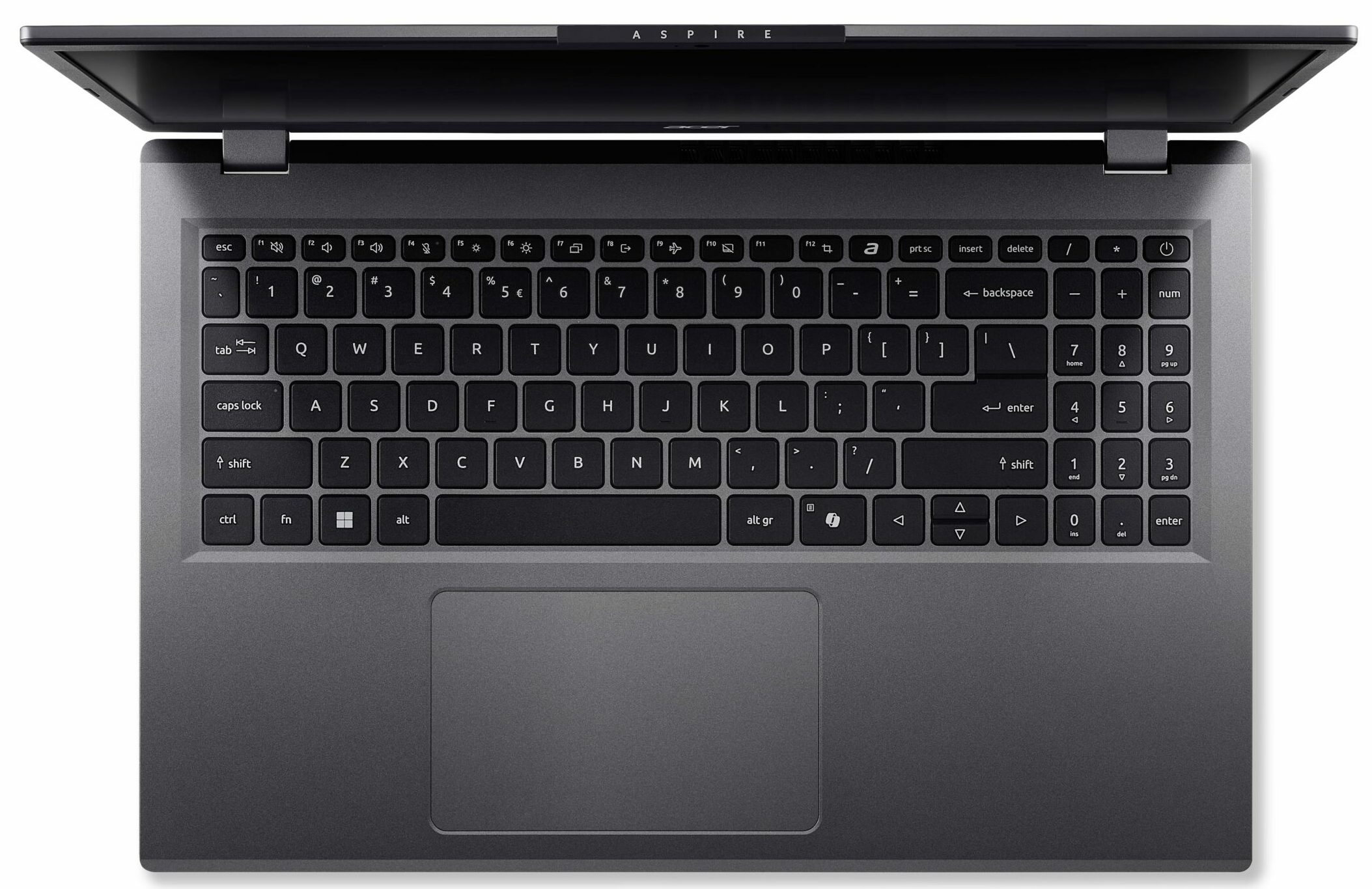
- Backlit keyboard
- Microphone
- 2x Microphones with Acer Purified Voice, AI noise reduction
- Speakers
- Stereo Speakers
- Security Lock slot
- Kensington Lock
Portability
Review
Acer Aspire 15 in-depth review
According to the manufacturer, the Aspire 15 (A15-41M) is meant "to manage a wide range of tasks with ease". That's true only if you pick a laptop with a more powerful processor than the base one which is the 4-core Ryzen 3 7335U (Zen 3+ Rembrandt-U Refresh). Since this machine is also offered with Zen 4 Hawk Point-HS chips, we decided to buy a notebook with the top CPU for this Acer series which is the 8-core 28W Ryzen 7 8840HS. This one will put to a serious test the modest cooling system that has just one fan.Part of the memory is soldered but on the bright side, you get a SODIMM for memory expansion. When you add a RAM stick, the memory works in a dual-channel mode which is crucial for the AMD CPUs. The storage options are limited as it gets and the port selection is okay since we [...]
Read the full review
Pros
- Long battery life considering the modest 53Wh capacity - 8 hours and a half of video playback
- Decent keyboard and touchpad
- Well priced
- Decently solid build
- Metal lid with a lever design
- Light for a 15-incher (1.65 kg)
- PWM-free (CMN1561)
- Wide viewing angles (CMN1561)
- Decent port selection for the class with a USB4 and an HDMI 2.1
- Wi-Fi 6E + Bluetooth 5.3
- The fan isn't noisy during full loads
- The Ryzen 7 8840HS can maintain ~3.40 GHz clock in long CPU loads
- Decently fast NVMe (512GB SK Hynix HFS512GEJ9X110N)
- SODIMM slot for memory in dual-channel mode
- 1080p@60FPS Web camera
Cons
- Part of the RAM is soldered + just one M.2 slot
- Low sRGB coverage (CMN1561)
Disassembly, maintenance and upgrade options
Opening the DeviceUndo the 11 Phillips-head screws securing the bottom panel. Pop the top two corners with a thin plastic tool, then pry the sides, the front, and the back to remove the bottom panel.More info: Here's how the bottom panel looks on the inside.Battery RemovalUnplug the battery connector from the motherboard. Undo the two Phillips-head screws securing the battery. Lift the battery to remove it from the device.Note: The laptop uses a 53Wh battery, providing approximately 8.5 hours of video playback.Memory InformationThe memor[...]
Read more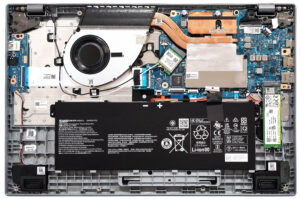


![[June 2026] Best-Selling Laptop Brands on Amazon Global – Apple’s Unrivaled Dominance in Units and Revenue](https://laptopmedia.com/wp-content/uploads/2026/07/GLOBAL-Best-Brands-400x225.jpg)
![[June 2026] Amazon Global: Top 10 Best-Selling Laptops – Apple’s New MacBook Neo Storms to #1, Reshaping the Market with Affordability](https://laptopmedia.com/wp-content/uploads/2026/07/Best-Selling-Laptops-GLOBAL-Top-10-400x225.jpg)
![[June 2026] Amazon Global: Top 10 Best-Selling Gaming Laptops – Acer’s Nitro V 16S AI Dominates Sales, While ASUS Leads Overall Revenue](https://laptopmedia.com/wp-content/uploads/2026/07/Best-Selling-Gaming-Laptops-GLOBAL-Top-10-400x225.jpg)
![[June 2026] Global Ranking of Best-Selling Laptop GPUs on Amazon – NVIDIA RTX 5060 is the Top-Selling Dedicated GPU](https://laptopmedia.com/wp-content/uploads/2026/07/Best-Selling-GPUs-GLOBAL-Top-10-400x225.jpg)
![[June 2026] Global Ranking of Best-Selling Laptop CPUs on Amazon – Apple M5 Dominates, AMD Ryzen 7 260 Gets Solid Premium Share](https://laptopmedia.com/wp-content/uploads/2026/07/Best-Selling-CPUs-GLOBAL-Top-10-400x225.jpg)