Acer Aspire Vero



- Date Published: 02 Dec 2024
- Intel Core i5-1335U
- Intel Iris Xe Graphics G7 (80EU)
- 15.6”, Full HD (1920 x 1080), IPS
- 512GB SSD
- 8GB RAM
- 1.74 kg (3.8 lbs)
Specs

- HDD/SSD
- 512GB SSD
- M.2 Slot
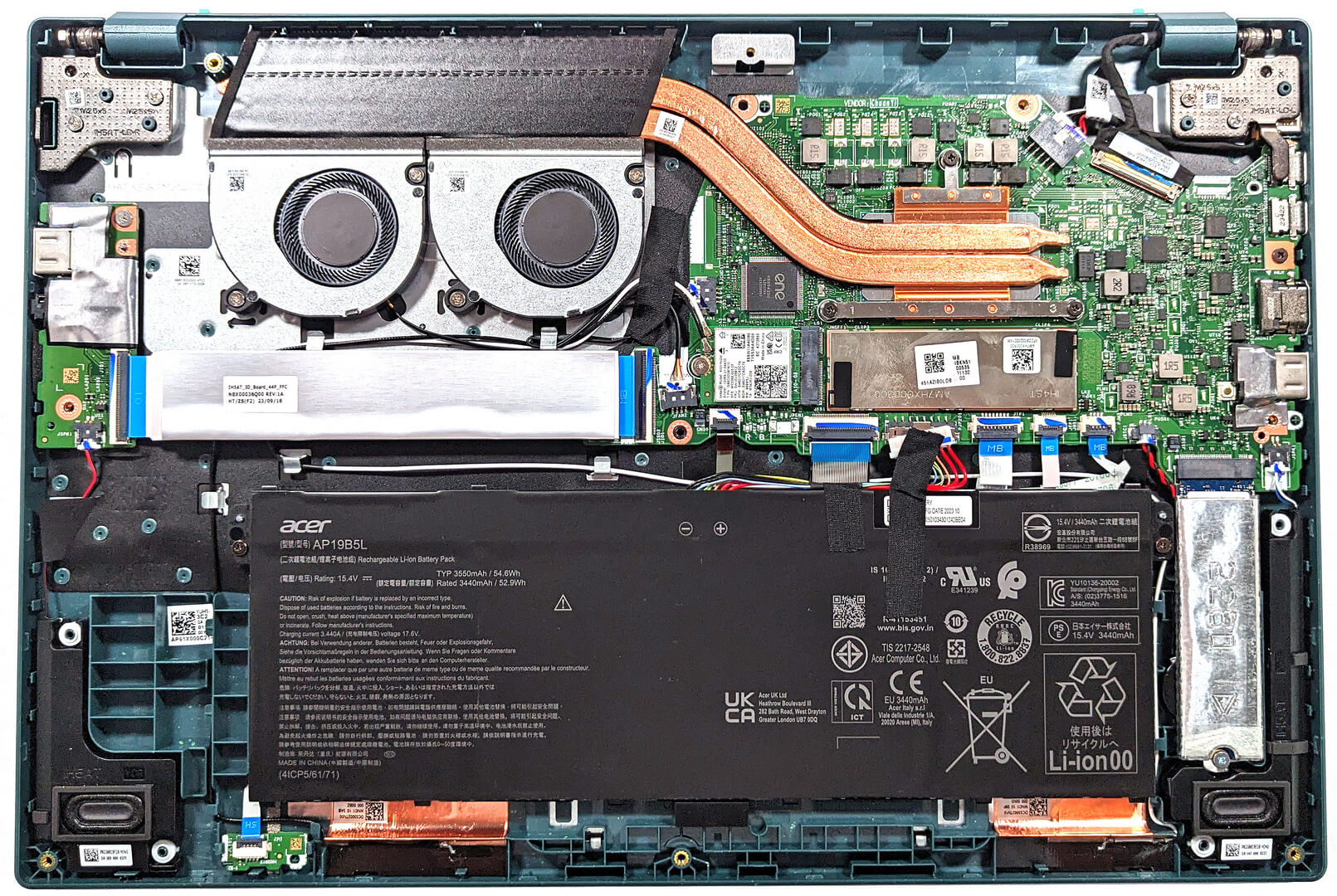
- 1x 2280 M.2 NVMe PCIe 4.0 x4 See photo
- RAM
- 8GB RAM
- OS
- Windows 11 Home
- Body Material
- Plastic / Polycarbonate
- Dimensions
- 359.7 x 236.9 x 17.9 mm (14.16" x 9.33" x 0.70")
- Weight
- 1.74 kg (3.8 lbs)
- Ports and connectivity
- 1x USB Type-A
- 3.2 Gen 1 (5 Gbps)
- 1x USB Type-A
- 3.2 Gen 1 (5 Gbps), Sleep and Charge
- 2x USB Type-C
- 3.2 Gen 2 (10 Gbps), Thunderbolt 4, Power Delivery (PD)
- HDMI
- 2.1
- Card Reader
- Ethernet LAN
- Wi-Fi
- 802.11ax
- Bluetooth
- 5.1
- Audio jack
- 3.5mm Combo Jack
- Features
- Fingerprint reader
- Web camera
- FHD / QHD with Temporal Noise Reduction
- Backlit keyboard
- Microphone
- Dual Microphones with Acer Purified Voice, AI noise reduction
- Speakers
- Stereo Speakers with Acer TrueHarmony
- Security Lock slot
- Kensington Lock
- Gifts
- 64GB USB Flash Drive
Portability
Review
Acer Aspire Vero in-depth review
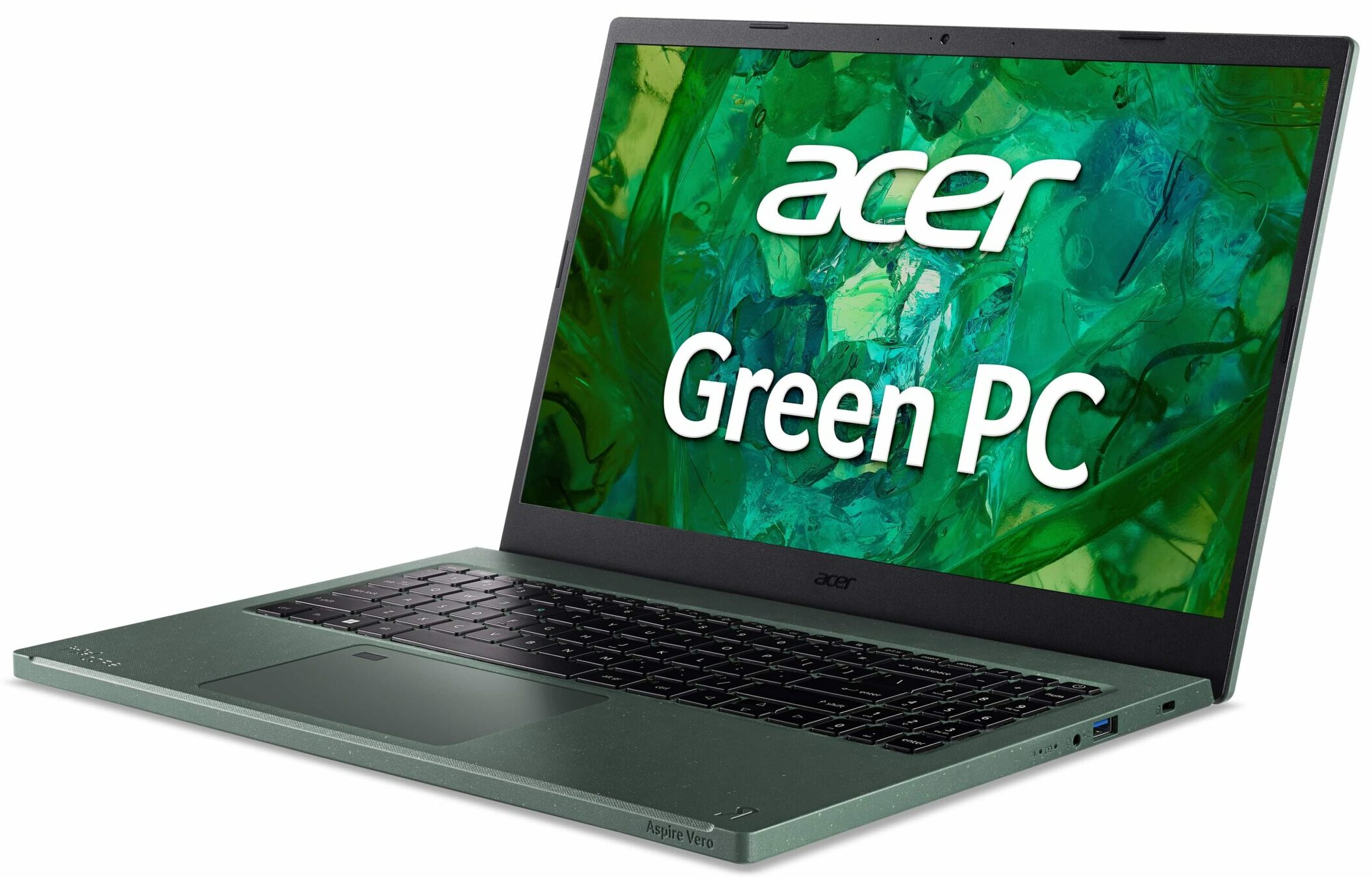
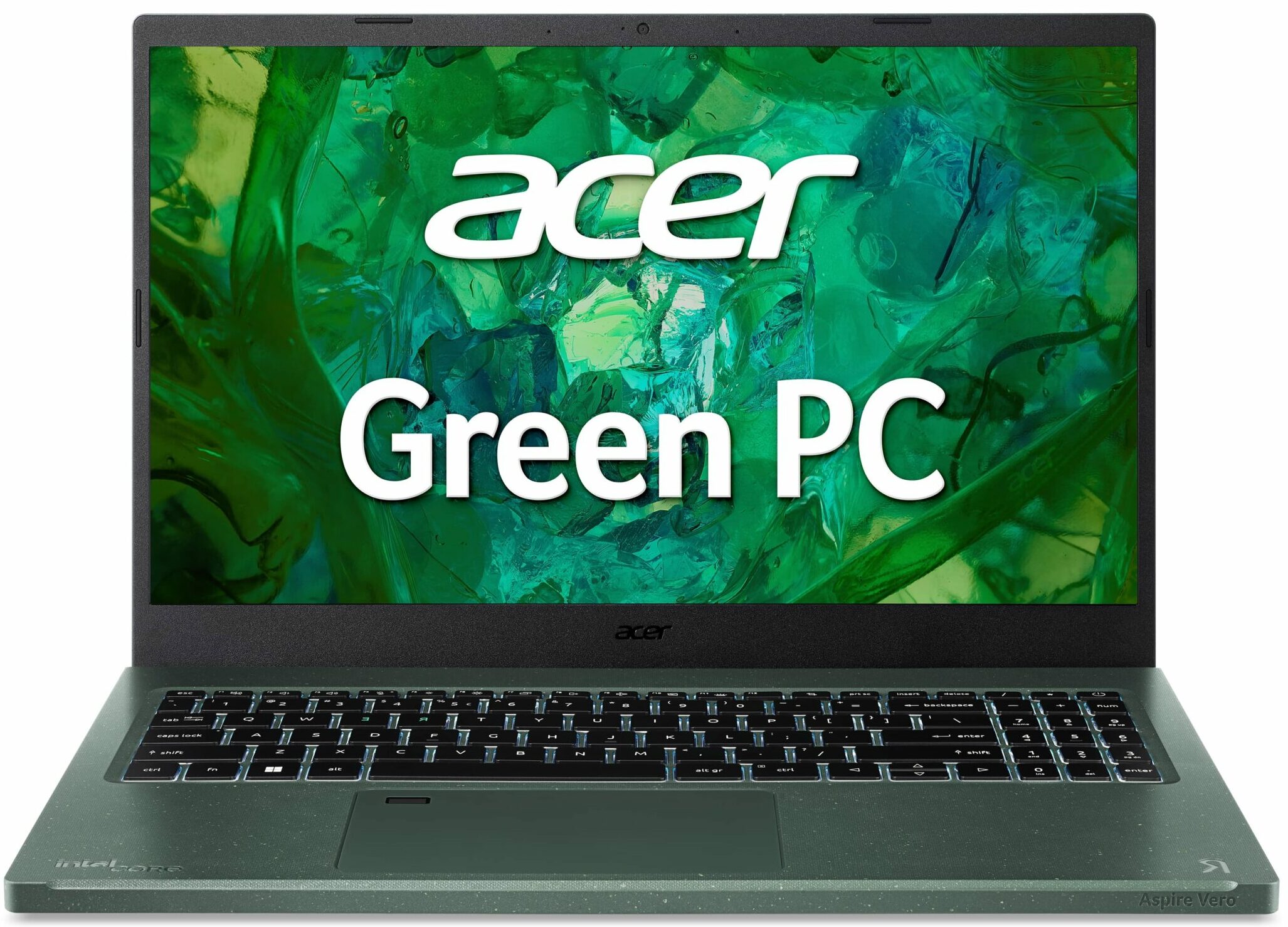
The Acer Aspire Vero 15 (AV15-53P) is an eco-friendly device. The chassis and the screen bezels are made of up to 40% post-consumer recycled plastic. The keycaps and the power adapter casing are also made of up to 50% PCR plastic. Interestingly, there is zero painting on the chassis. Even the packaging is 100% recyclable. In the box, you'll find no plastic bags and protection films.Acer has made the right choice when it comes to performance. The laptop can be found with 13th Gen Raptor Lake U CPUs. These 15W chips aren't that thirsty and they dissipate less heat compared to the P and H-series processors. The notebook is also light, and one of the reasons for that is the soldered memory and the modest battery capacity.This is not a gaming machine and that's why it's offered without [...]
Read the full review
Pros
- Long battery life
- Very good cooling solution + snappy performance
- Great CPU clocks and low temperatures under any kind of load
- 98% sRGB coverage and high color accuracy when our "Design and Gaming" profile is installed (AUO B156HAN02.H (AUOB0A3))
- Comfortable viewing angles (AUO B156HAN02.H (AUOB0A3))
- No PWM (AUO B156HAN02.H (AUOB0A3))
- Thin and light (for a 15-icher)
- Up to 40% post-consumer recycled plastic for the build
- Good I/O with two Thunderbolt 4 ports and an optional fingerprint reader
Cons
- Soldered memory and just one M.2 slot
- The chassis isn't that solid
- High NVMe temperatures during benchmarking
Disassembly, maintenance and upgrade options
Step 1: Accessing the Internal ComponentsEnsure the Acer Aspire Vero 15 (AV15-53P) is powered off and placed on a soft, clean surface to prevent scratches or damage. Remove the 11 Phillips-head screws from the laptop's bottom panel. Gently lift the bottom plate near one of the top two corners to create a slight gap, then use a thin plastic tool to pry the panel off.Hint: Be careful during this process to avoid damaging the internal clips or the chassis itself.Step 2: Removing the BatteryDisconnect the battery by pulling out its connector from the motherboard. [...]
Read more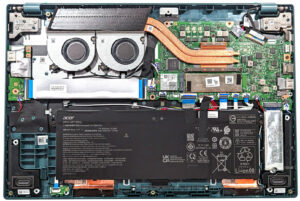


![[June 2026] Best-Selling Laptop Brands on Amazon Global – Apple’s Unrivaled Dominance in Units and Revenue](https://laptopmedia.com/wp-content/uploads/2026/07/GLOBAL-Best-Brands-400x225.jpg)
![[June 2026] Amazon Global: Top 10 Best-Selling Laptops – Apple’s New MacBook Neo Storms to #1, Reshaping the Market with Affordability](https://laptopmedia.com/wp-content/uploads/2026/07/Best-Selling-Laptops-GLOBAL-Top-10-400x225.jpg)
![[June 2026] Amazon Global: Top 10 Best-Selling Gaming Laptops – Acer’s Nitro V 16S AI Dominates Sales, While ASUS Leads Overall Revenue](https://laptopmedia.com/wp-content/uploads/2026/07/Best-Selling-Gaming-Laptops-GLOBAL-Top-10-400x225.jpg)
![[June 2026] Global Ranking of Best-Selling Laptop GPUs on Amazon – NVIDIA RTX 5060 is the Top-Selling Dedicated GPU](https://laptopmedia.com/wp-content/uploads/2026/07/Best-Selling-GPUs-GLOBAL-Top-10-400x225.jpg)
![[June 2026] Global Ranking of Best-Selling Laptop CPUs on Amazon – Apple M5 Dominates, AMD Ryzen 7 260 Gets Solid Premium Share](https://laptopmedia.com/wp-content/uploads/2026/07/Best-Selling-CPUs-GLOBAL-Top-10-400x225.jpg)