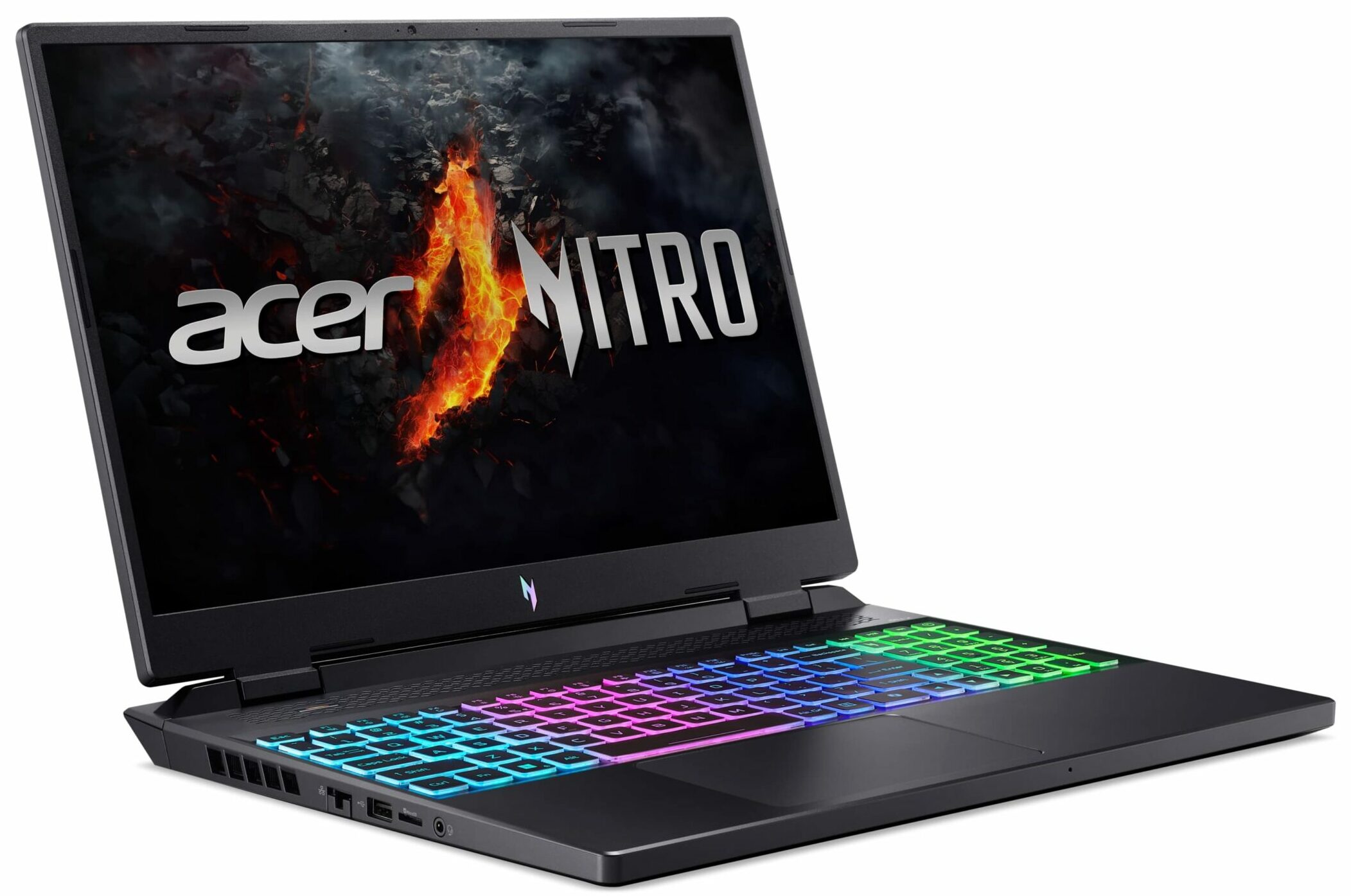
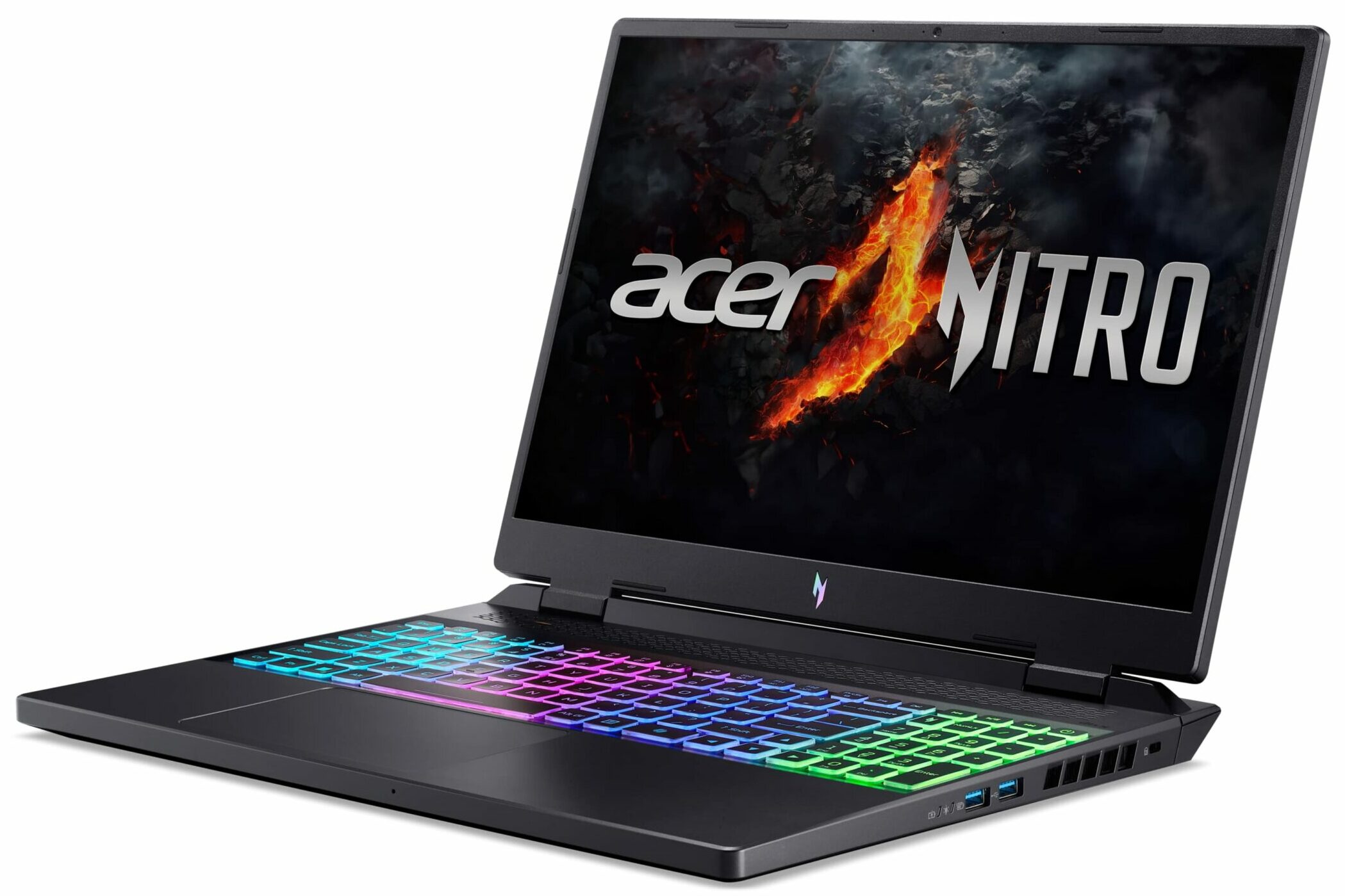
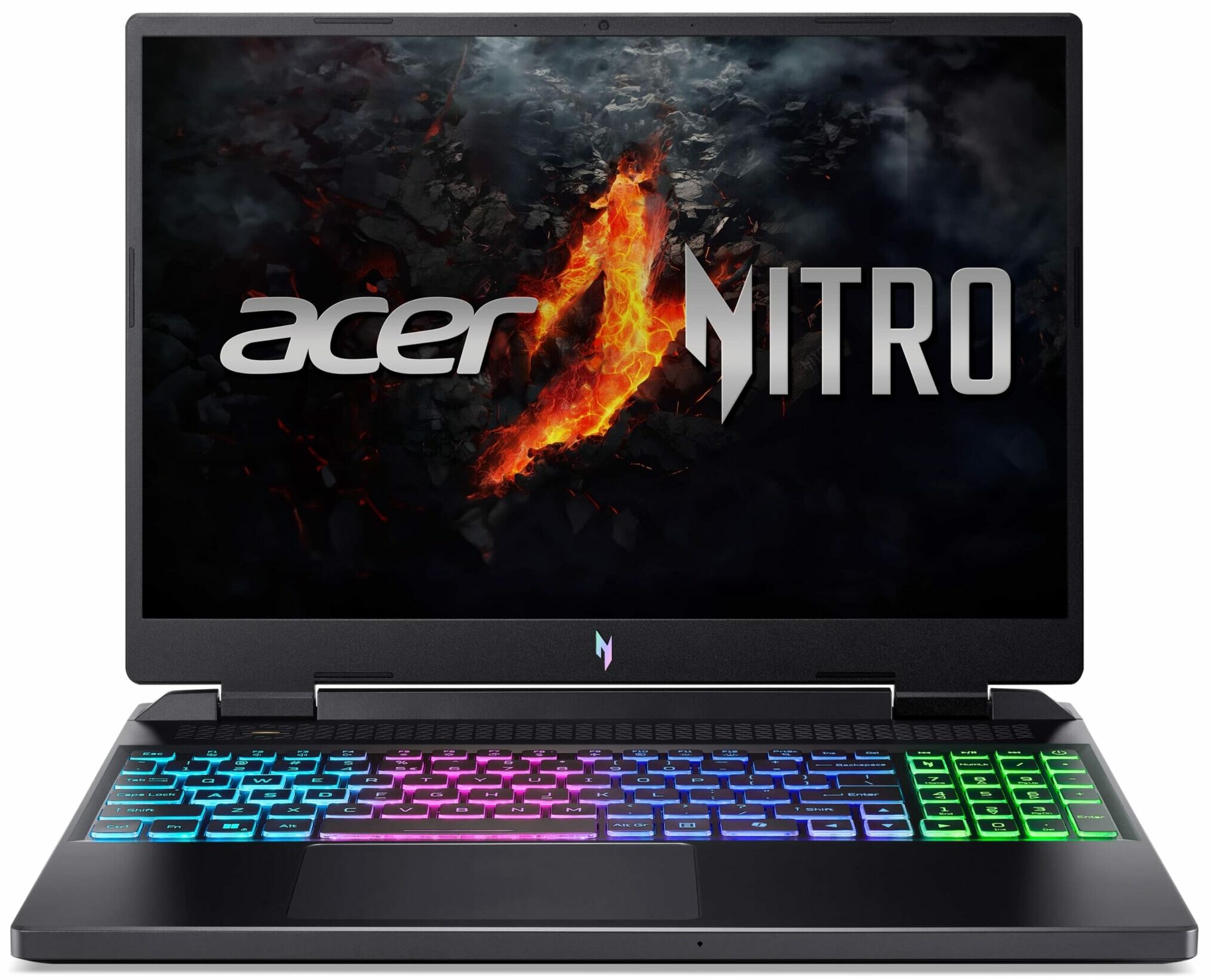
Acer Nitro 16

- Date Published: 03 Feb 2026
- AMD Ryzen 7 8845HS
- NVIDIA GeForce RTX 4050 (Laptop, 140W)
- 16.0″, WUXGA (1920 x 1200), 165 Hz, IPS
- 1000GB SSD
- 16GB RAM
- 2.65 kg (5.8 lbs)
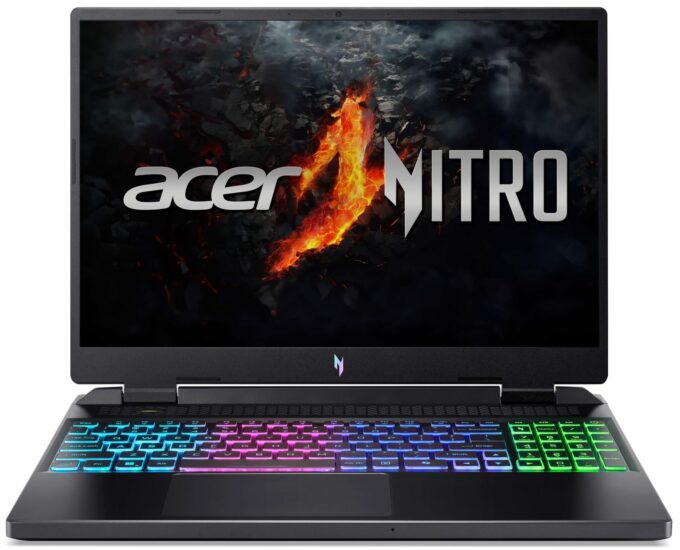
Specs
- HDD/SSD
- 1000GB SSD
- M.2 Slot
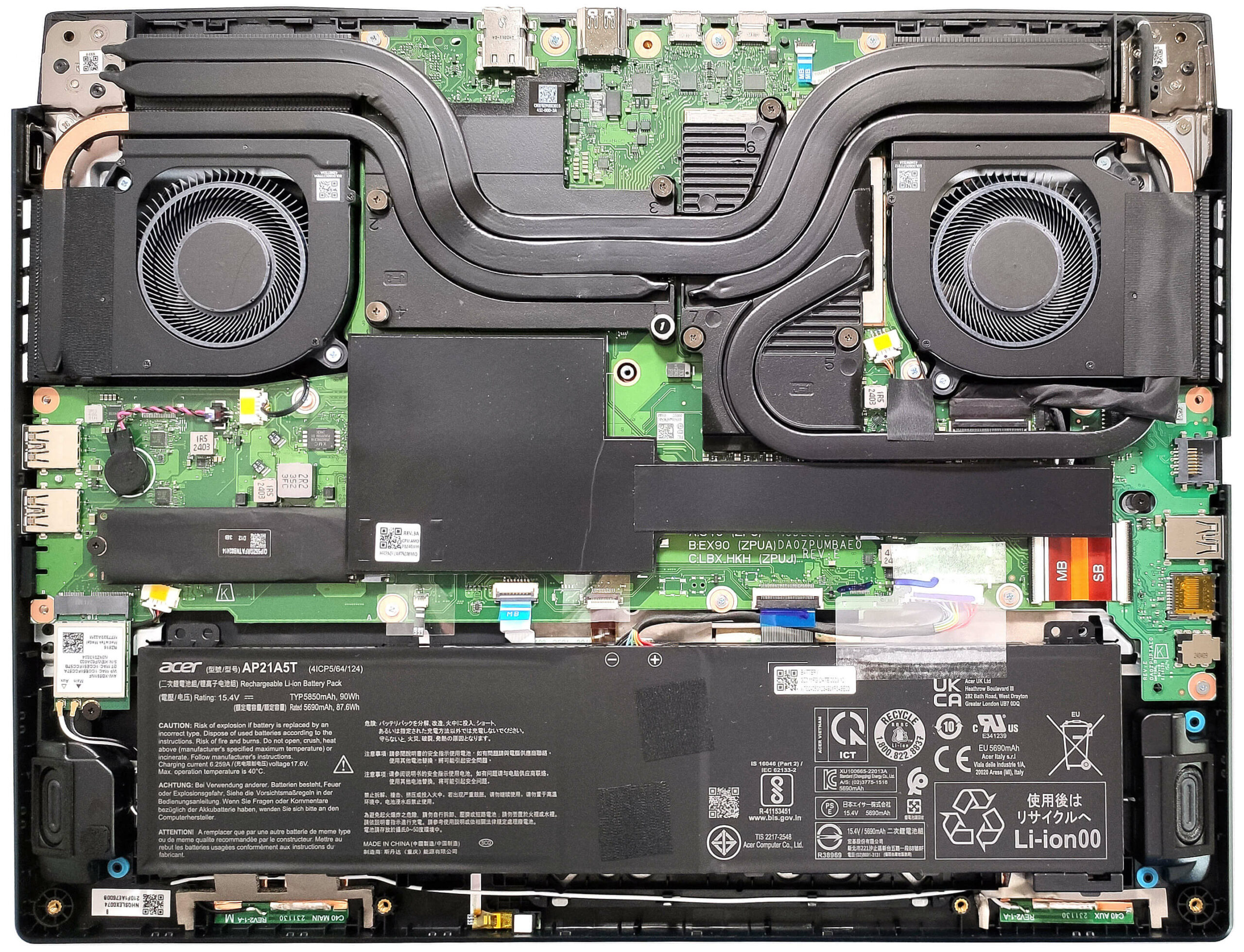
- 2x 2280 M.2 NVMe PCIe 4.0 x4 See photo
- RAM
- 16GB RAM
- OS
- Windows 11 Pro
- Body Material
- Plastic / Polycarbonate
- Dimensions
- 360.1 x 279.9 x 25.9 - 27.9 mm (14.18" x 11.02" x 1.02")
- Weight
- 2.65 kg (5.8 lbs)
- Ports and connectivity
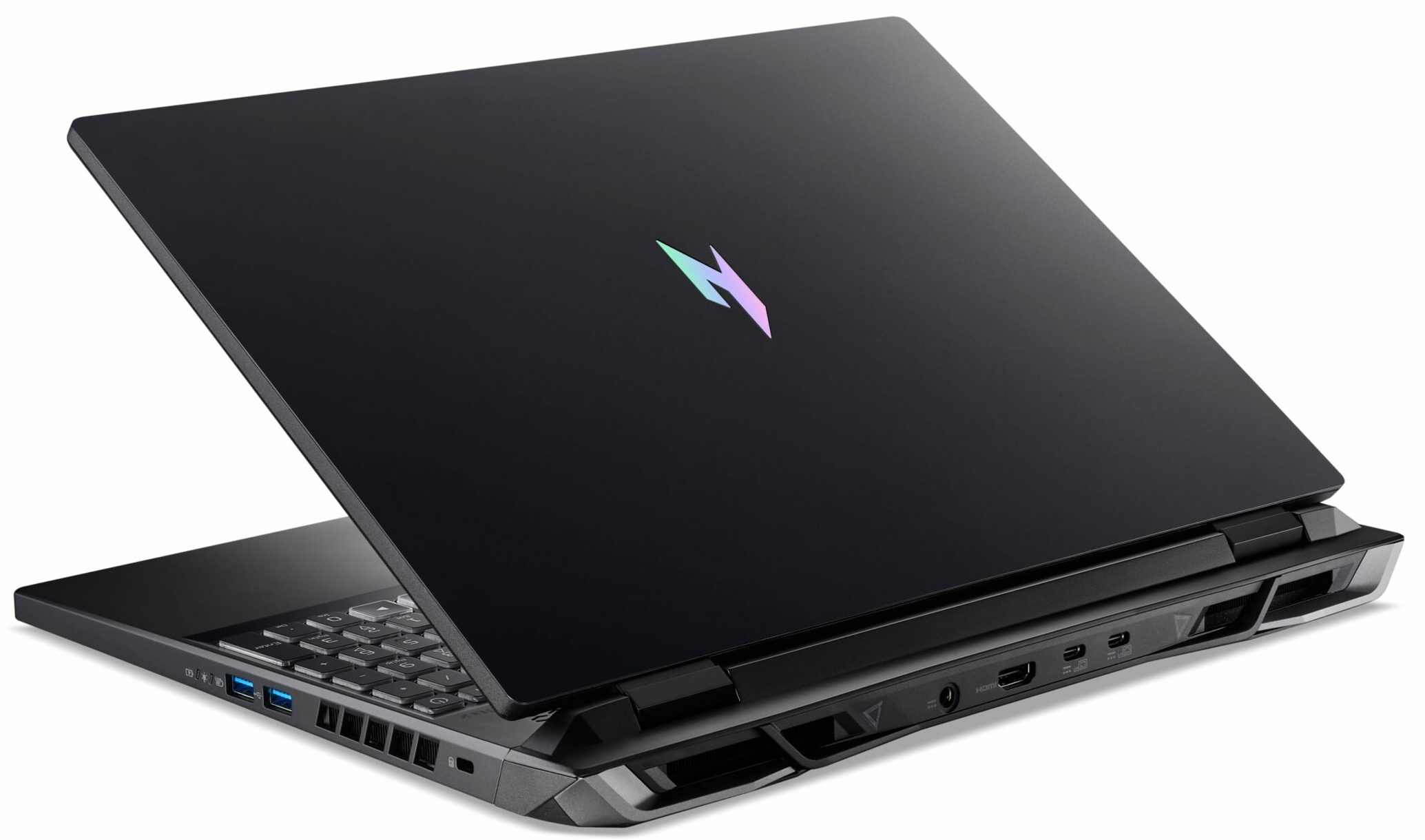
- 1x USB Type-A
- 2.0
- 1x USB Type-A
- 3.2 Gen 2 (10 Gbps)
- 1x USB Type-A
- 3.2 Gen 2 (10 Gbps), Sleep and Charge
- 1x USB Type-C
- 3.2 Gen 2 (10 Gbps), Power Delivery (PD), DisplayPort
- 1x USB Type-C
- 4.0, Power Delivery (PD), DisplayPort
- HDMI
- 2.1
- Card Reader
- microSD (microSD, microSDHC, microSDXC)
- Ethernet LAN
- 10, 100, 1000, 2500 Mbit/s
- Wi-Fi
- Wi-Fi 6E
- Bluetooth
- 5.3
- Audio jack
- 3.5mm Combo Jack
- Features
- Fingerprint reader
- Web camera
- HD
- Backlit keyboard
- Microphone
- 2x Microphones with Acer Purified Voice
- Speakers
- Stereo Speakers, DTS X: Ultra
- Security Lock slot
- Kensington Lock
Portability
Review
Acer Nitro 16 in-depth review
Acer is one of the manufacturers that offers a lot of Zen 4 laptops in different form factors. The Acer Nitro 16 (AN16-42) is one of the top dogs despite the fully plastic build. This machine has a hefty thermal system that cools AMD Zen 4 Hawk Point-HS CPU and NVIDIA Ada Lovelace graphics cards. The most powerful combo available is AMD Ryzen 9 8945HS plus the 140W RTX 4070. All that is complemented by good upgradability and a nice port selection with five USB connectors. Let's continue with the good news - you also get NVIDIA Advanced Optimus, a MUX switch, and G-SYNC support. The base display is a 1200p 120Hz IPS unit and you can opt for the more crisper 1600p model with the same refresh rate. Since that's an Acer gaming machine, the Nitro Sense app is also here and it's loaded with use[...]
Read the full review
Pros
- Great performance
- Covers 100% of the sRGB color gamut and has accurate colors with our "Design and Gaming" profile (AUOCDAB)
- 165Hz refresh rate + wide viewing angles (AUOCDAB)
- No PWM (AUOCDAB)
- Very high max brightness of 548 nits (CSW1437)
- MUX switch + Nvidia Advanced Optimus + G-SYNC
- Five USB ports
- Great keyboard
- Long battery life (~11 hours of video playback)
- Solid base
- The CPU and the GPU can maintain high frequencies during full loads (~4.90 GHz / 2640 MHz)
- Great "Performance" preset that offers almost the same overall system power as the "Turbo" mode and way less aggressive fans
- Very snappy SSD (1TB Micron 3500 MTFDKBA1T0TGD-1BK15ABYY)
Cons
- The lid could've been more stable
- Slow USB 2.0 port on the left side
Disassembly, maintenance and upgrade options
Opening the DeviceUndo the 11 Phillips-head screws securing the bottom panel. Hold firmly the two plastic vents on the rear and pop the panel to the level of the LAN connector. Use a thin plastic tool to pry the rest of the sides and the front to remove the bottom panel.More info: On the inside of the bottom plate, there is a big dust filter for the two central ventilation grills and a dedicated socket for the battery that secures the unit in place.Battery RemovalPull out the battery connector from the motherboard. Lift the battery to remove it from the[...]
Read more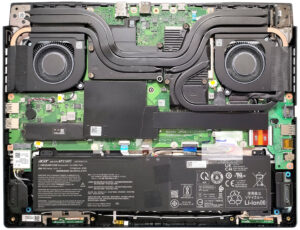


![[June 2026] Best-Selling Laptop Brands on Amazon Global – Apple’s Unrivaled Dominance in Units and Revenue](https://laptopmedia.com/wp-content/uploads/2026/07/GLOBAL-Best-Brands-400x225.jpg)
![[June 2026] Amazon Global: Top 10 Best-Selling Laptops – Apple’s New MacBook Neo Storms to #1, Reshaping the Market with Affordability](https://laptopmedia.com/wp-content/uploads/2026/07/Best-Selling-Laptops-GLOBAL-Top-10-400x225.jpg)
![[June 2026] Amazon Global: Top 10 Best-Selling Gaming Laptops – Acer’s Nitro V 16S AI Dominates Sales, While ASUS Leads Overall Revenue](https://laptopmedia.com/wp-content/uploads/2026/07/Best-Selling-Gaming-Laptops-GLOBAL-Top-10-400x225.jpg)
![[June 2026] Global Ranking of Best-Selling Laptop GPUs on Amazon – NVIDIA RTX 5060 is the Top-Selling Dedicated GPU](https://laptopmedia.com/wp-content/uploads/2026/07/Best-Selling-GPUs-GLOBAL-Top-10-400x225.jpg)
![[June 2026] Global Ranking of Best-Selling Laptop CPUs on Amazon – Apple M5 Dominates, AMD Ryzen 7 260 Gets Solid Premium Share](https://laptopmedia.com/wp-content/uploads/2026/07/Best-Selling-CPUs-GLOBAL-Top-10-400x225.jpg)