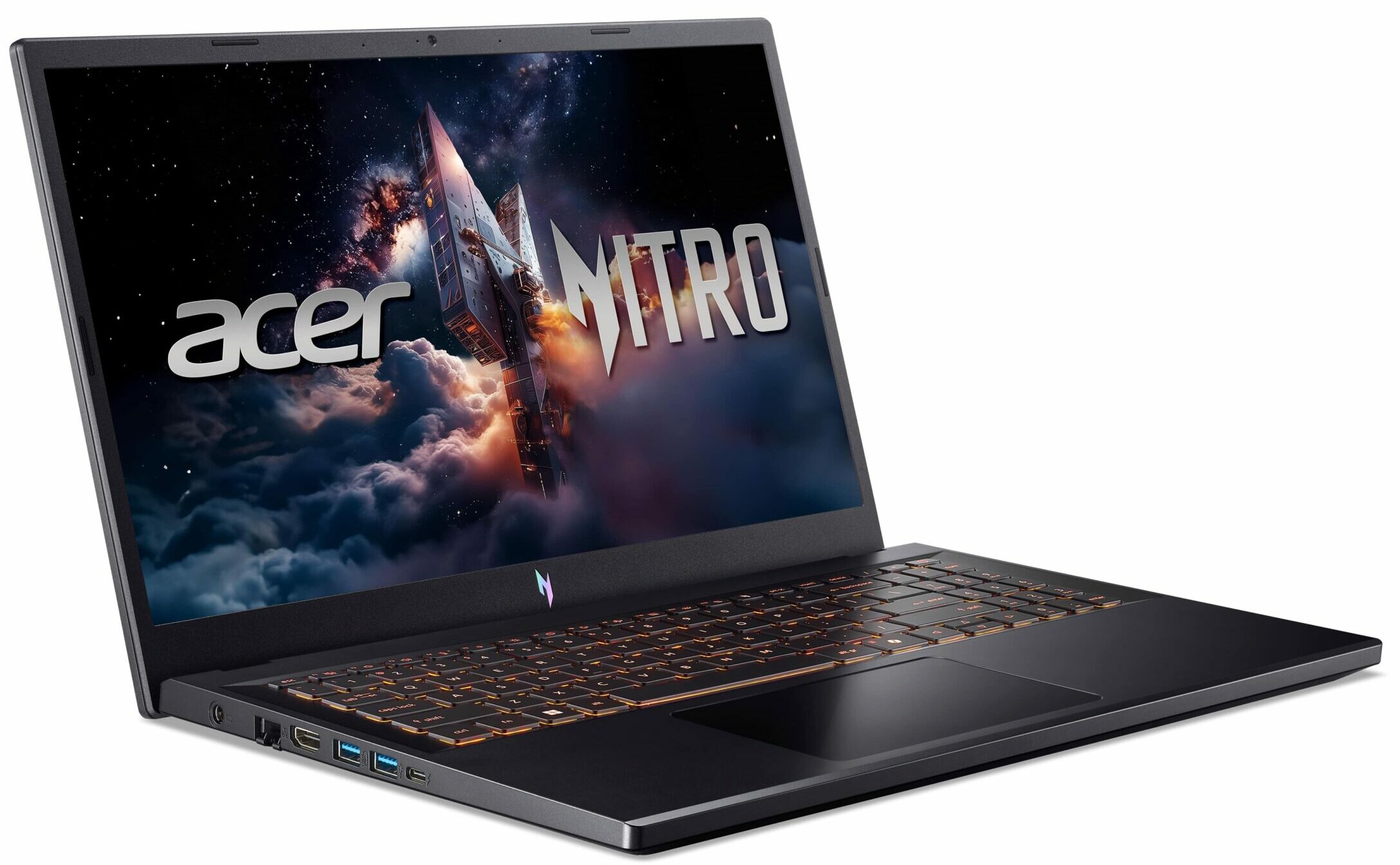
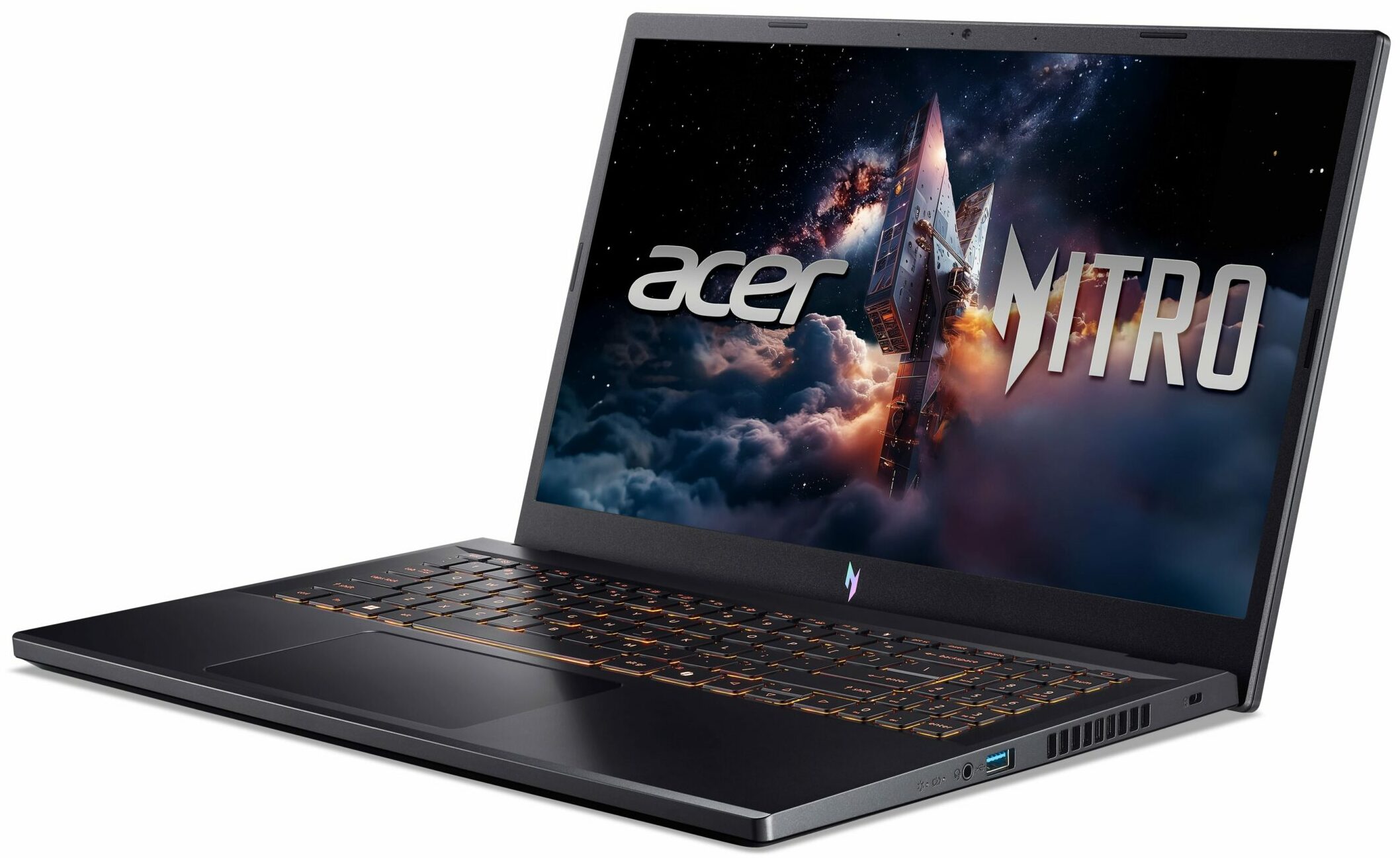
Acer Nitro V 15
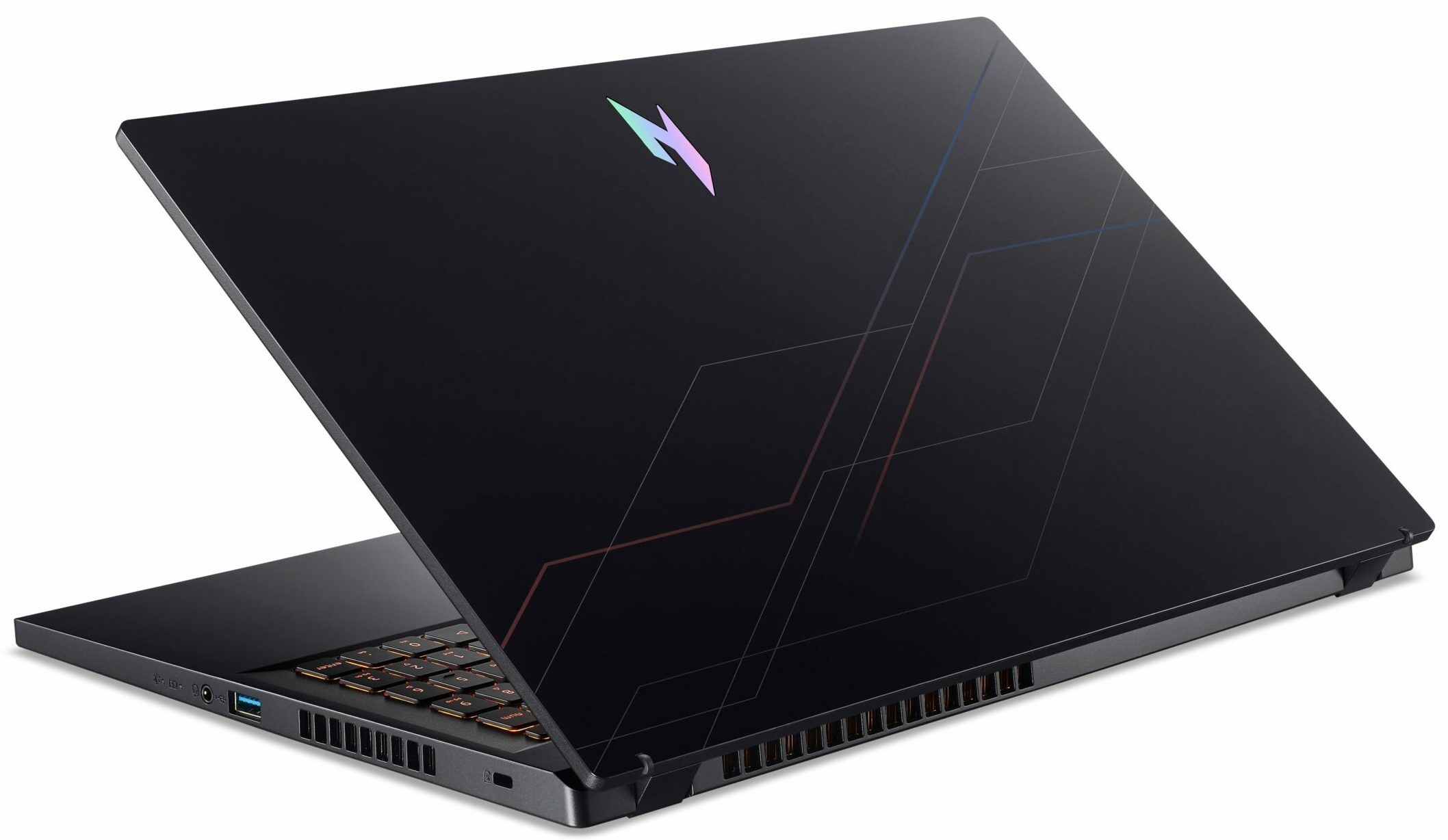
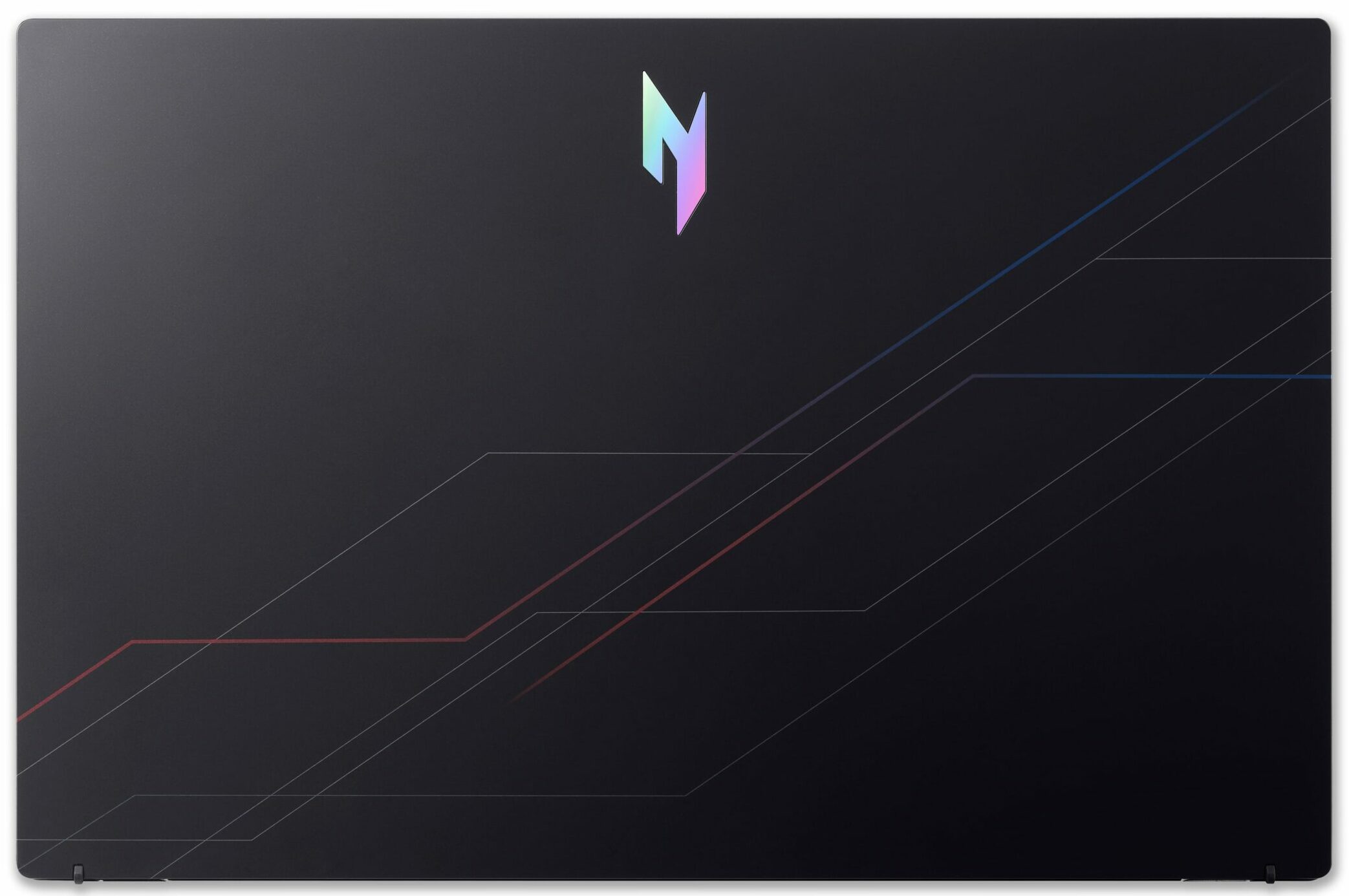
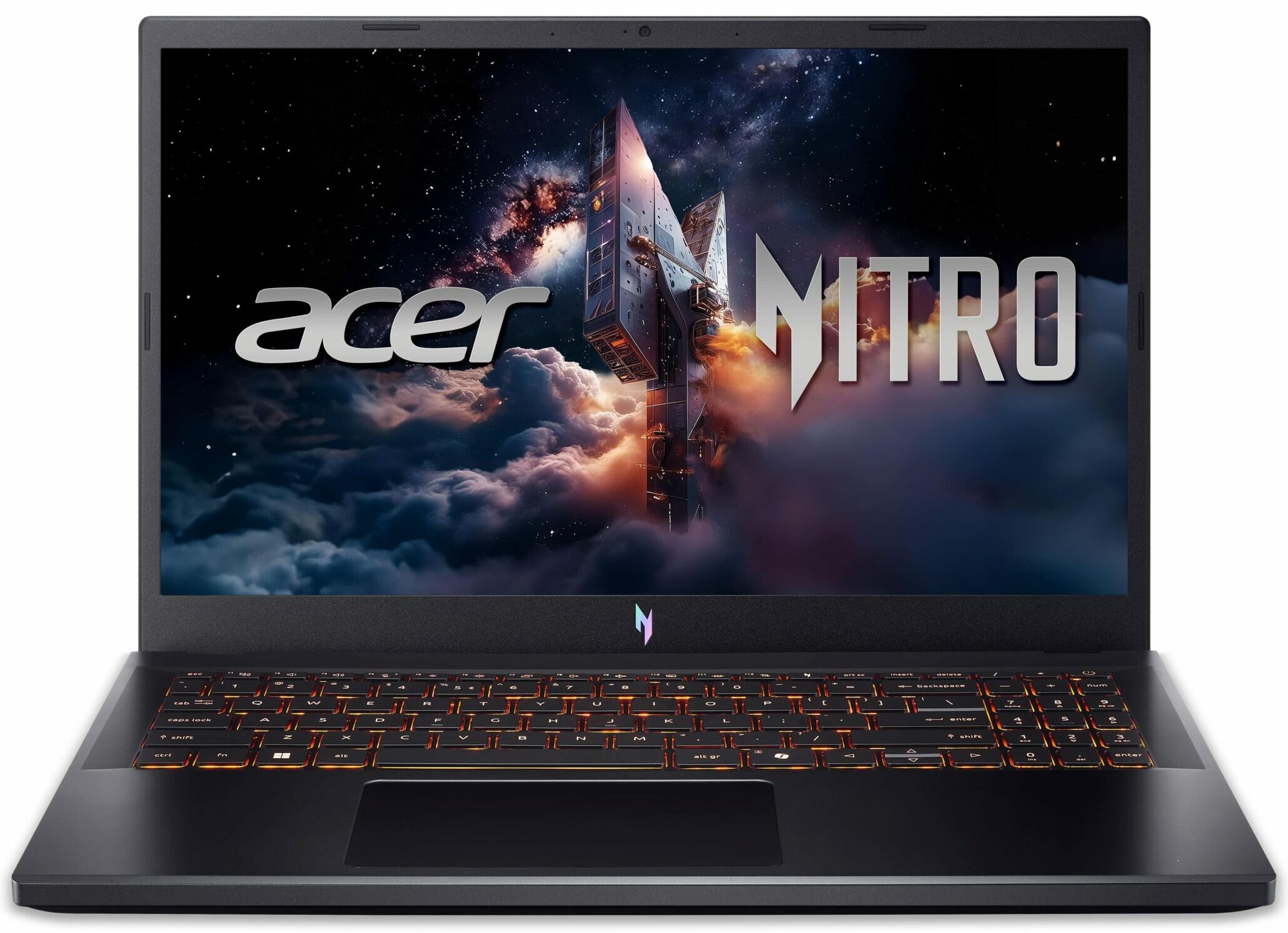
- Date Published: 01 Jul 2026
- Intel Core i5-13420H
- NVIDIA GeForce RTX 5050 (Laptop)
- 15.6", Full HD (1920 x 1080), 165 Hz, IPS
- 2000GB SSD
- 64GB RAM
- 2.11 kg (4.7 lbs)
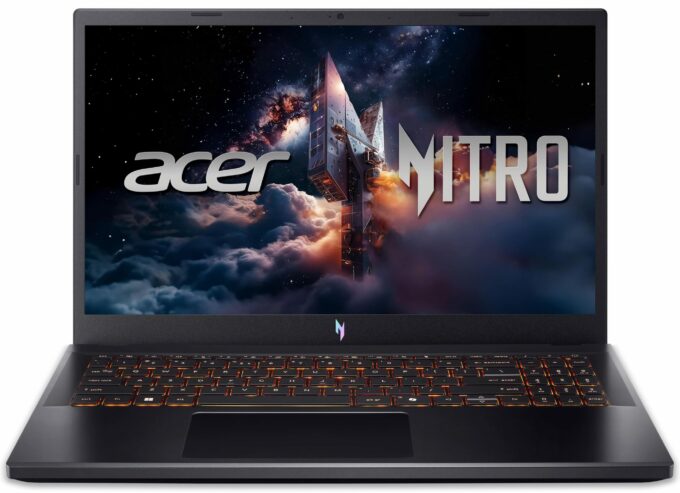
Specs
- HDD/SSD
- 2000GB SSD
- M.2 Slot
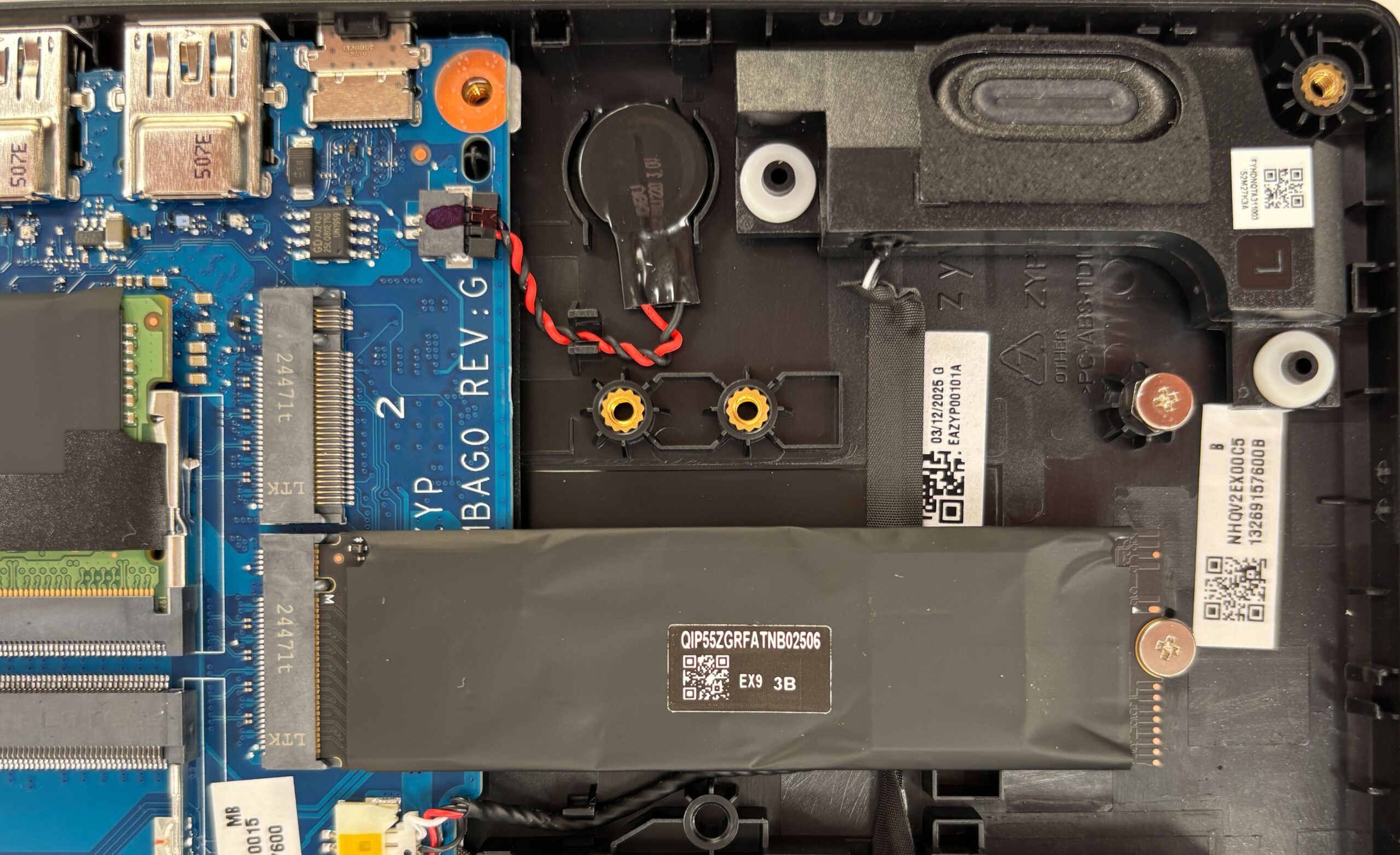
- 2x 2280 M.2 NVMe PCIe 4.0 x4 See photo
- RAM
- 64GB RAM
- OS
- Windows 11 Home
- Dimensions
- 362.3 x 239.89 x 15.7 - 23.5 mm (14.26" x 9.44" x 0.62")
- Weight
- 2.11 kg (4.7 lbs)
- Ports and connectivity
- 2x USB Type-A
- 3.2 Gen 1 (5 Gbps)
- 1x USB Type-A
- 3.2 Gen 1 (5 Gbps), Sleep and Charge
- 1x USB Type-C
- 4.0, Thunderbolt 4, Power Delivery (PD), DisplayPort
- HDMI
- 2.1
- Card Reader
- Ethernet LAN
- 10, 100, 1000 Mbit/s
- Wi-Fi
- Wi-Fi 6E
- Bluetooth
- 5.3
- Audio jack
- 3.5mm Combo Jack
- Features
- Fingerprint reader
- Web camera
- HD with Temporal Noise Reduction
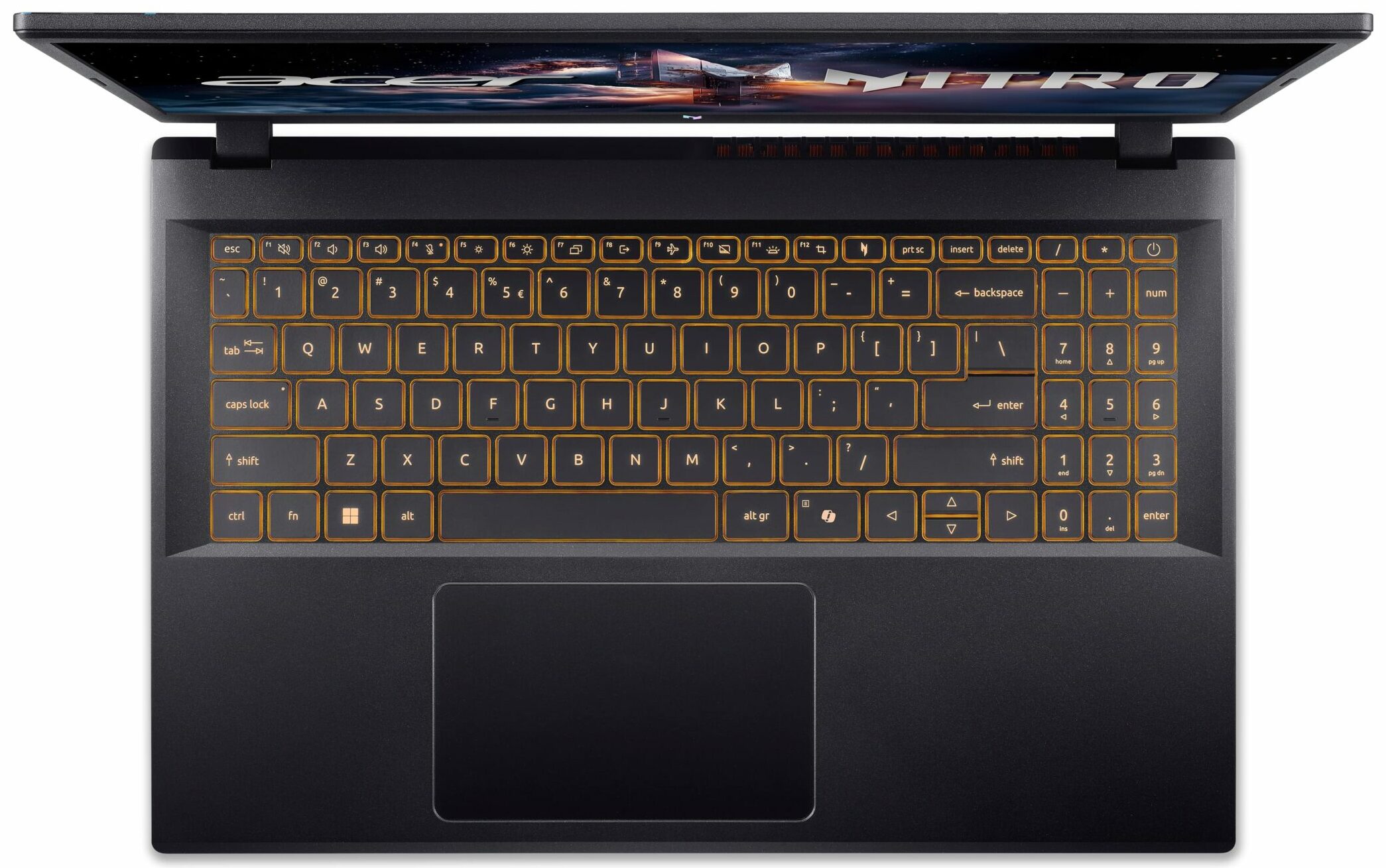
- Backlit keyboard
- Microphone
- Dual Microphone with Acer Purified Voice
- Speakers
- Speakers by DTS X: Ultra Audio
- Security Lock slot
- Kensington Lock
- Gifts
- Delca 3-in-1 Cable (Type-C to USB-A)
Portability
Review
Acer Nitro V 15 in-depth review
The Acer Nitro V 15 (ANV15-52) is a textbook example of a gateway to PC gaming. It’s a no-frills machine built with a clear mission: to deliver a solid, stable 1080p gaming experience without costing a fortune. To achieve this, Acer has made some very deliberate sacrifices in areas like the display's color and battery life. The result is a laptop that offers surprising performance and some thoughtful features for its price, but it’s a machine of clear compromises. The real question is, does it strike the right balance for a new gamer, or do the cuts run too deep?You can check the prices and configurations in our Specs System: https://laptopmedia.com/series/acer-nitro-v-15-anv15-52/Specs, Drivers, What's in the boxDrivers All drivers and utilities for this notebook ca[...]
Read the full review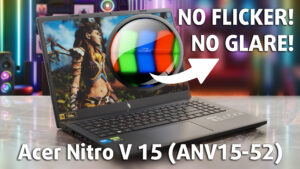
Pros
- Excellent 1080p gaming performance for the price
- Superb thermal management keeps the GPU cool and stable
- Fantastic upgrade options with 2x RAM and 2x M.2 slots
- Great port selection, including a Thunderbolt 4 port
- PWM-free display with a very effective anti-glare finish
- Fingerprint-resistant chassis
Cons
- Display has very poor color coverage (54% sRGB)
- Very poor battery life
- Extremely loud under load
- No physical camera shutter or fingerprint reader
Disassembly, maintenance and upgrade options
Opening the Acer Nitro V 15 (ANV15-52) Hint: Use a plastic pry tool to avoid damaging the clips or chassis.Remove eleven Phillips-head screws securing the bottom panel. Unlatch the clips around the edges using a plastic tool. Carefully lift and remove the bottom panel to expose the internals.Battery removal Caution: Always disconnect the battery before performing upgrades or servicing.Locate the 57Wh battery pack (model AP21D8M, 15.4V) secured with adhesive. Peel back the small piece of tape covering the connector. Unplug the battery connector from the mot[...]
Read more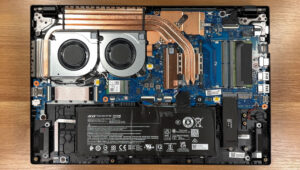


![[June 2026] Best-Selling Laptop Brands on Amazon Global – Apple’s Unrivaled Dominance in Units and Revenue](https://laptopmedia.com/wp-content/uploads/2026/07/GLOBAL-Best-Brands-400x225.jpg)
![[June 2026] Amazon Global: Top 10 Best-Selling Laptops – Apple’s New MacBook Neo Storms to #1, Reshaping the Market with Affordability](https://laptopmedia.com/wp-content/uploads/2026/07/Best-Selling-Laptops-GLOBAL-Top-10-400x225.jpg)
![[June 2026] Amazon Global: Top 10 Best-Selling Gaming Laptops – Acer’s Nitro V 16S AI Dominates Sales, While ASUS Leads Overall Revenue](https://laptopmedia.com/wp-content/uploads/2026/07/Best-Selling-Gaming-Laptops-GLOBAL-Top-10-400x225.jpg)
![[June 2026] Global Ranking of Best-Selling Laptop GPUs on Amazon – NVIDIA RTX 5060 is the Top-Selling Dedicated GPU](https://laptopmedia.com/wp-content/uploads/2026/07/Best-Selling-GPUs-GLOBAL-Top-10-400x225.jpg)
![[June 2026] Global Ranking of Best-Selling Laptop CPUs on Amazon – Apple M5 Dominates, AMD Ryzen 7 260 Gets Solid Premium Share](https://laptopmedia.com/wp-content/uploads/2026/07/Best-Selling-CPUs-GLOBAL-Top-10-400x225.jpg)