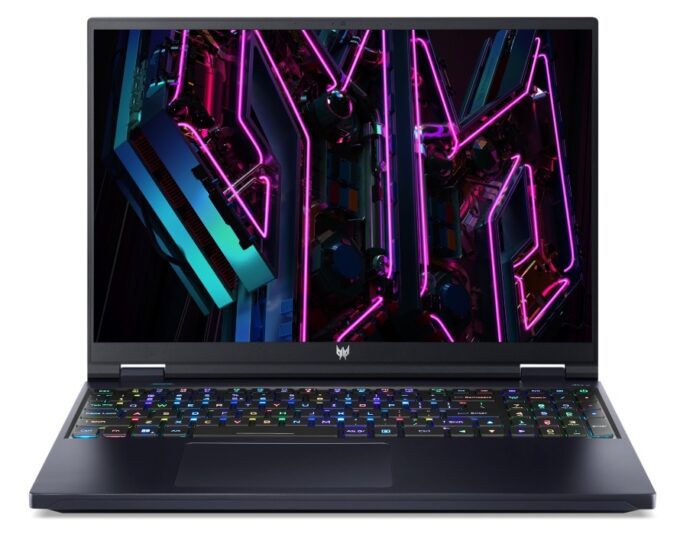
Acer Predator Helios 16
_000052.jpg)


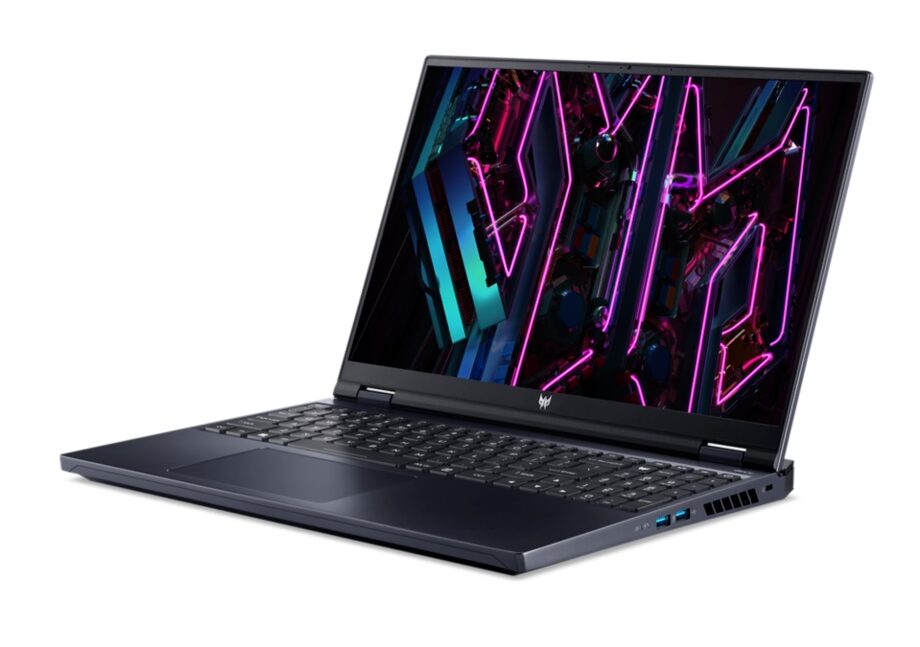
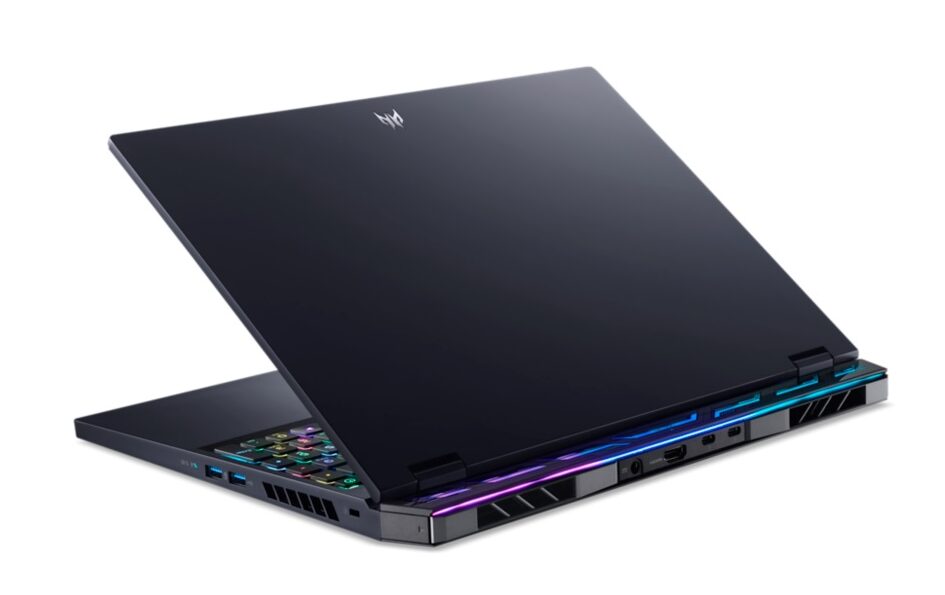
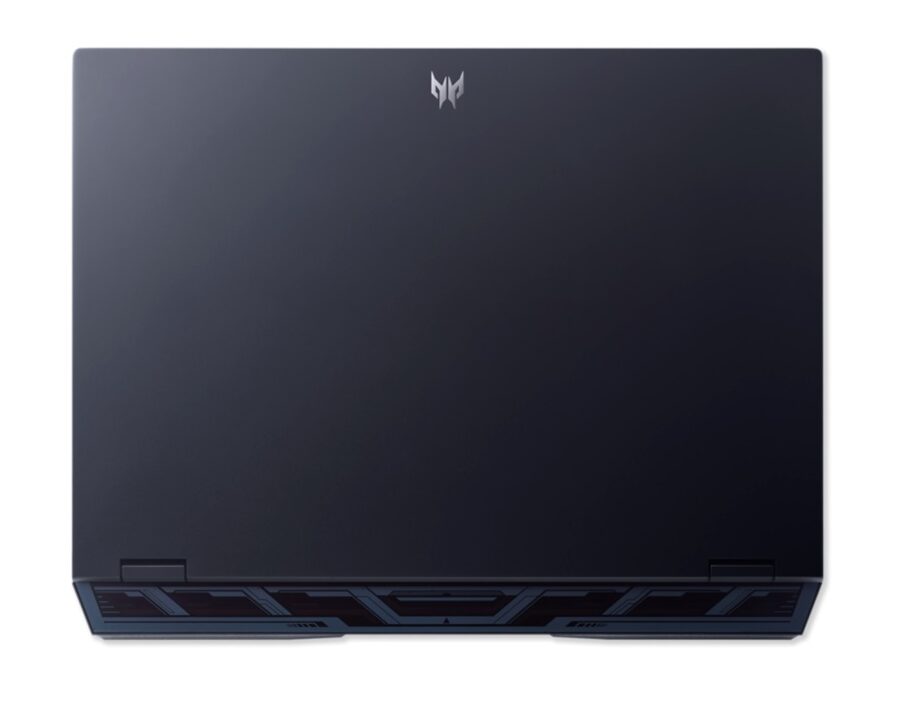
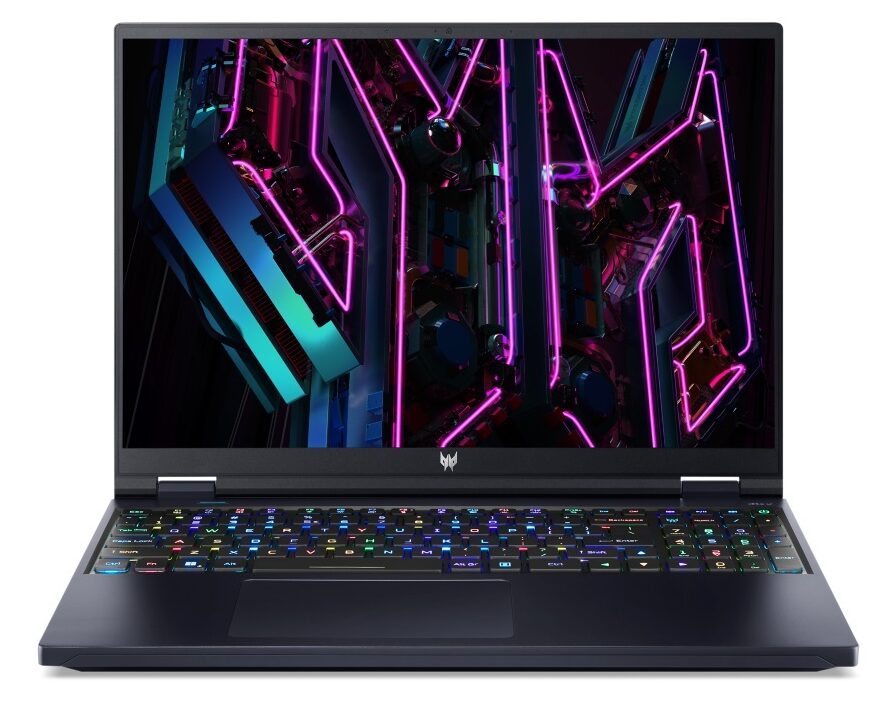
- Date Published: 04 Dec 2023
- Intel Core i7-13700HX
- NVIDIA GeForce RTX 4060 (Laptop, 140W)
- 16.0", WQXGA (2560 x 1600), 165 Hz, IPS + G-Sync
- 8000GB SSD
- 64GB DDR5
- 2.60 kg (5.7 lbs)
Review
Acer Predator Helios 16 in-depth review
If you remember the gaming laptops of the past - they were bulky, heavy, and super aggressive. However, modern technology has grown in such a way that manufacturers now have more headroom to play with the design. It can still remain aggressive, but it can be slimmer, or feature even more impressive hardware.But what completely turned the laptop world on its head is something as trivial as narrowing down the bezels of the displays. This provided two options - make body panels that are smaller or introduce a larger display inside the same panels. For the first couple of years, we saw manufacturers take the first route.However, NVIDIA decided to give laptop users even more power, now surpassing the 175W mark on some devices. This is where 16 and 18-inch notebooks come to fruition. To[...]
Read the full review
Pros
- Low GPU temperatures
- 2x M.2 PCIe x4 Gen 4 slots, 2x DDR5 RAM SODIMM slots in dual channel, Wi-Fi 6
- Covers 99% of the DCI-P3 color gamut and has accurate color representation (BOE NE160QDM-NZ2 (BOE0B17))
- Snappy panel with quick response times (BOE NE160QDM-NZ2 (BOE0B17))
- No PWM (BOE NE160QDM-NZ2 (BOE0B17))
- G-Sync support + MUX switch
- Wide port selection
- Great keyboard and touchpad
- The keyboard remains cool after long gaming sessions
- Good build quality
Cons
- Weird CPU behavior
- Subpar battery life
Disassembly, maintenance and upgrade options
The Predator Helios 16 is easy to open and offers a lot of upgradeability. It is definitely one of its strong points.Check out all Acer Predator Helios 16 (PH16-71) prices and configurations in our Specs System, or read more in our In-Depth review.1. Remove the bottom plate To get inside this machine, you need to undo 10 Torx-head screws. Use a T6 screwdriver. After that, pry the bottom panel with a plastic tool and lift it away from the chassis.2. Remove the battery Here, we find a 90Wh battery pack. To take it out, just unplug the connector from the motherboard.3[...]
Read more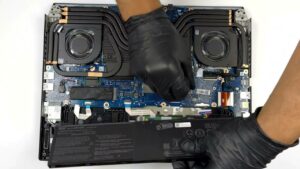


![[June 2026] Best-Selling Laptop Brands on Amazon Global – Apple’s Unrivaled Dominance in Units and Revenue](https://laptopmedia.com/wp-content/uploads/2026/07/GLOBAL-Best-Brands-400x225.jpg)
![[June 2026] Amazon Global: Top 10 Best-Selling Laptops – Apple’s New MacBook Neo Storms to #1, Reshaping the Market with Affordability](https://laptopmedia.com/wp-content/uploads/2026/07/Best-Selling-Laptops-GLOBAL-Top-10-400x225.jpg)
![[June 2026] Amazon Global: Top 10 Best-Selling Gaming Laptops – Acer’s Nitro V 16S AI Dominates Sales, While ASUS Leads Overall Revenue](https://laptopmedia.com/wp-content/uploads/2026/07/Best-Selling-Gaming-Laptops-GLOBAL-Top-10-400x225.jpg)
![[June 2026] Global Ranking of Best-Selling Laptop GPUs on Amazon – NVIDIA RTX 5060 is the Top-Selling Dedicated GPU](https://laptopmedia.com/wp-content/uploads/2026/07/Best-Selling-GPUs-GLOBAL-Top-10-400x225.jpg)
![[June 2026] Global Ranking of Best-Selling Laptop CPUs on Amazon – Apple M5 Dominates, AMD Ryzen 7 260 Gets Solid Premium Share](https://laptopmedia.com/wp-content/uploads/2026/07/Best-Selling-CPUs-GLOBAL-Top-10-400x225.jpg)
