Acer Predator Helios Neo 16
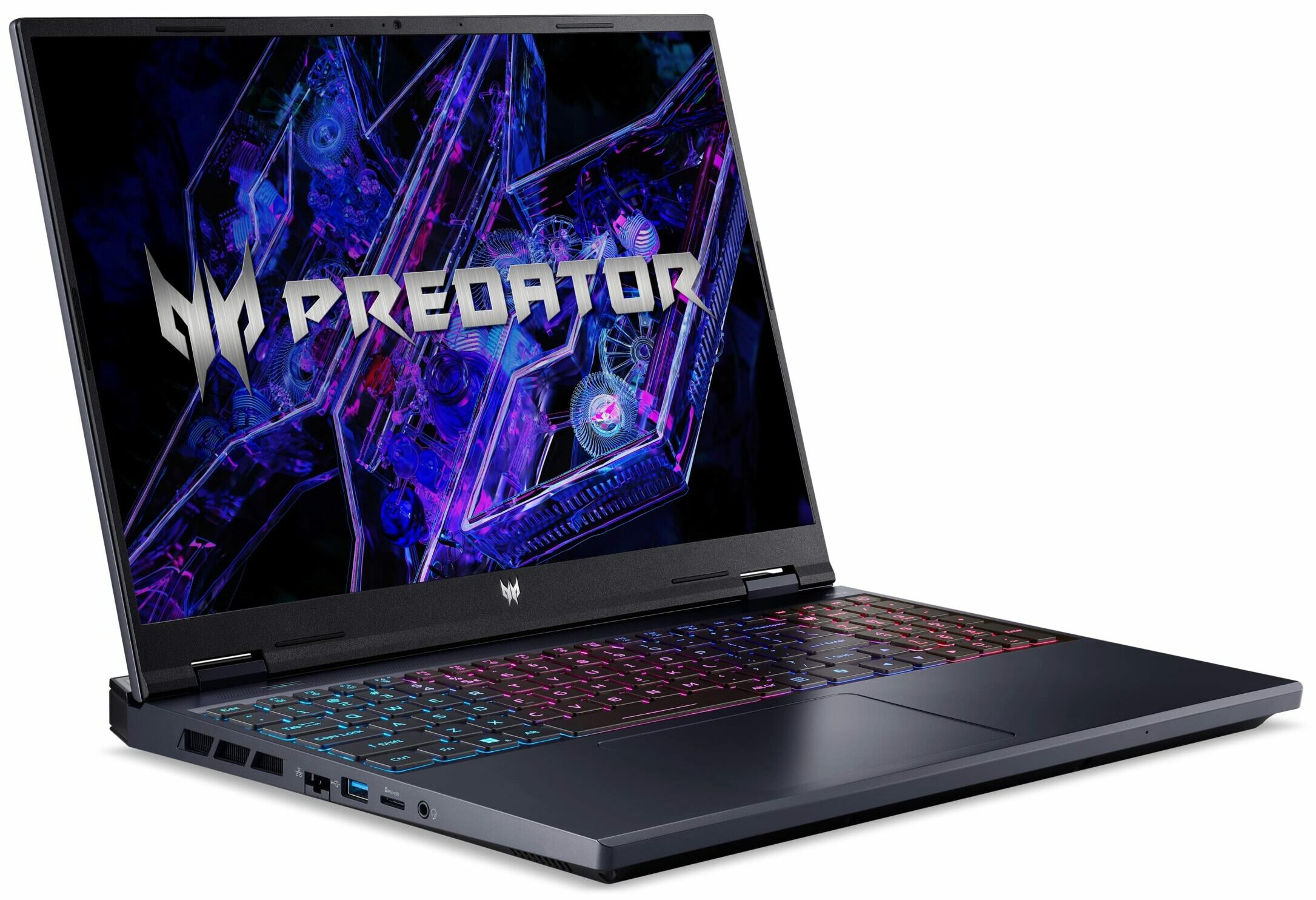

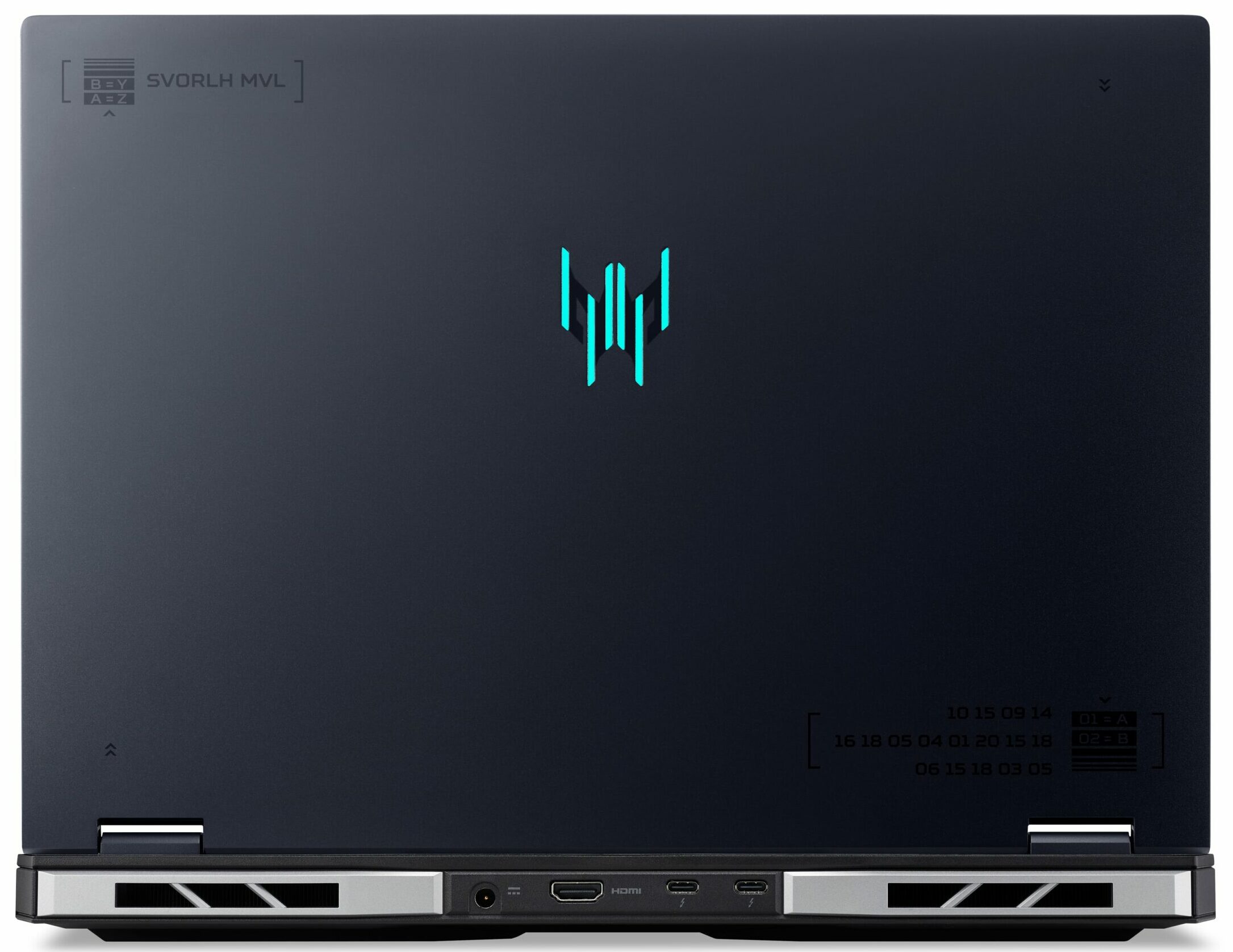
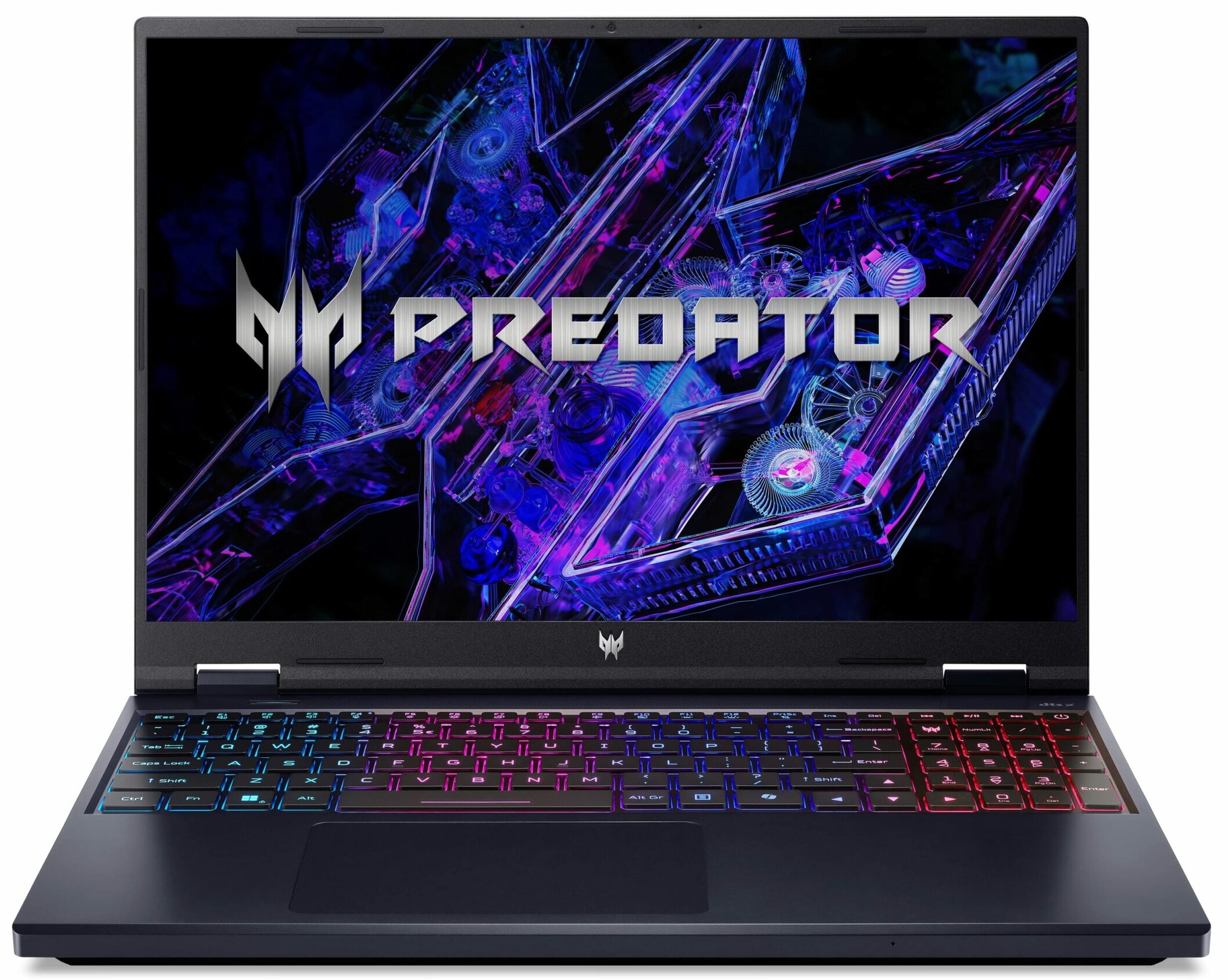
- Date Published: 03 Mar 2025
- Intel Core i9-14900HX
- NVIDIA GeForce RTX 4060 (Laptop, 140W)
- 16.0″, WUXGA (1920 x 1200), 165 Hz, IPS
- 2000GB SSD
- 64GB RAM
- 2.80 kg (6.2 lbs)

Specs
- HDD/SSD
- 2000GB SSD
- M.2 Slot
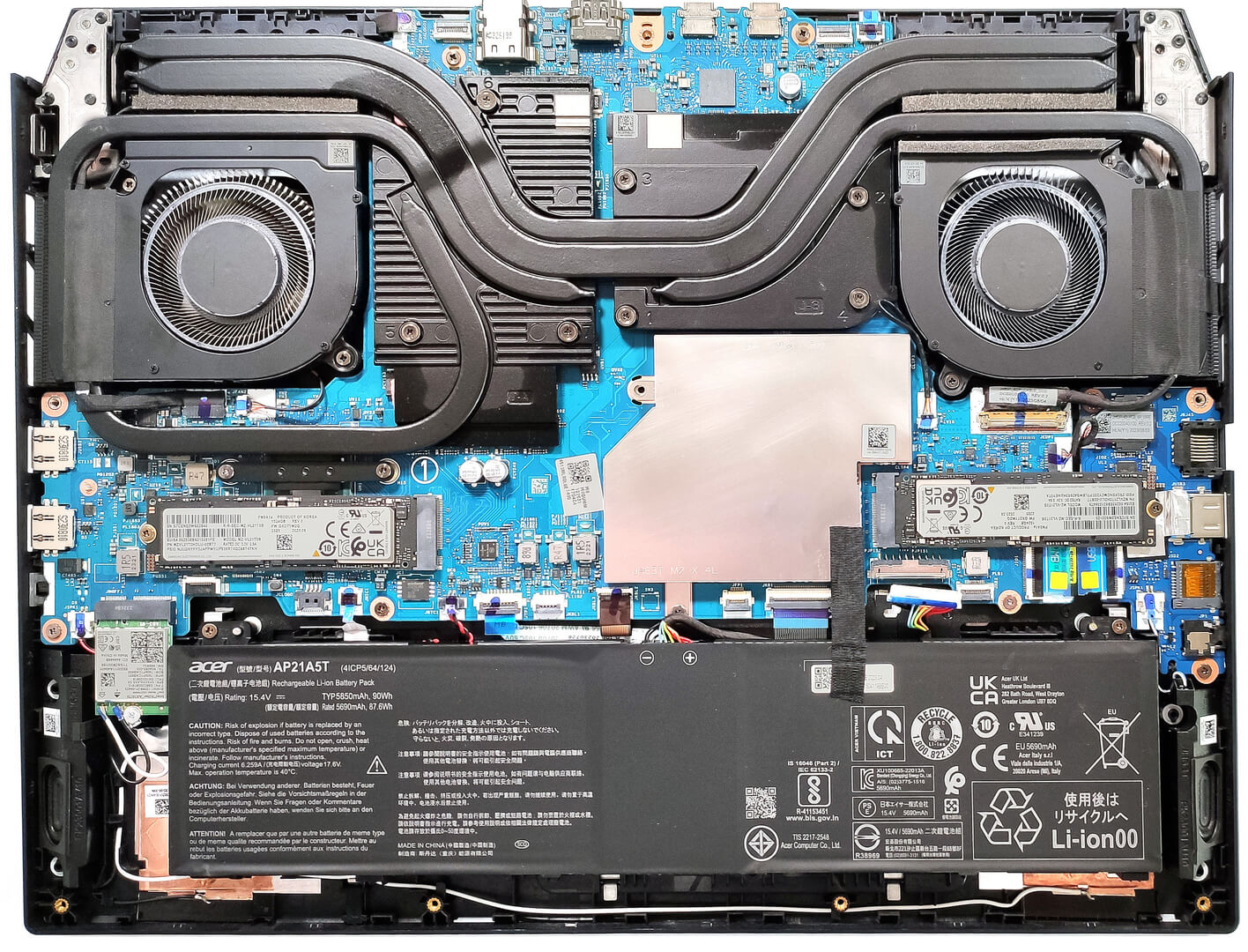
- 2x 2280 M.2 NVMe PCIe 4.0 x4 See photo
- RAM
- 64GB RAM
- OS
- Windows 11 Pro
- Body Material
- Plastic / Polycarbonate, Aluminum
- Dimensions
- 357.78 x 278.63 x 25.95 - 27.85 mm (14.09" x 10.97" x 1.02")
- Weight
- 2.80 kg (6.2 lbs)
- Ports and connectivity
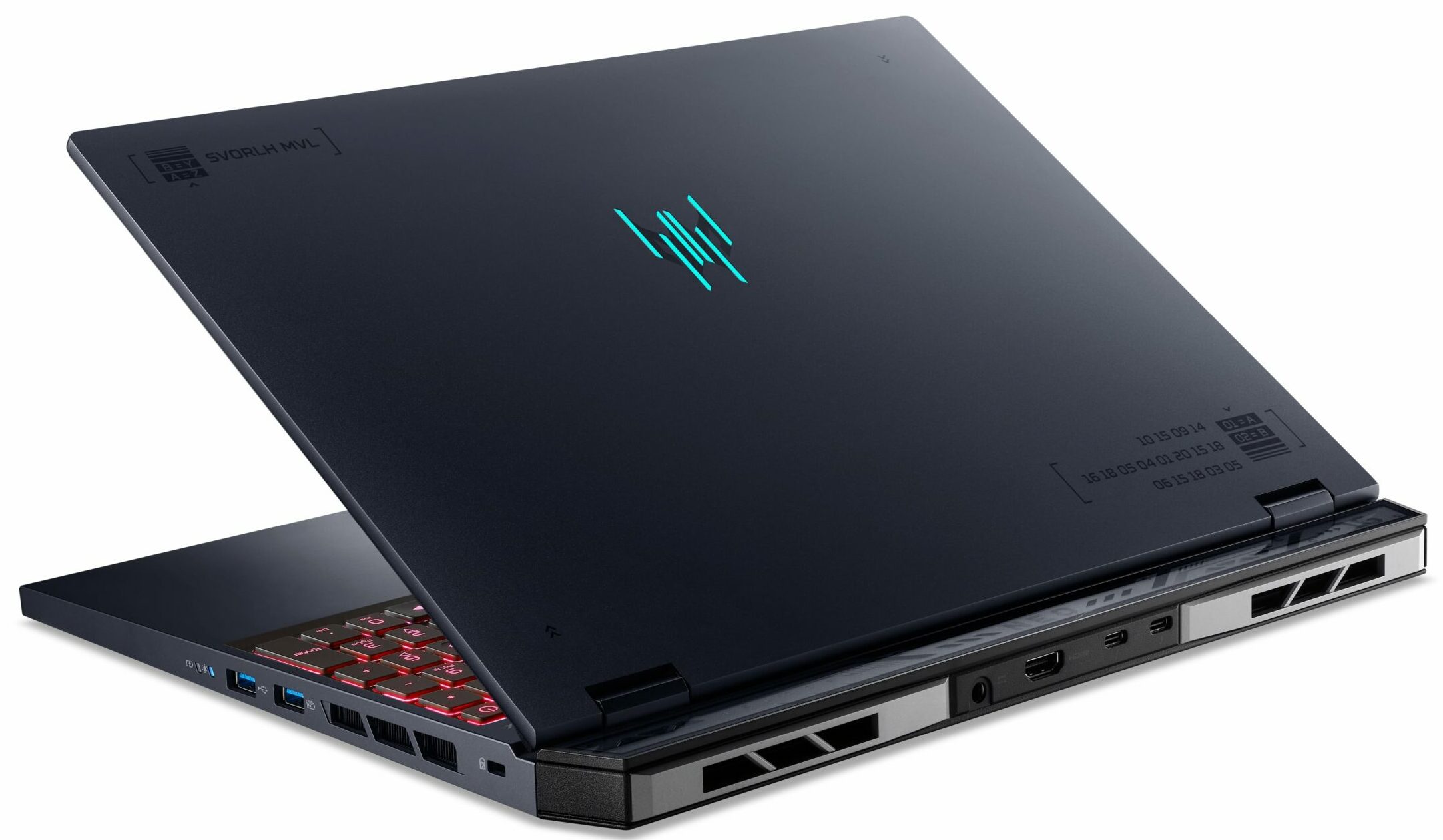
- 1x USB Type-A
- 3.2 Gen 1 (5 Gbps)
- 1x USB Type-A
- 3.2 Gen 2 (10 Gbps)
- 1x USB Type-A
- 3.2 Gen 2 (10 Gbps), Sleep and Charge
- 2x USB Type-C
- 3.2 Gen 2 (10 Gbps), Thunderbolt 4, Power Delivery (PD), DisplayPort
- HDMI
- 2.1
- Card Reader
- microSD (microSD, microSDHC, microSDXC)
- Ethernet LAN
- 10, 100, 1000, 2500 Mbit/s
- Wi-Fi
- Wi-Fi 6E
- Bluetooth
- 5.3
- Audio jack
- 3.5mm Combo Jack
- Features
- Fingerprint reader
- Web camera
- FHD with Temporal Noise Reduction
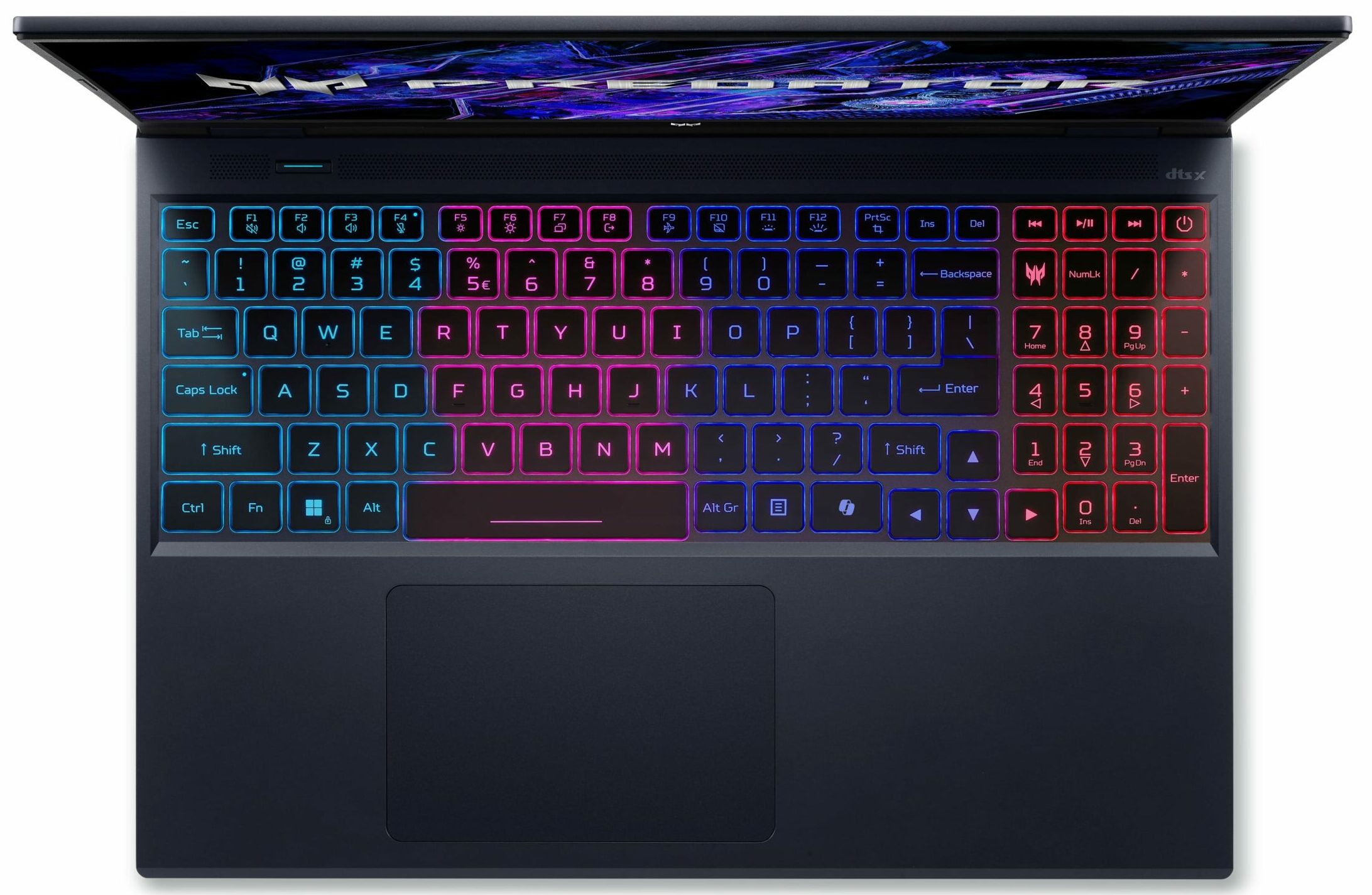
- Backlit keyboard
- Microphone
- 3x Microphone Array with Acer Purified Voice, AI noise-canceling
- Speakers
- Stereo Speakers, DTS X: Ultra
- Security Lock slot
- Kensington Lock
- Gifts
- 256GB Portable SSD
Portability
Review
Acer Predator Helios Neo 16 in-depth review
In terms of specs and design, the Predator Helios Neo 16 (PHN16-72) is almost the same as the 18-inch PHN18-71 sibling. You get identical CPU and GPU options fitted in a smaller chassis. This includes 14th gen Intel Raptor Lake HX processors and GeForce RTX 4000 graphics cards. The top-end configuration is with Core i9-14900HX and the 140W RTX 4070 - just like the laptop we bought. Display-wise, you can choose among four IPS panels - two 1200p units with 165Hz or 180Hz refresh rates or a 165Hz / 240Hz 1600p variant. Our notebook is equipped with the latter. Nvidia Advanced Optimus and a MUX switch are available for all machines.Just like the 18-incher, here, you can rely on good upgradability and modern port selection with two Thunderbolt 4 ports. The other specs seem standard for a g[...]
Read the full review
Pros
- 2x SODIMMs + 2x M.2 Gen 4 slots
- Big thermal pads for all memory and SSD slots
- 100% sRGB and 98% DCI-P3 coverage + accurate colors with our "Design and Gaming" profile (CMN162F)
- 240Hz 1600p IPS display with snappy pixel response times of 8 ms (CMN162F)
- PWM-free + high max brightness of 526 nits and wide viewing angles (CMN162F)
- MUX switch + NVIDIA Advanced Optimus
- Modern selection with two Thunderbolt 4 connectors + two Type-A Gen 2 ports
- Comfortable input devices
- Rigid chassis with a metal lid
- High GPU clocks during max load (~3.20 GHz for the P cores) + around 140W GPU for the RTX 4070
- The fans aren't extremely noisy in "Turbo" mode
- The bottom plate can be easily opened
- Great overall performance
- Comfortable input devices
- The PredatorSense app offers many useful extras
- The "Performance" mode has a lot of potential - 2.8GHz P-core clock and ~120W GPU TGP
Cons
- Short battery life for a 90Wh capacity
- High GPU temperature of 86°C during gaming
Disassembly, maintenance and upgrade options
Opening the DeviceUndo the 10 Torx-head screws securing the bottom panel. Lift the rear side by carefully raising it while holding firmly the two plastic exhausts on the back. You can lift the two areas one by one, but don't push too hard. Ensure the panel is fully popped to the level of the LAN port. Use a thin plastic tool to pry the rest of the sides and the front to remove the bottom panel.More info: Here’s how the bottom panel looks on the inside.Note: On the inside of the bottom plate, there are two metal plates with thermal pads for the SSDs.Ba[...]
Read more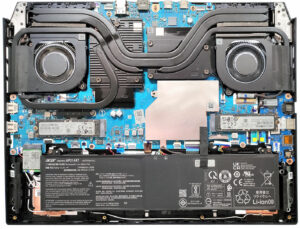


![[August 2026] Amazon Global: Top 10 Best-Selling Laptops – Apple MacBook Neo Dominates the Charts as Budget and Mid-Range Windows Portables Fight for Volume](https://laptopmedia.com/wp-content/uploads/2026/09/Best-Selling-Laptops-GLOBAL-Top-10-400x225.jpg)
![[August 2026] Best-Selling Laptop Brands on Amazon Global – Apple Dominates Revenue While HP Leads in Model Variety](https://laptopmedia.com/wp-content/uploads/2026/09/GLOBAL-Best-Brands-400x225.jpg)
![[August 2026] Amazon Global: Top 10 Best-Selling Gaming Laptops – HP Victus 15 Captures the Crown as Budget-Friendly Models Dominate the Charts](https://laptopmedia.com/wp-content/uploads/2026/09/Best-Selling-Gaming-Laptops-GLOBAL-Top-10-400x225.jpg)
![[August 2026] Best-Selling Laptop Brands on Amazon Japan – Apple Dominates Market Share and Revenue Led by Strong Unit Sales](https://laptopmedia.com/wp-content/uploads/2026/09/CO.JP-Best-Brands-1-400x225.jpg)
![[August 2026] Best-Selling Laptop Brands on Amazon USA – Apple Dominates Market Revenue and Volume Despite Lower Model Diversity](https://laptopmedia.com/wp-content/uploads/2026/09/COM-Best-Brands-1-400x225.jpg)