50.jpg)

- Date Published: 17 Jun 2021
- Intel Core i5-1035G4
- Intel Iris Plus Graphics G4
- 14.0”, Full HD (1920 x 1080), IPS
- 512GB SSD
- 8GB LPDDR4x
- 1.50 kg (3.3 lbs)
Specs

- HDD/SSD
- 512GB SSD
- M.2 Slot
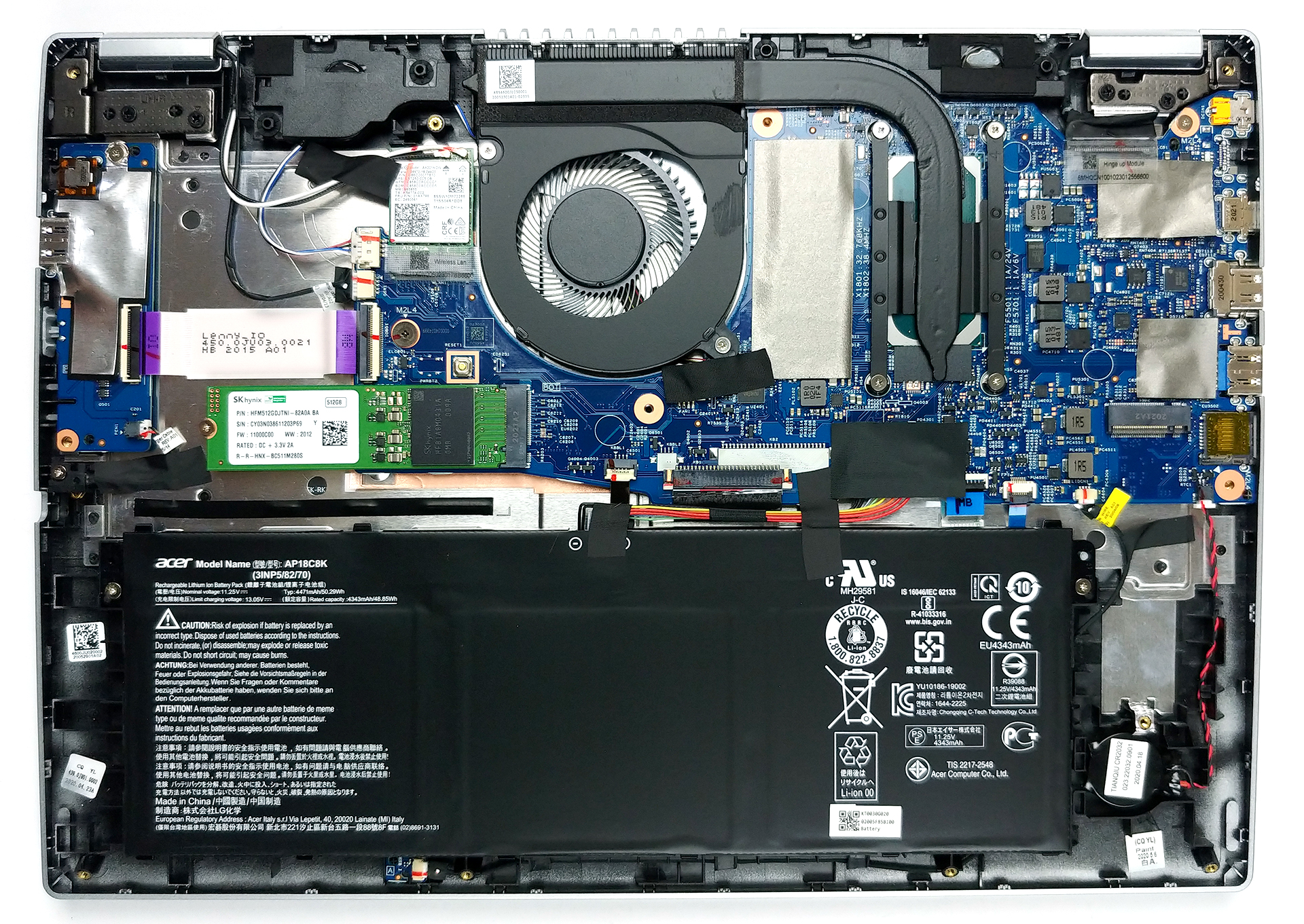
- 2x 2280 M.2 NVMe slots See photo
- RAM
- 8GB LPDDR4x
- OS
- Windows 10 Home
- Body Material
- Aluminum
- Dimensions
- 325 x 230 x 16.9 mm (12.80" x 9.06" x 0.67")
- Weight
- 1.50 kg (3.3 lbs)
- Ports and connectivity
- 1x USB Type-C
- Thunderbolt 3
- 2x USB Type-A
- 3.2 Gen 1 (5 Gbps)
- HDMI
- Card Reader
- MicroSD
- Wi-Fi
- 802.11ax
- Bluetooth
- 5.0
- Audio jack
- 3.5 mm combo
- Features
- Fingerprint reader
- Web camera
- HD
- Backlit keyboard
- Speakers
- 2x
- Optical drive
- Gifts
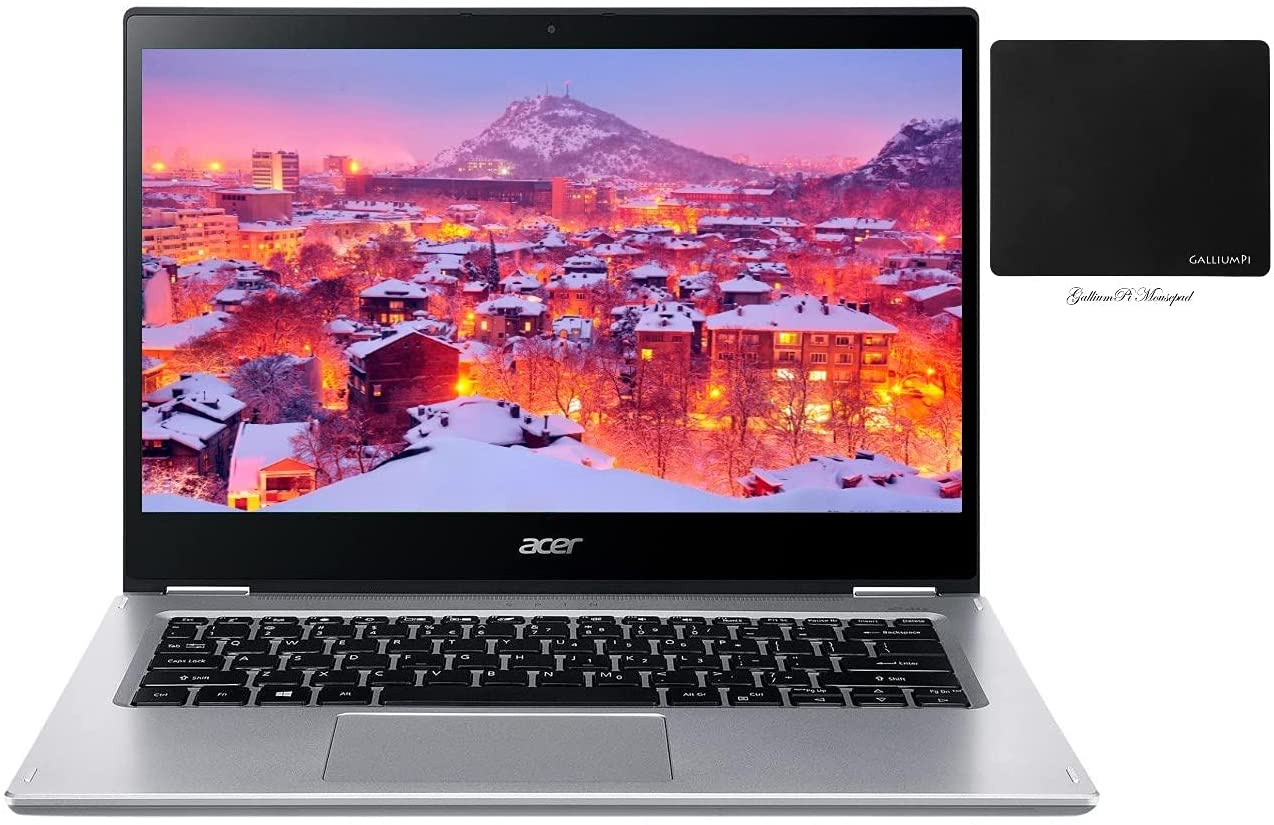
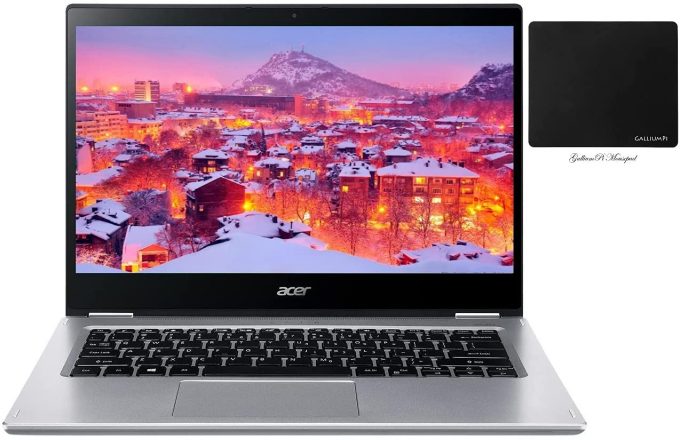
- GalliumPi MousePad
Portability
Review
Acer Spin 3 in-depth review
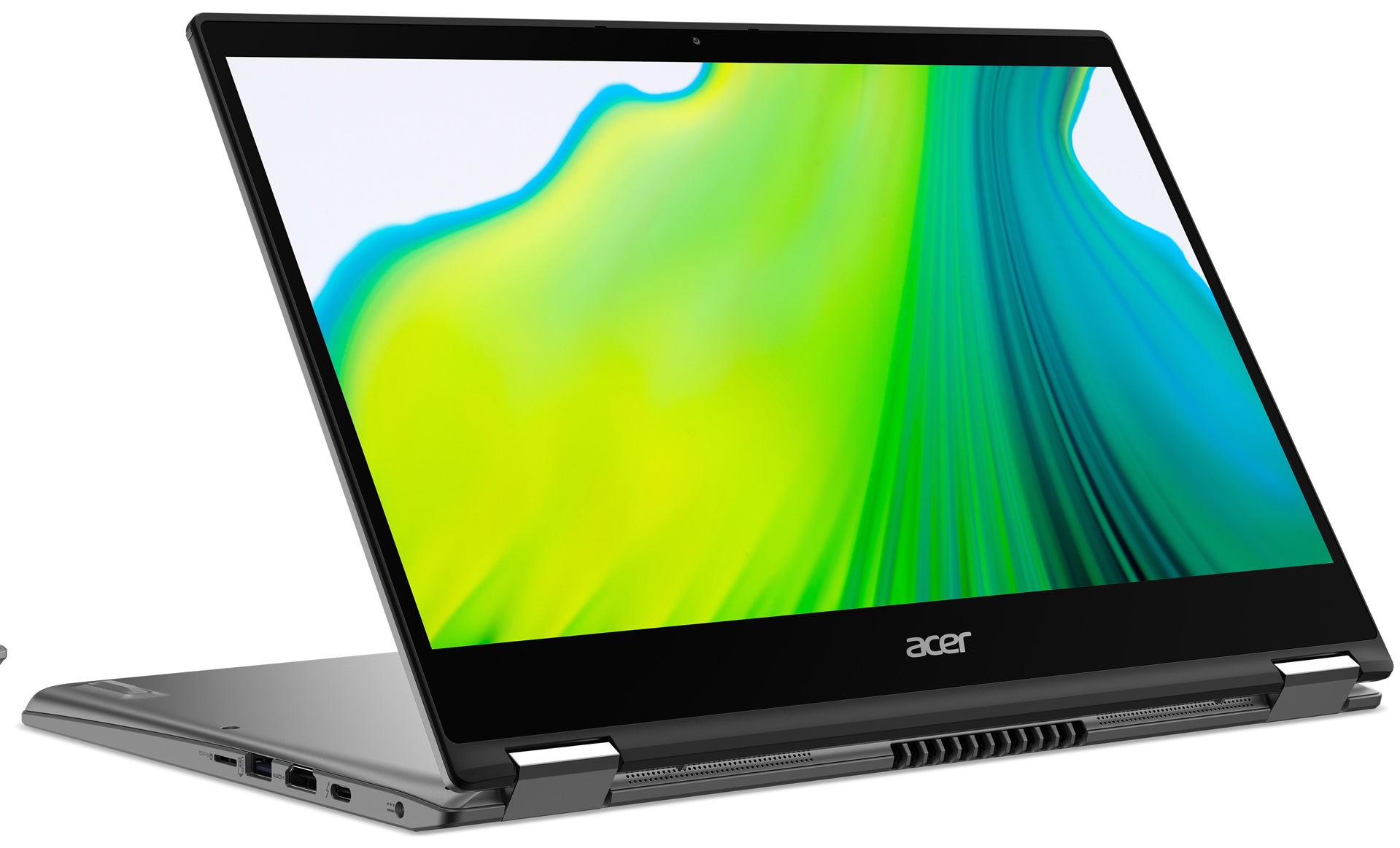
Acer seemed to have fallen back on convertible laptops for a while. However, after their pretty successful Spin 5 update, we were looking forward to the alleged Spin 3. And now we have it in our office. Indeed, it is a sleek device, which is very reminiscent of the older Spin 5 (SP513-52) unit.Albeit it looks similar, it uses Ice Lake processors, which are now a bit dated, but still rather capable. Additionally, the laptop sports premium materials, a 1080p IPS panel, and a stylus that docks inside of the chassis. It's worth noting that the screen and the Pen communicated via Wacom drivers, which may be more than just a marketing trick.So, let's check the laptop, test it, and figure out if it's appropriate for the professional use of artists, designers and why not architects to som[...]
Read the full review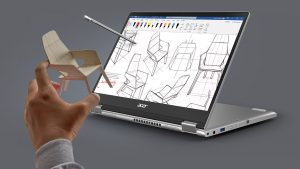
Pros
- Thunderbolt 3 and MicroSD card reader on board
- Included stylus
- Decent battery life
- Its Full HD IPS panel has comfortable viewing angles and a good contrast ratio (BOE NV140FHM-N48)
- Good aluminum build
- 2x M.2 NVMe slots
Cons
- Memory is soldered to the motherboard
- Covers only 51% of sRGB (BOE NV140FHM-N48)
- Uses aggressive PWM for brightness adjustment (our Health-Guard profile fixes that) (BOE NV140FHM-N48)
Disassembly, maintenance and upgrade options
This is one of the more affordable convertibles on the market. It's interesting what does it have inside, and whether Acer has made any sacrifices in order to keep the price down.Check out all Acer Spin 3 (SP314-54N) prices and configurations in our Specs System or read more in our In-Depth review.1. Remove the bottom plate In order to take this laptop apart, you need to undo 11 Phillips-head screws. After that, remove the stylus from its chassis, and pry the bottom panel with a plastic tool.2. Battery To power the laptop when it's not plugged into the wall, Acer has put [...]
Read more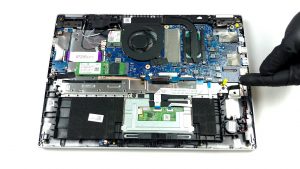


![[June 2026] Best-Selling Laptop Brands on Amazon Global – Apple’s Unrivaled Dominance in Units and Revenue](https://laptopmedia.com/wp-content/uploads/2026/07/GLOBAL-Best-Brands-400x225.jpg)
![[June 2026] Amazon Global: Top 10 Best-Selling Laptops – Apple’s New MacBook Neo Storms to #1, Reshaping the Market with Affordability](https://laptopmedia.com/wp-content/uploads/2026/07/Best-Selling-Laptops-GLOBAL-Top-10-400x225.jpg)
![[June 2026] Amazon Global: Top 10 Best-Selling Gaming Laptops – Acer’s Nitro V 16S AI Dominates Sales, While ASUS Leads Overall Revenue](https://laptopmedia.com/wp-content/uploads/2026/07/Best-Selling-Gaming-Laptops-GLOBAL-Top-10-400x225.jpg)
![[June 2026] Global Ranking of Best-Selling Laptop GPUs on Amazon – NVIDIA RTX 5060 is the Top-Selling Dedicated GPU](https://laptopmedia.com/wp-content/uploads/2026/07/Best-Selling-GPUs-GLOBAL-Top-10-400x225.jpg)
![[June 2026] Global Ranking of Best-Selling Laptop CPUs on Amazon – Apple M5 Dominates, AMD Ryzen 7 260 Gets Solid Premium Share](https://laptopmedia.com/wp-content/uploads/2026/07/Best-Selling-CPUs-GLOBAL-Top-10-400x225.jpg)