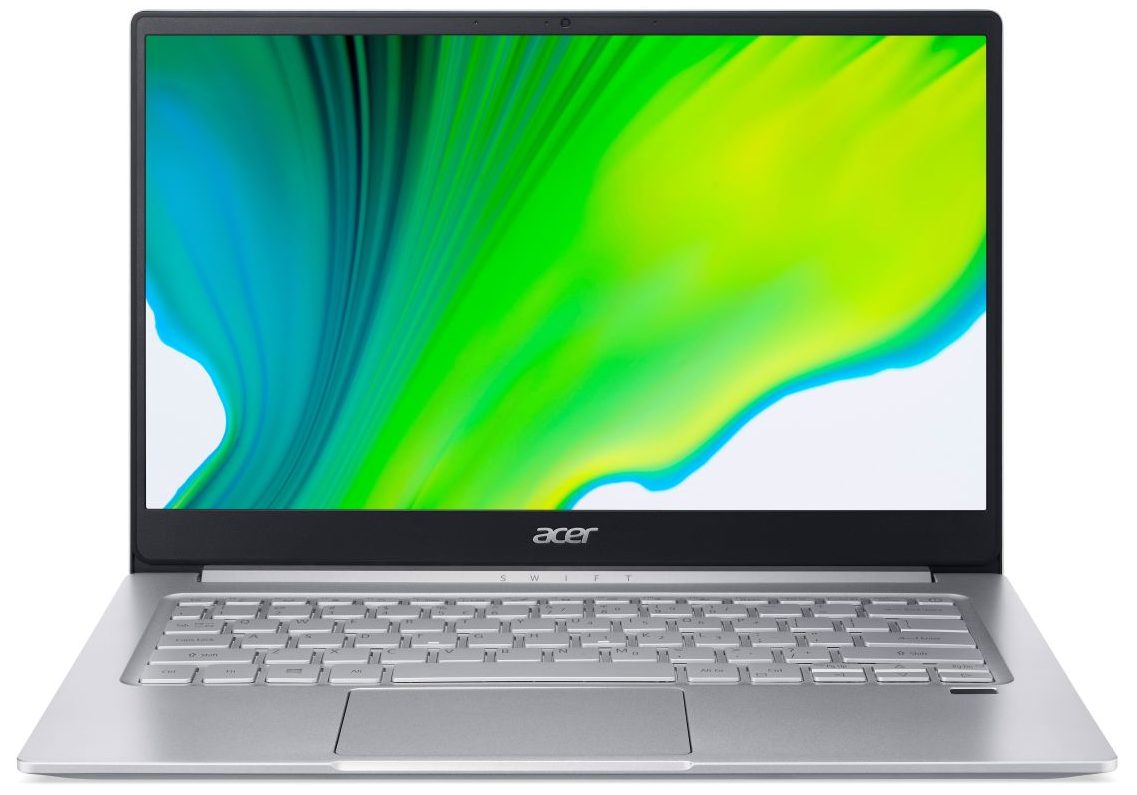
Acer Swift 3 (SF314-42-R0HP)
 49.jpg)

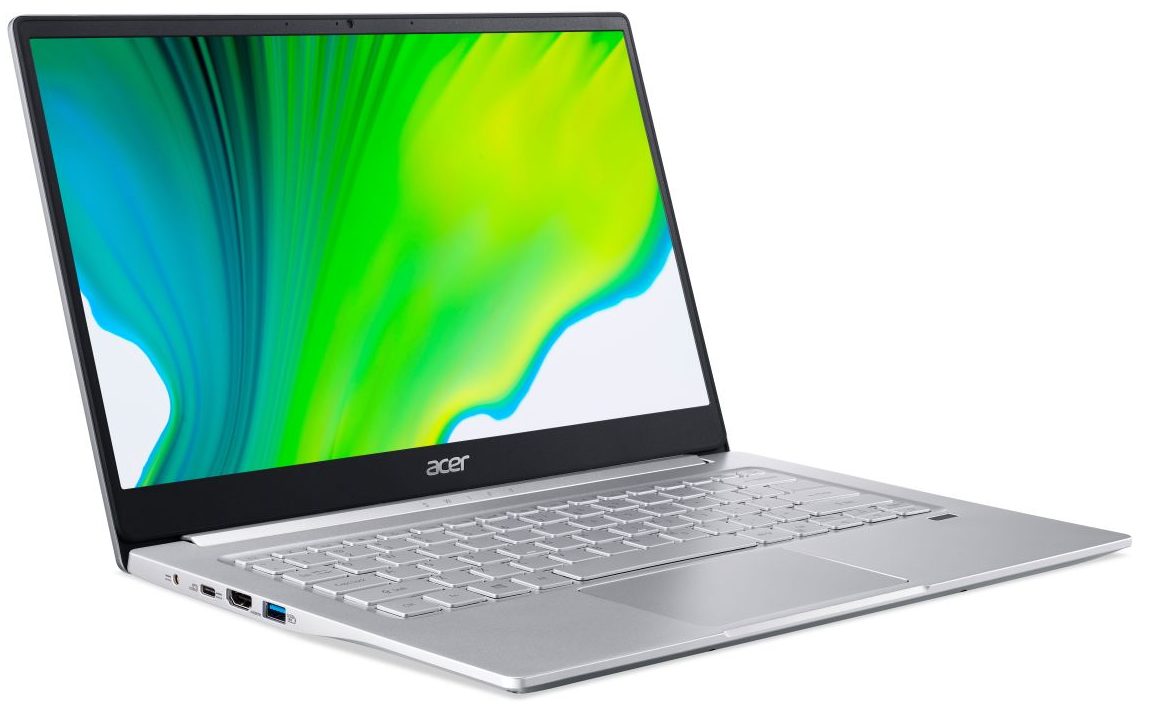
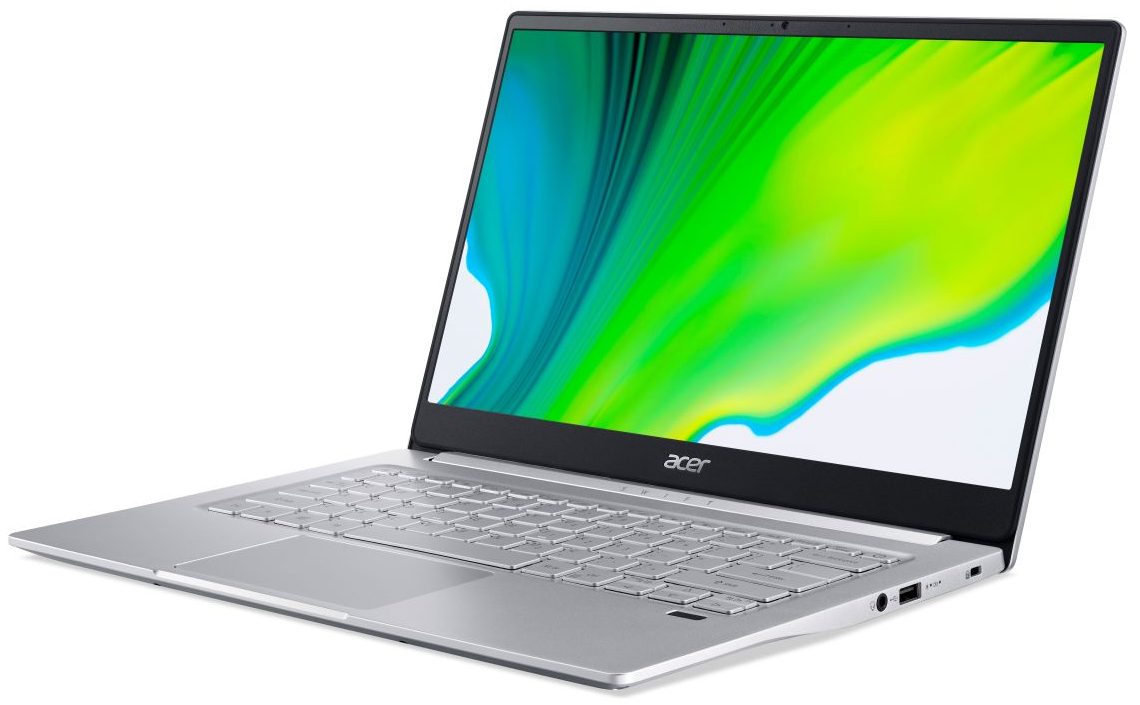
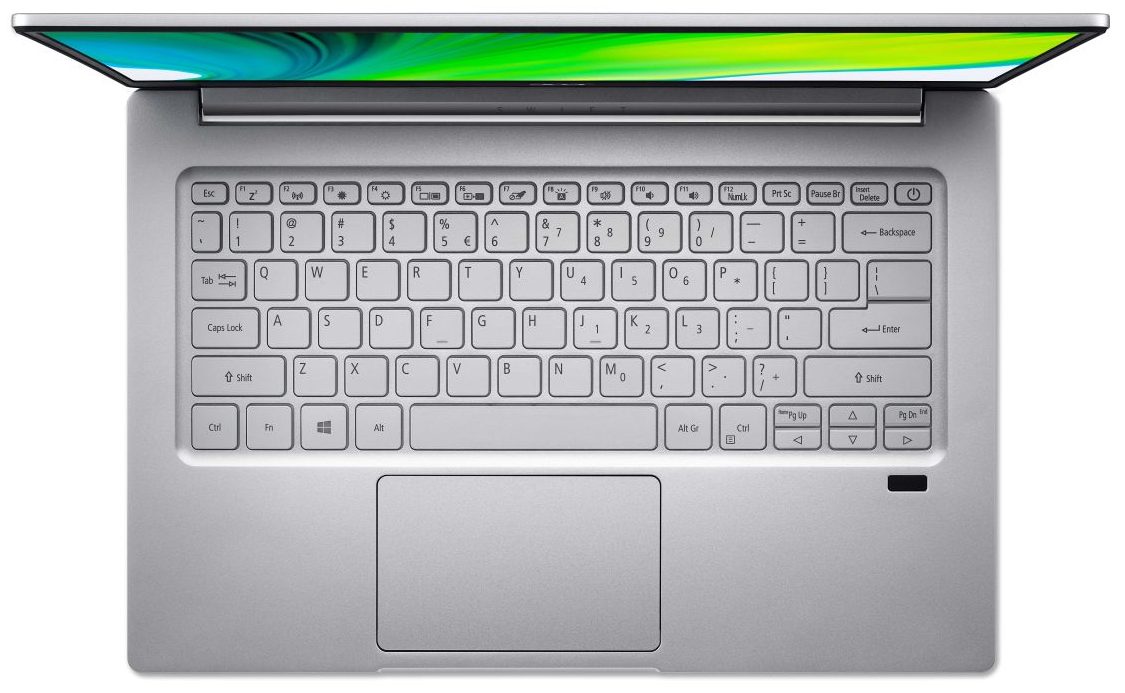
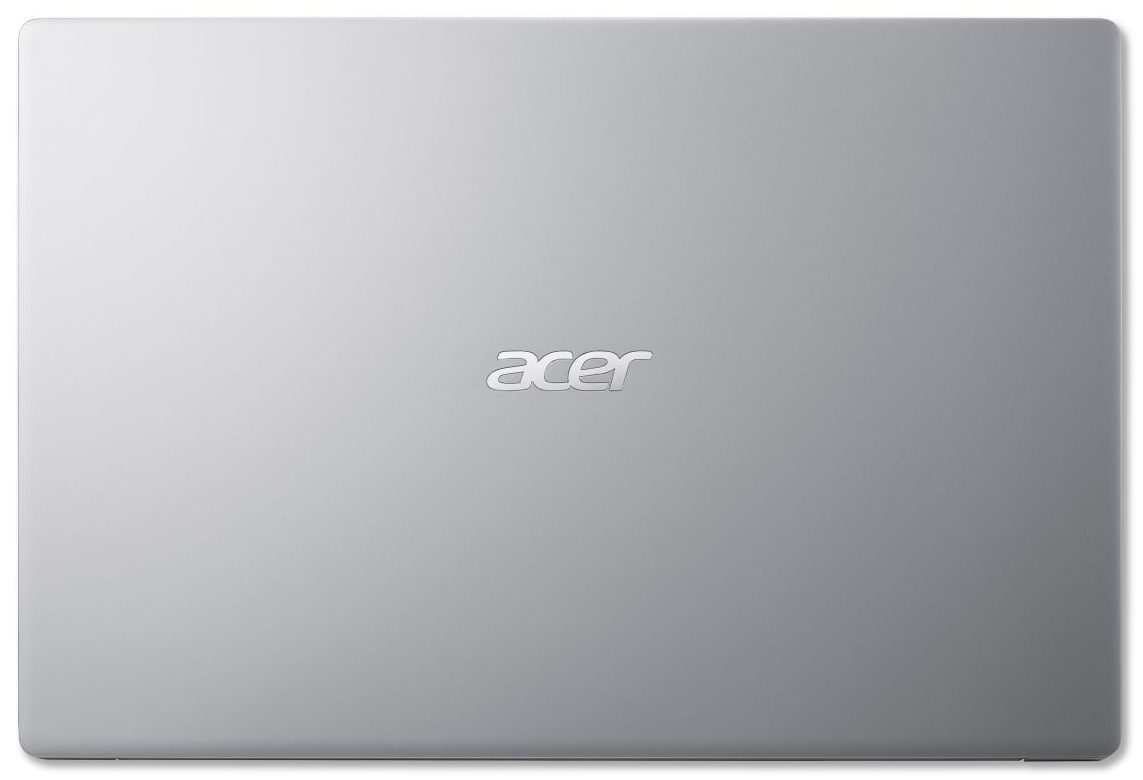
- Date Published: 10 Aug 2020
- AMD Ryzen 5 4500U
- AMD Radeon RX Vega 6 (R4000/5000, 15W)
- 14.0”, Full HD (1920 x 1080), IPS
- 256GB SSD
- 8GB LPDDR4x
- 1.20 kg (2.6 lbs)
Review
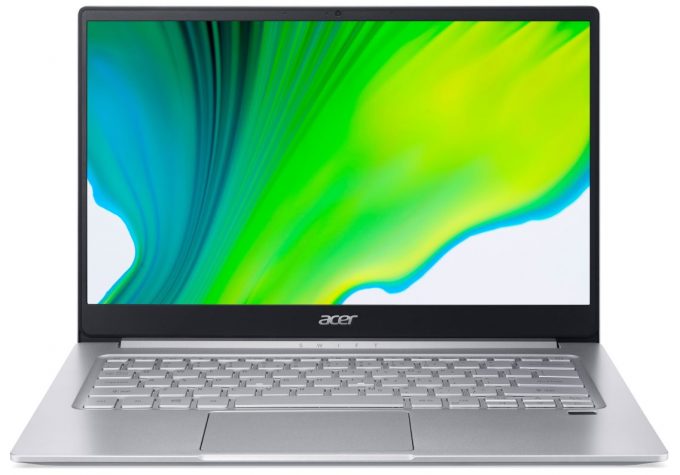
Acer Swift 3 (SF314-42-R0HP) in-depth review
Guys, if you are interested in thin and light notebooks, one of the decent choices on the market would be the Swift 3 series of Acer. Provided you want to buy such a device, you have some choices to make. And the biggest one is - do you go Intel or AMD. If this was happening a couple of months earlier we would have definitely said AMD, since the Ryzen 4000U processors totally annihilated Intel when it comes to ULV processors.However, since Intel released their Tiger Lake chips, which offered a significantly higher CPU and GPU performance than Ice Lake, things no longer stay as such. Yesterday, we showed you a review of the 13-inch Swift 3, equipped with a Tiger Lake chip, and now, we have a 14-inch device, part of the same family, that comes with the Ryzen 4000 CPUs.In addition to[...]
Read the full review
Pros
- Very cool and quiet under heavy load
- Reasonably comfortable keyboard with optional backlight
- Lack of PWM
- Comfortable viewing angles and good contrast ratio
- Efficient and powerful mobile Ryzen 4000U chips
Cons
- Covers only 50% of sRGB
- Memory is soldered to the motherboard
- No SD card reader on board
Disassembly, maintenance and upgrade options
As with most thin and light laptops on the market right now, the biggest sacrifice you make is upgradeability.Check out all Acer Swift 3 (SF314-42) prices and configurations in our Specs System or read more in our In-Depth review.1. Remove the bottom plate What separates you from the internals of this notebook are 10 Phillips-head screws and some clips. After you undo the screws, just pry the panel away with a plastic tool.2. Battery For the battery, you get a 50Wh unit.3. Memory and storage How about upgradability? Unsurprisingly, you can only upgrade the storage [...]
Read more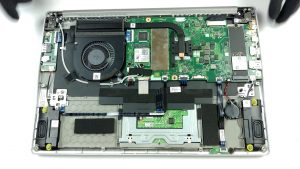
DISPLAY: 14.0-inch, 1920 x 1080, IPS
- Name
- AUO B140HAN04.0 (AUO403D)
- Diagonal
- 14.0"
- Pixel density
- 157.35 ppi
- Brightness
- 269 cd/m2
- sRGB
- 50%
- Panel Type
- IPS
- Resolution
- 1920 x 1080
- Becomes "Retina" from
- 22 inches (56 cm)
- Contrast
- 1430:1
- dE Color Checker
- 3.8 3.7

Buy our profiles for AUO B140HAN04.0 (AUO403D)
In addition to receiving efficient and health-friendly profiles, by buying LaptopMedia's products you also support the development of our labs, where we test devices in order to produce the most objective reviews possible.

Office Work
Office Work should be used mostly by users who spend most of the time looking at pieces of text, tables or just surfing. This profile aims to deliver better distinctness and clarity by keeping a flat gamma curve (2.20), native color temperature and perceptually accurate colors.

Design and Gaming
This profile is aimed at designers who work with colors professionally, and for games and movies as well. Design and Gaming takes display panels to their limits, making them as accurate as possible in the sRGB IEC61966-2-1 standard for Web and HDTV, at white point D65.

Health-Guard
Health-Guard eliminates the harmful Pulse-Width Modulation (PWM) and reduces the negative Blue Light which affects our eyes and body. Since it’s custom tailored for every panel, it manages to keep the colors perceptually accurate. Health-Guard simulates paper so the pressure on the eyes is greatly reduced.



![[August 2026] Global Ranking of Best-Selling Laptop GPUs on Amazon – Apple Reigns Supreme, NVIDIA’s RTX 5060 Tops Dedicated Chart](https://laptopmedia.com/wp-content/uploads/2026/09/Best-Selling-GPUs-GLOBAL-Top-10-400x225.jpg)
![[August 2026] Global Ranking of Best-Selling Laptop CPUs on Amazon – Apple Dominates Both Budget and Premium: A18 Pro and M5 Crush Intel and AMD in August 2026](https://laptopmedia.com/wp-content/uploads/2026/09/Best-Selling-CPUs-GLOBAL-Top-10-400x225.jpg)
![[August 2026] Amazon Global: Top 10 Best-Selling Laptops – Apple MacBook Neo Dominates the Charts as Budget and Mid-Range Windows Portables Fight for Volume](https://laptopmedia.com/wp-content/uploads/2026/09/Best-Selling-Laptops-GLOBAL-Top-10-400x225.jpg)
![[August 2026] Best-Selling Laptop Brands on Amazon Global – Apple Dominates Revenue While HP Leads in Model Variety](https://laptopmedia.com/wp-content/uploads/2026/09/GLOBAL-Best-Brands-400x225.jpg)
![[August 2026] Amazon Global: Top 10 Best-Selling Gaming Laptops – HP Victus 15 Captures the Crown as Budget-Friendly Models Dominate the Charts](https://laptopmedia.com/wp-content/uploads/2026/09/Best-Selling-Gaming-Laptops-GLOBAL-Top-10-400x225.jpg)
