Apple MacBook Pro 14
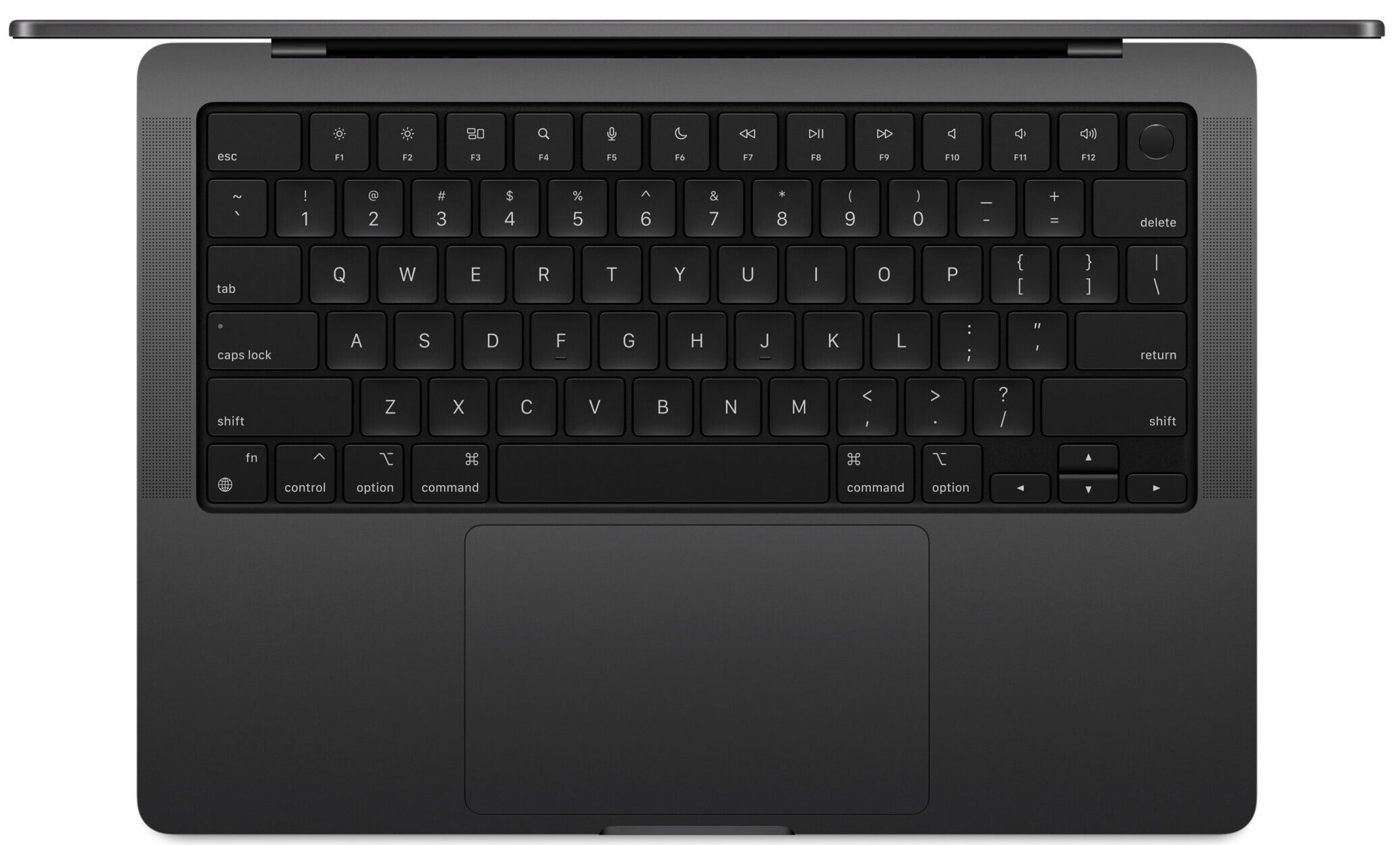
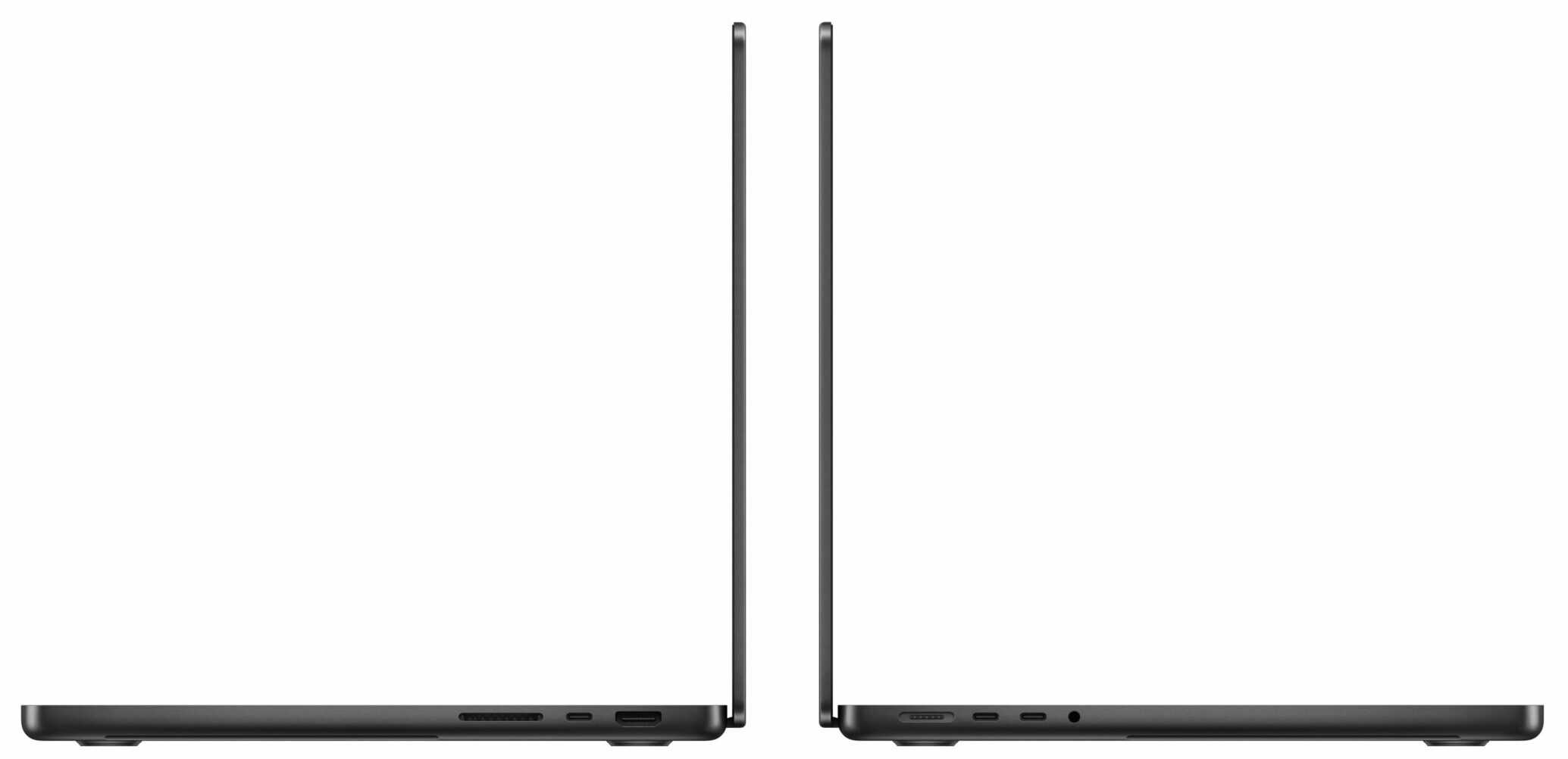
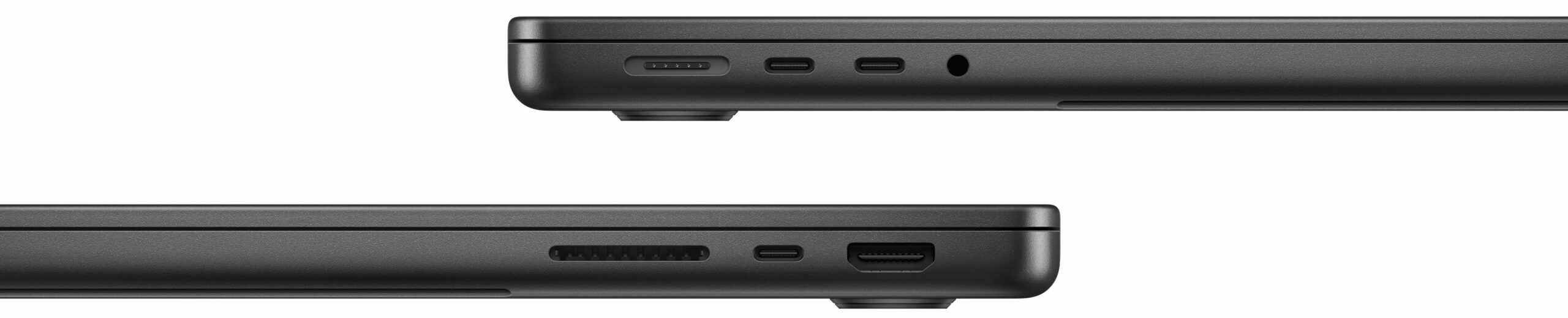

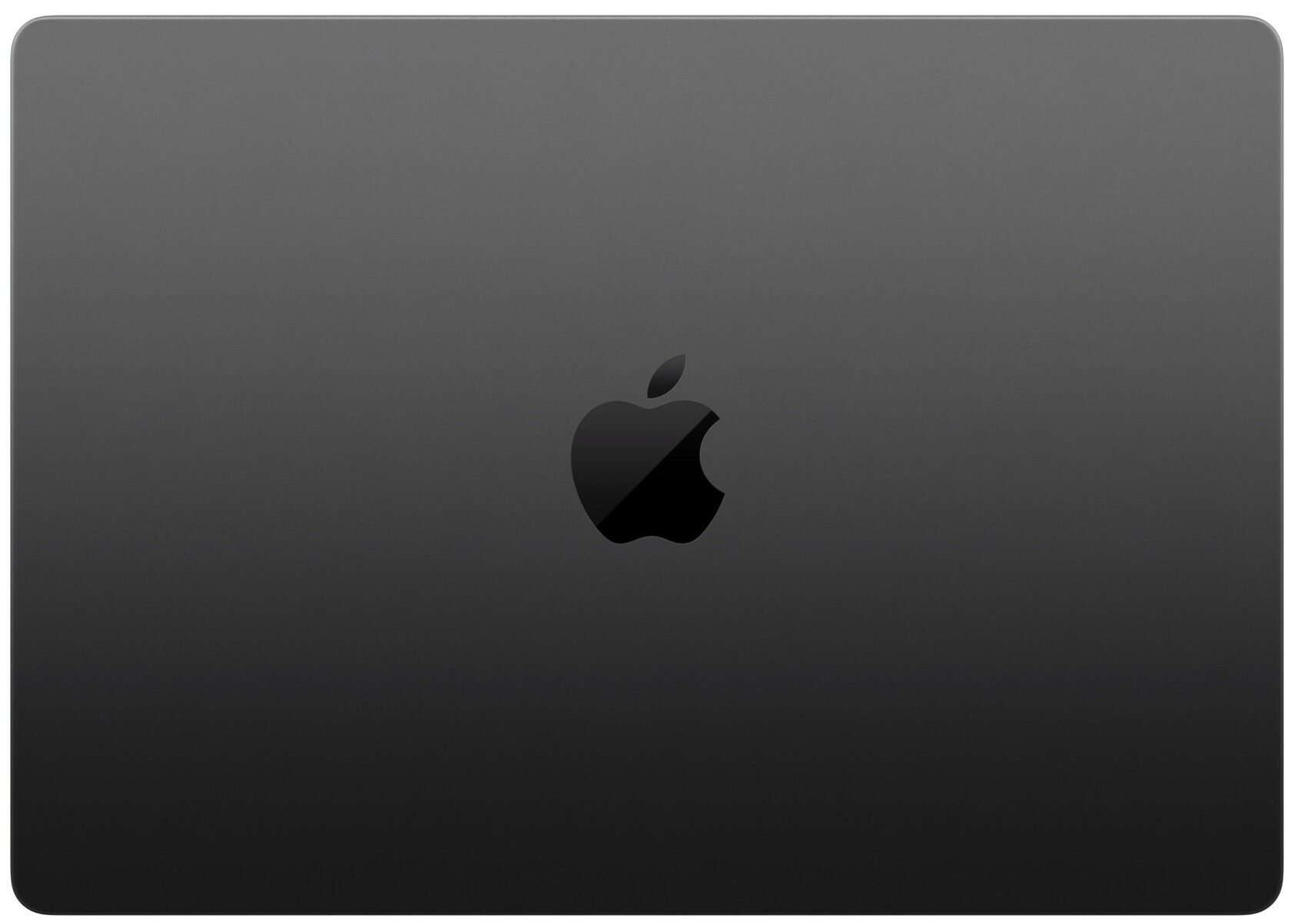
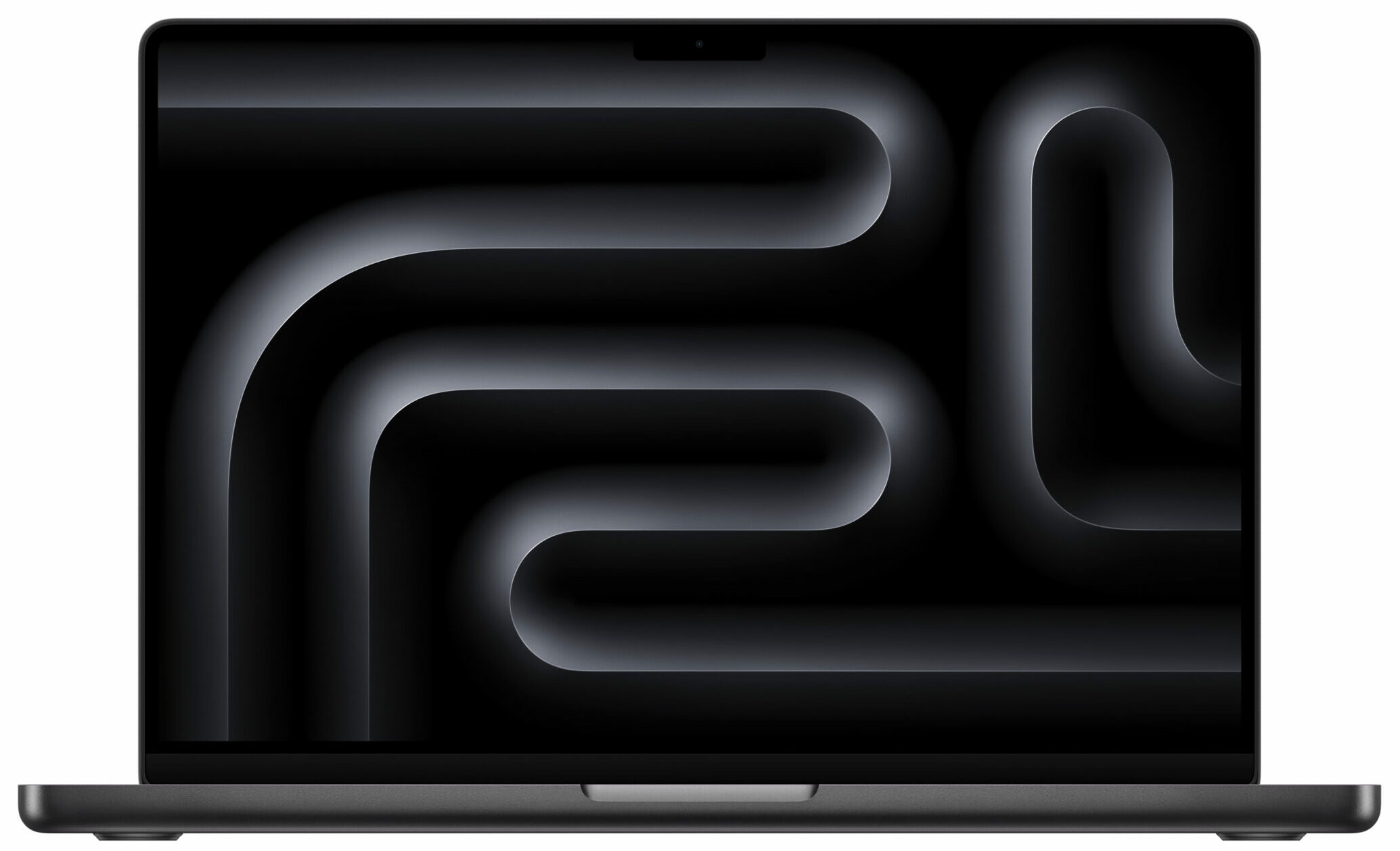
- Date Published: 20 May 2026
- Apple M4 Pro (14-core CPU)
- Apple M4 Pro (20-core GPU)
- 14.2”, 3K+ (3024 x 1964), 120 Hz, IPS
- 2000GB SSD
- 48GB RAM
- 1.60 kg (3.5 lbs)
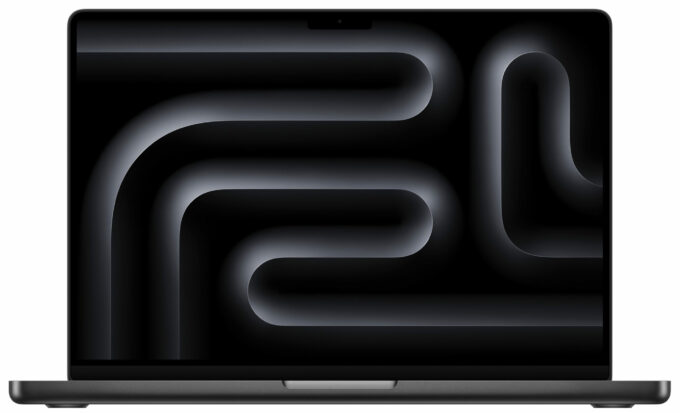
Specs
- HDD/SSD
- 2000GB SSD
- M.2 Slot
- soldered SSD
- RAM
- 48GB RAM
- OS
- macOS
- Body Material
- Aluminum
- Dimensions
- 312.6 x 221.2 x 15.5 mm (12.31" x 8.71" x 0.61")
- Weight
- 1.60 kg (3.5 lbs)
- Ports and connectivity
- 3x USB Type-C
- 4.0, Thunderbolt 5, Power Delivery (PD), DisplayPort
- HDMI
- Card Reader
- SD (SD, SDHC, SDXC)
- Ethernet LAN
- Wi-Fi
- Wi-Fi 6E
- Bluetooth
- 5.3
- Audio jack
- 3.5mm Combo Jack
- Features
- Fingerprint reader
- Web camera
- FHD FaceTime HD camera with Advanced image signal processor with computational video
- Backlit keyboard
- Microphone
- Studio-quality three-mic array with high signal-to-noise ratio and directional beamforming
- Speakers
- Six Speaker Sound System with force-cancelling woofers
- Security Lock slot
Portability
Review
Apple MacBook Pro 14 in-depth review
With the 2024 model of Apple's MacBook Pro 14 you can choose between a 12-core or 14-core M4 Pro processor with a 16 or 20-core GPU respectively, or a 16-core M4 Max with 32-core GPU. As always, the bigger memory and storage options are pricey. However, the base iteration of this machine comes with 24GB of unified RAM. If you aren't a power user, this amount should be sufficient for daily tasks or normal work. If your wallet is wide enough, you could pick a machine with double the memory.The default 512GB SSD seems enough if you don't store too much of photos and videos on it. If you need more space, you can go as high as 4TB or you can just attach an external HDD or SSD to one of the three Thunderbolt 5s that support super fast data transfer.Wi-Fi 7 isn't onboard so you have to se[...]
Read the full review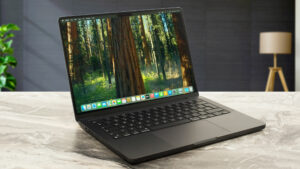
Pros
- The 12-core CPU sustains 3.92 GHz / 2.59 GHz for the P and E cores during any kind of load
- Great sustained performance for such a compact form factor
- The fans are quiet in light loads
- Mini-LED display with 120Hz refresh rate and 605 nits of max brightness
- Full sRGB and DCI-P3 coverage
- Color-accurate panel
- The optional Nano-texture display handles the reflections like a champ
- Great overall performance
- Solid metal chassis
- Very long battery life (~ 16 hours of videos)
- Great sound quality
- Mag Safe charging port
- 3x Thunderbolt 5 / USB4 ports
- Comfortable keyboard + smooth touchpad
- Snappy 512GB NVMe drive
- The keyboard doesn't feel hot to the touch during heavy loads
- Optional 14-core CPU and 20-core GPU
- 24GB unified memory as standard
- Up to 48GB RAM
- Up to 4TB SSD
- Optional 96W USB-C Power Adapter with fast charging
Cons
- Pricey
- Soldered memory and NVMe
- High processor temperatures under medium and long stress
- Loud fans in long 100% CPU stress scenarios
- No Wi-Fi 7
Disassembly, maintenance and upgrade options
Hint: Ensure the laptop is powered off and unplugged before starting. Use high-quality tools to avoid damaging the device.Undo the eight Pentalobe screws securing the bottom panel to the base. Attach a suction cup to the left side of the bottom panel. Pull up gently until the internal clips on this side release. Repeat the process on the right and front sides, ensuring all clips are disengaged. Use a spudger to carefully push the rear of the panel towards the front, focusing on the zones behind the hinges. Using a thin plastic tool (or fingernails if absolutely necessary), pr[...]
Read more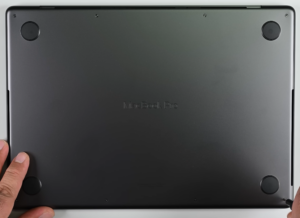


![[June 2026] Best-Selling Laptop Brands on Amazon Global – Apple’s Unrivaled Dominance in Units and Revenue](https://laptopmedia.com/wp-content/uploads/2026/07/GLOBAL-Best-Brands-400x225.jpg)
![[June 2026] Amazon Global: Top 10 Best-Selling Laptops – Apple’s New MacBook Neo Storms to #1, Reshaping the Market with Affordability](https://laptopmedia.com/wp-content/uploads/2026/07/Best-Selling-Laptops-GLOBAL-Top-10-400x225.jpg)
![[June 2026] Amazon Global: Top 10 Best-Selling Gaming Laptops – Acer’s Nitro V 16S AI Dominates Sales, While ASUS Leads Overall Revenue](https://laptopmedia.com/wp-content/uploads/2026/07/Best-Selling-Gaming-Laptops-GLOBAL-Top-10-400x225.jpg)
![[June 2026] Global Ranking of Best-Selling Laptop GPUs on Amazon – NVIDIA RTX 5060 is the Top-Selling Dedicated GPU](https://laptopmedia.com/wp-content/uploads/2026/07/Best-Selling-GPUs-GLOBAL-Top-10-400x225.jpg)
![[June 2026] Global Ranking of Best-Selling Laptop CPUs on Amazon – Apple M5 Dominates, AMD Ryzen 7 260 Gets Solid Premium Share](https://laptopmedia.com/wp-content/uploads/2026/07/Best-Selling-CPUs-GLOBAL-Top-10-400x225.jpg)
