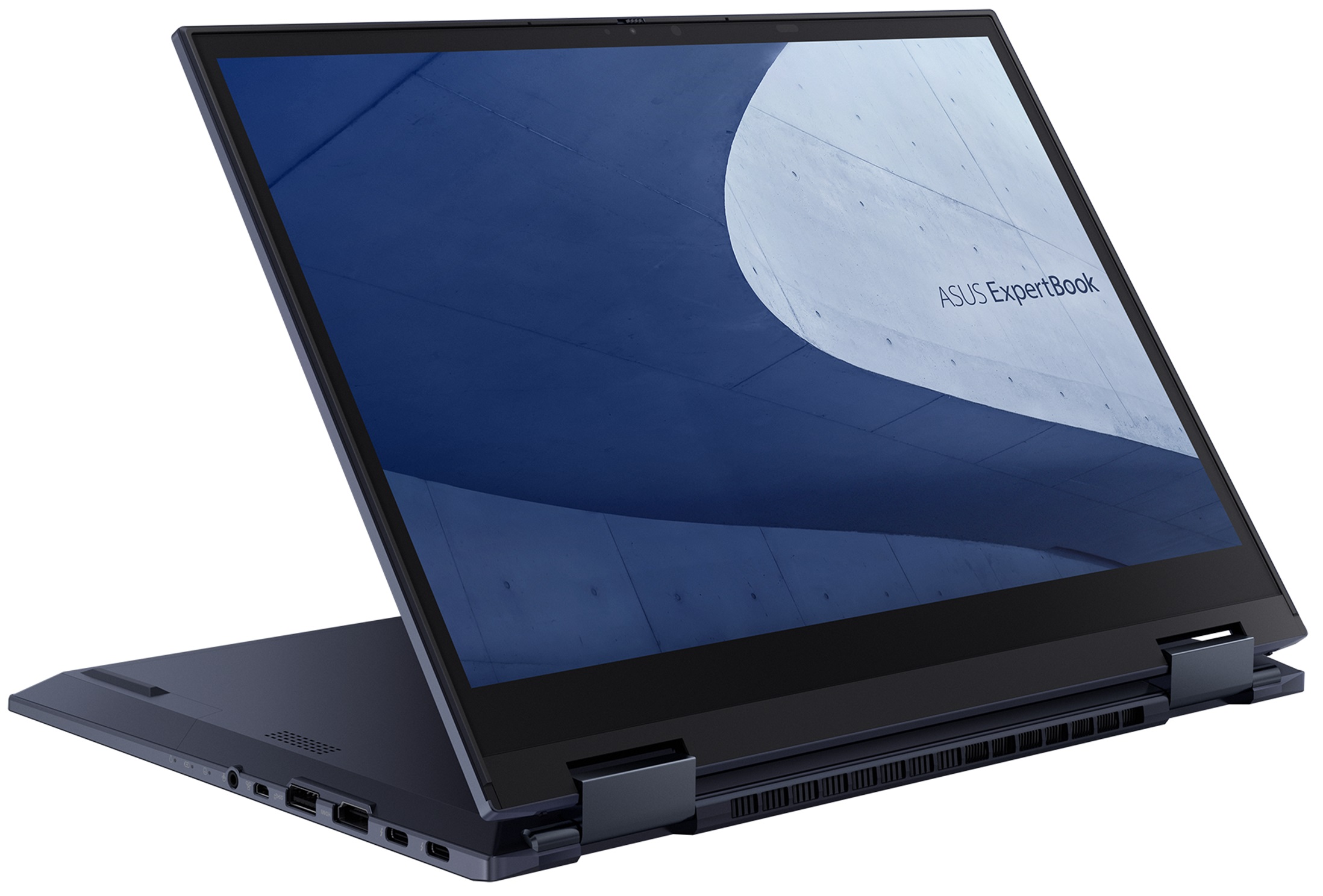
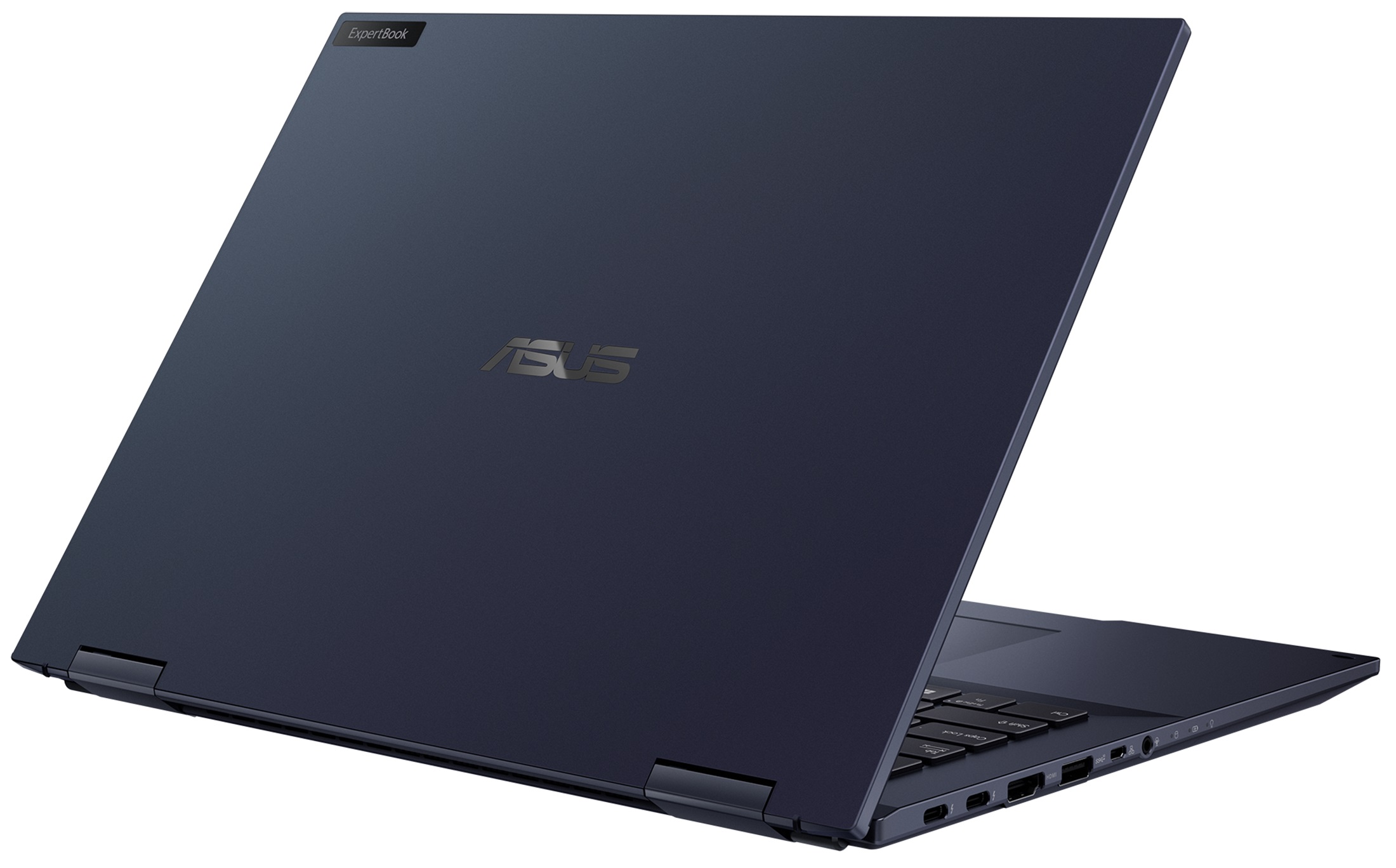
ASUS ExpertBook B7 Flip



- Date Published: 18 Jul 2025
- Intel Core i5-1155G7
- Intel Iris Xe Graphics G7 (80EU)
- 14.0”, WUXGA (1920 x 1200), IPS
- 512GB SSD
- 8GB RAM
- 1.44 kg (3.2 lbs)
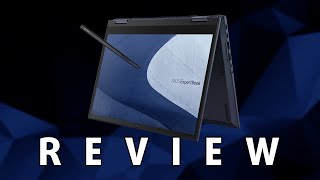
Review
ASUS ExpertBook B7 Flip in-depth review
As with every niche in the mobile market, the business segment boasts a broad diversity. From laptops that are just there to help you work to such, that make your work as pleasant as it can get. Well, today, we have a machine that is slightly different in the way, that regards its connectivity. We are talking about fast, reliable, and stable connections - something that you can't always rely on when you are in your closest coffee shop or the hotel at the shoreline.This is where 5G comes in. Of course, the feature is optional, but you have to keep in mind that in these early days of 5G, not many laptops come with it. Of course, this is not all the ExpertBook B7 Flip (B7402F) is about. After all, it is a convertible, and its display is also really important.This is why ASUS gives yo[...]
Read the full review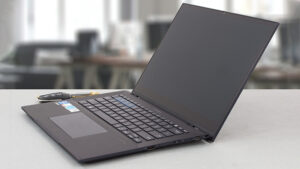
Pros
- Good battery life
- Strong and light magnesium-aluminum chassis
- Innovative cooling
- 98% sRGB coverage + great color accuracy with our Gaming and Web design profile
- High resolution and 16:10 aspect ratio
- AI Noise cancellation
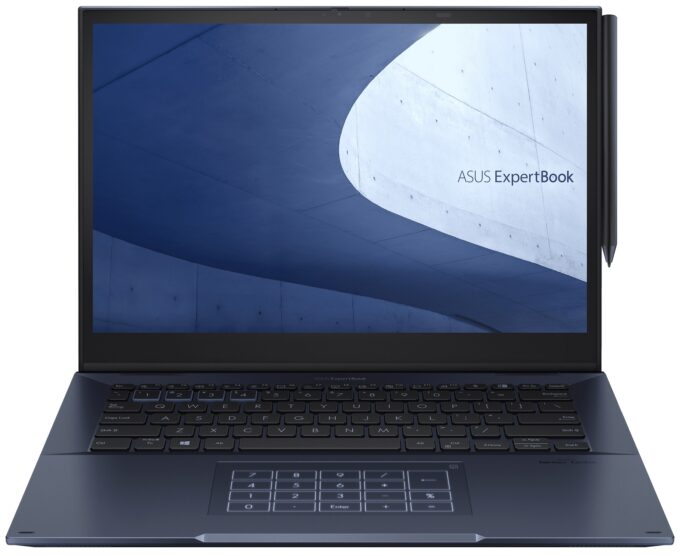
- NumberPad + Stylus inside the box
- IR face recognition + fingerprint reader
- 2x Thunderbolt 4 + HDMI 2.0b + Mini DisplayPort
- Spill-resistant keyboard and "NumberPad" touchpad
Cons
- No SD card reader
Disassembly, maintenance and upgrade options
We are really impressed by the upgrade options of this notebook. It is not too difficult to open either.Check out all ASUS ExpertBook B7 Flip (B7402F) prices and configurations in our Specs System or read more in our In-Depth review.1. Remove the bottom plate To access this laptop's internals, you need to undo a total of 12 Phillips-head screws. Then, pry the bottom panel with a plastic tool, starting from the back.2. Battery Inside, we see a 63Wh battery pack. It lasts for 12 hours and 30 minutes of Web browsing, or 9 hours of video playback. To remove it, unplug the bat[...]
Read more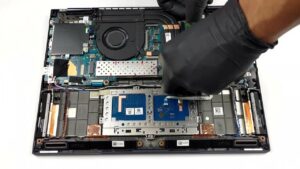


![[June 2026] Best-Selling Laptop Brands on Amazon Global – Apple’s Unrivaled Dominance in Units and Revenue](https://laptopmedia.com/wp-content/uploads/2026/07/GLOBAL-Best-Brands-400x225.jpg)
![[June 2026] Amazon Global: Top 10 Best-Selling Laptops – Apple’s New MacBook Neo Storms to #1, Reshaping the Market with Affordability](https://laptopmedia.com/wp-content/uploads/2026/07/Best-Selling-Laptops-GLOBAL-Top-10-400x225.jpg)
![[June 2026] Amazon Global: Top 10 Best-Selling Gaming Laptops – Acer’s Nitro V 16S AI Dominates Sales, While ASUS Leads Overall Revenue](https://laptopmedia.com/wp-content/uploads/2026/07/Best-Selling-Gaming-Laptops-GLOBAL-Top-10-400x225.jpg)
![[June 2026] Global Ranking of Best-Selling Laptop GPUs on Amazon – NVIDIA RTX 5060 is the Top-Selling Dedicated GPU](https://laptopmedia.com/wp-content/uploads/2026/07/Best-Selling-GPUs-GLOBAL-Top-10-400x225.jpg)
![[June 2026] Global Ranking of Best-Selling Laptop CPUs on Amazon – Apple M5 Dominates, AMD Ryzen 7 260 Gets Solid Premium Share](https://laptopmedia.com/wp-content/uploads/2026/07/Best-Selling-CPUs-GLOBAL-Top-10-400x225.jpg)
