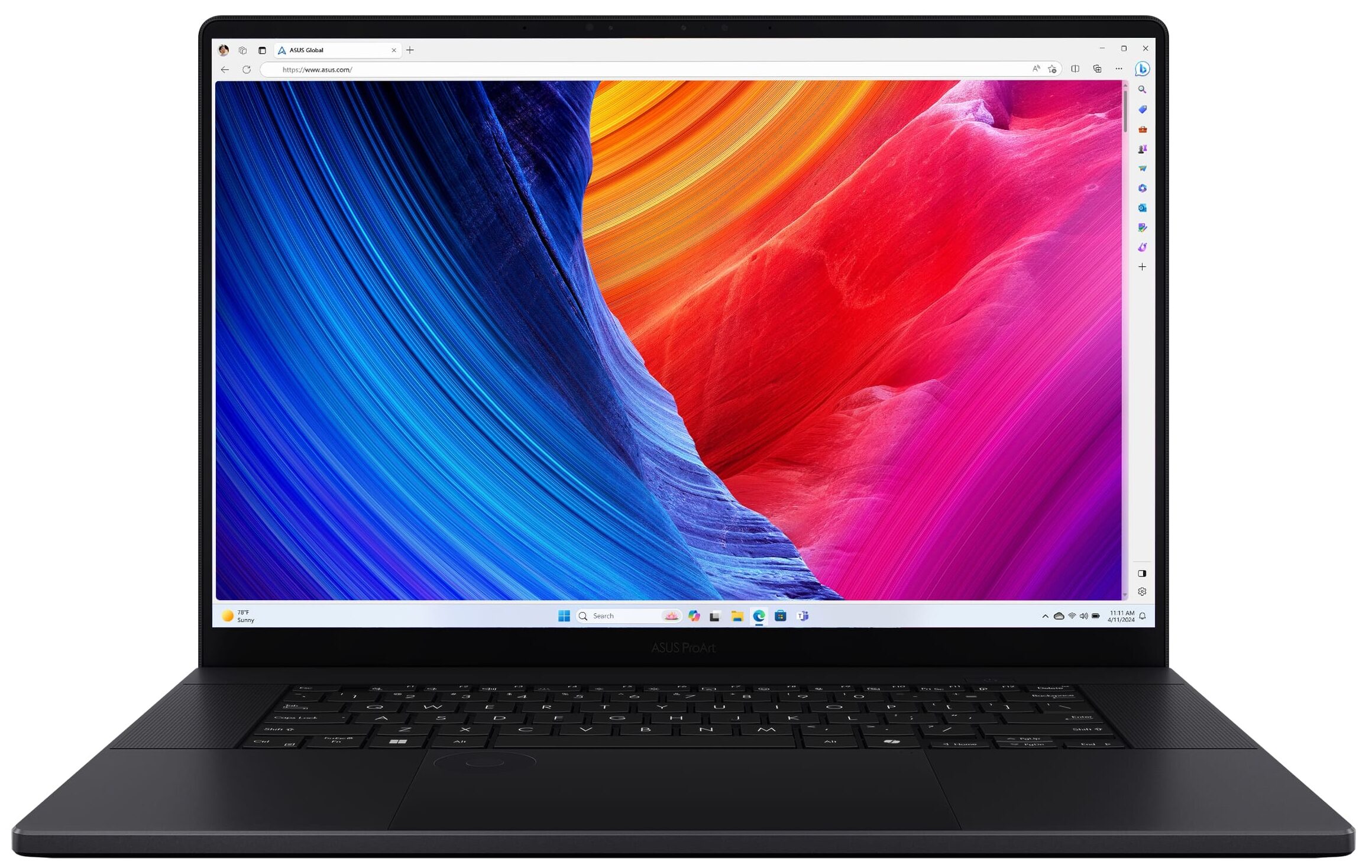
ASUS ProArt P16
- Date Published: 13 Jan 2025
- AMD Ryzen AI 9 HX 370
- NVIDIA GeForce RTX 4060 (Laptop, 105W)
- 16.0”, WQUXGA (3840 x 2400), OLED
- 1000GB SSD
- 32GB RAM
- 1.85 kg (4.1 lbs)
Review
ASUS ProArt P16 in-depth review
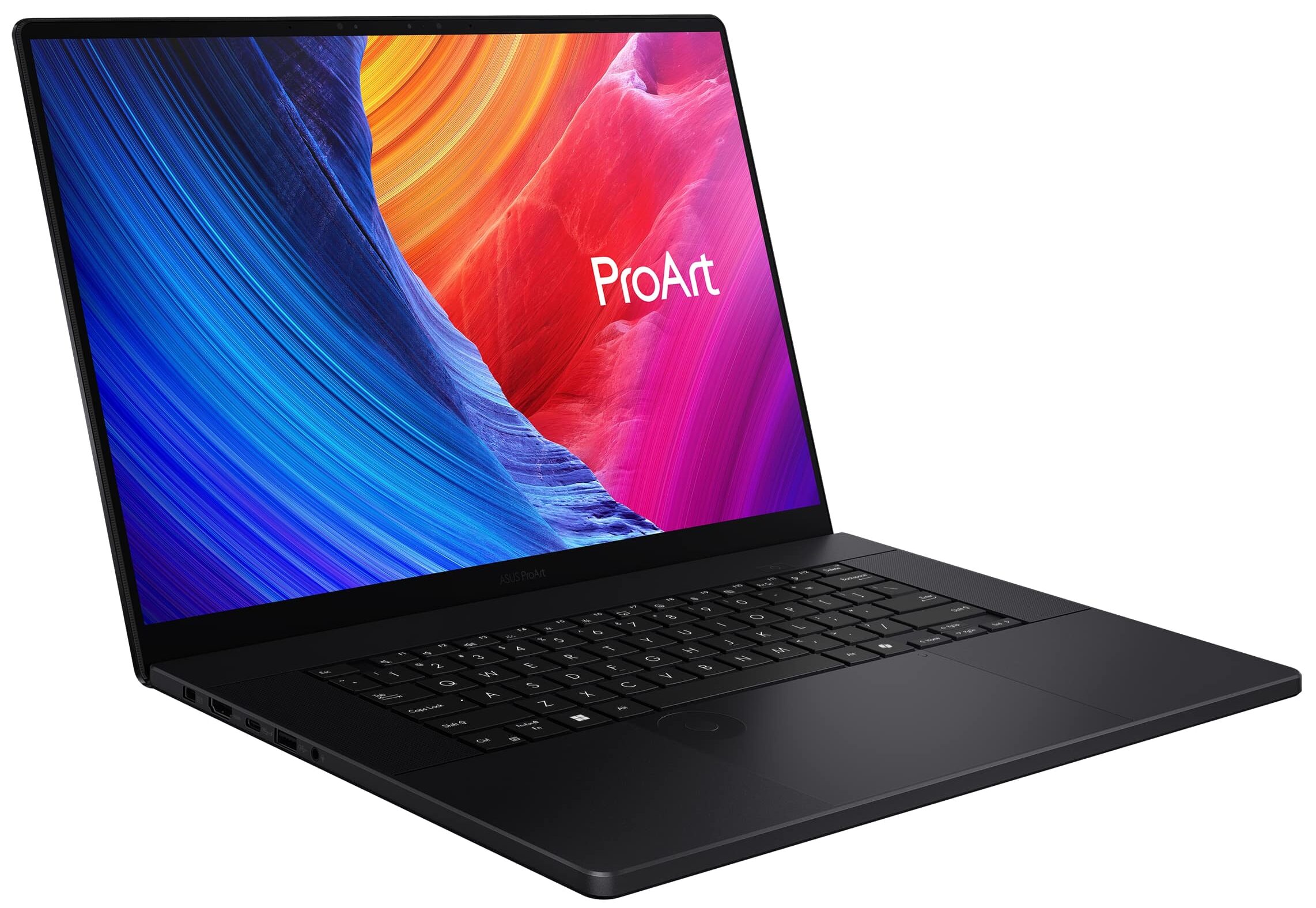
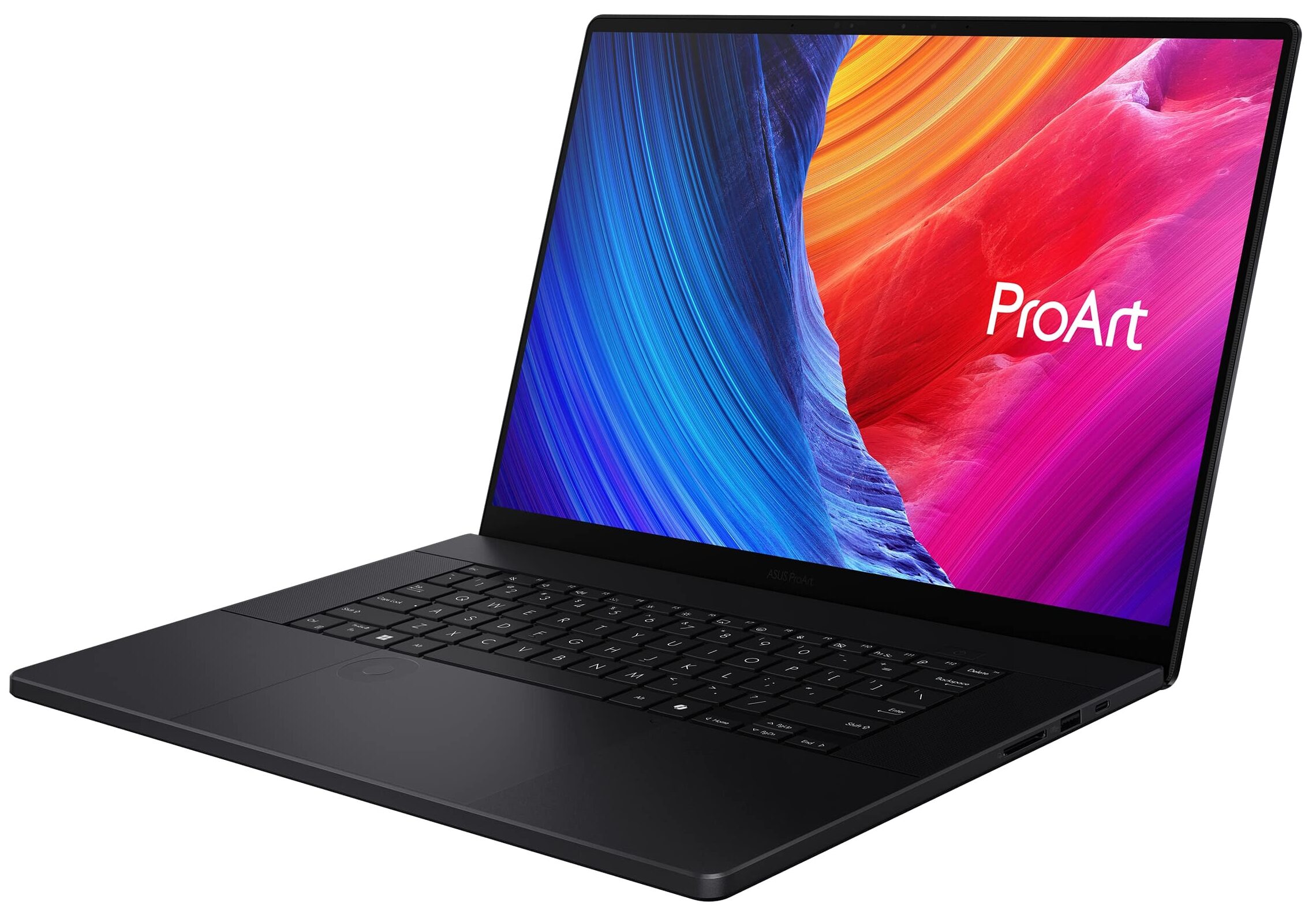
This is one of the most beautiful laptops we've ever seen. Dell upped its game with the latest XPS lineup in terms of design (XPS 9640 review), and now ASUS responds, making life difficult for content creators needing to decide on the best premium laptop on the market.The ASUS ProArt P16 (H7606) is essentially a stealthier version of the portable gaming powerhouse, the ROG Zephyrus G16, with a few key differences. While the ROG model features a display with a lower resolution of 2.5K but a higher refresh rate of 240 Hz, the ProArt P16 opts for greater detail with a 4K resolution but a slower 60 Hz refresh rate. Additionally, the P16’s screen supports stylus input.Understanding that most professional applications are demanding on memory, ASUS has equipped the ProArt P16 with up to 6[...]
Read the full review
Pros
- Gorgeous design
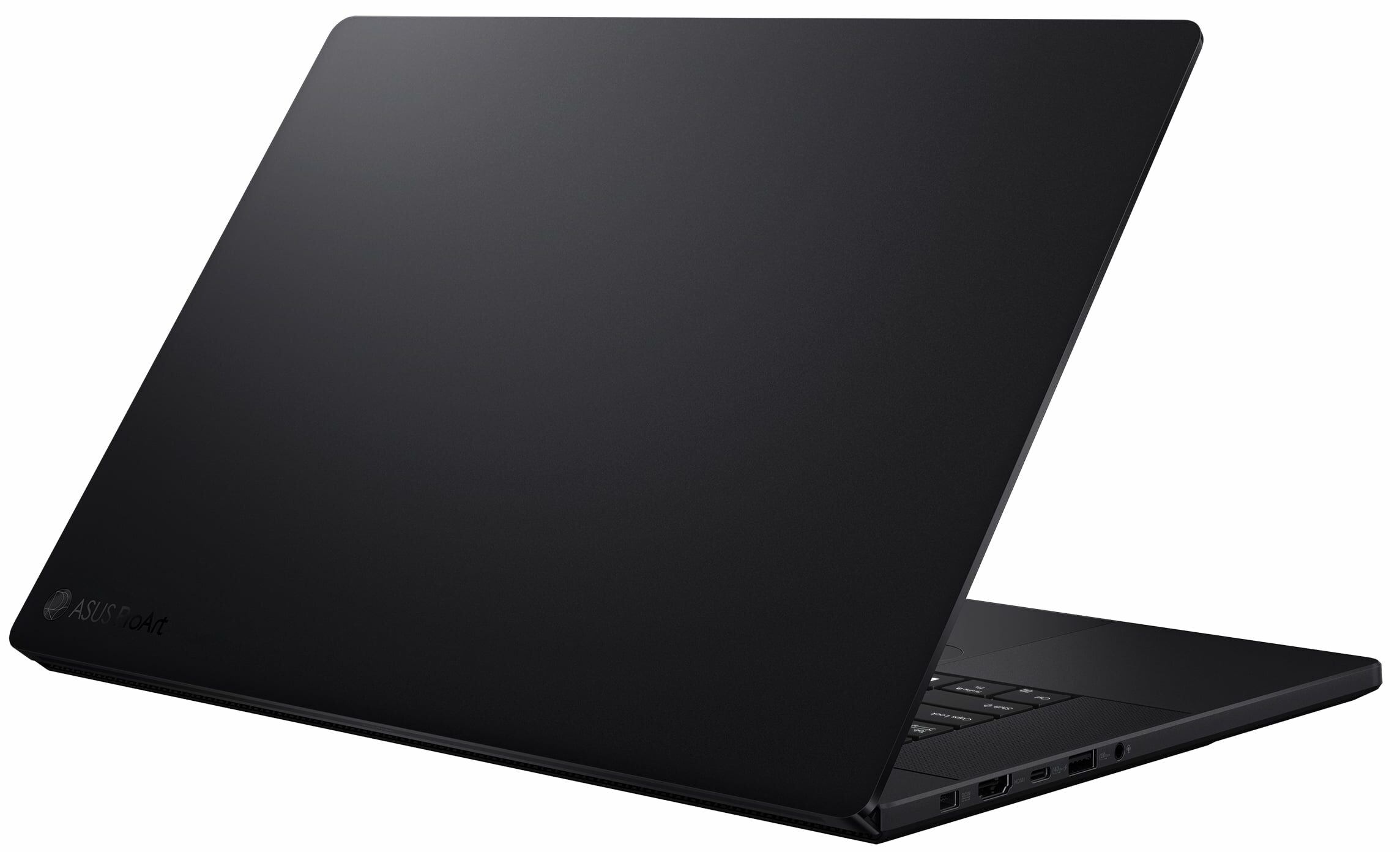
- Solid build, meets MIL-STD-810H military-grade standards
- Thin (0.59" / 14.9mm) and light (4.1lbs / 1.85kg) chassis
- High-resolution vivid display with accurate colors (dE = 1.1)
- 100% sRGB and 100% DCI-P3 color coverage
- Great quality Harman/Kardon speaker setup
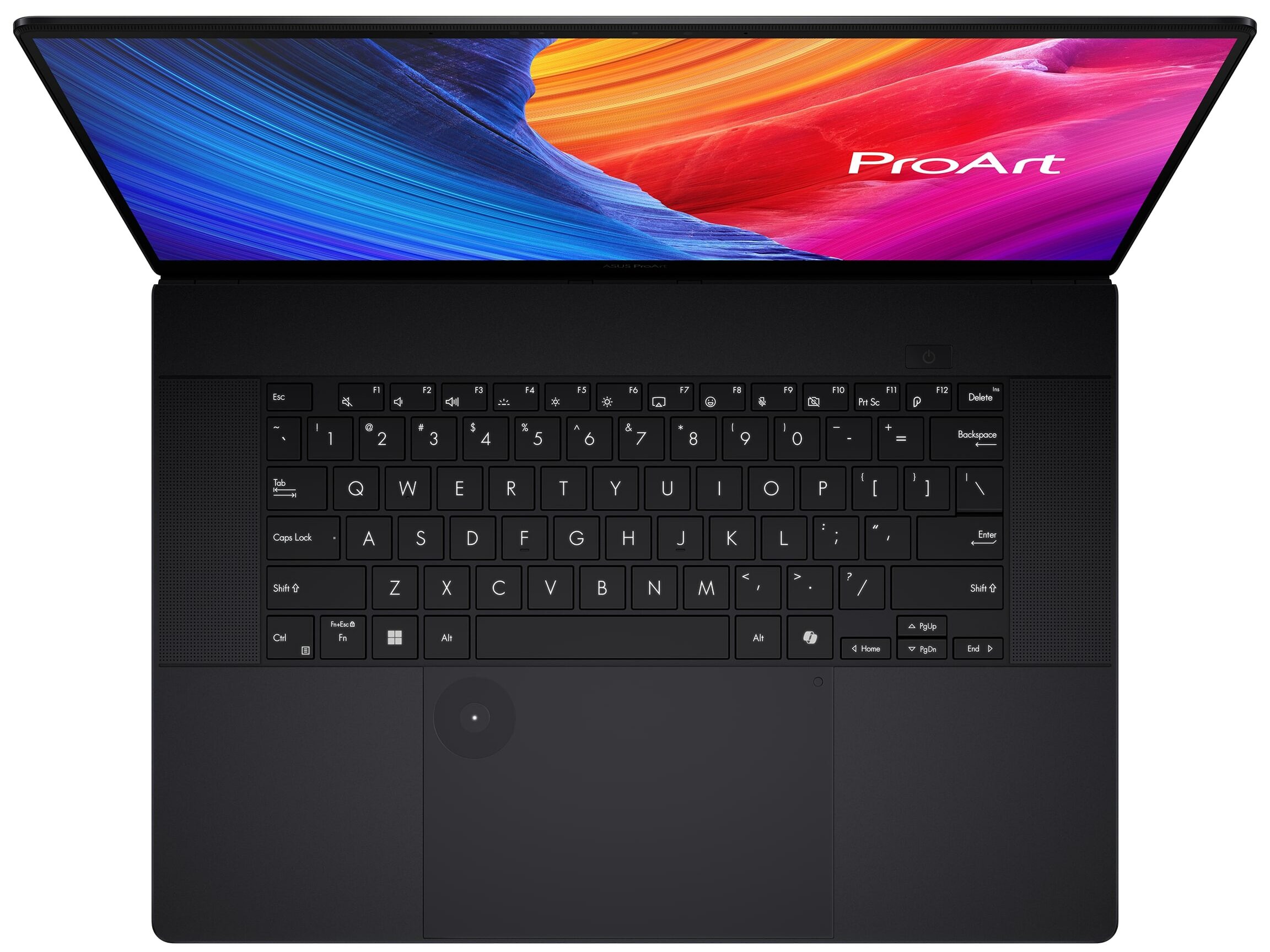
- Cool ASUS DialPad controller
- ASUS Pen 2.0 and a Backpack in the bundle
Cons
- High reflectance display surface (147 GU)
- 60 Hz panel
Disassembly, maintenance and upgrade options
Opening the DeviceUndo the 11 Torx-head screws securing the bottom panel. Note that the upper two screws in the middle are hidden beneath rubber caps, which you need to unglue first. Raise the top two corners with a lever tool to create gaps in these sections. Fully pry the back with a thin plastic tool and work your way around the sides and the front to remove the bottom panel.More info: The inside of the bottom plate houses dust filters for the three fans and a soft material above the battery that protects it from scratches.Battery RemovalUnplug the battery[...]
Read more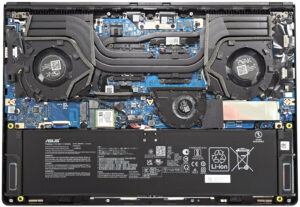
DISPLAY: 16.0-inch, 3840 x 2400, OLED
- Name
- Samsung ATNA60YV02-0 (SDC415D)
- Diagonal
- 16.0"
- Pixel density
- 283.02 ppi
- Refresh rate
- 60 Hz
- Brightness
- 385 cd/m2
- sRGB
- 100%
- Panel Type
- OLED
- Resolution
- 3840 x 2400
- Becomes "Retina" from
- 12 inches (31 cm)
- Contrast
- infinite
- dE Color Checker
- 4.0 3.6

Buy our profiles for Samsung ATNA60YV02-0 (SDC415D)
In addition to receiving efficient and health-friendly profiles, by buying LaptopMedia's products you also support the development of our labs, where we test devices in order to produce the most objective reviews possible.

Office Work
Office Work should be used mostly by users who spend most of the time looking at pieces of text, tables or just surfing. This profile aims to deliver better distinctness and clarity by keeping a flat gamma curve (2.20), native color temperature and perceptually accurate colors.

Design and Gaming
This profile is aimed at designers who work with colors professionally, and for games and movies as well. Design and Gaming takes display panels to their limits, making them as accurate as possible in the sRGB IEC61966-2-1 standard for Web and HDTV, at white point D65.

Health-Guard
Health-Guard eliminates the harmful Pulse-Width Modulation (PWM) and reduces the negative Blue Light which affects our eyes and body. Since it’s custom tailored for every panel, it manages to keep the colors perceptually accurate. Health-Guard simulates paper so the pressure on the eyes is greatly reduced.



![[August 2026] Global Ranking of Best-Selling Laptop GPUs on Amazon – Apple Reigns Supreme, NVIDIA’s RTX 5060 Tops Dedicated Chart](https://laptopmedia.com/wp-content/uploads/2026/09/Best-Selling-GPUs-GLOBAL-Top-10-400x225.jpg)
![[August 2026] Global Ranking of Best-Selling Laptop CPUs on Amazon – Apple Dominates Both Budget and Premium: A18 Pro and M5 Crush Intel and AMD in August 2026](https://laptopmedia.com/wp-content/uploads/2026/09/Best-Selling-CPUs-GLOBAL-Top-10-400x225.jpg)
![[August 2026] Amazon Global: Top 10 Best-Selling Laptops – Apple MacBook Neo Dominates the Charts as Budget and Mid-Range Windows Portables Fight for Volume](https://laptopmedia.com/wp-content/uploads/2026/09/Best-Selling-Laptops-GLOBAL-Top-10-400x225.jpg)
![[August 2026] Best-Selling Laptop Brands on Amazon Global – Apple Dominates Revenue While HP Leads in Model Variety](https://laptopmedia.com/wp-content/uploads/2026/09/GLOBAL-Best-Brands-400x225.jpg)
![[August 2026] Amazon Global: Top 10 Best-Selling Gaming Laptops – HP Victus 15 Captures the Crown as Budget-Friendly Models Dominate the Charts](https://laptopmedia.com/wp-content/uploads/2026/09/Best-Selling-Gaming-Laptops-GLOBAL-Top-10-400x225.jpg)
