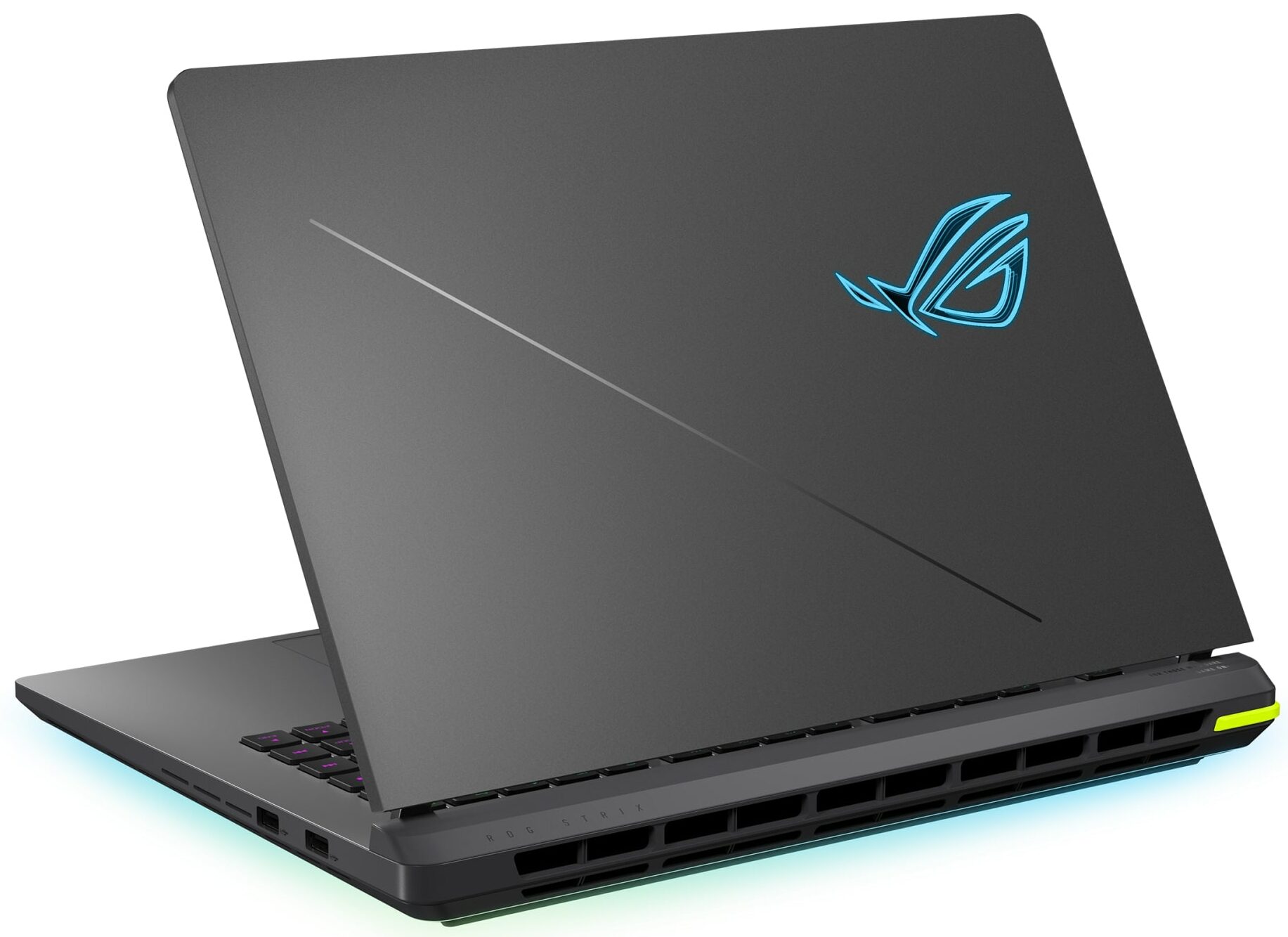
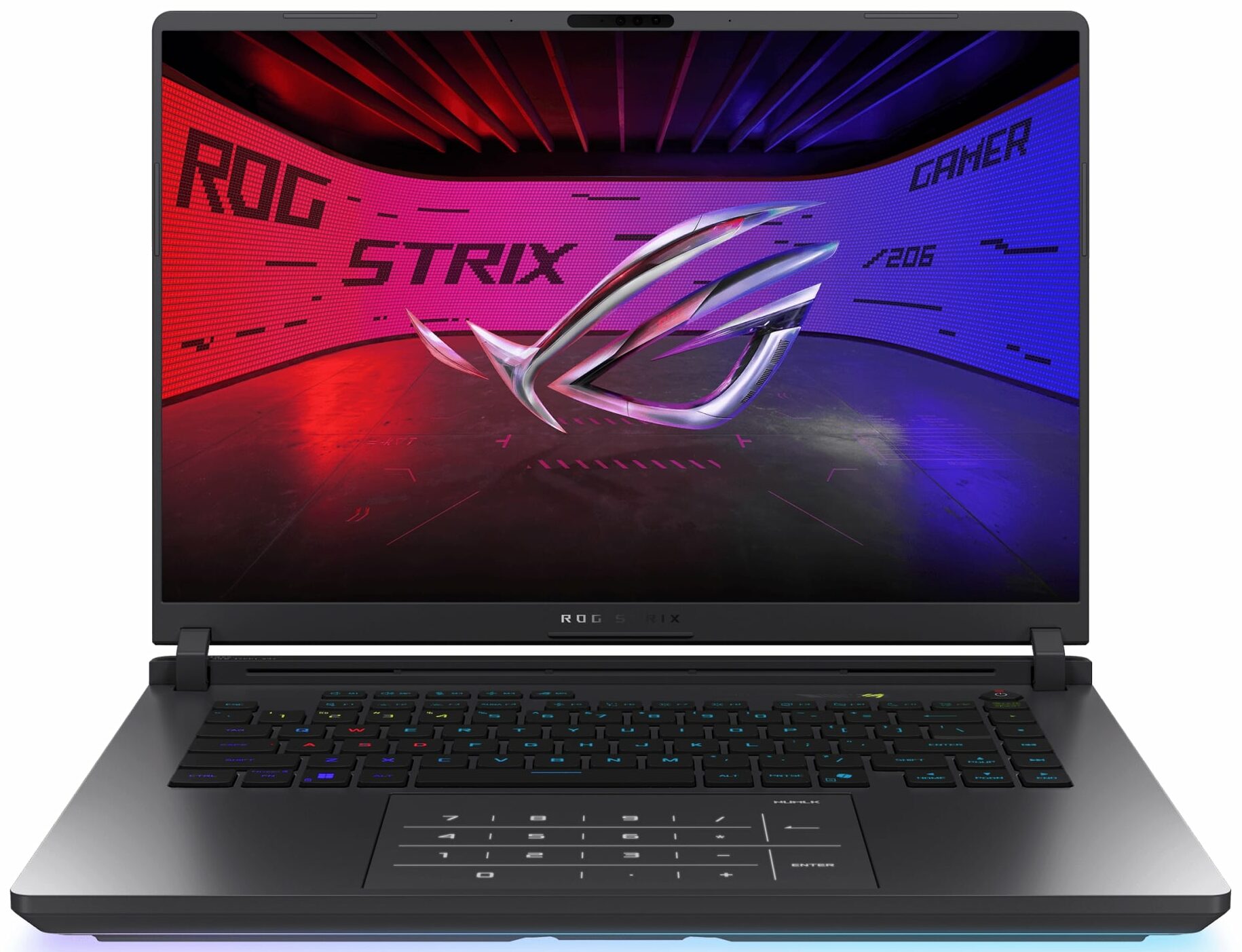
ASUS ROG Strix G16 G615
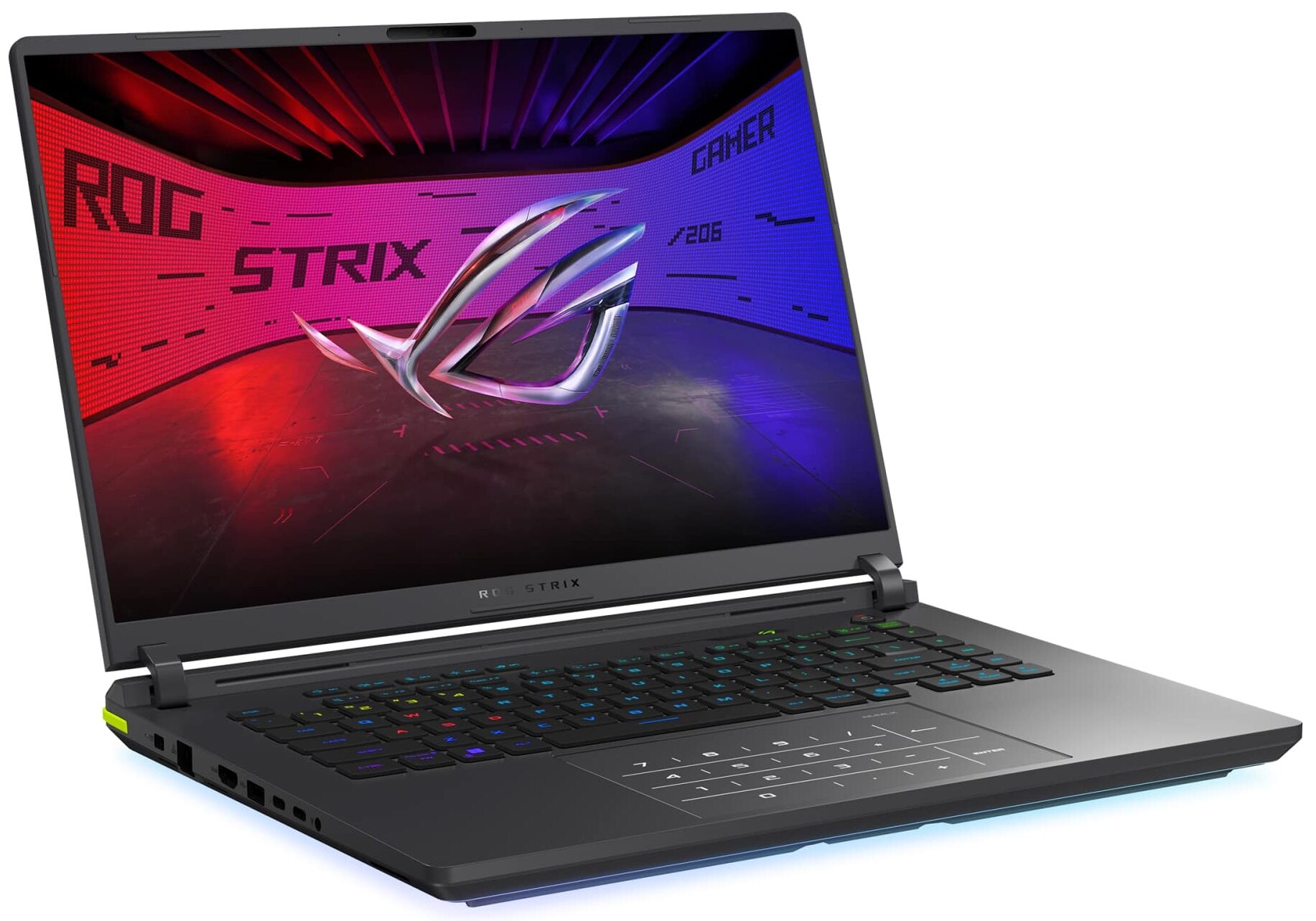
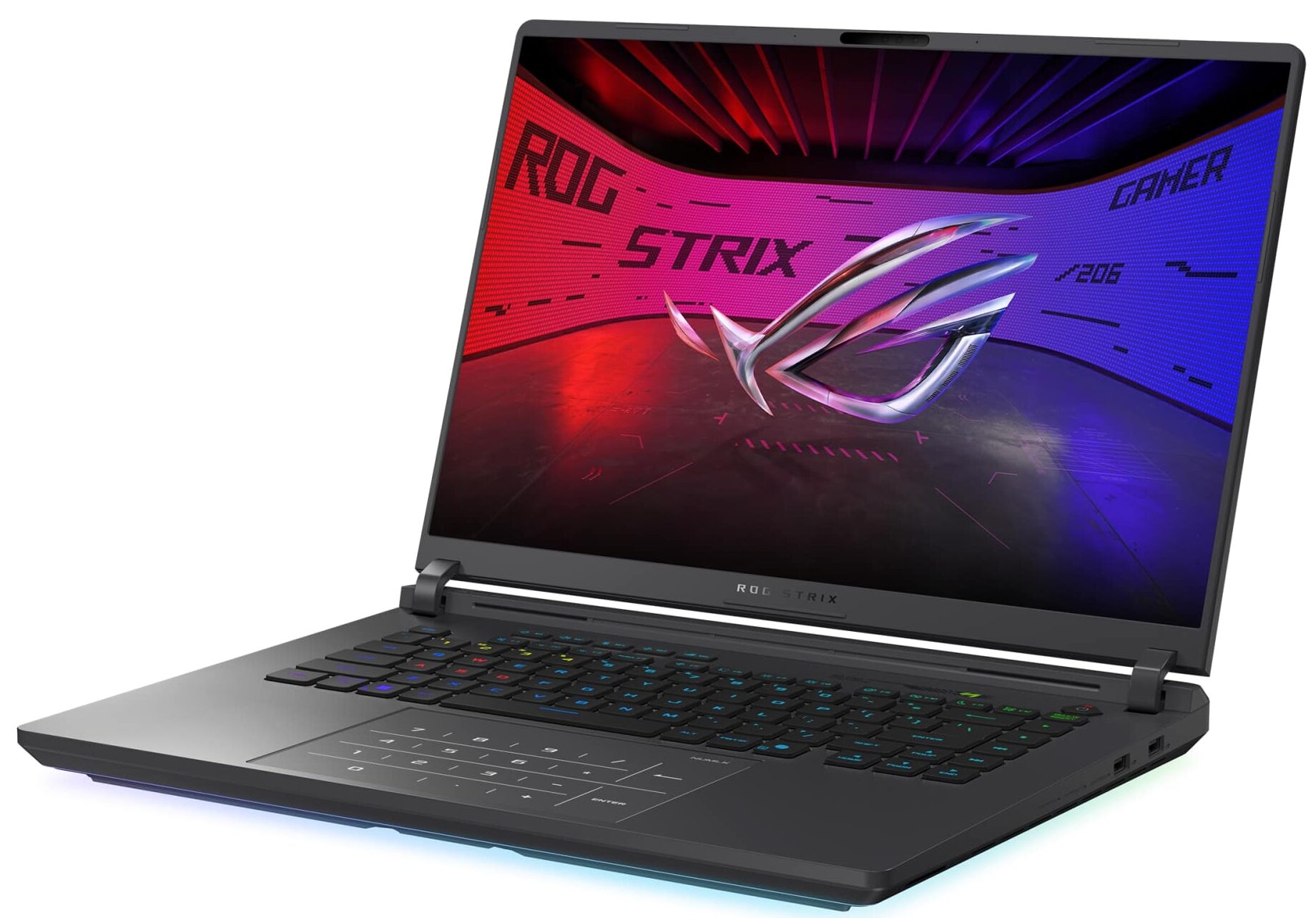
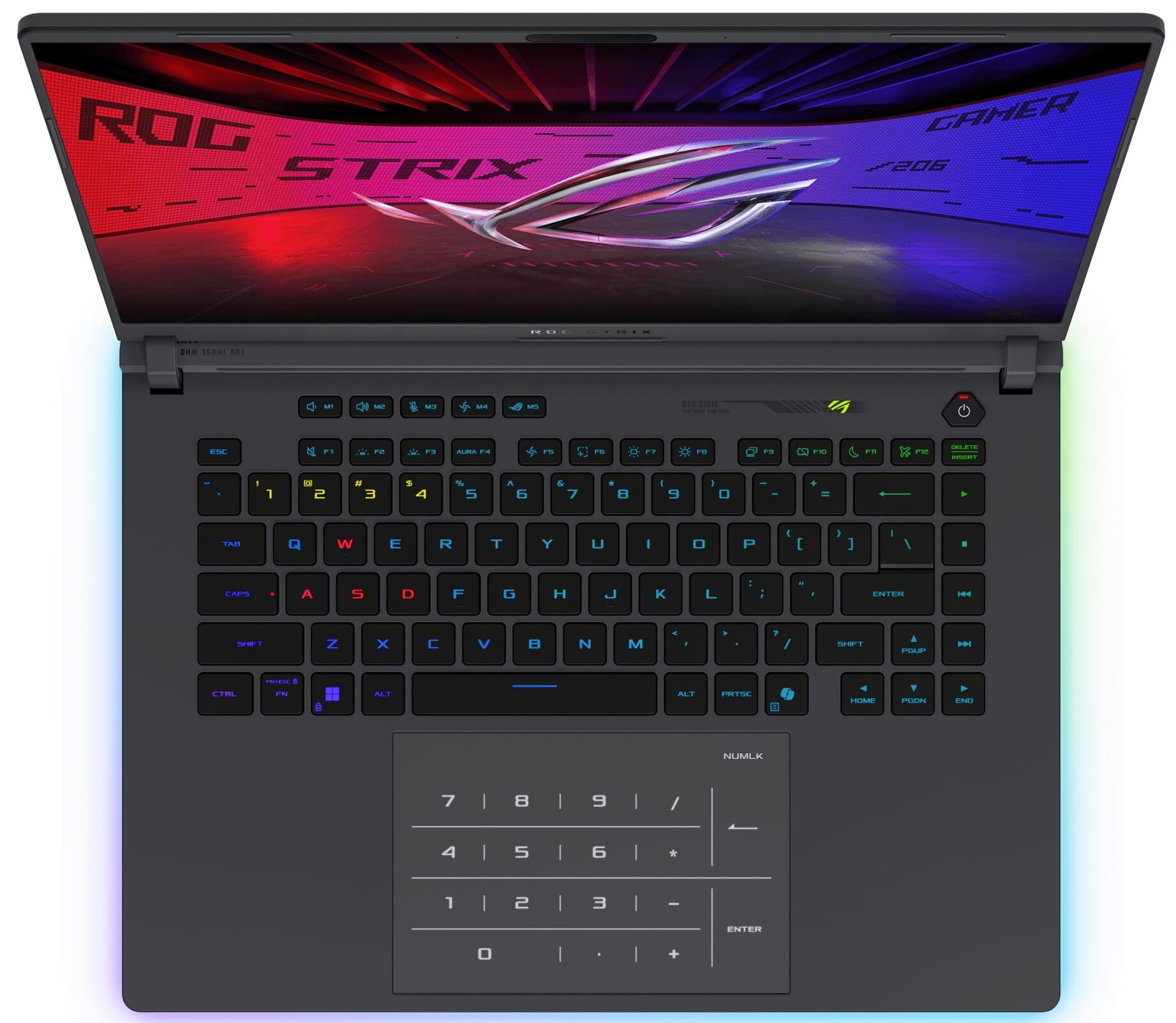
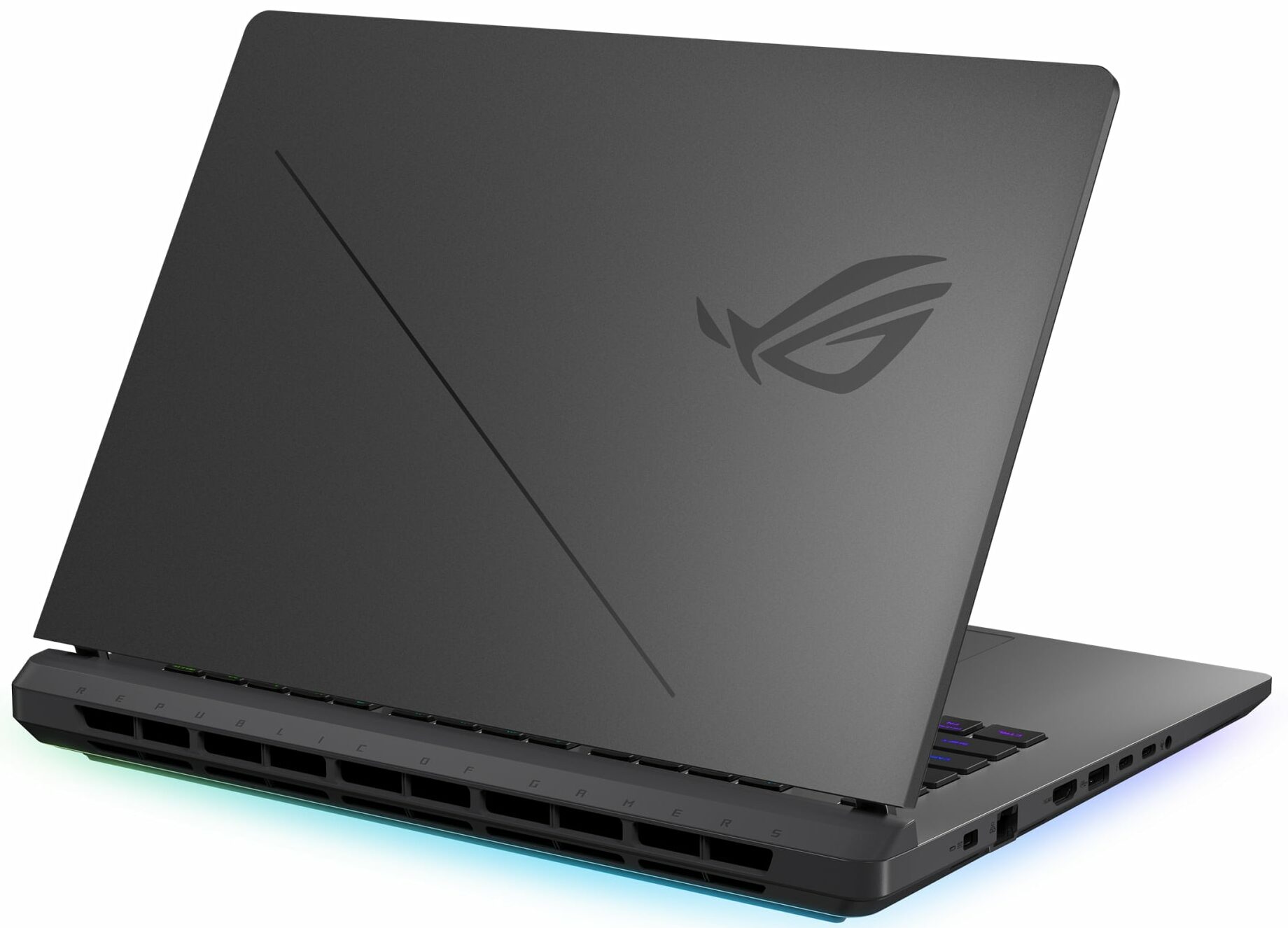
- Date Published: 15 Aug 2025
- Intel Core Ultra 9 275HX
- NVIDIA GeForce RTX 5080 (Laptop)
- 16.0", WQXGA (2560 x 1600), 240 Hz, IPS
- 4000GB SSD
- 64GB RAM
- 2.73 kg (6 lbs)
Review
ASUS ROG Strix G16 G615 in-depth review
The 2025 ASUS ROG Strix G16 G615 doesn't just enter the market; it kicks the door down. This is a machine built with one goal in mind: to dominate the performance charts. It pairs next-generation Intel and NVIDIA silicon with a stunning display and, in a surprising twist, class-leading battery life. But this relentless pursuit of power generates an intense heat for the CPU. Is this the new king of gaming laptops, a near-perfect machine held back by its own fiery ambition, or a powerful beast that's simply too hot to handle? We pushed it to its absolute limits to find out.You can check the prices and configurations in our Specs System: https://laptopmedia.com/series/asus-rog-strix-g16-g615/Specs, Drivers, What's in the boxDrivers All drivers and utilities for this not[...]
Read the full review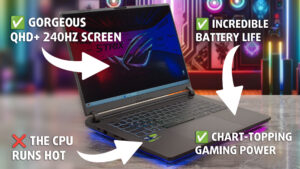
Pros
- Class-leading CPU and GPU gaming performance
- Superb 240Hz QHD+ display with 99% DCI-P3 coverage
- Excellent battery life for a high-performance gaming laptop
- Future-proof connectivity with two Thunderbolt 5 ports and Wi-Fi 7
- Fantastic and easy user upgradeability for RAM and storage
- PCIe Gen 5 slot for ultra-fast storage
- PWM-free screen with an exceptionally low-glare finish
Cons
- CPU runs very hot under sustained load
- No physical privacy shutter for the webcam
- Included SSD can run hot during heavy operations
Disassembly, maintenance and upgrade options
Step 1: Opening the ASUS ROG Strix G16 G615 (2025)Power off the laptop and place it on a soft, static-free surface. Locate the two Q-Latch slider windows on the aluminum bottom panel. Slide both latches until the windows show red – this indicates the cover is unlocked. Simply glide the bottom panel off the chassis without any tools required.Step 2: Battery RemovalIdentify the 90Wh battery spanning the palm-rest area. Detach the battery connector from the motherboard. Undo the Phillips-head screws securing the battery to the mid-frame. Lift the battery o[...]
Read more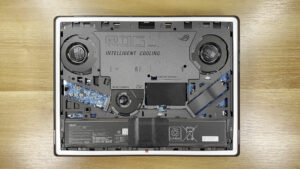


![[June 2026] Best-Selling Laptop Brands on Amazon Global – Apple’s Unrivaled Dominance in Units and Revenue](https://laptopmedia.com/wp-content/uploads/2026/07/GLOBAL-Best-Brands-400x225.jpg)
![[June 2026] Amazon Global: Top 10 Best-Selling Laptops – Apple’s New MacBook Neo Storms to #1, Reshaping the Market with Affordability](https://laptopmedia.com/wp-content/uploads/2026/07/Best-Selling-Laptops-GLOBAL-Top-10-400x225.jpg)
![[June 2026] Amazon Global: Top 10 Best-Selling Gaming Laptops – Acer’s Nitro V 16S AI Dominates Sales, While ASUS Leads Overall Revenue](https://laptopmedia.com/wp-content/uploads/2026/07/Best-Selling-Gaming-Laptops-GLOBAL-Top-10-400x225.jpg)
![[June 2026] Global Ranking of Best-Selling Laptop GPUs on Amazon – NVIDIA RTX 5060 is the Top-Selling Dedicated GPU](https://laptopmedia.com/wp-content/uploads/2026/07/Best-Selling-GPUs-GLOBAL-Top-10-400x225.jpg)
![[June 2026] Global Ranking of Best-Selling Laptop CPUs on Amazon – Apple M5 Dominates, AMD Ryzen 7 260 Gets Solid Premium Share](https://laptopmedia.com/wp-content/uploads/2026/07/Best-Selling-CPUs-GLOBAL-Top-10-400x225.jpg)
