How to open ASUS ROG Strix G16 G615 (2025) – disassembly and upgrade options
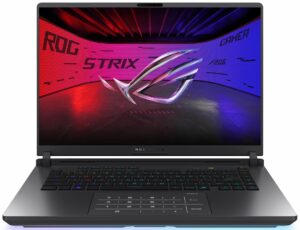
Step 1: Opening the ASUS ROG Strix G16 G615 (2025)
- Power off the laptop and place it on a soft, static-free surface.
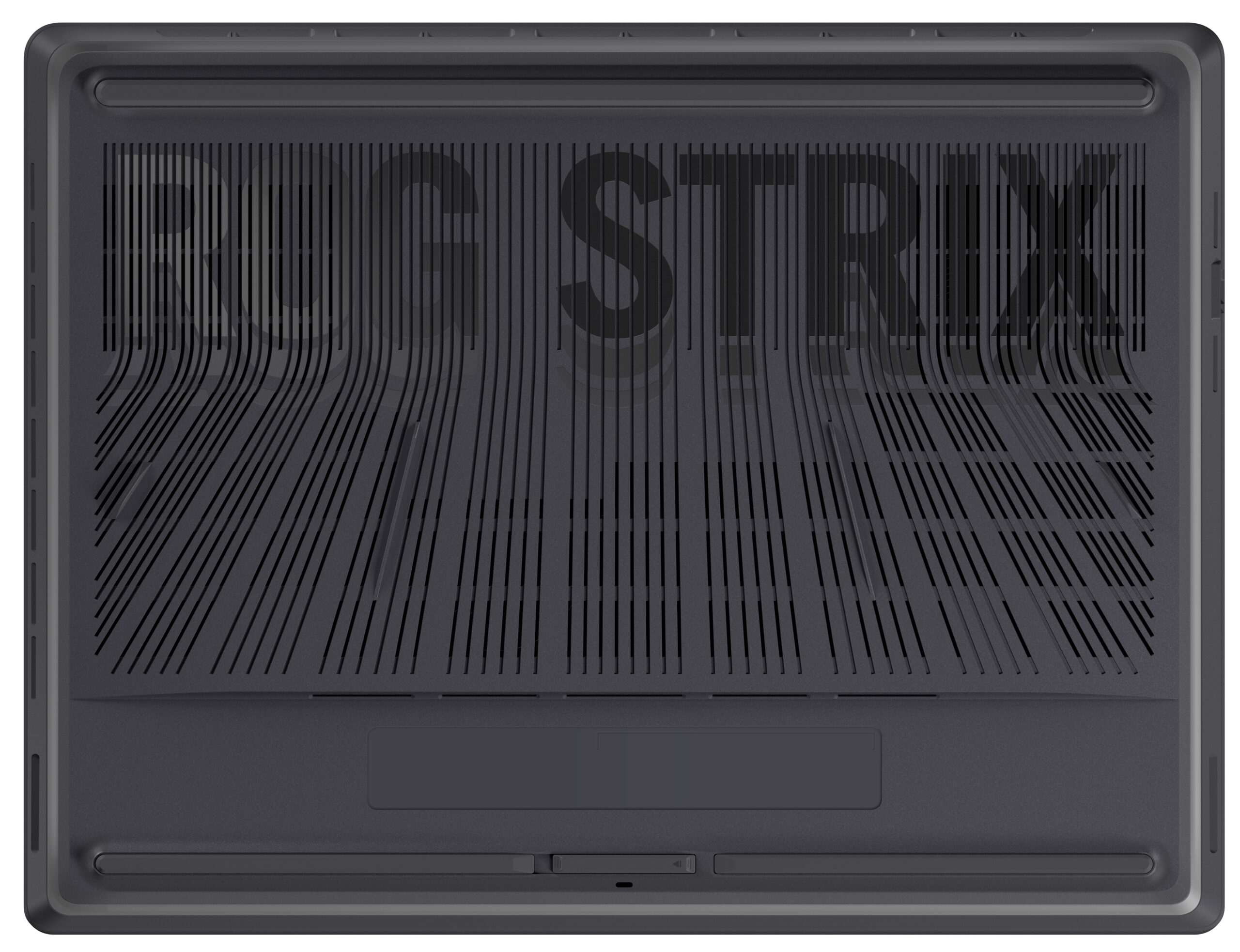
- Locate the two Q-Latch slider windows on the aluminum bottom panel. Slide both latches until the windows show red – this indicates the cover is unlocked.
- Simply glide the bottom panel off the chassis without any tools required.
Step 2: Battery Removal
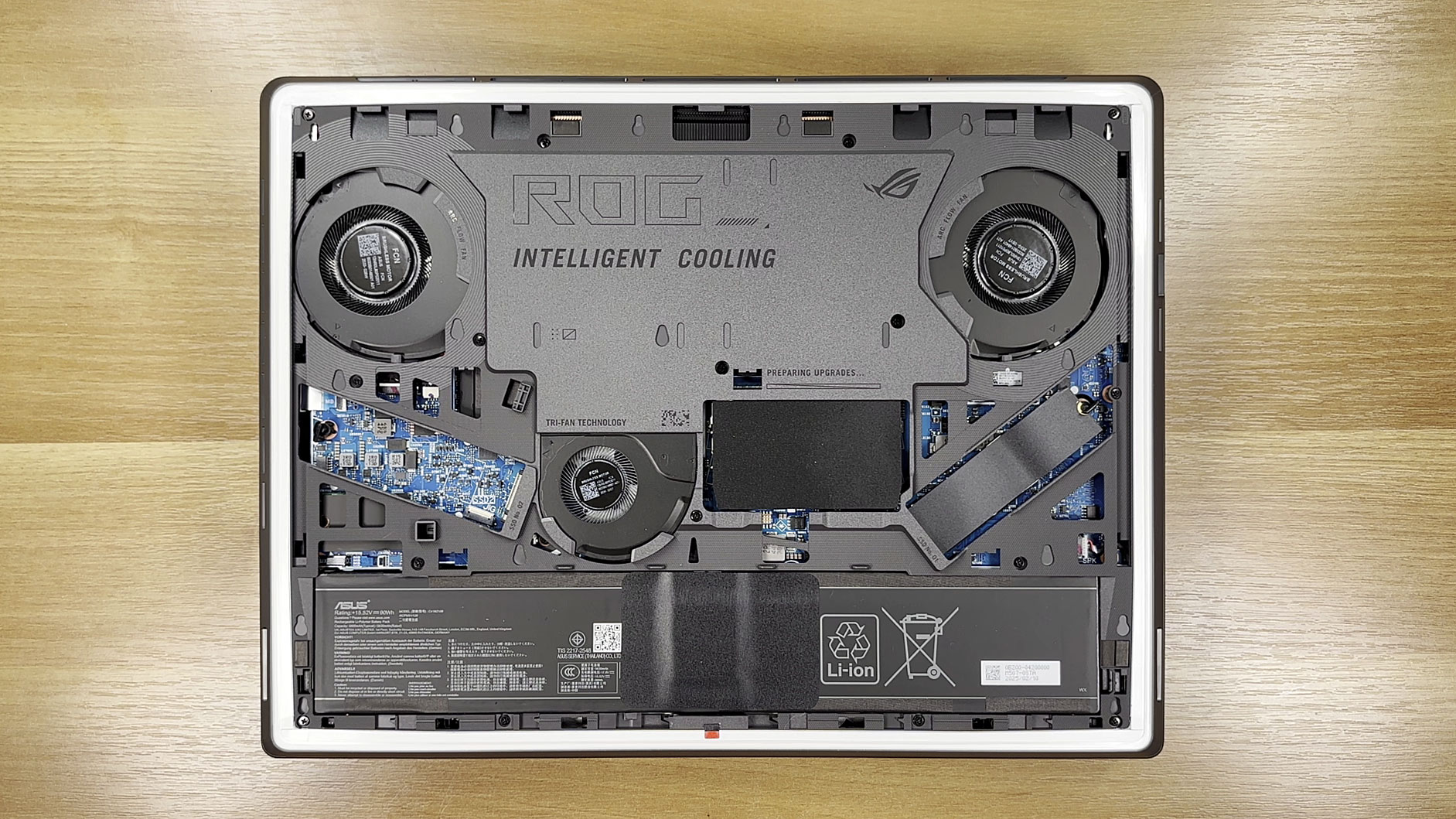
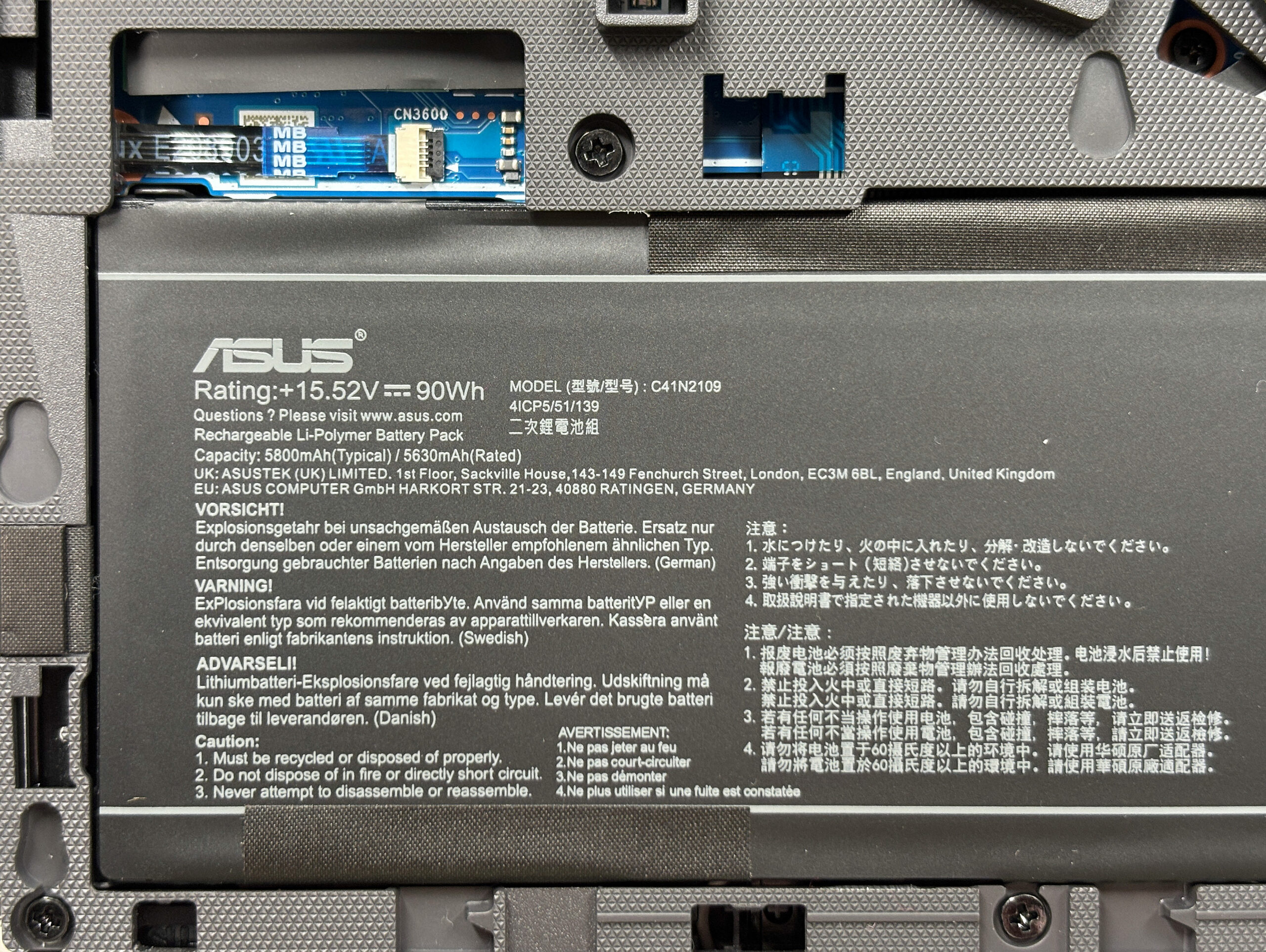
- Identify the 90Wh battery spanning the palm-rest area.
- Detach the battery connector from the motherboard.
- Undo the Phillips-head screws securing the battery to the mid-frame.
- Lift the battery out of the chassis.
More info: The 90Wh battery provides excellent capacity for extended sessions without needing frequent recharging.
Memory Upgrade
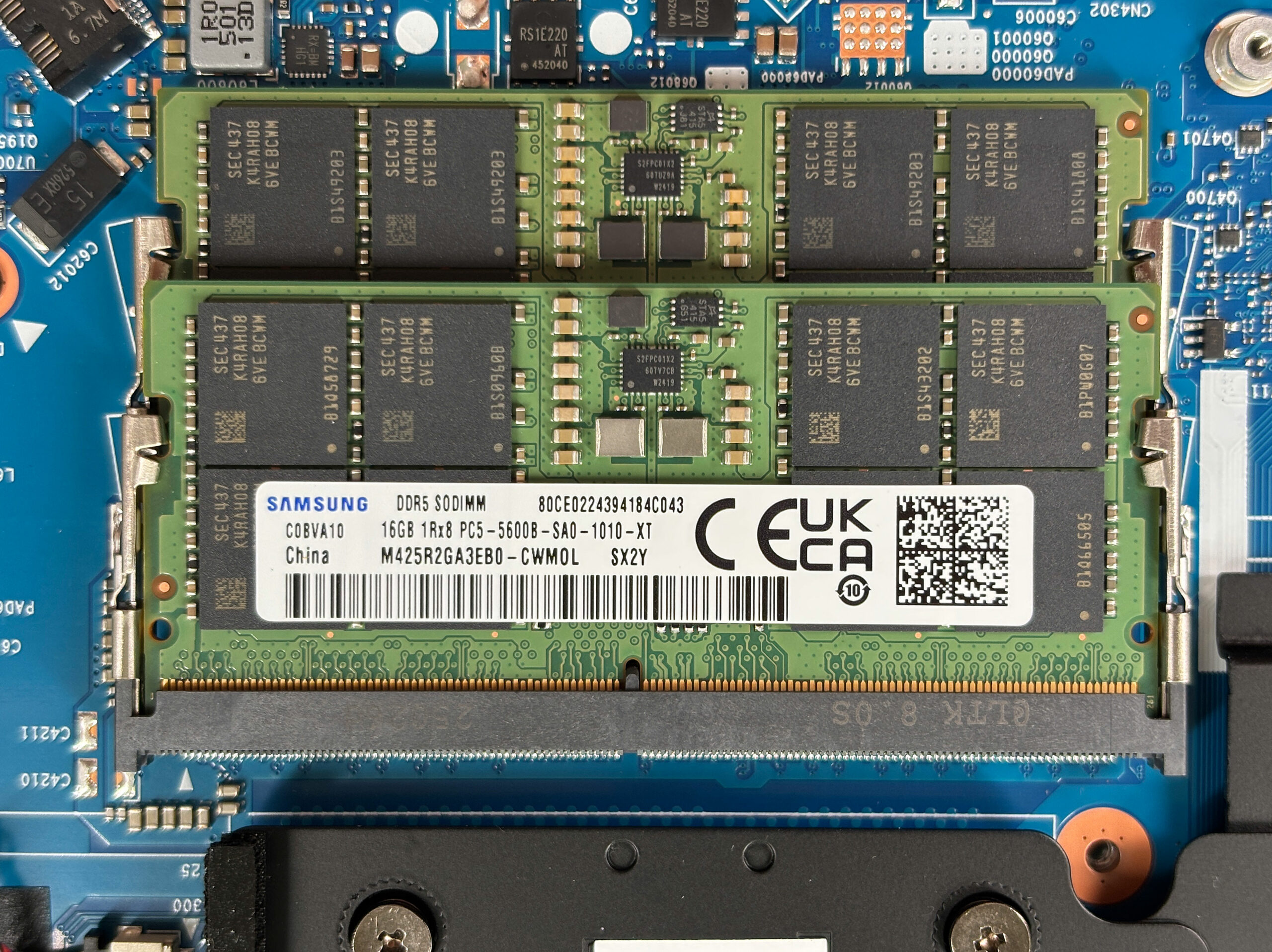
- Locate the two DDR5 SO-DIMM slots. Our unit ships with 2×16GB Samsung PC5-5600 sticks.
- Press the side clips outward to release the installed modules if upgrading.
- Insert new memory sticks (up to 2×32GB for 64GB total), pressing them in at an angle and clicking them down into place.
Note: Memory upgrades are fully user-replaceable and support easy pop-in, click-down installation.
You can buy DDR5 RAM modules here: Buy from Amazon.com (#CommissionsEarned)
Storage Upgrade
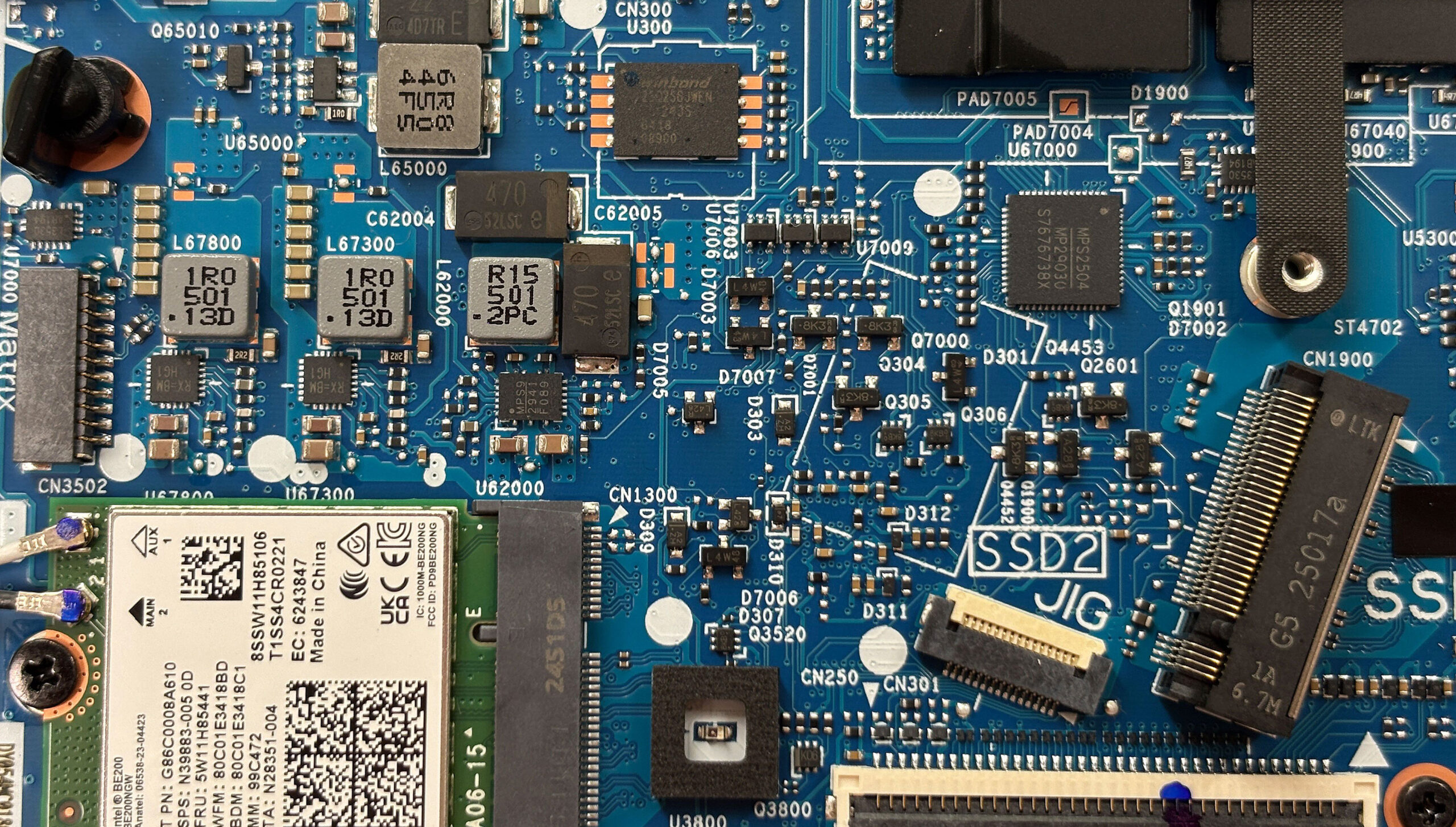
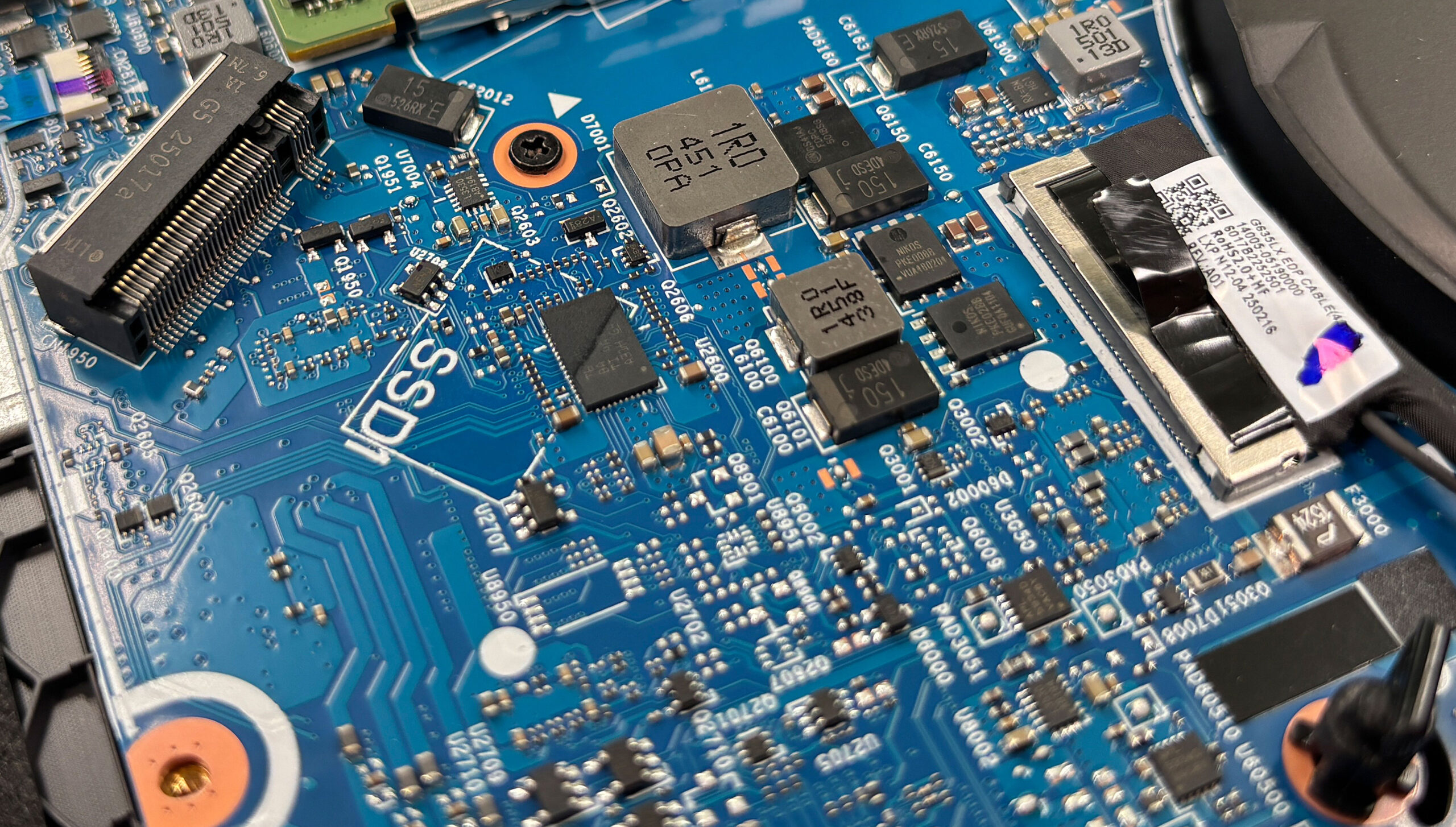
- The left M.2 slot accepts PCIe 4.0 drives and uses a standard screw mounting system.
- The right M.2 slot beside the RAM is PCIe 5.0-compatible and features a tool-less spring-loaded latch for quick drive swaps without a screwdriver.
- Both M.2 sockets are on removable daughter-boards connected by flex cables, eliminating the need to access the main motherboard even when upgrading both drives.
Hint: Don’t forget to check out our Top M.2 SSDs Performance Rankings for insights on the best storage options available.
You can buy Gen 4 or Gen 5 NVMe SSDs here: Buy from Amazon.com (#CommissionsEarned)
Wireless Card Upgrade
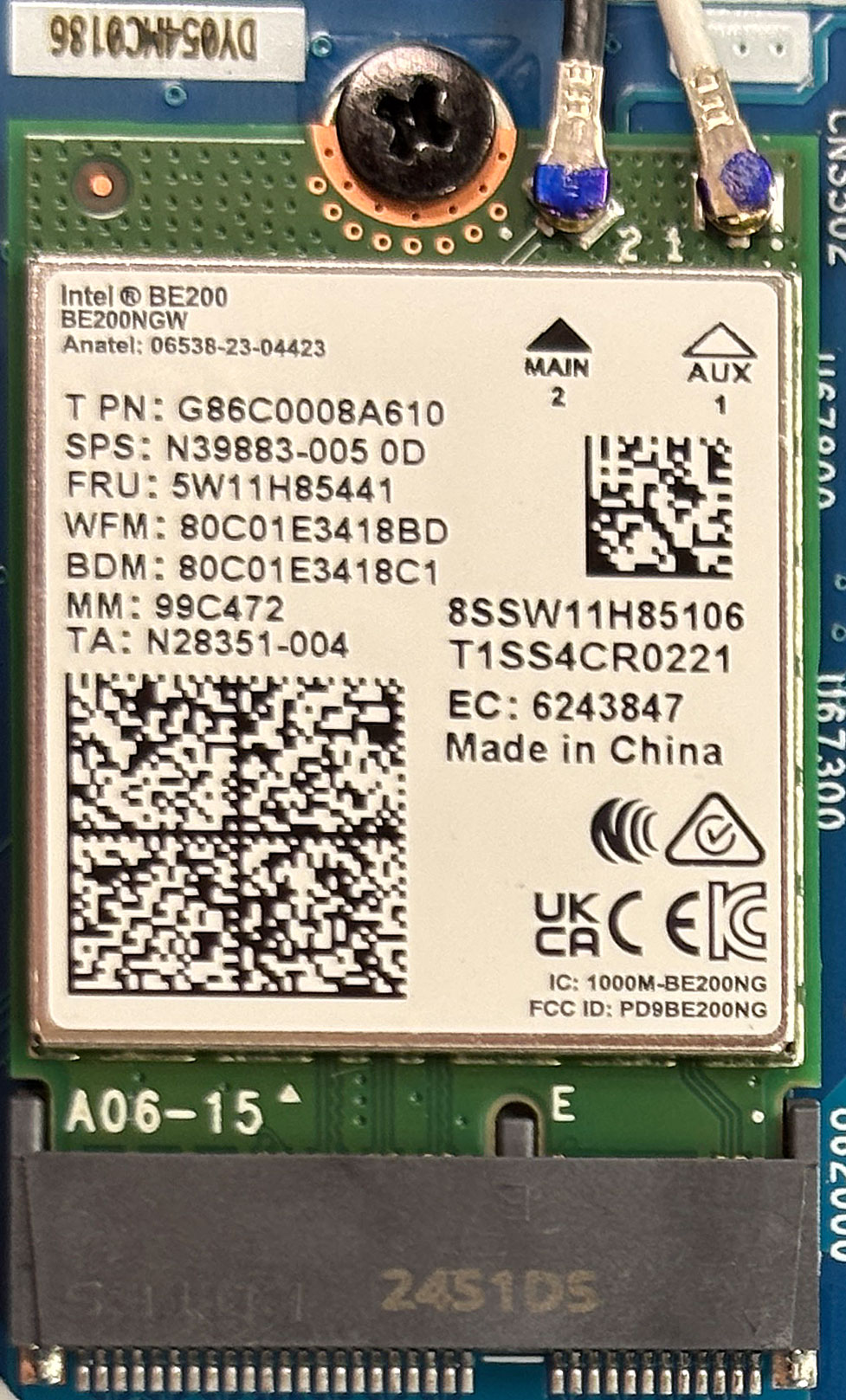
- Identify the Intel BE200 Wi-Fi 7 card in its standard M.2 2230 slot.
- Remove the single securing screw.
- Detach the two color-coded antenna leads by gently lifting them off.
- Replace the card and reconnect the antenna leads accordingly.
Cooling System Overview
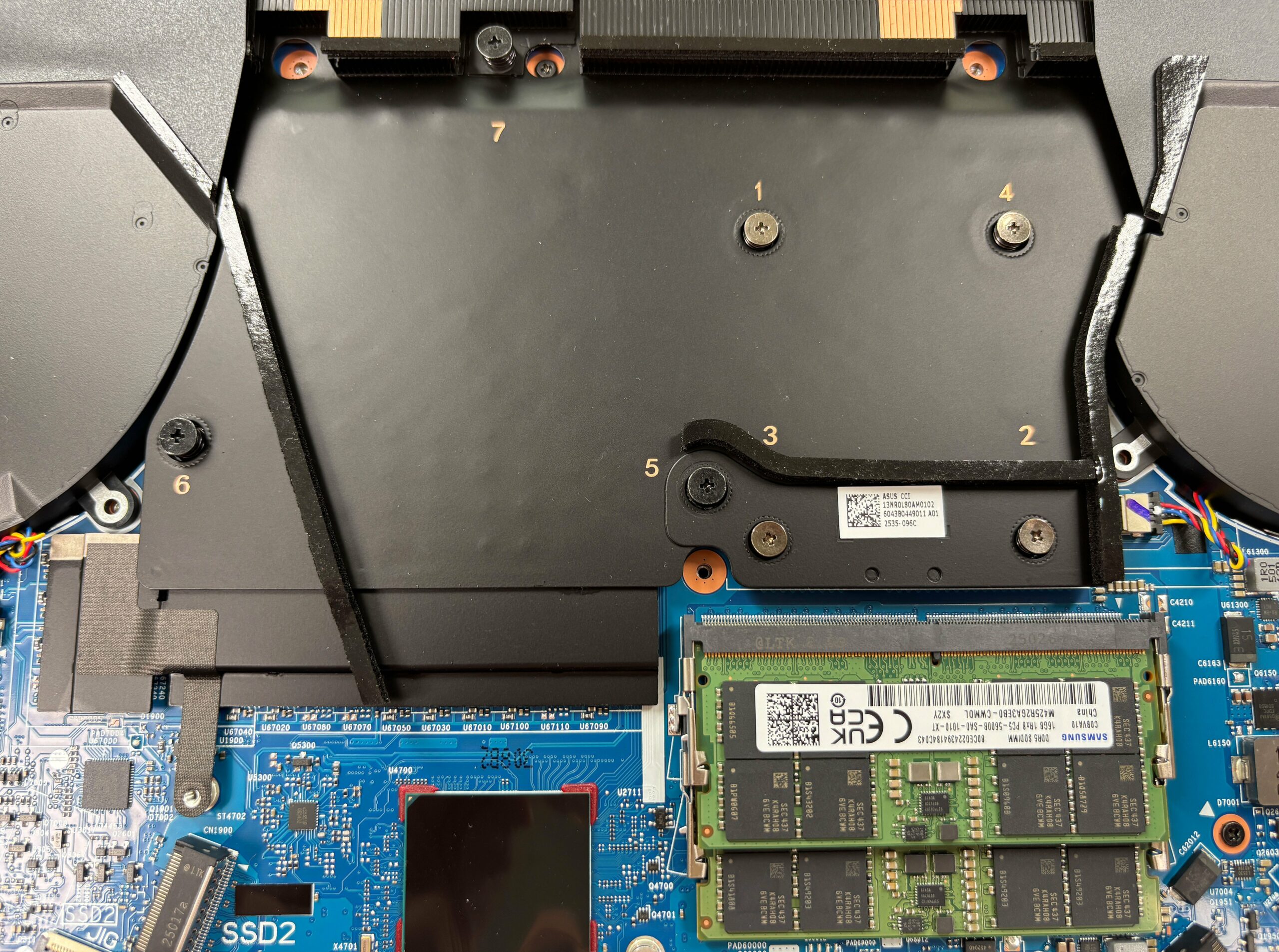
- Remove the numbered screws on the heatsink assembly to reveal the sandwich-style vapor-chamber design.
- The cooling system includes twin copper fin stacks above and below the vapor chamber, three Arc Flow fans, and 0.1mm fins directing hot air through rear vents away from the mouse hand.
- The motherboard layout shows numerous thermal pads around VRMs and chipsets, ensuring stable operation under high power draw.
More info: ASUS’ Q-Latch bottom panel, tool-less PCIe Gen 5 SSD latch, socketed RAM, easily removable 90Wh battery, and modular M.2 daughter-boards make upgrades and maintenance straightforward for anyone with basic tools.
ASUS ROG Strix G16 G615 in-depth review
The 2025 ASUS ROG Strix G16 G615 doesn't just enter the market; it kicks the door down. This is a machine built with one goal in mind: to dominate the performance charts. It pairs next-generation Intel and NVIDIA silicon with a stunning display and, in a surprising twist, class-leading battery life. But this relentless pursuit of power generates an intense heat for the CPU. Is this the new king of gaming laptops, a near-perfect machine held back by its own fiery ambition, or a powerful beast that's simply too hot to handle? We pushed it to its absolute limits to find out.You can check [...]
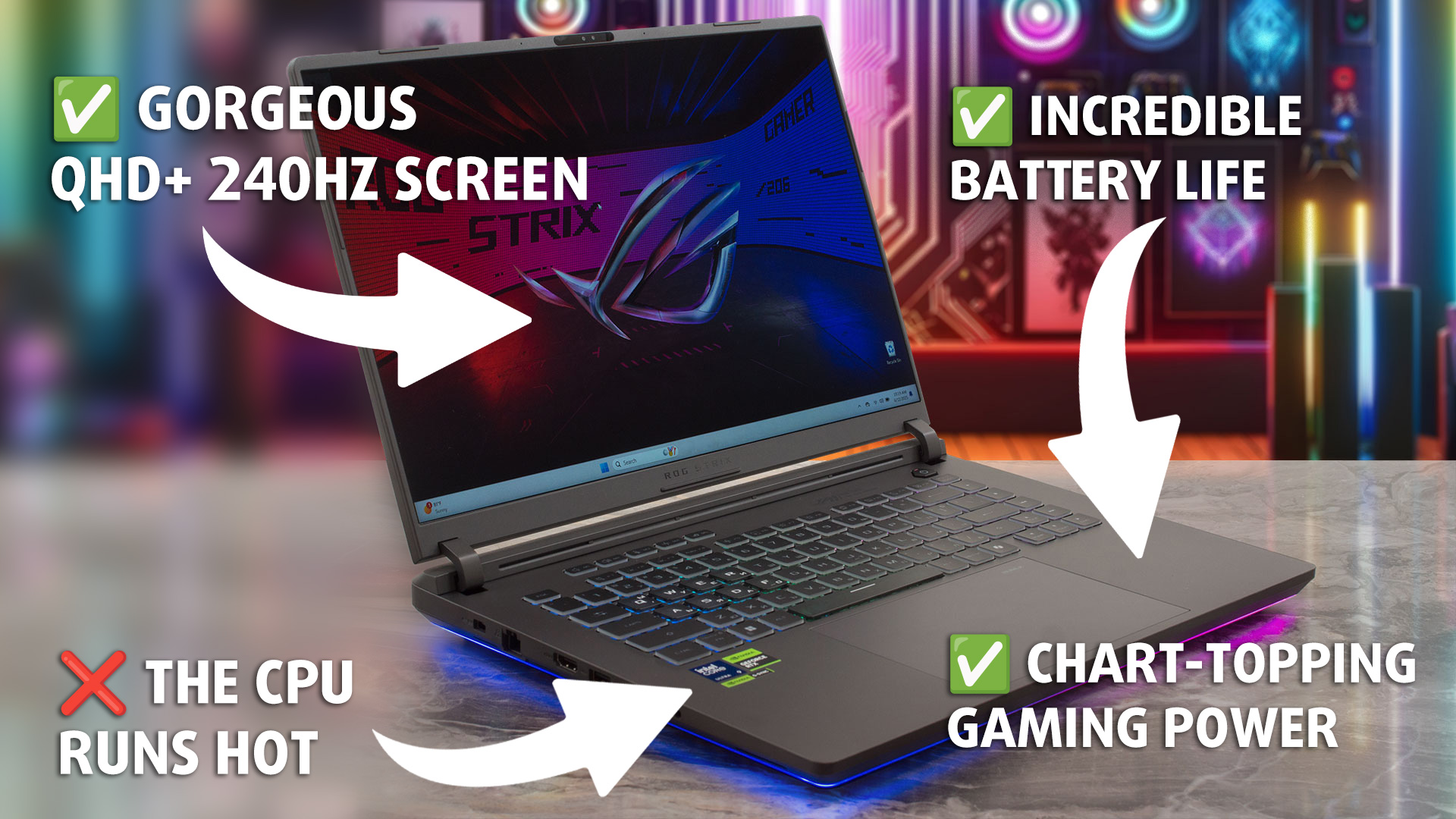
Pros
- Class-leading CPU and GPU gaming performance
- Superb 240Hz QHD+ display with 99% DCI-P3 coverage
- Excellent battery life for a high-performance gaming laptop
- Future-proof connectivity with two Thunderbolt 5 ports and Wi-Fi 7
- Fantastic and easy user upgradeability for RAM and storage
- PCIe Gen 5 slot for ultra-fast storage
- PWM-free screen with an exceptionally low-glare finish
Cons
- CPU runs very hot under sustained load
- No physical privacy shutter for the webcam
- Included SSD can run hot during heavy operations
 Author: Dimitar Stalev

![[August 2026] Amazon Italy: Top 10 Best-Selling Laptops – Apple MacBook Neo Claims the Crown as Budget and Mid-Range Windows Machines Dominate Volume](https://laptopmedia.com/wp-content/uploads/2026/09/Best-Selling-Laptops-IT-Top-10-400x225.jpg)
![[August 2026] Amazon Italy: Top 7 Best-Selling Gaming Laptops – ASUS V16 Claims the #1 Spot Amid Strong Mid-Range Demand](https://laptopmedia.com/wp-content/uploads/2026/09/Best-Selling-Gaming-Laptops-IT-Top-10-400x225.jpg)
![[August 2026] Best-Selling Laptop Brands on Amazon Italy – Lenovo Dominates Market Share and Revenue Leadership](https://laptopmedia.com/wp-content/uploads/2026/09/IT-Best-Brands-400x225.jpg)
![[August 2026] Amazon India: Top 10 Best-Selling Laptops – Apple MacBook Neo Dominates the Charts with Massive Sales Lead](https://laptopmedia.com/wp-content/uploads/2026/09/Best-Selling-Laptops-IN-Top-10-400x225.jpg)
![[August 2026] Amazon India: Top 10 Best-Selling Gaming Laptops – HP Victus 15 Dominates the Market with Massive Unit Lead](https://laptopmedia.com/wp-content/uploads/2026/09/Best-Selling-Gaming-Laptops-IN-Top-10-400x225.jpg)

what about the UART pins, are there any?