ASUS ROG Zephyrus G14
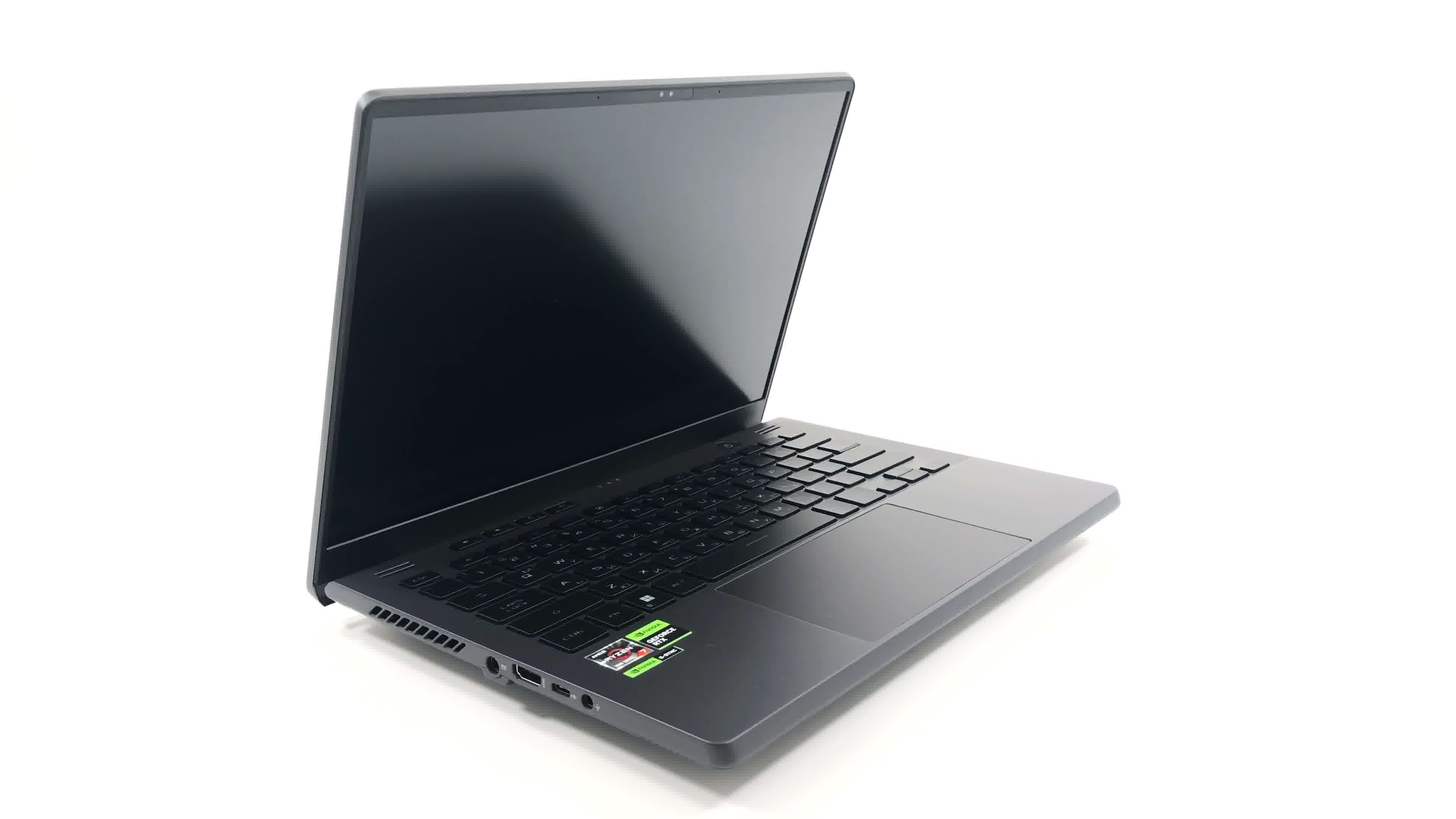

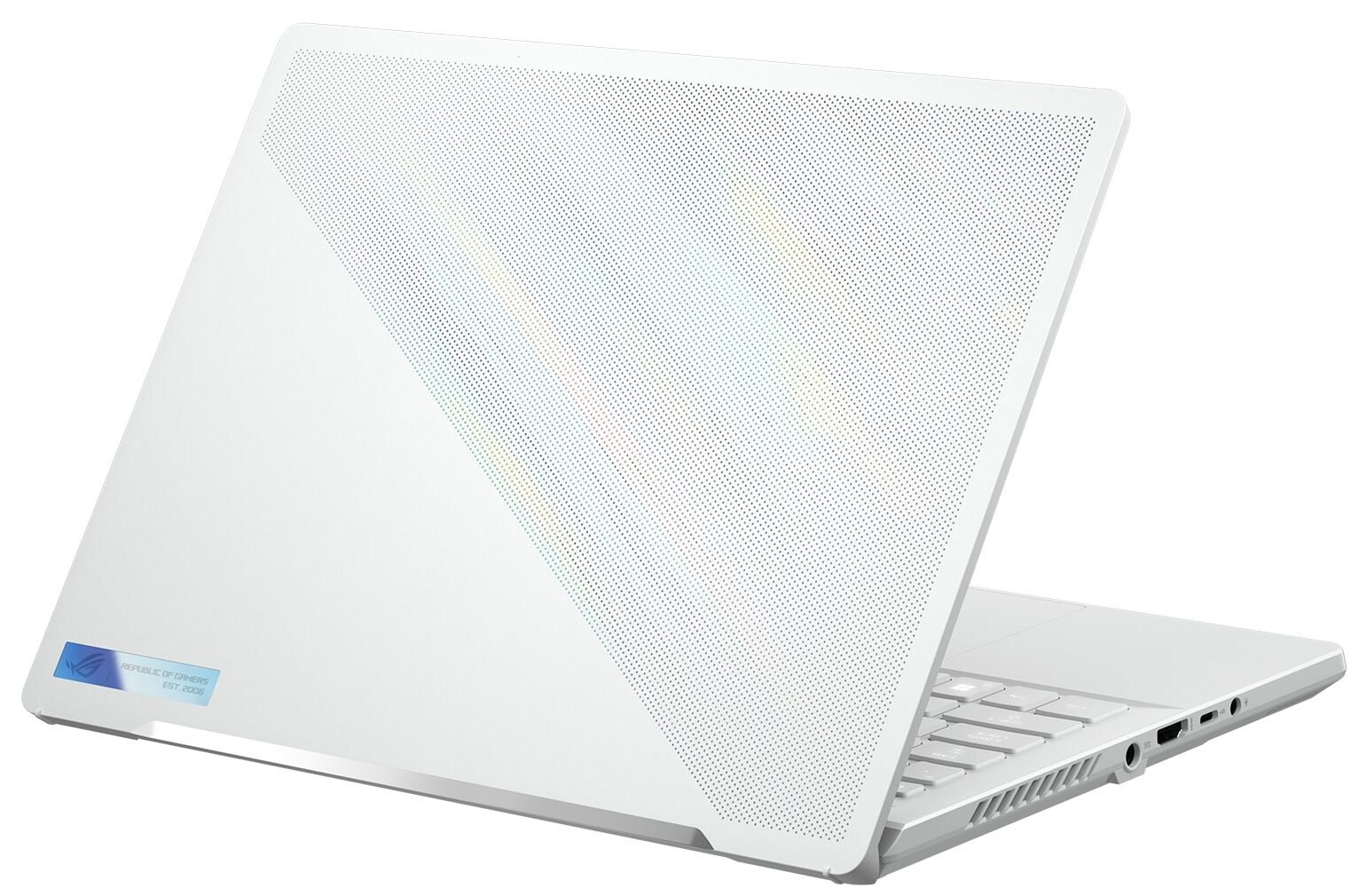
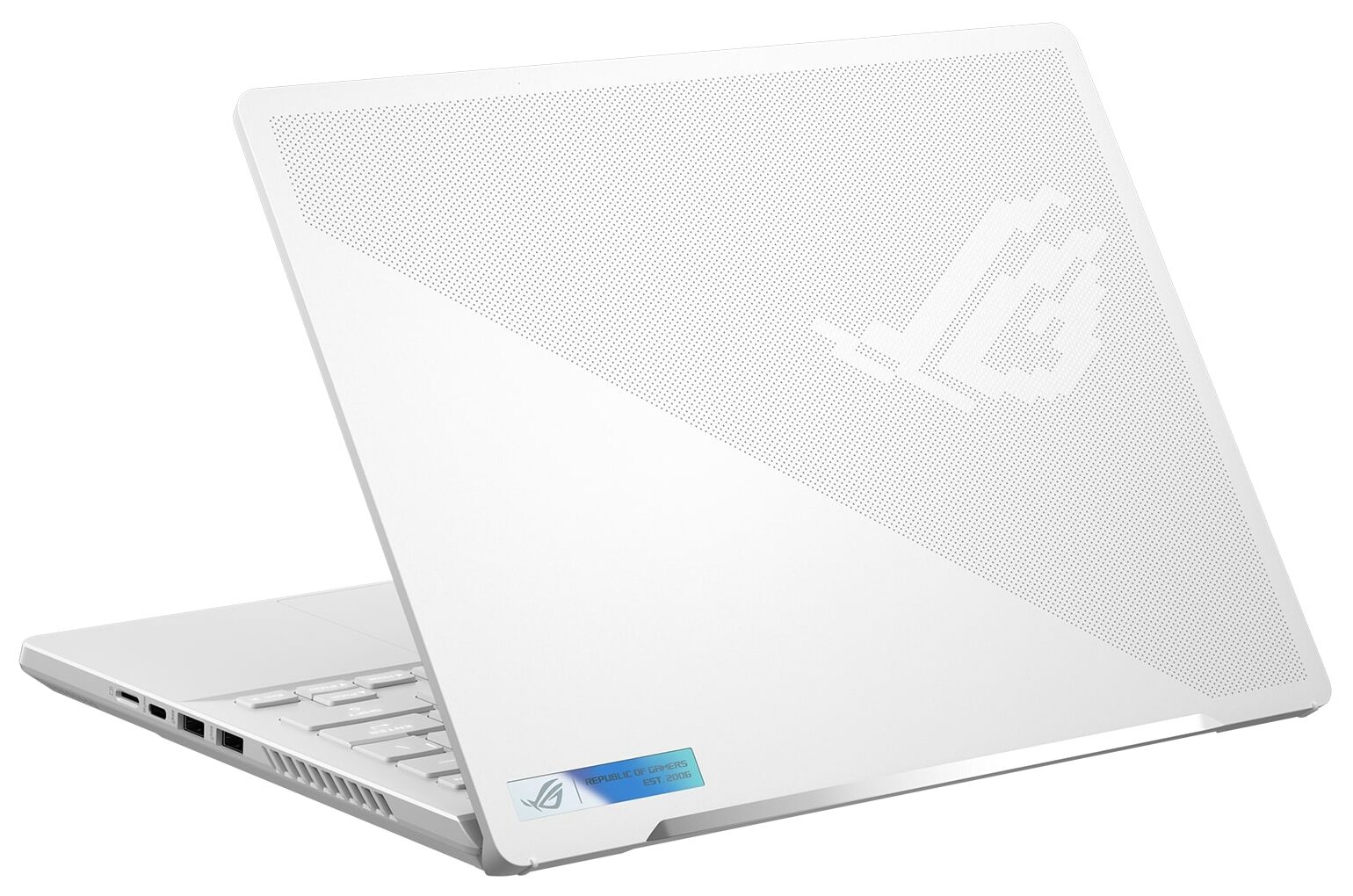
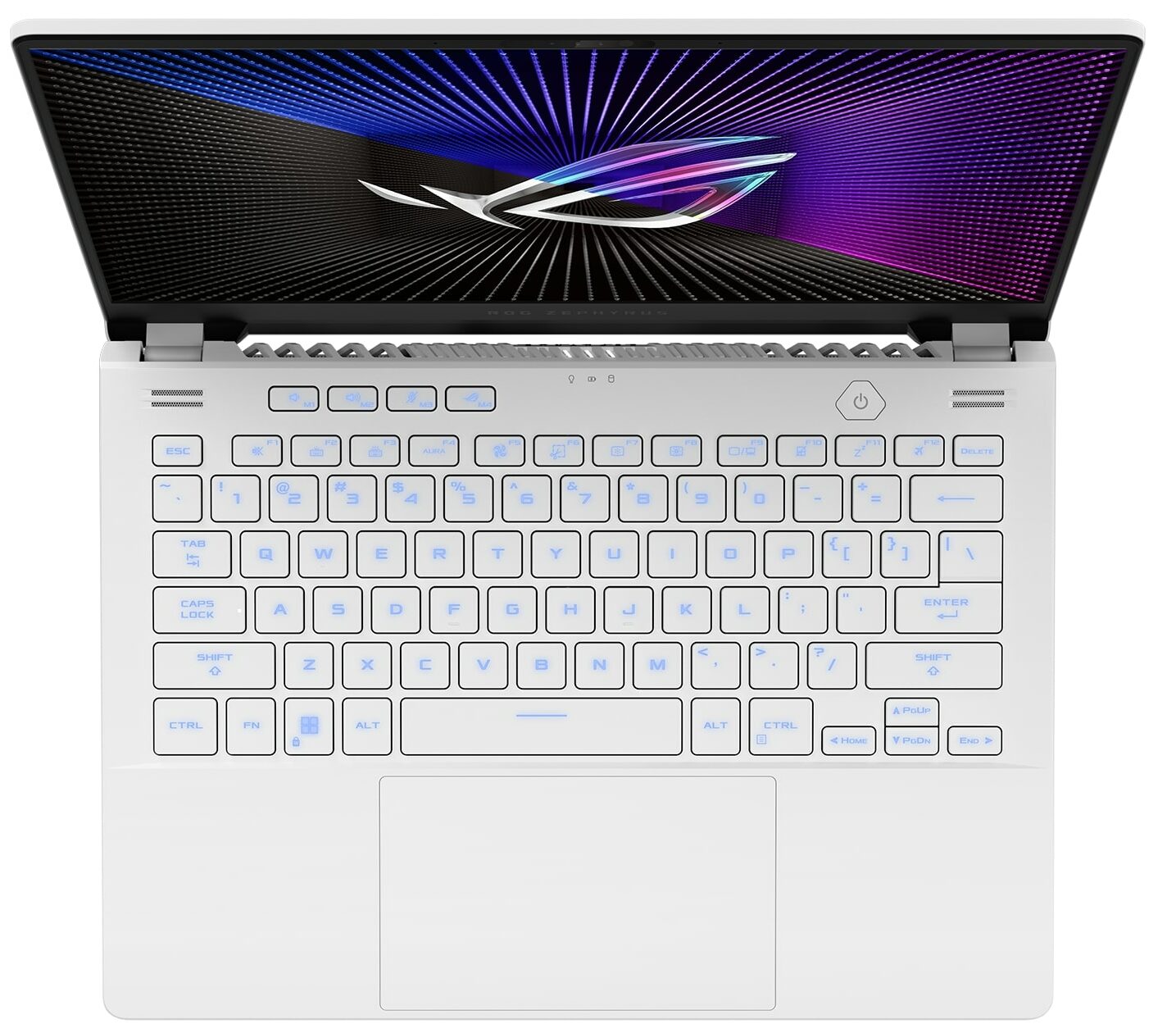
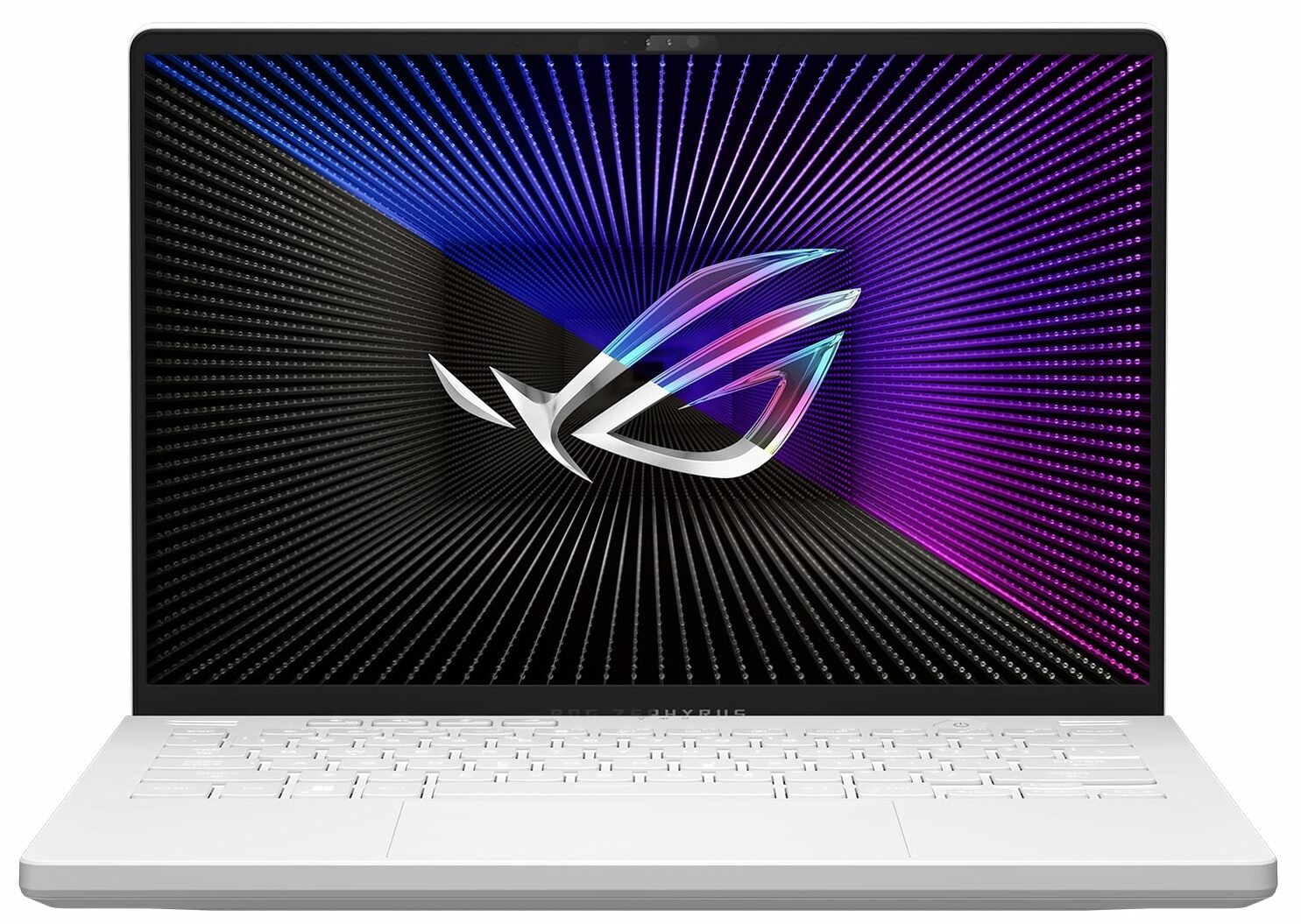
- Date Published: 18 Jul 2023
- AMD Ryzen 9 7940HS
- NVIDIA GeForce RTX 4070 (Laptop, 125W)
- 14.0”, WQXGA (2560 x 1600), 165 Hz, IPS + G-Sync
- 4000GB SSD
- 32GB DDR5
- 1.65 kg (3.6 lbs)

Specs

- HDD/SSD
- 4TB SSD
- M.2 Slot
- 1x 2280 PCIe NVMe 4.0 x4 See photo
- RAM
- 32GB DDR5
- OS
- Windows 11 Home
- Body Material
- Aluminum
- Dimensions
- 312 x 227 x 18.5 - 20.5 mm (12.28" x 8.94" x 0.73")
- Weight
- 1.65 kg (3.6 lbs)
- Ports and connectivity
- 2x USB Type-A
- 3.2 Gen 2 (10 Gbps)
- 1x USB Type-C
- 3.2 Gen 2 (10 Gbps), DisplayPort
- 1x USB Type-C
- 4.0, Power Delivery (PD), DisplayPort
- HDMI
- 2.1
- Card Reader
- microSD
- Ethernet LAN
- Wi-Fi
- 802.11ax
- Bluetooth
- 5.2
- Audio jack
- 3.5mm Combo Jack
- Features
- Fingerprint reader
- Web camera
- FHD IR with Windows Hello
- Backlit keyboard
- Microphone
- 3x Microphone Array with Ai noise-canceling
- Speakers
- 4x Speakers, Smart Amp, Dolby Atmos
- Optical drive
- Security Lock slot
Portability
Review
ASUS ROG Zephyrus G14 in-depth review
Years ago, the ASUS ROG Zephyrus G14 GA401 was a real blockbuster with its AniMe Matrix lid cover, powerful AMD Zen 3 CPUs, and NVIDIA RTX 3000 GPUs. The situation with the current successor isn't much different. The ASUS ROG Zephyrus G14 GA402 (2023) still offers a compact, gaming-oriented 14-inch design, high-end hardware, and other useful features.Like it or not, the design hasn’t changed much over the years. The 2022 iteration (with an AMD GPU) and the GA401 model aren’t that different in terms of looks compared to the current-gen machine. Aside from that, you can get a device with a powerful AMD Zen 4 HS processor or with a refreshed Zen 3+ chip—these are well-known for their superb efficiency.The most powerful GPU variant is the NVIDIA GeForce RTX 4090 (Laptop), which is a tr[...]
Read the full review
Pros
- Exceptional battery life
- The ErgoLift hinge enhances the laptop’s cooling capabilities
- Equipped with a vapor chamber cooling system
- Covers 100% of the sRGB and 98% of the DCI-P3 color gamuts, and has accurate color representation with our "Gaming and Web design" profile (TL140ADXP02-0 (TMX1401))
- Features a fast panel with quick response times (TL140ADXP02-0 (TMX1401))
- PWM-free (TL140ADXP02-0 (TMX1401))
- Offers wide viewing angles and high maximum brightness (TL140ADXP02-0 (TMX1401))
- Optional AniMe Matrix available
- Excellent input devices
- Equipped with a 1080p IR camera
- The keyboard remains cool during extended gaming sessions
- Robust build quality
- Fans remain silent during light loads in "Silent" mode
Cons
- Fans can be noisy in "Turbo" mode
- Priced on the higher end
- Part of the memory is soldered, and there's only one M.2 slot available
- CPU temperatures can be high under heavy stress in "Turbo" mode
- Excessive hot air may reach the display during heavy loads
Disassembly, maintenance and upgrade options
Opening the LaptopUndo the 11 Phillips-head screws securing the bottom panel of the laptop. Note that the three middle screws are covered by rubber caps. Remove these caps with a flathead screwdriver first. Start prying the bottom panel from the bottom right corner, where the captive screw is located, using a plastic pry tool.Caution: Be gentle to avoid damaging the internal components or the clips that hold the bottom panel in place.Removing the BatteryDisconnect the battery connector from the mainboard by gently pulling it out with a plastic tool. Note that [...]
Read more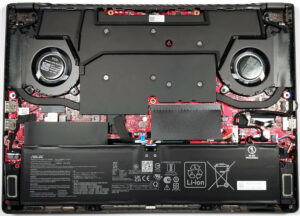


![[June 2026] Best-Selling Laptop Brands on Amazon Global – Apple’s Unrivaled Dominance in Units and Revenue](https://laptopmedia.com/wp-content/uploads/2026/07/GLOBAL-Best-Brands-400x225.jpg)
![[June 2026] Amazon Global: Top 10 Best-Selling Laptops – Apple’s New MacBook Neo Storms to #1, Reshaping the Market with Affordability](https://laptopmedia.com/wp-content/uploads/2026/07/Best-Selling-Laptops-GLOBAL-Top-10-400x225.jpg)
![[June 2026] Amazon Global: Top 10 Best-Selling Gaming Laptops – Acer’s Nitro V 16S AI Dominates Sales, While ASUS Leads Overall Revenue](https://laptopmedia.com/wp-content/uploads/2026/07/Best-Selling-Gaming-Laptops-GLOBAL-Top-10-400x225.jpg)
![[June 2026] Global Ranking of Best-Selling Laptop GPUs on Amazon – NVIDIA RTX 5060 is the Top-Selling Dedicated GPU](https://laptopmedia.com/wp-content/uploads/2026/07/Best-Selling-GPUs-GLOBAL-Top-10-400x225.jpg)
![[June 2026] Global Ranking of Best-Selling Laptop CPUs on Amazon – Apple M5 Dominates, AMD Ryzen 7 260 Gets Solid Premium Share](https://laptopmedia.com/wp-content/uploads/2026/07/Best-Selling-CPUs-GLOBAL-Top-10-400x225.jpg)

