ASUS ROG Zephyrus GX501V

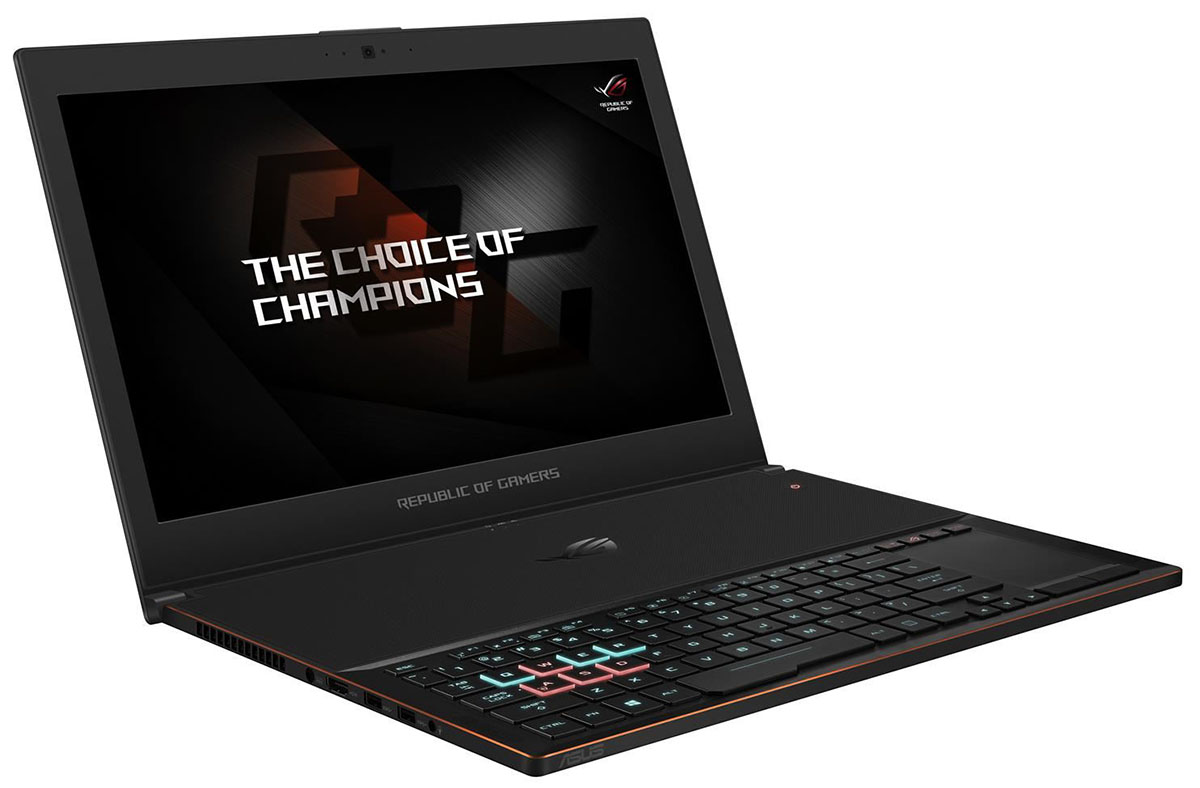
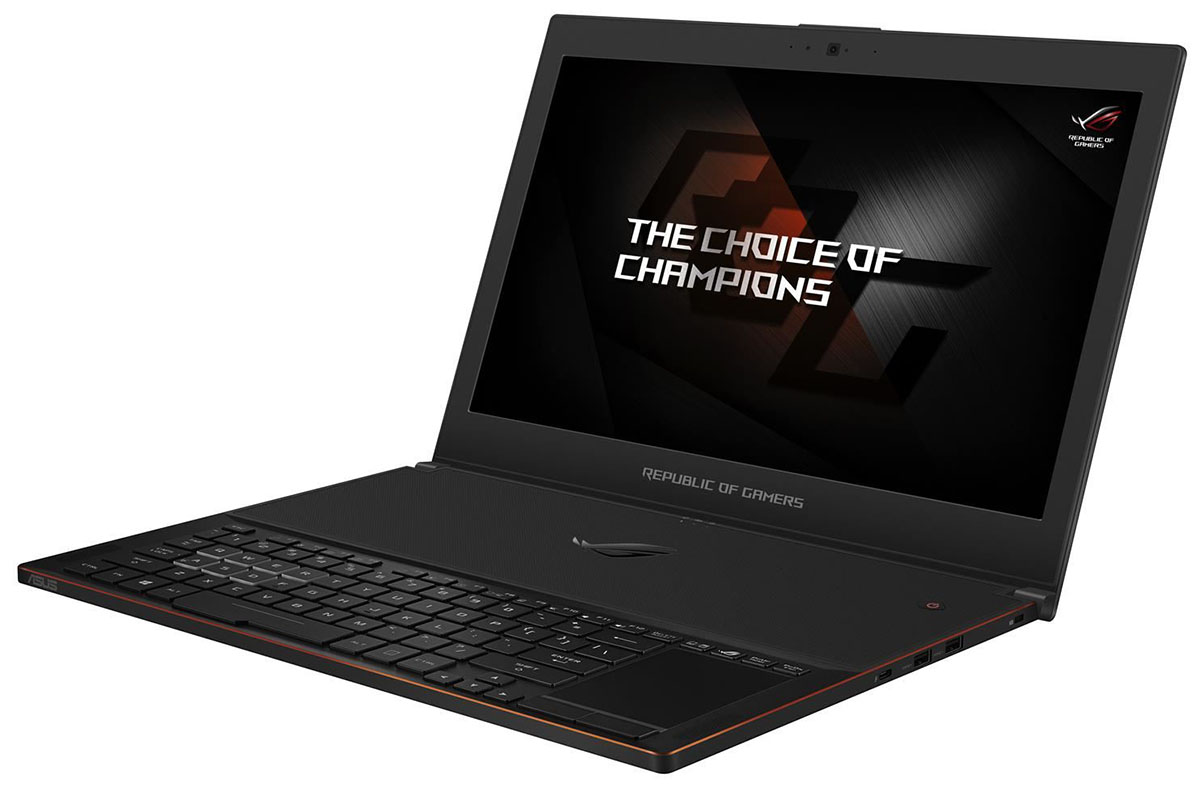

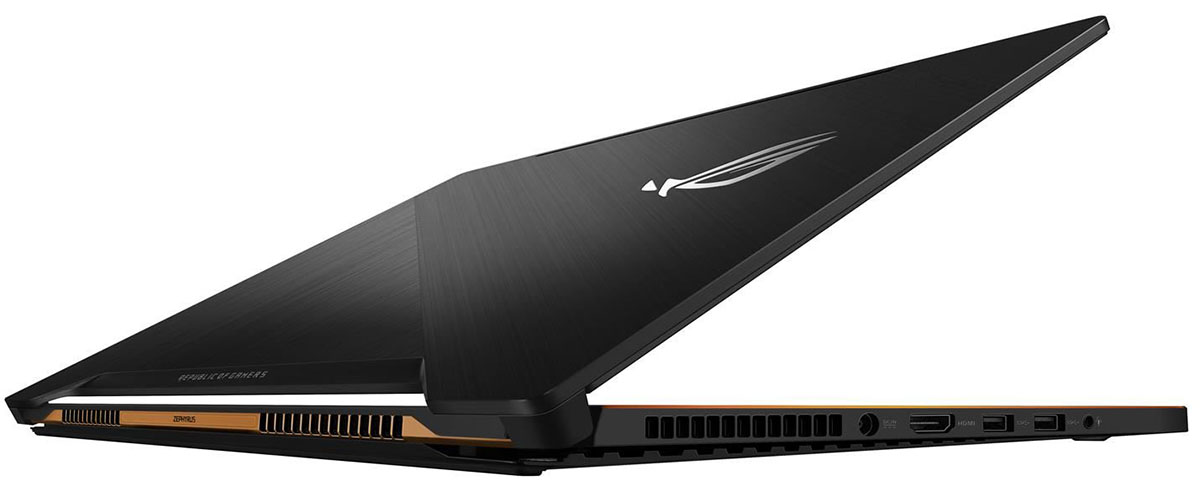
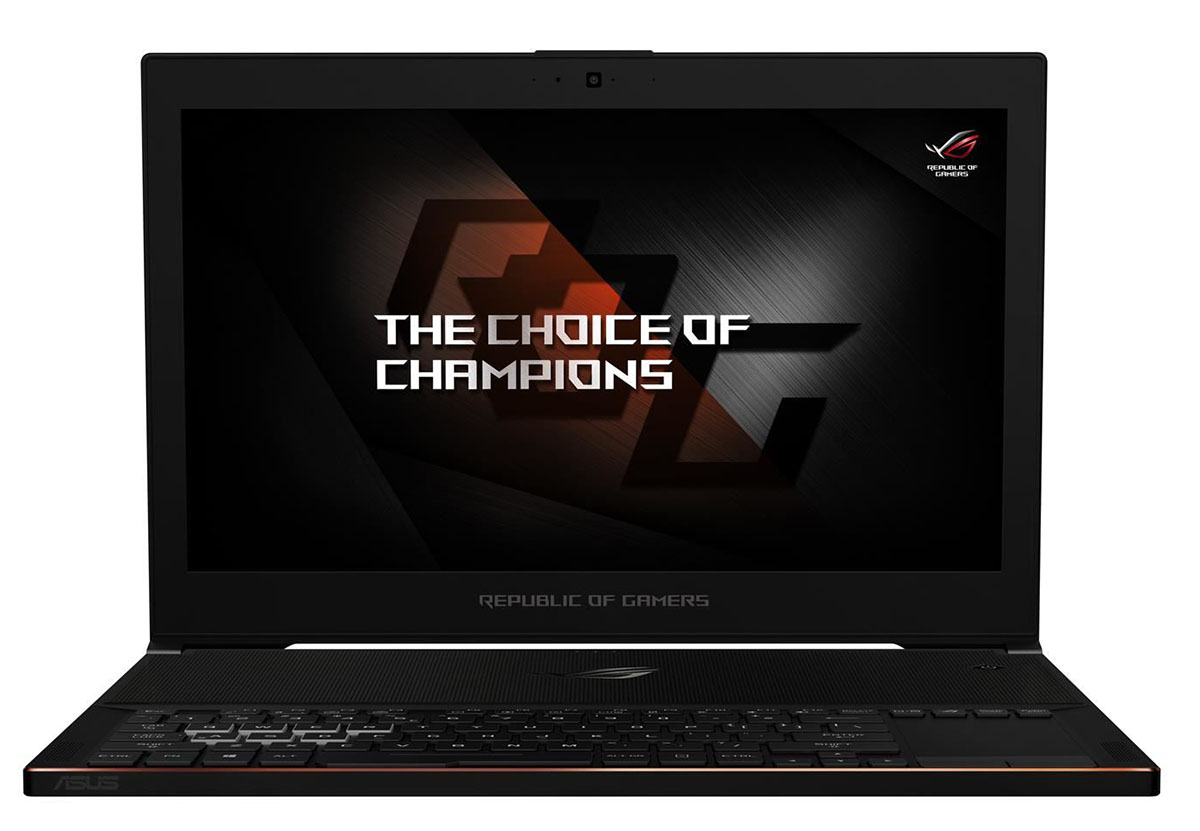
- Date Published: 20 Feb 2018
- Intel Core i7-7700HQ
- NVIDIA GeForce GTX 1070 Max-Q (8GB GDDR5)
- 15.6”, Full HD (1920 x 1080), 120 Hz, IPS + G-Sync
- 240GB SSD
- 16GB DDR4
- 2.22 kg (4.9 lbs)
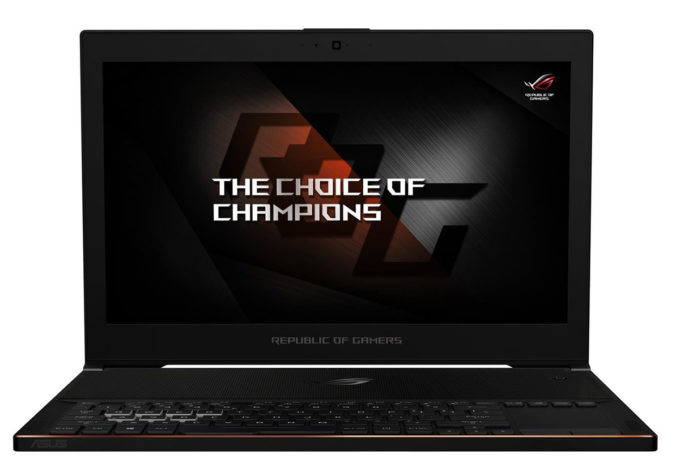
Specs
- HDD/SSD
- 240GB SSD
- M.2 Slot
- 1x 2280 PCIe 3.0 x4
- RAM
- 16GB DDR4
- OS
- Windows 10 Pro
- Body Material
- Aluminum, Magnesium
- Dimensions
- 379 x 262 x 17 mm (14.92" x 10.31" x 0.67")
- Weight
- 2.22 kg (4.9 lbs)
- Ports and connectivity
- 1x USB Type-C
- 3.2 Gen 2 (10 Gbps), Thunderbolt 3
- 2x USB Type-A
- 3.2 Gen 1 (5 Gbps)
- 2x USB Type-A
- 3.2 Gen 2 (10 Gbps)
- HDMI
- Ethernet LAN
- Wi-Fi
- 802.11ac
- Bluetooth
- 4.2
- Audio jack
- combo audio/microphone jack
- Features
- Web camera
- 720p HD
- Backlit keyboard
- Microphone
- Speakers
- Optical drive
- Security Lock slot
Portability
Review
ASUS ROG Zephyrus GX501V in-depth review
There has been a lot of buzz around the new NVIDIA Max-Q design and there's a big reason why. NVIDIA's new "fancy technology" finally allows implementing a powerful GPU inside a lean and portable chassis. And so the ASUS ROG Zephyrus notebook is one of the first to receive the GTX 1080 with Max-Q design resulting in really small trade-offs in performance and decent thermals under load. But in order to achieve that, ASUS used an unusual design similar to the Acer Predator Triton 700.Sounds too good to be true, doesn't it? Well, with Intel Core i7-7700HQ and a GeForce GTX 1080 (Max-Q) under the hood, the Zephyrus is able to run all of the latest games at high to maximum graphics settings without a sweat. When you add the 120Hz 15.6-inch IPS display and a speedy M.2 PCIe NVMe SSD for [...]
Read the full review
Pros
- Good build quality
- Clean and sophisticated design
- Incredibly thin and portable
- Excellent IPS panel with G-Sync support and 120Hz refresh rate
- The screen doesn't use PWM across all brightness levels
- Well-designed cooling system - keeps the heat away from the user's hands and runs both chips at reasonable temperatures
Cons
- Lower than usual maximum brightness for an IPS panel
- Limited upgradability (only one M.2 SSD slot and one RAM slot)
- Shallow keyboard, small touchpad
- Poor battery life


![[June 2026] Best-Selling Laptop Brands on Amazon Global – Apple’s Unrivaled Dominance in Units and Revenue](https://laptopmedia.com/wp-content/uploads/2026/07/GLOBAL-Best-Brands-400x225.jpg)
![[June 2026] Amazon Global: Top 10 Best-Selling Laptops – Apple’s New MacBook Neo Storms to #1, Reshaping the Market with Affordability](https://laptopmedia.com/wp-content/uploads/2026/07/Best-Selling-Laptops-GLOBAL-Top-10-400x225.jpg)
![[June 2026] Amazon Global: Top 10 Best-Selling Gaming Laptops – Acer’s Nitro V 16S AI Dominates Sales, While ASUS Leads Overall Revenue](https://laptopmedia.com/wp-content/uploads/2026/07/Best-Selling-Gaming-Laptops-GLOBAL-Top-10-400x225.jpg)
![[June 2026] Global Ranking of Best-Selling Laptop GPUs on Amazon – NVIDIA RTX 5060 is the Top-Selling Dedicated GPU](https://laptopmedia.com/wp-content/uploads/2026/07/Best-Selling-GPUs-GLOBAL-Top-10-400x225.jpg)
![[June 2026] Global Ranking of Best-Selling Laptop CPUs on Amazon – Apple M5 Dominates, AMD Ryzen 7 260 Gets Solid Premium Share](https://laptopmedia.com/wp-content/uploads/2026/07/Best-Selling-CPUs-GLOBAL-Top-10-400x225.jpg)
