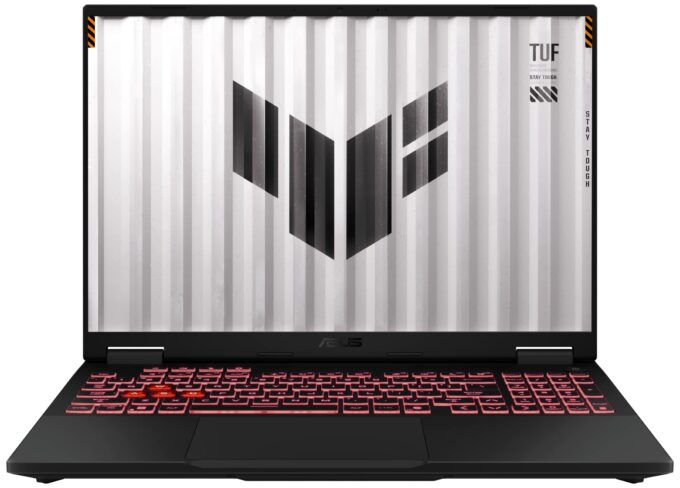
ASUS TUF Gaming A16
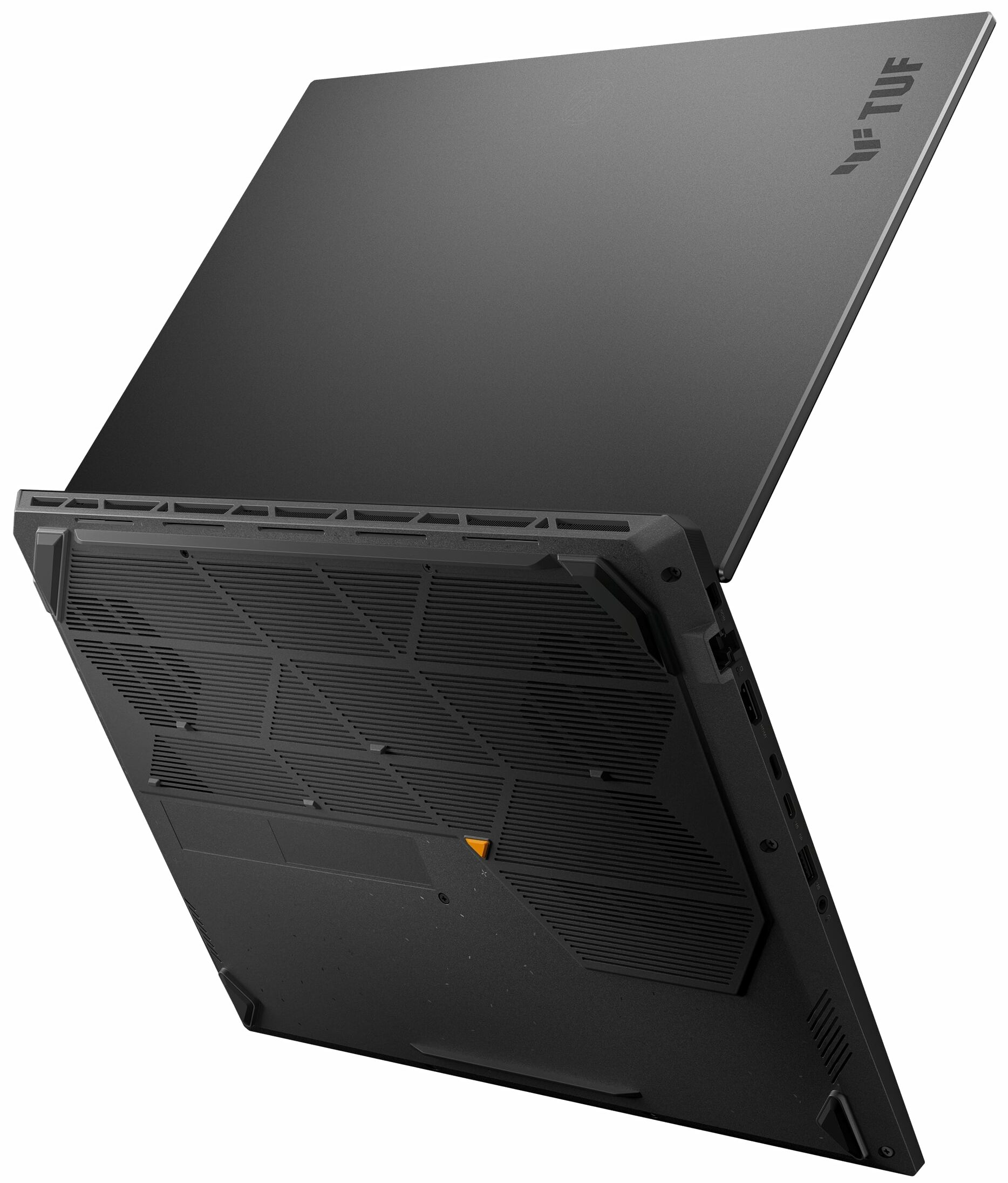
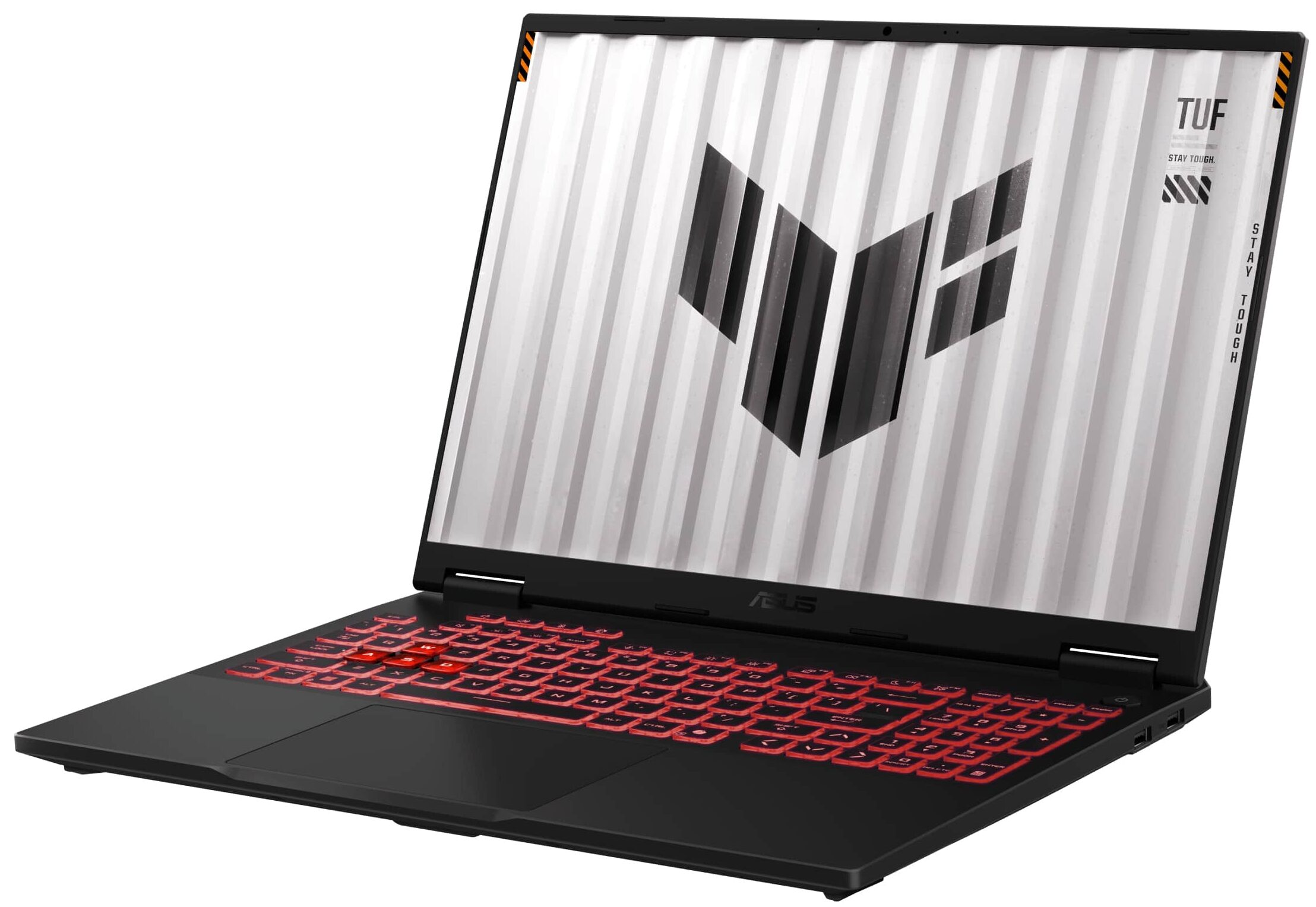
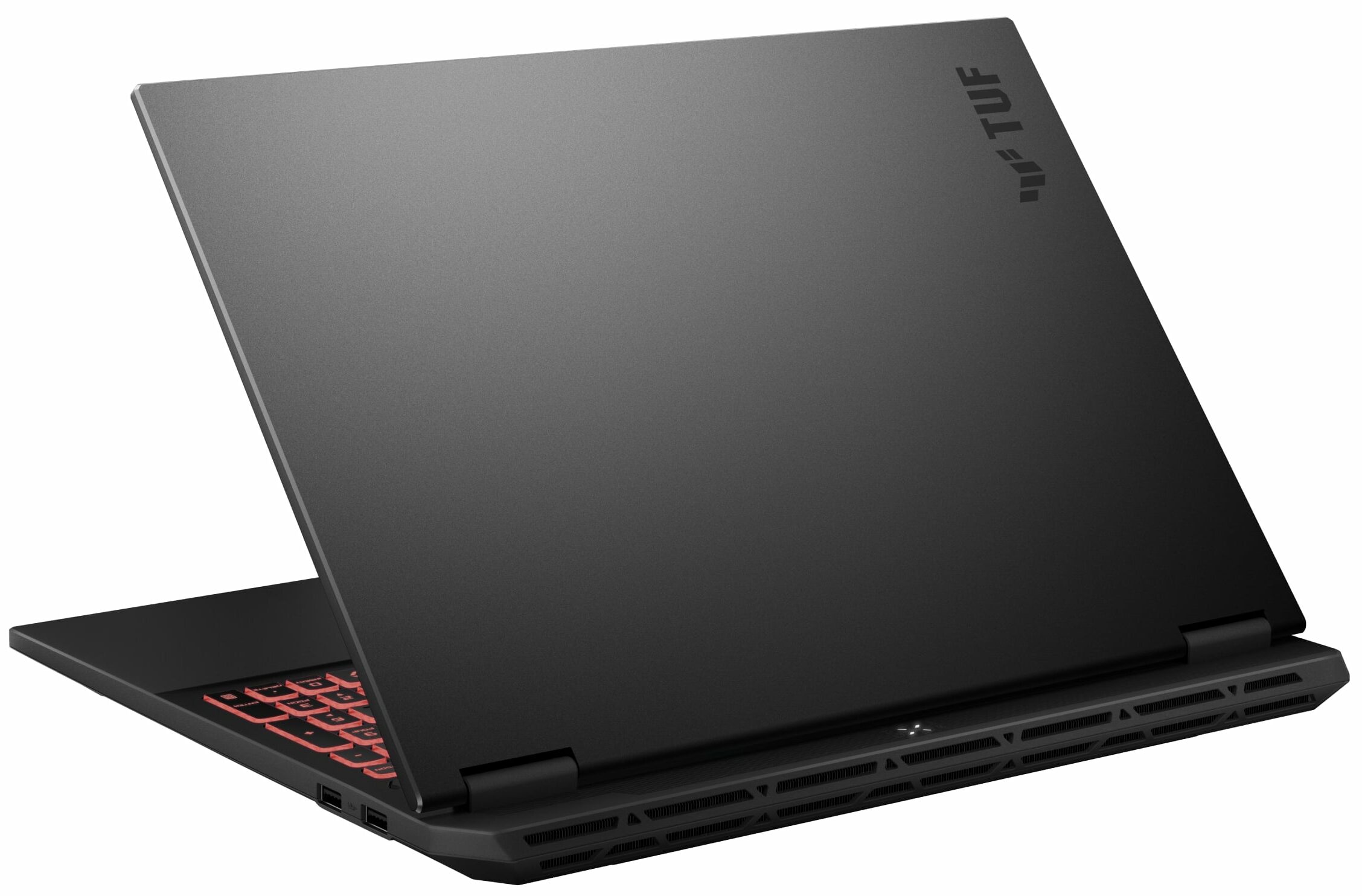
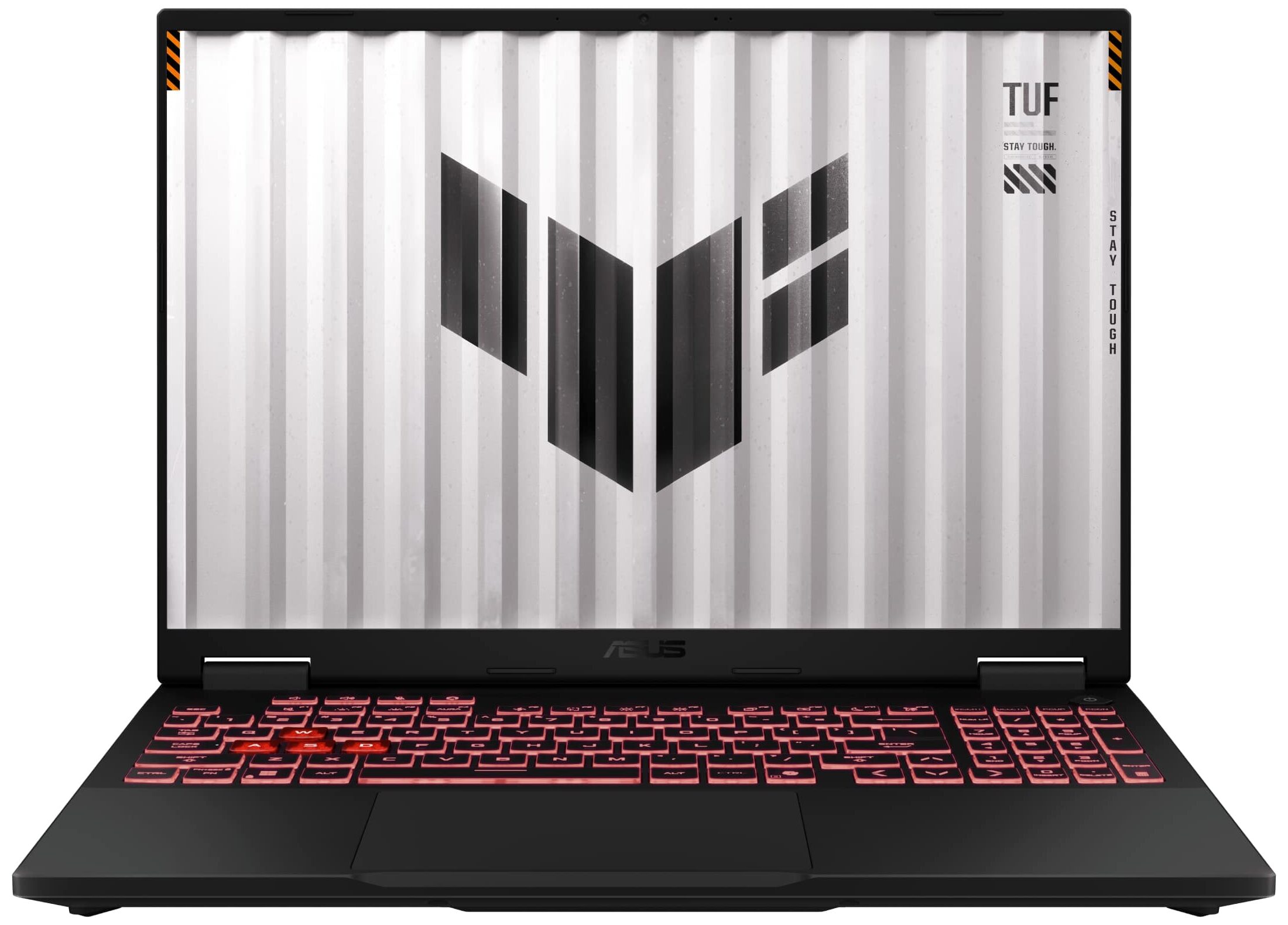
- Date Published: 26 Nov 2025
- AMD Ryzen 9 270
- NVIDIA GeForce RTX 5070 (Laptop, 8GB GDDR7)
- 16.0″, WUXGA (1920 x 1200), 165 Hz, IPS
- 4000GB SSD
- 64GB RAM
- 2.20 kg (4.9 lbs)
Specs
- CPU
- AMD Ryzen 9 270
- HDD/SSD
- 4000GB SSD
- M.2 Slot
- 2x 2280 PCIe NVMe 4.0 x4
- RAM
- 64GB RAM
- OS
- Windows 11 Home
- Body Material
- Plastic / Polycarbonate
- Dimensions
- 354 x 269 x 17.9 ~ 27.3 mm (13.94" x 10.59" x 0.70")
- Weight
- 2.20 kg (4.9 lbs)
- Ports and connectivity
- 1x USB Type-A
- 2.0
- 2x USB Type-A
- 3.2 Gen 2 (10 Gbps)
- 1x USB Type-C
- 3.2 Gen 2 (10 Gbps), Power Delivery (PD), DisplayPort
- 1x USB Type-C
- 4.0, DisplayPort
- HDMI
- 2.1
- Card Reader
- Ethernet LAN
- 10, 100, 1000 Mbit/s
- Wi-Fi
- Wi-Fi 6E
- Bluetooth
- 5.3
- Audio jack
- 3.5mm Combo Jack
- Features
- Fingerprint reader
- Web camera
- FHD IR with Windows Hello
- Backlit keyboard
- Microphone
- Array Microphone with Microsoft Cortana Support near field/Far field, AI noise-canceling technology
- Speakers
- 2x Stereo Speakers, Dolby Atmos
- Security Lock slot
- Kensington Lock
- Gifts
- HDMI Cable
Portability
Review
ASUS TUF Gaming A16 in-depth review
For years, the "gaming laptop" has come with an unwritten rule: great power, terrible battery life. You could have one, but not both. The ASUS TUF Gaming A16 (FA608, 2025) doesn't just bend that rule; it shatters it. Delivering over 14 hours of battery life in our tests, it redefines what's possible for an unplugged gaming experience, crushing its competitors and setting a new benchmark for endurance. But this isn't just an endurance champion. It's also a performance beast, with the fastest implementation of its GPU that we've ever tested and a cooling system to match. The question then becomes, is this the most perfectly balanced gaming laptop ever made? We dug deep to find any flaws.You can check the prices and configurations in our Specs System: https://laptopmedia.com/series/as[...]
Read the full review
Pros
- Class-leading, best-in-class GPU performance
- Phenomenal, category-defining battery life (14+ hours)
- Excellent thermal management for both CPU and GPU
- Fast, color-accurate, and PWM-free 165Hz display
- Great keyboard with full-sized arrow keys
- Fantastic upgradeability with two RAM and two M.2 slots
Cons
- Secondary M.2 slot is awkwardly placed over the Wi-Fi card
- SSD can run hot under load
- Includes a slow USB 2.0 port
- No physical privacy shutter for the webcam
Disassembly, maintenance and upgrade options
Before you start: Shut the laptop down completely, disconnect the charger and all peripherals, and hold the power button for a few seconds to discharge residual power. Work on a clean, non-conductive surface and, if possible, use an anti-static wrist strap. Opening the bottom panelPlace the laptop upside down with the rear vents facing away from you. Undo all visible Phillips-head screws that secure the bottom panel to the chassis. Keep track of their positions for easier reassembly. Insert a thin plastic pry tool between the bottom panel and the chas[...]
Read more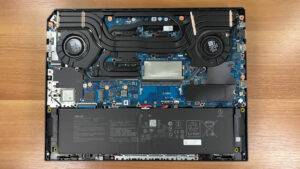


![[June 2026] Best-Selling Laptop Brands on Amazon Global – Apple’s Unrivaled Dominance in Units and Revenue](https://laptopmedia.com/wp-content/uploads/2026/07/GLOBAL-Best-Brands-400x225.jpg)
![[June 2026] Amazon Global: Top 10 Best-Selling Laptops – Apple’s New MacBook Neo Storms to #1, Reshaping the Market with Affordability](https://laptopmedia.com/wp-content/uploads/2026/07/Best-Selling-Laptops-GLOBAL-Top-10-400x225.jpg)
![[June 2026] Amazon Global: Top 10 Best-Selling Gaming Laptops – Acer’s Nitro V 16S AI Dominates Sales, While ASUS Leads Overall Revenue](https://laptopmedia.com/wp-content/uploads/2026/07/Best-Selling-Gaming-Laptops-GLOBAL-Top-10-400x225.jpg)
![[June 2026] Global Ranking of Best-Selling Laptop GPUs on Amazon – NVIDIA RTX 5060 is the Top-Selling Dedicated GPU](https://laptopmedia.com/wp-content/uploads/2026/07/Best-Selling-GPUs-GLOBAL-Top-10-400x225.jpg)
![[June 2026] Global Ranking of Best-Selling Laptop CPUs on Amazon – Apple M5 Dominates, AMD Ryzen 7 260 Gets Solid Premium Share](https://laptopmedia.com/wp-content/uploads/2026/07/Best-Selling-CPUs-GLOBAL-Top-10-400x225.jpg)
