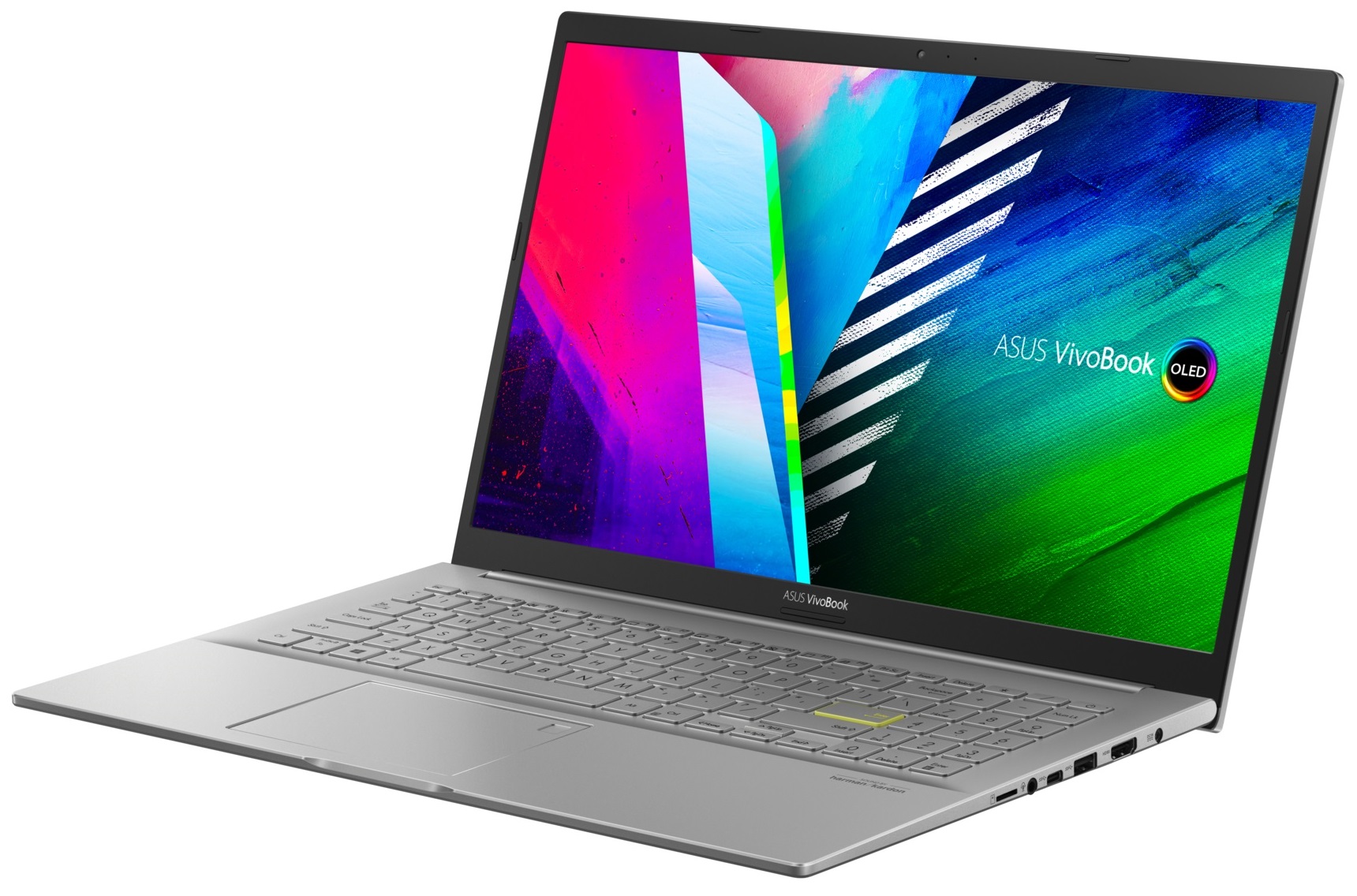
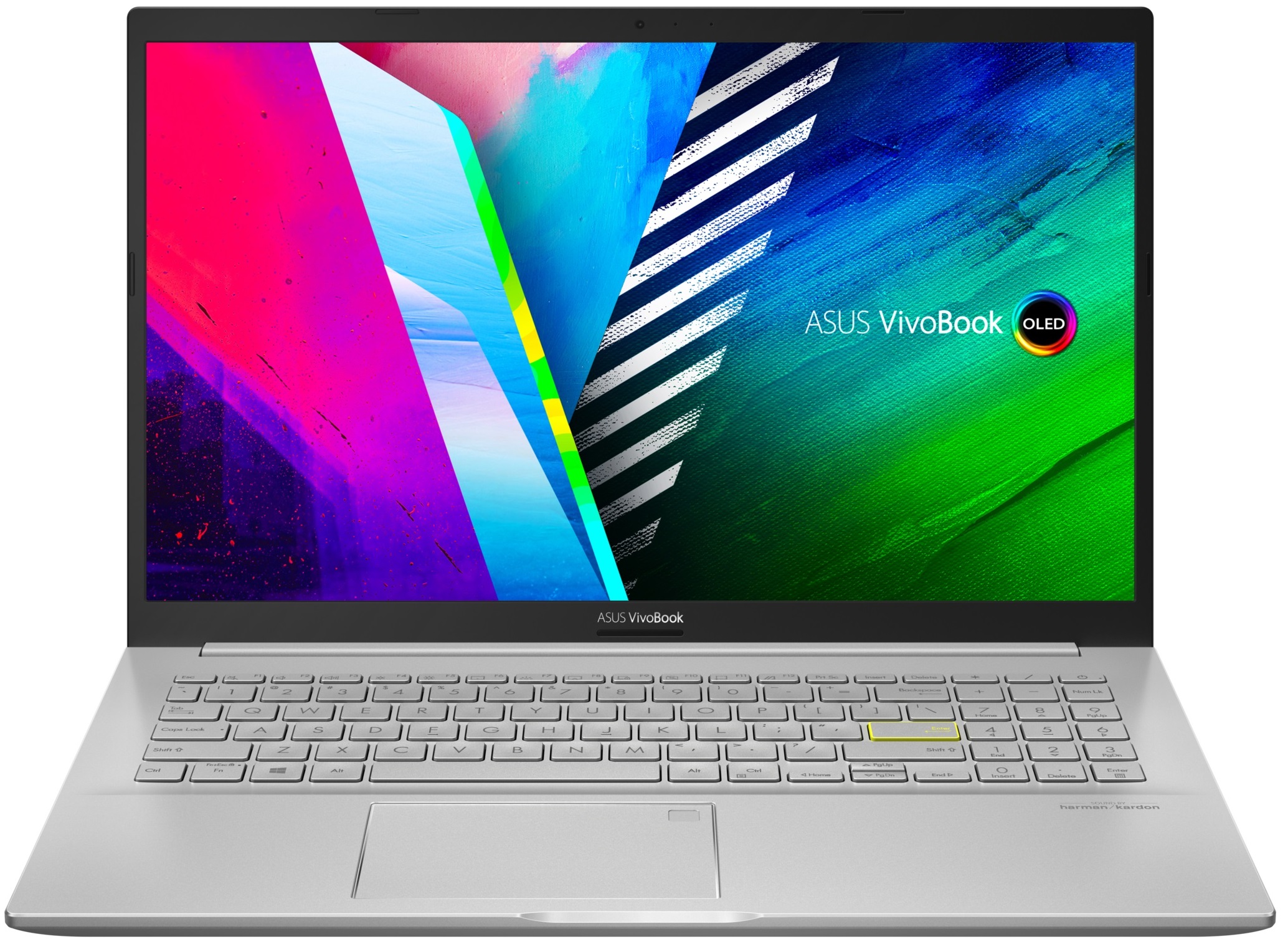
ASUS VivoBook 15 OLED

- Date Published: 22 Jul 2025
- Intel Core i5-1135G7
- NVIDIA GeForce MX350
- 15.6”, Full HD (1920 x 1080), IPS
- 512GB SSD
- 16GB RAM
- 1.80 kg (4 lbs)
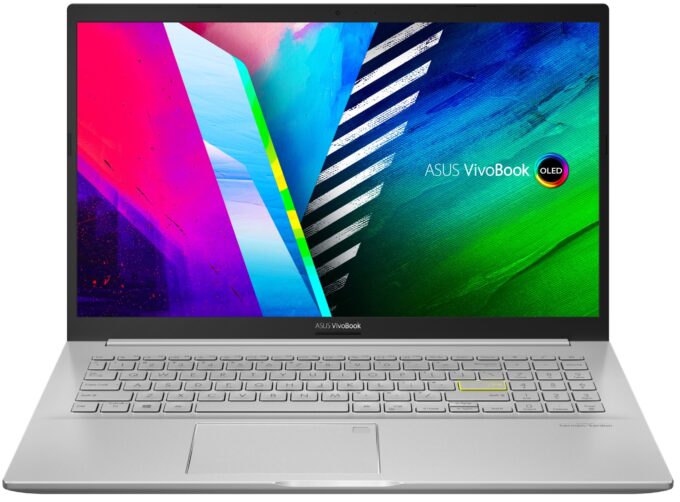
Specs
- HDD/SSD
- 512GB SSD
- M.2 Slot
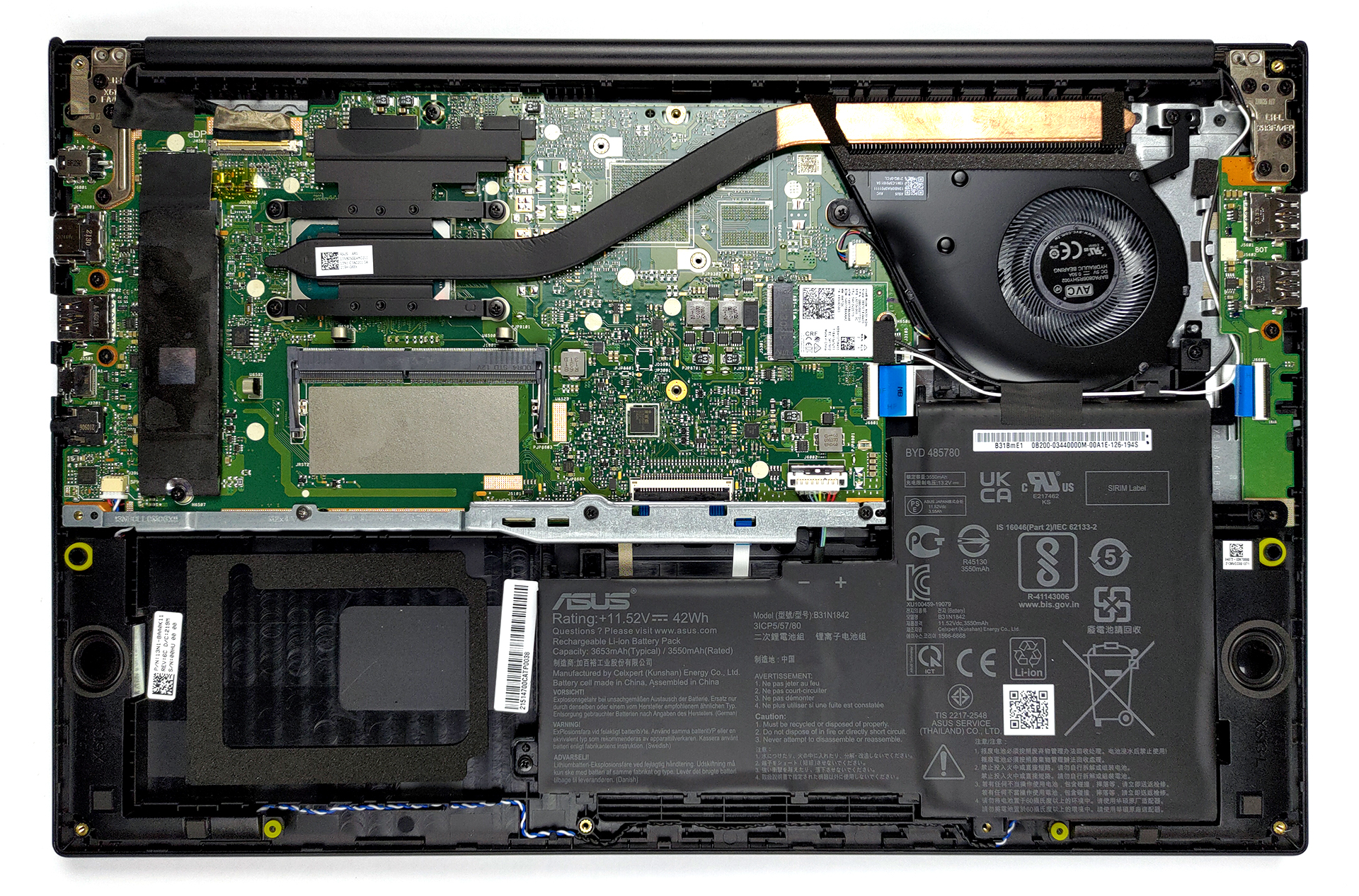
- 1x 2280 M.2 NVMe slot See photo
- RAM
- 16GB RAM
- OS
- Windows 10 Home
- Body Material
- Plastic / Polycarbonate, Aluminum
- Dimensions
- 359.8 x 235.3 x 17.9 mm (14.17" x 9.26" x 0.70")
- Weight
- 1.80 kg (4 lbs)
- Ports and connectivity
- 2x USB Type-A
- 2.0
- 1x USB Type-A
- 3.2 Gen 1 (5 Gbps)
- 1x USB Type-C
- 3.2 Gen 1 (5 Gbps)
- Card Reader
- MicroSD
- Ethernet LAN
- Wi-Fi
- 802.11ax
- Bluetooth
- 5.0
- Audio jack
- 3.5mm Combo Jack
- Features
- Fingerprint reader
- Web camera
- HD
- Backlit keyboard
- Microphone
- Microphone with Cortana support
- Speakers
- Speakers by Harman Kardon
- Security Lock slot
Portability
Review
ASUS VivoBook 15 OLED in-depth review
Someone had to start. The list of reasons is long, but the OLED display technology is superior to the IPS one. And We feel that the market was waiting for too long for manufacturers to start adopting it. ASUS was bold enough to put such panels inside everyday budget-conscious notebooks. This is why we have the appropriately-named VivoBook 15 OLED K513.It comes with an Intel Tiger Lake-U architecture with the best specs including the Core i7-1165G7, and a GeForce MX350. As you probably know, though, you don't need to own a beast device to be able to play light titles or go through your nonintensive workload. Actually, ULV processors are so fine nowadays, that you can definitely edit some photos without a hassle. And the OLED display should be a real treat in this case.By the way, w[...]
Read the full review
Pros
- Adequate pricing
- Reasonably comfortable keyboard with optional backlight
- 100% sRGB and DCI-P3 coverage (Samsung ATNA56YX03-0 (SDC4161))
- HDR 600 support and infinite contrast ratio (Samsung ATNA56YX03-0 (SDC4161))
- Expandable memory + M.2 NVMe and 2.5-inch SATA drive slots
- MicroSD card slot
- Optional Wi-Fi 6 and fingerprint reader
- Extracts the best out of the hardware
Cons
- PWM usage (Samsung ATNA56YX03-0 (SDC4161))
- Two of its three USB Type-A ports are of 2.0 speeds
Disassembly, maintenance and upgrade options
This is a pretty affordable laptop with solid upgrade options and an amazing display.Check out all ASUS VivoBook 15 OLED K513 prices and configurations in our Specs System or read more in our In-Depth review.1. Remove the bottom plate Getting inside of this laptop is pretty easy. You just need to undo 10 Phillips head screws. Then, pry the bottom panel with a plastic tool and remove it from the chassis.2. Battery Here, we see a rather small 42Wh battery pack. Nevertheless, we got more than 9 hours of Web browsing, or about 7 hours of video playback, which is fine. The pro[...]
Read more


![[June 2026] Best-Selling Laptop Brands on Amazon Global – Apple’s Unrivaled Dominance in Units and Revenue](https://laptopmedia.com/wp-content/uploads/2026/07/GLOBAL-Best-Brands-400x225.jpg)
![[June 2026] Amazon Global: Top 10 Best-Selling Laptops – Apple’s New MacBook Neo Storms to #1, Reshaping the Market with Affordability](https://laptopmedia.com/wp-content/uploads/2026/07/Best-Selling-Laptops-GLOBAL-Top-10-400x225.jpg)
![[June 2026] Amazon Global: Top 10 Best-Selling Gaming Laptops – Acer’s Nitro V 16S AI Dominates Sales, While ASUS Leads Overall Revenue](https://laptopmedia.com/wp-content/uploads/2026/07/Best-Selling-Gaming-Laptops-GLOBAL-Top-10-400x225.jpg)
![[June 2026] Global Ranking of Best-Selling Laptop GPUs on Amazon – NVIDIA RTX 5060 is the Top-Selling Dedicated GPU](https://laptopmedia.com/wp-content/uploads/2026/07/Best-Selling-GPUs-GLOBAL-Top-10-400x225.jpg)
![[June 2026] Global Ranking of Best-Selling Laptop CPUs on Amazon – Apple M5 Dominates, AMD Ryzen 7 260 Gets Solid Premium Share](https://laptopmedia.com/wp-content/uploads/2026/07/Best-Selling-CPUs-GLOBAL-Top-10-400x225.jpg)