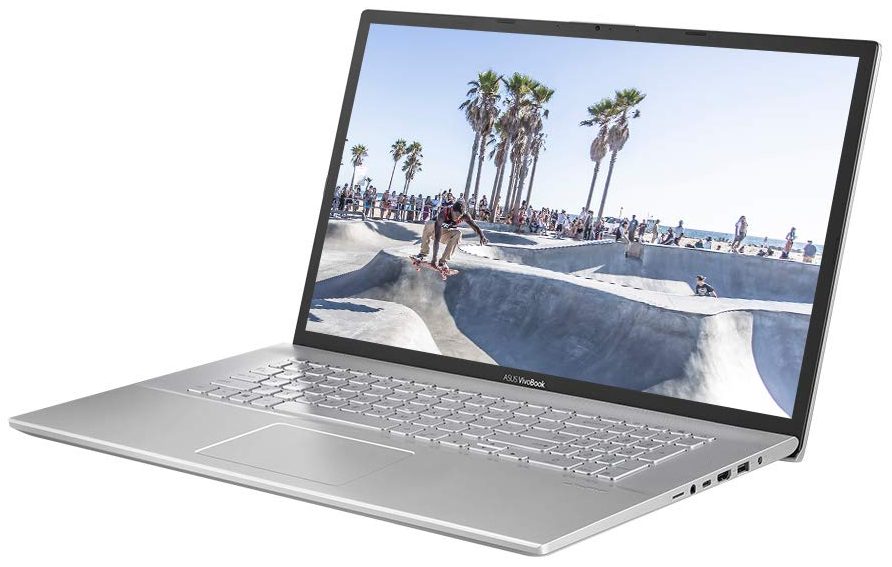
ASUS Vivobook 17
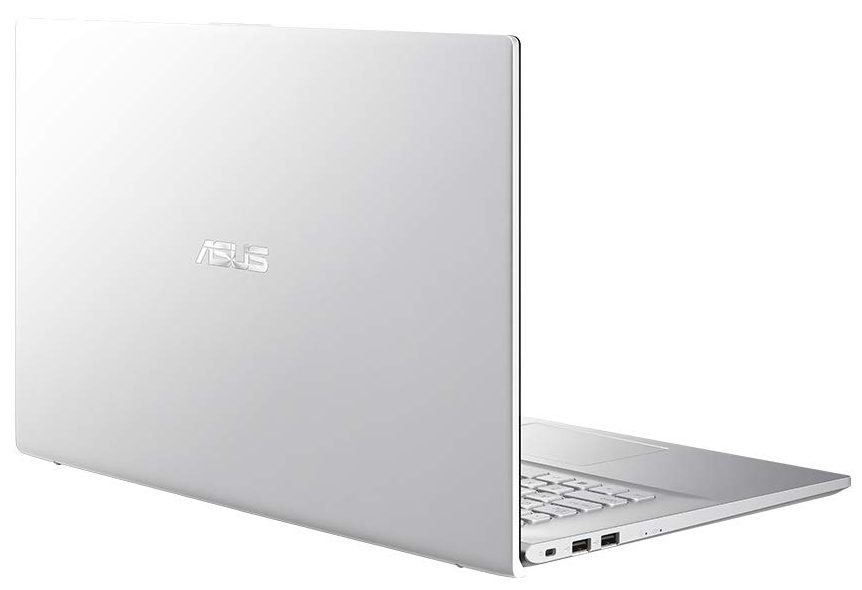
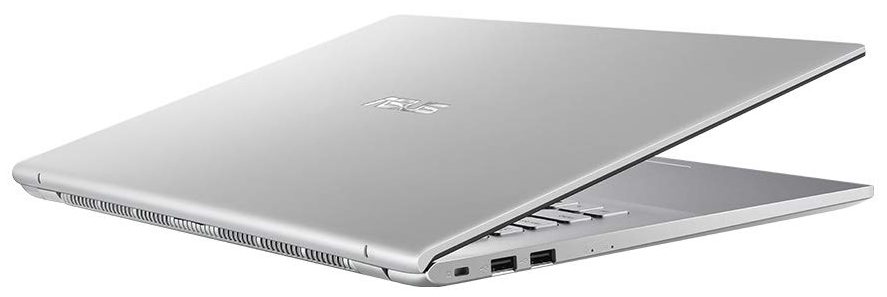
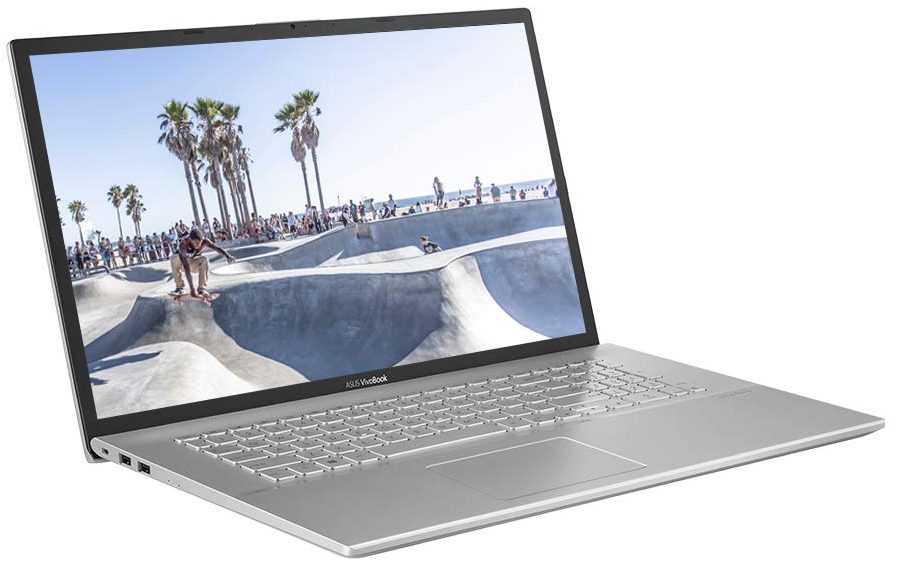
- Date Published: 14 Jun 2024
- Intel Core i5-1035G1
- Intel UHD Graphics G1
- 17.3”, HD+ (1600 x 900), TN
- 4000GB HDD
- 36GB RAM
- 2.30 kg (5.1 lbs)
Specs
- Display

- HDD/SSD
- 4000GB RAM
- M.2 Slot
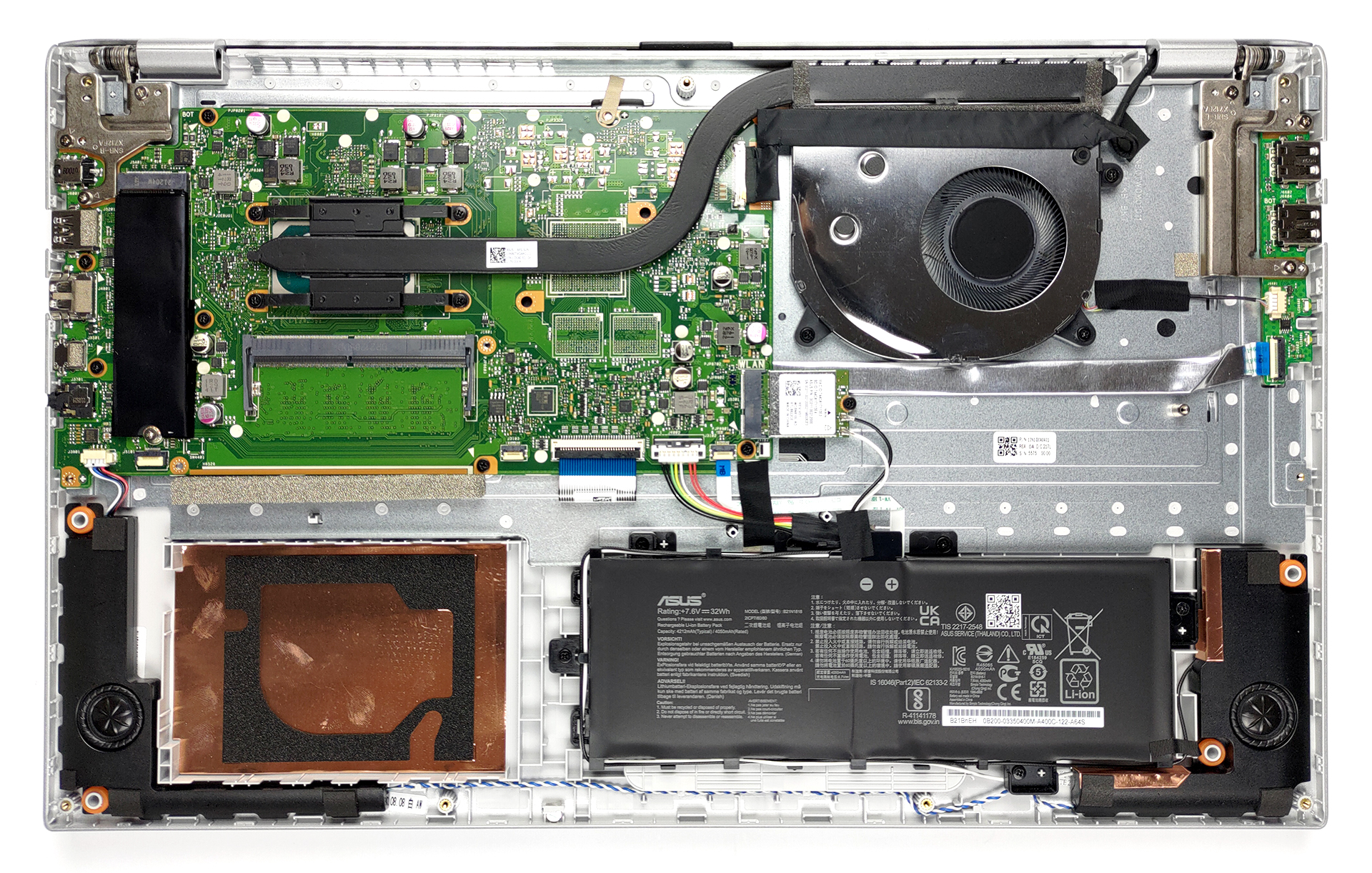
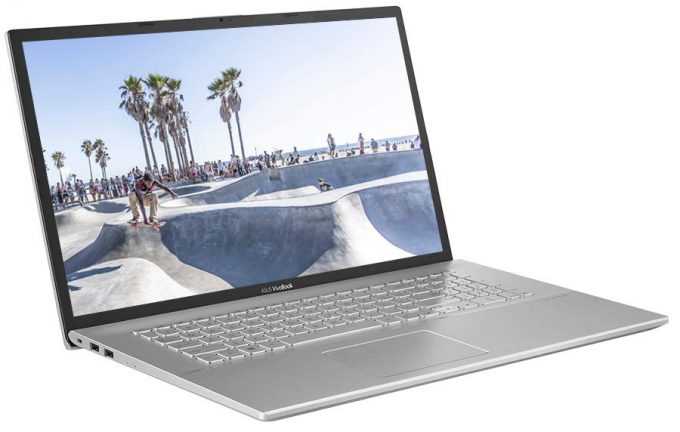
- 1x 2280 M.2 NVMe slot See photo
- RAM
- 36GB RAM
- OS
- Windows 11 Pro
- Body Material
- Plastic / Polycarbonate
- Dimensions
- 406.9 x 256 x 19.9 mm (16.02" x 10.08" x 0.78")
- Weight
- 2.30 kg (5.1 lbs)
- Ports and connectivity
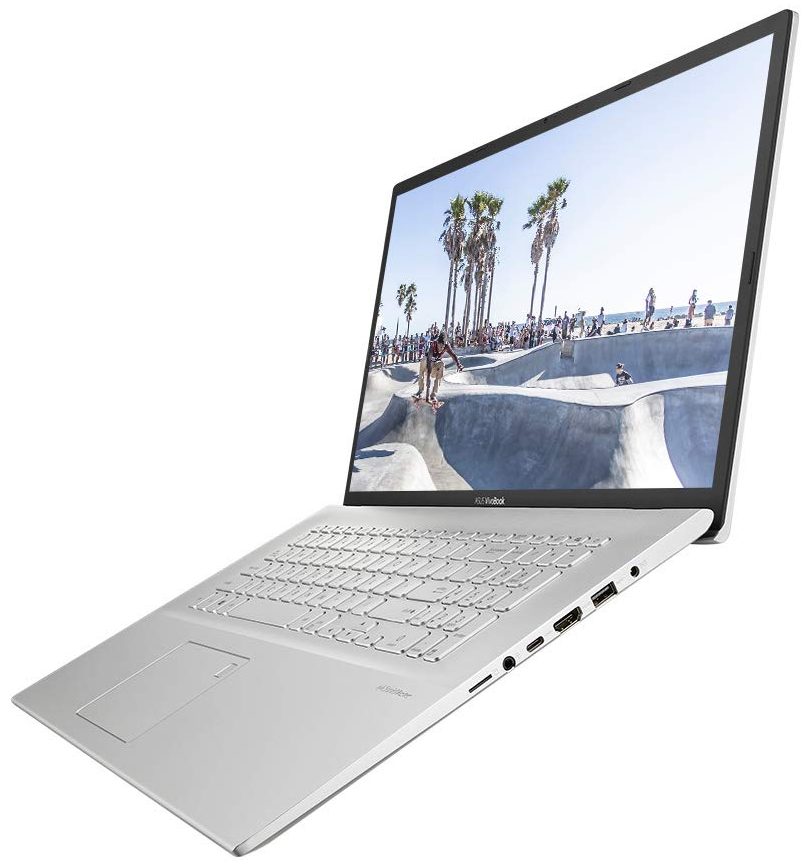
- 1x USB Type-C
- 3.2 Gen 1 (5 Gbps)
- 1x USB Type-A
- 3.2 Gen 1 (5 Gbps)
- 2x USB Type-A
- 2.0
- HDMI
- Card Reader
- microSD
- Wi-Fi
- 802.11ac
- Bluetooth
- 5.0
- Audio jack
- 3.5 mm combo
- Features
- Fingerprint reader
- Web camera
- HD
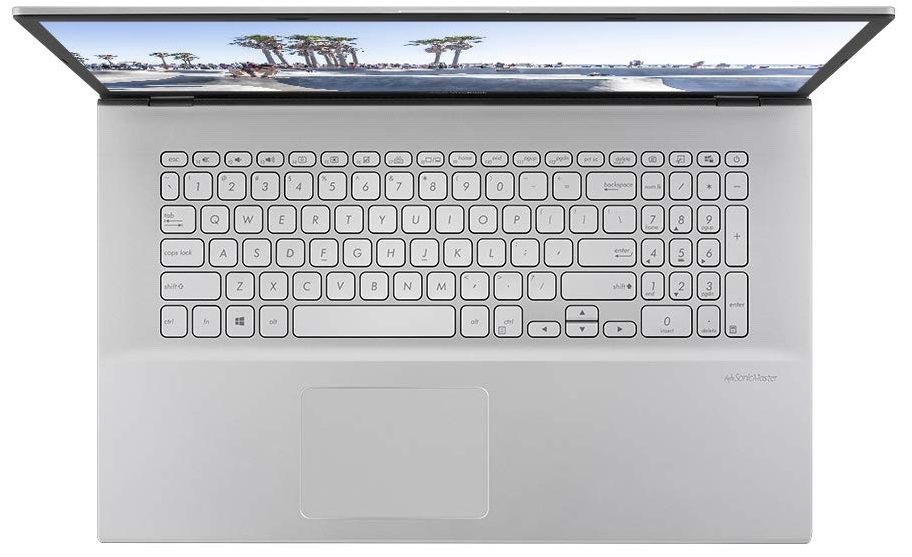
- Backlit keyboard
- Microphone
- Speakers
- Optical drive
- Gifts
- 32GB USB Drive
Portability
Review
ASUS Vivobook 17 in-depth review
Today, we have a device that is easy on the budget and aims to be a great home multimedia machine. It is the VivoBook 17 X712 from ASUS, and uses a year (or two)-old design, and can be found with a ton of different processors from a portfolio of architectures. However, we will be focusing on the Tiger Lake models, as our particular device comes equipped with the Core i3-1115G4.Ultimately, you can pair your VivoBook 17 X712 with a more powerful CPU, but then you miss the whole point of this type of laptop. What is good about it is that it offers a lot of screen real estate, which really reduces the need for an external monitor. This way, your kid can easily go to school from home when needed.Well, if you want to do that, you would need a good display, won't you? Ultimately, ASUS of[...]
Read the full review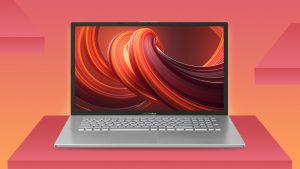
Pros
- Adequate pricing
- 1x RAM SODIMM + 1x M.2 NVMe + 2.5-inch SATA drive bay
- MicroSD card reader
- No PWM (BOE NT173WDM-N24 (BOE091A))
Cons
- Battery life is only average (still respectable given the tiny 32Wh unit)
- 2/3 USB Type-A ports are slow
- Narrow viewing angles and poor contrast ratio (BOE NT173WDM-N24 (BOE091A))
- Not a great build quality
Disassembly, maintenance and upgrade options
The hardware inside of this machine is a bit of a mixed bag. It has a small battery and relatively good upgrade options. However, ASUS opted against making it even better. Check out why.Check out all ASUS VivoBook 17 X712 prices and configurations in our Specs System or read more in our In-Depth review.1. Remove the bottom plate To get inside of this device, you need to undo 10 Phillips-head screws. After that, just pry the bottom panel with a plastic tool and remove it from the body.2. Battery This rather large notebook is powered by a tiny 32Wh battery pack. Before you [...]
Read more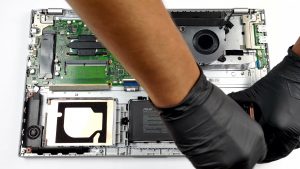


![[August 2026] Amazon Global: Top 10 Best-Selling Laptops – Apple MacBook Neo Dominates the Charts as Budget and Mid-Range Windows Portables Fight for Volume](https://laptopmedia.com/wp-content/uploads/2026/09/Best-Selling-Laptops-GLOBAL-Top-10-400x225.jpg)
![[August 2026] Best-Selling Laptop Brands on Amazon Global – Apple Dominates Revenue While HP Leads in Model Variety](https://laptopmedia.com/wp-content/uploads/2026/09/GLOBAL-Best-Brands-400x225.jpg)
![[August 2026] Amazon Global: Top 10 Best-Selling Gaming Laptops – HP Victus 15 Captures the Crown as Budget-Friendly Models Dominate the Charts](https://laptopmedia.com/wp-content/uploads/2026/09/Best-Selling-Gaming-Laptops-GLOBAL-Top-10-400x225.jpg)
![[August 2026] Best-Selling Laptop Brands on Amazon USA – Apple Dominates Market Revenue and Volume Despite Lower Model Diversity](https://laptopmedia.com/wp-content/uploads/2026/09/COM-Best-Brands-1-400x225.jpg)
![[August 2026] Amazon USA: Top 10 Best-Selling Laptops – Apple MacBook Neo Dominates the Market with Massive Unit Sales!](https://laptopmedia.com/wp-content/uploads/2026/09/Best-Selling-Laptops-COM-Top-10-400x225.jpg)