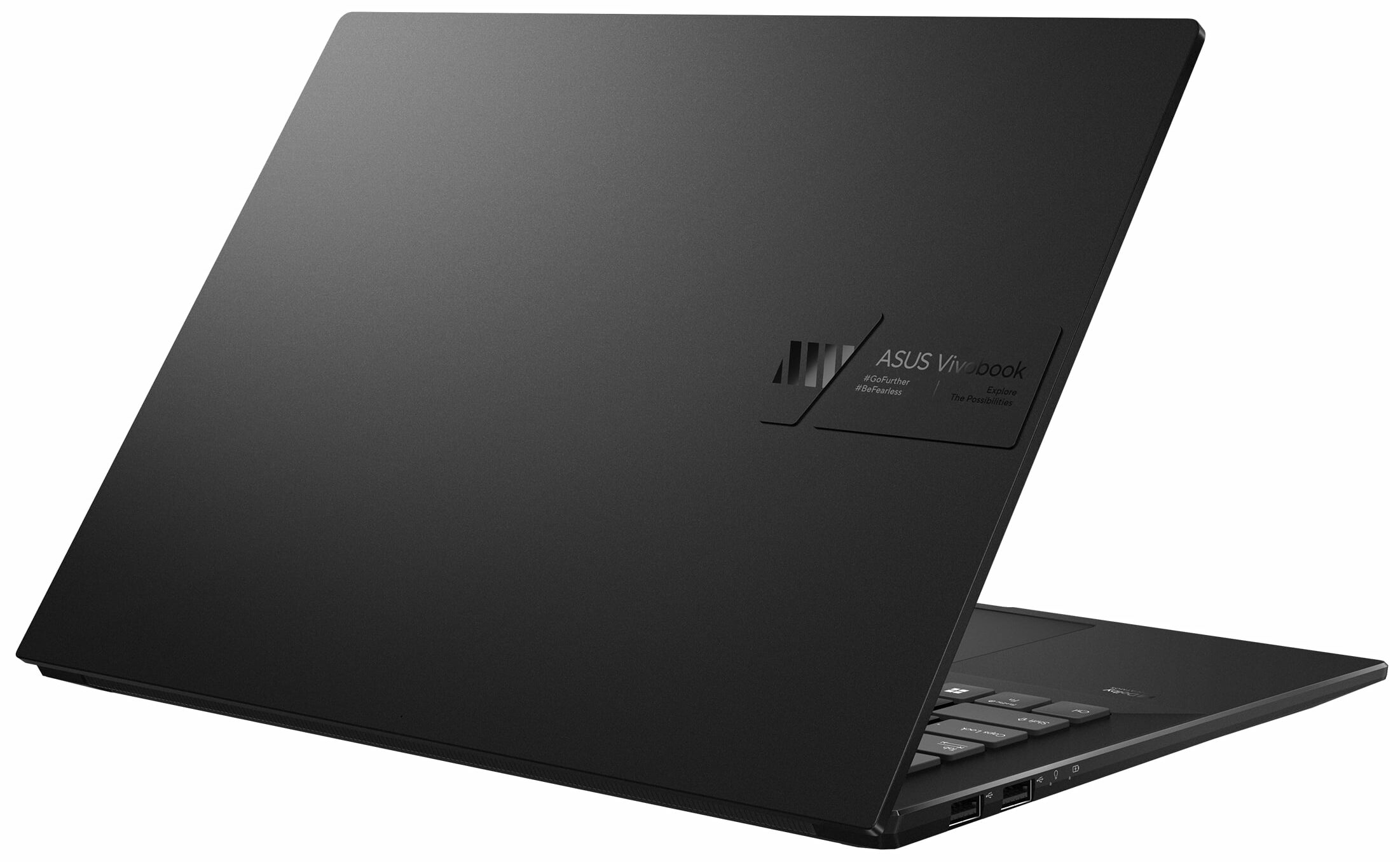
ASUS VivoBook Pro 14X
_000043.jpg)

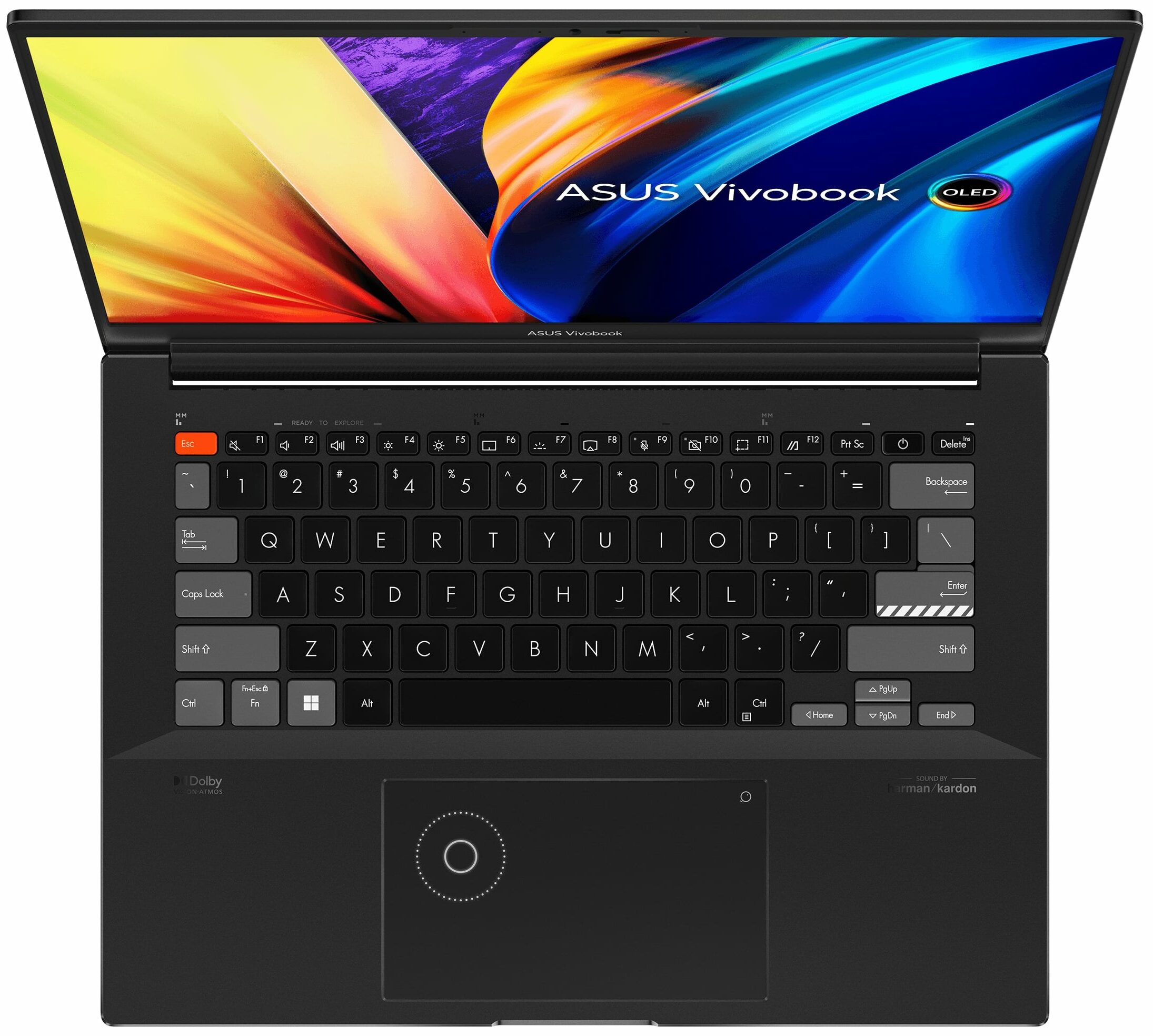

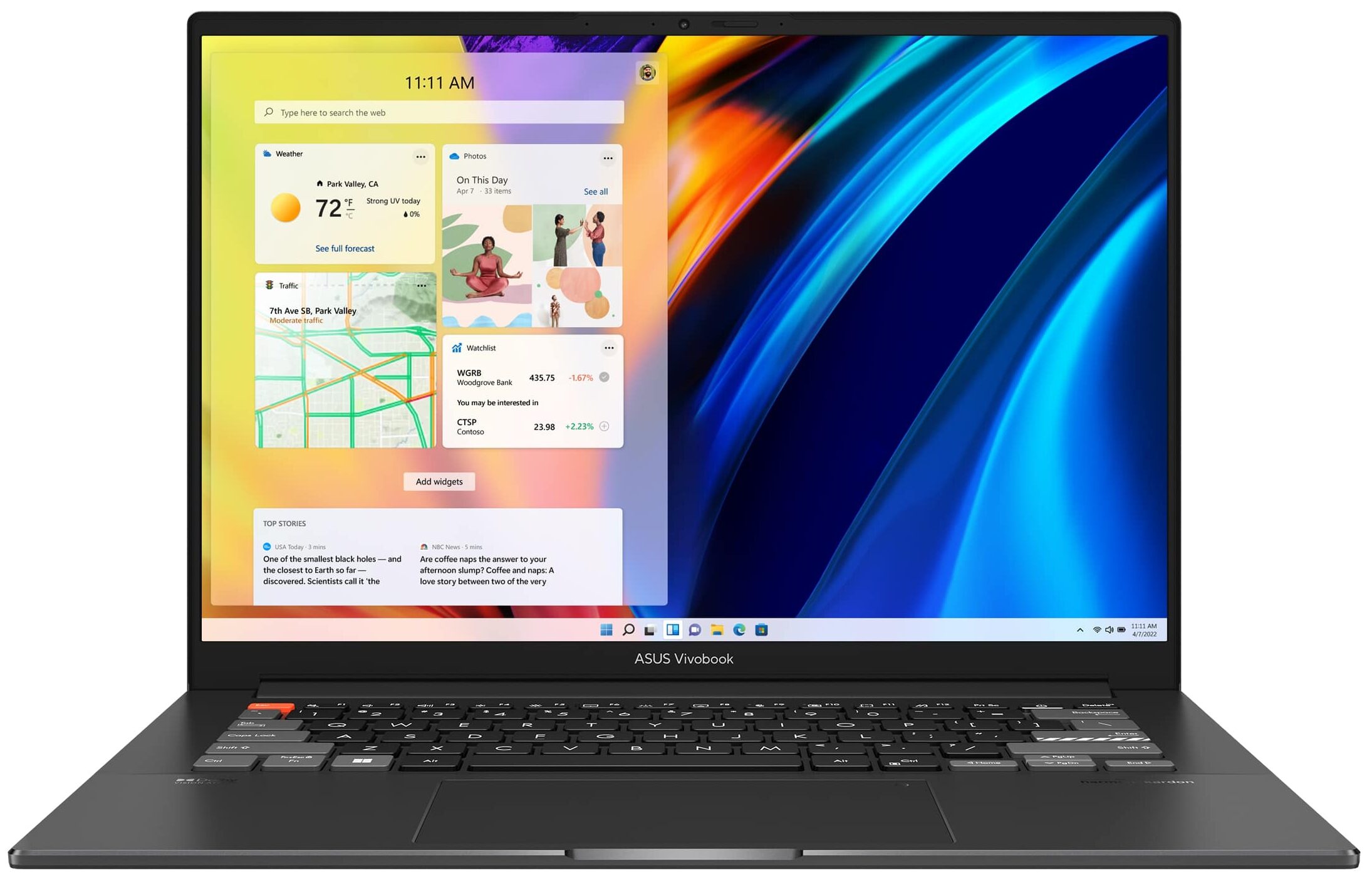
- Date Published: 09 Nov 2023
- Intel Core i7-12700H
- NVIDIA GeForce RTX 3050 Ti (Laptop, 50W)
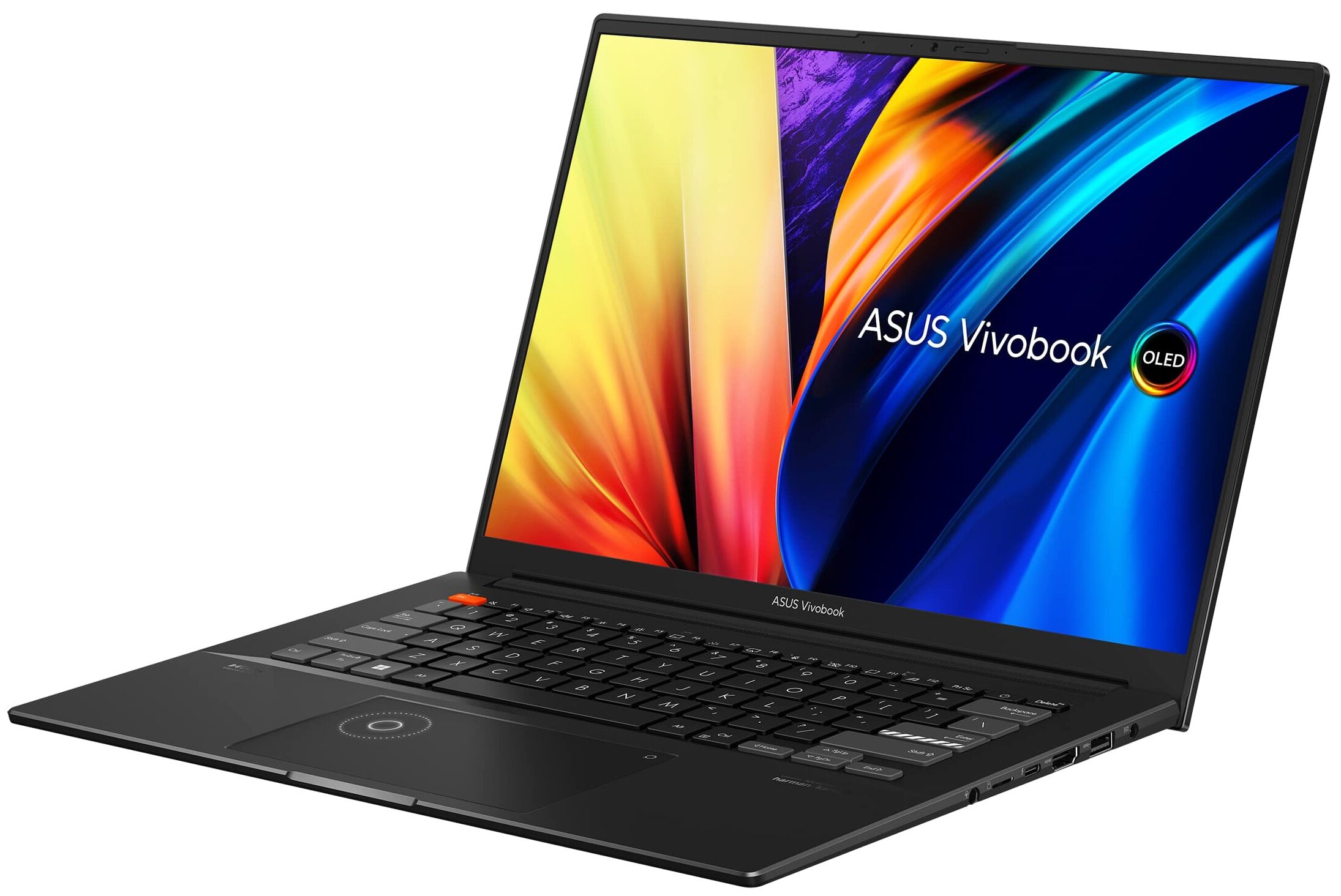
- 14.5″, 2.8K (2880 x 1800), 120 Hz, OLED
- 1000GB SSD
- 16GB LPDDR5
- 1.68 kg (3.7 lbs)
Specs

- HDD/SSD
- 1TB SSD
- M.2 Slot
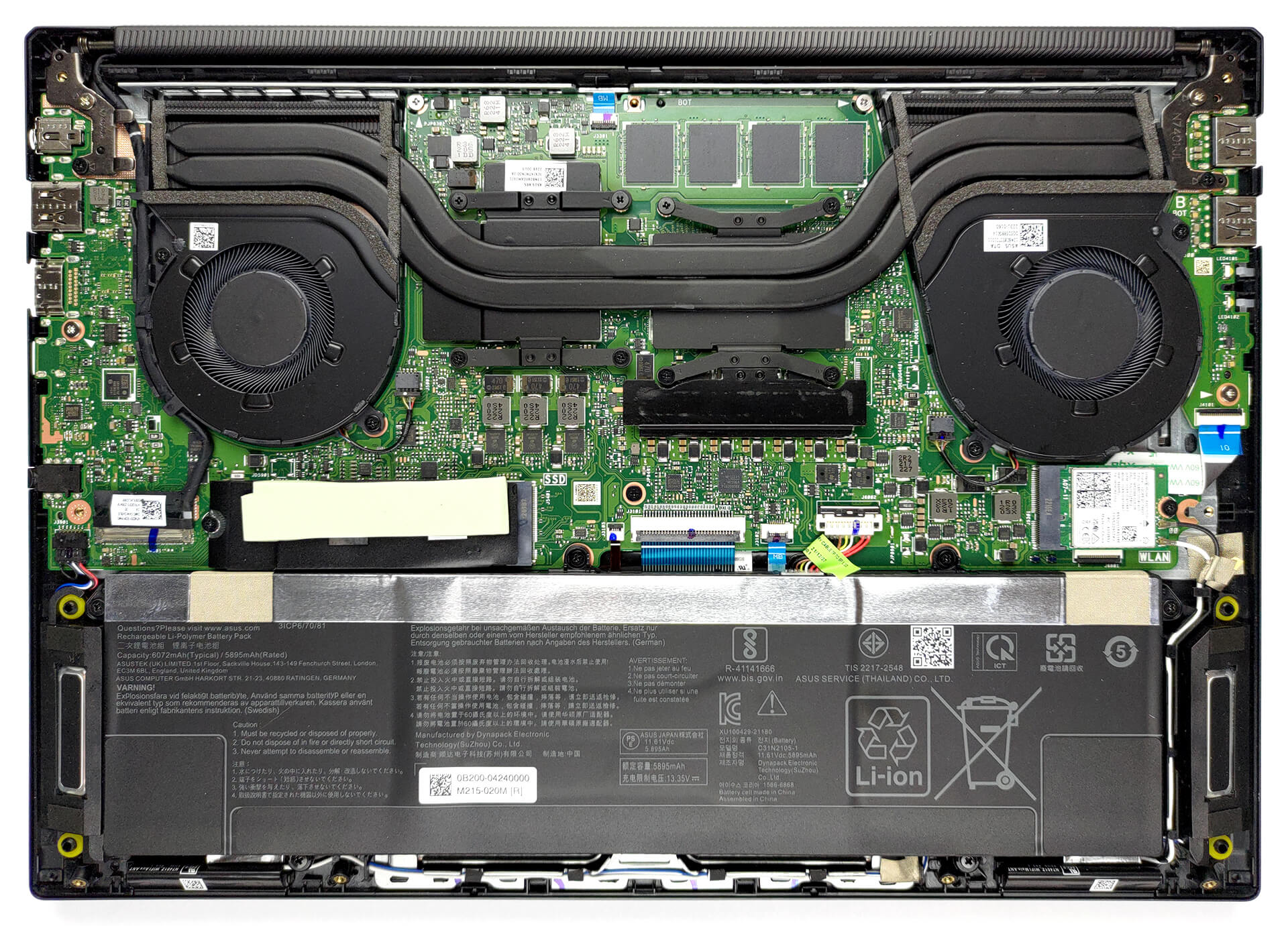
- 1x 2280 PCIe NVMe 4.0 x4 See photo
- RAM
- 16GB LPDDR5
- OS
- Windows 11 Pro
- Body Material
- Aluminum
- Dimensions
- 322.8 x 229.9 x 17.9 mm (12.71" x 9.05" x 0.70")
- Weight
- 1.68 kg (3.7 lbs)
- Ports and connectivity
- 2x USB Type-A
- 2.0
- 1x USB Type-A
- 3.2 Gen 1 (5 Gbps)
- 1x USB Type-C
- Thunderbolt 4, Power Delivery (PD), DisplayPort
- HDMI
- 2.1
- Card Reader
- MicroSD
- Ethernet LAN
- Wi-Fi
- 802.11ax
- Bluetooth
- 5.0
- Audio jack
- 3.5mm Combo Jack
- Features
- Fingerprint reader
- Web camera
- FHD with privacy shutter
- Backlit keyboard
- Microphone
- Microphone with Cortana and Alexa voice-recognition
- Speakers
- Speakers by Harman Kardon
- Optical drive
- Security Lock slot
Portability
Review
ASUS VivoBook Pro 14X in-depth review
ASUS creates a lot of high-quality devices. This includes pretty much the entire Vivobook subbrand. However, you shouldn't judge a book by its cover, or by its Vivobook branding.The machine we have in for review today is not a low-budget solution meant to help teens express themselves. Nor it is just another stylish business device. Instead, it is the Vivobook Pro 14X OLED (N7401). Yes, it will take you longer to say its name, than it would take an F1 team to change four tires and make a quick change in the angle of the front wing.However, it is a professional notebook, meant for people who need computational and graphics performance on the go. Some of its features include a 2.8K 120Hz OLED display, which supports almost every display technology imaginable. In addition, the touchp[...]
Read the full review
Pros
- Great price-to-performance ratio
- Capable cooling
- Strong aluminum chassis
- 100% sRGB and DCI-P3 coverage + HDR support
- High resolution and 16:10 aspect ratio
- Deep blacks and virtually infinite contrast ratio
- Noise cancellation
- Fingerprint reader + DialPad
- 120Hz refresh rate with fast pixel response times
- Thunderbolt 4 + HDMI 2.1 + MicroSD card slot
Cons
- Uses PWM below 90 nits
- 2 out of 3 USB Type-A ports run at 2.0 speeds
- Soldered memory
Disassembly, maintenance and upgrade options
We love powerful 14-inch notebooks. However, this one is a bit limited in upgradeability.Check out all ASUS Vivobook Pro 14X OLED (N7401) prices and configurations in our Specs System, or read more in our In-Depth review.1. Remove the bottom plate To access this notebook's internals, you need to undo 9 Torx-head screws. Then, pry the bottom panel with a plastic tool, and remove it from the chassis.2. Remove the battery Inside, we come across a 70Wh battery pack. It lasts for 10 hours of Web browsing, or 6 hours of video playback. To take it out, you need to unplug the con[...]
Read more


![[June 2026] Best-Selling Laptop Brands on Amazon Global – Apple’s Unrivaled Dominance in Units and Revenue](https://laptopmedia.com/wp-content/uploads/2026/07/GLOBAL-Best-Brands-400x225.jpg)
![[June 2026] Amazon Global: Top 10 Best-Selling Laptops – Apple’s New MacBook Neo Storms to #1, Reshaping the Market with Affordability](https://laptopmedia.com/wp-content/uploads/2026/07/Best-Selling-Laptops-GLOBAL-Top-10-400x225.jpg)
![[June 2026] Amazon Global: Top 10 Best-Selling Gaming Laptops – Acer’s Nitro V 16S AI Dominates Sales, While ASUS Leads Overall Revenue](https://laptopmedia.com/wp-content/uploads/2026/07/Best-Selling-Gaming-Laptops-GLOBAL-Top-10-400x225.jpg)
![[June 2026] Global Ranking of Best-Selling Laptop GPUs on Amazon – NVIDIA RTX 5060 is the Top-Selling Dedicated GPU](https://laptopmedia.com/wp-content/uploads/2026/07/Best-Selling-GPUs-GLOBAL-Top-10-400x225.jpg)
![[June 2026] Global Ranking of Best-Selling Laptop CPUs on Amazon – Apple M5 Dominates, AMD Ryzen 7 260 Gets Solid Premium Share](https://laptopmedia.com/wp-content/uploads/2026/07/Best-Selling-CPUs-GLOBAL-Top-10-400x225.jpg)