- Date Published: 19 Sep 2018
- Intel Core i7-8550U
- NVIDIA GeForce GTX 1050 (2GB GDDR5)
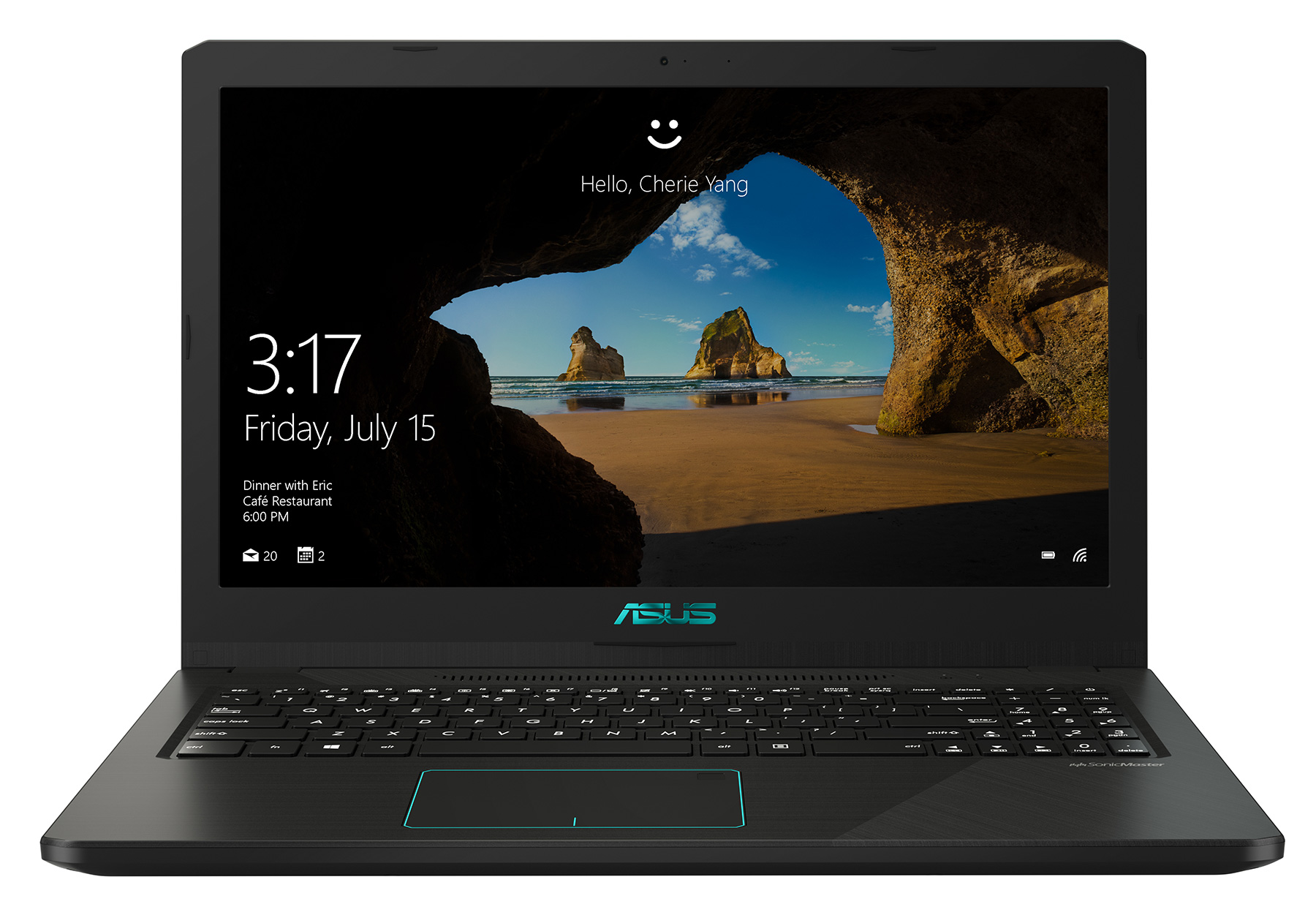
- 15.6”, Full HD (1920 x 1080), IPS
- 1000GB SSD + 2000GB HDD
- 32GB DDR4, 2400 MHz
- 1.90 kg (4.2 lbs)
Review
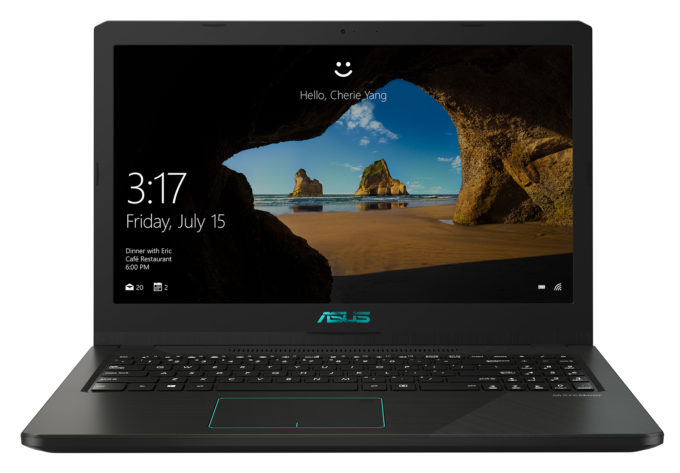
ASUS X570 in-depth review
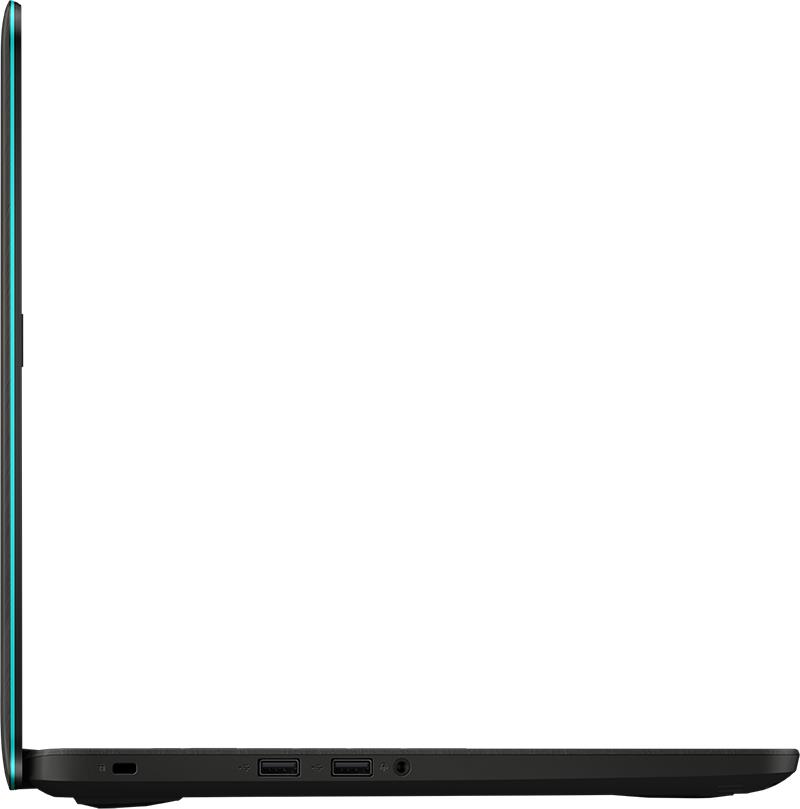
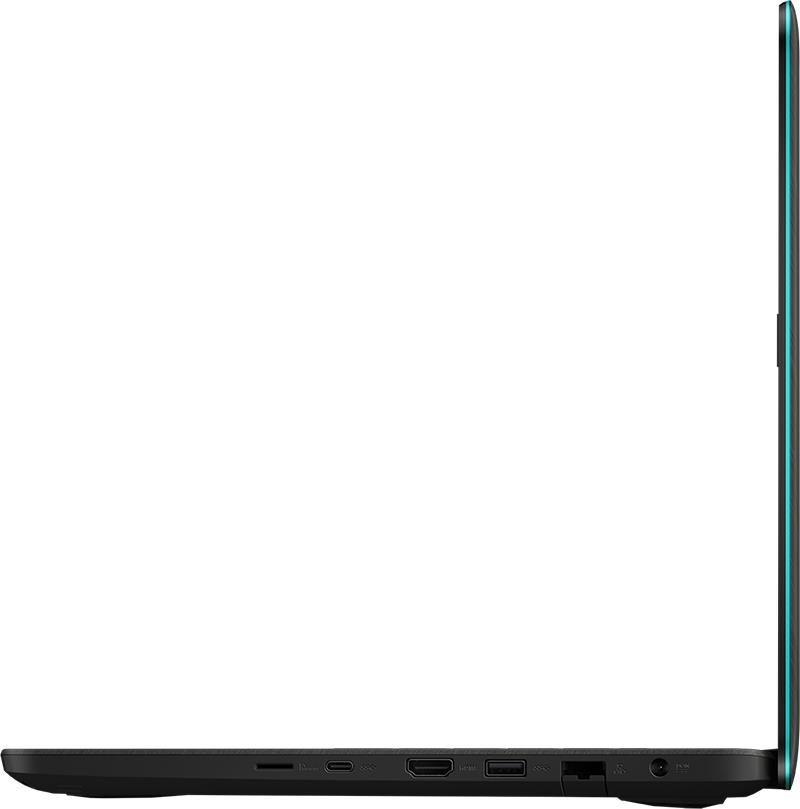
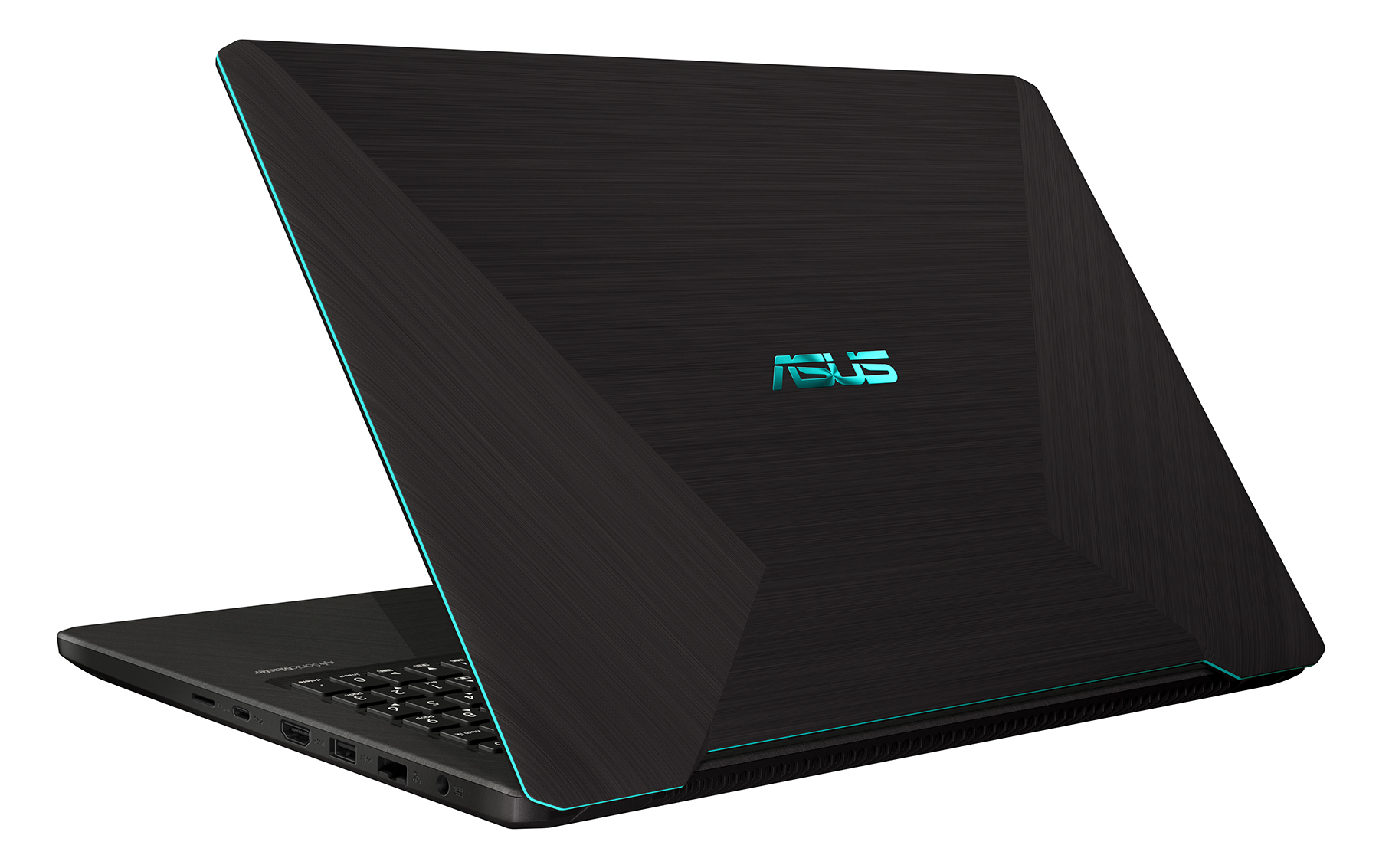
This is another laptop that comes by a couple of different names and configurations. You can see it as the VivoBook M570/X570/K570 and is equipped with either an Intel or AMD processors. So for the sake of clarity and ease, we are going to call this notebook the VivoBook K570, and we want to point out that we're reviewing the AMD CPU version of this model, which features an NVIDIA GeForce GTX 1050.We know, there is a lot to digest for the beginning of a review, but it is better to put things straight from the beginning. So, as of now, the VivoBook K570 can be configured with either an IPS or a TN 1080p display option. Obviously, the latter is going to be significantly cheaper and despite the poor viewing angles, it will be more appropriate for gamers, thanks to its quick reaction time[...]
Read the full review
Pros
- Clicky keyboard with lots of key travel
- Interesting AMD + NVIDIA combo
- One of the most affordable gaming notebooks
- Its TN panel has quick response times
- Doesn't use aggressive PWM to adjust its brightness levels
Cons
- Budget build quality
- TN panel with narrow viewing angles and poor contrast ratio
- Difficult to upgrade
- Runs hot during gaming
Disassembly, maintenance and upgrade options
While the VivoBook K570 is not one of the most user-friendly laptops in terms of upgradability, it doesn't mean that it is impossible to upgrade it yourself. Just make sure you keep track of all the screws and their locations.Check out all ASUS VivoBook K570 prices and configurations in our Specs System or read more in our In-Depth review.1. Getting inside In terms of upgradability, this laptop surely doesn't feature the most user-accessible design. Naturally, the first thing to do is to remove the bottom panel, right? Well, partially yes. You have to unscrew 11 Phillips-head ch[...]
Read more


![[June 2026] Best-Selling Laptop Brands on Amazon Global – Apple’s Unrivaled Dominance in Units and Revenue](https://laptopmedia.com/wp-content/uploads/2026/07/GLOBAL-Best-Brands-400x225.jpg)
![[June 2026] Amazon Global: Top 10 Best-Selling Laptops – Apple’s New MacBook Neo Storms to #1, Reshaping the Market with Affordability](https://laptopmedia.com/wp-content/uploads/2026/07/Best-Selling-Laptops-GLOBAL-Top-10-400x225.jpg)
![[June 2026] Amazon Global: Top 10 Best-Selling Gaming Laptops – Acer’s Nitro V 16S AI Dominates Sales, While ASUS Leads Overall Revenue](https://laptopmedia.com/wp-content/uploads/2026/07/Best-Selling-Gaming-Laptops-GLOBAL-Top-10-400x225.jpg)
![[June 2026] Global Ranking of Best-Selling Laptop GPUs on Amazon – NVIDIA RTX 5060 is the Top-Selling Dedicated GPU](https://laptopmedia.com/wp-content/uploads/2026/07/Best-Selling-GPUs-GLOBAL-Top-10-400x225.jpg)
![[June 2026] Global Ranking of Best-Selling Laptop CPUs on Amazon – Apple M5 Dominates, AMD Ryzen 7 260 Gets Solid Premium Share](https://laptopmedia.com/wp-content/uploads/2026/07/Best-Selling-CPUs-GLOBAL-Top-10-400x225.jpg)
