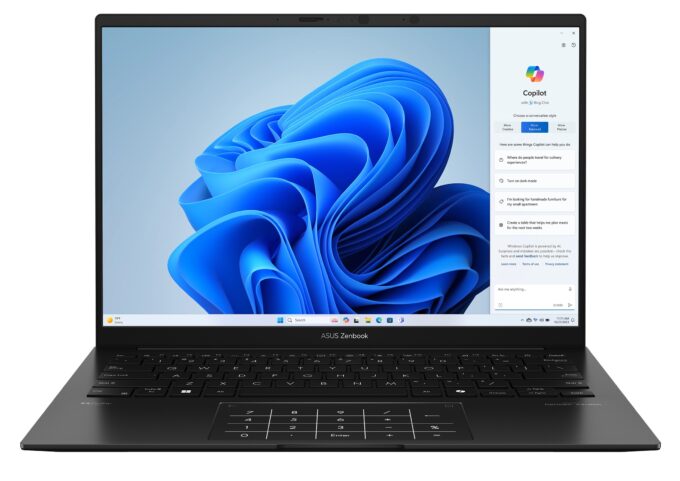
ASUS Zenbook 14 OLED


- Date Published: 08 May 2024
- AMD Ryzen 7 8840HS
- AMD Radeon 780M
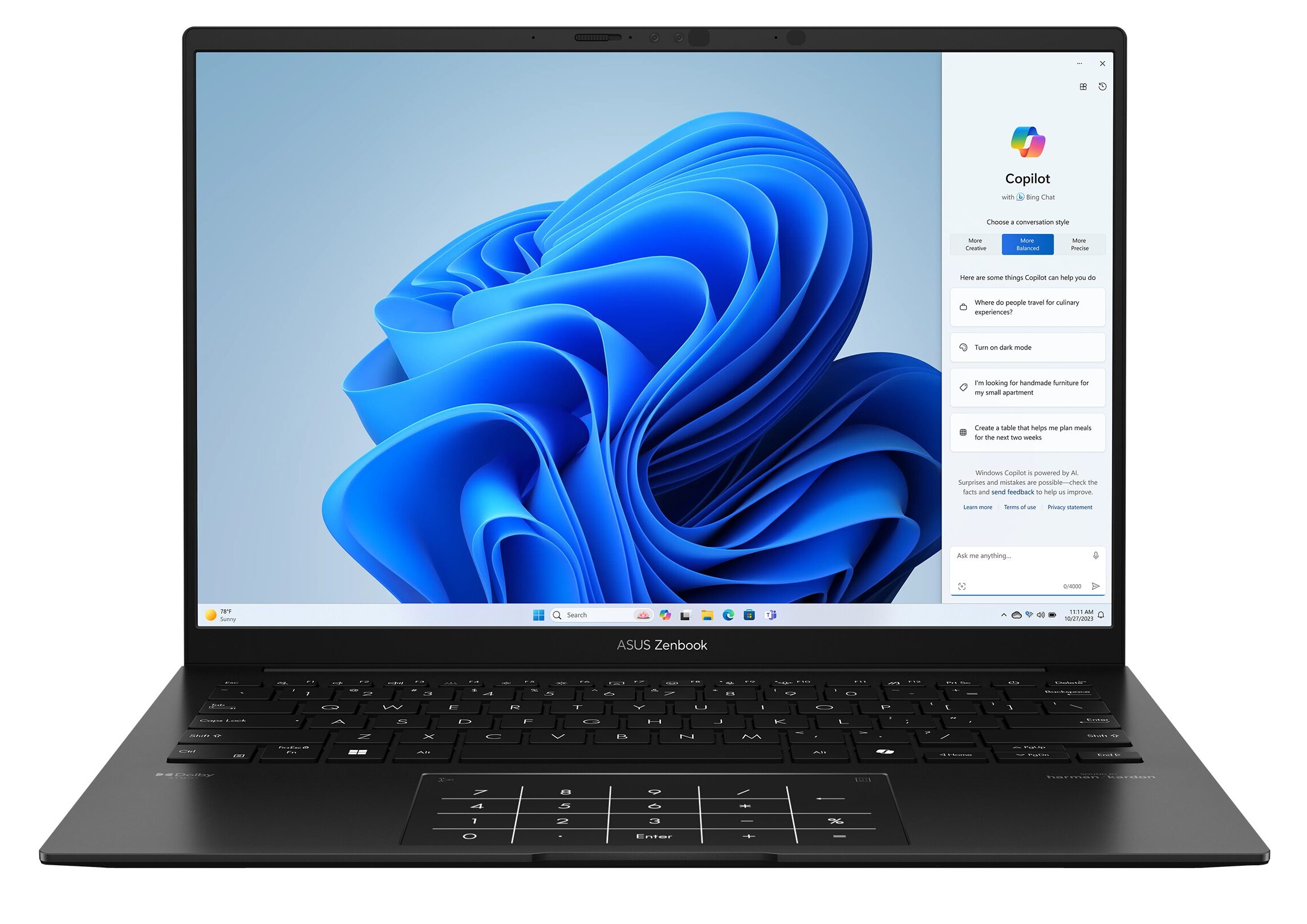
- 14.0”, WUXGA (1920 x 1200), OLED
- 2000GB SSD
- 16GB RAM
- 1.20 kg (2.6 lbs)
Specs
- Display

- HDD/SSD
- 2000GB SSD
- M.2 Slot
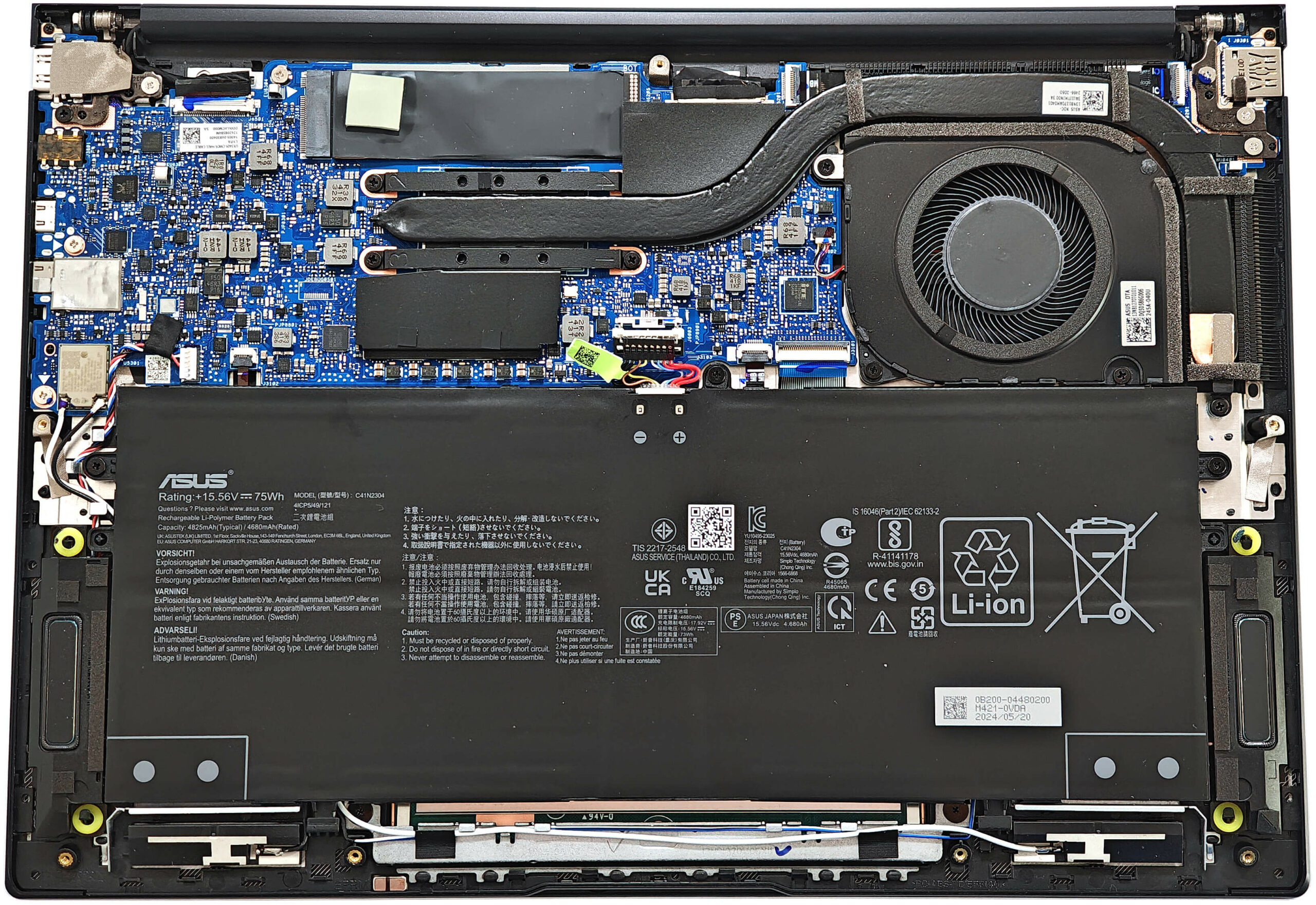
- 1x 2280 PCIe NVMe 4.0 x4 See photo
- RAM
- 16GB RAM
- OS
- Windows 10 Pro
- Body Material
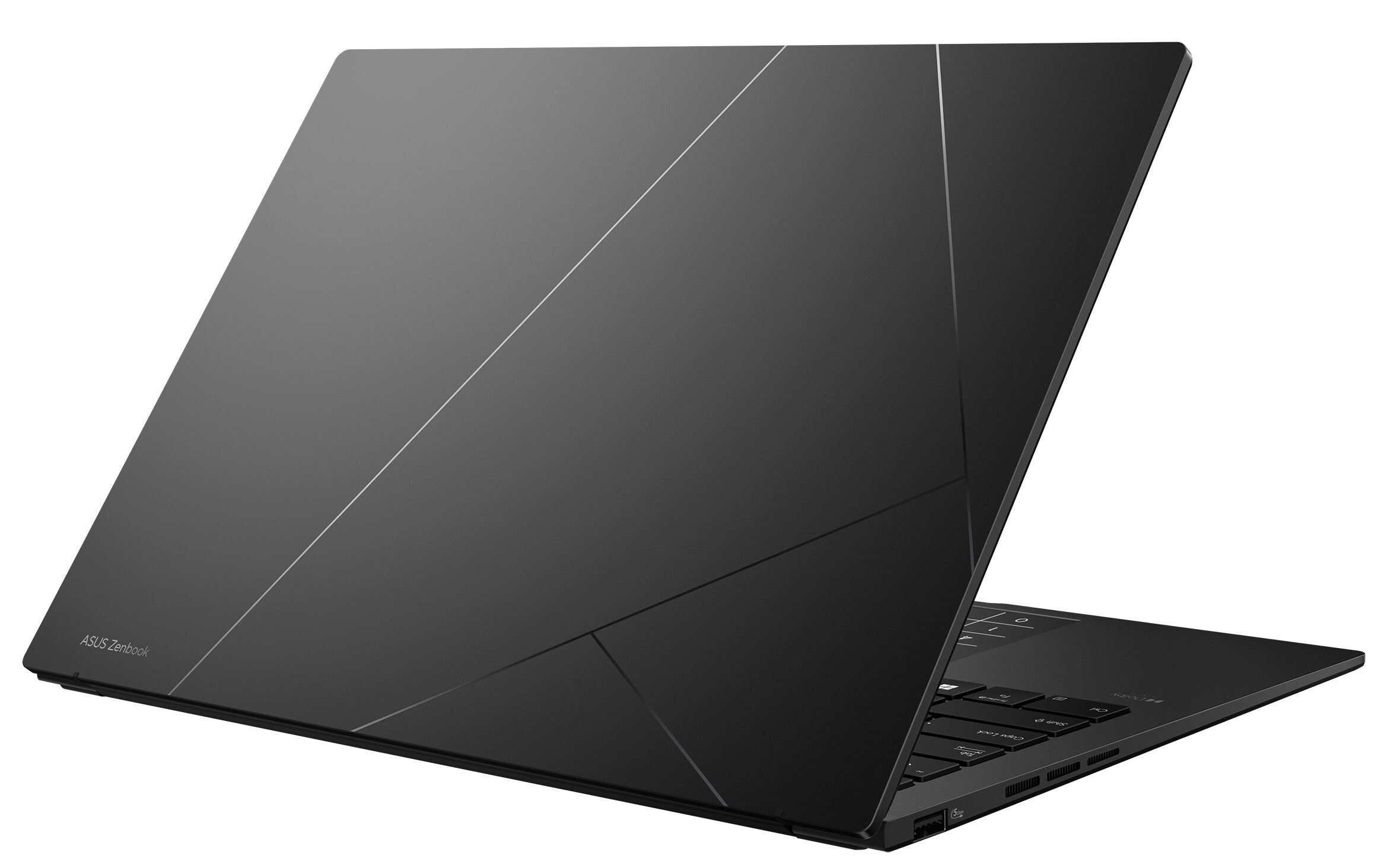
- Aluminum
- Dimensions
- 312.4 x 220.1 x 14.9 mm (12.30" x 8.67" x 0.59")
- Weight
- 1.20 kg (2.6 lbs)
- Ports and connectivity
- 1x USB Type-A
- 3.2 Gen 1 (5 Gbps)
- 1x USB Type-C
- 3.2 Gen 2 (10 Gbps), Power Delivery (PD), DisplayPort
- 1x USB Type-C
- 4.0, Power Delivery (PD), DisplayPort
- HDMI
- 2.1
- Card Reader
- Ethernet LAN
- Wi-Fi
- 802.11ax
- Bluetooth
- 5.3
- Audio jack
- 3.5mm Combo Jack
- Features
- Fingerprint reader
- Web camera
- FHD IR with support for Windows Hello, privacy shutter
- Backlit keyboard
- Microphone
- Array Microphone
- Speakers
- Stereo Speakers with Smart Amp Technology
- Security Lock slot
- Gifts
- 32GB USB
Portability
Review
ASUS Zenbook 14 OLED in-depth review
What about a 28W AMD Zen 4 CPU fitted in a light 14-inch device? Yep, the Zenbook 14 OLED UM3406 has the powerful AMD Ryzen 7 8840HS under the bonnet alongside the Radeon 780M. The latter is pretty snappy for an iGPU and thanks to it, you can play CS2 on Medium details with around 152 FPS on average which is a respectable result for integrated graphics.Perhaps this laptop could look familiar to some of you. That's because it's the AMD version of the Team Blue Zenbook 14 OLED (UX3405) that we have already tested. This means a thin notebook with good input devices and limited upgradability because of the soldered memory. The port selection is decent but compared to the Intel version, you don't don't get Thunderbolt 4 support here.You can choose from three glossy OLED HDR display opti[...]
Read the full review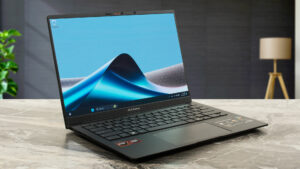
Pros
- Great OLED display with 100% sRGB and DCI-P3 coverage (SDC41A0)
- Infinite contrast ratio (SDC41A0)
- 650 nits in HDR and 382 nits max brightness in SDR mode (SDC41A0)
- Superb color accuracy (SDC41A0)
- Light and thin (1.20 - 1.28 kg / 14.9 mm)
- Quality Harman Kardon-certified speakers
- Comfortable quiet keyboard
- Big and smooth touchpad
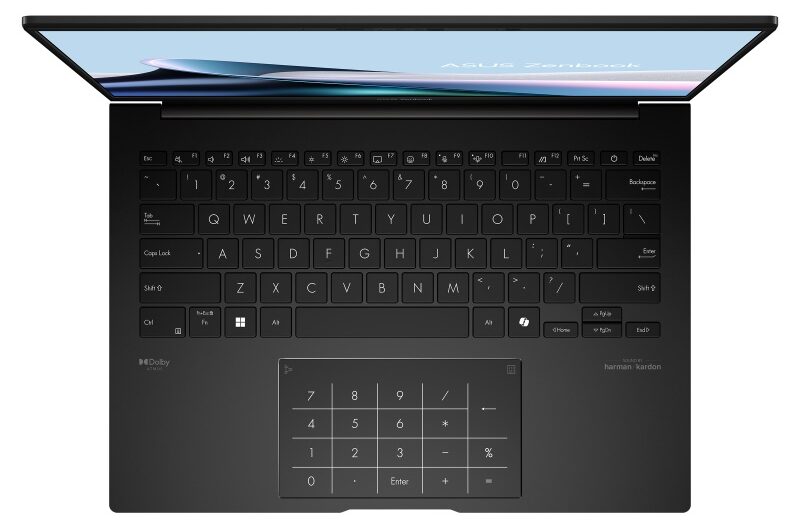
- Virtual ASUS NumberPad 2.0 (option)
- 1080p IR Web camera
- Very good overall CPU and iGPU performance given the thin profile
- Up to 32GB of soldered LPDDR5x RAM
- Very long battery life (~ 19 hours of videos)
- The AMD Ryzen 7 8840HS can maintain 3.93 GHz in short loads
- Metal build
- 2x Type-C + 1x Type-A ports
Cons
- The CPU clock drops down below the official base frequency in long loads
- Only one M.2 slot + soldered memory
- Lacks Thunderbolt 4 support
- QLC SSD
- Fingerprint magnet
Disassembly, maintenance and upgrade options
Opening the Device Hint: Ensure the laptop is powered off and disconnected from any power source before starting.Undo the seven Torx-head screws on the bottom panel of the laptop. Note that the bottom screws are not captive. Use a lever tool to pop the two zones behind the hinges. Fully pop the rear panel using a thin plastic tool. Pry the sides and the front of the laptop to fully remove the back cover. Be cautious when prying to avoid snapping the internal clips.More info: The inside of the bottom plate features a large cooling pad for the WWAN slot, enhanci[...]
Read more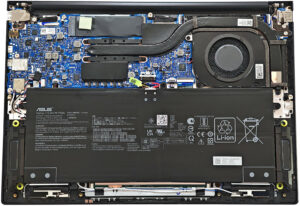


![[June 2026] Best-Selling Laptop Brands on Amazon Global – Apple’s Unrivaled Dominance in Units and Revenue](https://laptopmedia.com/wp-content/uploads/2026/07/GLOBAL-Best-Brands-400x225.jpg)
![[June 2026] Amazon Global: Top 10 Best-Selling Laptops – Apple’s New MacBook Neo Storms to #1, Reshaping the Market with Affordability](https://laptopmedia.com/wp-content/uploads/2026/07/Best-Selling-Laptops-GLOBAL-Top-10-400x225.jpg)
![[June 2026] Amazon Global: Top 10 Best-Selling Gaming Laptops – Acer’s Nitro V 16S AI Dominates Sales, While ASUS Leads Overall Revenue](https://laptopmedia.com/wp-content/uploads/2026/07/Best-Selling-Gaming-Laptops-GLOBAL-Top-10-400x225.jpg)
![[June 2026] Global Ranking of Best-Selling Laptop GPUs on Amazon – NVIDIA RTX 5060 is the Top-Selling Dedicated GPU](https://laptopmedia.com/wp-content/uploads/2026/07/Best-Selling-GPUs-GLOBAL-Top-10-400x225.jpg)
![[June 2026] Global Ranking of Best-Selling Laptop CPUs on Amazon – Apple M5 Dominates, AMD Ryzen 7 260 Gets Solid Premium Share](https://laptopmedia.com/wp-content/uploads/2026/07/Best-Selling-CPUs-GLOBAL-Top-10-400x225.jpg)